

How to Write a Project Plan: Template & Example [2026]


A strong project plan guides teams from start to finish, and these important documents (typically used alongside project management software) outline things like project budget, resources, timeline, and deliverables. Without one, misalignments in project scope and objectives are inevitable, as is project failure.
Download: Project Plan Template
I've created a simple project plan template for a website project that’s way better than just a blank Gantt chart template because it's:
- Built in Google Sheets, so it's easy to use regardless of your tech stack
- Created by our team, which has launched dozens of websites
- Easy to customize and specific to a website-build use case (not generic or one-size-fits-all)
What Is A Project Plan?
A project plan is a document that outlines the project scope, project objectives, and project schedule. It serves as a road map for all project stakeholders by providing clear direction and expectations.

A good project plan will provide clarity on:
- What needs to be done
- When it needs to be done by
- Who is responsible for each project task
What is Project Planning?
Project planning is the process of defining a project's goals, scope, deliverables, timelines, resources, and responsibilities before work begins. It involves identifying tasks, estimating costs, assigning team members, establishing milestones, and anticipating potential risks.
Effective project planning helps teams align expectations, allocate resources efficiently, manage risks, and deliver projects on time and within budget.
Sample Project Plan
Website Redesign Project Plan
Status: In Progress · Updated May 2025
Project Details
| Item | Detail |
|---|---|
| Owner | Jordan Lee |
| Approver | Alex Chen, VP Marketing |
| Due Date | August 29, 2025 |
| Budget | $42,000 |
Objective & Scope Statement
Objective: Redesign the company website to improve user experience, increase organic search traffic by 40%, and reduce page load time to under 2 seconds — launched by end of Q3 2025.
Assumptions: Existing CMS (WordPress) is retained. Brand guidelines are finalized before Phase 1 begins. Client feedback is returned within 3 business days.
Constraints: Design must comply with WCAG 2.1 AA accessibility standards. Budget is fixed at $42,000.
Project Scope
Must have:
- New site architecture & navigation
- Redesigned homepage & core pages
- Mobile-responsive layout
- SEO on-page optimization
- WCAG 2.1 AA accessibility
Nice to have:
- Animated hero section
- Live chat integration
- Multilingual support
- Resource hub / blog redesign
Not in scope:
- Backend / database changes
- E-commerce functionality
- New feature development
- CMS platform migration
Project Phases
| Phase | Name | Dates | Key Tasks |
|---|---|---|---|
| Phase 1 | Discovery | Mar 3 – Mar 28 | User research, requirements gathering, sitemap & IA |
| Phase 2 | Design | Apr 1 – May 16 | Wireframes, visual design, stakeholder review |
| Phase 3 | Development | May 19 – Jul 25 | Frontend build, CMS integration, SEO implementation |
| Phase 4 | Launch | Jul 28 – Aug 29 | QA & UAT testing, performance audit, go-live |
Milestones
| Milestone | Owner | Due Date | Status |
|---|---|---|---|
| Requirements & sitemap approved | Jordan Lee | Mar 28 | Complete |
| Wireframes approved by stakeholders | Sam Rivera | Apr 25 | Complete |
| Final visual designs approved | Sam Rivera | May 16 | In Review |
| Development complete | Dev team | Jul 25 | Not started |
| QA & accessibility sign-off | QA lead | Aug 15 | Not started |
| Website go-live | Jordan Lee | Aug 29 | Not started |
Task Dependencies
| Task | Depends On | Assigned To |
|---|---|---|
| Wireframes | Sitemap & IA approved | Sam Rivera |
| Visual design | Wireframes approved | Sam Rivera |
| Frontend development | Final designs approved | Dev team |
| SEO implementation | CMS integration complete | Dev team |
| UAT & QA testing | All development tasks complete | QA lead |
| Go-live | QA & accessibility sign-off | Jordan Lee |
Risk Assessment
| Risk | Likelihood | Impact | Mitigation |
|---|---|---|---|
| Delayed stakeholder feedback | Medium | Medium | 3-day SLA with escalation path |
| Scope creep on design | Medium | High | Formal change request process required |
| CMS compatibility issues | Low | High | Tech spike in Phase 1 to validate |
| Key team member unavailability | Low | Medium | Cross-training; document all decisions |
Metrics & KPIs
| KPI | Target | How Measured |
|---|---|---|
| Organic traffic | +40% | Google Analytics, 90 days post-launch |
| Page load time | Under 2 seconds | Core Web Vitals LCP (mobile & desktop) |
| Accessibility | WCAG 2.1 AA pass | Zero critical issues at launch |
| Conversion rate | +25% | Contact form & demo clicks vs. baseline |
| Budget | Under $42,000 | Tracked against approved budget |
| Delivery | On time | All milestones met by agreed dates |
Requirements Summary
Functional requirements:
- Responsive on all breakpoints
- CMS-editable page content
- Contact & demo request forms
- Analytics tracking (GA4)
Non-functional requirements:
- WCAG 2.1 AA accessibility
- SSL + GDPR-compliant cookie consent
- 99.9% uptime SLA on hosting
- Cross-browser support (Chrome, Firefox, Safari, Edge)

Project Plan Examples
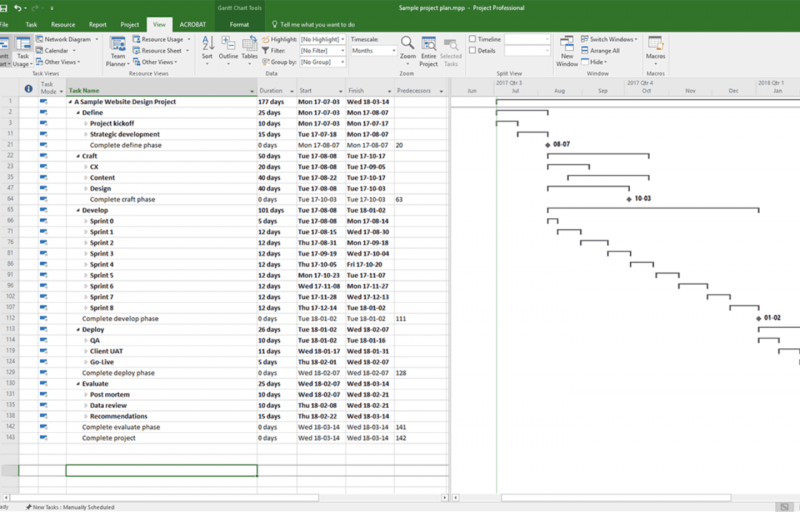
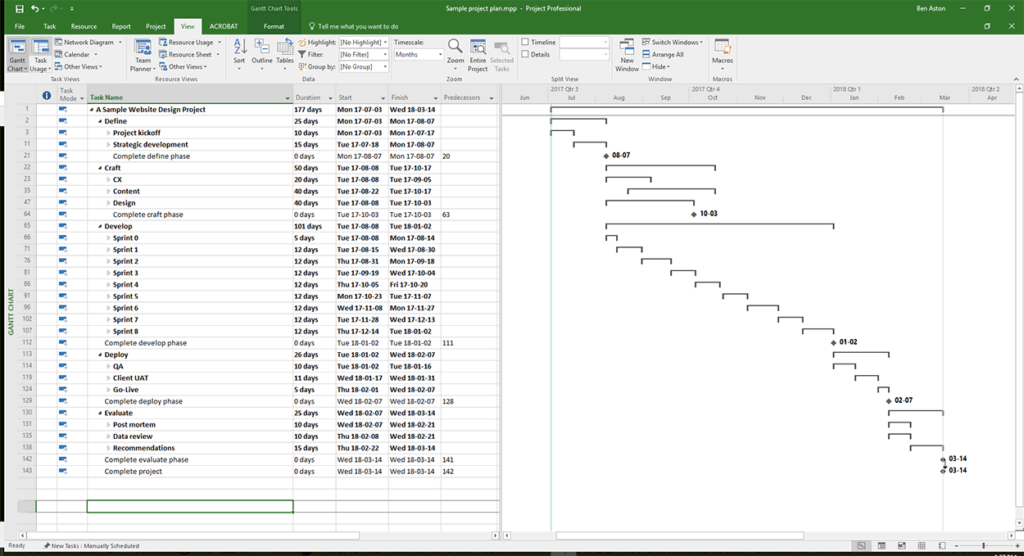
Here's a project plan example in Microsoft Project:
Here's a simple project plan example created in project management software:
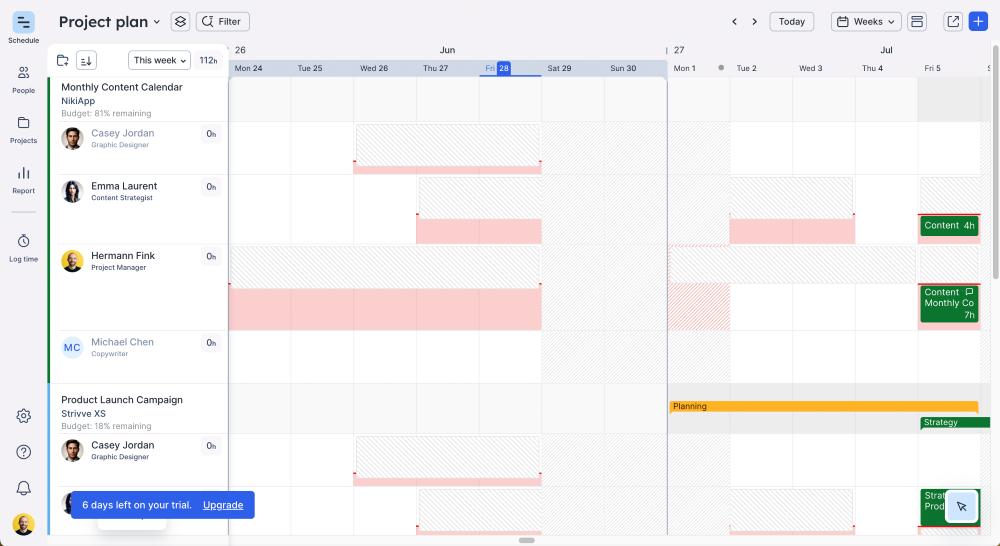
Your Gantt chart or project timeline might also be part of a larger written document that includes sections like an executive summary or scope statement (Gantt chart makers are handy for creating these charts).
Specific file formats might include Excel spreadsheets or a Google Sheet, as well as a Word Document, Google Doc, or PDF. These can do the trick, but project management software is usually the better choice.
What Should A Project Plan Include?
A project plan typically includes:
- Project Phases: Include phases that are specific to the workflow of the project you’re working on (i.e. what you’ll complete in the project execution phase of the project life cycle). This also may depend on which methodology your project will follow.
- Activities, Tasks, & Project Deliverables: Once you have your phases set, break them down into smaller tasks and list every activity, task, and deliverable. Work with the project team that will be completing the work, as they are more familiar with exactly what’s involved in each completing each task or deliverable.
- Task Dependencies: Note any tasks that cannot start until another task is finished (e.g. before you can code the homepage, you need to design it). Defining the project’s critical path (i.e. the order of activities that represents the longest path in a project) will also help identify dependencies. Once you know which tasks depend on others, you can order them.
- Task Start Dates & End Dates: Set a start date and end date for each task. This might depend on a variety of factors—when your team members are available, how long it takes to get feedback from the client, or any task dependencies.
- Milestones & Baselines: Project milestones are key checkpoints used to track progress and report on project status. Each should have a due date and align with project phases or approvals from stakeholders or sponsors. Baselines establish the scope, schedule, and budget against which performance is measured, so you can identify deviations and determine whether corrective action is needed.
- Project Scope Statement: A scope statement denotes what you’ll deliver and what you won’t (i.e. what’s out of scope). Note any assumptions you’re making, as well as constraints or limitations. Having this in an easy-to-reference place for team members and clients will help avoid scope creep and prepare for scope change requests.
- List of Requirements: Include a list of all project requirements. You should have gathered these in the requirements gathering stage, which occurs before the project planning process. Depending on the type of project, you might have technical requirements, functional requirements, non-functional requirements, or other kinds of requirements.
- Risk Assessment: Use a risk register to track potential risks and your risk management plans for each one. Keep a copy of this near or within your project plan.
- Project Budget: Include notes on the agreed-upon cost or project estimate. Throughout the project, track progress against the budget—are you running over or under?
- Metrics & KPIs: How will you know that you’ve reached the successful completion of the project? What does project success look like? Be sure to define these metrics using KPIs.
How To Create a Project Plan
Here's how to create a project plan in 8 steps:
1. Gather Important Project Info
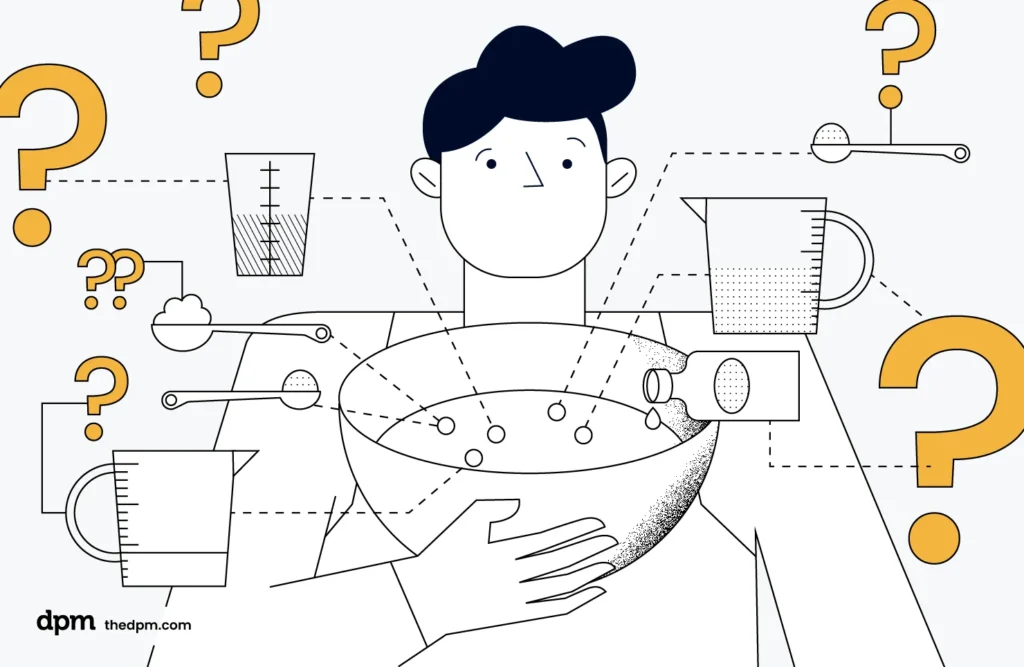
Before you start your project plan, you need to be clear on the:
- Why? The project’s strategic goals.
- What? The activities (or process), outputs, and project deliverables.
- When? The deadlines and dependencies.
- How? The process or methodology.
- Who? The client and their team of stakeholders.
Usually, a good project kickoff meeting will help you collect this information. You should also consult the project charter and/or statement of work (SOW).
2. Define the Project Scope
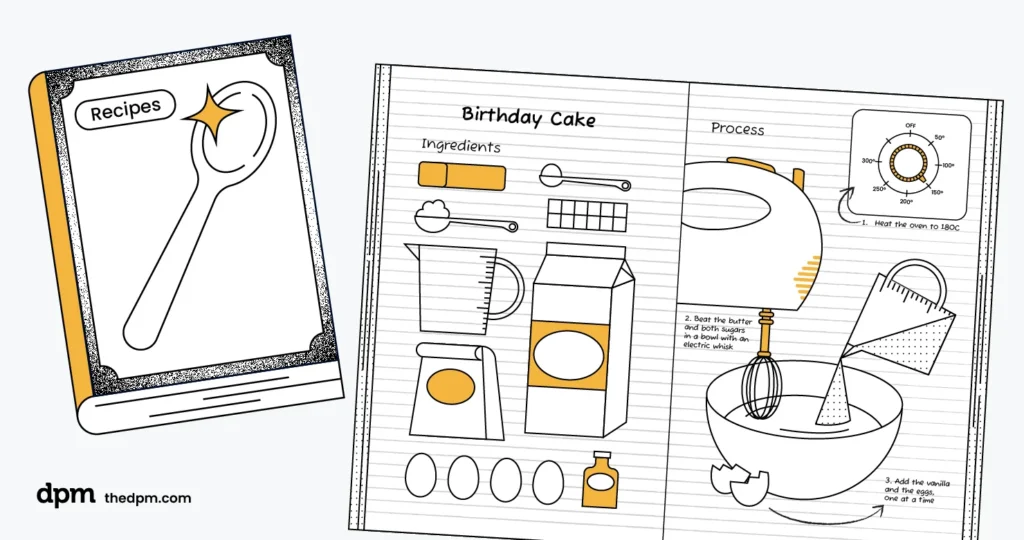
One of the most important parts of developing a project plan is making sure the scope has been clearly defined. Your project scope is basically the work you’re agreeing to deliver. It can also encompass the project boundaries, limitations, and assumptions.
To define your project scope, start by identifying the objectives and purpose of your project—what do you aim to achieve, and what are the expected deliverables? Then, focus on the boundaries, including what won’t be included in the project. This will help to prevent scope creep.
3. Understand Your Available Resources

Before you dive into creating a project schedule or laying out specific tasks, you need to understand the resources available to you. Your resources are the people, tools, and budget you’ll have to complete the deliverables outlined in your project scope.
If you don’t already have one, create a detailed budget that outlines the financial resources required for the project. Determine the estimated costs for each deliverable, and allocate additional funds for unexpected expenses. Resource management software can be really helpful in creating budget forecasts and monitoring spending throughout the project.
It's also a good idea to create a RACI chart to help you clarify roles and responsibilities on your team. This will allow you to visualize how each of your team members will fit into the overall project.
4. Outline Project Structure and Phases
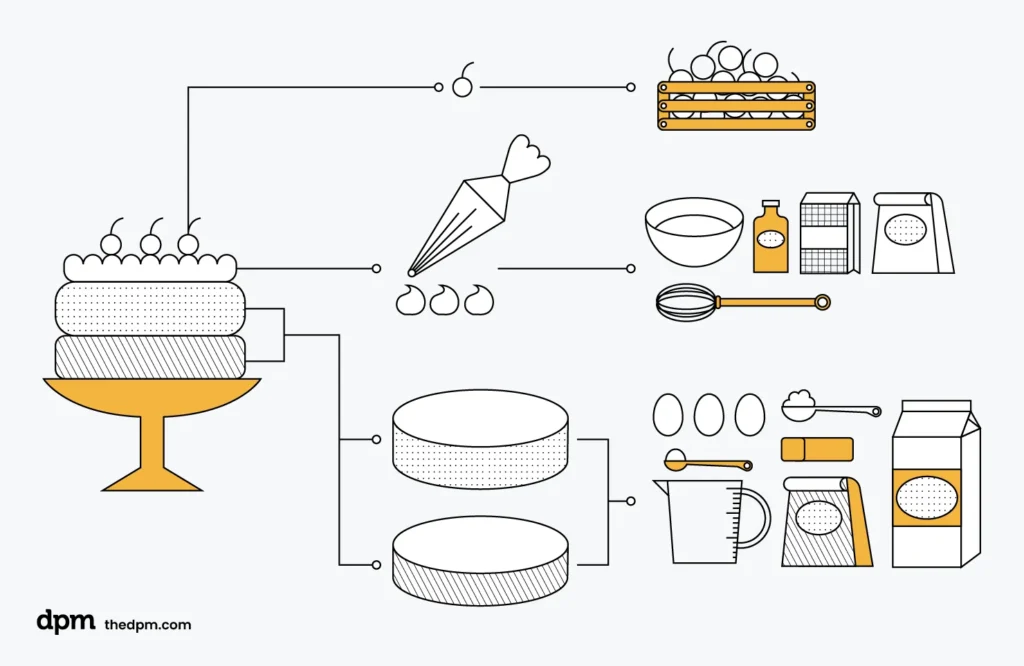
When creating a project plan, the temptation can sometimes be to dive straight into your project planning tool and add in all the tasks that need to get done.
But before you add in specific tasks and project milestones, make sure you get the overall project structure right. This means first defining the workflow and what the different phases of the project will be.
Start by making a rough plan. Sketch out the overall flow of your project from initiation to completion, and then map each project phase and the likely activities and tasks required in each phase to complete the project.
5. Create a Project Schedule
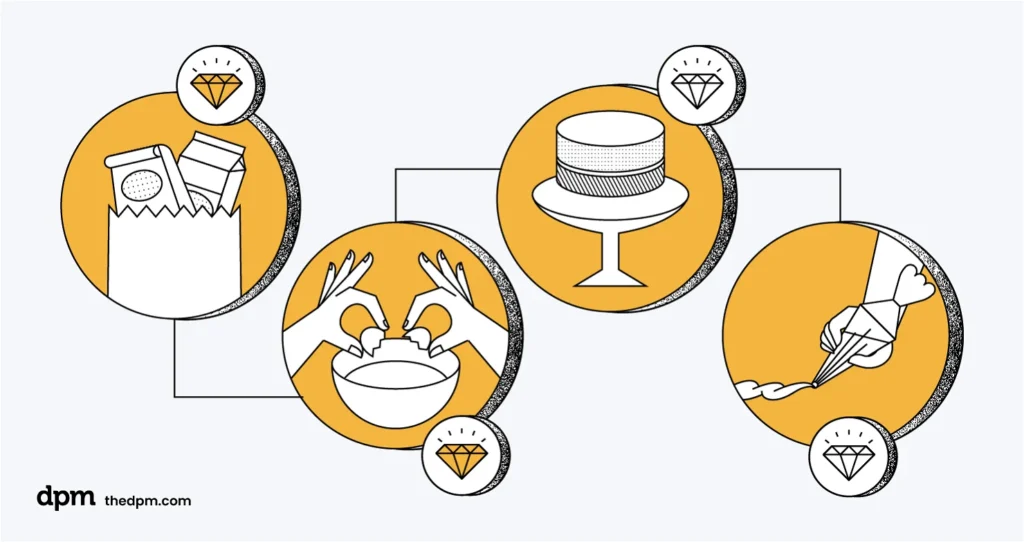
Based on your scope, available resources, and project structure, you can start to solidify the timeline for your project. One thing that can be helpful is to create a work breakdown structure (WBS). This will help you narrow down the project into smaller, more manageable components, and organize the various tasks and responsibilities of your team.
First, divide each major deliverable into smaller tasks and sub-tasks. Then, allocate tasks to different team members or departments. With each deliverable, set key milestones. With a better understanding of your deliverables, you can create a detailed project schedule that outlines the timeline for each task and milestone.
Collaborate with your team to share assumptions, dependencies, and work out who can do what, when. This will help you get as close to a realistic timeline as possible for your project.
It may not be feasible to plan out the whole project in detail. In that case, take an agile project planning approach and create a detailed schedule only for what you know, or for the phase that you're in, and make allowances for the rest of the project.
6. Develop a Communication Plan
Your project plan should include a communication plan that outlines the approach you’ll take to communicating with stakeholders throughout the project. How will you track progress, share updates, and take feedback? Specify the methods (meetings, emails, reports, etc.) you’ll use to share info, and how often stakeholders can expect check-ins.
One easy way to make sure communication is seamless throughout your project is to rely on a collaborative project management tool. Most PM software makes it easy to collaborate on documents, comment on tasks, provide feedback, and share updates.
7. Make a Plan for When Things Go Wrong

Projects rarely go as planned. Simply planning for the best case scenario, or Plan A, isn’t good enough. You need to bake Plan B, C, and D into your plan.
First, identify potential risks that could negatively impact the project. Then, evaluate the likelihood and impact of each risk and develop strategies to minimize them. What alternative approaches can you prepare ahead of time to ensure the project will follow the timeline you’ve outlined?
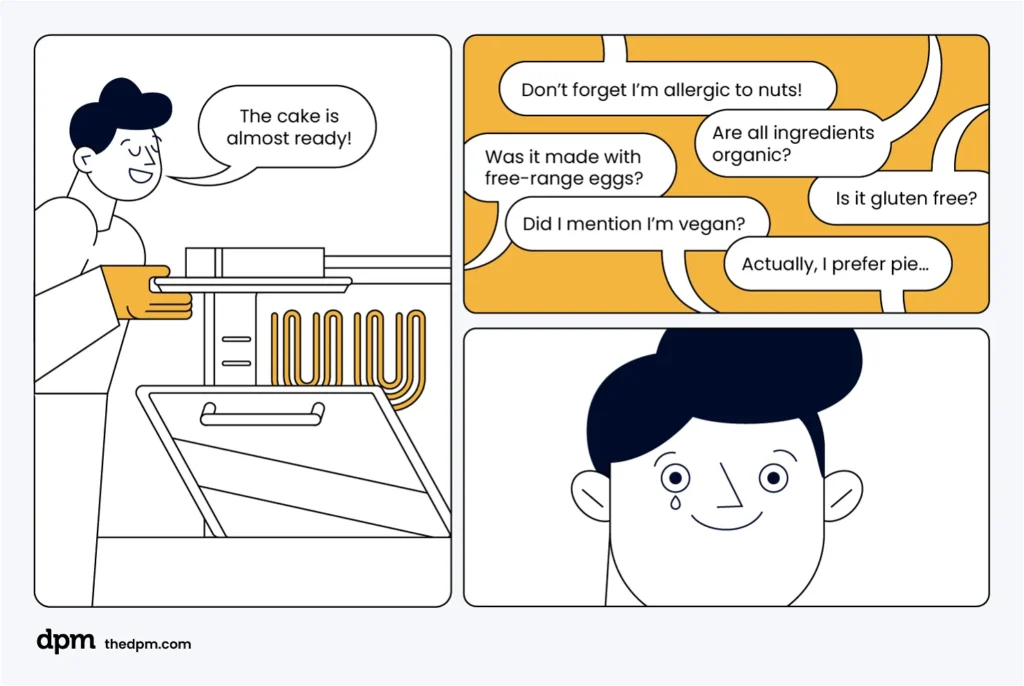
You should also plan ahead for potential changes to the project. No matter how closely you think you’re aligned with your client on a project, things will inevitably change. Include extra time for review and change cycles, both internally and with clients.
8. Share Your Plan and Collect Feedback
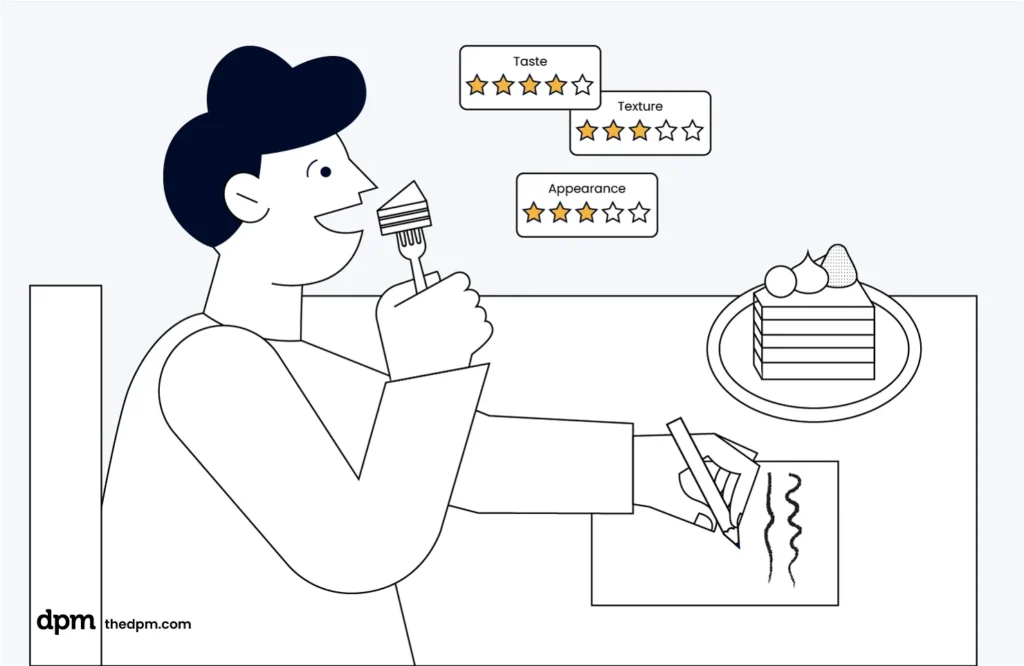
At this point, you should have a pretty robust project plan. It’s time to share it with your stakeholders. Ask for their feedback and make necessary revisions based on their input.
Once you get final approval, you can start implementing. As you begin executing the project according to the plan, don’t forget to continuously monitor your progress and make adjustments as needed.

Best Practices for Project Planning
Here are some project planning techniques and best practices to keep in mind as you're creating your project plan:
- A project plan should be much more than a roadmap: To give a client a complete view of a project, it should be combined with an estimate and a statement of work too.
- Proper project planning isn’t difficult, but it does take time: And it’s not a one-time thing. You create a plan and then continually refine it.
- Get more out of your project plan by presenting it: Turn your plan into a presentation for clients so that they can better understand the limitations and scope of the project. It’ll also help them understand if the proposed work will deliver what they want and if the process you’re proposing will get the results they’re paying for.
- Pair it with a communication plan: A communication plan covers how often status reports will be updated, the meeting cadence, and which channels a particular stakeholder prefers to communicate through.
- Consult your project charter, statement of work, and/or project initiation document (PID): You'll pull information from some or all of these for your plan. The charter outlines the key elements needed to move the project forward, the SOW specifies requirements and timelines, and the PID is often a higher-level version of the project plan.
- Adapt to changes: This is especially true if you're following an agile methodology. Reassess your plan at key phases of the project, when you receive feedback that requires a change in direction, or as needed.
- Use resource allocation: While you might not know your exact project team when you create your plan, it's a good idea to start thinking about who might work on what and check their availability and current workload. This will help avoid situations like accidentally assigning work to a team member that's on vacation.
- Analyze past project plans: Review old project plans that you or your peers created to see what worked and what didn't. This is a way to get insights on whether a timeline or budget is realistic, or whether you might be missing requirements or phases in your next project plan.
- Don’t forget to include post-project reviews: Going live isn’t the end of the project. Build a phase into the project plan for post-live testing and analysis to measure performance, make any optimizations, and take note of all lessons learned.
Key Benefits of Project Planning
The benefits of project planning include:
- Stronger communication: The project planning process lets you set expectations with stakeholders and team members from the outset about things like status update frequency, meeting schedules, and response times for emails and messages. It will also ensure there is agreement on the all-important live date.
- Less rework: Project planning involves defining a project’s outputs and project scope, leading to less rework throughout. If you and your team understand your objectives in advance, it will help to guide your decision-making and task completion throughout the project.
- Better resource management: Project planning lets you visualize the entire project and see interdependencies between tasks. This will help with resource management by showing you who will be doing what task when, so you can forecast resource requirements.
- Improved risk management: Part of the planning process involves brainstorming risks or issues that could arise. When you're aware of these in advance, you can protect your project with mitigation plans and documents like decision logs to register important agreements.
- Higher-quality projects: During project planning, you'll define the metrics that will determine whether the project is successful. You'll have a goal to work towards as you're managing the project, and you'll know immediately upon completion whether your efforts were successful.
Project Planning Tools
These tools can speed up the project planning process. Instead of existing in a document somewhere on the server that no one will refer back to, it exists in a software tool that can be updated by anyone on the team, and everyone will get notifications about changes.
Some tools to consider:
Clicks on the links below may earn a commission, which supports our independent testing and review of software and services. Learn more about how we stay transparent.




