

16 Best Project Management Templates For 2026


Many projects fail to meet their original goals, and poor planning documentation is a consistent factor. The fix isn't complicated: having the right template at the start of a project means you spend less time building documents and more time managing the work.
Below are 16 project management templates covering every phase from initiation to close — each one ready to fill in, not figure out.
16 Project Management Templates To Get Started With
All of these project management templates are compatible with Microsoft Word and Google Docs, and are available through DPM membership, which comes with a bunch of other perks like our Slack community and access to our mini courses & workshops.


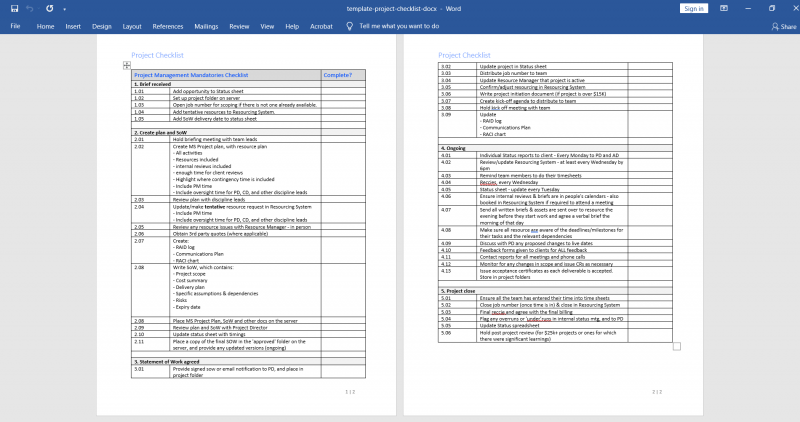
1. Project Checklist Template
A project checklist keeps track of tasks, milestones, and deadlines. It helps ensure you’re covering all meetings, creating all the right documents, and getting approvals at the right times. Quickly see what needs to be done and whether it’s been completed so you can prioritize tasks more effectively, and stay on top of ongoing tasks.
2. Project Timeline Template/Project Plan Template
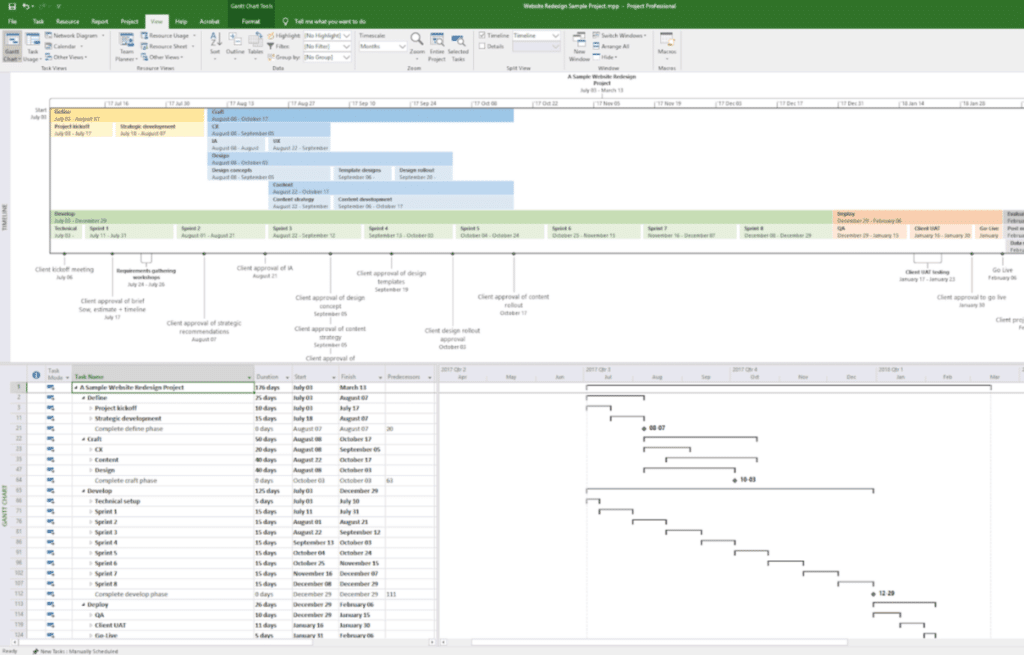
A project timeline (also known as a project plan) is a visual representation of key milestones, deadlines, and dependencies within a project.
With one quick glance, anyone can see what is expected when and who is responsible for those tasks. It also allows you to monitor progress, identify bottlenecks, and keep things happening within the allotted time frame.
Our project schedule/project plan template covers everything you need to include—tasks, durations, and more—and shows you how to lay it all out in a clear and concise manner. This template is compatible with Microsoft Project and Smartsheet.
3. Gantt Chart Template
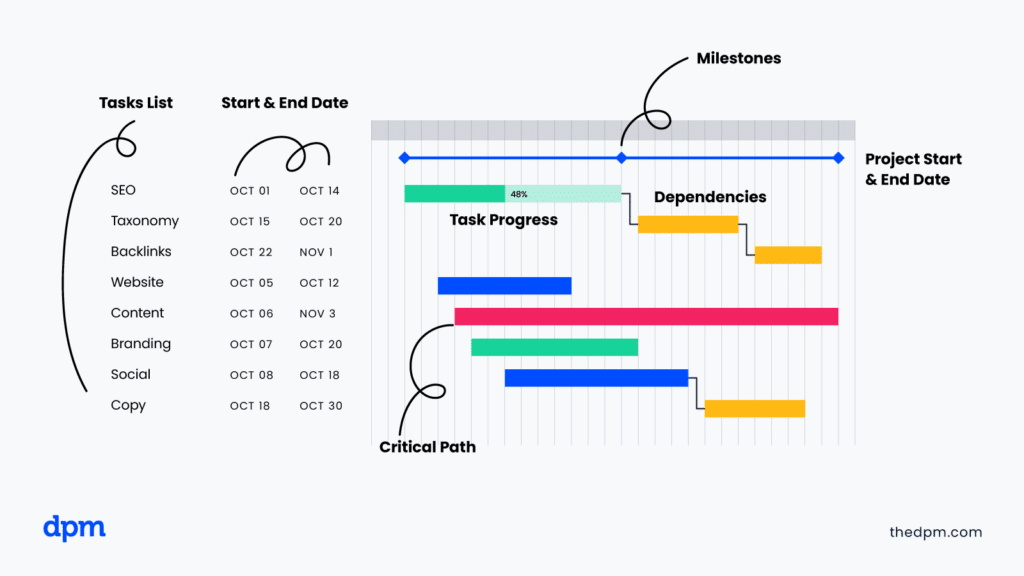
Gantt charts are bar charts for visualizing tasks, durations, and dependencies. They help project managers allocate resources efficiently, identify critical paths, and track progress against deadlines.
They are especially fitting for managing complex projects with multiple moving parts. Simple Gantt charts can be used on both a personal and professional level, while the more complex ones are great for a birds-eye view of a larger project. For example, Gantt charts are ideal for managing construction projects, which typically require detailed scheduling and dependency tracking.
4. Project Estimate Template
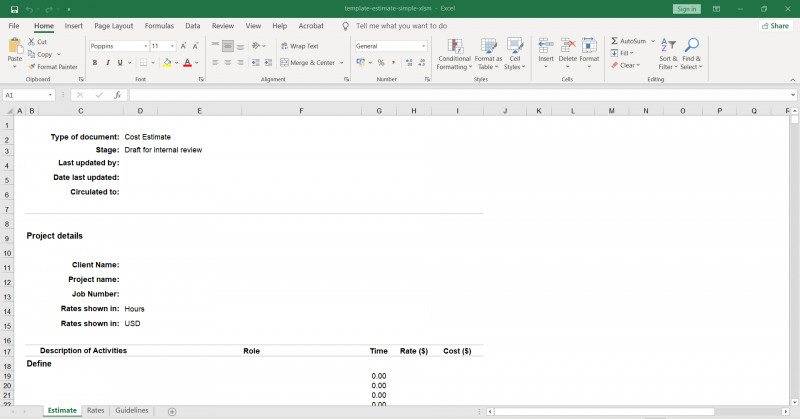
A project estimate is a detailed breakdown of the expected costs, resources, and time required to complete a project. The more accurate the estimates are, the better you can budget, handle risk management, and set realistic expectations with stakeholders.
Accurate estimates can also play a crucial role in risk and issue management, as they help identify potential risks early and allow for proactive mitigation strategies and contingency planning.
Check out our templates for both simple and complex project estimates. Both are Excel templates that are also compatible with Google Sheets.
5. Statement of Work Template
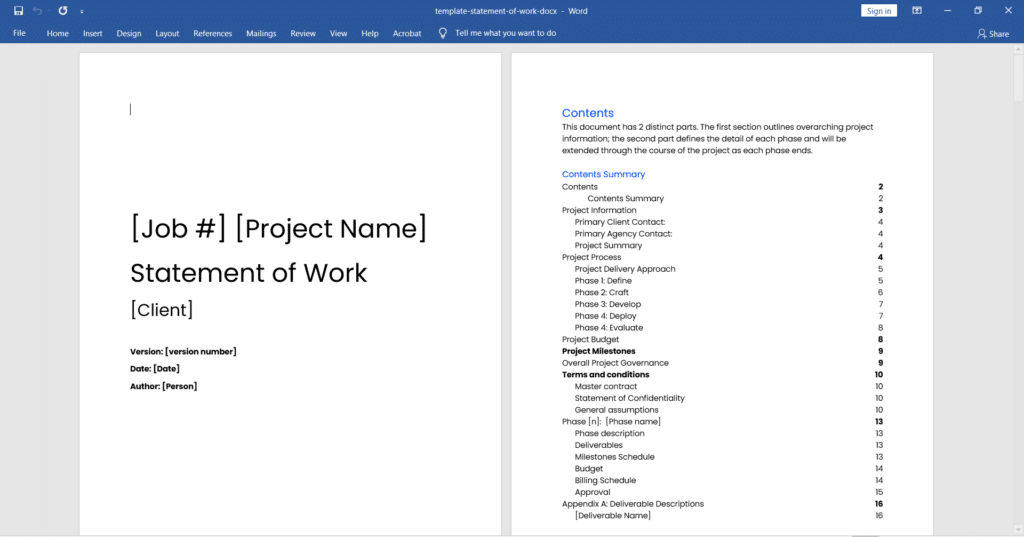
A statement of work (SoW) outlines the project's scope, deliverables, timeline, and responsibilities. It can also be used as a contractual agreement between you as the project manager and stakeholders, ensuring that everyone is on the same page regarding expectations and objectives.
Our detailed, ready-to-fill-in SoW template will save you hours of time, and the finished sample helps you understand how to use each section.
6. Project Status Report Template
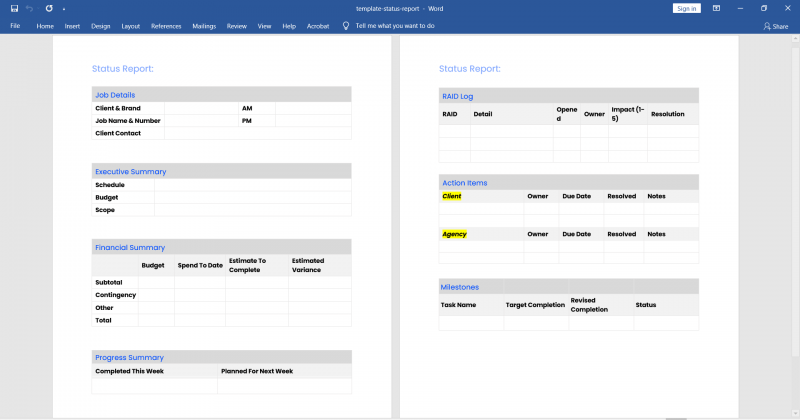
Project status reports provide regular updates on the progress, challenges, and achievements of a project. They are a communication tool that keeps everyone informed and allows for transparency among stakeholders.
If a problem does arise, it’s easier to handle because it’s addressed in a more timely manner. Fixing things after the fact tends to take more time and effort than if it’s dealt with in the moment. That’s why project status reports are key to a successful project.
Status report templates can also be particularly useful in Agile and sprint planning, where frequent updates and iterative feedback loops are essential for maintaining project momentum and adapting to changes quickly.
7. RACI Chart Template
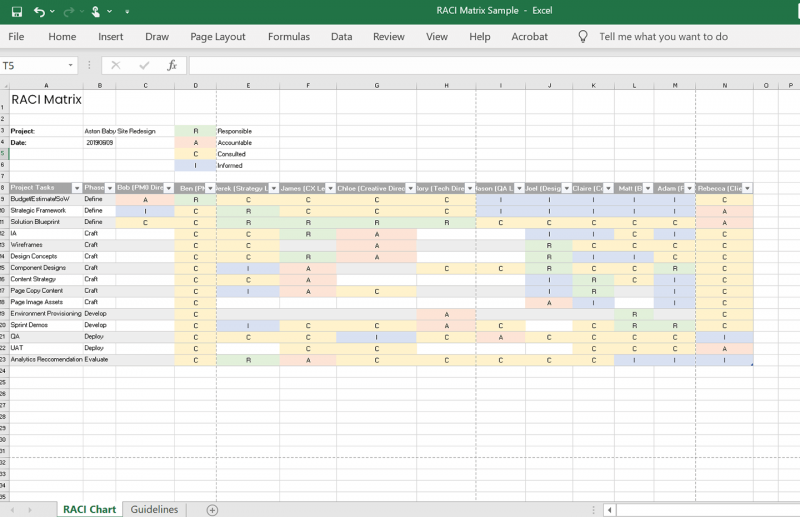
A RACI chart (responsible, accountable, consulted, informed) is a matrix that clearly defines roles and responsibilities within a project.
By defining who is responsible for each task, decision, or deliverable, a RACI chart helps avoid confusion about how work moves through the pipeline and ensures that everyone is aware of what tasks they are responsible for. This clarifies decision-making authority and enhances overall project efficiency and stakeholder communication, ensuring transparency and fostering effective leadership and accountability.
8. Communication Plan Template
A project communication plan outlines how project information will be shared across team members and stakeholders. Will you be using Slack? Asana? Email? Without clearly defining communication and expectations, things can easily fall through the cracks. This can lead to a delayed project and increased expenses.
Get our template and use it to gather and organize all the contact information and instructions you’ll need for proper project comms.

9. Project Brief Template
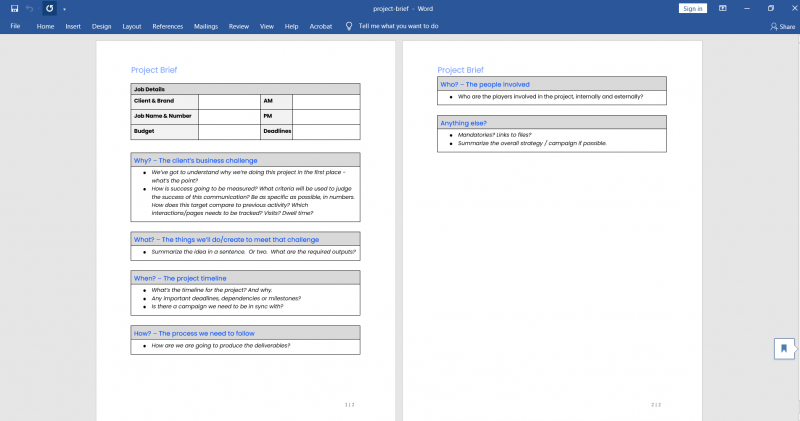
A project brief outlines the project's goals, objectives, scope, and constraints. It’s often used as a foundation for strategic planning and decision-making throughout the entire project life cycle.
Anyone reading the project brief should have a clear understanding of what the project is, what is expected, its purpose, timeline, and projected costs.
10. Team Working Agreement Template
A team working agreement outlines the rules, expectations, and processes that explain how a project team will work together.
It helps create a more collaborative and supportive environment, giving team members a way to resolve conflicts, share responsibilities, and work more efficiently. The better communication is among your project team members, the more successful your project will be.

11. Work Breakdown Structure (WBS) Template
A work breakdown structure deconstructs each stage of a project into its constituent tasks and organizes them by priority level.
A WBS template enables you to turn an entire project scope into manageable tasks and deliverables, allocate resources, estimate costs and timelines, and monitor progress more effectively.
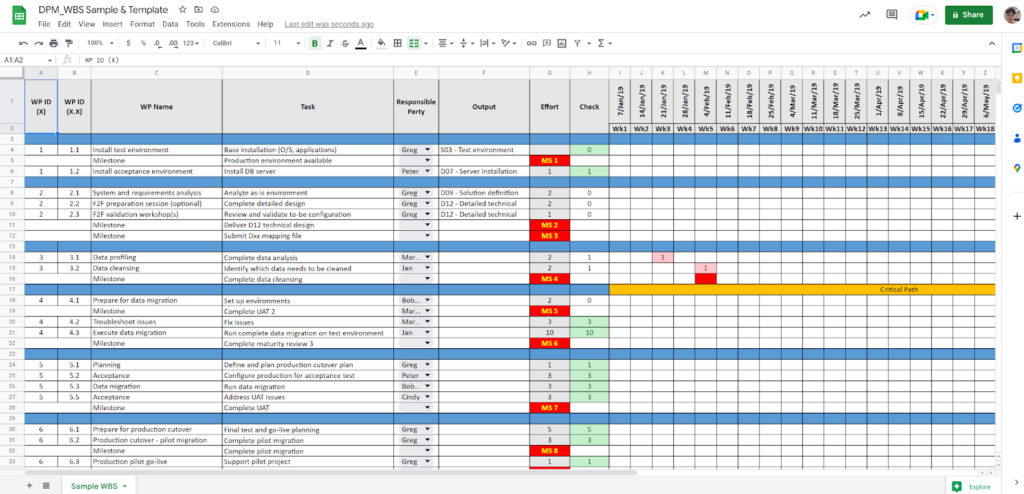
Find more work breakdown structure examples here.
12. Change Request Template
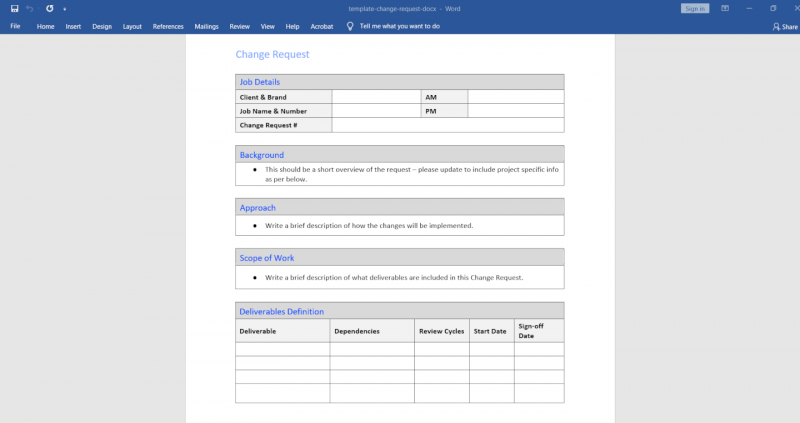
A change request is a formal proposal to modify an aspect of the project, like scope, timeline or end dates, or budget. If you need to add deliverables on top of what was already discussed and agreed upon, a change request can be used to ensure these new tasks are clearly outlined and expectations are set.
Easily and quickly manage changes with our change request template that helps you record the background, approach, scope, deliverables, project assumptions, budget, dependencies, billing, and approvals for changes.
13. Prioritization Matrix Template
A prioritization matrix helps you evaluate and prioritize tasks and elements of projects based on their importance and impact. With stakeholders trying to include so many things within a project’s scope, this matrix can help you determine what needs to be done when and why.
The MoSCoW prioritization tool is one such matrix, and is meant to provide a diplomatic and quasi-quantitative way to get your stakeholders on-side with what’s within scope, what’s getting tackled first, what’s out of scope, and why.

14. Kickoff Meeting Agenda Template
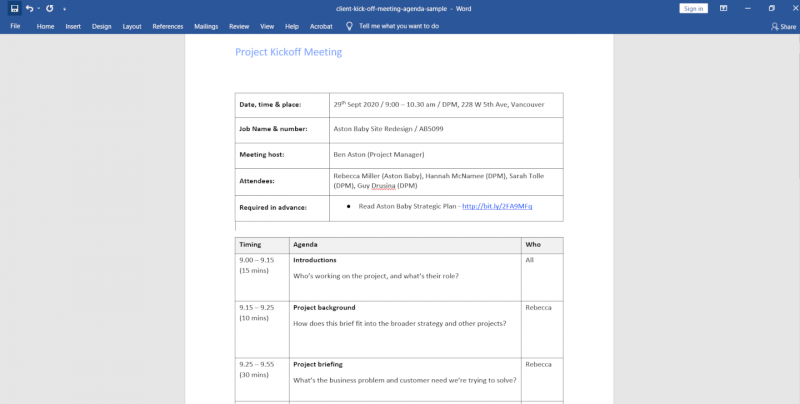
A kickoff meeting agenda outlines the items to be discussed during the initial project meeting for a new project. It should be used to set the tone for the project and clarify expectations, objectives, and timelines. It helps establish a common understanding among everyone involved and also helps keep the meeting on task and on time.
Check out our kickoff agendas for both internal and client kickoff meetings, and make sure you don’t miss any key info in those all-important kickoff meetings.
15. Sprint Planning Agenda Template
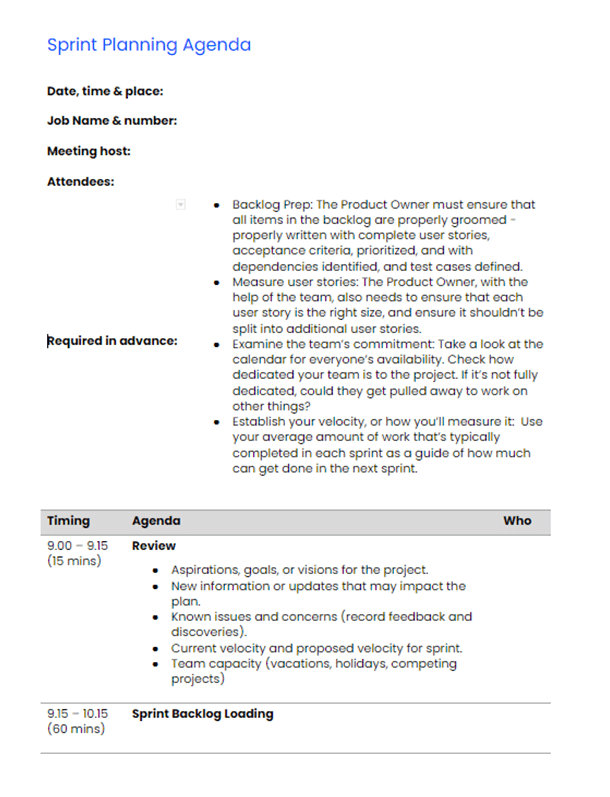
A sprint planning agenda outlines what the team will cover during the sprint planning meeting: which tasks will be accomplished during the upcoming sprint, time and effort estimates, and top priorities for the sprint.
Use our agenda to guide your next agile sprint planning meeting—clearly present your plan for reviewing, backlog grooming, and planning the next steps with your team.
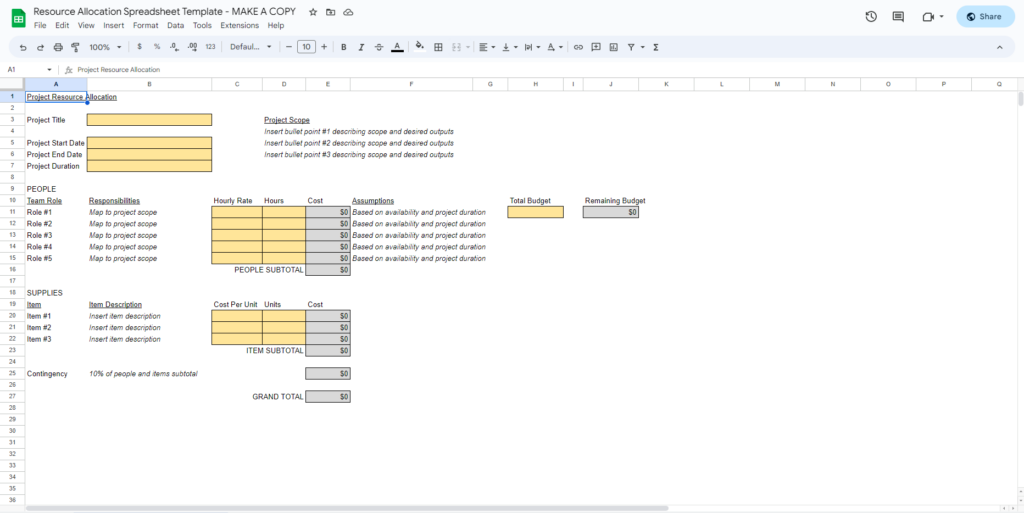
16. Resource Allocation Spreadsheet Template
A resource allocation spreadsheet helps project managers allocate resources effectively. It lists the resources needed for each task and the availability of the team members.
Do you need 50 hours of time, and 4 team members to get the project done? This spreadsheet can help you determine that. Once determined, it’s easier to ask for an increase in budget if needed, or some more helpful hands. This will also help you conduct resource loading and avoid overloading or underutilizing team members.
Why Use Templates When You Can Leverage Software?
Templates are a quick fix, but often a band-aid solution. If you're struggling with workflows, progress tracking, or task assignment across a team, you likely need project management software — most tools include their own templates, plus integrations and automations that keep everything connected and reduce manual updates.

FAQ
What are the most essential project management templates?
Project charter, project plan, risk register, RACI matrix, and project status report. These five cover the core needs of initiating, planning, tracking, and communicating any project.
Which format should I use — Excel, Word, or Google Sheets?
Use spreadsheets (Excel or Google Sheets) for anything involving numbers or visual tracking: budgets, Gantt charts, resource plans. Use Word or Google Docs for narrative documents: briefs, statements of work, agendas. Use dedicated PM software when documents need to update in real time.
Which template should I use at each project stage?
- Initiation: project charter, project brief
- Planning: project plan, Gantt chart, RACI matrix, risk register, budget estimate
- Execution: kickoff agenda, change request form
- Monitoring: status report, issue log, budget tracker
- Closure: lessons learned, project closeout report
What should every project management template include?
Project name, document owner, version number, and last-updated date — at minimum. Planning templates should also include a revision history. These fields keep documents traceable across the project lifecycle.
What is the difference between a project template and a project methodology?
A methodology (Agile, Waterfall, PRINCE2) defines how a project is managed. A template is the document that captures the output. Methodologies tell you which templates you need; templates are where you record the work.
What's Next?
The templates above cover every project phase. To go deeper on how to use them inside a full project lifecycle, the DPM membership includes the complete Mastering Digital Project Management course, a Slack community of practising PMs, and access to workshops and mini courses.


