

10 Google Drive Alternatives for Cloud Storage in 2026

Best Google Drive Alternatives Shortlist


Managing projects efficiently is essential, and cloud storage plays a key role in keeping your team organized. If Google Drive isn’t meeting all your needs, exploring Google Drive alternatives can help you find solutions with advanced security, better collaboration features, or more budget-friendly options.
I’ve independently tested and reviewed a range of cloud storage platforms to help you make an informed choice. In this article, you’ll discover Google Drive alternatives that cater to different business challenges and user preferences.
I’ll highlight my top picks, showing how each option aligns with various workflows and team requirements. With this guide, you can confidently select the cloud storage solution that best supports your productivity and organizational goals.
What Is Google Drive?
Google Drive is a cloud storage software that lets you store and access files online. It's commonly used by professionals like project managers, educators, and freelancers who need to collaborate and share documents.
Features like real-time collaboration, easy file sharing, and integration with other Google Workspace tools help with efficient project management and team collaboration. Overall, Google Drive offers a convenient way to manage and share your files securely.
Best Google Drive Alternatives Summary
This comparison chart summarizes pricing details for my top Google Drive alternatives to help you find the best one for your budget and business needs.
| Tool | Best For | Trial Info | Price | ||
|---|---|---|---|---|---|
| 1 | Best for scalability | Free plan available | From $0.020/GB/month | Website | |
| 2 | Best for secure cloud storage | Free trial + free plan available | From $9.99/user/month (billed annually) | Website | |
| 3 | Best for large-scale storage | Free plan available | From $3.80/month (billed annually) | Website | |
| 4 | Best for versatile backup services | Not available | From $6.99/month (billed annually) | Website | |
| 5 | Best self-hosted solution | Free trial + free demo available | From €71.29/user/year | Website | |
| 6 | Best for content management and security | 14-day free trial | From CAD$21/user/month (billed annually) | Website | |
| 7 | Best for end-to-end encryption | 30-day free trial | From CAD $6/user/month (billed annually) | Website | |
| 8 | Best for Microsoft 365 integration | Free plan available | From $1.99/month | Website | |
| 9 | Best for Apple device integration | Free plan available | From $0.99/50 GB | Website | |
| 10 | Best for no-egress-fee cloud storage | 30-day free trial | From $6.99/TB/month | Website |
Why Trust Our Software Recommendations
Our team has been testing and reviewing software since 2012. As project managers ourselves, we know how difficult—and important—it is to choose the right software.
For this guide, we evaluated tools using hands-on testing and independent research, scoring tools using our selection criteria. We also draw on insights from industry thought leaders and practicing project management experts.
Our reviews reflect our human editorial judgment, not a sales pitch.
Expert reviewers:
Best Google Drive Alternatives Reviews
Below are my detailed summaries of the best Google Drive alternatives that made it onto my shortlist. My reviews offer a detailed look at the key features, pros and cons, integrations, and ideal use cases of each tool to help you find the best one for you.

Best for scalability
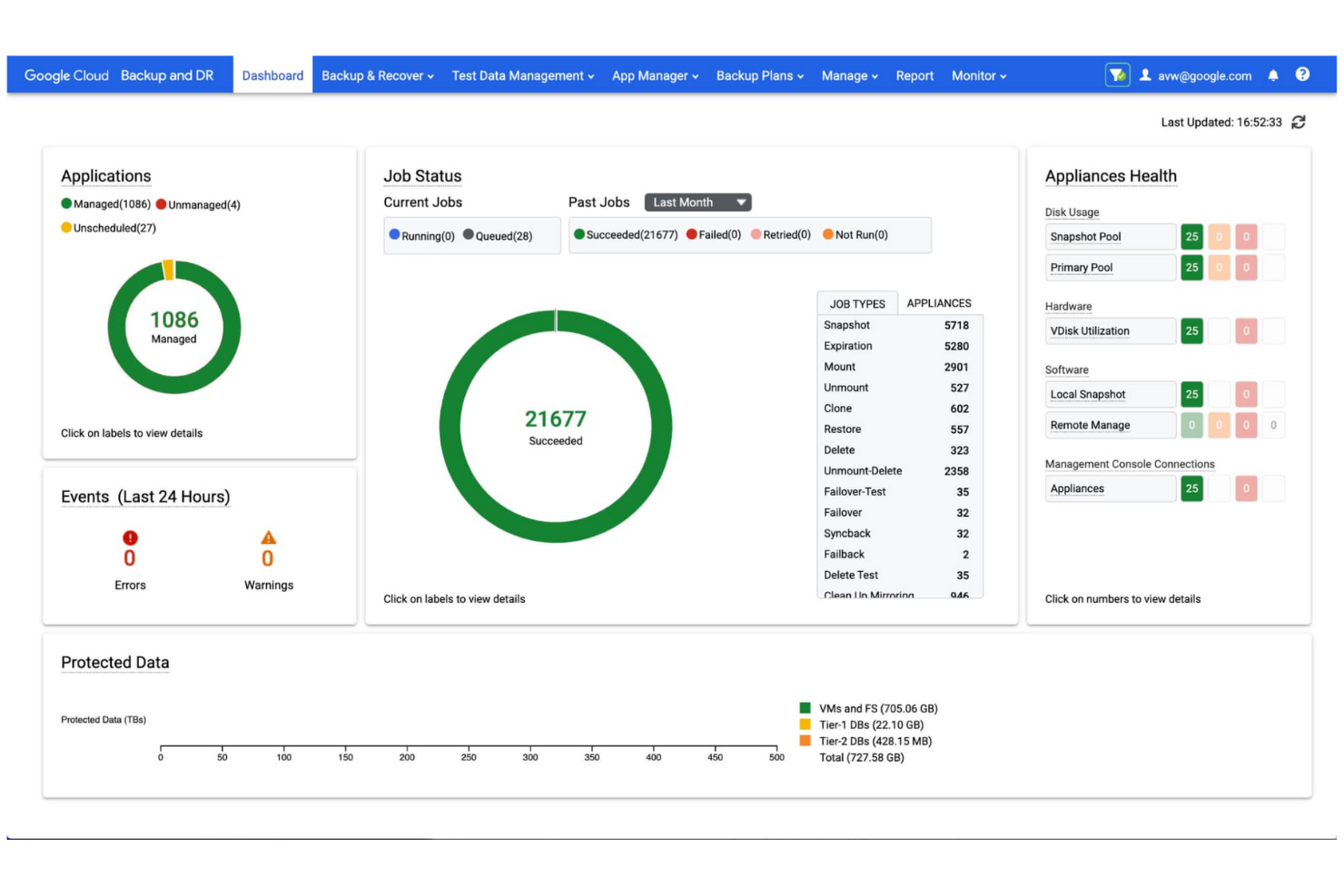
Google Cloud Storage is a scalable, object-based storage service for developers and businesses to store and retrieve data. It provides reliable, high-performance storage for demanding applications and data analytics.
Why it's a good Google Drive alternative: Google Cloud Storage optimizes data management by providing a secure, scalable object storage service that acts as a foundational component in a unified data-to-AI ecosystem. It handles massive datasets, making it highly suitable if your enterprise has extensive storage needs.
Standout Features and Integrations:
Features include object lifecycle management for automatic data retention, deletion, and storage class transitions, as well as object versioning, which allows the retention of multiple versions for backup and recovery. The service fully supports multiregional storage, providing geo-redundancy and high availability.
Integrations include BigQuery, Pub/Sub, Cloud SQL, AlloyDB, Bigtable, Firestore, Search Ads 360, YouTube, Vertex AI, Enterprise License Manager, Gmail, Google Analytics, Cloud Translation, and more.
Pros and Cons
Pros:
- User-friendly tools
- Flexible storage classes
- Highly global reach
Cons:
- Hidden egress data fees
- Complex IAM configuration

Dropbox
Best for secure cloud storage

Dropbox is a cloud storage service that enables teams and individuals to manage, sync, and share documents and files effectively. It increases productivity by offering secure file storage, fast synchronization, and collaboration tools.
Why it's a good Google Drive alternative: Dropbox provides advanced document management features. It allows you to sync files across a diverse range of devices and operating systems, including Windows, macOS, Android, and iOS.
Standout Features and Integrations:
Features include Dropbox Paper, Smart Sync, and file requests, which allow you to manage, collaborate, and collect files and folders without cluttering your local hard drive. Version history and file recovery tools safeguard important data.
Integrations include Slack, Zoom, Microsoft, Adobe, Trello, Jira, Asana, Google Workspace, HubSpot, Autodesk, Canva, AWS, and more.
Pros and Cons
Pros:
- Broad integrations
- Strong collaboration tools
- Fast file syncing
Cons:
- Lacks private key management
- Folder structure limitations

MEGA
Best for large-scale storage

MEGA is a secure, user-controlled cloud storage service for individuals and businesses seeking substantial storage capacity coupled with end-to-end encryption.
Why it's a good Google Drive alternative: MEGA offers zero-knowledge encryption, providing complete privacy and control of your files. It's an excellent alternative to Google Drive if you prioritize security and large storage capacity.
Standout Features and Integrations:
Features include end-to-end encrypted communication for secure chats, video meetings, and messages. MEGA also offers file versioning, allowing you to restore previous versions of your files during editing, as well as secure sharing with options for password protection and expiration dates.
Integrations are not publicly listed.
Pros and Cons
Pros:
- 20 GB of free storage space on nonpaid accounts
- Fast transfer speeds
- Competitive pricing for large storage needs
Cons:
- No recovery without the key
- Strict takedown policies
IDrive
Best for versatile backup services
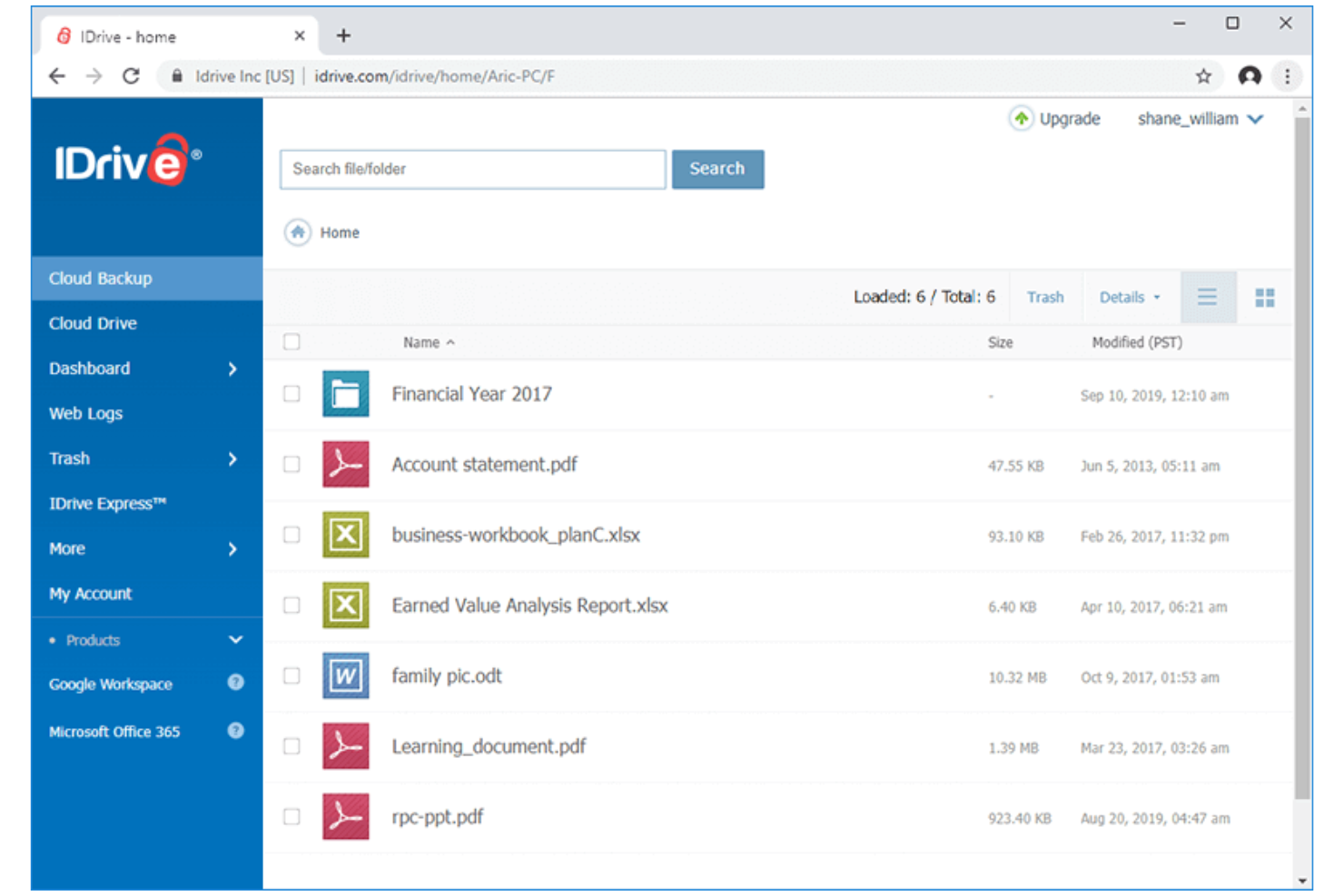
IDrive is a cloud backup and storage solution for individuals, small businesses, and enterprises that require reliable, real-time data backup, syncing, and recovery across unlimited devices in one account.
Why it's a good Google Drive alternative: IDrive offers an extensive and highly reliable data backup service, making it ideal for security-conscious users. Its ability to back up multiple devices under one account adds convenience if you manage a variety of machines.
Standout Features and Integrations:
Features include continuous data protection, which automatically identifies modified files and backs them up instantly. Disk image backup enables you to create a replica of your hard drive, including your operating system, installed programs, settings, and all your files. Hybrid backup combines local and cloud backup for added security and faster data recovery.
Integrations include Microsoft Office, Outlook, QuickBooks, Exchange, SharePoint, SQL Server, Linux, Mac OS, and more.
Pros and Cons
Pros:
- Unlimited device support
- Free 5 GB of storage for testing or light usage
- Cloud-to-cloud backup
Cons:
- Complex interface
- Limited Linux support

Best self-hosted solution
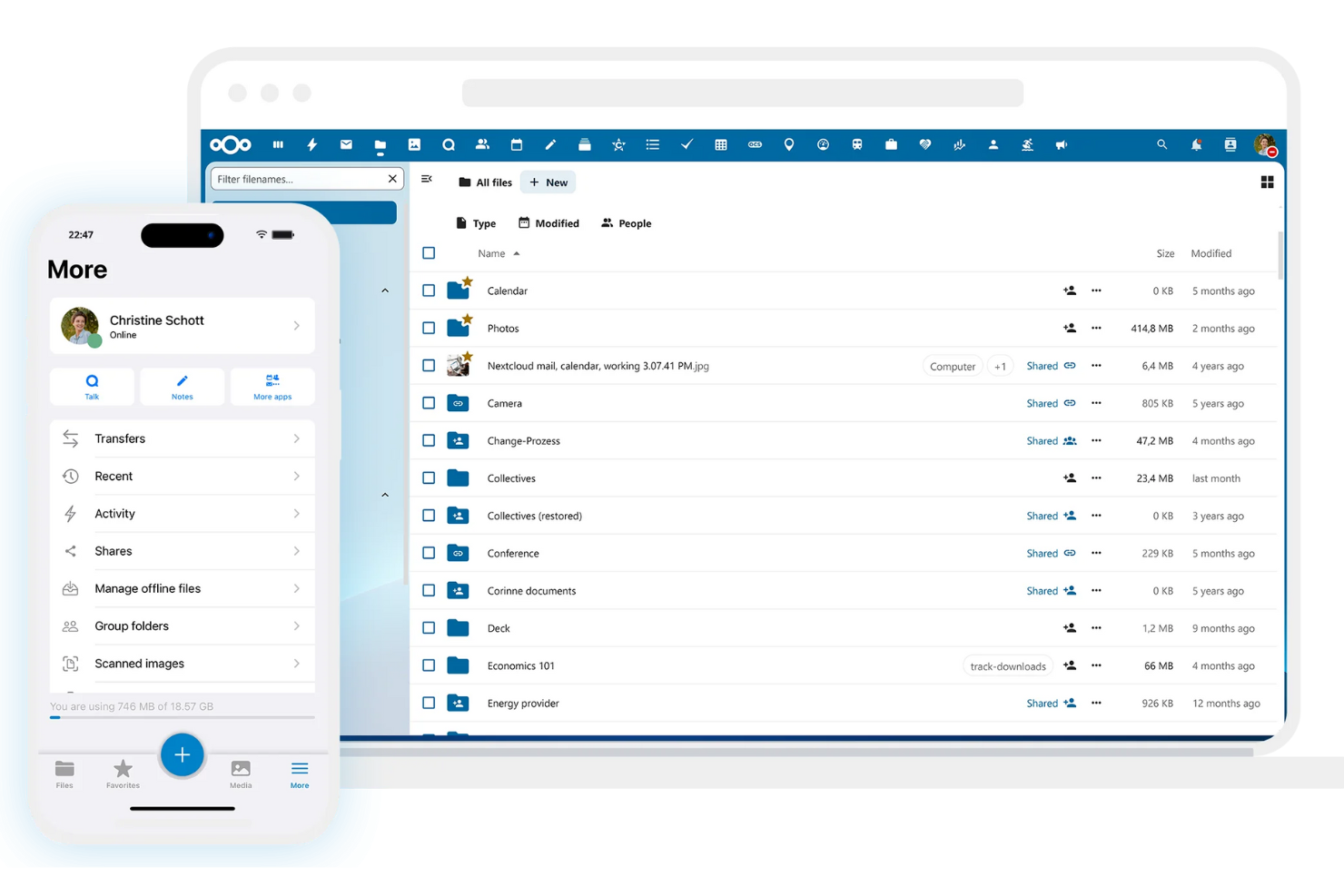
Nextcloud is an open-source, self-hosted cloud storage and content collaboration platform for businesses and individuals who require a secure, in-house alternative to public cloud services. It allows you to store, sync, and share files on your own server, giving you full data sovereignty.
Why it's a good Google Drive alternative: Nextcloud offers the full flexibility of a self-hosted solution, giving you complete, independent control over your data, user management, and security settings. It's a flexible, private, and highly customizable alternative to Google Drive that also provides superior security.
Standout Features and Integrations:
Features include file access control, which allows you to define precise permissions for viewing, editing, sharing, or deleting files. End-to-end encryption protects data against unauthorized access, even in the event of a data breach, and two-factor authentication increases the security of your account.
Integrations include Collabora Online, Microsoft Outlook, Zimbra, Moodle, EGroupware, Jitsi, Samba, and more.
Pros and Cons
Pros:
- Customizable user permissions
- No recurring storage fees
- Self-hosted for full control
Cons:
- User must manage security
- High server maintenance

Box
Best for content management and security
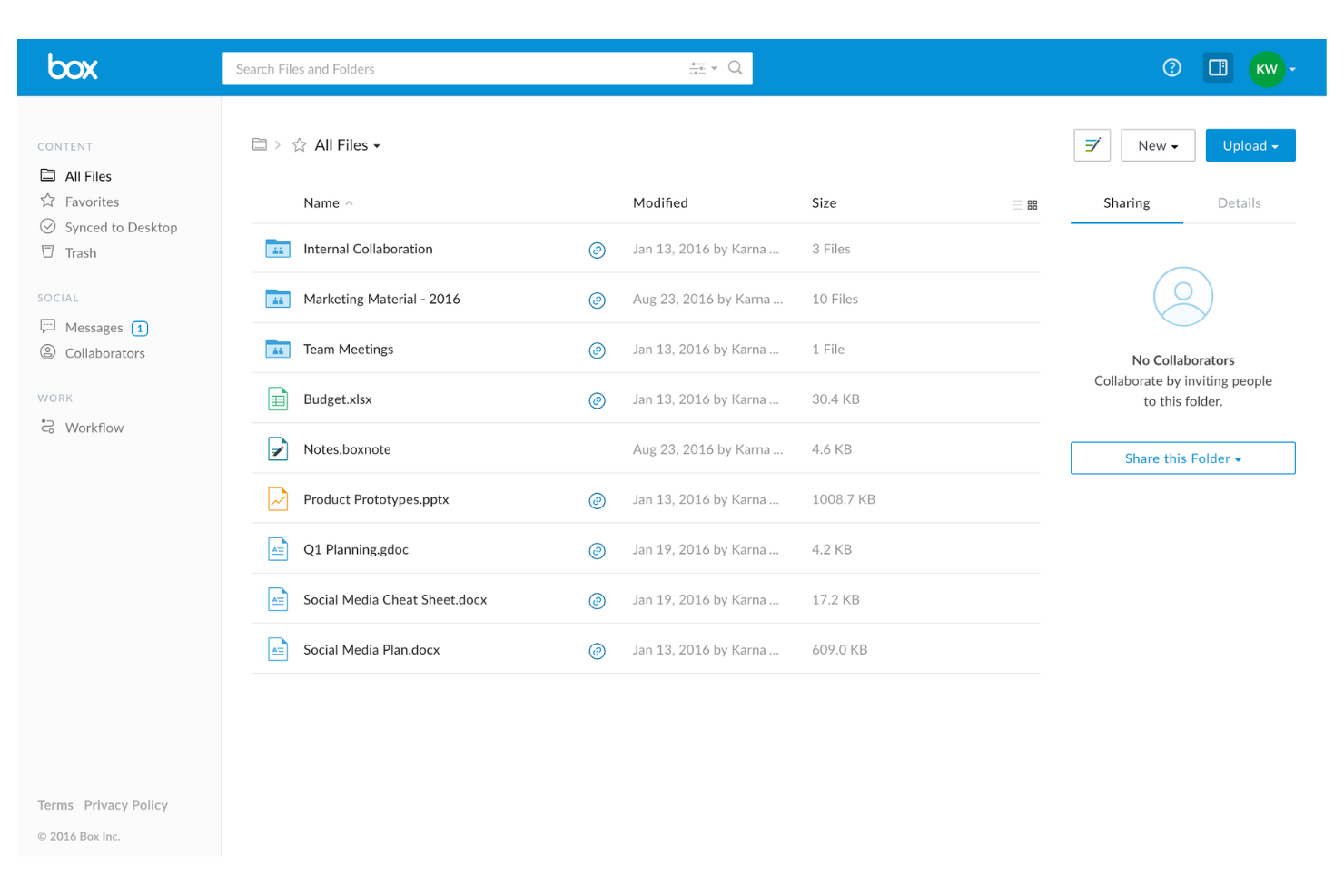
Box is a cloud content management and file sharing service for businesses and enterprises to securely manage, store, and share documents. It enables real-time collaboration, workflow automation, and high-level data compliance.
Why it's a good Google Drive alternative: Box offers a strong, enterprise-grade content management platform for businesses that require secure document handling, collaboration, and governance. It's a compelling Google Drive alternative if you handle high-risk data.
Standout Features and Integrations:
Features include workflow automation that enables the creation of custom workflows, significantly increasing productivity and optimizing business processes. Granular access controls allow you to define specific permissions for viewing and editing files. Data loss prevention capabilities protect sensitive information from unauthorized access.
Integrations include Salesforce, Slack, Microsoft Office 365, Google Workspace, Adobe Acrobat, DocuSign, IBM Connections, Okta, Zoom, WebDrive, AdvisorCRM, Syncly, MV Tools, Trello, and more.
Pros and Cons
Pros:
- Unlimited storage capacity for organizations
- Multiple business plans
- Enterprise-grade security
Cons:
- No block-level sync
- Strict file size limits

Sync
Best for end-to-end encryption
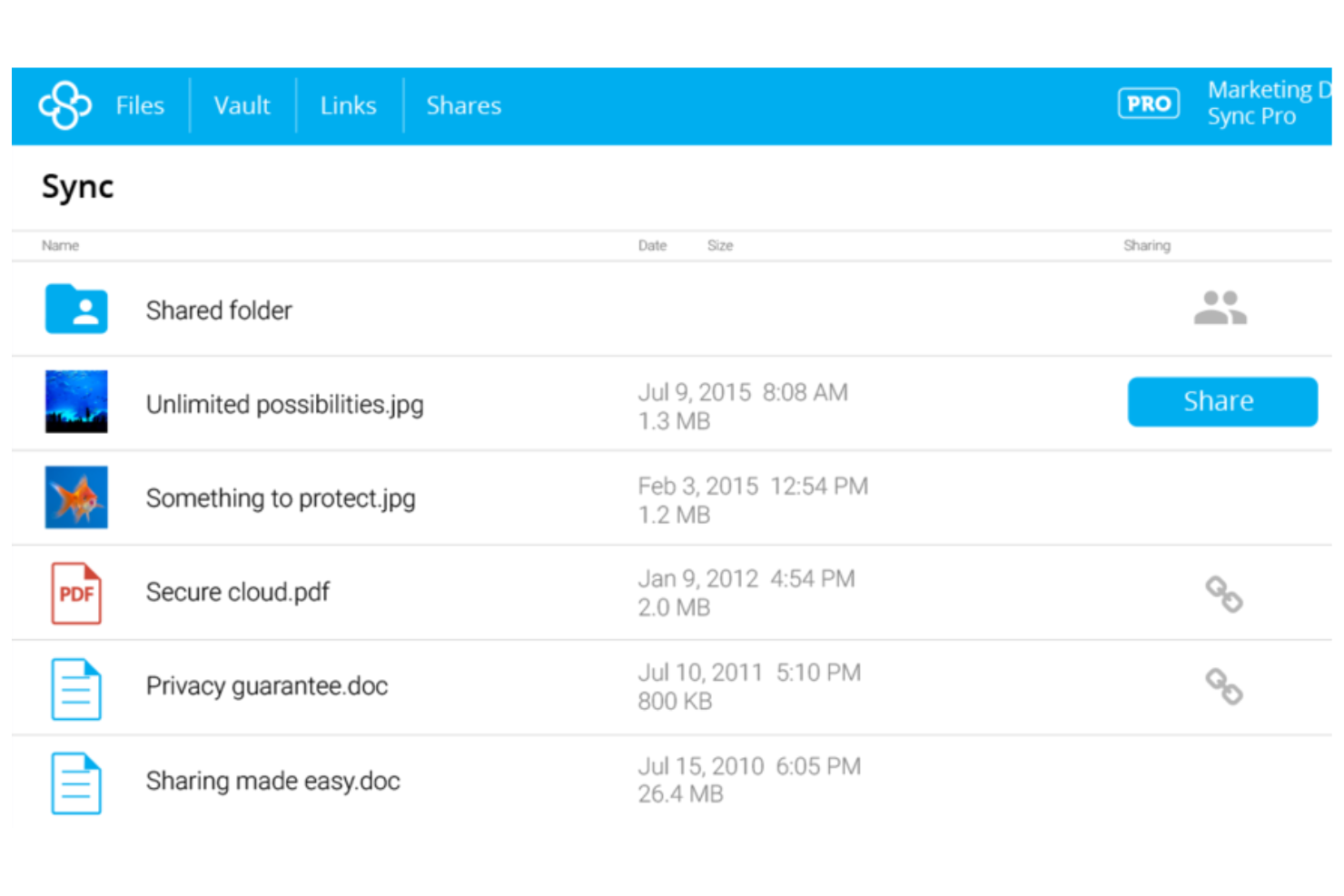
Sync is a privacy-focused cloud storage service for individuals and businesses that prioritize data security and cross-device collaboration.
Why it's a good Google Drive alternative: Sync utilizes end-to-end encryption and a zero-knowledge architecture, so only authorized users can access your files. Advanced sharing controls and privacy settings allow you to control who sees your files and what they can do with them, making it a secure choice for sensitive information.
Standout Features and Integrations:
Features include advanced file version history and data recovery tools that enable you to restore previous versions and recover deleted files. The automatic backup system protects your data without manual intervention, and the user-friendly interface refines file management and sharing.
Integrations include Microsoft Office 365, Adobe Creative Suite, Slack, Google Workspace, and more.
Pros and Cons
Pros:
- Reliable syncing
- Zero-knowledge encryption
- Extensive file recovery and revision history
Cons:
- Limited plan options
- No LAN syncing

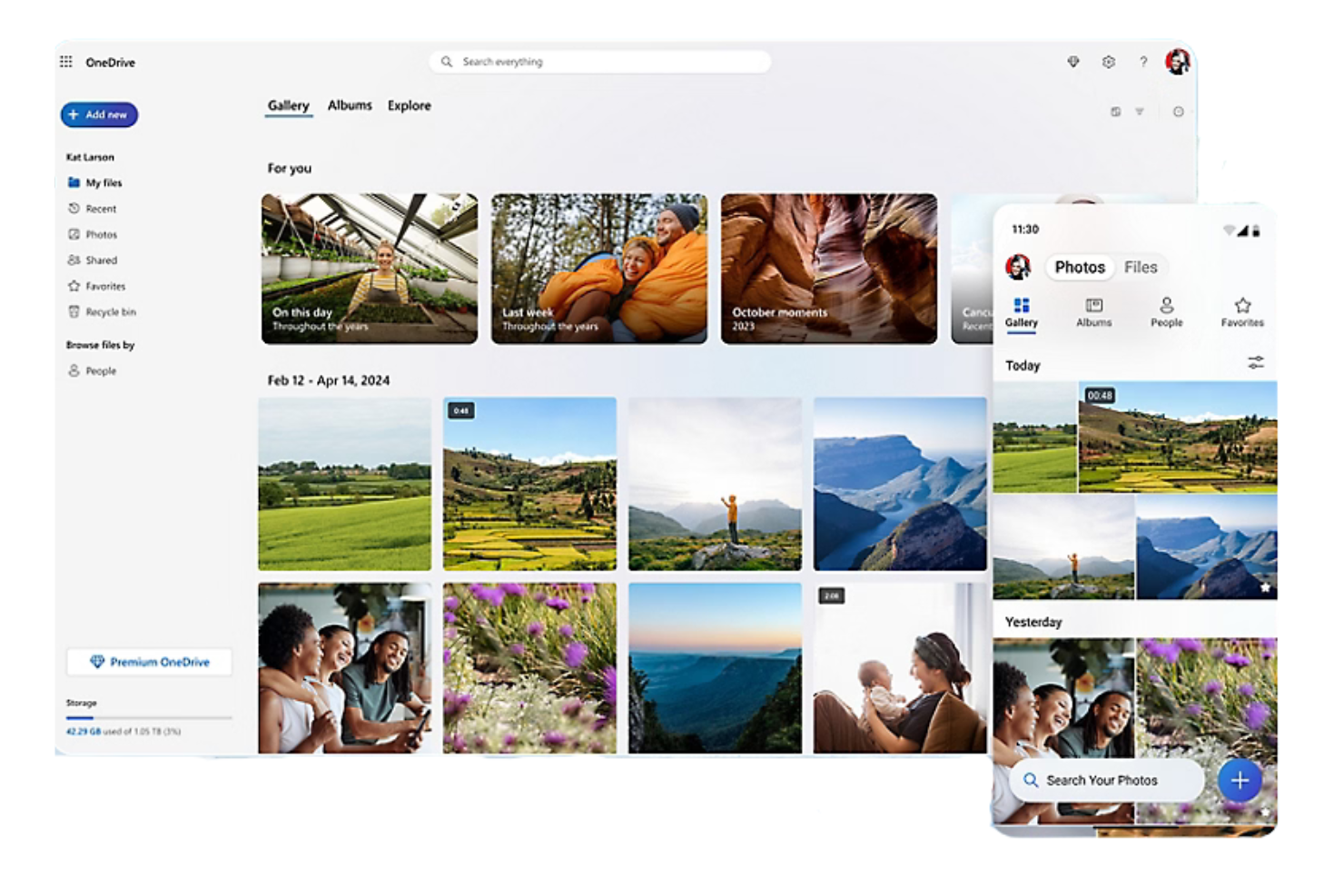
Microsoft OneDrive is a cloud storage platform that allows users to store, sync, and share files, photos, and documents online. Ideal for both personal use and businesses, the Microsoft-integrated service is accessible on any compatible device and enables secure collaboration.
Why it's a good Google Drive alternative: OneDrive integrates natively with Microsoft 365, providing a cohesive experience for Windows users, and also offers third-party Gmail integration. It offers real-time co-authoring in Office apps and advanced security features, including file encryption and ransomware detection, so your team can collaborate and share data safely.
Standout Features and Integrations:
Features include file versioning for viewing, restoring, and downloading previous versions of documents. Offline access capabilities allow you to work on files without an internet connection, and you can control who sees your files with customizable sharing options.
Integrations include Microsoft Word, Excel, PowerPoint, Outlook, Teams, SharePoint, OneNote, Azure Active Directory, Dynamics 365, Power Automate, and more.
Pros and Cons
Pros:
- Highly suitable for small business operations
- Files on demand
- Deep Windows/Office integration
Cons:
- Aggressive auto-activation
- Moves local files by default


iCloud+ is a cloud subscription service for users with multiple Apple devices that expands upon free iCloud, automatically syncing, backing up, and sharing data.
Why it's a good Google Drive alternative: iCloud+ offers native integration into the Apple ecosystem, making it the most natural choice if you already use Apple devices and need more than the default 5 GB of free storage. It includes privacy and security features to protect your data, privacy, and online identity.
Standout Features and Integrations:
Features include iCloud Photos, iCloud Drive, and iCloud Backup, providing increased storage for automatic syncing and backups across all Apple devices. HomeKit Secure Video, iCloud Private Relay, and Hide My Email offer significant protection against trackers and data breaches.
Integrations include Apple Mail, Calendar, Contacts, Notes, Reminders, Safari, Messages, and more.
Pros and Cons
Pros:
- Photo/document syncing across devices
- Google Photos integration
- Automatic backups
Cons:
- Ecosystem lock-in
- Extremely limited free tier


Wasabi is a cloud storage provider for businesses and developers that specializes in highly affordable, high-performance, and secure hot cloud object storage.
Why it's a good Google Drive alternative: Wasabi eliminates egress fees, making it a cost-effective choice if your business frequently moves or accesses large amounts of data.
Standout Features and Integrations:
Features include data immutability to protect your files from unauthorized changes and deletions. High-speed data retrieval keeps your files immediately accessible when needed. Wasabi also offers a simple, flat-rate pricing model to be transparent and eliminate hidden fees, enabling straightforward, predictable budgeting.
Integrations include Veeam, Commvault, Rubrik, Veritas, Panzura, CloudBerry Lab, Arcserve, Synology, QNAP, Nasuni, and more.
Pros and Cons
Pros:
- High-speed performance
- S3-compatible API
- No data retrieval or egress fees
Cons:
- Minimum retention policy
- No mobile file previews
Other Google Drive Alternatives
Here are some additional Google Drive alternatives that didn’t make it onto my shortlist but are still worth checking out:
- Proton Drive
For privacy-focused storage
- pCloud
For lifetime storage deals
- IceDrive
For a lightweight user interface


How I Evaluate Google Drive Alternatives
I split my evaluation into two layers: core functionality a tool must have to qualify—like real-time co-editing and role-based permissions—and the differentiators that determine best fit.
Core Functionality (Table Stakes For This List)
When I'm selecting tools for my list, I rank each one on a scale from 0 (does not offer the functionality) to 5 (excels in this area) for each core functionality listed below. Then, I calculate the tool's total score into a percentage. Each tool needs to achieve a minimum total score of 75% to be considered for inclusion.
- Cloud File Storage: I evaluate how much base and scalable storage each tool offers, including folder hierarchy depth and file type support for assets like PDFs, CAD files, and video.
- File Sharing & Permissions: Granular role-based access matters here—I look for tools that let you set view, edit, and comment rights per folder for both internal teammates and external clients.
- Real-Time Document Collaboration: Co-editing is where Google Drive sets the bar, so I check whether alternatives support live multi-user editing, inline commenting, and version history rollback.
- Cross-Device Sync: Project teams work across laptops, phones, and tablets, so each tool needs reliable desktop, web, and mobile sync—with offline access for field or travel scenarios.
- Project Tool Integrations: I look at native connections to platforms like Jira, Asana, Monday, Slack, and Microsoft Teams, plus whether the tool offers an open API or Zapier support for custom workflows.
- Security & Compliance: Encryption standards, audit logs, and compliance certifications like SOC 2 and GDPR are what I check first—especially for teams handling client contracts or regulated data.
Once I have a list of tools that meet this criteria, I consider what sets each platform apart.
Differentiating Factors (What Sets Vendors Apart)
Here's how I compare and contrast different vendors:
Standout Features
Workflow automation is a big differentiator—I look for tools that route deliverables through review and approval stages without chasing people over email. Client portals also matter for agency teams who need to share files with external stakeholders without exposing the full workspace. Built-in e-signature support cuts out the need for a separate tool when you're getting SOWs or change orders signed mid-project.
Beyond Features
Pricing structure matters when your team is scaling—I evaluate whether storage is pooled across the workspace or allocated per user, since that changes cost dynamics fast as headcount shifts. Migration tooling is another factor I check closely. Moving terabytes of project files from Google Drive is painful without a structured import path or dedicated migration support. I also consider how deep each platform's ecosystem runs, especially whether it connects to the broader PM and communication stack your team already depends on.
Why Look for a Google Drive Alternative?
While Google Drive is a good choice for cloud storage software, there are several reasons some users seek alternative solutions. You might be looking for a Google Drive alternative because:
- You need more advanced security features
- Your team requires more storage capacity
- You want better integration with non-Google apps
- You need offline access for remote work
- Your team needs extensive collaboration tools
If any of these sound like you, you've come to the right place. My list includes several Cloud storage software options that are highly suitable for teams facing these challenges with Google Drive and looking for a good alternative.
Google Drive Features
Here are some of the key features of Google Drive, to help you contrast and compare what alternative solutions offer:
- Real-time collaboration: Work with your team on documents simultaneously, making it easy to edit and provide feedback in real time.
- Integration with Google Workspace: Use Google Docs, Sheets, and Slides to increase productivity and collaboration within your team.
- File sharing and permissions: Share files with others and control who can view, edit, or comment, giving each user the right level of access.
- Shared drives: Create a collaborative space for your team to store and manage files together, available on select Google Workspace plans.
- Security features: Benefit from zero-trust controls, AI-powered security measures, and regulatory compliance to protect your data.
- Mobile and desktop access: Access and manage your files on the go with Google Drive's mobile and desktop applications.
- AI-powered search: Quickly find files and documents using intelligent search capabilities to optimize your workflow.
- File version history: Keep track of changes and revert to previous versions when needed, keeping your data up-to-date.
- Offline access: Work on your files without an internet connection, and sync changes once you're back online.
- Electronic signatures: Request and manage electronic signatures for contracts and agreements, providing a convenient way to finalize documents.
What's Next:
If you're in the process of researching cloud storage software, connect with a SoftwareSelect advisor for free recommendations.
You fill out a form and have a quick chat where they get into the specifics of your needs. Then you'll get a shortlist of software to review. They'll even support you through the entire buying process, including price negotiations.