

Accelo Pricing Tiers & Costs

My complete overview of Accelo pricing tiers, additional costs, value for money, and how to pick the right plan for you. Plus, alternatives to consider and a side-by-side pricing comparison.
We review tools independently, and commissions help fund our testing. See our transparency policy, our methodology, or suggest a tool.
Accelo is a workflow automation software and professional services automation software that offers multiple pricing tiers and subscription-based plans. You can use Accelo to manage client work, streamline operations, and improve team collaboration.
Accelo’s pricing structure is more flexible compared to its competitors. Below, I’ll cover everything you need to know about Accelo pricing, plans, and costs to make an informed purchase decision.
How Much Does Accelo Cost?
Accelo does not publicly list its pricing, but it does have three different tiered plans available that are tailored to industries like consulting, accounting, IT, and other professional service businesses.
Each tier offers additional features that support project management, client management, and financial insights. The website also provides resources such as blogs, guides, and customer support services to help you get the most out of the platform.
Accelo Plans & Pricing Tiers
Here's an overview of the available Accelo plans:
| Plan Type | Price | What’s Included? |
|---|---|---|
| Professional | Upon request | Client project management, client sales management, client quote management, time logs/timers/timesheets, client invoices & payments, financial insight dashboards |
| Business | Upon request | Retainer management, ticket management, shared inbox, unlimited client portal users |
| Advanced | Upon request | Automation features, advanced workflows, smart scheduling, custom dashboards, API access |
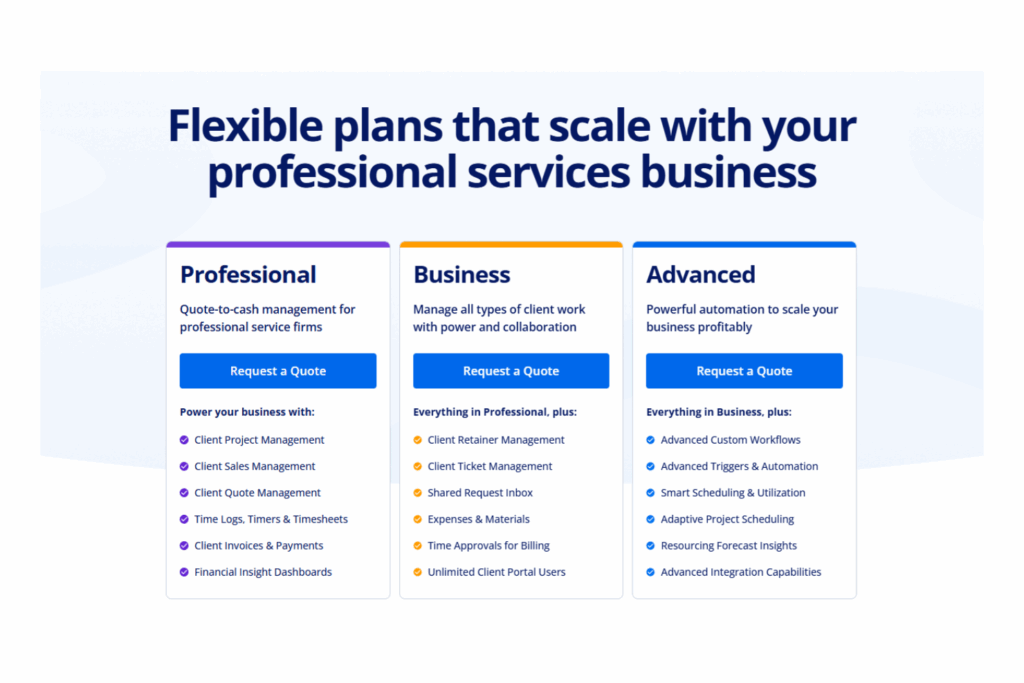
Let’s break down the available Accelo pricing plans a bit further:
Accelo Professional Plan
The professional plan is suited for small to mid-sized teams that need structured project tracking and visibility into financial performance. It supports industries such as IT and consulting with tools like quote management, time tracking, and invoicing. However, it does not include features for managing retainers or support tickets.
Accelo Business Plan
The business plan is built for teams that manage complex client work and recurring services. It’s well-suited for sectors like accounting and legal and offers features such as retainer tracking, ticket management, and expense logging. It does not include advanced workflow automation or custom reporting tools.
Accelo Advanced Plan
The advanced plan is tailored for larger organizations that require in-depth automation, custom workflows, and resource optimization. Fields like engineering and architecture benefit from adaptive project scheduling and client asset tracking. Due to its advanced capabilities, it may be more than smaller teams need.
Accelo Pricing vs. Competitors
Accelo’s pricing falls in the mid-range compared to other workflow automation tools. It offers multiple tiers to support different team sizes and business needs. All plans include core features like project and client management, and advanced capabilities such as automation are available in higher tiers.
Accelo also offers third-party integrations and maintains strong security across all plans, which makes it a solid, competitive option.
Comparison Chart: Accelo vs. Alternatives
Wondering how Accelo pricing compares to other workflow automation software? Here’s a comparison chart that breaks down the costs of other workflow automation software side-by-side:
Clicks on the links below may earn a commission, which supports our independent testing and review of software and services. Learn more about how we stay transparent.
| Tool | Best For | Trial Info | Price | ||
|---|---|---|---|---|---|
| 1 | Best for AI-driven project planning | Free plan + 14-day free trial available | From $9/user/month (billed annually) | Website | |
| 2 | Best for secure client collaboration | Free demo available | From $5,000/year (billed annually) | Website | |
| 3 | Best for no-code AI-powered workflow automation | Free demo available | Pricing upon request | Website | |
| 4 | Best for enterprise workflow customization | Free demo available | $40/user/month | Website | |
| 5 | Best for robust API management capabilities | 30-day free trial | Pricing upon request | Website | |
| 6 | Best with Salesforce document automation | Free demo available | From $399/month (billed annually) | Website | |
| 7 | Best for agency-focused operational insights | 14-day free trial + free demo available | From $10/user/month (billed annually) | Website | |
| 8 | Best for scaling organizations | Free plan + 14-day free trial + free demo available | From $10/user/month (billed annually) | Website | |
| 9 | Best for cross-functional processes | 15-day free trial | From $19/user/month (billed annually) | Website | |
| 10 | Best for custom LLMs | Free trial available + free demo | Pricing upon request | Website |














Why Trust Our Software Recommendations
Our team has been testing and reviewing software since 2012. As project managers ourselves, we know how difficult—and important—it is to choose the right software.
For this guide, we evaluated tools using hands-on testing and independent research, scoring tools using our selection criteria. We also draw on insights from industry thought leaders and practicing project management experts.
Our reviews reflect our human editorial judgment, not a sales pitch.
Expert reviewers:
Alternatives to Accelo
Accelo is a reliable workflow automation tool, but it is not the only option available. Depending on your specific needs, such as budget, team size, and use case, it may be worth exploring other solutions. If you are considering alternatives to Accelo, here are a few options to look into:
- Asana: Known for its user-friendly interface and extensive project tracking features.
- Trello: Offers a highly visual approach to task management with customizable boards.
- monday.com: Provides versatile workflow customization and integration capabilities.
- Smartsheet: Combines spreadsheet functionality with project management features.
- Wrike: Offers advanced collaboration tools and real-time project updates.
- ClickUp: Features a comprehensive suite of productivity tools in one platform.
How to Choose the Right Accelo Plan
When choosing an Accelo plan, weigh the benefits and limitations of each option. Long feature lists can be overwhelming, so focus on a few key factors to help guide your decision and make sure the plan aligns with your team's needs:
Accelo Scalability and Team Size
Small startups may find the professional plan suitable if they only need essential client management without unnecessary complexity. Mid-sized teams in industries like IT or consulting can benefit from the business plan, which adds project management and financial tracking.
Larger organizations with more complex workflows may prefer the advanced plan for its automation and customization features.
Industry-Specific Accelo Features
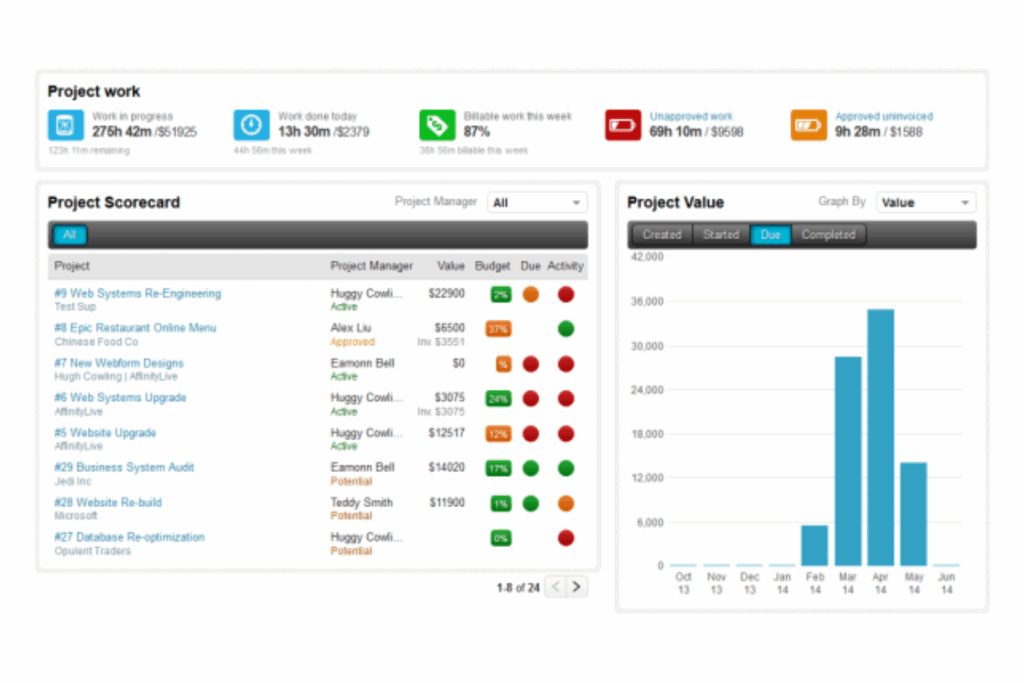
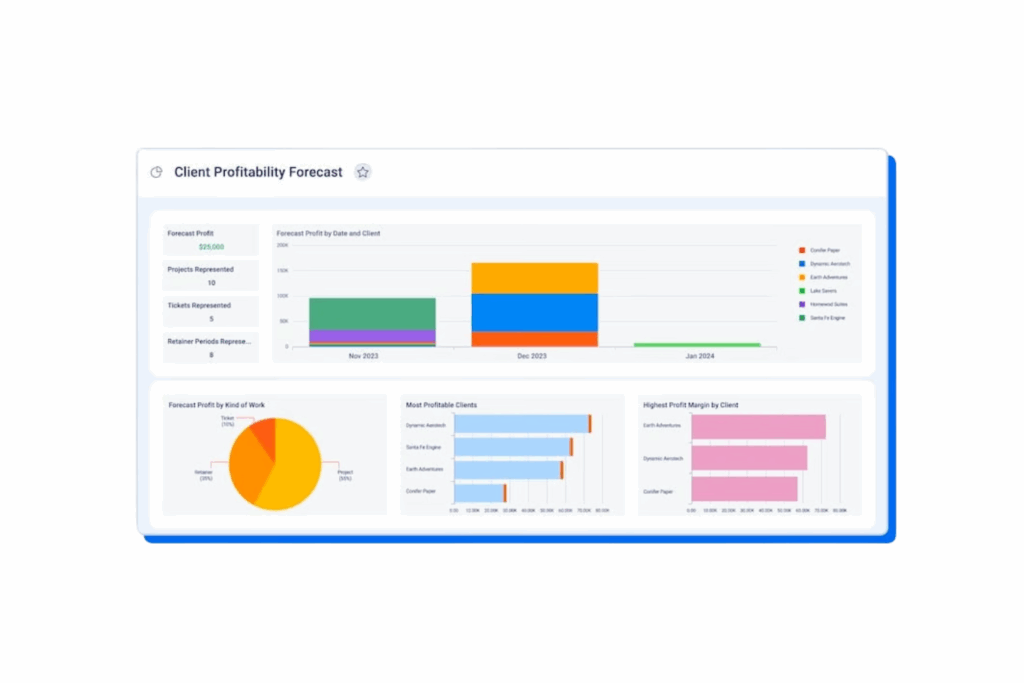
The professional plan supports consulting firms with project management and financial insights. Accounting teams may benefit from the business plan’s retainer management and ticketing features. Engineering firms might rely on the advanced plan for automation and custom dashboards.
Accelo Integration Capabilities
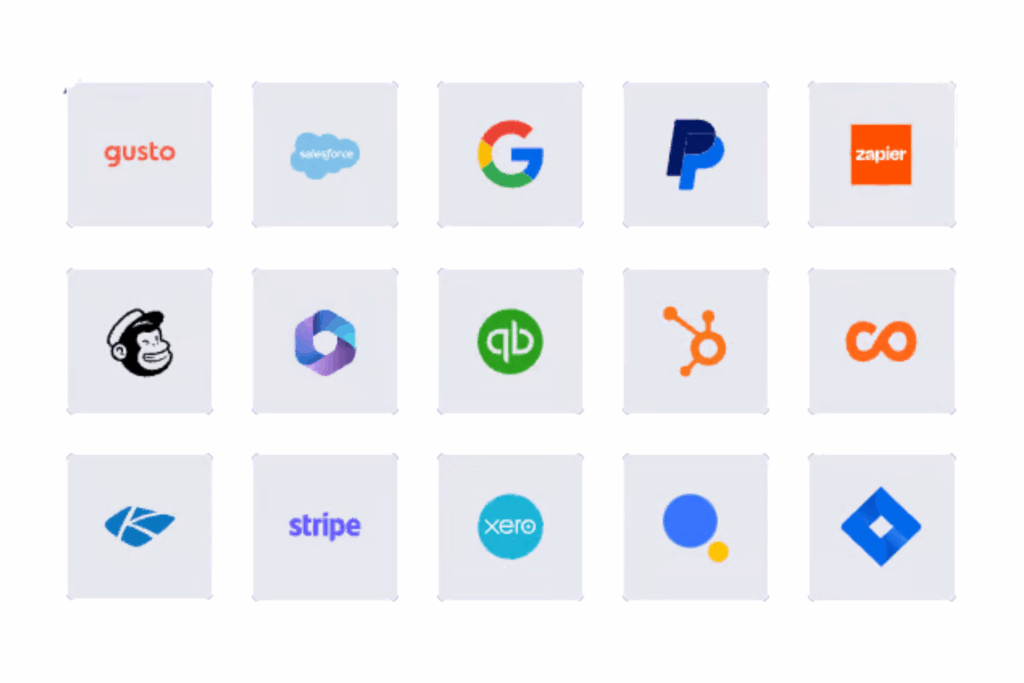
Accelo supports native integrations with popular tools, which makes it useful across different environments. It also works with third-party platforms like Zapier for broader connectivity. For more customized needs, Accelo offers an API that lets you build tailored integrations.
Accelo Security Safeguards
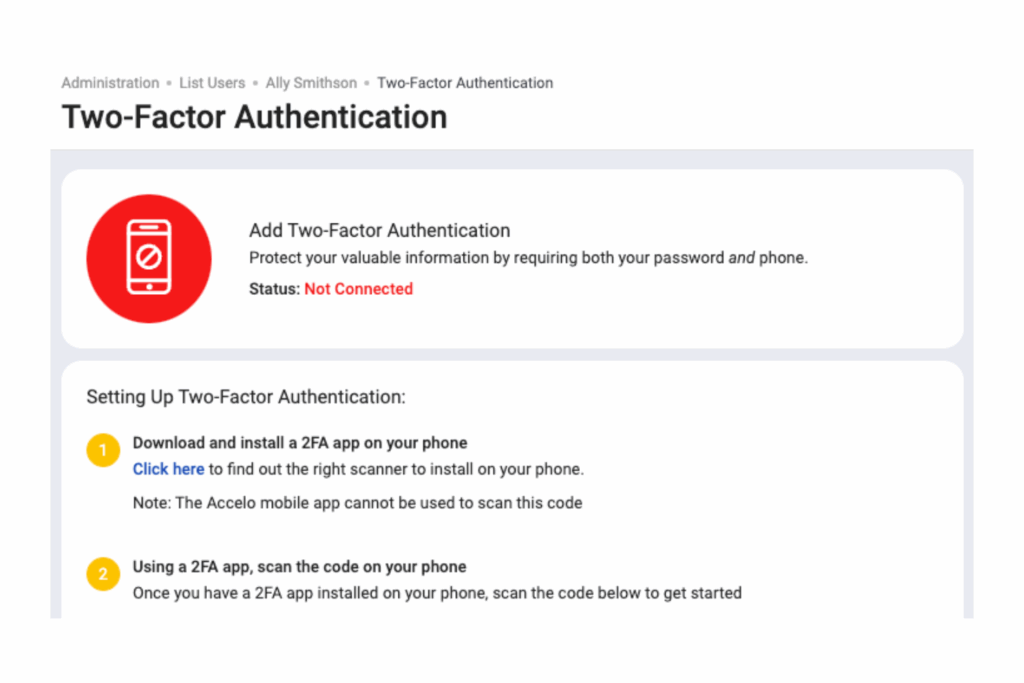
Accelo provides key security measures like data encryption and secure access controls across all plans. Review your team’s security requirements to make sure the plan you choose aligns with your organization’s data protection needs.
Accelo Pricing FAQs
Here are answers to a few common questions about Accelo pricing:
What additional costs should I anticipate with Accelo?
Are there any discounts or promotions available for Accelo?
How often does Accelo change its pricing structure?
Can I customize my Accelo plan?
Does Accelo offer a trial period?
What payment methods does Accelo accept?
Is Accelo Good Value?
In my opinion, Accelo provides strong value for businesses that need flexible workflow automation software. Its features, including project management and client relationship management, serve industries like consulting, accounting, and IT well.
The tiered pricing structure offers flexibility, so teams can choose a plan that fits their size and needs. Integration options through tools like Zapier and API access add further value by making it easier to connect Accelo with existing systems.
The platform’s user-friendly interface and support resources help simplify onboarding. While Accelo is not the most affordable option, its combination of functionality, support, and customization makes it a worthwhile investment for mid to large-sized teams that want to improve efficiency.
Verdict: Accelo is a valuable investment for businesses that want comprehensive workflow automation with flexible integration and customization options.

Want to learn more about Accelo? Check out their site for additional information.
Pricing upon request
Free demo available
What's Next?
Want to connect with other digital project managers to share resources and best practices? Join our membership community and get access to 100+ templates, samples, and examples, and connect with 100s of other digital project managers in Slack.

