


Make.com-beoordeling: voor- en nadelen, functies & prijzen



Make is a workflow automation software built around a visual, drag-and-drop scenario builder. It lets you connect apps and automate multi-step processes without writing code. It's worth considering if your team runs complex, multi-branch workflows across a large app stack. I'd recommend it over Zapier if you need more control over your automation logic, as Make gives you that depth without the enterprise pricing.
Make Evaluation Summary
- From $9/month (billed annually)
- Free plan + free demo available
Waarom u onze softwareaanbevelingen kunt vertrouwen
Ons team test en beoordeelt software sinds 2012. Als projectmanagers weten we zelf hoe moeilijk — en belangrijk — het is om de juiste software te kiezen.
Voor deze gids hebben we tools geëvalueerd met behulp van praktijktests en onafhankelijk onderzoek, waarbij we tools beoordeelden aan de hand van onze selectiecriteria. We putten ook uit inzichten van vooraanstaande experts uit de branche en praktiserende projectmanagementprofessionals.
Onze reviews weerspiegelen ons menselijke redactionele oordeel, geen verkooppraatje.
Deskundige beoordelaars:
Make Overview
Make.com is a flexible low-code workflow automation tool that connects a wide range of applications. Its user interface is intuitive and simplifies complex tasks, though new users may face a learning curve. It offers strong features at a reasonable price, with both a free plan and paid plans available, which makes it especially suitable for small to mid-sized teams. However, the platform's support team may be less responsive than some alternatives. Overall, it's a practical choice for teams looking to automate workflows efficiently.

pros
-
User-friendly interface allows you to easily automate complex workflows
-
Customizable features allow your team to tailor solutions to fit your business needs
-
Extensive app connections enhance team productivity
cons
-
The onboarding process can be challenging
-
Occasional delays in support team response times
-
The initial learning curve can be steep for those new to no-code automation.
-

Celoxis
Visit WebsiteThis rating combines scores from multiple user review sites to reflect overall customer sentiment about the product.4.5 -
Smartsheet
Visit WebsiteThis rating combines scores from multiple user review sites to reflect overall customer sentiment about the product.4.5 -
Accelo
Visit WebsiteThis rating combines scores from multiple user review sites to reflect overall customer sentiment about the product.4.4





Core Features
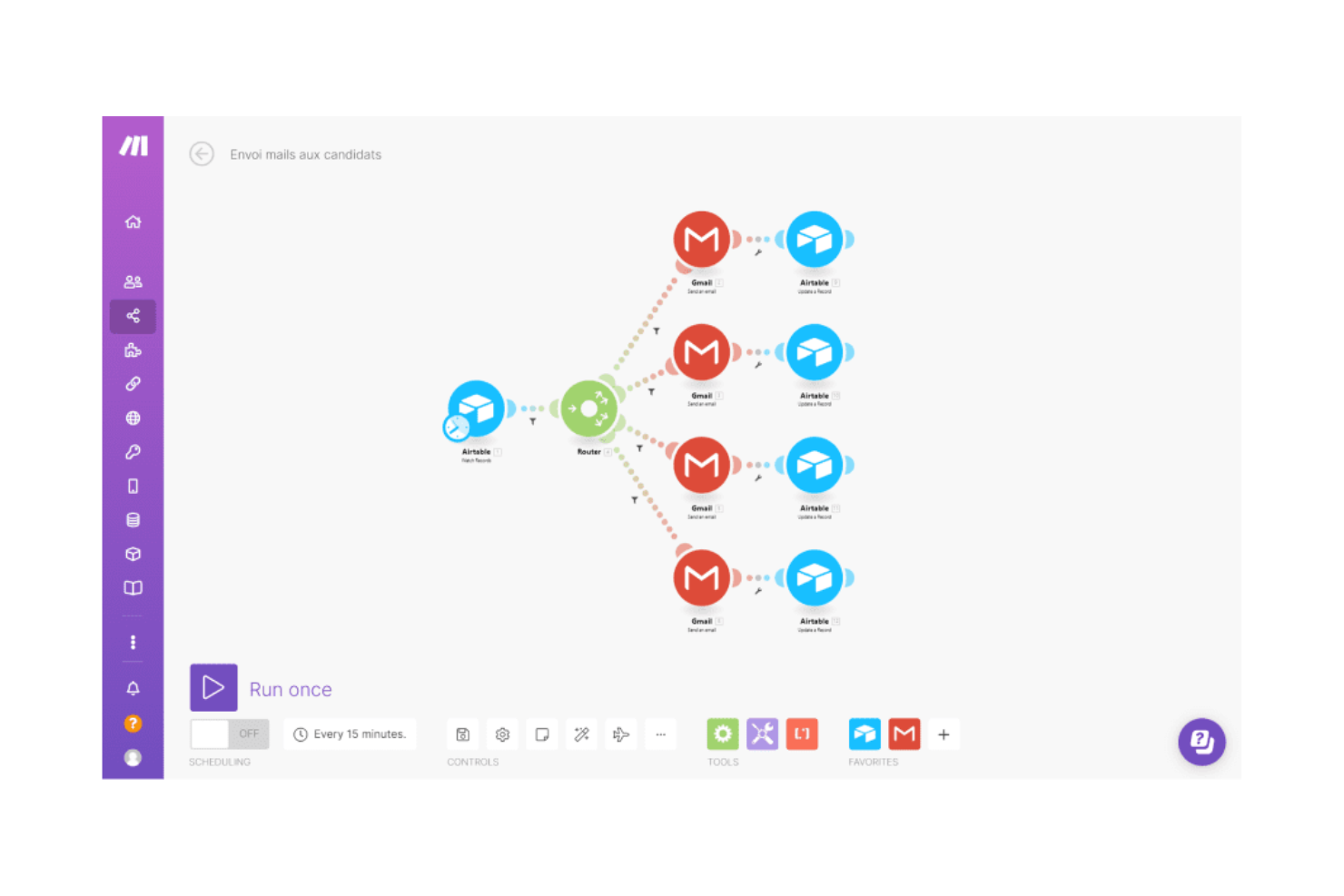
Visual workflow builder: Make offers an intuitive drag-and-drop interface that allows users of all skill levels to create and manage workflows. This visual approach enables teams to see the entire process at a glance, making it accessible for beginners and efficient for experienced users.
Conditional logic: You can set up workflows that adapt based on specific triggers and conditions, allowing your team to automate complex decision-making processes. Make supports conditional logic through "if-then" scenarios and branching paths that enable dynamic and personalized automations.
AI assistant: Make provides AI-powered assistance to help build workflows faster. The AI Assistant can generate workflow suggestions, assist in creating scenarios, and offer guidance on module configurations, streamlining the automation process.
Error handling: Make allows the use of error handlers to define specific actions when errors occur, such as sending customized alerts or retrying operations, which keeps teams informed and addresses issues without disrupting workflows.
Array aggregator module: You can combine multiple items into a single array for batch processing or grouped data output. The Array Aggregator module is useful when collecting data from repeated steps and passing it as a single bundle to the next module, especially when working with formats like JSON.
Advanced customization: You can fine-tune workflows with dynamic mapping, precise controls, and custom behavior for tailored automation solutions and more powerful scenario execution.

Ease of Use
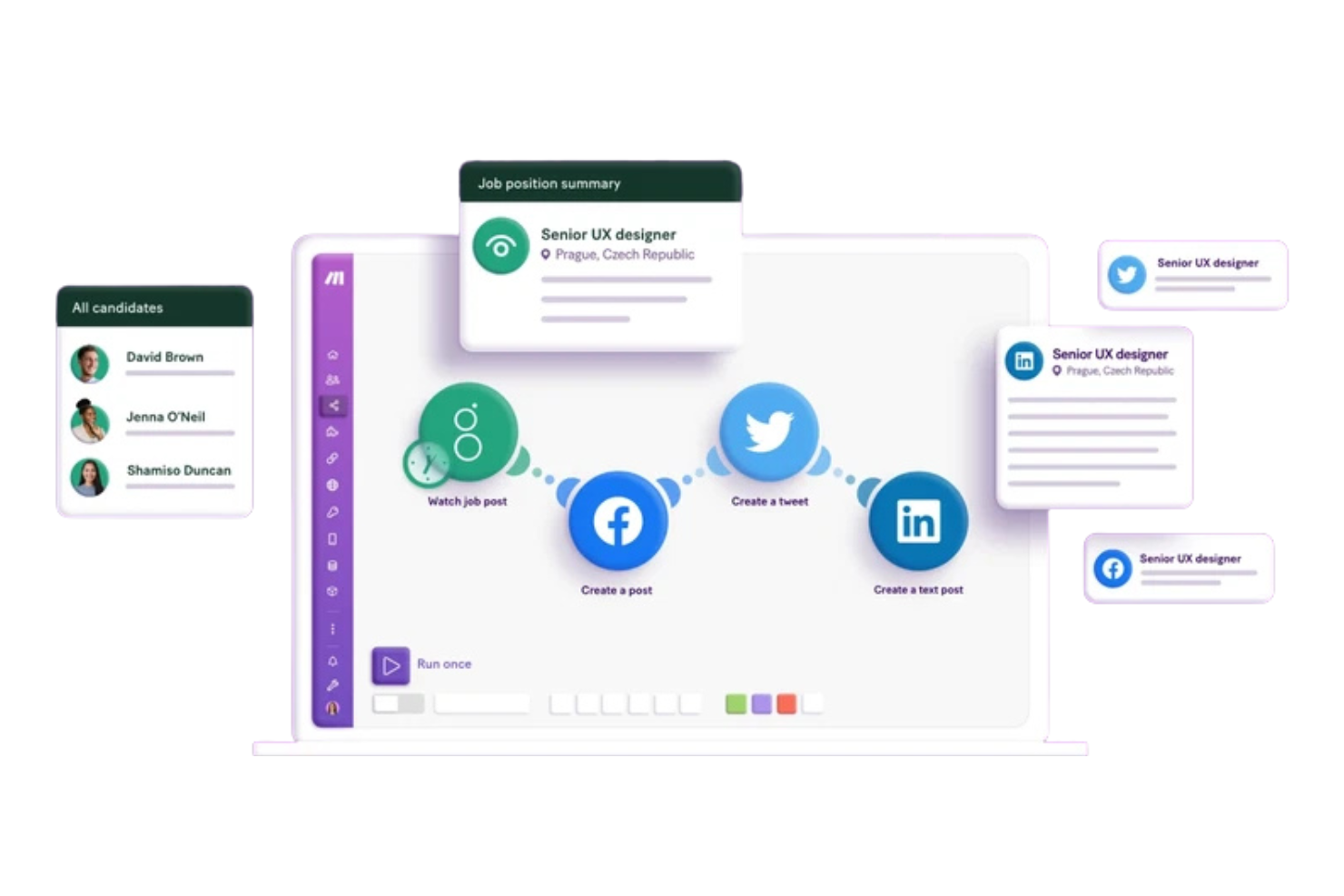
Make is easy to use, with a drag-and-drop interface and visual workflow builder that requires no technical expertise. While complex automations may have a learning curve, the clear layout and ready-made templates help simplify setup. Beginners typically find it straightforward to build and manage workflows.
Make Specs
- API
- Approval Workflows
- Batch Permissions & Access
- Compliance Tracking
- Contact Management
- Custom Reports
- Dashboard
- Data Export
- Data Import
- Data Visualization
- Document Management
- External Integrations
- Inventory Tracking
- Marketing Automation
- Notifications
- Process Modeling
- Process Reporting
- Project Management
- Roadmapping
- Sales Automation
- Supplier Management
- Third-Party Plugins/Add-Ons
- Workflow Management


- 10 alternatieve ProcessMaker-tools voor automatisering in 2026Opens new window
- 10 beste makers van Gantt-diagrammen voor projectplanning in 2026Opens new window
- 7 stappen om je DAM-implementatie succesvol te makenOpens new window
- Een Gantt-diagram maken in Excel in 12 eenvoudige stappenOpens new window
- Een Gantt-diagram maken: een stapsgewijze handleidingOpens new window
- Een stroomdiagram makenOpens new window
- Hoeveel verdient een enterpriseprojectmanager in 2026?Opens new window
- Laat agile contracten werken voor je teams & klantenOpens new window
- Maak-prijsniveaus & kostenOpens new window
- ProcessMaker Prijsniveaus & KostenOpens new window
Make FAQs
How easy is it to customize workflows in Make?
Can Make handle high-volume tasks?
What kind of support does Make offer?
How does Make ensure data security and compliance?
Is Make suitable for non-technical users?
How does Make handle errors within workflows?
Can Make integrate with legacy systems?
Does Make offer collaboration features?
Wat is de volgende stap?
Wil je contact leggen met andere digitale projectmanagers om bronnen en best practices te delen? Word lid van onze community en krijg toegang tot meer dan 100 sjablonen, voorbeelden en cases, en kom via Slack in contact met honderden andere digitale projectmanagers.