Filevine Review: Pros, Cons, Features and Pricing



Filevine is a project management software for lawyers built around case and matter management, document handling, and client communication. You should consider it if your firm juggles high case volumes and needs configurable workflows to match how your team actually works. I'd put it ahead of Clio if workflow customization and document-heavy matter management matter more to you than a billing-first experience.
Filevine Evaluation Summary
- Pricing upon request
- Free demo available
Why Trust Our Software Recommendations
Our team has been testing and reviewing software since 2012. As project managers ourselves, we know how difficult—and important—it is to choose the right software.
For this guide, we evaluated tools using hands-on testing and independent research, scoring tools using our selection criteria. We also draw on insights from industry thought leaders and practicing project management experts.
Our reviews reflect our human editorial judgment, not a sales pitch.
Expert reviewers:
Filevine Overview
If you're judging practice management software by legal-centric features, Filevine stands out with customizable workflows, strong document generation, and direct texting with clients. I think Filevine's interface is cleaner and more user-friendly than most, and onboarding feels easier thanks to step-by-step guides. Pricing runs a bit higher, and complex integrations can take work—but there's a learning curve with any platform this capable. For midsize to large law firms determined to centralize case work, compliance, and communications—especially those handling high volumes—Filevine is tough to beat as an all-in-one solution.
pros
-
Customizable dashboards track case progress and deadlines easily
-
Automated document generation saves time on repetitive paperwork
-
Built-in texting keeps clients connected in one platform
cons
-
Billing features are less robust than dedicated legal billing tools
-
Reporting customizations can require Filevine support assistance
-
Mobile access has limited functionality compared to desktop
-

Smartsheet
Visit WebsiteThis rating combines scores from multiple user review sites to reflect overall customer sentiment about the product.4.5 -
Celoxis
Visit WebsiteThis rating combines scores from multiple user review sites to reflect overall customer sentiment about the product.4.5 -
Accelo
Visit WebsiteThis rating combines scores from multiple user review sites to reflect overall customer sentiment about the product.4.4





Our Review Methodology
How We Test & Score Tools
We’ve spent years building, refining, and improving our software testing and scoring system. The rubric is designed to capture the nuances of software selection and what makes a tool effective, focusing on critical aspects of the decision-making process.
Below, you can see exactly how our testing and scoring works across seven criteria. It allows us to provide an unbiased evaluation of the software based on core functionality, standout features, ease of use, onboarding, customer support, integrations, customer reviews, and value for money.
Core Functionality (25% of final scoring)
The starting point of our evaluation is always the core functionality of the tool. Does it have the basic features and functions that a user would expect to see? Are any of those core features locked to higher-tiered pricing plans? At its core, we expect a tool to stand up against the baseline capabilities of its competitors.
Standout Features (25% of final scoring)
Next, we evaluate uncommon standout features that go above and beyond the core functionality typically found in tools of its kind. A high score reflects specialized or unique features that make the product faster, more efficient, or offer additional value to the user.
We also evaluate how easy it is to integrate with other tools typically found in the tech stack to expand the functionality and utility of the software. Tools offering plentiful native integrations, 3rd party connections, and API access to build custom integrations score best.
Ease of Use (10% of final scoring)
We consider how quick and easy it is to execute the tasks defined in the core functionality using the tool. High scoring software is well designed, intuitive to use, offers mobile apps, provides templates, and makes relatively complex tasks seem simple.
Onboarding (10% of final scoring)
We know how important rapid team adoption is for a new platform, so we evaluate how easy it is to learn and use a tool with minimal training. We evaluate how quickly a team member can get set up and start using the tool with no experience. High scoring solutions indicate little or no support is required.
Customer Support (10% of final scoring)
We review how quick and easy it is to get unstuck and find help by phone, live chat, or knowledge base. Tools and companies that provide real-time support score best, while chatbots score worst.
Customer Reviews (10% of final scoring)
Beyond our own testing and evaluation, we consider the net promoter score from current and past customers. We review their likelihood, given the option, to choose the tool again for the core functionality. A high scoring software reflects a high net promoter score from current or past customers.
Value for Money (10% of final scoring)
Lastly, in consideration of all the other criteria, we review the average price of entry level plans against the core features and consider the value of the other evaluation criteria. Software that delivers more, for less, will score higher.
Core Features
Task And Deadline Management
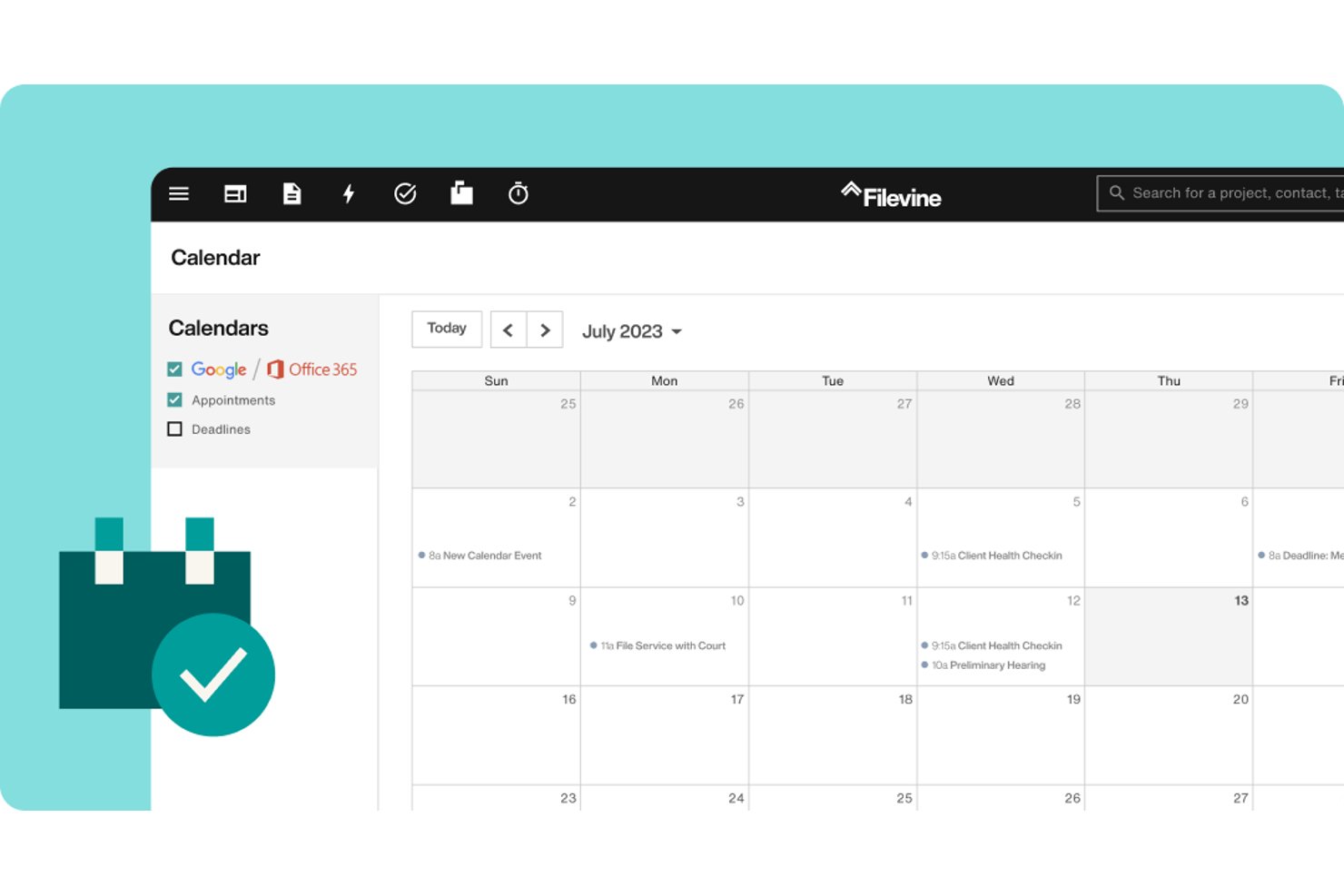
Track every task, statute deadline, and appointment linked to a case. Real-time automated notifications keep teams on schedule and reduce missed dates.
Document Generation And Templates
Automatically generate legal documents, forms, and letters using custom templates. This feature reduces manual entry and ensures consistency across files.
Case File Centralization
Store correspondence, case notes, documents, and media together for each case. Everything is easy to find within a single digital file.
Built-In Text Messaging
Send and receive text messages directly from the platform. These communications are logged in the relevant case file for full visibility.
Report Builder
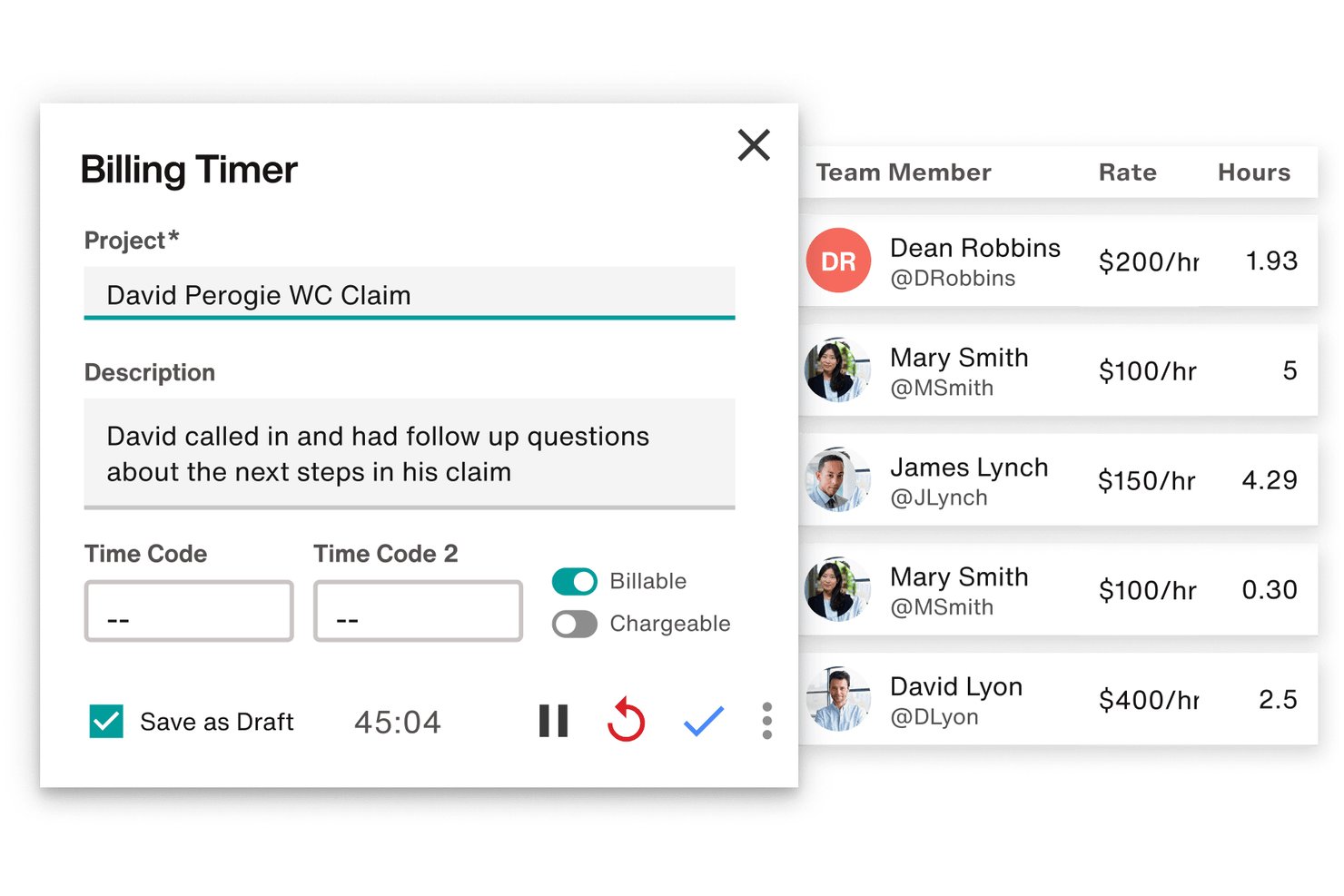
Create custom reports on productivity, case status, time tracking, or time entries. Teams can see timelines and export critical data for audits or management review.
eSignature Integration
Send, track, and manage esignatures without leaving Filevine. This allows for faster client sign-off on retainers and agreements.
Ease of Use
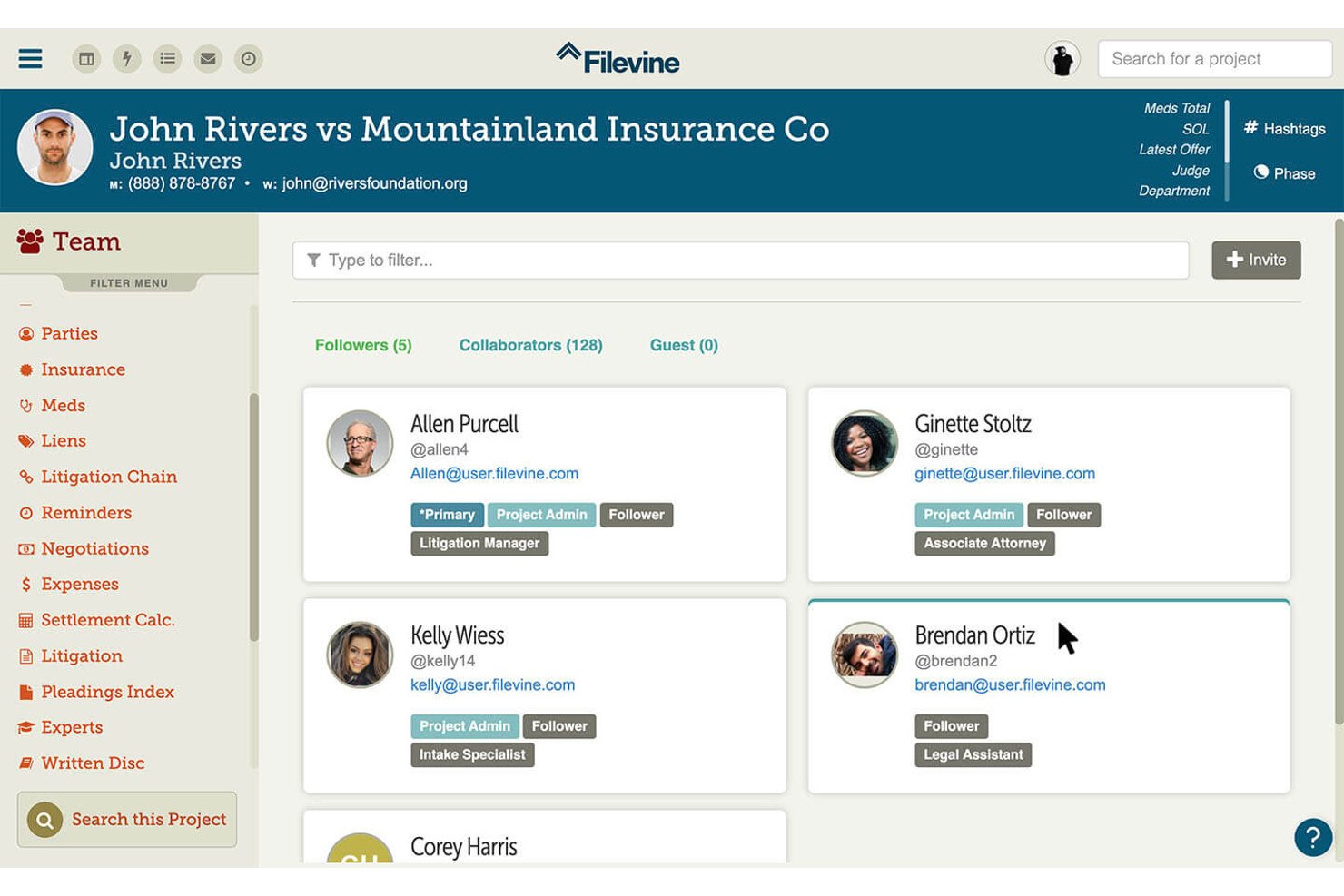
Filevine feels intuitive for legal professionals because its workflows, dashboards, and terminology mirror real law firm processes. I think features like drag-and-drop document uploads, filterable task lists, and direct case texting make daily work straightforward. The platform is genuinely user-friendly—many users say onboarding is smooth, with robust training resources and quick access to support. That said, like any capable practice management software, there is a learning curve during initial setup and configuration.
Integrations
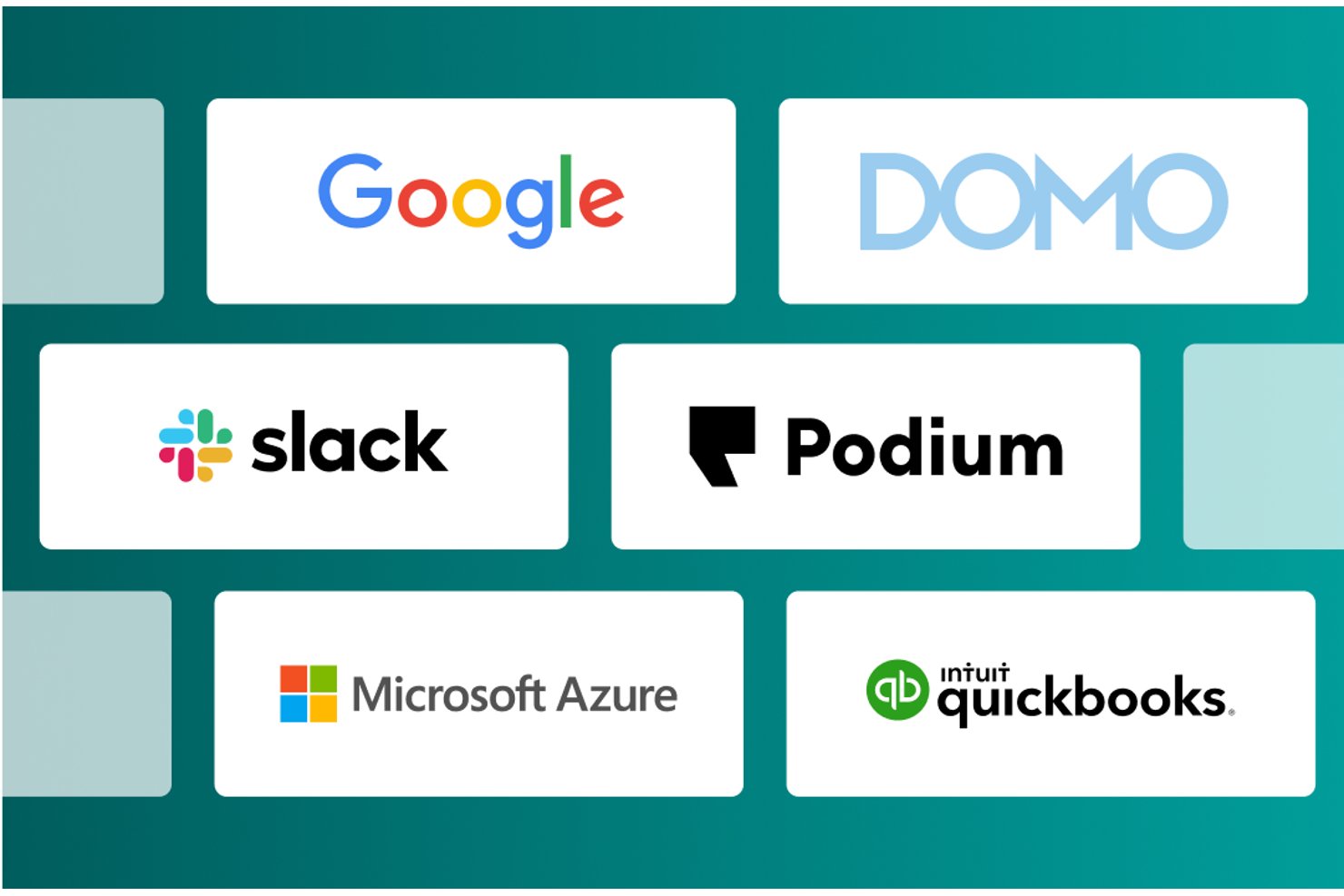
Filevine integrates with QuickBooks, Microsoft Outlook, Google Calendar, Gmail, Microsoft Teams, and Slack, among others.
Filevine also offers an open API and can connect with third-party integration tools.
Filevine Specs
- 2-Factor Authentication
- API
- Approval Workflows
- Audit Trail
- Calendar Management
- Compliance Tracking
- Contract Management
- Custom Reports
- Customer Management
- Data Export
- Data Import
- Document Management
- External Integrations
- Multi-User
- NDA Management
- Notifications
- Policy Management
- Scheduling
- Workflow Management