


Basecamp-recension: fördelar, nackdelar, funktioner & priser



Basecamp is a project management software built around a single, all-in-one workspace for teams that want to centralize tasks, messaging, and file sharing without stitching together multiple tools. I'd recommend it if you're moving away from something like Asana and finding that feature-heavy platforms generate more configuration work than clarity—Basecamp's flat-fee pricing and deliberately simple structure make it easier to get a whole team up and running without a drawn-out setup process.
Basecamp Evaluation Summary
- From $25/month (billed annually)
- 30-day free trial + free demo available
Varför du kan lita på våra programvarurekommendationer
Vårt team har testat och recenserat programvara sedan 2012. Som projektledare själva vet vi hur
svårt — och viktigt — det är att välja rätt programvara.
För den här guiden utvärderade vi verktyg genom praktisk testning och oberoende research, och betygsatte verktygen enligt våra urvalskriterier. Vi drar även nytta av insikter från branschens tankeledare och praktiserande projektledningsexperter.
Våra recensioner speglar vårt mänskliga redaktionella omdöme, inte ett säljbudskap.
Expertgranskare:
Basecamp Overview
In my opinion, Basecamp is one of a handful of tools that you can label as easy-to-learn, intuitive, and developed using common sense. It's a good choice for teams that want simplicity and effective collaboration without the clutter of overly complex features. However, it may not be the best fit for larger organizations or teams that need advanced features like detailed reporting and timeline views. Compared to other tools, Basecamp offers a straightforward interface and strong customer support, but it might fall short for those who need a more feature-rich solution.
pros
-
With automatic check-ins, you can keep everyone updated without lengthy meetings.
-
Basecamp's message board keeps your team communication clear and organized.
-
You can easily get your team onboard with its intuitive interface.
cons
-
The tool is missing a built-in time tracking feature for tasks.
-
Basecamp's simplicity might not meet the needs of complex project workflows.
-
You might find the lack of advanced reporting tools limiting.
-

Smartsheet
Visit WebsiteThis rating combines scores from multiple user review sites to reflect overall customer sentiment about the product.4.5 -
Celoxis
Visit WebsiteThis rating combines scores from multiple user review sites to reflect overall customer sentiment about the product.4.5 -
Accelo
Visit WebsiteThis rating combines scores from multiple user review sites to reflect overall customer sentiment about the product.4.4





Core Features
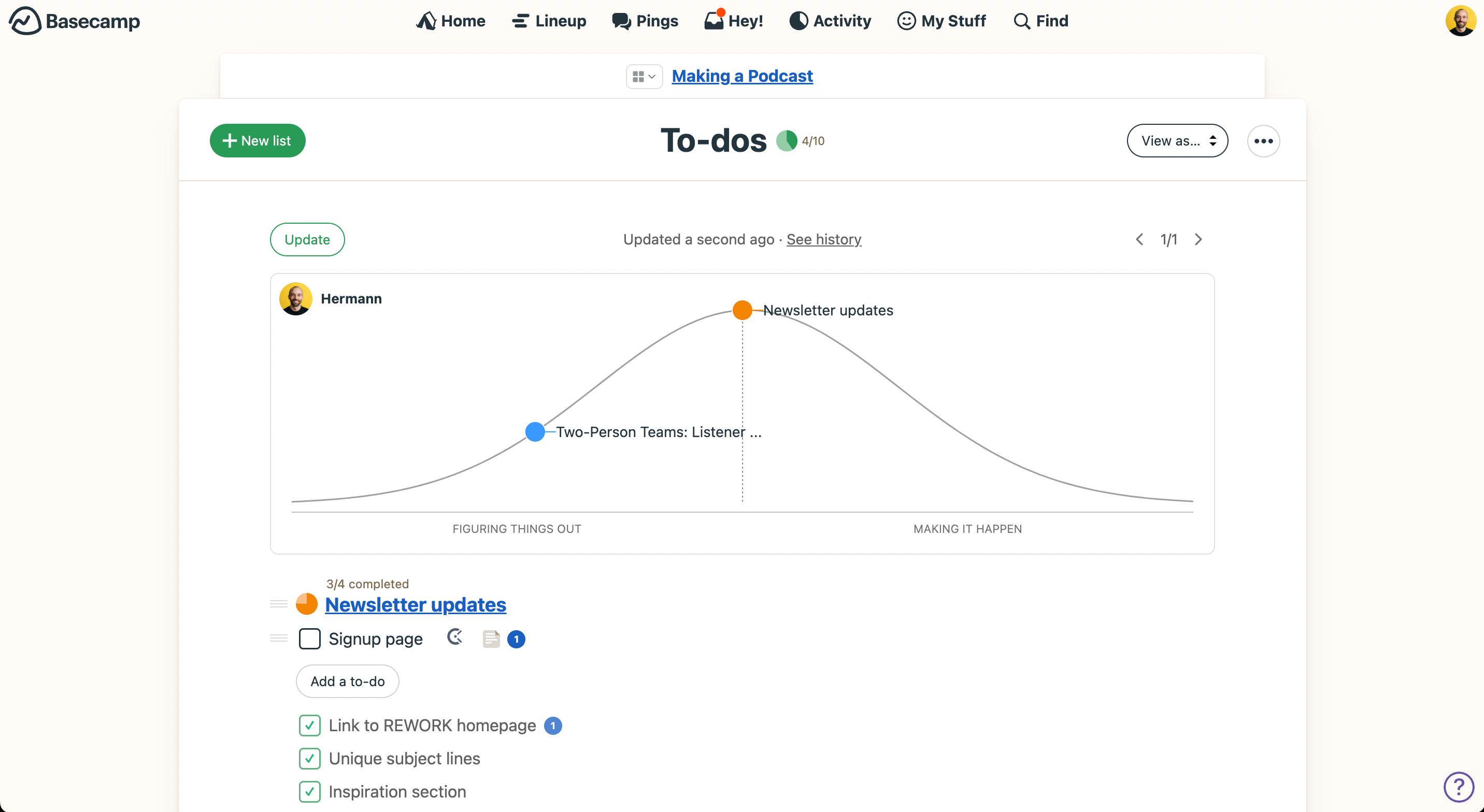
Task Management: Basecamp lets you create and assign tasks to your team with ease. You can set deadlines and track progress, keeping everyone on the same page.
Message Boards: Communicate clearly with your team using message boards that organize conversations by topic. This keeps your discussions focused and easy to find.
File Storage: Store and share files directly within Basecamp, so your team always has access to the latest documents. It's a simple way to keep all your project files in one place.
Real-Time Chat: Use the Campfire chat feature for quick, real-time conversations. It's perfect for spontaneous discussions or quick questions.
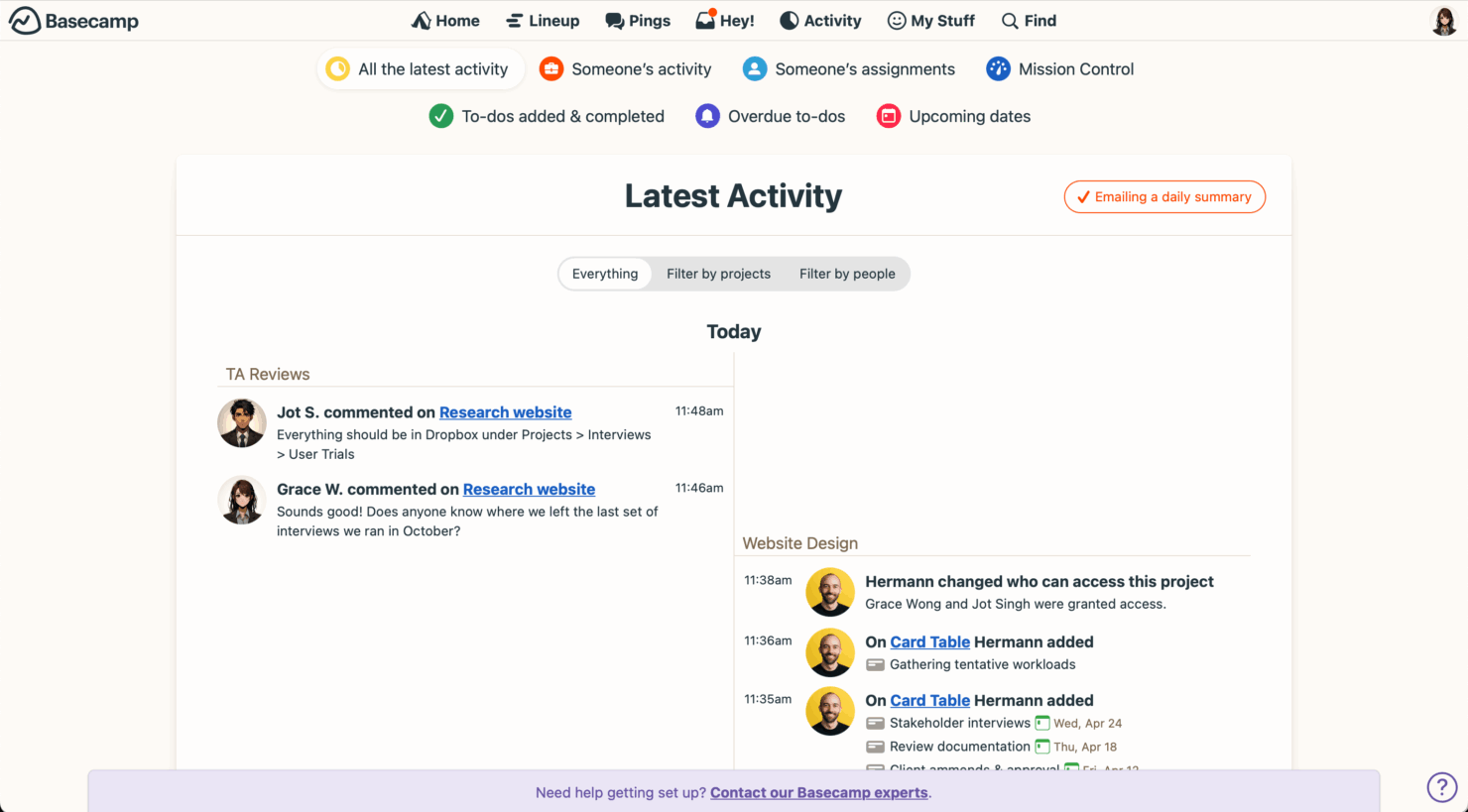
Automatic Check-ins: Basecamp prompts your team for regular updates, reducing the need for meetings. This feature helps you stay informed about your team's progress.
Schedules: Keep track of important dates and deadlines with Basecamp's scheduling tool. It integrates with tasks and projects to give you a clear view of what's coming up.

Ease of Use
Basecamp is user-friendly, and it's easy for your team to get started without a steep learning curve. Its intuitive interface and straightforward design mean you can quickly navigate tasks, message boards, and schedules. Users often praise Basecamp for simplifying project management and letting your team focus on collaboration rather than figuring out how to use the tool.
Basecamp Specs
- API
- Batch Permissions & Access
- Budgeting
- Calendar Management
- Collaboration Support
- Contact Management
- Contact Sharing
- Customer Management
- Dashboard
- Dashboards
- Data Export
- Data Import
- Data Visualization
- Dependency Tracking
- Document Sharing
- Expense Tracking
- External Integrations
- File Sharing
- Gantt Charts
- Kanban Boards
- Multi-User
- Notifications
- Project Management
- Resource Management
- Scheduling
- Task Scheduling/Tracking
- Third-Party Plugins/Add-Ons
- Time Management
- Travel Management
- Workflow Management



Basecamp FAQs
How does Basecamp handle data security and compliance?
Can Basecamp support remote team collaboration?
Does Basecamp have a mobile app?
How does Basecamp handle project organization?
Can clients access Basecamp projects?
Does Basecamp offer any training or support resources?
How customizable is Basecamp for different teams?
How does Basecamp handle task dependencies?
Vad händer härnäst?
Vill du komma i kontakt med andra digitala projektledare för att dela resurser och bästa praxis? Bli medlem i vår medlemsgemenskap och få tillgång till över 100 mallar, prover och exempel och kom i kontakt med hundratals andra digitala projektledare i Slack.