



Basecamp vs. ClickUp: Comparison & Expert Reviews For 2026



Basecamp offers a straightforward platform for organizing your team's projects and communications, and ClickUp provides a customizable platform that adapts to your work style. Basecamp focuses on simplicity, and ClickUp offers flexibility with plenty of features.
I’ve tested and reviewed each project management software tool in-depth and evaluated their key features, pros and cons, and pricing, so you can make the best choice for your team's needs.
Basecamp vs. ClickUp: An Overview
Basecamp


ClickUp




Why Trust Our Software Recommendations
Our team has been testing and reviewing software since 2012. As project managers ourselves, we know how difficult—and important—it is to choose the right software.
For this guide, we evaluated tools using hands-on testing and independent research, scoring tools using our selection criteria. We also draw on insights from industry thought leaders and practicing project management experts.
Our reviews reflect our human editorial judgment, not a sales pitch.
Expert reviewers:
Basecamp vs. ClickUp Pricing Comparison
| Basecamp | ClickUp | |
|---|---|---|
| Free Trial | 30-day free trial + free demo available | Free plan + free demo available |
| Pricing | From $15/user/month | From $7/user/month (billed annually) |
Basecamp vs. ClickUp Pricing & Hidden Costs
Basecamp’s pricing follows a subscription model, and you have the option to pay per user or a flat fee for your whole organization. ClickUp’s pricing also includes tiered plans, with costs increasing as you add more storage and advanced features. Both tools have a free plan available as well.
To choose the right tool for your team, identify the project management features you need most and consider how each pricing model aligns with your team's growth and resource allocation.
Basecamp vs. ClickUp Feature Comparison
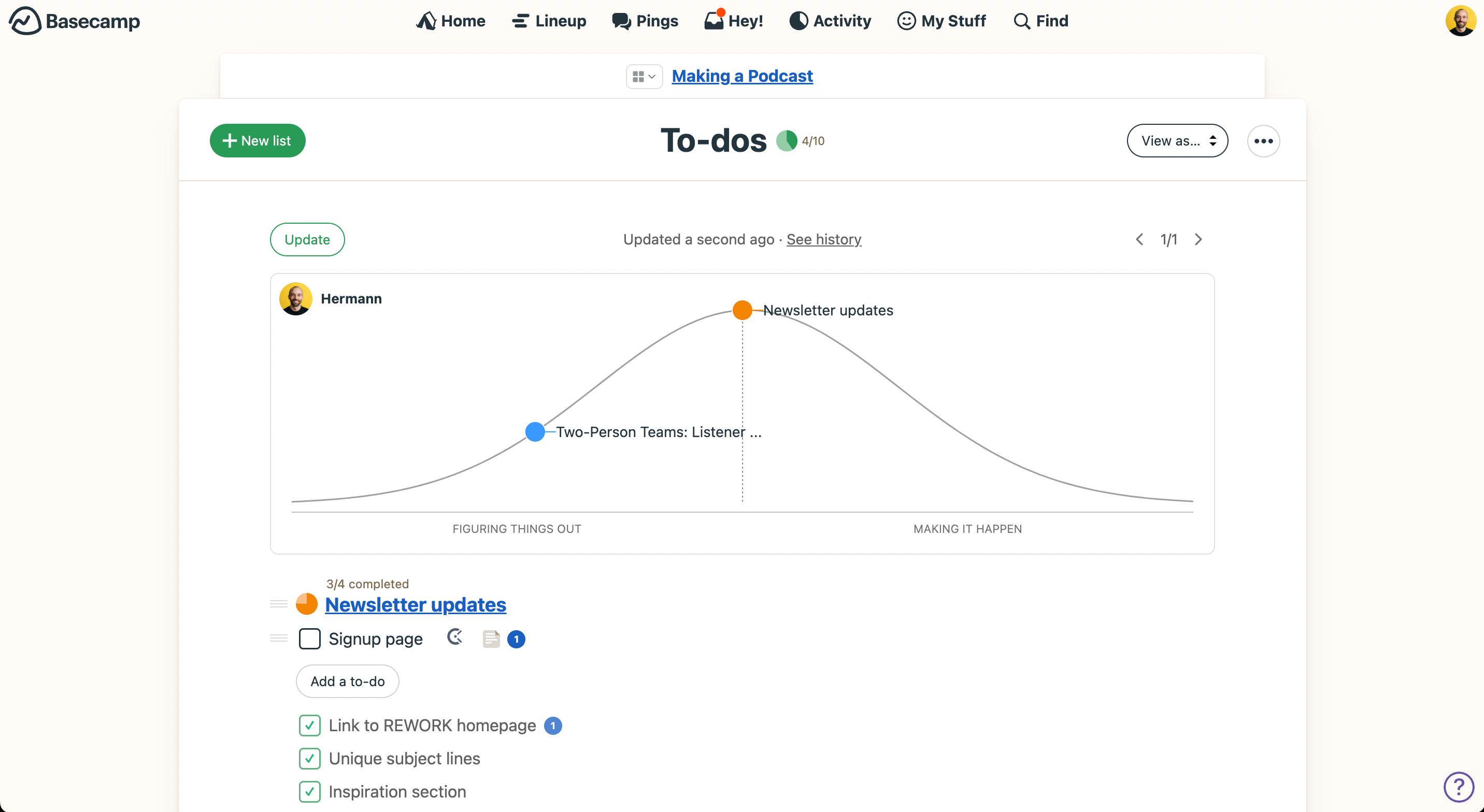
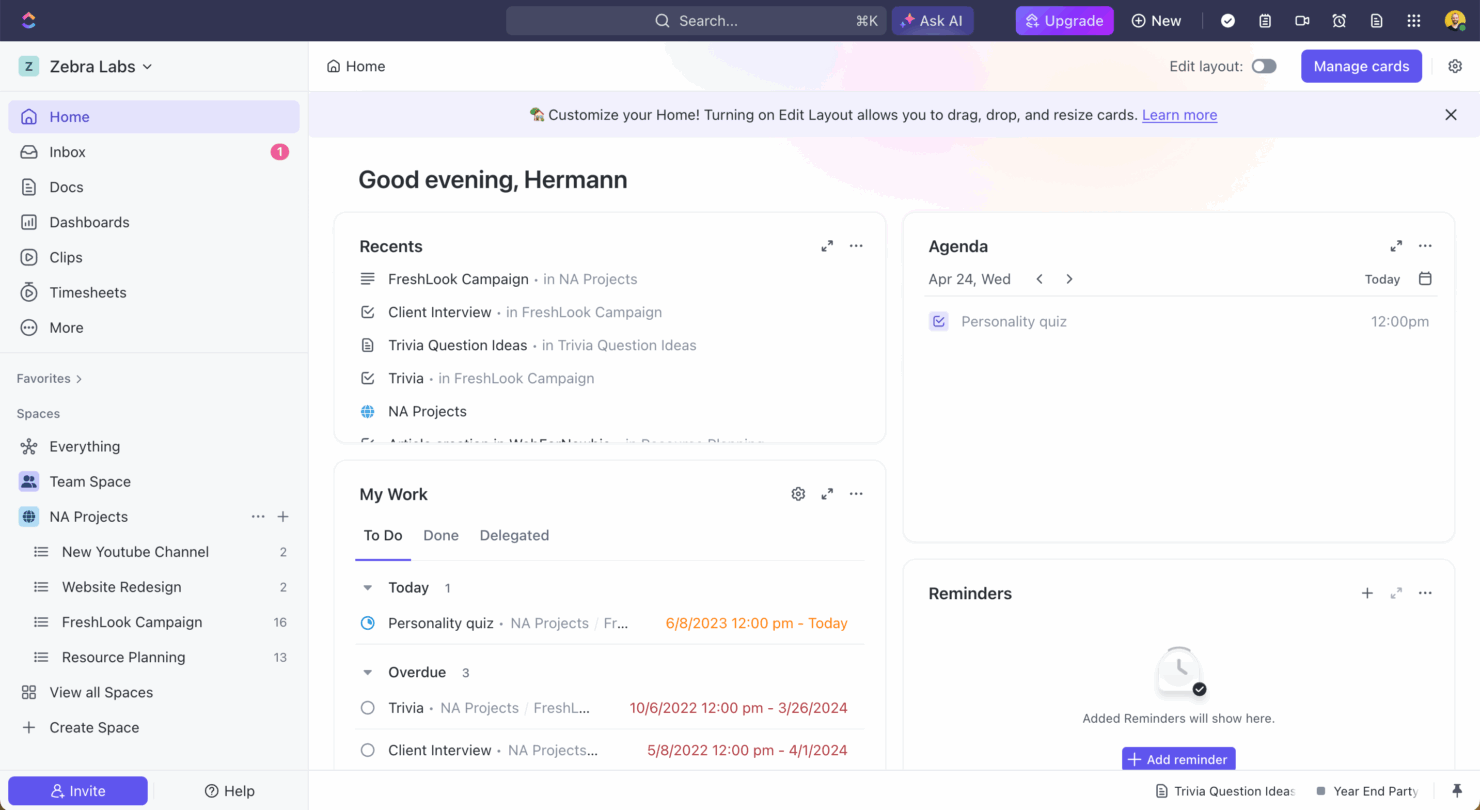
With Basecamp’s intuitive to-do lists, you can organize daily tasks and subtasks and centralize project work and communications. ClickUp’s versatile task views and capabilities, which include time tracking and bulk editing, are great for managing complex projects where flexibility and detailed oversight are crucial.
| Basecamp | ClickUp | |
|---|---|---|
| API | ||
| Batch Permissions & Access | ||
| Budgeting | ||
| Calendar Management | ||
| Collaboration Support | ||
| Contact Management | ||
| Contact Sharing | ||
| Customer Management | ||
| Dashboard | ||
| Dashboards | ||
| Data Export | ||
| Data Import | ||
| Data Visualization | ||
| Dependency Tracking | ||
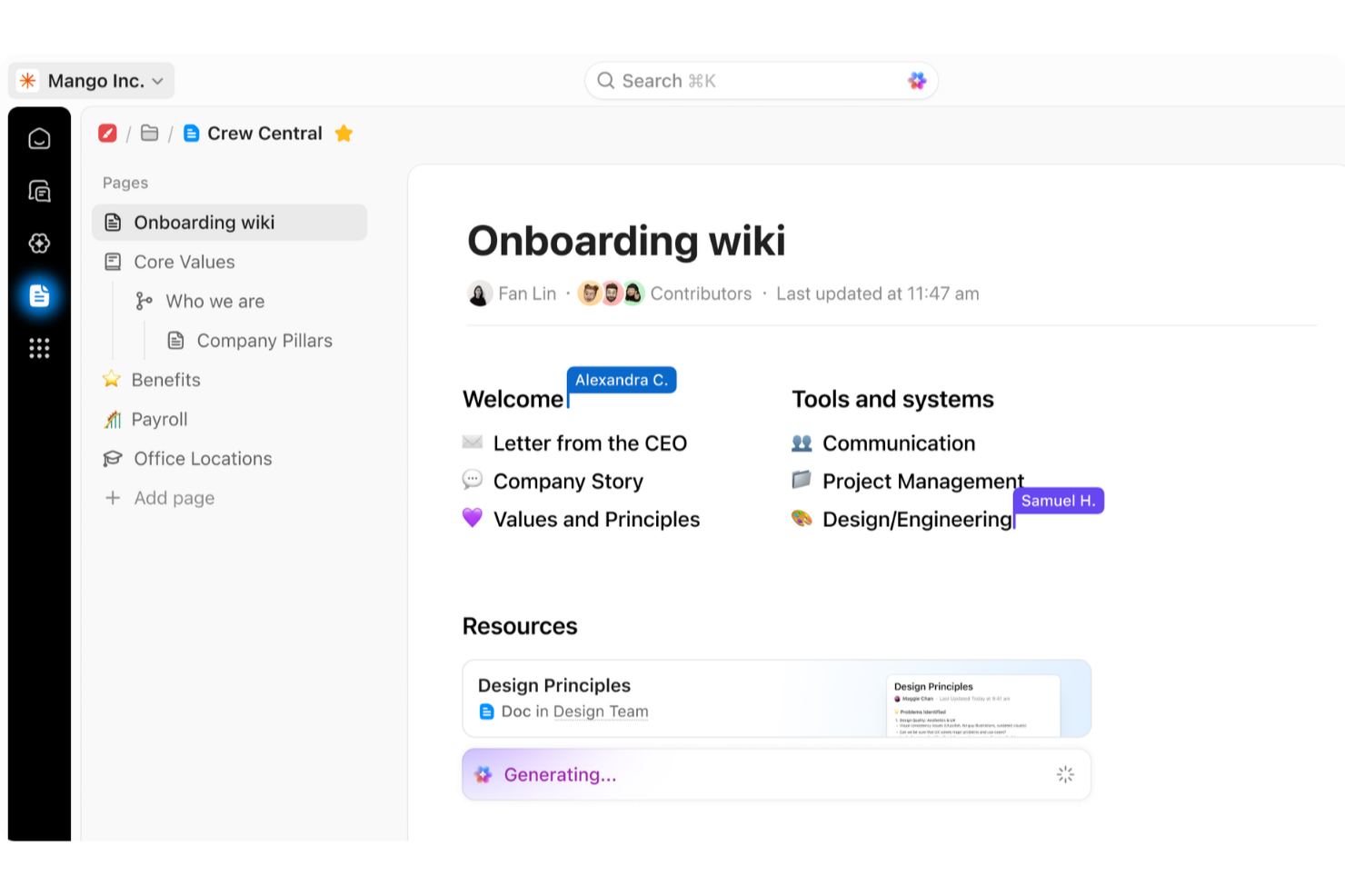
| Document Sharing | ||
| Expense Tracking | ||
| External Integrations | ||
| File Sharing | ||
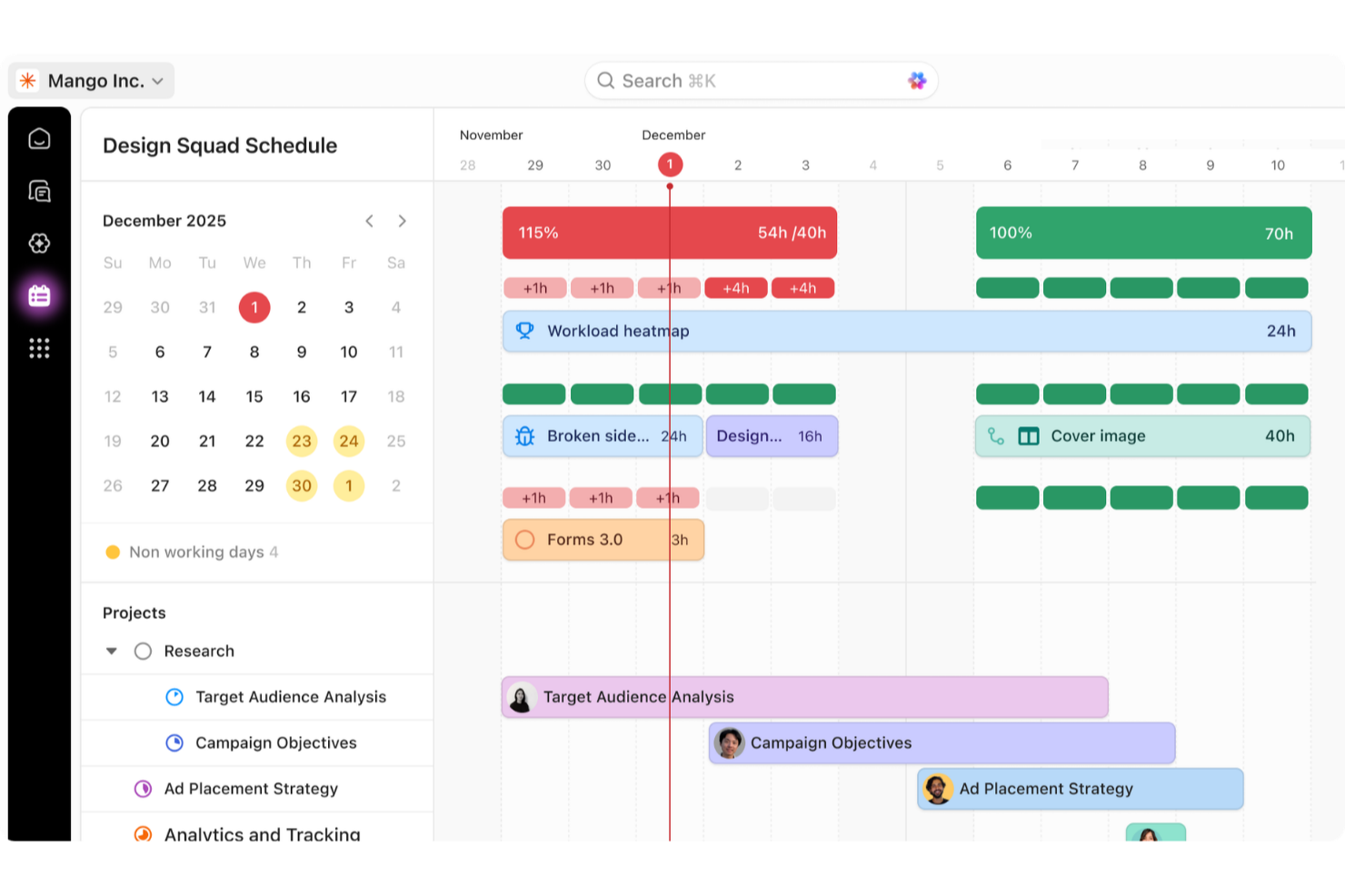
| Gantt Charts | ||
| Kanban Boards | ||
| Multi-User | ||
| Notifications | ||
| Project Management | ||
| Resource Management | ||
| Scheduling | ||
| Task Scheduling/Tracking | ||
| Third-Party Plugins/Add-Ons | ||
| Time Management | ||
| Travel Management | ||
| Workflow Management |
Basecamp vs. ClickUp Integrations
| Integration | Basecamp | ClickUp |
|---|---|---|
| Slack | ✅ | ✅ |
| Zoom | ✅ | ✅ |
| Google Calendar | ✅ | ✅ |
| Microsoft Teams | ✅ | ✅ |
| HubSpot | ✅ | ✅ |
| Adobe Creative Cloud | ✅ | ❌ |
| Salesforce | ✅ | ✅ |
| Figma | ✅ | ✅ |
| API | ✅ | ✅ |
| Zapier | ✅ | ✅ |
Basecamp's integration with Slack lets you keep team member conversations in one place, which is perfect for teams who thrive on open communication. ClickUp's integration with Google Calendar is great for scheduling and making sure nothing falls through the cracks.
Basecamp vs. ClickUp Security, Compliance & Reliability
| Factor | Basecamp | ClickUp |
|---|---|---|
| Data Encryption | Basecamp encrypts some data in transit and some data at rest. | ClickUp secures data with end-to-end encryption and is compliant with SOC 2. |
| Access Control | Basecamp provides role-based access controls so you can manage who sees what information. | ClickUp offers granular permission settings for users and teams. |
| Compliance Standards | Basecamp adheres to GDPR for data protection. | ClickUp complies with GDPR and HIPAA. |
Basecamp and ClickUp both offer robust security features, but ClickUp provides broader compliance options. When evaluating these tools, focus on the specific compliance standards your industry requires and make sure the vendor meets those specific needs.
Basecamp vs. ClickUp Ease of Use
| Factor | Basecamp | ClickUp |
|---|---|---|
| User Interface | Basecamp has an intuitive interface with clear navigation, which makes it simple to find what you need quickly. | ClickUp's interface is more complex but allows for customizable workflows. |
| Onboarding | Basecamp offers straightforward onboarding with helpful training videos and a welcome guide. | ClickUp provides a quick guide with videos and interactive features to ease users into the system. |
| Setup | Basecamp's setup is quick and requires minimal effort to get started. | ClickUp's setup can be more involved due to its extensive customization options. |
| Support | Basecamp provides a direct line of communication with support, including a welcome letter from the CEO. | ClickUp offers extensive support through guides and templates, but its complexity can require more assistance. |
Basecamp is easier to use with a simple setup and intuitive navigation, which makes it ideal for those who want to dive in quickly. ClickUp's flexibility can be overwhelming at first, but it offers powerful customization for those willing to invest time in learning its features.
Basecamp vs ClickUp: Pros & Cons
Basecamp
- With automatic check-ins, you can keep everyone updated without lengthy meetings.
- Basecamp's message board keeps your team communication clear and organized.
- You can easily get your team onboard with its intuitive interface.
- The tool is missing a built-in time tracking feature for tasks.
- Basecamp's simplicity might not meet the needs of complex project workflows.
- You might find the lack of advanced reporting tools limiting.
ClickUp
- Extensive task management features keep your projects organized and on track
- Real-time collaboration makes team communication more effective
- Built-in automations reduce manual work and speed up your workflow
- Users often find the learning curve steep due to its rich feature set
- Some users report occasional performance lags when managing large projects
- Mobile app can be less intuitive than the desktop version
Best Use Cases for Basecamp and ClickUp
Basecamp
- Small businesses You'll benefit from Basecamp's straightforward design and ease of use, which are ideal for managing projects without the complexity of more robust software.
- Creative agencies Its visual communication tools and message boards support creative brainstorming and project discussions.
- Remote teams Basecamp's centralized platform keeps remote team members connected and aligned on tasks and goals.
- Startups Quick onboarding and straightforward features help startups get organized fast without a learning curve.
- Non-profits Basecamp allows non-profit teams to focus on their mission by simplifying project tracking and communication.
- Freelancers Freelancers can manage their client projects efficiently with Basecamp’s task management and client communication tools.
ClickUp
- Creative agencies ClickUp's customizable dashboards and task automation features can help you manage client projects, track feedback and revisions, and keep creative teams aligned.
- Tech startups ClickUp supports agile development with sprints and real-time collaboration features that can help teams iterate quickly.
- Marketing teams You can streamline campaign planning and execution using ClickUp’s task dependencies and timelines.
- Remote teams ClickUp's real-time updates and collaboration tools keep everyone on the same page, no matter where they are.
- Product managers ClickUp’s roadmaps and goal-tracking features help you align development with business objectives.
- Freelancers You can track your tasks and deadlines efficiently with ClickUp’s simple task and time management tools.
Who Should Use Basecamp, and Who Should Use ClickUp?
In my opinion, Basecamp is perfect for small to medium-sized teams that value simplicity and clear communication and don’t need complex functionality. It's ideal for creative teams or startups looking for straightforward project management.
I believe ClickUp is best for larger organizations or tech-savvy teams that need a highly customizable tool. If your use case involves intricate projects that require detailed tracking and reporting, go with ClickUp.
Differences Between Basecamp and ClickUp
| Basecamp | ClickUp | |
|---|---|---|
| Automation | Basecamp lacks built-in automation features. | ClickUp provides automation capabilities that can improve your workflows. |
| Integrations | Basecamp offers limited integrations but includes popular tools like Slack. | ClickUp supports a wide range of integrations, including Google Calendar and Microsoft Teams. |
| Key Features | Basecamp focuses on essential project management tools like task lists and message boards. | ClickUp offers a wide range of features, including task views and time tracking. |
| User Interface | Basecamp has a simple and intuitive interface that is easy for beginners. | ClickUp's interface is complex but highly customizable for advanced users. |
| Read Basecamp ReviewOpens new window | Visit ClickUpOpens new window |
Similarities Between Basecamp and ClickUp
| Collaboration | Both platforms facilitate team communication—Basecamp offers message boards and ClickUp lets you chat and comment on tasks. |
|---|---|
| File Sharing | You can share files easily on both platforms; Basecamp integrates file storage within projects, while ClickUp allows attachments to tasks. |
| Mobile Usability | Both Basecamp and ClickUp have mobile apps, so you can manage your projects on the go. |
| Task Management | Both Basecamp and ClickUp offer tools for organizing tasks. Basecamp has to-do lists and ClickUp has customizable task views. |
| User-Friendly Design | Each platform is designed to be user-friendly. Basecamp is more straightforward and ClickUp offers more customization for experienced users. |
| Read Basecamp ReviewOpens new window Visit ClickUpOpens new window | |