MyCase Review: Pros, Cons, Features and Pricing Overview



MyCase is a project management software for lawyers built for solo practitioners and small firms. It brings case management, client communication, billing, and documents into one place. I'd consider it over something like Clio if client-facing communication is a priority—MyCase's built-in client portal is more central to how the product works.
MyCase Evaluation Summary
- From $50/user/month (billed annually)
- 10-day free trial
Why You Can Trust Us
We’ve been testing and reviewing project management software since 2012. As project managers ourselves, we know how critical and difficult it is to make the right decision when selecting software.
We invest in deep research to help our audience make better software purchasing decisions. We’ve tested more than 2,000 tools for different project management use cases and written over 1,000 comprehensive software reviews. Learn how we stay transparent & our software review methodology.
MyCase Overview
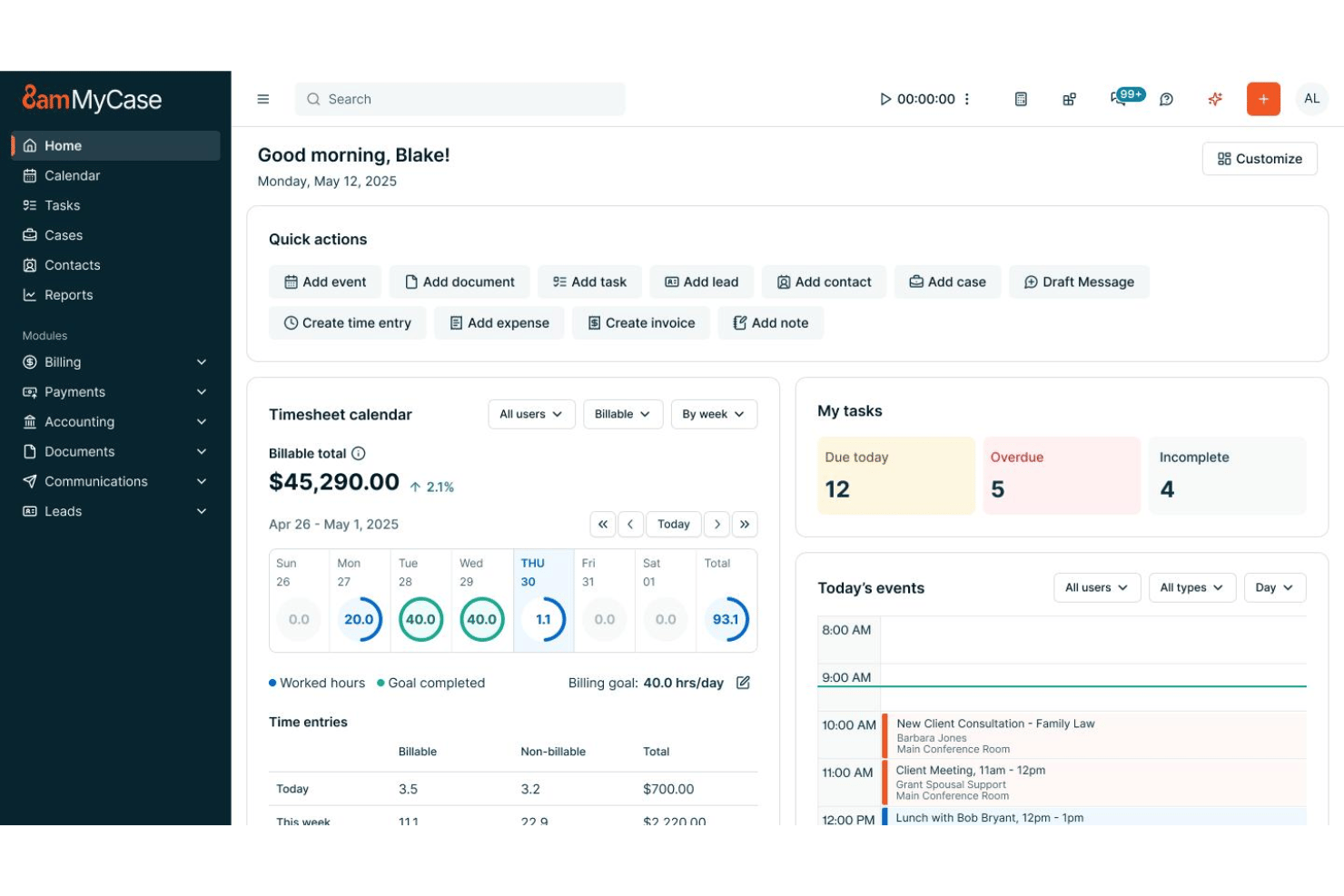
When I compare MyCase to others, I think its clean interface and built-in client portal make it easier for firms to manage matters, documents, billing, and communications in one place. The flat, transparent pricing simplifies budgeting, and onboarding is quick for small or midsized teams. While its integrations list isn’t as deep as some competitors, the core features work well together. I’d suggest MyCase is best for law practices seeking an all-in-one platform, especially if you value intuitive workflows and responsive support over heavy customization.
pros
-
Case management and billing workflows are tightly integrated
-
Client portal streamlines secure document sharing and communication
-
Automated reminders help ensure deadlines and court dates are met
cons
-
Bulk document management options are limited
-
Mobile app lacks full desktop functionality
-
Reports customization isn’t as granular as some firms need
-

Celoxis
Visit WebsiteThis rating combines scores from multiple user review sites to reflect overall customer sentiment about the product.4.5 -
Accelo
Visit WebsiteThis rating combines scores from multiple user review sites to reflect overall customer sentiment about the product.4.4 -
Wrike
Visit WebsiteThis rating combines scores from multiple user review sites to reflect overall customer sentiment about the product.4.3





Our Review Methodology
How We Test & Score Tools
We’ve spent years building, refining, and improving our software testing and scoring system. The rubric is designed to capture the nuances of software selection and what makes a tool effective, focusing on critical aspects of the decision-making process.
Below, you can see exactly how our testing and scoring works across seven criteria. It allows us to provide an unbiased evaluation of the software based on core functionality, standout features, ease of use, onboarding, customer support, integrations, customer reviews, and value for money.
Core Functionality (25% of final scoring)
The starting point of our evaluation is always the core functionality of the tool. Does it have the basic features and functions that a user would expect to see? Are any of those core features locked to higher-tiered pricing plans? At its core, we expect a tool to stand up against the baseline capabilities of its competitors.
Standout Features (25% of final scoring)
Next, we evaluate uncommon standout features that go above and beyond the core functionality typically found in tools of its kind. A high score reflects specialized or unique features that make the product faster, more efficient, or offer additional value to the user.
We also evaluate how easy it is to integrate with other tools typically found in the tech stack to expand the functionality and utility of the software. Tools offering plentiful native integrations, 3rd party connections, and API access to build custom integrations score best.
Ease of Use (10% of final scoring)
We consider how quick and easy it is to execute the tasks defined in the core functionality using the tool. High scoring software is well designed, intuitive to use, offers mobile apps, provides templates, and makes relatively complex tasks seem simple.
Onboarding (10% of final scoring)
We know how important rapid team adoption is for a new platform, so we evaluate how easy it is to learn and use a tool with minimal training. We evaluate how quickly a team member can get set up and start using the tool with no experience. High scoring solutions indicate little or no support is required.
Customer Support (10% of final scoring)
We review how quick and easy it is to get unstuck and find help by phone, live chat, or knowledge base. Tools and companies that provide real-time support score best, while chatbots score worst.
Customer Reviews (10% of final scoring)
Beyond our own testing and evaluation, we consider the net promoter score from current and past customers. We review their likelihood, given the option, to choose the tool again for the core functionality. A high scoring software reflects a high net promoter score from current or past customers.
Value for Money (10% of final scoring)
Lastly, in consideration of all the other criteria, we review the average price of entry level plans against the core features and consider the value of the other evaluation criteria. Software that delivers more, for less, will score higher.
Core Features
Case Management
Track all case documents, deadlines, notes, and contacts in one place. Quickly view open tasks and upload new filings tied to specific cases.
Time Tracking
Log billable hours directly within each matter and tie them to invoices. Use timers or manual entry to capture work as it happens.
Billing and Invoicing
Create, send, and manage invoices customized for each client or matter. Set up automated recurring billing or online payment reminders.
Calendaring and Deadline Management
Sync court dates and appointments with firm and personal calendars. Automated reminders help teams avoid missing important deadlines.
Document Automation and E-Signatures
Generate routine legal documents with templates and send them for e-signature in a few clicks. All finalized forms save directly to the case file.
Built-In Client Portal
Give clients 24/7 access to their case status, documents, and invoices. Secure messaging reduces email back-and-forth and keeps communication organized.
Ease of Use
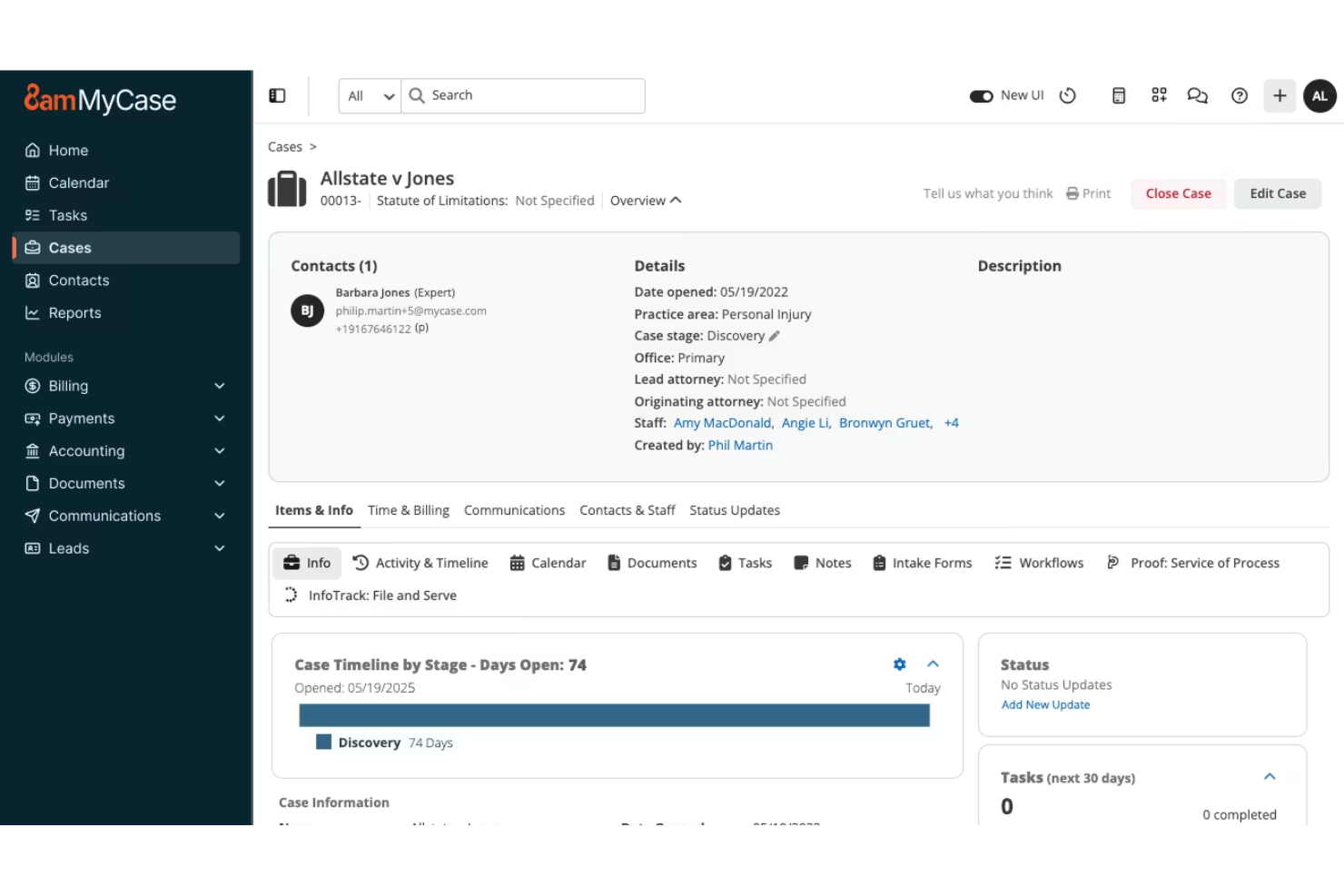
MyCase stands out for its intuitive layout—core legal tasks like billing, calendaring, and document storage are easy to learn and use without training. I see lawyers consistently mention in reviews that getting new staff up to speed is fast, and features like one-click invoice creation, seamless dashboard navigation, and drag-and-drop document management save time day to day.
Integrations
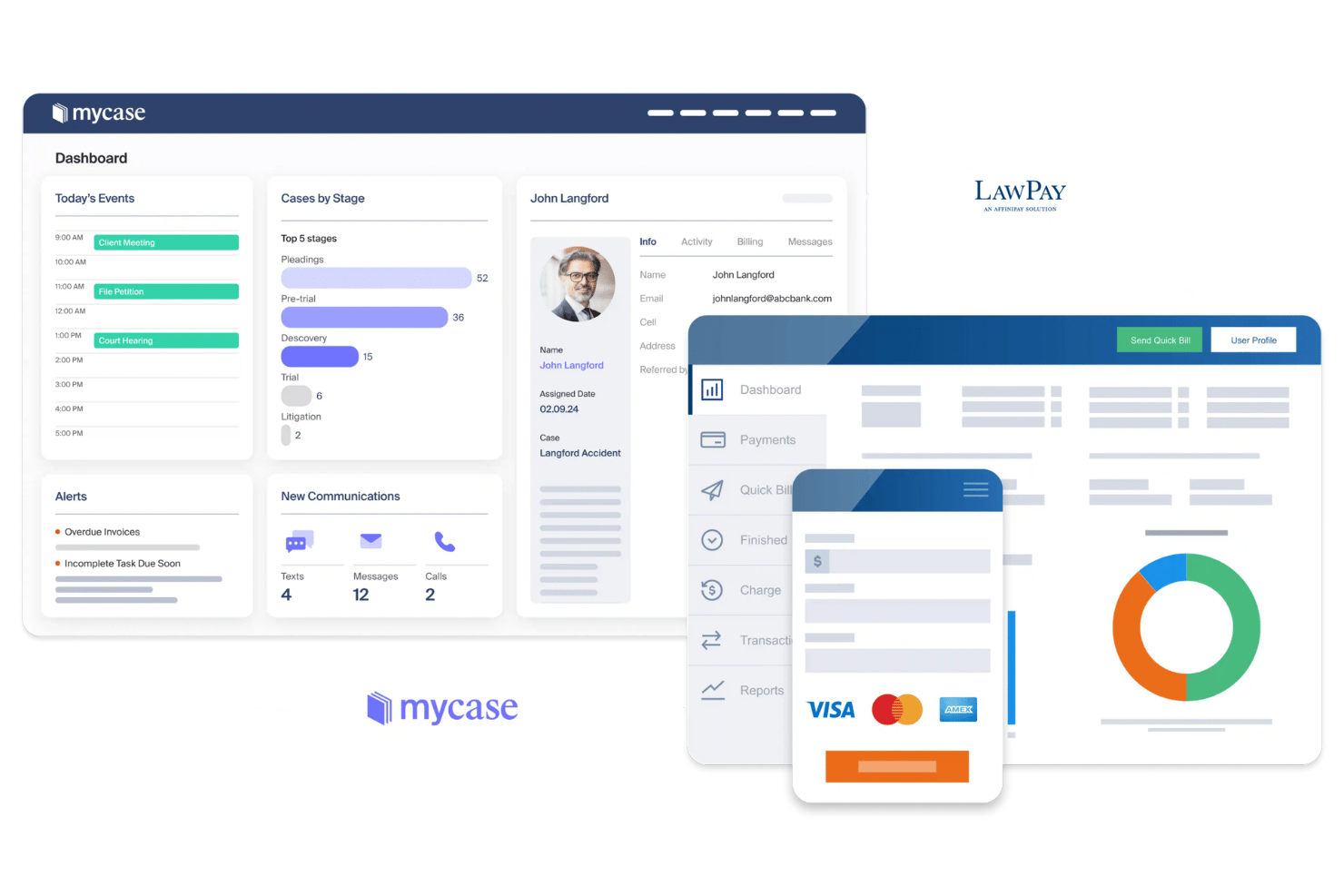
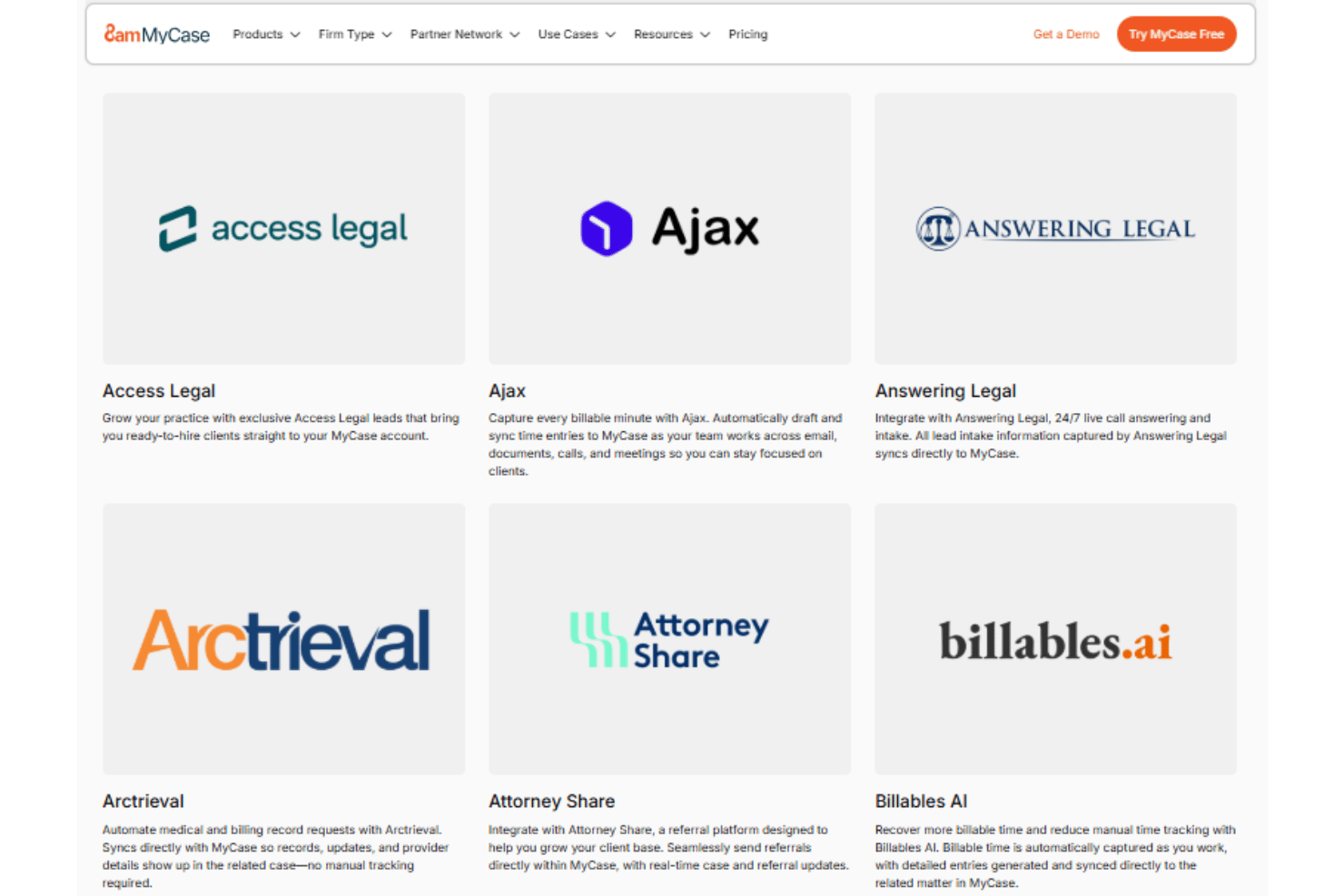
MyCase integrates with QuickBooks Online, Dropbox, Google Calendar, Microsoft Outlook, Ajax, Mailchimp, and CallRail, among others.
MyCase also offers an open API for custom integrations and connects with select third-party tools like Zapier.
MyCase Specs
- 2-Factor Authentication
- API
- Approval Workflows
- Audit Trail
- Calendar Management
- Compliance Tracking
- Contract Management
- Custom Reports
- Customer Management
- Data Export
- Data Import
- Document Management
- External Integrations
- Multi-User
- NDA Management
- Notifications
- Policy Management
- Scheduling
- Workflow Management