

10 alternative verktøy til Acuity Scheduling det er verdt å prøve i 2026

Kortliste over de beste alternativene til Acuity Scheduling


Acuity Scheduling er et verktøy som gjør det mulig for virksomheter å administrere avtaler og bestillinger effektivt, men det passer ikke nødvendigvis til alle virksomheters behov.
For å hjelpe deg med å finne de beste alternativene til Acuity Scheduling vurderte jeg de beste løsningene med lignende funksjonalitet og egenskaper. Med utgangspunkt i erfaringen min med denne typen programvare fra tiden min som prosjektleder gjennomgikk jeg hvert alternativ, med særlig fokus på fordeler, ulemper, kostnader og integrasjoner.
Hva er Acuity Scheduling?
Acuity Scheduling er en nettbasert programvare for timebestilling som lar deg administrere avtaler og bestillinger. Den brukes ofte av prosjektledere i tjenestebaserte virksomheter, for eksempel salonger, spaer, personlige trenere og konsulenter, for å forbedre planleggingsprosessen, redusere antallet uteblivelser og gi kundene en bedre opplevelse.
Hvorfor du kan stole på våre programvareanbefalinger
Teamet vårt har testet og anmeldt programvare siden 2012. Vi er selv prosjektledere, så vi vet hvor vanskelig og hvor viktig det er å velge riktig programvare.
I denne guiden har vi vurdert verktøyene gjennom praktisk testing og uavhengig research og gitt dem poeng ut fra våre utvelgelseskriterier. Vi bygger også på innsikt fra ledende eksperter i bransjen og erfarne prosjektledere.
Anmeldelsene våre bygger på vår egen redaksjonelle vurdering. De er ikke et salgsargument.
Ekspertanmeldere:
Sammenligningstabell over alternativer til Acuity Scheduling
Denne sammenligningstabellen oppsummerer prisopplysningene for mine beste utvalgte alternativer til Acuity Scheduling:
| Tool | Best For | Trial Info | Price | ||
|---|---|---|---|---|---|
| 1 | Best for team-based scheduling and integrations | Free plan + demo available | From $10/user/month (billed annually) | Website | |
| 2 | Best for unique scheduling experiences | Free plan + 14-day trial + demo available | Pricing upon request | Website | |
| 3 | Best for finding meeting times by group poll | Free plan + free demo available | From $16/user/month (billed annually) | Website | |
| 4 | Best for advanced feature sets and integrations | Free plan + 7-day free trial available | From $7/user/month (billed annually) | Website | |
| 5 | Best for customizable booking pages | Free plan + 30-day trial + demo available | From $12/user/month | Website | |
| 6 | Best for service-based industries with custom features | Free plan + 14-day free trial + free demo available | From $13.90/month | Website | |
| 7 | Best for reducing no-shows with automated reminders | 15-day free trial available | From £360/bundle/year (billed annually) | Website | |
| 8 | Best for qualifying leads before booking | Free plan + 14-day free trial + free demo available | From $12/user/month | Website | |
| 9 | Best for switching from Schedulicity | 30-day free trial + free demo available | From $30/month | Website | |
| 10 | Best for integrated point of sale and scheduling | Free plan + 30-day free trial available | From $49/month | Website |
Anmeldelser av de beste alternativene til Acuity Scheduling
Jeg skal gå gjennom fordelene og ulempene ved hvert av de følgende alternativene til Acuity Scheduling. Finn ut mer om funksjonene og bruksområdene deres for å finne det rette verktøyet for dine behov.

Calendly
Best for team-based scheduling and integrations
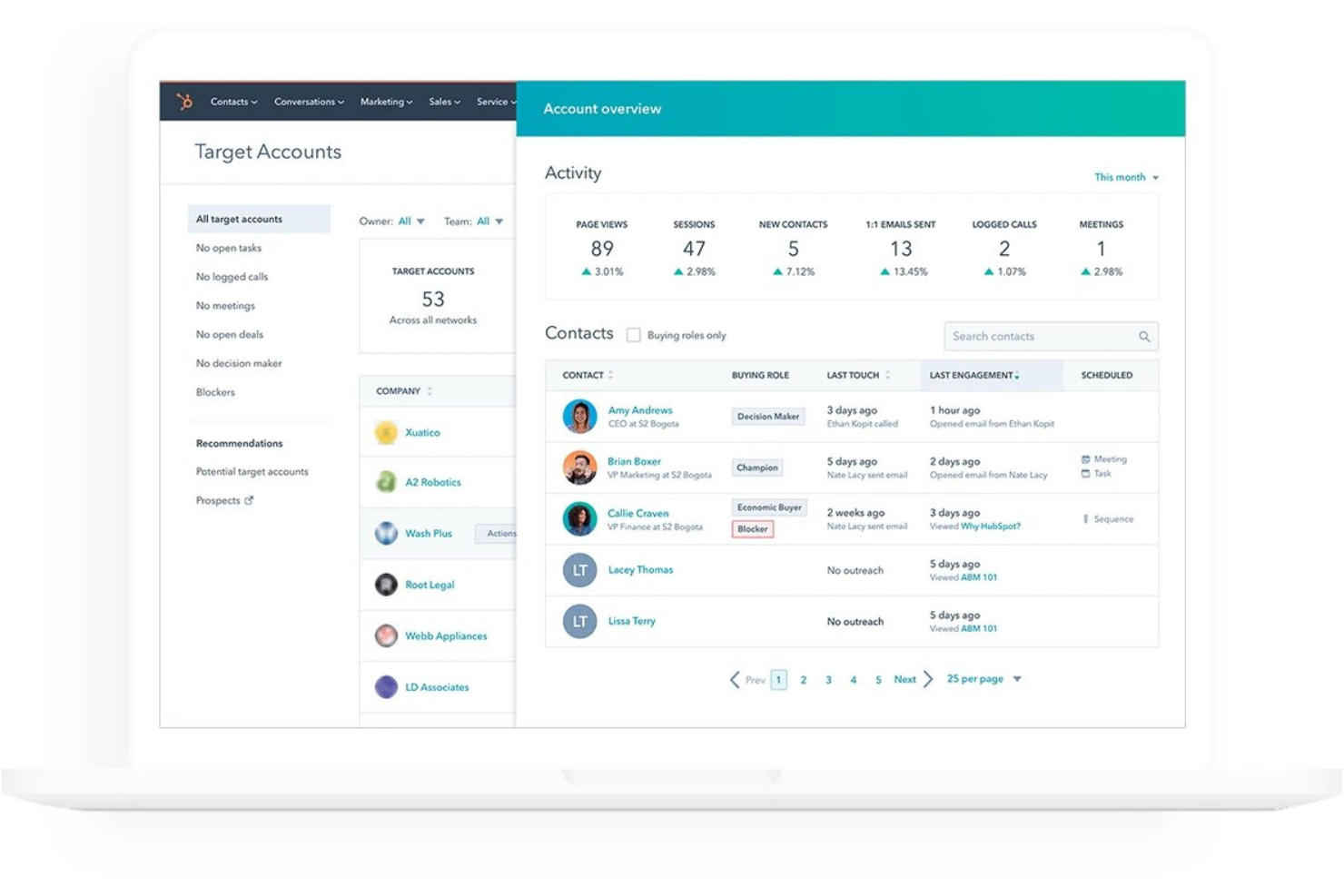
Calendly is a scheduling platform that lets clients self-book appointments through shareable booking links, with support for multiple event types, calendar sync, automated reminders, payment collection, and team-based routing.
Who Is Calendly Best For?
Calendly suits teams that rely on high-volume meeting coordination across multiple people, calendars, and tools.
Why I Picked Calendly
Calendly earns its spot on my shortlist because of how well it handles team-based scheduling at scale. I especially like the Round Robin and Collective event types, which automatically distribute meetings across available teammates or surface times when everyone is free simultaneously. Routing forms add another layer by qualifying leads before booking and directing them to the right person based on their responses.
Calendly Key Features
- Automated email and SMS reminders: Set up automated reminders and follow-up messages triggered at booking, before a meeting starts, or after it ends.
- Payment collection at booking: Accept upfront payments or deposits through Stripe or PayPal when a client books, with packages and invoices also available.
- Routing forms: Collect invitee responses before booking to qualify leads and direct them to the right team member automatically.
- Booking page customization: Adjust branding, colors, confirmation pages, and invitee questions to match your business and gather relevant information upfront.
Calendly Integrations
Calendly lists 150+ integrations, including Google Calendar, Outlook, Zoom, Google Meet, Stripe, PayPal, HubSpot, and Salesforce, plus Zapier. It also offers a REST API, webhooks, an MCP server, and HTML embeds for custom integrations.
Pros and Cons
Pros:
- Automated reminders reduce manual follow-up
- Round-robin scheduling distributes appointments across teammates
- Clients book available times without message exchanges
Cons:
- No documented room or multi-location scheduling
- Class bundles and coupons are less suited

Best for unique scheduling experiences
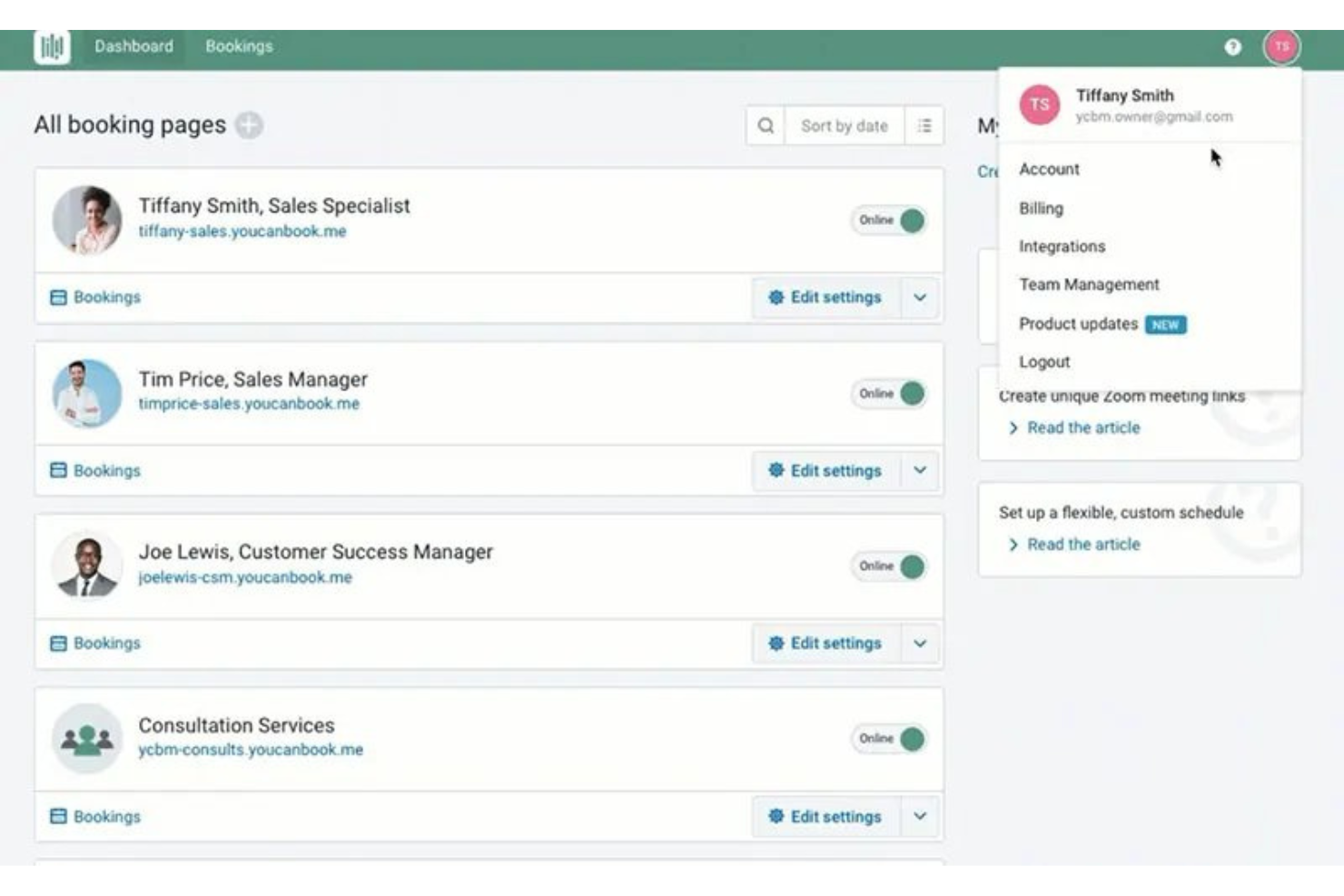
YouCanBookMe is a scheduling tool that lets clients self-book appointments through branded, embeddable booking pages, with calendar sync, automated notifications, payment collection via Stripe, and team-based availability management.
Who Is YouCanBookMe Best For?
YouCanBookMe is a strong fit for solo practitioners, coaches, and small service businesses that want highly customizable booking pages with flexible availability controls.
Why I Picked YouCanBookMe
YouCanBookMe earns its spot on my shortlist because the booking experience itself is genuinely configurable in ways most scheduling tools aren't. I'm talking about things like conditional logic in notifications, group session support, and per-appointment-type availability rules, all living on a single branded page clients can book through without creating an account. I love that you can set buffer times, password-protect pages, and even let clients choose their meeting duration, which makes it feel tailored rather than generic.
YouCanBookMe Key Features
- Round-robin assignment: Automatically distributes incoming bookings among team members using equal distribution, first-available, or a defined order.
- Meeting polls: Lets you propose multiple time options for group participants to vote on before a confirmed calendar invitation is sent.
- Booking-form conditional logic: Collects client information through questions that adapt based on previous answers, including hidden and passthrough fields.
- Marketing pixel tracking: Tracks booking-page views and conversions using Google Analytics, Facebook, Instagram, and LinkedIn Pixel tags.
YouCanBookMe Integrations
YouCanBookMe offers native integrations with Google Calendar, Microsoft Calendar, Apple Calendar, Fastmail, Zoom, Google Meet, Microsoft Teams, Stripe, HubSpot, and Slack. It also provides API access, webhooks, and Zapier connectivity.
Pros and Cons
Pros:
- Round-robin distributes bookings across team members
- Appointment-specific durations, buffers, and rules
- Booking pages cut scheduling back-and-forth
Cons:
- Conditional rules cannot combine multiple conditions
- Calendar sync delays can cause conflicts

Doodle
Best for finding meeting times by group poll
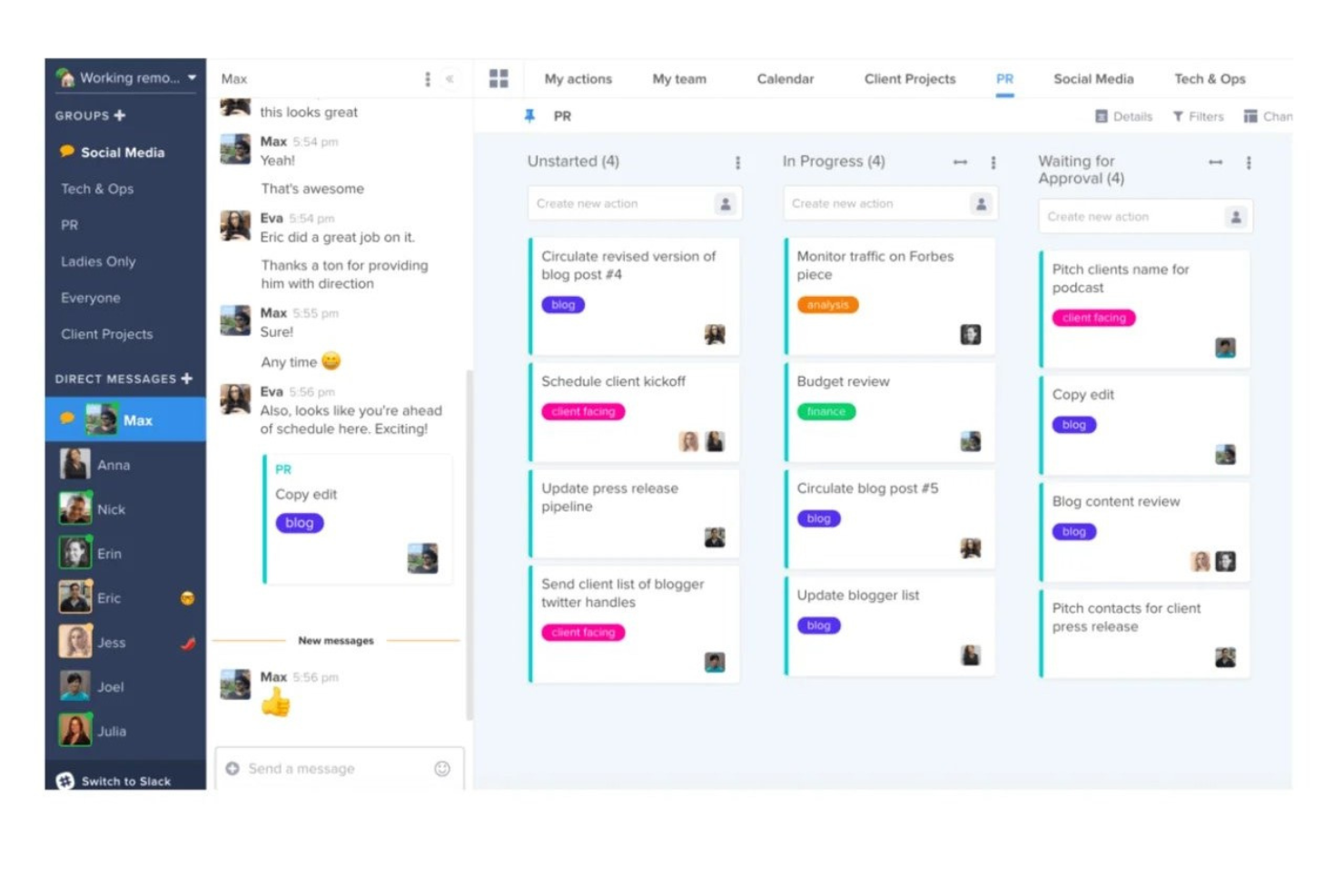
Doodle is a scheduling tool that combines group poll-based meeting coordination, shareable booking pages, and 1:1 scheduling links with built-in video conferencing integrations for Zoom, Microsoft Teams, Google Meet, and Webex.
Who Is Doodle Best For?
Doodle is a strong fit for solo professionals and small teams who need a quick way to coordinate meetings across Zoom, Google Meet, Microsoft Teams, or Webex without chasing availability by email.
Why I Picked Doodle
I picked Doodle as one of the best because its video conferencing integrations are genuinely built in, not bolted on. When you schedule through a Booking Page or Group Poll, Doodle automatically generates and attaches the meeting link for Zoom, Google Meet, Microsoft Teams, or Webex, so there's no copy-pasting or manual setup. I also like that Group Polls let you coordinate across a whole group without anyone needing a Doodle account, which makes it practical for external stakeholders.
Doodle Key Features
- Booking Page with custom questions: Invitees can select a time, enter their details, and answer a custom question you've added before their booking is confirmed.
- Group Polls for multi-participant scheduling: Share a poll link so multiple people can vote on available times without needing a Doodle account.
- Stripe payment collection at booking: Collect payment from invitees directly within the booking flow before a confirmation is issued.
- Sign-up Sheets for session-based events: Coordinate classes, events, or volunteer sessions with set capacities, custom questions, and enrollment tracking.
Doodle Integrations
Doodle offers native integrations with Google Calendar, Google Meet, Zoom, Microsoft Teams, Webex, Stripe, and Microsoft 365, including Outlook and Exchange Online. It also supports Zapier, while a public API isn’t documented.
Pros and Cons
Pros:
- Booking links support simple client self-booking
- Calendar syncing helps prevent double-bookings
- Group polls settle busy groups’ availability
Cons:
- Few reminder timing and channel options
- No service menus or location-based scheduling

Bookafy
Best for advanced feature sets and integrations
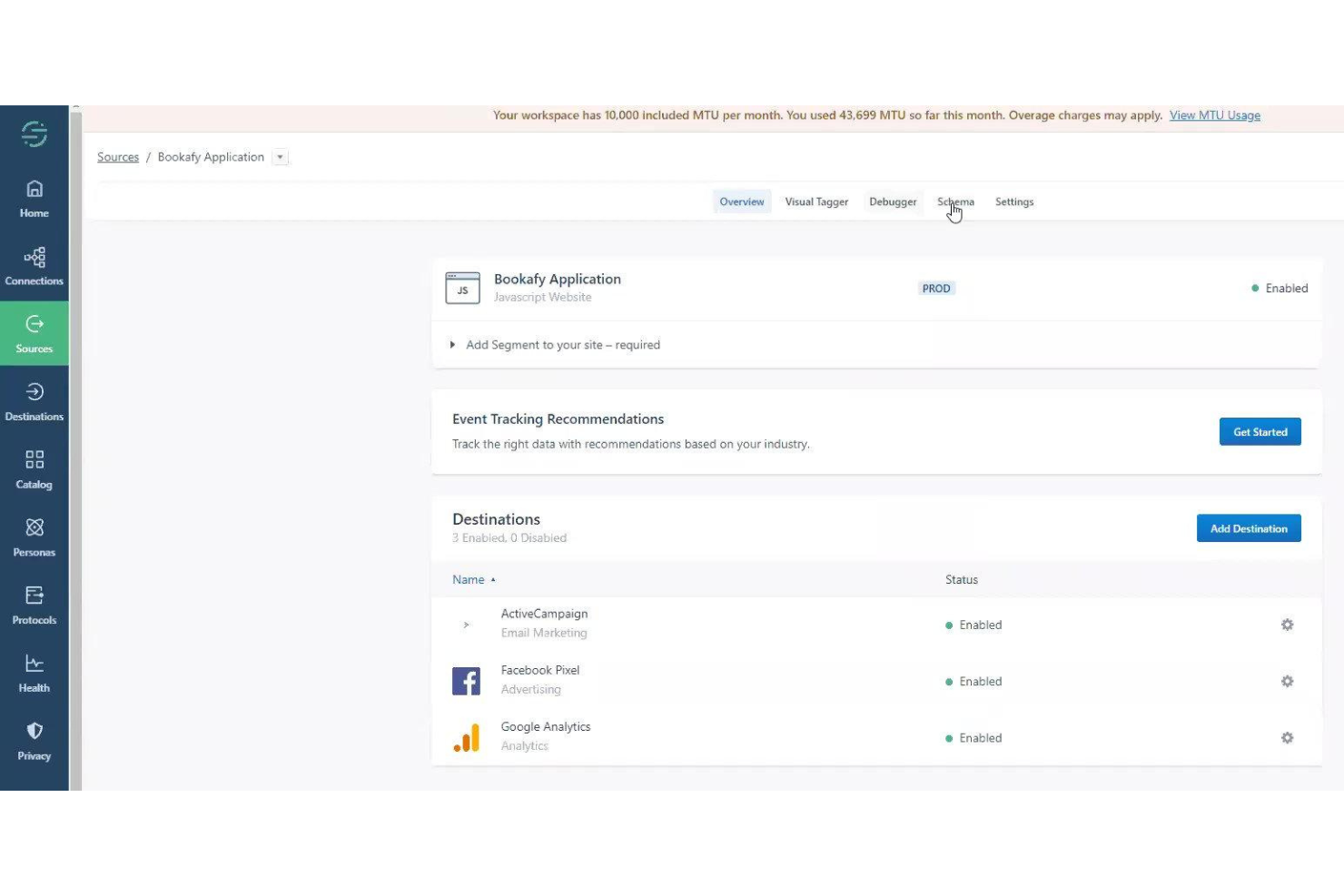
Bookafy is an online appointment scheduling platform with two-way calendar sync, automated reminders, client self-booking, team routing, payment collection, and an open API with webhook support.
Who Is Bookafy Best For?
Bookafy is a strong fit for solo providers and small service businesses that need a feature-rich booking setup—with API access, calendar sync, and payment collection—without paying Acuity's higher rates.
Why I Picked Bookafy
Bookafy earns its spot on my shortlist because of how much it packs into a genuinely affordable platform, especially for teams that need API access and real routing logic without paying Acuity's rates. I particularly like the skill-based and round-robin routing, which automatically distributes bookings to the right staff member based on what they're qualified to do. The REST API with webhook support for booking creation, cancellation, and rescheduling also means you can pipe booking events into your own systems in real time, something that's hard to get at this price point.
Bookafy Key Features
- Two-way calendar sync: Connects with Google Calendar, Outlook/Office 365, Exchange, and iCloud to block existing commitments and write new bookings automatically.
- Automated email and SMS reminders: Sends configurable pre-appointment reminders by email on Free and by SMS on paid plans, with reschedule and cancellation links included.
- Online payment collection: Accepts deposits or full payments at the time of booking through the client's own Stripe or Authorize.net account, configurable per service.
- Social booking buttons: Adds "Book Now" buttons directly to Facebook, Instagram, and LinkedIn profiles so clients can book without visiting a separate website.
Bookafy Integrations
Bookafy has native integrations with Google Calendar, Microsoft 365, Exchange, iCloud, Zoom, Microsoft Teams, Webex, GoToMeeting, Stripe, and Authorize.net. It also supports REST API/webhooks and integrations through Zapier and Make, which connect to 3,000+ apps.
Pros and Cons
Pros:
- Staff routing handles skill-based appointments
- Automated reminders reduce manual follow-up
- Clients book without scheduling back-and-forth
Cons:
- Reporting gives limited appointment insight
- Calendar sync failures risk double-bookings

Setmore
Best for customizable booking pages
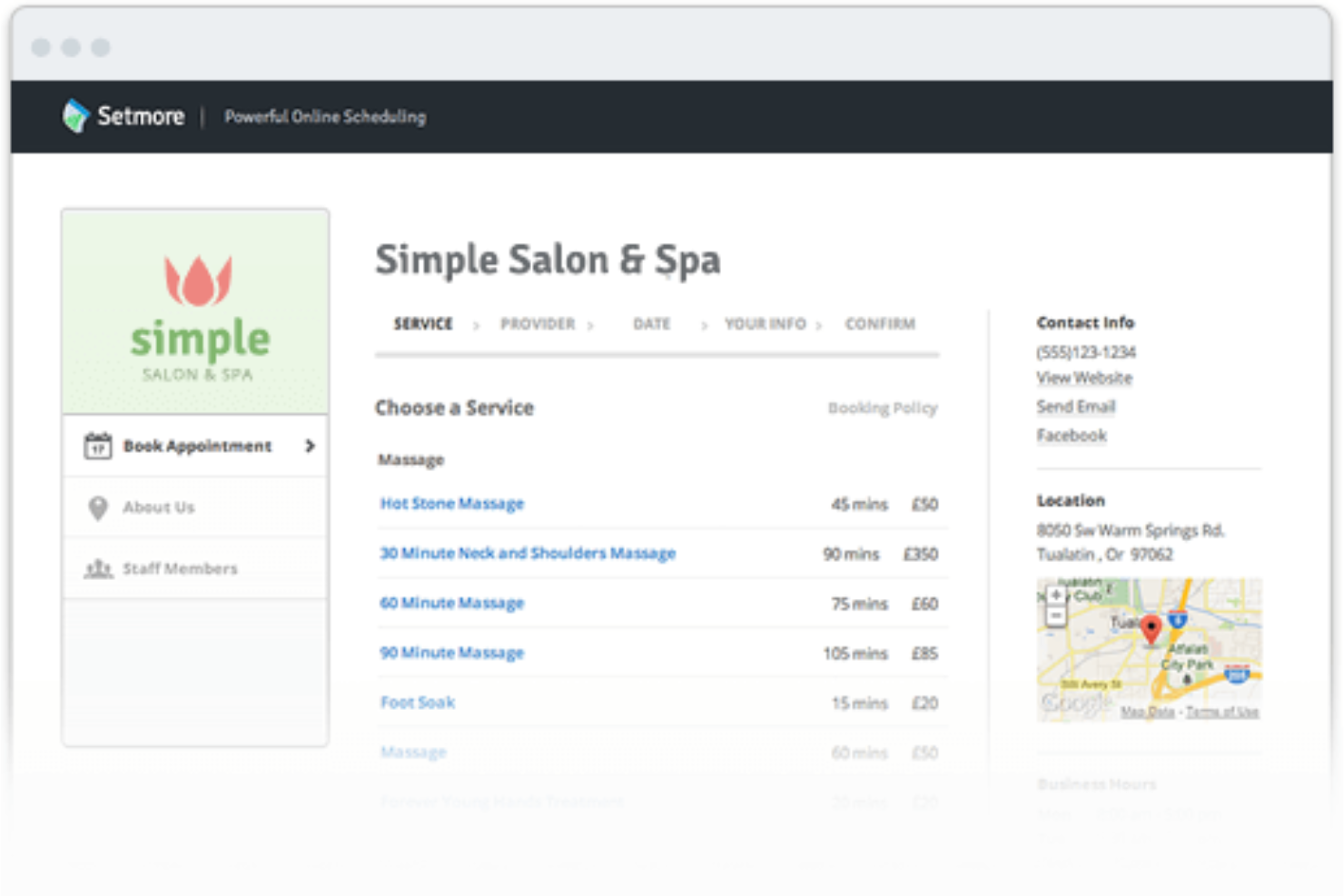
Setmore is an online appointment scheduling tool with a customizable Booking Page, client self-booking, automated reminders, payment collection, and multi-staff calendar management.
Who Is Setmore Best For?
Setmore is a strong fit for solo service providers and small businesses—particularly in salons, fitness, and consulting—who want a polished, client-facing booking page without paying for features they don't need.
Why I Picked Setmore
Setmore earns its spot on my shortlist because of how much control it gives you over your client-facing Booking Page. You can brand it with your logo, colors, and images, add per-staff booking links, and configure per-service availability windows so clients only see the slots that actually make sense for them. I also like that returning clients can log in to view and manage their upcoming appointments directly, which cuts down on the back-and-forth that typically clogs up a solo provider's inbox.
Setmore Key Features
- Customer login portal: Returning clients can sign in with email, Google, or Facebook to view upcoming appointments, update their contact details, and self-manage rescheduling or cancellations.
- SMS reminders: Pro users can send one automated text reminder per appointment, with configurable lead times of up to 30 days before the booking.
- Deposit collection: Businesses can require a fixed or percentage deposit at time of booking through connected payment providers including Square, Stripe, PayPal, and LawPay.
- Team permission levels: Admins can assign staff one of four access tiers—No Access, Standard, Enhanced, or Admin—to control what each team member can view and manage.
Setmore Integrations
Setmore offers native integrations with Google Calendar, Office 365 Calendar, Zoom, Google Meet, Square, Stripe, PayPal, HubSpot, and QuickBooks. It also provides a REST API for custom integrations and supports Zapier.
Pros and Cons
Pros:
- Service-specific links make booking more direct
- Automated reminders reduce manual follow-up
- Clients book directly through branded pages
Cons:
- Staff calendars lack a single master view
- Calendar syncing can require reconnection

Best for service-based industries with custom features
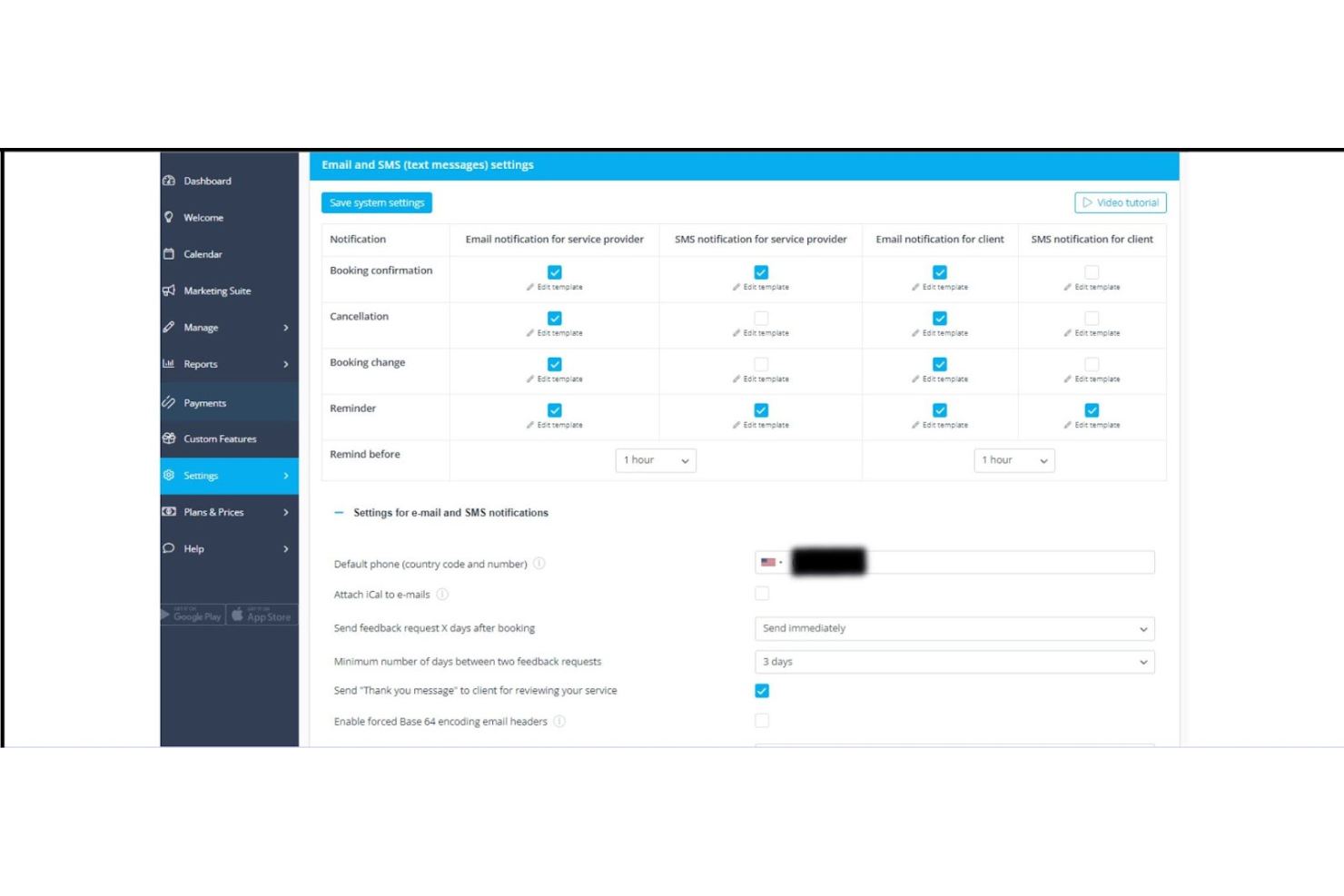
SimplyBook.me is an online booking system for service-based businesses that combines client self-booking, multi-staff scheduling, payment collection, automated notifications, and a customizable booking website.
Who Is SimplyBook.me Best For?
SimplyBook.me is a strong fit for solo practitioners and small service businesses—think salons, coaches, and consultants—that need a highly configurable booking setup without enterprise complexity.
Why I Picked SimplyBook.me
SimplyBook.me earns its spot on my shortlist because of how much configurability it gives service-based businesses without requiring an enterprise budget. I particularly like the custom features system, where you can layer on things like intake forms, resource scheduling, and waiting lists based on your specific setup rather than paying for a bloated all-in-one plan. For a salon managing multiple therapists with different services and room assignments, or a consultant gating discovery calls behind specific booking rules, that level of control is genuinely useful.
SimplyBook.me Key Features
- Client self-booking across multiple channels: Clients can book appointments 24/7 through your website, Facebook, Instagram, Google Business, or the SimplyBook.me client app.
- Automated email notifications: The system sends booking confirmations, reminders, cancellations, and rescheduling notices to clients and staff using customizable templates.
- Multi-location and resource management: Rooms, equipment, and other limited resources can be linked to specific services, with the system blocking bookings when those resources are unavailable.
- Role-based staff access: Administrators can assign staff roles that control whether employees can manage all bookings, only their own schedule, or have read-only access.
SimplyBook.me Integrations
SimplyBook.me offers native integrations with Google Calendar, Outlook Calendar, Stripe, PayPal, Square, WordPress, Google Meet, QuickBooks, FreshBooks, and Xero. It also provides JSON-RPC and REST APIs for custom integrations and supports Zapier.
Pros and Cons
Pros:
- Deposits fit directly into appointment booking
- Custom reminders help reduce missed appointments
- Clients book appointments without back-and-forth
Cons:
- Calendar sync can lag or misread time zones
- Initial setup can feel confusing

Best for reducing no-shows with automated reminders
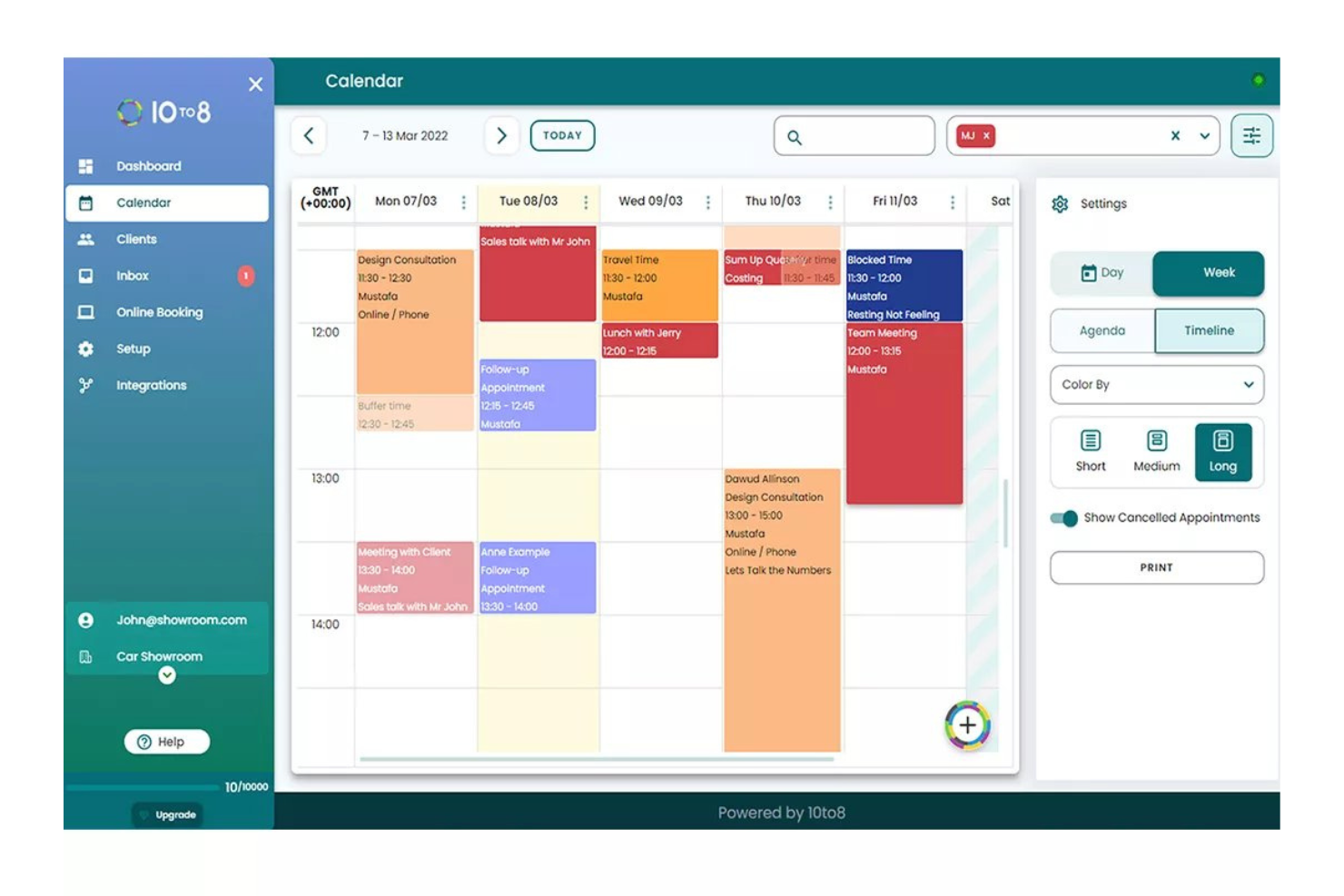
Sign In Scheduling is an appointment booking tool that lets clients self-book, reschedule, or cancel appointments online, with multi-staff calendar management, customizable booking rules, and automated multi-channel reminders via email, SMS, and voice.
Who Is Sign In Scheduling Best For?
Sign In Scheduling suits organizations that already use Sign In App for visitor management and want appointment booking built into the same platform.
Why I Picked Sign In Scheduling
Sign In Scheduling earns its spot on my shortlist because of how seriously it treats no-show prevention, with automated reminders sent via email, SMS, and voice calls before every appointment. I especially like that it tracks no-shows directly by flagging any booked visitor who doesn't sign in, giving you a clear record rather than just a hunch. Clients can also book, reschedule, or cancel themselves through a branded page, which cuts the back-and-forth that usually leads to forgotten appointments in the first place.
Sign In Scheduling Key Features
- Multi-channel client notifications: Customers receive appointment confirmations and updates via email, SMS, or automated voice call based on contact details on file.
- Online payment collection: Clients can pay for services through Stripe or PayPal directly at the time of booking, with external payment recording also available.
- Staff calendar management: Each bookable staff member has an individual calendar, with assignment controls tied to specific services, teams, and locations.
- Branded booking page customization: Booking pages can be tailored with custom logos, header images, and themes to match the organization's branding.
Sign In Scheduling Integrations
Sign In Scheduling offers calendar integrations with Google, Office 365, Exchange, Outlook, and iCloud/iCal, plus Salesforce on Enterprise/Bespoke plans. No Scheduling-specific API or webhook access is documented.
Pros and Cons
Pros:
- Clients can reschedule without staff back-and-forth
- Booked visitors can be flagged as no-shows
- Email, SMS, and voice appointment reminders
Cons:
- Daily appointment caps require manual blocking
- Repeat appointments require separate bookings

OnceHub
Best for qualifying leads before booking

OnceHub is a scheduling and engagement platform that combines self-booking pages, routing forms, AI chatbots, and phone agents to capture, qualify, and schedule customer interactions across web and phone channels.
Who Is OnceHub Best For?
OnceHub is a strong fit for coaches, consultants, and small teams who need to qualify and route prospects before a meeting ever gets booked.
Why I Picked OnceHub
OnceHub earns its spot on my shortlist because it goes further than a basic booking page by keeping prospects engaged whether they arrive on your website or call your phone number. I particularly like the combination of routing forms and AI phone agents: a prospect can answer a few qualifying questions, get matched to the right host, and book instantly, all without leaving the form. Booking analytics then track completed, rescheduled, and no-show outcomes across every host, so I can see exactly where engagement drops off.
OnceHub Key Features
- Calendar sync across multiple providers: Connect Google Calendar, Microsoft 365, Exchange/Outlook, and iCloud to block busy time and prevent double bookings automatically.
- Stripe payment collection at booking: Collect payments from clients at the time of scheduling directly within the booking flow on paid plans.
- Role-based team access controls: Assign administrator, team manager, or member roles to control which users can view contacts, manage calendars, and adjust seats.
- Booking analytics with lifecycle tracking: Filter and export booking data by completed, canceled, rescheduled, and no-show status across hosts and scheduling tools.
OnceHub Integrations
OnceHub offers native integrations with Google Calendar, Microsoft 365, Exchange/Outlook, iCloud, Zoom, Google Meet, Microsoft Teams, Salesforce, and HubSpot. It also provides Stripe, an API, webhooks, an MCP server, and Zapier.
Pros and Cons
Pros:
- Routing forms qualify prospects before booking
- Automated reminders can improve appointment show rates
- Clients book without appointment-coordination back-and-forth
Cons:
- Paid upgrades can feel hard to justify
- Setup terminology and settings take time to decode

Best for switching from Schedulicity

Vagaro is a business management and online booking platform built for salon, spa, and fitness businesses, combining appointment scheduling, client management, payments, marketing, and reporting in one place.
Who Is Schedulicity Best For?
Schedulicity is a strong fit for solo service providers and small beauty, wellness, or fitness businesses that need booking, payments, and client management without juggling multiple tools.
Why I Picked Vagaro
Vagaro earns its spot on my shortlist because it packs scheduling, payments, client records, marketing, and reporting into one platform without requiring separate tools for each. I especially like how businesses can set granular booking rules per service, including lead times, slot intervals, and advance booking windows up to three years out. The automated multi-channel reminders (email, text, and push) also mean clients get nudged before appointments without any manual follow-up from you.
Schedulicity Key Features
- Online booking widget: Embed a customizable booking widget directly on your website so clients can self-schedule without leaving your page.
- Multi-channel booking access: Accept appointments through Google, Apple Maps, Instagram, Facebook, and Alexa alongside your main booking page.
- Client deposit collection: Require a fixed-amount or percentage deposit at the time of online booking to secure appointments.
- Cancellations and no-shows report: Run a report listing appointments that were denied, canceled, deleted, or marked as no-shows within any selected date range.
Schedulicity Integrations
Schedulicity, now Vagaro, offers native integrations with QuickBooks Online and Xero, plus Data Lake connections to Power BI, Sage, HubSpot, Salesforce, Tableau, and NetSuite on the Multiple Locations plan. A public API and webhooks support custom integrations.
Pros and Cons
Pros:
- Deposits secure appointments before service
- Email and text reminders help reduce no-shows
- Clients book anytime without back-and-forth
Cons:
- Required client accounts add booking steps
- Google-only calendar sync limits flexibility

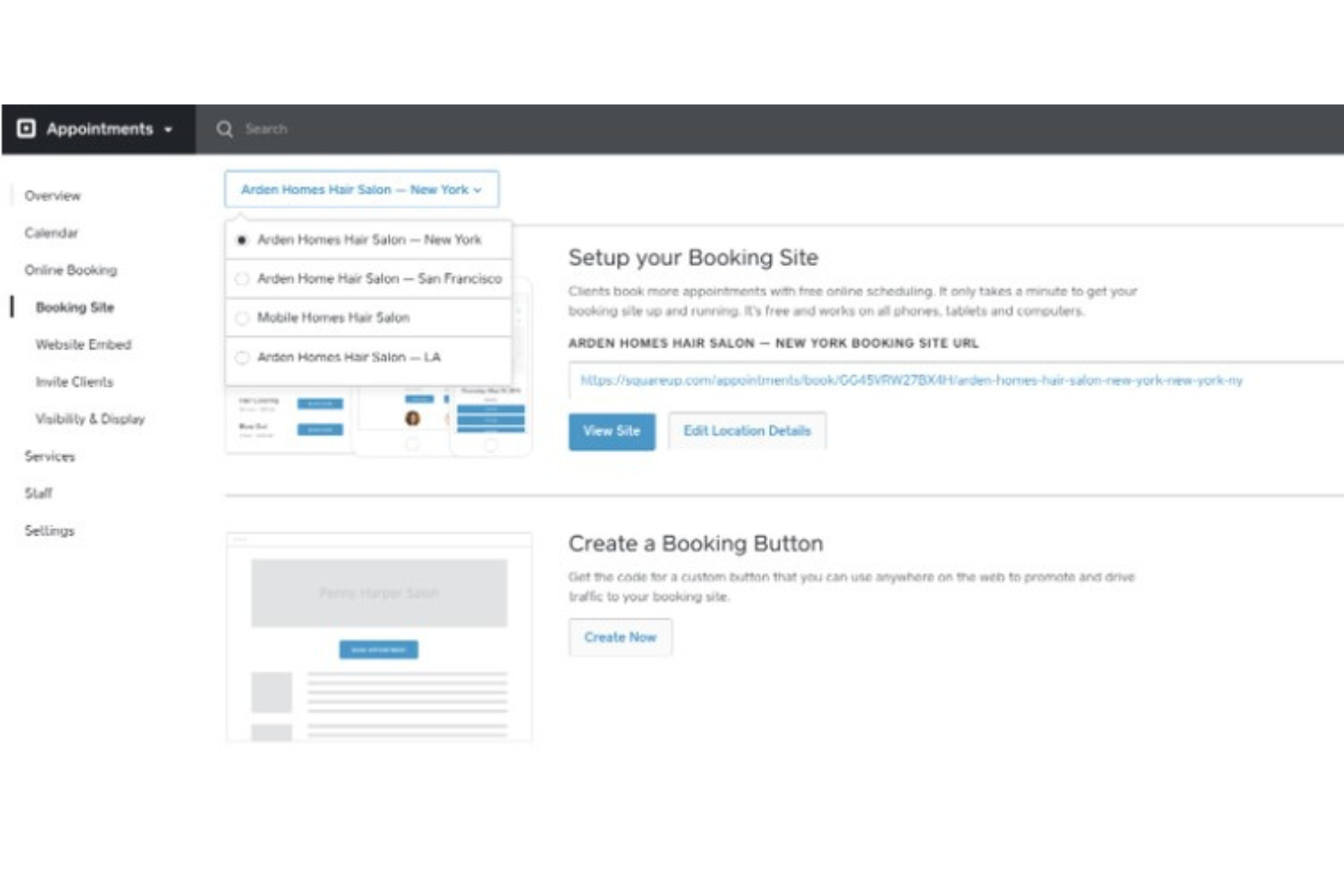
Square Appointments is a scheduling and booking platform that combines online self-booking, automated reminders, multi-staff calendar management, and built-in point-of-sale payment processing in one system.
Who Is Square Appointments Best For?
Square Appointments is a strong fit for salons, spas, and service-based small businesses that want scheduling and payment processing in one place.
Why I Picked Square Appointments
Square Appointments earns its spot on my shortlist because it's the only tool here that folds a full point-of-sale system directly into the booking flow. I particularly like that clients can pay a deposit or prepayment at the time of booking, and that the same Square system handles in-person card payments, digital wallets, and even Afterpay, with no separate payment processor needed. For salons or spas managing multiple staff, the multi-staff appointment feature lets you assign different services to different team members within a single booking session.
Square Appointments Key Features
- Automated appointment reminders: Sends customizable SMS and email reminders to clients from one hour to three days before their appointment.
- Waitlist management: Lets clients join a waitlist and automatically notifies them when a previously booked slot opens up.
- Class and group booking: Supports scheduling one-time or recurring group classes with configurable pricing, descriptions, and capacity limits.
- Customer profiles and history: Stores client contact details, preferences, notes, documents, and full appointment and transaction history in one place.
Square Appointments Integrations
Square Appointments offers native integrations with Google Calendar, Instagram, Facebook, and Google Business Profile, plus marketplace integrations with QuickBooks and Xero. Its Bookings API and webhooks support custom connections.
Pros and Cons
Pros:
- Collect deposits before confirming appointments
- SMS and email reminders support appointment confirmations
- Clients can self-book services around the clock
Cons:
- Clients cannot cancel deposit-backed bookings themselves
- Calendar syncing covers only one external provider
Andre alternativer til Acuity Scheduling
Nedenfor finner du en liste over flere alternativer til Acuity Scheduling som jeg tok med i kortlisten. Selv om de ikke kom med blant de 10 beste, er de fortsatt verdifulle og verdt å undersøke nærmere.
- Appointlet
For industry-specific scheduling solutions
- AppointmentPlus
For enterprise-level scheduling needs
- Bookeo
For online bookings and payments
- Reservio
For managing appointments and events
- Vagaro
For salon and spa businesses
- Appointy
For social media integration
- Picktime
For free scheduling solutions
- HoneyBook
For creative professionals and freelancers
- Zoho Bookings
For integration with Zoho suite
- TimeTrade
For enterprise-level scheduling
- Genbook
For small business appointment management
- Bokun
For tour and activity operators
- Bookly
For WordPress users


Relaterte anmeldelser av prosjektstyringsprogramvare
Hvis du fortsatt ikke har funnet det du leter etter, kan du ta en titt på disse andre relaterte verktøyene som vi har testet og evaluert:
- Prosjektstyringsprogramvare
- Ressursstyringsprogramvare
- Programvare for arbeidsflytautomatisering
- Programvare for tidsregistrering
- Oppgavestyringsprogramvare
- Samarbeidsverktøy
- Gantt-diagramverktøy
- Produktivitetsverktøy
- Programvare for prosjektsporing
- Programvare for prosjektplanlegging
How I Evaluate Acuity Scheduling Alternatives
I look for two things in every Acuity alternative: baseline features like self-serve booking and calendar sync, and the differentiators that make it fit real project management workflows.
Core Functionality (Table Stakes For This List)
When I'm selecting tools for my list, I rank each one on a scale from 0 (does not offer the functionality) to 5 (excels in this area) for each core functionality listed below. Then, I calculate the tool's total score into a percentage. Each tool needs to achieve a minimum total score of 65% to be considered for inclusion.
- Automated Appointment Booking: I check whether clients and stakeholders can self-schedule through shareable links or embedded pages, like letting a client pick a kickoff slot without a single email.
- Calendar Sync: Two-way sync with Google Calendar, Outlook, and iCloud matters here. I look at how each tool handles conflict detection across multiple connected calendars.
- Team & Group Scheduling: For PM teams, I evaluate round-robin, collective, and multi-host options so the right people land on the right calls without manual coordination.
- PM Tool Integrations: I look for native connections to tools like Asana, Jira, and Monday so booked meetings can trigger tasks or update project timelines automatically.
- Automated Notifications & Reminders: Configurable email and SMS reminders help cut no-shows for sprint reviews or client check-ins. I evaluate timing controls and template flexibility.
- Custom Intake Forms & Booking Pages: Pre-meeting intake questions let you gather project briefs or scope details before a call even starts. Branding options and conditional fields also factor in.
Once I have a list of tools that meet this criteria, I consider what sets each platform apart.
Differentiating Factors (What Sets Vendors Apart)
Here's how I compare and contrast different vendors:
Standout Features
Workflow automation is a big differentiator. I look for tools that trigger post-meeting actions like creating a task in your PM tool or firing off a Slack summary to the project channel. Meeting routing also matters—when a client books a call, form-based logic should assign it to the right PM based on project type or account ownership. I also evaluate reporting dashboards that surface no-show rates and booking volume, which help with sprint capacity planning and resource allocation.
Beyond Features
Integration depth matters a lot here. I check whether a tool connects natively to Zoom, Google Meet, and Teams—plus whether it offers open API access and webhook support for custom workflows. Pricing structure is another key factor, especially how costs scale as you add team members across projects. I also evaluate mobile apps, since project managers often need to confirm or reschedule bookings between meetings without opening a laptop.
Hvorfor se etter et alternativ til Acuity Scheduling?
Acuity Scheduling er nyttig, men det er ikke sikkert at det passer for deg og teamet ditt. Det finnes flere grunner til at du kan begynne å se etter et alternativ:
- Kostnad: Acuity Schedulings priser er på nivå med konkurrentene, men små bedrifter, oppstartsbedrifter eller ideelle organisasjoner kan ha behov for en rimeligere løsning med større prisfleksibilitet.
- Funksjoner: Acuity Scheduling inkluderer kalenderoppdateringer, elektroniske inntaksskjemaer og tilpassbare klientopplevelser. Utover dette kan et alternativ være det beste valget.
- Brukergrensesnitt: Acuity Scheduling har et elegant og ryddig design, men det kan bli overveldende. Hvis du ser etter et mer oversiktlig grensesnitt, foretrekker du kanskje en alternativ løsning.
- Integrasjon: Acuity Scheduling integreres med flere populære plattformer, men hvis det ikke fungerer godt sammen med den nåværende teknologistakken din, trenger du sannsynligvis et annet alternativ.
- Kundestøtte: Hvis du opplever at Acuity Schedulings kundestøtte ikke er så pålitelig som du trenger, kan du vurdere andre alternativer.
Viktige funksjoner å se etter i alternativer til Acuity Scheduling
Her er noen viktige funksjoner i Acuity Scheduling som den alternative programvaren bør tilby eller forbedre:
- Selvbetjent timebestilling for klienter: Denne funksjonen gjør det enklere og mer tilgjengelig for klienter å bestille på tidspunkter som passer dem, uten behov for frem og tilbake-kommunikasjon.
- Automatiske påminnelser: Dette bidrar til å redusere antallet uteblivelser ved å sørge for at klientene husker de avtalte timene sine.
- Tilpassbare avtaler: Denne fleksibiliteten ivaretar ulike tjenestetilbud og klientbehov.
- Kalenderintegrasjon: Dette omfatter integrasjoner med populære kalenderprogrammer som Google Kalender, iCal og Outlook, for å forhindre planleggingskonflikter og holde avtalene organisert.
- Betalingsbehandling på nett: Dette muliggjør sømløse betalingstransaksjoner og forbedrer klientopplevelsen og regnskapsprosessene.
- Digitale inntaksskjemaer: Dette sparer tid og forbedrer tjenesteleveransen under møtet.
- Innebygd timeplanlegger: Denne integrasjonen gjør det mulig å bestille fra ulike nettbaserte plattformer.
- Klientadministrasjon: Denne funksjonen bidrar til personlig tilpasset tjenesteleveranse og effektiv håndtering av klientrelasjoner.
- Rapportering: Denne funksjonen gir innsikt som er verdifull for å følge med på virksomhetens resultater og planlegge forbedringer.