

Product Ops leader says the future of AI workflows depends on deterministic processes
As former Director of Product Ops at GitHub, Chris Butler combined deterministic processes, agentic automation, and human judgment for better product operations.

Chris Butler
Former Director of Product Ops at GitHub
AI Impact: AI streamlines feedback processing, improving decision-making and reducing time spent on manual tasks.
Agentic Workflows: Utilizing agentic workflows enhances product development by automating triage and feedback prioritization.
Building Processes: GitHub's Agentic Workflows framework enables effective creation and monitoring of AI-assisted processes.
Deterministic Steps: Combining deterministic processes with AI offers reliability alongside flexibility in project management.
Future of Work: AI is set to transform project delivery, shifting project managers' focus to strategic, high-value tasks.
Chris Butler is a former Director of Product Ops at GitHub, where he focuses on how process automation changes the way that people work.
We caught up with Chris to discuss how he used agentic workflows to support his team. Here's what he had to say.
A product manager in an ops role
I'm Chris. I was a director of product ops at GitHub, but I was secretly a product manager in an ops role.

I work on process automation with AI, focusing on how AI changes the way people work. I also like to speculate about how new technologies are changing the future of work.
How AI helps us parse feedback and make better decisions
A lot of the most toilsome activities that used to take a lot of time for a person — and therefore often weren't done at all — were handled automatically.
So, the most obvious result of AI is that teams spend less time on manual tasks and more time thinking about the outputs.
We also did better at parsing feedback. Before, people received a landslide of feedback, read only a fraction of it, and often made decisions based on gut feelings anyway. But at the time, reports were generated, and comments were automatically added to work items. And that meant we could triage much faster.
And I thought we also did a better job of knowing how to make good decisions — because we could analyze the work that had been done. And we started to get hints of important gaps that we weren't dealing with.
But some things have to be done by humans — usually the hard decisions, often related to organizational culture and work methods. I also personally monitored engagement with the artifacts that those AI agents created to find signals of human success.

How agentic workflows can support teams
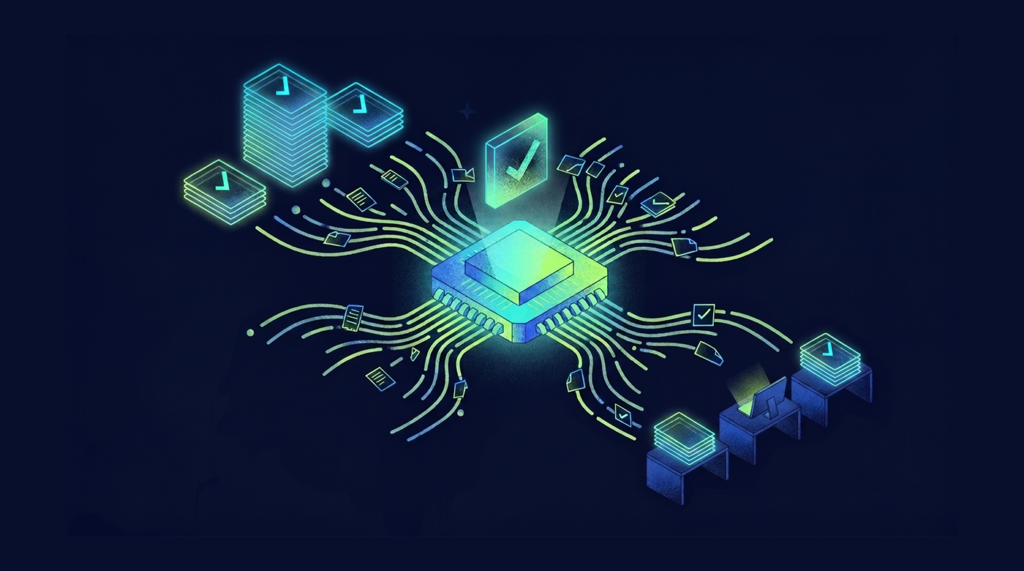
We used AI for things like reporting, triage, prioritization, and collecting customer feedback from multiple channels.
Triage is key for a team that is trying to build a better product. We had a highly technical product, so we spent a lot of time triaging new use cases and bugs. And on the UX side, we were discovering trends and deciding what to work on.
Our team was new, and we had many sources of feedback, but no easy-to-use platform that parsed and prioritized the feedback across all of them.
So, I was using Codespaces, VS Code, Copilot CLI (with various models), and GitHub Agentic Workflows to build it all out.
The last thing I built was a social media suggestion agent based on what has been shipped and the trends in the marketplace. The team was very engineering-focused, so they needed help to do their own marketing for the framework.
As a result of this, and other agents, the team was given more time to focus on the product.
A stack for multi-step workflows
As far as our stack, we used GitHub's AI tooling to automate multi-step work.
That included agentic workflows for delegating tasks to AI agents, Copilot CLI for running those agents from the terminal, Codespaces for cloud-based development environments, Copilot Spaces for giving AI the right project context, and Skills for packaging repeatable instructions or workflows.
How to build agentic workflows
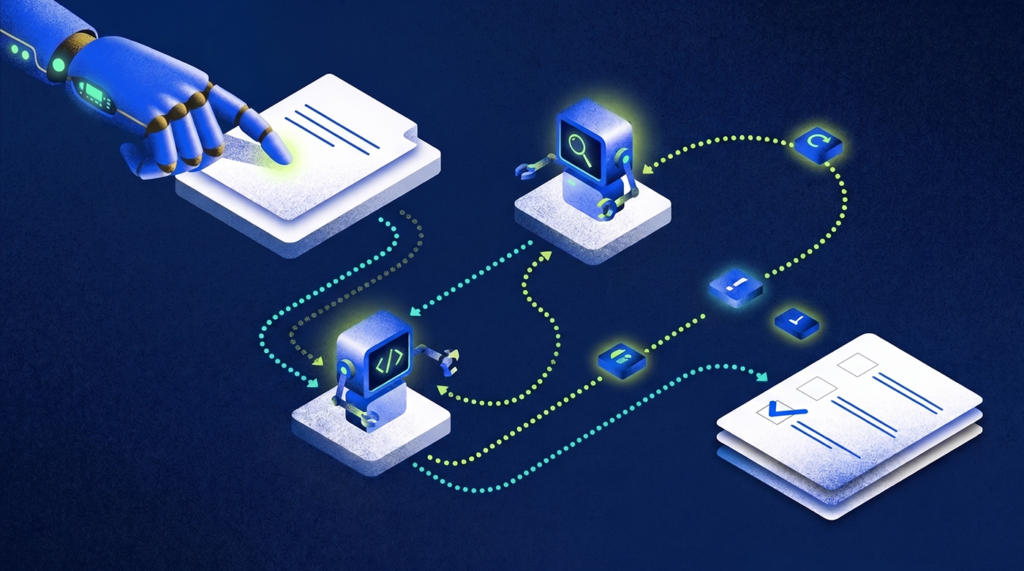
I mostly built, tested, and monitored agentic workflows with the help of other agents.
GitHub Next created a framework called Agentic Workflows for bootstrapping agents safely into GitHub Actions. The framework gives humans and agents alike a clear way to author, test, and monitor agentic flows, so you may find it useful.
Below is a minimal agentic workflow that keeps documentation up to date. This is just a simple example to illustrate the syntax — it's not intended for production use. A more complete example is available in GitHub Next's examples repository. And here are some workflows I put together for non-engineering use cases.
---
on:
push:
branches: [main]
permissions:
contents: read
pull-requests: read
safe-outputs:
create-pull-request:
tools:
edit:
web-fetch:
web-search:
---
# Documentation Updater
You are a technical writer. Your job is to make the documentation in the repository ${{ github.repository }} _excellent_.
Steps:
1. Analyze repository changes. On every push to the main branch, examine the diff to identify changed/added/removed entities.
2. Review existing documentation for accuracy and completeness. Identify documentation gaps, including missing or outdated sections.
3. Update documentation as necessary.
4. Create a pull request with a clear description of the changes.
As you can see above, the triggers, permissions, outputs, and tools are all made clear and explicit in the definition of the workflow.
Why deterministic processes remain crucial
Project work still requires deterministic processes.
Under the hood, agentic workflows are still built on GitHub Actions, which means they can combine fixed, rule-based steps with more open-ended AI work. That’s important because there are plenty of moments when you want a deterministic process working alongside something more nondeterministic, like an agent.
A good example is weekly status rollups. The agent may be useful for synthesizing what changed and turning it into a helpful summary, but the first step — pulling the right issue comments from the right project view over the right time period — needs to be precise. That part is better handled as a deterministic step before the agent starts interpreting the information.
We had also started separating these workflows into reusable pieces. One deterministic step gathered the information in a standard way, while a separate set of instructions told the agent how to format the rollup for a specific team. That matters because teams often report similar information in slightly different ways.
The other important piece is guardrails. In agentic workflows, “safe outputs” can restrict what the agent is allowed to do. For example, an agent might be allowed to gather data from issues, but only create a pull request or discussion post as its output. That makes it safer to use agents with sensitive organizational data.
This is where the bigger idea of “process as code” comes in. Once the workflow is broken into deterministic steps, agent instructions, allowed outputs, and human review points, the process is no longer just documentation. It becomes something both humans and agents can execute.
Our real process is not just what’s written down. It is what we do, what we talk about, what we actually update, and what we don’t update. There is often a split between what we say we do and the true shadow system that exists underneath. With these types of tools, especially agentic workflows, we can start to close that gap.
Our real process is not just what’s written down. It is what we do, what we talk about, what we actually update, and what we don’t update.

How AI is changing project delivery
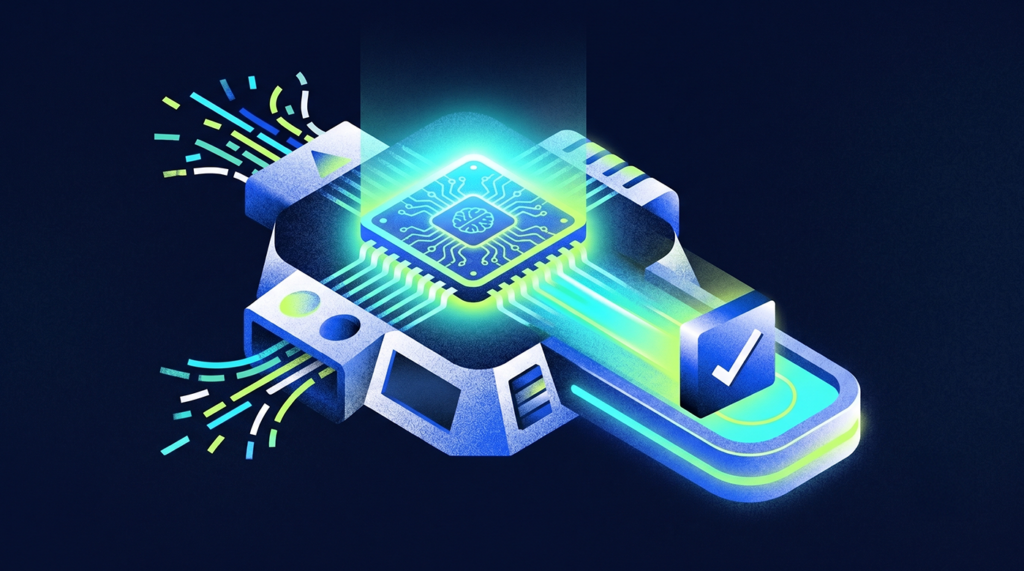
Soon, AI will eliminate most manual checking from a project manager's workload.
Reporting will shift from push to pull.
AI will calculate risk instead of shaping it. And we'll be able to build reporting that includes quantitative (dates, metrics) and qualitative (people's discussions, PRs) data to create a more comprehensive risk profile — instead of letting the team's instincts shape the red/yellow/green status.
What does this mean for project managers? Ultimately, there won't be jobs for "double-checkers" in the future. And that's good. People shouldn't be the automation. We should get report drafts automatically without collecting them ourselves. We shouldn't see a new issue or item without an automatic triage.
But it does mean that project managers need to shift their focus to more valuable, human work — like stakeholder alignment and the hard decisions I mentioned earlier.
So here's my advice: Embrace the tools, but check them. Take responsibility for the hard decisions. And talk to your stakeholders.
Follow along
You can follow Chris Butler's work on LinkedIn.
More expert interviews to come on The Digital Project Manager!


