

Vaiz vs. monday.com: Comparison and Expert Reviews for 2026


Managing projects shouldn’t feel like piecing together a puzzle across five different tools—but for many teams, that’s exactly what’s happening. You’re tracking tasks in one place, storing documents in another, and chasing updates through chats or emails, all while trying to stay aligned. It’s frustrating, time-consuming, and hard to scale. That’s why choosing the right platform matters.
In this article, you’ll get a clear breakdown of Vaiz vs. monday.com to help you find a project management tool that actually brings your work together instead of spreading it apart.
Vaiz vs. monday.com: An Overview
Vaiz


monday.com


Why You Can Trust Us
We’ve been testing and reviewing project management software since 2012. As project managers ourselves, we know how critical and difficult it is to make the right decision when selecting software.
We invest in deep research to help our audience make better software purchasing decisions. We’ve tested more than 2,000 tools for different project management use cases and written over 1,000 comprehensive software reviews. Learn how we stay transparent & our software review methodology.
Vaiz vs. monday.com Pricing Comparison
| Vaiz | monday.com | |
|---|---|---|
| Free Trial | Free plan + 30-day free trial available | Free plan available |
| Pricing | $5/user/month (billed annually) | From $9/seat/month (billed annually) |
Vaiz vs. monday.com Pricing & Hidden Costs
Vaiz uses a tiered pricing model with Free, Pro, and Premium plans, where features like automation, storage, and AI capabilities expand at higher tiers. However, pricing transparency is somewhat limited—both Pro and Premium plans require contacting sales, and additional costs like extra storage aren’t clearly listed upfront. monday.com also follows a tiered, per-user pricing model, but is more structured and self-serve, with clear plans that scale based on features, automation limits, and integrations. On monday.com, key capabilities—like advanced automations, integrations, and reporting—are often gated behind higher-tier plans or usage limits, which can increase costs as your usage grows.
For both platforms, costs can rise as your team scales, especially if you need more users, storage, automation volume, or advanced functionality. To choose the right option, note down your must-have features and expected growth. Look closely at usage limits, upgrade thresholds, and what’s included in each tier. It’s also worth confirming details like billing structure, support levels, and any additional fees with each vendor to avoid unexpected costs as your team expands.
Vaiz vs. monday.com Feature Comparison
Both Vaiz and monday.com cover the core needs of modern work management. You can organize projects, track tasks across multiple views (like Kanban or timeline), assign work, and monitor progress with dashboards and reporting. Both platforms also support automation and collaboration, helping teams reduce manual work and stay aligned.
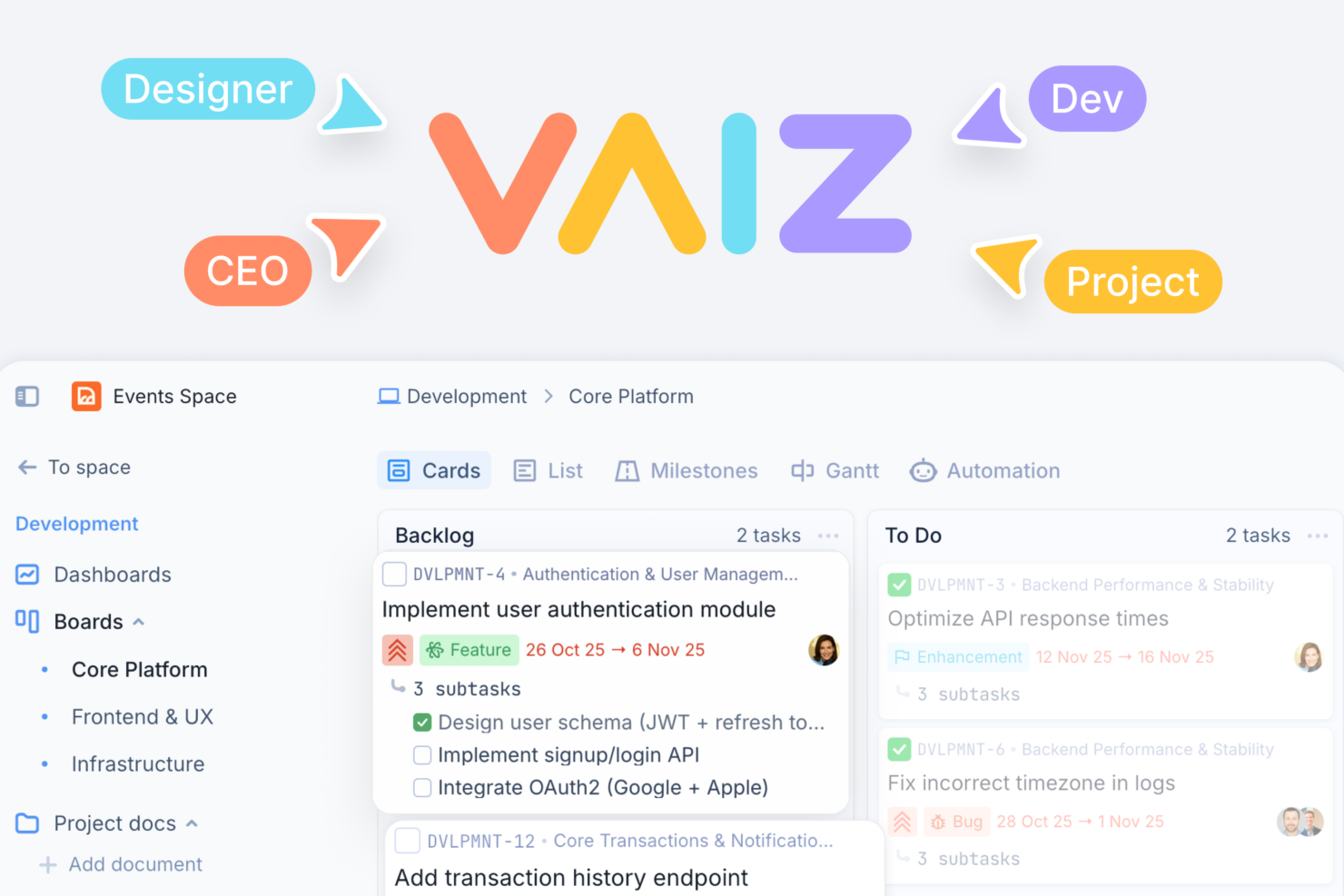
Where they differ is in how they extend those foundations. Vaiz stands out by tightly integrating documents and tasks in one system, with a rich, block-based editor that works inside both docs and task descriptions—plus built-in AI for planning and writing. monday.com, on the other hand, shines with its extensive integration ecosystem and highly customizable workflows, making it easier to connect with other tools and adapt to a wide range of use cases.
| Vaiz | monday.com | |
|---|---|---|
| API | ||
| Batch Permissions & Access | ||
| Budgeting | ||
| Calendar Management | ||
| Collaboration Support | ||
| Contact Management | ||
| Contact Sharing | ||
| Customer Management | ||
| Dashboard | ||
| Dashboards | ||
| Data Export | ||
| Data Import | ||
| Data Visualization | ||
| Dependency Tracking | ||
| Document Sharing | ||
| Expense Tracking | ||
| External Integrations | ||
| File Sharing | ||
| Gantt Charts | ||
| Kanban Boards | ||
| Multi-User | ||
| Notifications | ||
| Project Management | ||
| Resource Management | ||
| Scheduling | ||
| Task Scheduling/Tracking | ||
| Third-Party Plugins/Add-Ons | ||
| Time Management | ||
| Travel Management | ||
| Workflow Management |
Vaiz vs. monday.com Integrations
Vaiz vs. monday.com Integrations
| Integration | Vaiz | monday.com |
| Slack | ✅ | ✅ |
| Google Drive | ❌ (via Zapier) | ✅ |
| Microsoft Teams | ❌ (via Zapier) | ✅ |
| Salesforce | ❌ (via Zapier) | ✅ |
| Jira | ❌(via Zapier)1 | ✅ |
| Zoom | ❌ (via Zapier) | ✅ |
| HubSpot | ❌(via Zapier) | ✅ |
| Trello | ❌ (via Zapier)1 | ✅ |
| API | ✅ | ✅ |
| Zapier | ✅ | ✅ |
1. Beyond the Zapier integration, Vaiz supports direct import from these tools. Users can migrate projects into Vaiz natively without needing Zapier.
monday.com offers a large and mature ecosystem with native integrations across sales, marketing, communication, and development tools—making it a strong fit if your workflows depend heavily on external systems. Vaiz, by contrast, currently has a much smaller set of native integrations (primarily Slack and Zapier), with more integrations to come.
That said, both platforms support API access and Zapier, which gives you a path to build custom workflows or connect additional tools. If out-of-the-box integrations are critical to your team, monday.com is the more robust option today. Vaiz is better suited for teams willing to rely on automation, webhooks, or custom integrations to achieve those same connections while the platform expands its native ecosystem.
Vaiz vs. monday.com Security, Compliance & Reliability
| Factor | Vaiz | monday.com |
| Data Encryption | Uses AES-256 encryption for data at rest and TLS for data in transit. | Encrypts all data with AES-256 and secures transfers with TLS/SSL. |
| Regulatory Compliance | Offers GDPR compliance and customizable data retention policies. | Complies with GDPR, SOC 2 Type II, and HIPAA for enterprise clients. |
| Uptime Guarantee | No publicly stated SLA; status page available. | Delivers 99.9% uptime SLA and public status updates for transparency. |
| Access Controls | Role-based permissions, groups, and workspace-level access control. | Offers granular permissions, SSO, and advanced admin controls. |
monday.com leads with broader compliance certifications and more advanced admin controls, while Vaiz covers the essentials with strong encryption. Vaiz’s straightforward approach is great for teams with basic security standard needs, but monday.com’s enterprise-grade compliance and granular controls offer extra peace of mind for regulated industries.
Vaiz vs. monday.com Ease of Use
| Factor | Vaiz | monday.com |
| User Interface | Features a clean, visually intuitive layout with drag-and-drop boards. | Offers a colorful, customizable interface with clear navigation. |
| Onboarding | Structured tutorials and help center guides for step-by-step setup. | Includes guided onboarding, video walkthroughs, and in-app tips. |
| Setup Process | Allows fast project setup with pre-built workflow templates. | Supports easy setup with automation recipes and template library. |
| Support Access | Offers live chat and email support during business hours. | Delivers 24/7 support via chat and a robust help center. 24/7 premium support is available with SLA commitments. |
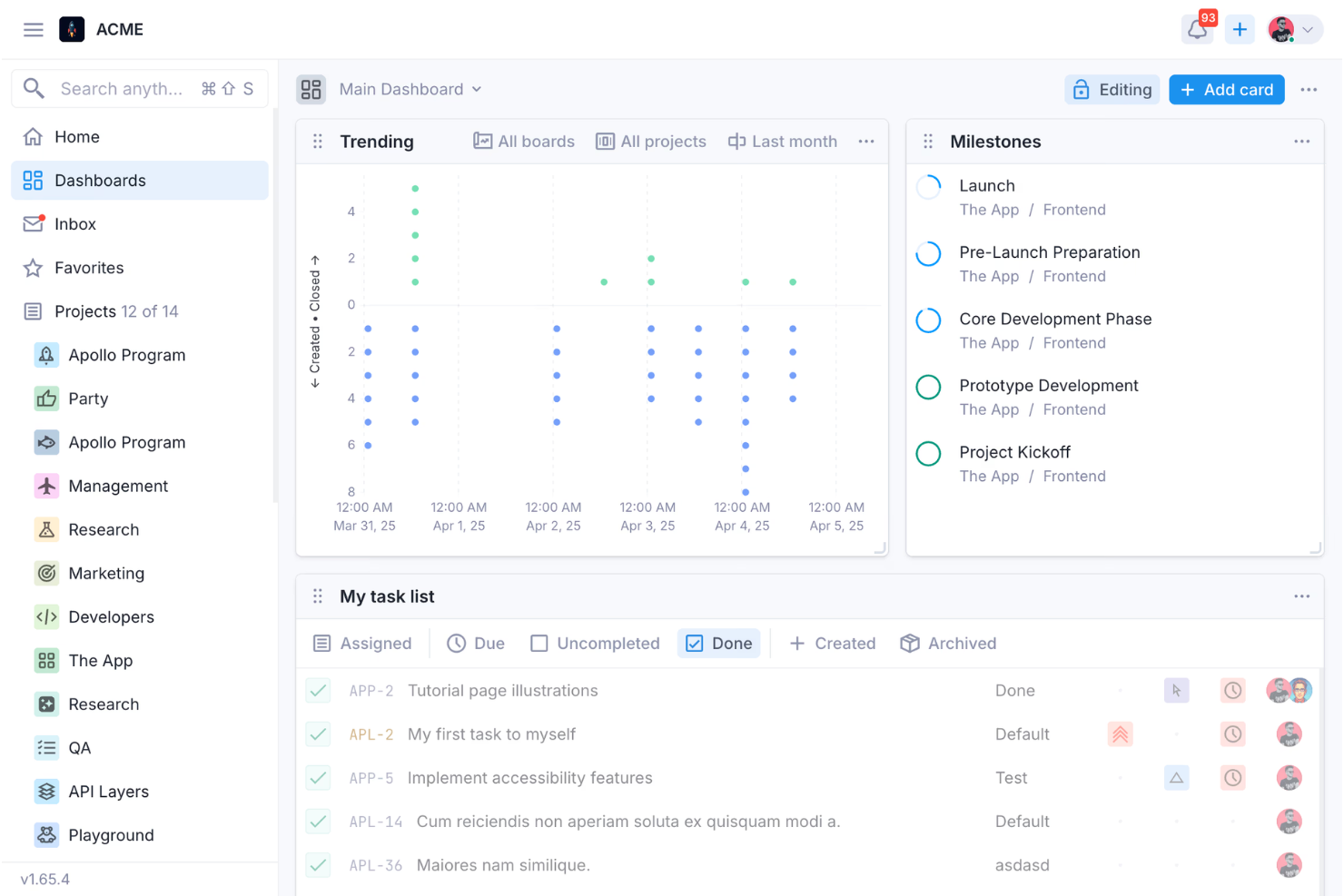
Vaiz offers a clean and modern interface that feels intuitive once you’re familiar with its structure, but its depth—especially around automation, dependencies, and workflows—can introduce a learning curve for some teams. It’s a strong fit if you want a streamlined UI without sacrificing advanced capabilities.
Most users will find monday.com pretty approachable, with a wide range of templates, guided onboarding, extensive support resources, and plug-and-play integrations. That said, its flexibility can become complex at scale.
Vaiz vs monday.com: Pros & Cons
Vaiz
- Advanced task management with dependencies and custom fields.
- Offers a built-in AI assistant for documentation and task support.
- Combines tasks, documents, and planning in one workspace.
- Full-featured mobile app experience is currently limited.
- Limited native integrations compared to more established competitors.
- Currently lacks enterprise-level controls, like SSO and granular security policies.
monday.com
- The interface is easy to use, with simple drag and drop timeline and charting mechanics.
- There is a long list of supported integrations
- You can create forms that live within your project as a view.
- There is a steep learning curve for beginners.
- Recurring tasks are considered automations and limited to higher tier plans.
- The Gantt view isn't useful for building a project.
Best Use Cases for Vaiz and monday.com
Vaiz
- Product & Engineering Teams Dependencies, Gantt views, and detailed task structures support complex builds and coordinated releases.
- Marketing Teams Campaign planning, content documentation, and dashboards improve execution visibility across channels and stakeholders.
- Operations Teams Custom fields, workflows, and automation streamline repeatable internal processes and reduce manual coordination work.
- Cross-Functional Teams Shared workspace keeps tasks, docs, and updates aligned across departments working toward shared goals.
- Agencies & Client Work Multiple spaces and permission controls help separate and manage client projects with clear boundaries.
- Technical/Developer-Oriented Teams API access and automation support custom workflows, integrations, and more advanced technical use cases.
monday.com
- Marketing teams Its customizable dashboards and automation features let you track campaigns and workflows efficiently.
- Event planners The platform’s timeline views and easy collaboration features make managing multiple events straightforward.
- Product development You can track progress and updates across teams to maintain alignment and meet deadlines.
- Creative departments With features like collaborative docs and a proofing screen, creative teams can improve feedback loops and increase delivery speeds.
- Content creation monday.com's file management and commenting capabilities let teams manage media files and improve collaboration.
- Remote teams With collaborative features and real-time updates, remote teams can maintain productivity and communication effortlessly.
Who Should Use Vaiz, and Who Should Use monday.com?
Vaiz is a strong fit if you want to bring tasks and documentation into one connected workspace without juggling multiple tools. It works best for cross-functional teams—like product, engineering, marketing, or operations—that need structured workflows, dependencies, and built-in context, but don’t rely heavily on a large ecosystem of native integrations. If you value a unified system with automation, AI assistance, and flexibility (and can tolerate some learning curve), Vaiz will likely suit your needs.
monday.com is better suited for teams that depend on integrations, scalability, and ease of adoption across a wide range of use cases. It’s especially effective for organizations that need to connect sales, marketing, and operations tools or require enterprise-grade security, reporting, and admin controls. If you want a highly customizable platform with a large integration ecosystem and strong 24/7 support options, monday.com may be a good choice.
Differences Between Vaiz and monday.com
| Vaiz | monday.com | |
|---|---|---|
| AI Capabilities | Built-in AI assistant for planning, summarization, and writing. | AI features exist but are more modular and less central to the product experience. |
| Compliance | Covers essentials like GDPR and data retention. | Enterprise-grade compliance (SOC 2 Type II, HIPAA support) and advanced admin controls. |
| Documentation | Built-in, block-based editor deeply integrated with tasks. | Basic docs (Workdocs) but less tightly integrated into workflows. |
| Integrations | Limited native integrations (Slack, Zapier); others planned (e.g., GitHub). | Extensive native integrations across CRM, marketing, dev, and communication tools. |
| Task Structure Depth | Supports multi-level subtasks, dependencies, and rich task content. | Strong task management, but less emphasis on deep nested subtasks and document-like task content. |
| Read Vaiz ReviewOpens new window | Visit monday.comOpens new window |
Similarities Between Vaiz and monday.com
| API & Zapier Access | Both integrate with Zapier and offer open APIs, enabling custom connections and workflow automation. |
|---|---|
| Collaboration Tools | Each platform supports team comments, file sharing, and real-time updates to keep everyone aligned. |
| Multiple Project Views | Both support multiple ways to view work (e.g., Kanban, list, timeline/Gantt-style views). |
| Task Management | Both offer visual task boards, status tracking, and drag-and-drop organization for easy project oversight. |
| Template Library | Both provide pre-built templates for common workflows, helping teams launch projects quickly. |
| Read Vaiz ReviewOpens new window Visit monday.comOpens new window | |