


Nifty vs. ClickUp: Comparison & Expert Reviews For 2026



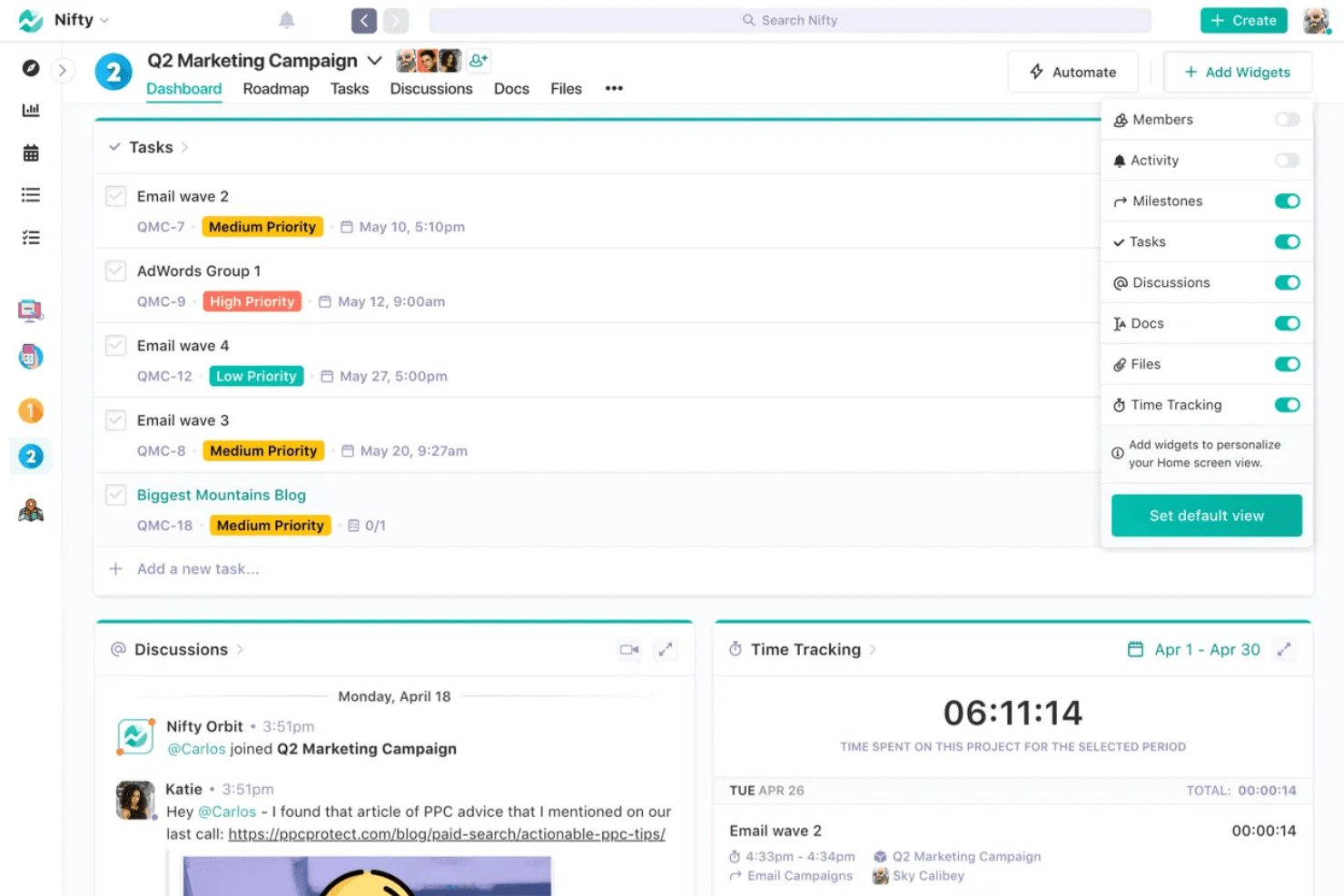
Nifty offers a streamlined approach to managing projects, focusing on simplicity, teamwork, and collaboration. ClickUp, on the other hand, provides a highly customizable environment that adapts to your team's diverse needs through a comprehensive suite of features. While both tools aim to enhance project management efficiency, Nifty leans towards ease of use compared to ClickUp's extensive customization options.
In this article, you'll find a detailed comparison of these project management software tools, exploring their features, pros and cons, pricing, and more.
Nifty vs. ClickUp: An Overview
Nifty
ClickUp




Why Trust Our Software Recommendations
Our team has been testing and reviewing software since 2012. As project managers ourselves, we know how difficult—and important—it is to choose the right software.
For this guide, we evaluated tools using hands-on testing and independent research, scoring tools using our selection criteria. We also draw on insights from industry thought leaders and practicing project management experts.
Our reviews reflect our human editorial judgment, not a sales pitch.
Expert reviewers:
Nifty vs. ClickUp Pricing Comparison
| Nifty | ClickUp | |
|---|---|---|
| Free Trial | Free plan available; 14-day free trial | Free plan available |
| Pricing | From $16/user/month | From $7/user/month (billed annually) |
Nifty vs. ClickUp Pricing & Hidden Costs
Nifty pricing offers a tiered subscription model to accommodate different team sizes. Its free plan includes up to 2 projects and 100MB of storage, with functionality expanding as you move into paid tiers. Project managers may need to consider whether integrations, additional storage, or more advanced tools like Gantt charts or time tracking require a higher-tier plan.
ClickUp pricing also follows a tiered pricing approach and includes a generous free plan. Paid plans offer enhanced capabilities such as sprint management, workload views, dashboards, and custom fields, which is ideal for teams managing complex project timelines or resource management at scale.
To choose the right pricing, project managers should assess their team members’ needs, including whether they require advanced project planning features like dependencies, agile functionality, or calendar views.
Nifty vs. ClickUp Feature Comparison
Nifty’s built-in chat enables real-time communication within your workspace, which is especially valuable for remote teams that rely on quick feedback. Its intuitive user experience supports core project planning needs with tools like task assignments, calendar views, and milestones.
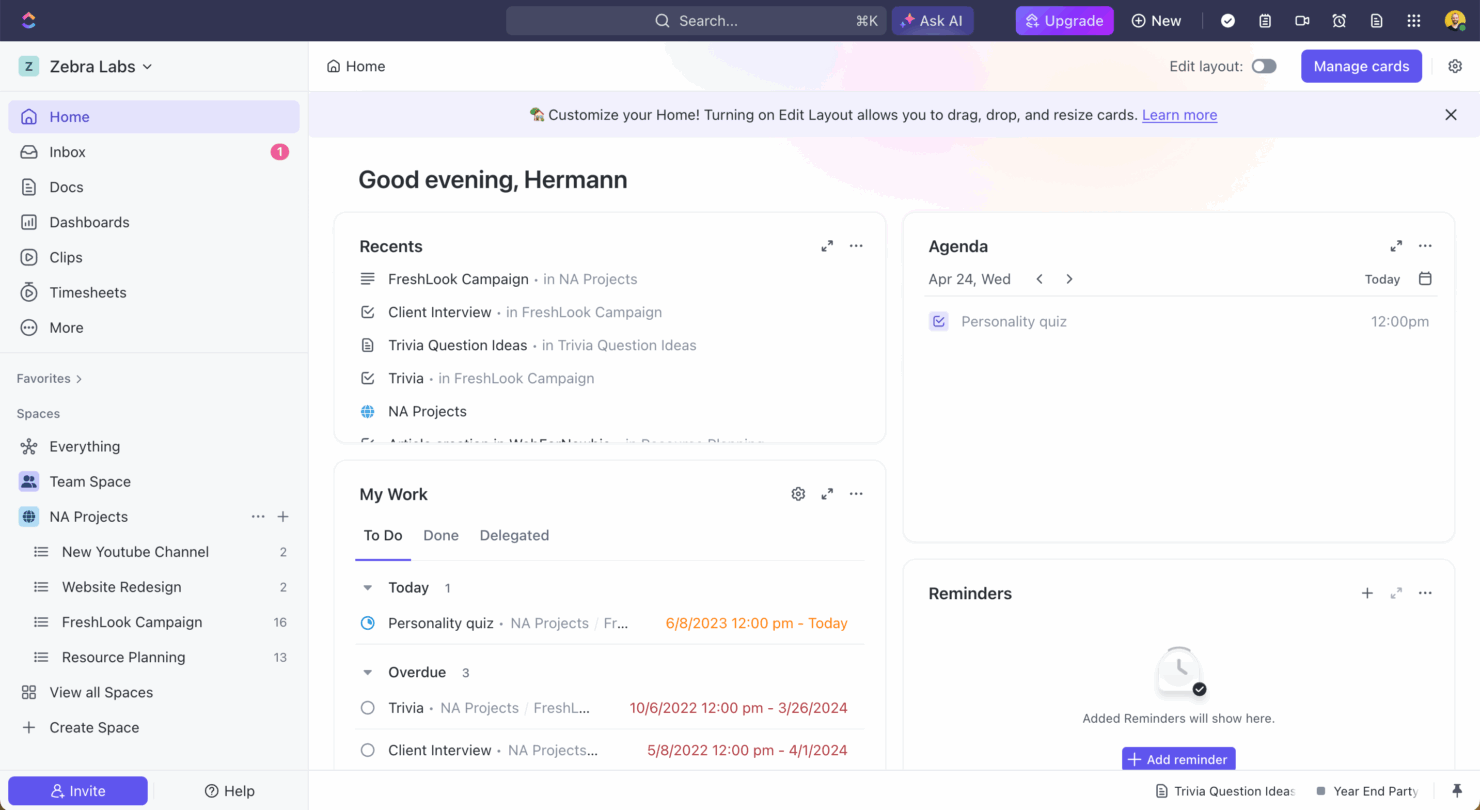
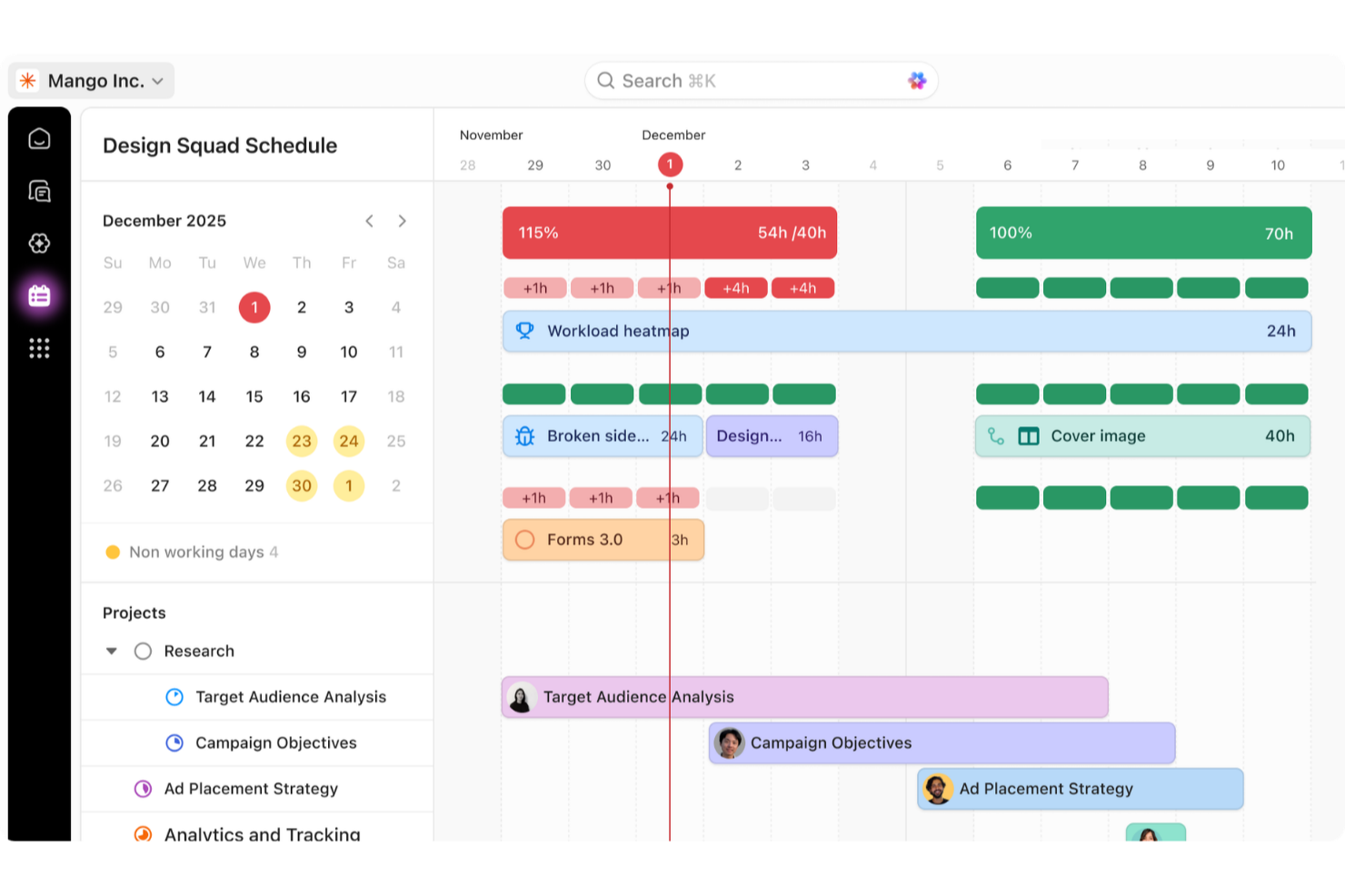
ClickUp offers advanced task management with custom fields, subtasks, and Kanban boards. Users can assign tasks, monitor dependencies, and manage sprint cycles with templates tailored for agile teams. The all-in-one project management platform supports detailed project timelines, workload management, and real-time dashboards that can help you visualize team performance.
While Nifty excels in fostering communication, ClickUp’s strength lies in its comprehensive task management, making each tool uniquely suited to different project management needs.
| Nifty | ClickUp | |
|---|---|---|
| API | ||
| Batch Permissions & Access | ||
| Budgeting | ||
| Calendar Management | ||
| Collaboration Support | ||
| Contact Management | ||
| Contact Sharing | ||
| Customer Management | ||
| Dashboard | ||
| Dashboards | ||
| Data Export | ||
| Data Import | ||
| Data Visualization | ||
| Dependency Tracking | ||
| Document Sharing | ||
| Expense Tracking | ||
| External Integrations | ||
| File Sharing | ||
| Gantt Charts | ||
| Kanban Boards | ||
| Multi-User | ||
| Notifications | ||
| Project Management | ||
| Resource Management | ||
| Scheduling | ||
| Task Scheduling/Tracking | ||
| Third-Party Plugins/Add-Ons | ||
| Time Management | ||
| Travel Management | ||
| Workflow Management |
Nifty vs. ClickUp Integrations
| Integration | Nifty | ClickUp |
|---|---|---|
| Slack | ✅ | ✅ |
| Google Workspace | ✅ | ✅ |
| Asana | ✅ | ✅ |
| Jira | ✅ | ✅ |
| Trello | ✅ | ✅ |
| GitHub | ✅ | ✅ |
| Figma | ❌ | ✅ |
| HubSpot | ✅ | ✅ |
| API | ✅ | ✅ |
| Zapier | ✅ | ✅ |
Nifty integrates with tools like Slack and Google Calendar to support remote teamwork and event scheduling. Its real-time collaboration tools are bolstered by its mobile app, which allows team members to stay connected while on-the-go.
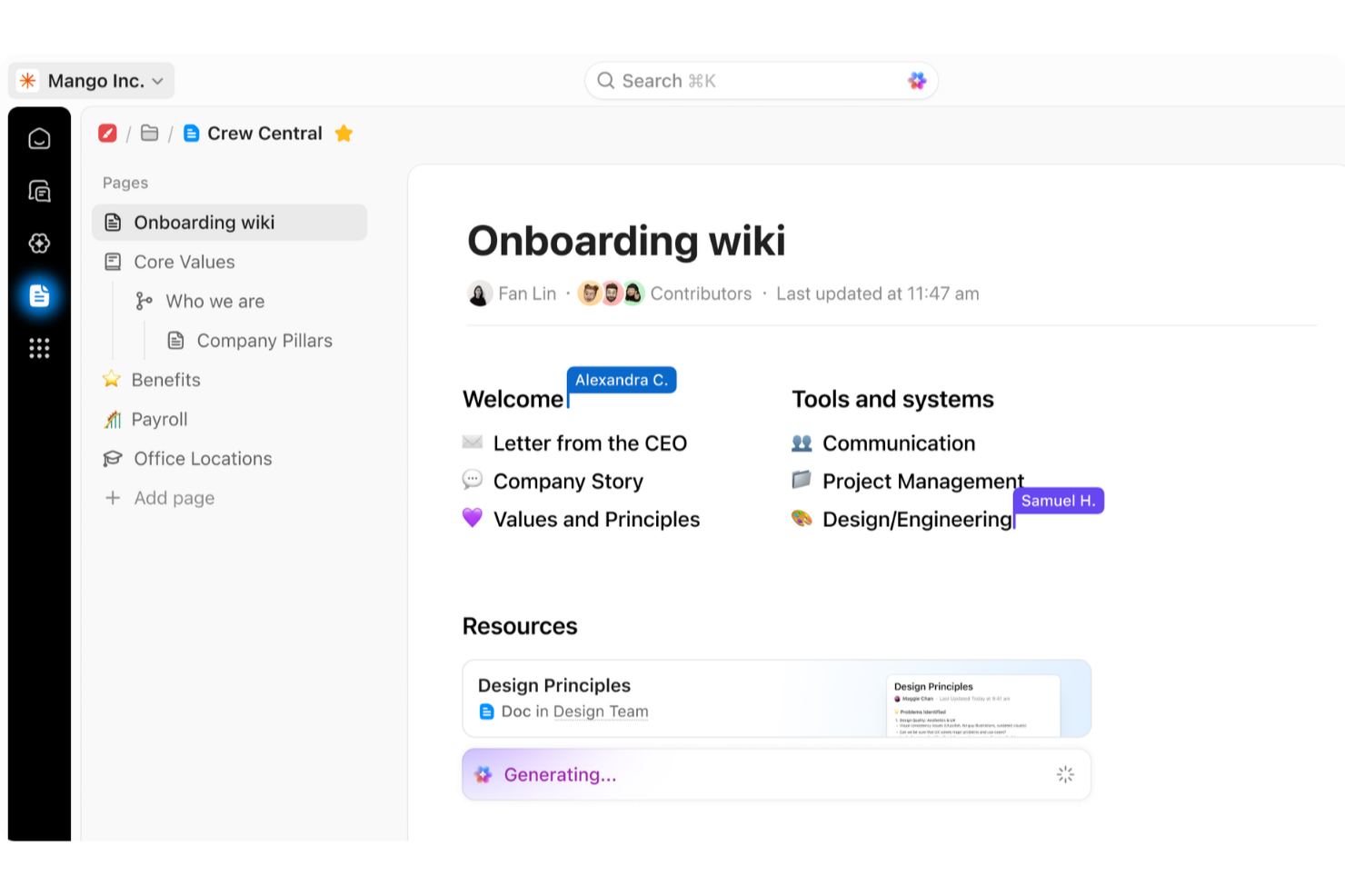
ClickUp offers broader integration with tools like GitHub and HubSpot, making it a better fit for organizations using a CRM or customer support ecosystem. The platform’s integration with Google Docs enables knowledge sharing within the workspace, which reduces reliance on external spreadsheet or note-taking apps.
Nifty vs. ClickUp Security, Compliance & Reliability
| Factor | Nifty | ClickUp |
|---|---|---|
| Data Encryption | Nifty uses industry-standard AES-256 encryption to protect your data. | ClickUp employs AES-256 encryption for data both in transit and at rest. |
| Regulatory Compliance | Nifty is compliant with GDPR to ensure data protection for users in the EU. | ClickUp complies with GDPR and CCPA, offering solid data protection standards. |
| Uptime Reliability | Nifty promises 99.9% uptime, supported by continuous monitoring systems. | ClickUp guarantees 99.99% uptime, backed by a global network infrastructure. |
Both tools support secure and reliable workspaces for project management and collaboration. ClickUp's higher uptime guarantee may appeal to larger organizations that require constant real-time access to project data.
To evaluate these features, compare the encryption standards, compliance certifications, and uptime guarantees, and consider how they align with your organization's specific security requirements.
Nifty vs. ClickUp Ease of Use
| Factor | Nifty | ClickUp |
|---|---|---|
| User Interface | Nifty offers a clean, intuitive interface that makes navigation simple for new users. | ClickUp provides a customizable interface, which can be overwhelming for beginners but powerful for experienced users. |
| Onboarding Experience | Nifty provides guided onboarding with tutorials to help you get started quickly. | ClickUp offers a comprehensive onboarding process with video guides and a learning hub. |
| Setup | Nifty has a straightforward setup process with minimal steps required. | ClickUp's setup can be complex due to its highly customizable features. |
| Support | Nifty offers responsive in-app support and a detailed help center. | ClickUp provides 24/7 support with extensive documentation and community forums. |
Nifty provides a straightforward onboarding experience, aided by intuitive templates and minimal setup time. This makes it suitable for teams seeking a frictionless entry point to project planning.
ClickUp, in contrast, provides a wider range of customization options, which may make it more challenging to master initially due to its intricate functionality.
Nifty vs ClickUp: Pros & Cons
Nifty
- Built-in discussions keep all project communication in one place
- Automated task progress updates enhance transparency for teams
- Milestone tracking supports structured, goal-oriented planning
- Mobile app lacks some desktop features and views
- Gantt chart lacks advanced customization options
- Activity logs can be limited for deep audit needs
ClickUp
- Extensive task management features keep your projects organized and on track
- Real-time collaboration makes team communication more effective
- Built-in automations reduce manual work and speed up your workflow
- Users often find the learning curve steep due to its rich feature set
- Some users report occasional performance lags when managing large projects
- Mobile app can be less intuitive than the desktop version
Best Use Cases for Nifty and ClickUp
Nifty
- Creative Agencies Nifty’s client portal feature and built-in docs streamline collaboration, feedback, and approvals with clients.
- Product Teams Milestone tracking and automated reports help product managers keep launches on track and stakeholders in the loop.
- Marketing Departments Integrated discussions, tasks, and file management let marketing teams plan campaigns, share assets, and monitor progress without siloed tools.
- Remote Startups Centralized chat, video calls, and visual roadmaps support remote teams who need quick onboarding and unified project views.
- Consulting Firms Time tracking and client workspaces help consulting firms manage billable hours and keep clients engaged during projects.
- Freelancers/Small Businesses The flat-rate pricing and intuitive setup mean smaller outfits can access advanced tools without technical overhead or extra costs.
ClickUp
- Creative agencies ClickUp's customizable dashboards and task automation features can help you manage client projects, track feedback and revisions, and keep creative teams aligned.
- Tech startups ClickUp supports agile development with sprints and real-time collaboration features that can help teams iterate quickly.
- Marketing teams You can streamline campaign planning and execution using ClickUp’s task dependencies and timelines.
- Remote teams ClickUp's real-time updates and collaboration tools keep everyone on the same page, no matter where they are.
- Product managers ClickUp’s roadmaps and goal-tracking features help you align development with business objectives.
- Freelancers You can track your tasks and deadlines efficiently with ClickUp’s simple task and time management tools.
Who Should Use Nifty, and Who Should Use ClickUp?
In my opinion, Nifty is most suitable for small to medium-sized teams that want an easy-to-use, all-in-one project management platform with built-in communication, templates, and calendar views. It’s ideal for teams who prioritize clarity and speed when they assign tasks or manage workloads.
ClickUp is better suited for larger teams or organizations that manage multiple projects with complex dependencies and need advanced functionality like agile sprints, resource management, and integrated CRM support. Its robust use of dashboards, custom fields, and automation make it a good fit for users who want full control over their workspace.
Differences Between Nifty and ClickUp
| Nifty | ClickUp | |
|---|---|---|
| Automation | Nifty offers basic automation features for task management. | ClickUp includes advanced automation options to streamline workflows. |
| Communication Tools | Nifty includes built-in chat for team communication. | ClickUp offers communication through integrations like Slack and Microsoft Teams. |
| Customization | Nifty provides limited customization, focusing on essential features instead. | ClickUp allows for substantial customization, catering to diverse project needs. |
| Pricing | Nifty uses a tiered pricing structure based on team size. | ClickUp offers a tiered model with a free plan and additional paid upgrades. |
| User Interface | Nifty offers a simple, clean interface that’s easy to navigate. | ClickUp provides a more complex interface with extensive customization options. |
| Read Nifty ReviewOpens new window | Visit ClickUpOpens new window |
Similarities Between Nifty and ClickUp
| Cloud-Based Access | Both Nifty and ClickUp are web-based, allowing your team to access project information from anywhere with an internet connection. |
|---|---|
| Collaboration | Both platforms support collaboration, with Nifty offering built-in chat and ClickUp integrating with tools like Slack for team communication. |
| Integrations | Nifty and ClickUp both integrate with popular apps like Google Calendar and Zapier to enhance your workflows. |
| Project Tracking | You can track project progress in both tools with features like milestones, calendar views, and timelines. |
| Task Management | Both Nifty and ClickUp excel in task management, offering features like task assignment, deadlines, and progress tracking to keep your team organized. |
| Read Nifty ReviewOpens new window Visit ClickUpOpens new window | |
Join For More Project Management Insights
Want to learn more about project management and project management software? Join our membership community to access 100+ templates, samples, and examples, and connect with 100s of other digital project managers in Slack.