


MeisterTask vs. Trello: Comparison and Expert Reviews for 2026


Does your current system feel like a chaotic mix of tasks, notes, and tools that don’t quite connect? That’s often why people turn to tools like Trello and MeisterTask—to bring everything into one clear, visual workflow. But while both task management platforms help you organize work with boards and cards, they differ in how much structure, automation, and built-in functionality they provide.
This article breaks down how MeisterTask and Trello stack up in real-world scenarios, so you can confidently pick the tool that fits your team’s style, goals, and growth plans.
MeisterTask vs. Trello: An Overview
MeisterTask

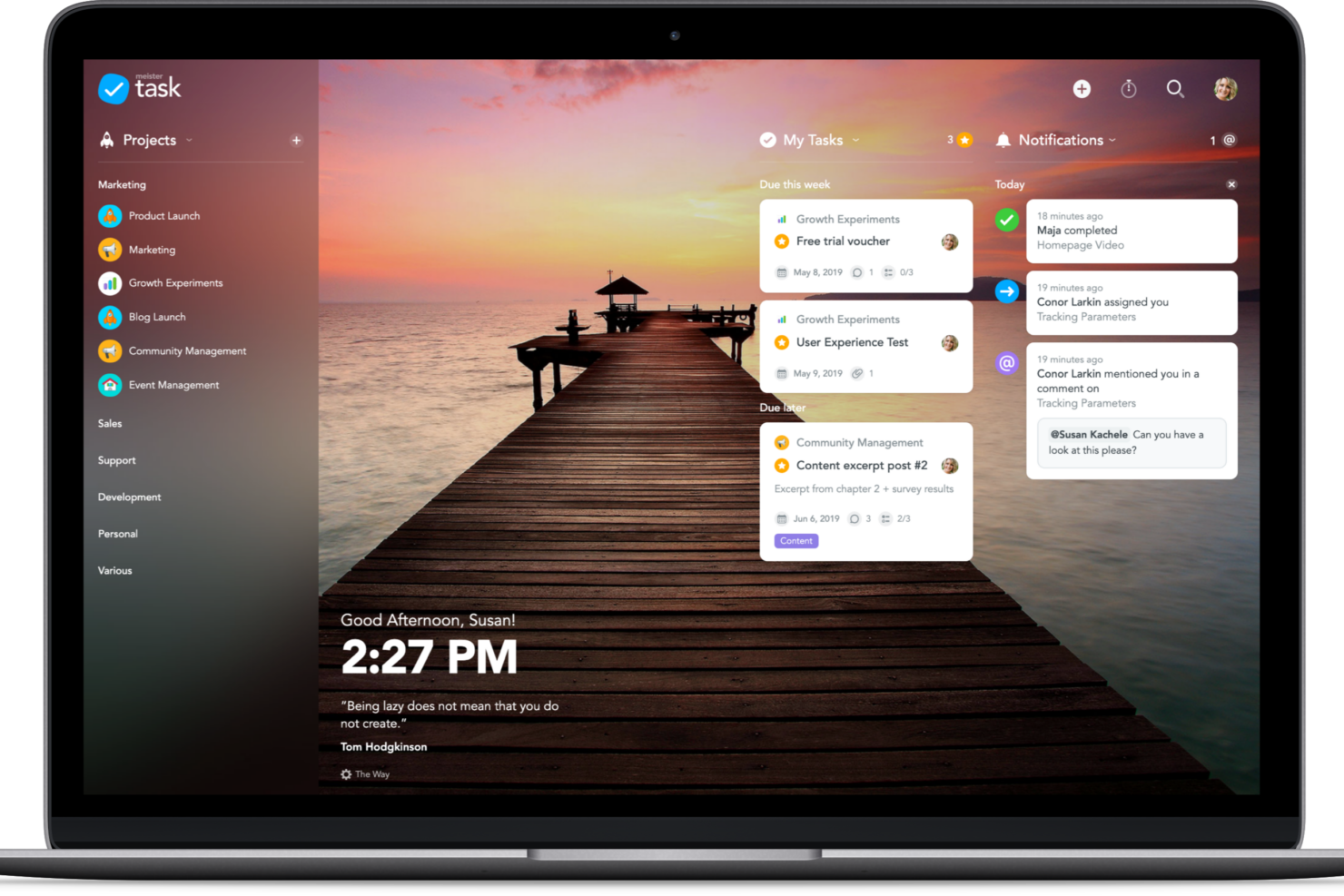
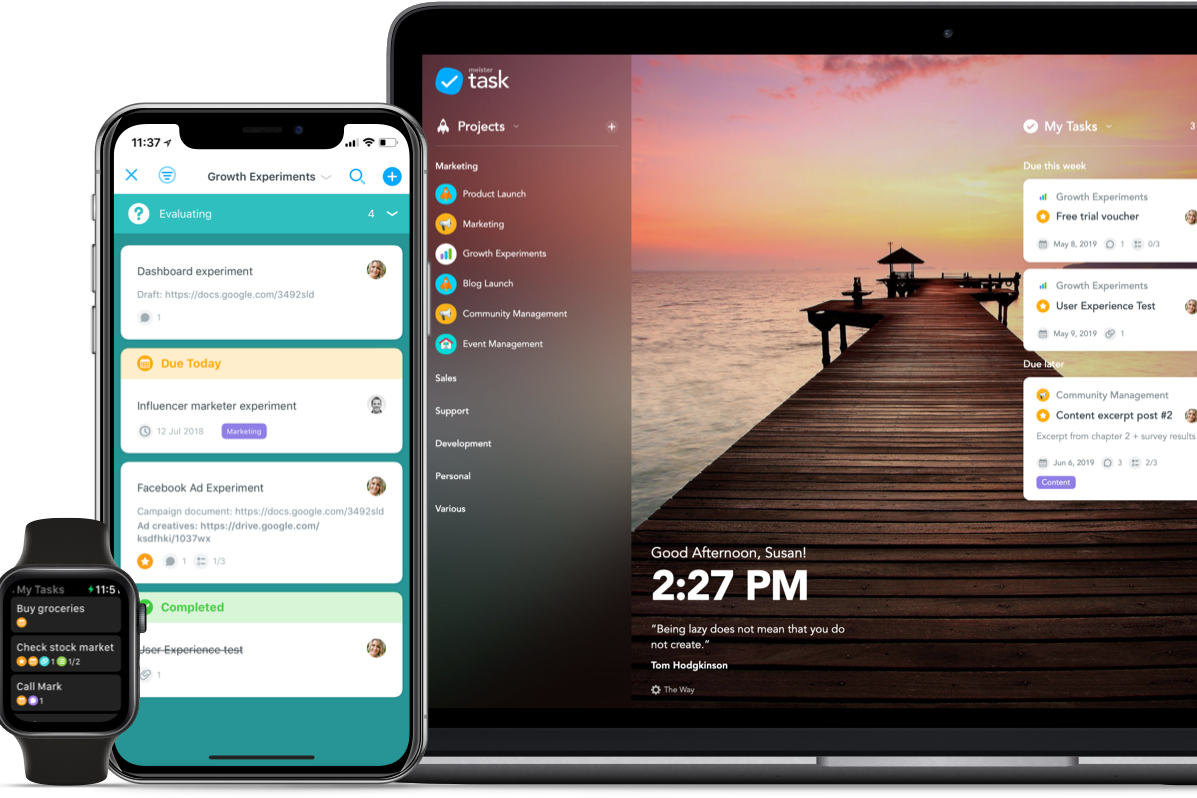
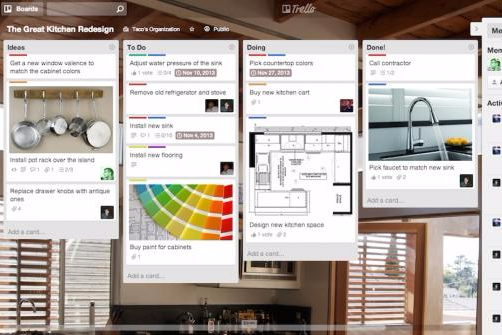
Trello

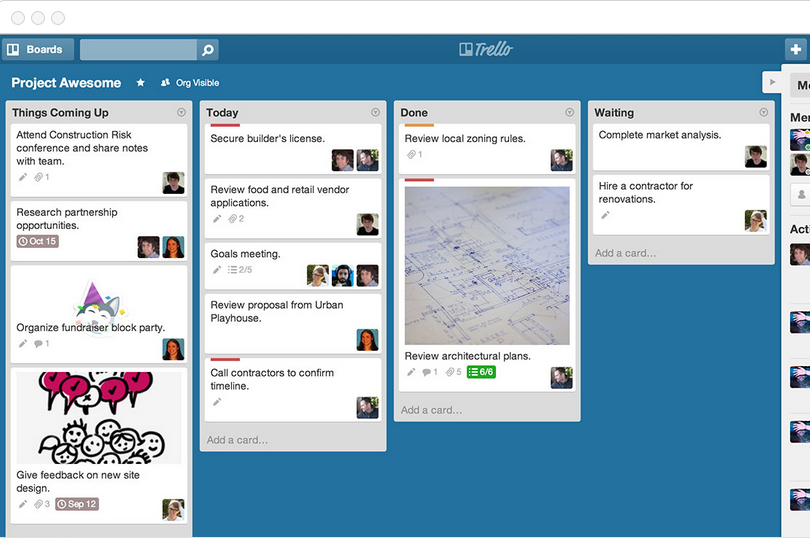

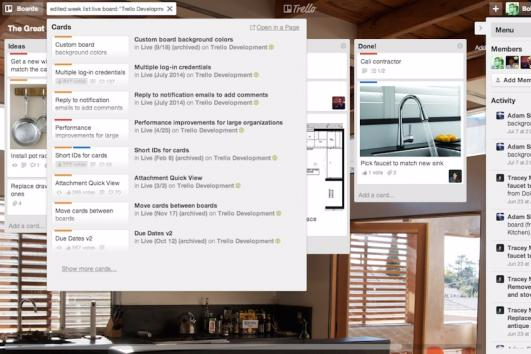


Why You Can Trust Us
We’ve been testing and reviewing project management software since 2012. As project managers ourselves, we know how critical and difficult it is to make the right decision when selecting software.
We invest in deep research to help our audience make better software purchasing decisions. We’ve tested more than 2,000 tools for different project management use cases and written over 1,000 comprehensive software reviews. Learn how we stay transparent & our software review methodology.
MeisterTask vs. Trello Pricing Comparison
| MeisterTask | Trello | |
|---|---|---|
| Free Trial | Free plan available | Free trial + free plan available |
| Pricing | From $13/user/month (billed annually) | From $5/user/month (billed annually) |
MeisterTask vs. Trello Pricing & Hidden Costs
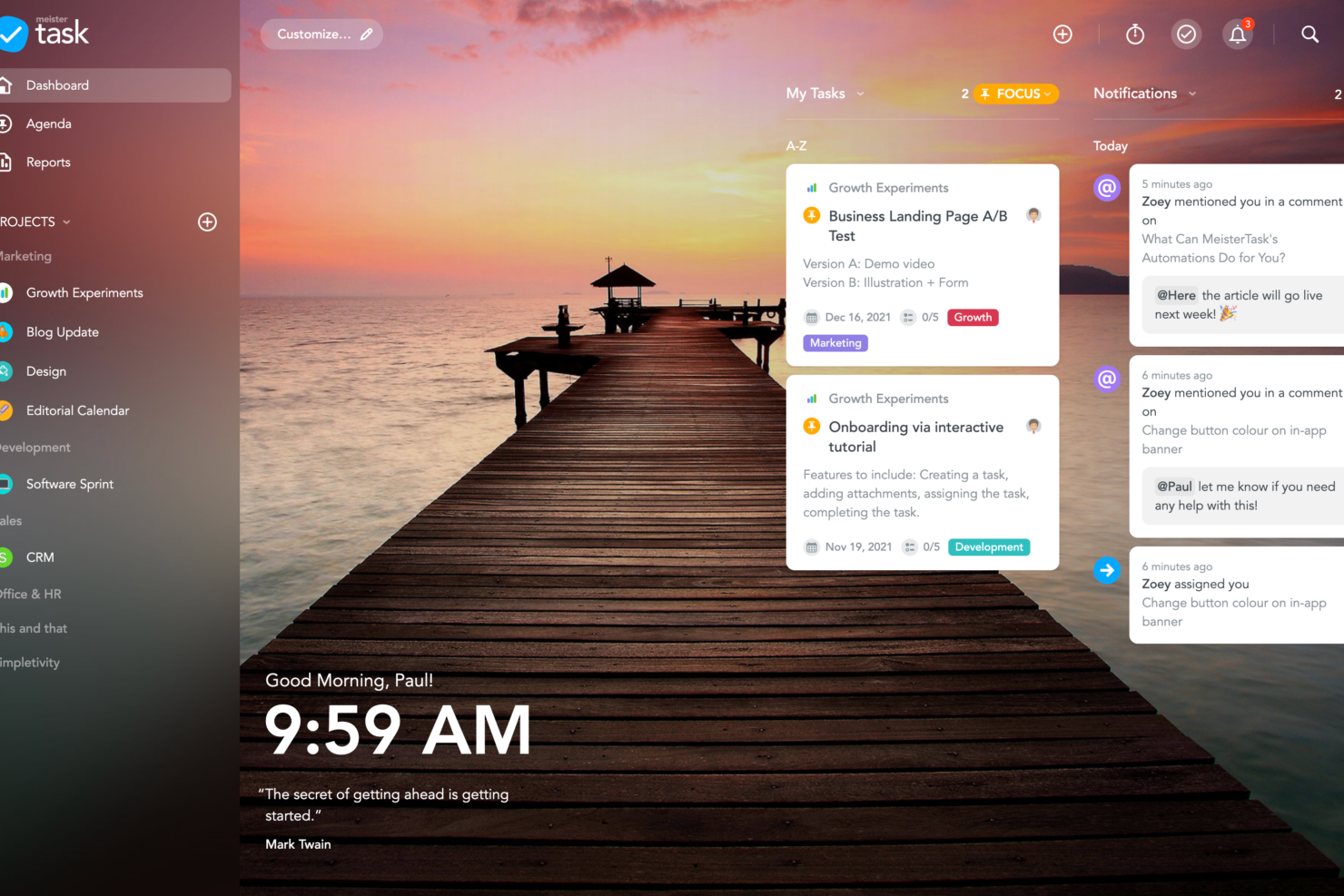
MeisterTask uses a tiered subscription model, offering a free basic plan with limited features and paid plans that unlock AI features, customization, and reporting. Trello also follows a tiered approach, starting with a free plan and scaling up to paid options that add features like unlimited boards, advanced automation, and priority support.
To choose the right pricing model, map out your team’s must-have features and estimate how your needs might grow over time. Review each vendor’s feature list and check for any limits on users, boards, or automations that could trigger extra fees as your team expands. Don’t forget to factor in the cost of third-party integrations or premium support if those are essential for your workflow.
MeisterTask vs. Trello Feature Comparison
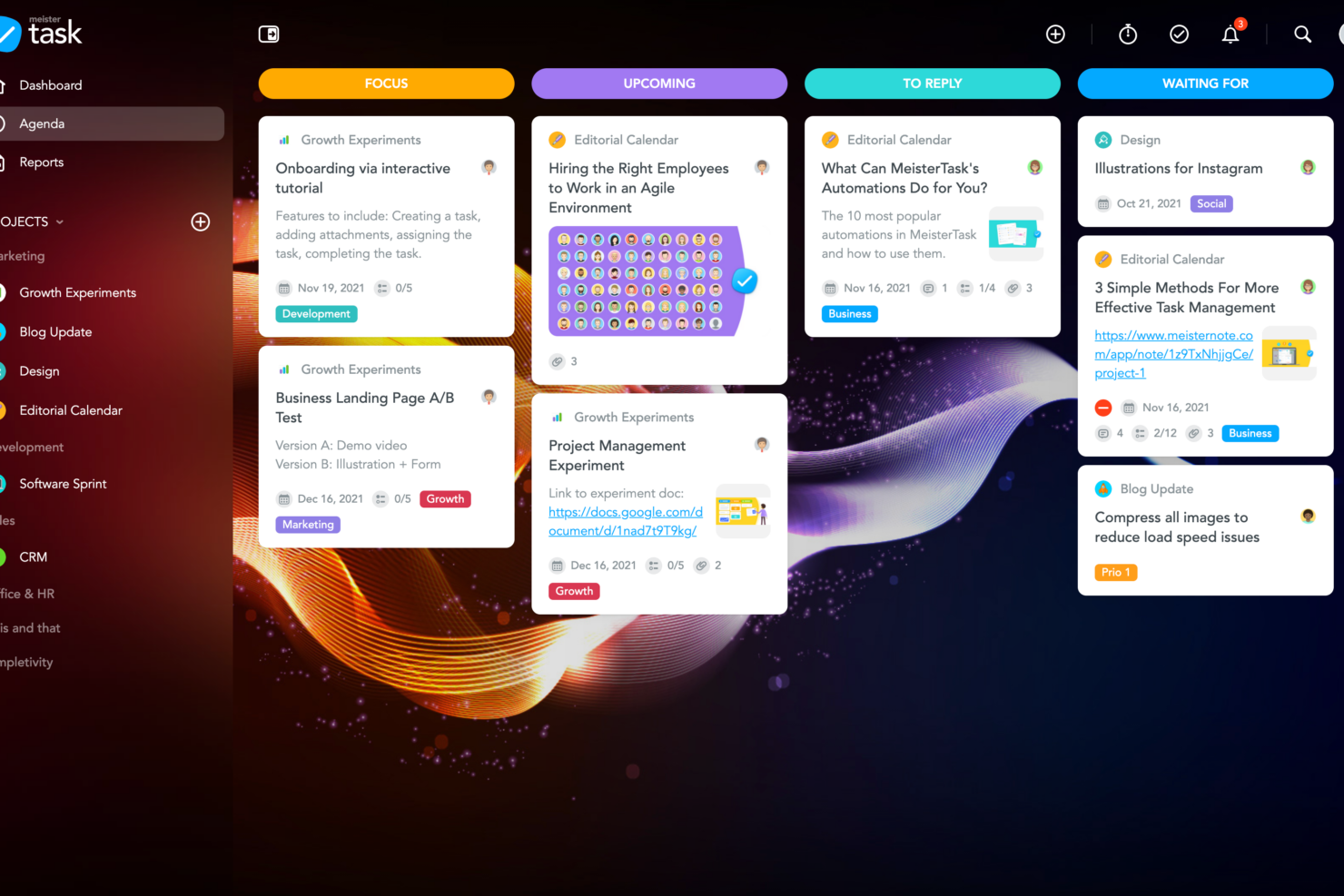
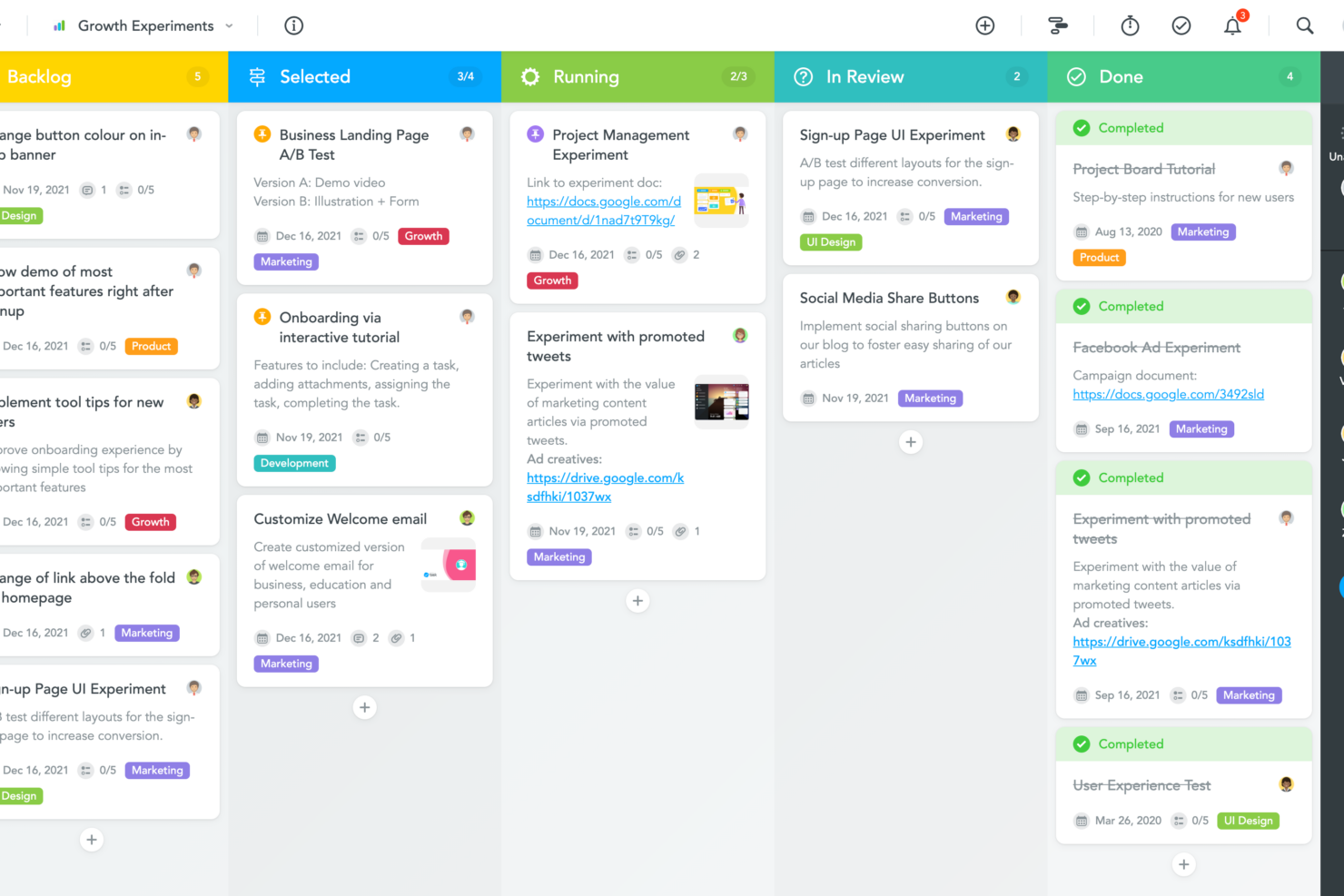
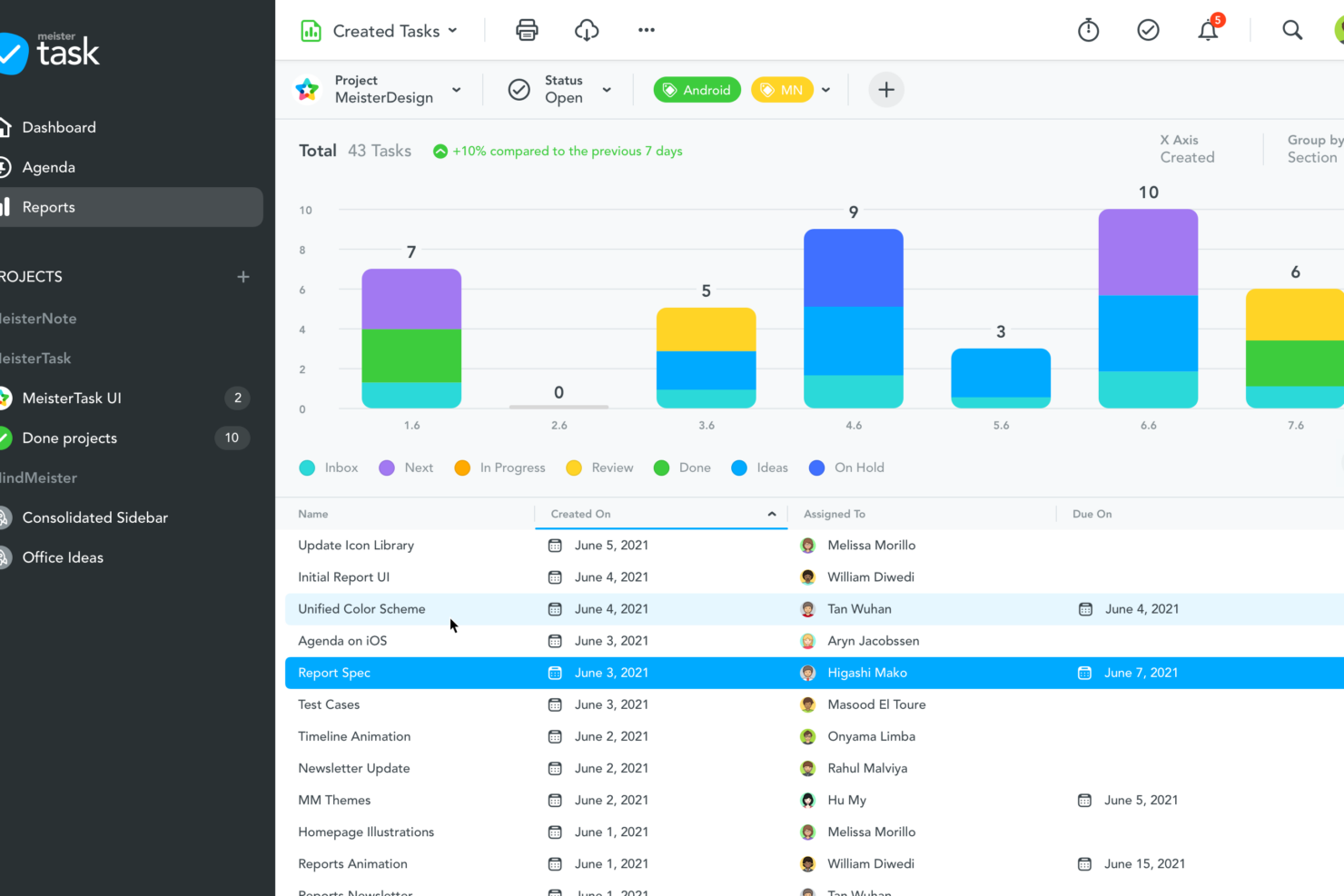
MeisterTask’s built-in automation, multiple task views (boards and Gantt charts, for example) and customizable workflows help you save time on repetitive tasks and keep projects moving smoothly. Trello’s drag-and-drop boards and Power-Ups make it easy to visualize work, adapt processes on the fly, and connect with your favorite tools for a more personalized experience.
| MeisterTask | Trello | |
|---|---|---|
| API | ||
| Calendar Management | ||
| Collaboration Support | ||
| Dashboards | ||
| Data Export | ||
| Data Import | ||
| External Integrations | ||
| File Sharing | ||
| Gantt Charts | ||
| Kanban Boards | ||
| Multi-User | ||
| Notifications | ||
| Project Management | ||
| Task Scheduling/Tracking | ||
| Time Management |
MeisterTask vs. Trello Integrations
| Integration | MeisterTask | Trello |
| Slack | ✅ | ✅ |
| Microsoft Teams | ✅ | ✅ |
| Google Drive | ✅ | ✅ |
| Dropbox | ✅ | ✅ |
| Outlook | ✅ | ✅ |
| GitHub | ❌ | ✅ |
| Evernote | ✅ | ✅ |
| Zendesk | ✅ | ✅ |
| API | ✅ | ✅ |
| Zapier | ✅ | ✅ |
Both MeisterTask and Trello cover the most popular integrations, but Trello stands out with a broader range of native integrations. Either way, with API and Zapier access on both platforms, you can connect to almost any tool your team relies on, so most users will find their integration needs met.
MeisterTask vs. Trello Security, Compliance & Reliability
| Factor | MeisterTask | Trello |
| Data Encryption | Uses TLS encryption for data in transit and industry-standard encryption (e.g., AES-256) for data at rest. | Uses TLS encryption for data in transit and AES-256 encryption at rest. |
| Regulatory Compliance | GDPR-compliant, hosted in Germany with ISO 27001-certified data centers and ISO 27001:2022 certification. | SOC 2 Type II, SOC 3, ISO 27001/27018 certified, and Privacy Shield support for EU users. |
| User Permissions | Strong role-based access control (RBAC), SAML SSO, and 2FA for enhanced security. | Detailed board-level permissions with admin controls (more advanced features in Enterprise plans). |
| Uptime Guarantee | Offers up to 99.5% uptime with real-time status monitoring and backups. | High uptime with public status monitoring (enterprise-grade reliability via Atlassian infrastructure). |
Both MeisterTask and Trello offer strong security foundations, but they emphasize different strengths. MeisterTask stands out for its EU-based hosting, strict GDPR compliance, and ISO 27001-certified infrastructure, making it particularly appealing for privacy-conscious teams and organizations handling sensitive European data.
Trello, on the other hand, brings a broader set of enterprise-grade certifications—including SOC 2, SOC 3, and ISO standards—which can provide additional reassurance for larger organizations with strict compliance requirements.
MeisterTask vs. Trello Ease of Use
| Factor | MeisterTask | Trello |
| User Interface | Features a clean, modern design with intuitive navigation and color coding. | Offers a simple, card-based layout that’s easy to grasp at a glance. |
| Onboarding | Provides guided tours, customer support, and helpful templates for quick team setup. | Lets new users jump in with minimal guidance and instant board creation. |
| Customization | Allows workflow tweaks with automation and custom fields. | Enables flexible board layouts and Power-Ups for tailored experiences. |
| Mobile Experience | Delivers a responsive mobile app with offline access and notifications. | Mobile app is fast, reliable, and mirrors the desktop experience well. |
Trello is widely known for its simplicity—it’s one of the easiest project management tools to pick up, thanks to its straightforward board-and-card system. MeisterTask, while still user-friendly, introduces more built-in structure through guided onboarding, templates, and native features like automation and task relationships.
This makes it easier for teams to get organized quickly without relying heavily on add-ons. In contrast, Trello offers greater flexibility, but often requires Power-Ups and extra configuration to reach the same level of functionality.
Ultimately, Trello is ideal for users who want a fast, frictionless start, while MeisterTask is better suited for teams that prefer a bit more built-in guidance and structure from day one, especially for more complex projects.
MeisterTask vs Trello: Pros & Cons
MeisterTask
- Automations help you reduce repetitive tasks, freeing up your time for more important work.
- It enhances team collaboration with real-time updates and comments.
- You can easily visualize your tasks with its intuitive Kanban-style boards.
- Some users find the mobile app less responsive than the desktop version.
- Customization options are limited, which might not suit complex workflows.
- It lacks advanced reporting and analytics compared to other tools.
Trello
- Trello adapts to your team's workflow, offering flexibility in task management.
- It's simple to use, making it accessible for team members of all skill levels.
- You can easily visualize your tasks with Trello's board and card layout.
- Trello's simplicity might not suit large teams with detailed project management needs.
- You can't create intricate task dependencies, which may limit complex project planning.
- Trello lacks advanced reporting features you might find in more complex tools.
Best Use Cases for MeisterTask and Trello
MeisterTask
- Creative Agencies MeisterTask’s visual boards and easy task tracking make it perfect for managing creative projects from concept to completion.
- Digital Marketing Teams You can track campaigns effortlessly with real-time updates and collaboration features that keep everyone on the same page.
- Small Businesses Its intuitive design and automation features help small teams manage projects without the need for extensive training.
- Remote Teams MeisterTask’s real-time updates and comments ensure your team stays connected and productive, no matter where they’re located.
- Product Development The tool’s Kanban-style boards help you visualize product development stages, ensuring smooth project progression.
- Freelancers If you’re juggling multiple projects, MeisterTask’s easy-to-use interface and task organization features help you stay on top of deadlines.
Trello
- Creative Agencies Trello's visual task management makes it easy for you to track projects, ideas, and client feedback.
- Startups The flexibility Trello offers helps your team adapt quickly as you grow and change.
- Marketing Teams You can easily plan campaigns and track progress with Trello's board system.
- Design Departments Trello's simple interface allows you to manage design projects and revisions efficiently.
- Freelancers You can organize your tasks and deadlines without getting overwhelmed by complex features
- Product Development Trello's adaptability helps your team streamline workflows and manage product roadmaps effectively.
Who Should Use MeisterTask, and Who Should Use Trello?
MeisterTask is a great fit for teams that want structured workflows, built-in automation, and a polished interface—especially in industries like marketing, consulting, or creative agencies where process consistency matters. Trello is ideal for teams that value visual dashboard flexibility, quick setup, and the freedom to adapt boards and assign tasks for anything from product roadmaps to to-do lists and daily tasks. If your team thrives on customization and needs to connect with a wide range of tools, Trello’s Power-Ups and integrations will serve you well. For those who prefer a bit more guidance and automation out of the box, MeisterTask is the smarter pick.
Differences Between MeisterTask and Trello
| MeisterTask | Trello | |
|---|---|---|
| Automation | Built-in automation for recurring tasks and workflow triggers. | Automation via Power-Ups and Butler, with more manual setup. |
| Custom Fields | Offers custom fields on paid plans for detailed task tracking. | Custom fields available through Power-Ups and integrations. |
| Enterprise Features | Available but less extensive compared to larger platforms. | Robust enterprise offering via Atlassian (advanced admin, security, scaling). |
| Task Relationships | Supports task dependencies and relationships natively. | Does not support task dependencies without third-party Power-Ups. |
| Time Tracking | Built-in time tracking available (on higher plans). | Requires Power-Ups or integrations for time tracking. |
| Read MeisterTask ReviewOpens new window | Read Trello ReviewOpens new window |
Similarities Between MeisterTask and Trello
| Collaboration | Both support real-time collaboration, comments, file attachments, and notifications to keep team members aligned. |
|---|---|
| Free Plan | Both provide a free version with essential features, making them accessible for small teams and individuals. |
| Integrations | Both connect with popular tools like Slack, Google Drive, and Zapier for seamless workflow integration. |
| Kanban Boards | Both use visual Kanban-style boards for task management, letting you organize work with drag-and-drop cards. |
| Mobile Access | Both offer robust mobile apps (iOS and Android), allowing users to manage tasks and projects on the go. |
| Read MeisterTask ReviewOpens new window Read Trello ReviewOpens new window | |