

AgilePlace Review: Pros, Cons, Features & Pricing



Planview AgilePlace is a workflow management software built around Kanban-based delivery for teams managing work across multiple streams and portfolios. I'd consider it if your organization needs enterprise-grade visibility into flow, dependencies, and capacity—without rebuilding your entire delivery process around it. If Jira feels too developer-centric for cross-functional program delivery, AgilePlace gives you that portfolio-level visibility in a format that's easier for non-engineering stakeholders to actually use.
Planview AgilePlace Evaluation Summary

- Pricing upon request
- 30-day free trial + free demo available
Why Trust Our Software Recommendations
Our team has been testing and reviewing software since 2012. As project managers ourselves, we know how difficult—and important—it is to choose the right software.
For this guide, we evaluated tools using hands-on testing and independent research, scoring tools using our selection criteria. We also draw on insights from industry thought leaders and practicing project management experts.
Our reviews reflect our human editorial judgment, not a sales pitch.
Expert reviewers:
Planview AgilePlace Overview
pros
-
Easily visualize projects with AgilePlace's intuitive boards
-
Flexible workflows adapt to changing needs
-
Improves collaboration and transparency across projects
cons
-
Onboarding process is a bit challenging for new users
-
Customization takes time to fit specific needs
-
User interface could be more modern compared to some competitors
Is Planview AgilePlace Right For Your Needs?
Who Would be a Good Fit for Planview AgilePlace?
-
Tech startups
AgilePlace's customizable Kanban boards, flexible workflows, and support for agile methodologies like Scrum and Kanban are ideal for startups navigating fast-paced development cycles.
-
Marketing teams
Marketing teams can leverage AgilePlace’s visual boards to plan, track, and execute campaigns effectively.
-
Product development
AgilePlace facilitates product development by providing tools for visualizing workflows, managing backlogs, and tracking work progress.
-
Remote teams
With features like virtual whiteboards and real-time collaboration tools, AgilePlace supports distributed teams by enabling seamless coordination across different locations.
-
Creative agencies
Creative agencies can streamline their project management processes using AgilePlace’s customizable workflows and visual boards.
-
Small-to-medium enterprises (SMEs)
SMEs can benefit from AgilePlace's scalable project management solutions that improve teamwork and project visibility.
Who Would be a Bad Fit for Planview AgilePlace?
-
Large enterprises
Organizations with highly complex integration requirements and advanced reporting needs might find AgilePlace's capabilities insufficient.
-
Finance departments
Finance teams that need specialized financial tracking and reporting tools may find AgilePlace lacking in these areas.
-
Legal firms
AgilePlace does not offer specialized tools tailored for legal documentation and compliance management, which could be a limitation for such organizations.
-
Manufacturing companies
Manufacturing companies that rely on detailed production scheduling and resource management tools might find AgilePlace's offerings inadequate.
-
Healthcare providers
AgilePlace may not provide the comprehensive compliance features necessary for handling patient information in accordance with healthcare regulations.
-
Government agencies
AgilePlace's security and compliance capabilities may not align with the stringent requirements of government operations.
Our Review Methodology
How We Test & Score Tools
We’ve spent years building, refining, and improving our software testing and scoring system. The rubric is designed to capture the nuances of software selection and what makes a tool effective, focusing on critical aspects of the decision-making process.
Below, you can see exactly how our testing and scoring works across seven criteria. It allows us to provide an unbiased evaluation of the software based on core functionality, standout features, ease of use, onboarding, customer support, integrations, customer reviews, and value for money.
Core Functionality (25% of final scoring)
The starting point of our evaluation is always the core functionality of the tool. Does it have the basic features and functions that a user would expect to see? Are any of those core features locked to higher-tiered pricing plans? At its core, we expect a tool to stand up against the baseline capabilities of its competitors.
Standout Features (25% of final scoring)
Next, we evaluate uncommon standout features that go above and beyond the core functionality typically found in tools of its kind. A high score reflects specialized or unique features that make the product faster, more efficient, or offer additional value to the user.
We also evaluate how easy it is to integrate with other tools typically found in the tech stack to expand the functionality and utility of the software. Tools offering plentiful native integrations, 3rd party connections, and API access to build custom integrations score best.
Ease of Use (10% of final scoring)
We consider how quick and easy it is to execute the tasks defined in the core functionality using the tool. High scoring software is well designed, intuitive to use, offers mobile apps, provides templates, and makes relatively complex tasks seem simple.
Onboarding (10% of final scoring)
We know how important rapid team adoption is for a new platform, so we evaluate how easy it is to learn and use a tool with minimal training. We evaluate how quickly a team member can get set up and start using the tool with no experience. High scoring solutions indicate little or no support is required.
Customer Support (10% of final scoring)
We review how quick and easy it is to get unstuck and find help by phone, live chat, or knowledge base. Tools and companies that provide real-time support score best, while chatbots score worst.
Customer Reviews (10% of final scoring)
Beyond our own testing and evaluation, we consider the net promoter score from current and past customers. We review their likelihood, given the option, to choose the tool again for the core functionality. A high scoring software reflects a high net promoter score from current or past customers.
Value for Money (10% of final scoring)
Lastly, in consideration of all the other criteria, we review the average price of entry level plans against the core features and consider the value of the other evaluation criteria. Software that delivers more, for less, will score higher.
Core Features
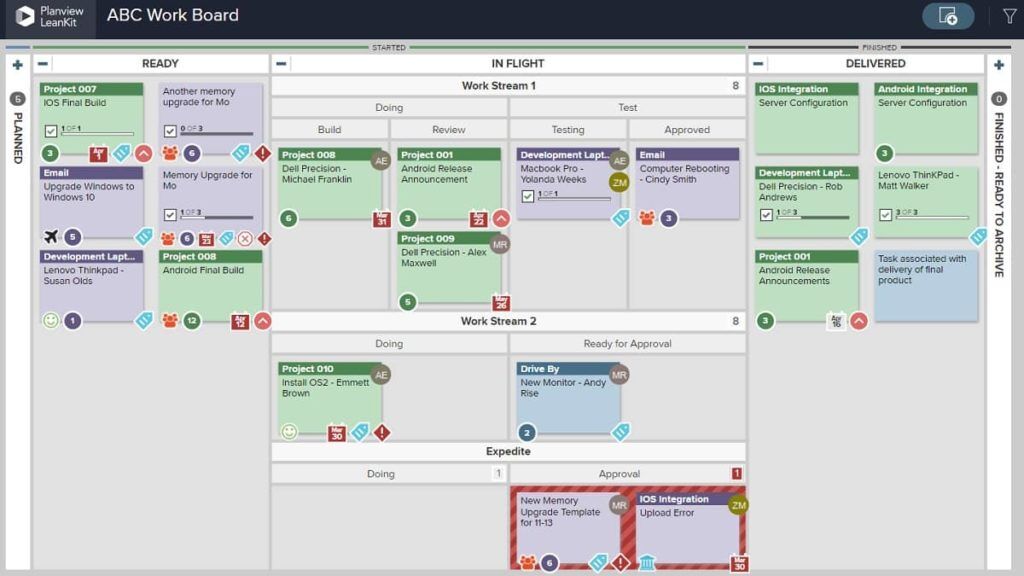
Visual boards: AgilePlace offers intuitive visual boards that enable your team to track projects at-a-glance. These customizable Kanban boards allow you to visualize workflows, monitor task progress, and adjust processes as needed to provide real-time insights into project status and team performance.
Task management: AgilePlace offers powerful task management capabilities designed to help teams stay organized and focused. With its intuitive interface, users can effortlessly break down epics and create, assign, and prioritize tasks, ensuring clarity and efficiency in project execution.
Custom workflows: AgilePlace helps teams create custom workflows that align with their unique processes. With configurable Kanban boards, teams can define stages, establish policies, and set WIP limits to enhance efficiency. This feature also accommodates a variety of agile methodologies, including Scrum, Kanban, and Scrumban.
Collaboration tools: AgilePlace offers a suite of collaboration tools designed to enhance team communication and alignment throughout the project lifecycle. These features help teams share updates seamlessly, ensuring that all team members stay informed and coordinated.
Progress tracking: AgilePlace delivers comprehensive progress tracking features that offer clear visual indicators and notifications to help teams monitor project status and identify potential bottlenecks.
Reporting: AgilePlace includes built-in reporting features that offer visibility into team performance and workflow metrics. These tools allow users to monitor key performance indicators (KPIs) to help teams adjust strategies and improve delivery outcomes.

Standout Features
Kanban integration: AgilePlace is built around the Kanban methodology, which enables teams to manage work visually using customizable Kanban boards. These boards support drag-and-drop visual task tracking, work-in-progress (WIP) limits, and flow metrics, all of which help improve team efficiency and workflow transparency.
Customizable dashboards: AgilePlace allows users to configure dashboards with widgets and views tailored to team-specific needs. This customization helps surface key metrics, visualize project status, and track progress against goals, all of which supports informed decision-making.
Ease of Use
AgilePlace offers a user-friendly interface with intuitive visual boards that make project tracking straightforward. You and your team can quickly adapt to its features, although some users find the initial setup and customization require a bit of a learning curve. Once you’re familiar, though, the customizable workflows and clear task management help enhance efficiency and collaboration. Compared to other tools, AgilePlace strikes a balance between functionality and ease of use, making it suitable for teams that value flexibility and visual clarity.

Onboarding
AgilePlace's onboarding process can be a bit challenging for new users, as it requires time to understand and customize its features. While it includes onboarding guides, tutorial videos, and a knowledge base, some users note that the support materials could be more detailed or structured. However, teams that invest time in setup often find that AgilePlace’s flexibility and visual workflow management deliver long-term value and improved process alignment.

Customer Support
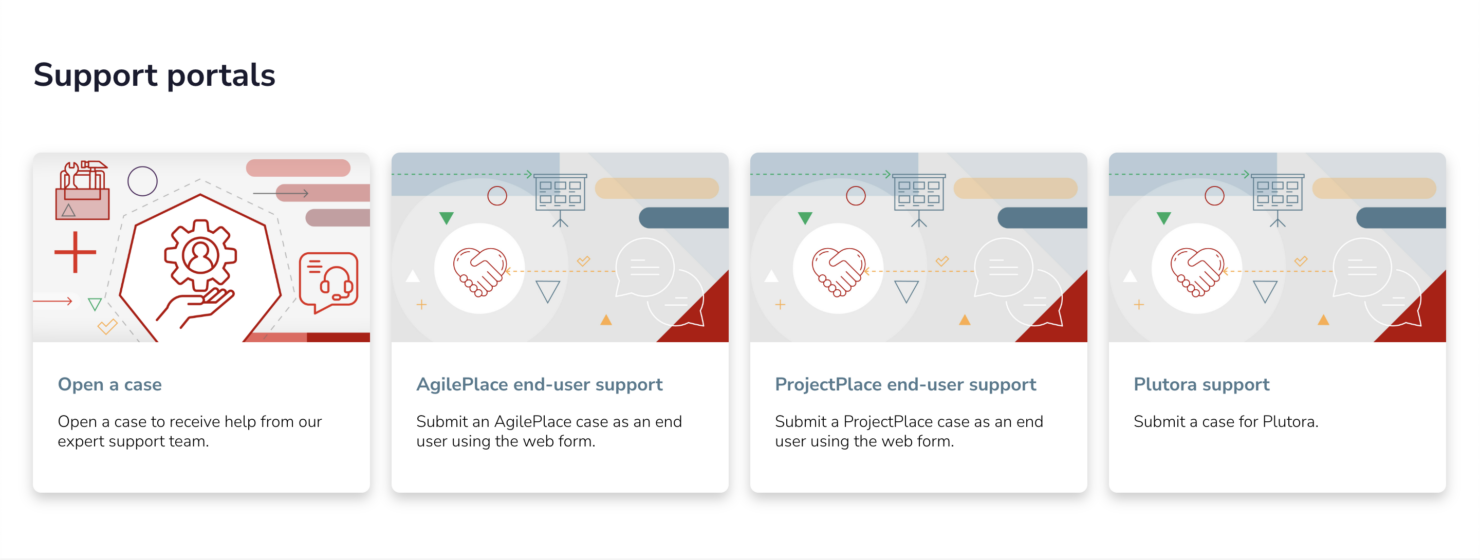
AgilePlace provides customer support via multiple channels, including email and a support portal, where users can submit tickets and access help resources. Many users appreciate the support team's responsiveness and professionalism when resolving technical issues or product-related queries. However, feedback on public review platforms suggests that the self-service documentation could be more comprehensive, especially for advanced configurations. Overall, AgilePlace ensures your team gets the necessary help to resolve issues and maximize the computer software's potential for your projects.
Value for Money
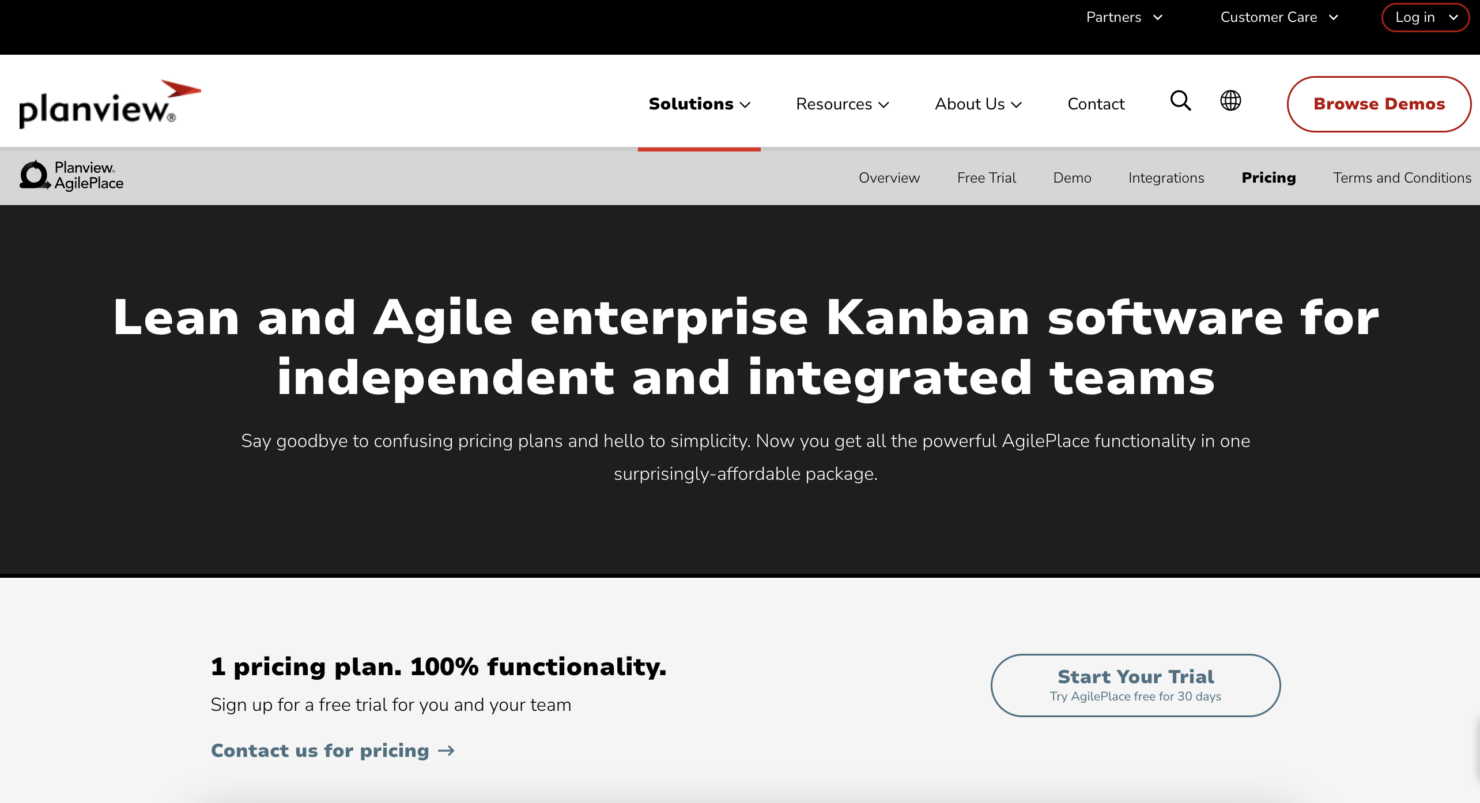
Planview AgilePlace pricing gives your team strong workflow tools without overcharging. You get clear visual boards, flexible agile planning features, and role-specific tools that scale with your needs. It’s not the cheapest, but you only pay for what you use, and the time you save makes it worth the cost.
Pricing is available upon request.
Planview AgilePlace Specs
- A/B Testing
- API
- Automated Testing
- Browser Compatibility Testing
- Bug Tracking
- Calendar Management
- CI/CD Integration
- Dashboard
- Data Export
- Data Import
- Data Visualization
- Developer Tools
- External Integrations
- History/Version Control
- Manual Testing
- Multi-User
- Notifications
- Performance Testing
- Regression Testing
- Scheduling
- Status Notifications
- Third-Party Plugins/Add-Ons
Planview AgilePlace FAQs
How does AgilePlace handle data security and compliance?
Can AgilePlace support remote teams effectively?
How easy is it to customize workflows in AgilePlace?
What kind of reporting capabilities does AgilePlace offer?
Is AgilePlace suitable for large-scale projects?
How does AgilePlace support agile project management?
Does AgilePlace offer any training or support for new users?
Can AgilePlace handle multiple projects simultaneously?
Planview AgilePlace Company Overview & History
Planview AgilePlace, originally known as LeanKit, was founded in 2009 to help teams apply Lean and Agile principles through visual work management. In 2017, Planview acquired LeanKit and rebranded it as AgilePlace, integrating it into their suite of enterprise work and portfolio management tools. Planview is headquartered in Austin, Texas, and employs over 1,400 people globally.
Planview AgilePlace Major Milestones
- 2009: LeanKit founded to bring Lean and Agile practices to teams through visual work management.
- 2017: Planview acquires LeanKit and rebrands it as Planview AgilePlace.
- 2020: TPG Capital and TA Associates acquire Planview for $1.6 billion.
- 2022: Planview achieves record annual recurring revenue (ARR) exceeding $380 million.
What's Next?
Want to connect with other digital project managers to share resources and best practices? Join our membership community and get access to 100+ templates, samples, and examples and connect with 100s of other digital project managers in Slack.