

FreeFileSync Review: Pros, Cons, Features, and Pricing Explained


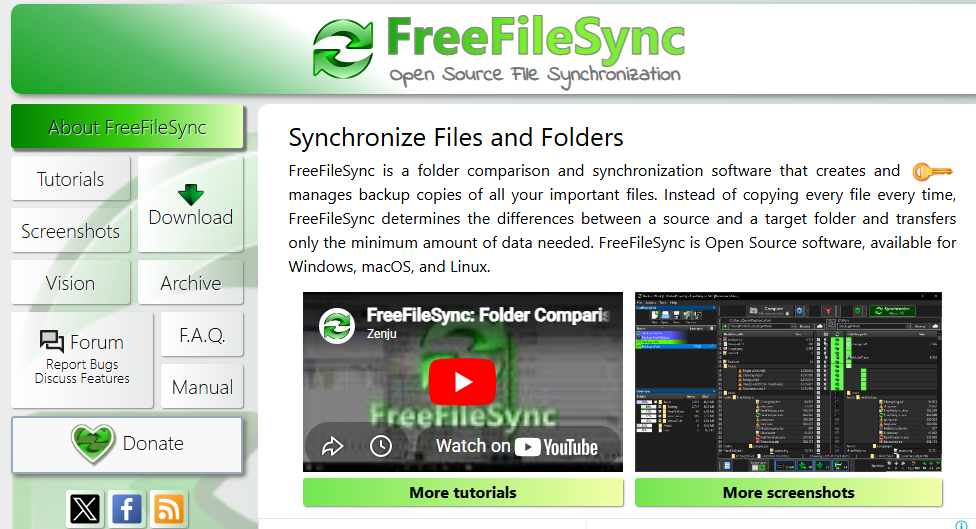
FreeFileSync is a file sync software designed to help you compare, synchronize, and back up files across multiple locations. For project managers juggling distributed teams, shifting requirements, and the need for reliable data access, FreeFileSync offers a flexible, open-source solution that supports complex sync scenarios without recurring license fees. In this review, you’ll find a detailed look at FreeFileSync’s features, best and worst use cases, pros and cons, and pricing—so you can decide if it’s the right file sync software for your team’s workflow and technical needs.
FreeFileSync Evaluation Summary
- Free to use
Why You Can Trust Us
We’ve been testing and reviewing project management software since 2012. As project managers ourselves, we know how critical and difficult it is to make the right decision when selecting software.
We invest in deep research to help our audience make better software purchasing decisions. We’ve tested more than 2,000 tools for different project management use cases and written over 1,000 comprehensive software reviews. Learn how we stay transparent & our software review methodology.
FreeFileSync Overview
When evaluating file sync software, FreeFileSync stands out as a no-cost, open source software solution that delivers serious functionality without locking you into subscriptions. Compared to other sync tools like rsync-based setups, it offers a powerful mix of file synchronization, data backup, and batch automation all wrapped in a lightweight installer.
That said, let’s be real, the GUI feels old-school, and onboarding isn’t exactly plug-and-play. If you’re expecting a polished SaaS experience, this definitely isn’t it. But if you want control, performance, and zero licensing fees, FreeFileSync is a great tool that punches above its weight.
pros
-
Free version offers full functionality with no usage limits
-
Handles large file sets across HDD, SSD, and external drives
-
Supports real-time sync via RealTimeSync for instant updates
cons
-
No enterprise-grade support or compliance features
-
Limited integrations beyond Google Drive and FTP
-
Outdated GUI compared to modern sync software
-

Accelo
Visit WebsiteThis is an aggregated rating for this tool including ratings from Crozdesk users and ratings from other sites.4.4 -
Wrike
Visit WebsiteThis is an aggregated rating for this tool including ratings from Crozdesk users and ratings from other sites.4.2 -
Forecast
Visit WebsiteThis is an aggregated rating for this tool including ratings from Crozdesk users and ratings from other sites.4.6




Our Review Methodology
How We Test & Score Tools
We’ve spent years building, refining, and improving our software testing and scoring system. The rubric is designed to capture the nuances of software selection and what makes a tool effective, focusing on critical aspects of the decision-making process.
Below, you can see exactly how our testing and scoring works across seven criteria. It allows us to provide an unbiased evaluation of the software based on core functionality, standout features, ease of use, onboarding, customer support, integrations, customer reviews, and value for money.
Core Functionality (25% of final scoring)
The starting point of our evaluation is always the core functionality of the tool. Does it have the basic features and functions that a user would expect to see? Are any of those core features locked to higher-tiered pricing plans? At its core, we expect a tool to stand up against the baseline capabilities of its competitors.
Standout Features (25% of final scoring)
Next, we evaluate uncommon standout features that go above and beyond the core functionality typically found in tools of its kind. A high score reflects specialized or unique features that make the product faster, more efficient, or offer additional value to the user.
We also evaluate how easy it is to integrate with other tools typically found in the tech stack to expand the functionality and utility of the software. Tools offering plentiful native integrations, 3rd party connections, and API access to build custom integrations score best.
Ease of Use (10% of final scoring)
We consider how quick and easy it is to execute the tasks defined in the core functionality using the tool. High scoring software is well designed, intuitive to use, offers mobile apps, provides templates, and makes relatively complex tasks seem simple.
Onboarding (10% of final scoring)
We know how important rapid team adoption is for a new platform, so we evaluate how easy it is to learn and use a tool with minimal training. We evaluate how quickly a team member can get set up and start using the tool with no experience. High scoring solutions indicate little or no support is required.
Customer Support (10% of final scoring)
We review how quick and easy it is to get unstuck and find help by phone, live chat, or knowledge base. Tools and companies that provide real-time support score best, while chatbots score worst.
Customer Reviews (10% of final scoring)
Beyond our own testing and evaluation, we consider the net promoter score from current and past customers. We review their likelihood, given the option, to choose the tool again for the core functionality. A high scoring software reflects a high net promoter score from current or past customers.
Value for Money (10% of final scoring)
Lastly, in consideration of all the other criteria, we review the average price of entry level plans against the core features and consider the value of the other evaluation criteria. Software that delivers more, for less, will score higher.
Core Features
Two-Way and Mirror Sync
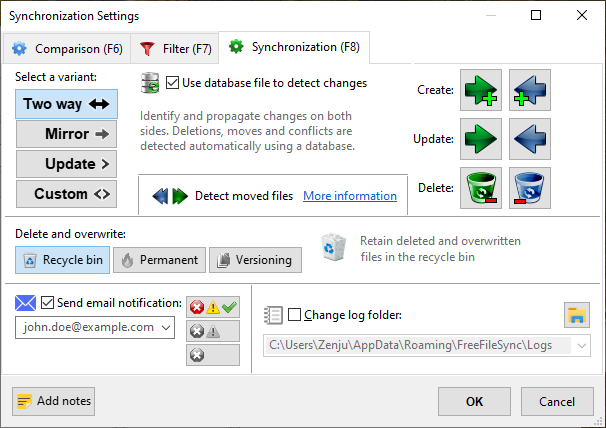
Synchronize files in both directions or create exact mirror copies between folders. This supports flexible backup and collaboration scenarios.
Real-Time Synchronization
Automatically detects and syncs file changes as they happen using the bundled RealTimeSync tool. This reduces manual intervention for ongoing sync needs.
Batch Job Automation
Save sync configurations as batch jobs and run them with a double-click or via task scheduler. This enables repeatable, unattended sync operations.
Cross-Platform Support
Runs on Windows, macOS, and Linux, allowing teams to use the same tool across different operating systems. This is valuable for mixed-environment teams.
Support for Network and Cloud Protocols
Sync files over local drives, network shares, FTP, FTPS, SFTP, and Google Drive. This makes it suitable for both local and remote file management.
Advanced File Comparison
Compares files by content (binary comparison), size, or date to ensure accurate synchronization. This helps prevent data loss and unnecessary transfers.
Ease of Use
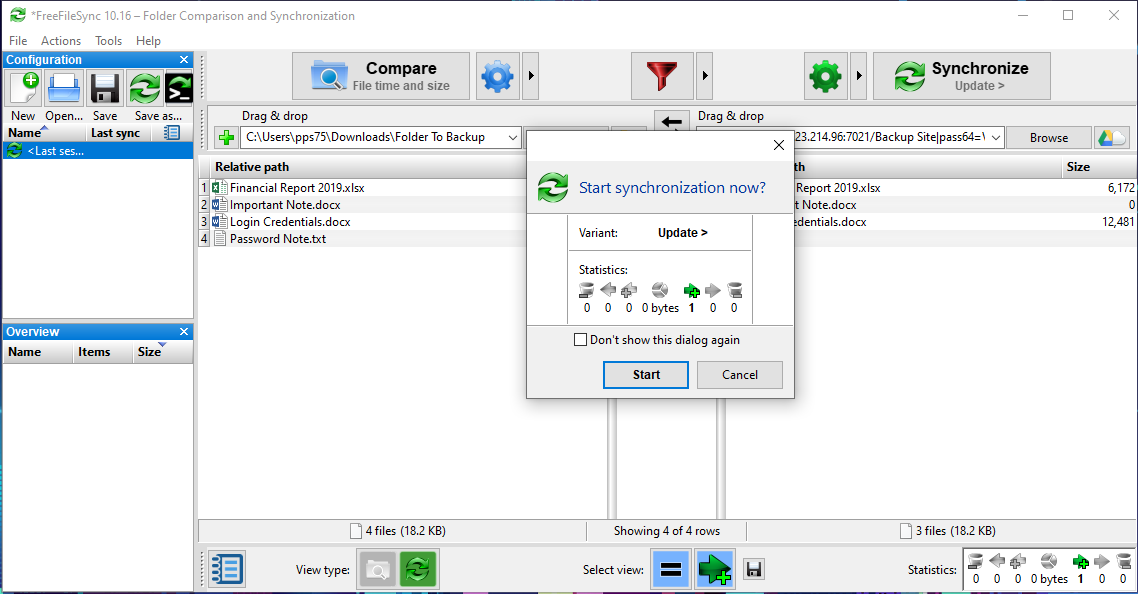
FreeFileSync offers powerful sync capabilities, but its interface can feel outdated and overwhelming, especially for users new to file sync software. Many users appreciate the detailed control and transparency it provides, but setup and configuration often require technical know-how. The lack of guided onboarding and minimal in-app help means users must rely on external documentation or community forums to troubleshoot issues, making it less approachable for non-technical teams.
Integrations
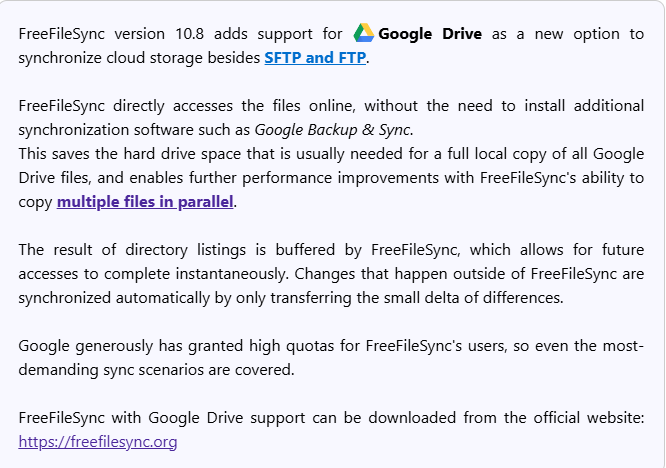
FreeFileSync integrates with local drives, network shares, FTP, FTPS, SFTP servers, and Google Drive.
FreeFileSync does not offer an API or direct connections with third-party integration tools but does offer command-line usage and is open-source.
FreeFileSync Specs
- 2-Factor Authentication
- API
- Batch Permissions & Access
- Calendar Management
- Contact Management
- Contact Sharing
- Email Integration
- External Integrations
- Google Apps Integration
- Multi-User
- Notifications
- Project Management
- Scheduling


