



ClickUp vs. Jira: Comparison & Expert Reviews For 2026



ClickUp offers a unified platform for efficient project management across various industries, while Jira focuses on developers with advanced tracking tools. Both are powerful, but ClickUp provides more versatility, whereas Jira excels in software development.
In this article, you'll find a detailed comparison of the tools and their features, pros and cons, and pricing, helping you choose the right project management software for your needs.
ClickUp vs. Jira: An Overview
ClickUp




Jira

Why Trust Our Software Recommendations
Our team has been testing and reviewing software since 2012. As project managers ourselves, we know how difficult—and important—it is to choose the right software.
For this guide, we evaluated tools using hands-on testing and independent research, scoring tools using our selection criteria. We also draw on insights from industry thought leaders and practicing project management experts.
Our reviews reflect our human editorial judgment, not a sales pitch.
ClickUp vs. Jira Pricing Comparison
| ClickUp | Jira | |
|---|---|---|
| Free Trial | Free plan + free demo available | Free plan + 14-day free trial available |
| Pricing | From $7/user/month (billed annually) | From $7.91/user/month |
ClickUp vs. Jira Pricing & Hidden Costs
ClickUp pricing offers a flexible tiered structure with free and paid options, though users might encounter costs for additional storage or advanced features. Jira pricing follows a per-user subscription model, which can increase with more users or added premium features.
To choose the right tool, assess your team's size, feature needs, and the potential for scaling; consider a trial period to see which vendor aligns best with your workflow and budget.
ClickUp vs. Jira Feature Comparison
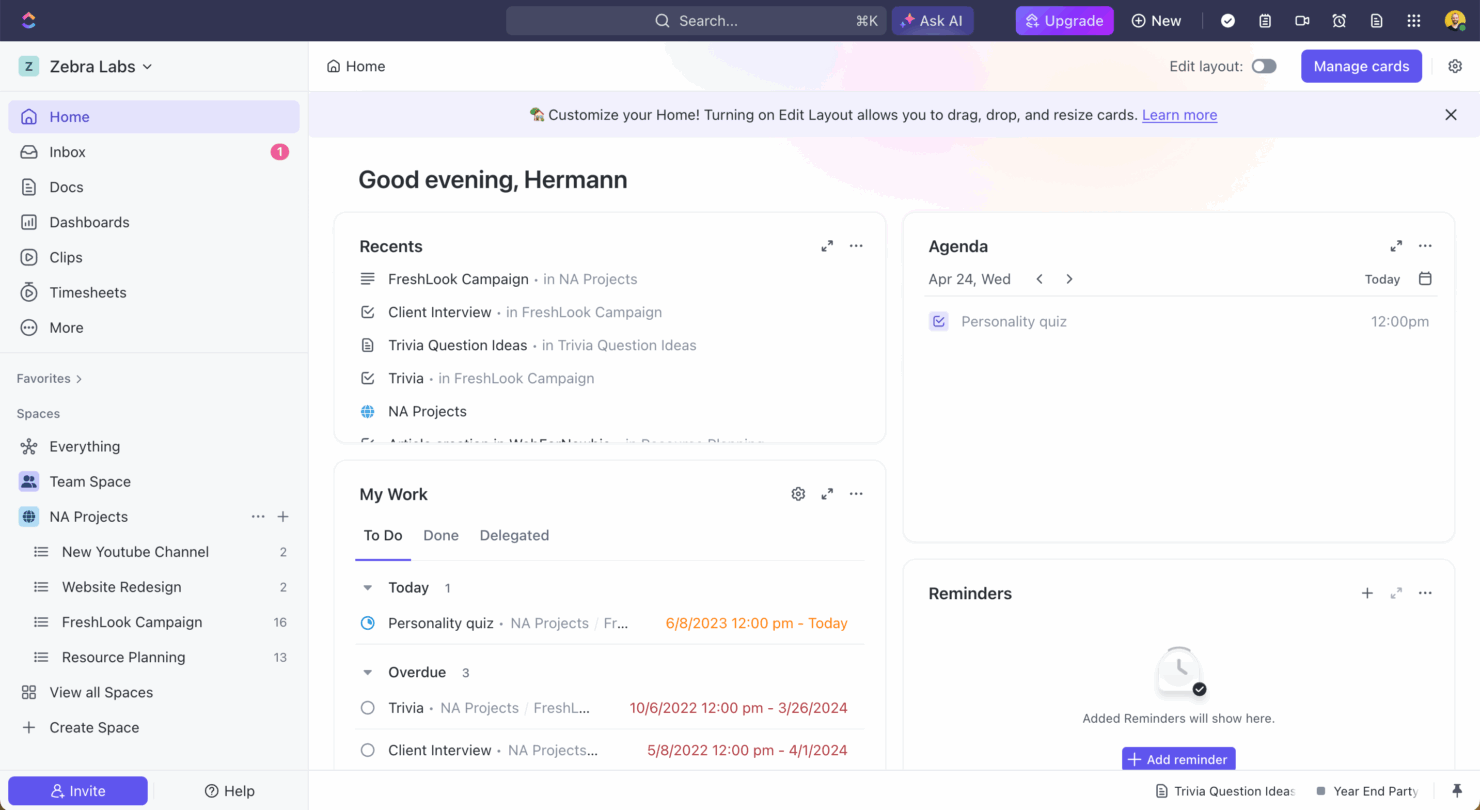
ClickUp’s customizable task views let you switch between list, board, and calendar formats, making it ideal for teams managing multiple workflows. Jira offers robust issue tracking and unique URLs for each task, helping development teams streamline bug tracking and documentation.
While ClickUp provides flexibility across industries, Jira is tailored for detailed issue management in software development.
| ClickUp | Jira | |
|---|---|---|
| API | ||
| Calendar Management | ||
| Collaboration Support | ||
| Dashboards | ||
| Data Export | ||
| Data Import | ||
| External Integrations | ||
| File Sharing | ||
| Gantt Charts | ||
| Kanban Boards | ||
| Multi-User | ||
| Notifications | ||
| Project Management | ||
| Task Scheduling/Tracking | ||
| Time Management |
ClickUp vs. Jira Integrations
| Integration | ClickUp | Jira |
|---|---|---|
| Dropbox | ✅ | ❌ |
| Figma | ✅ | ✅ |
| GitHub | ✅ | ✅ |
| Slack | ✅ | ✅ |
| Google Calendar | ✅ | ❌ |
| Microsoft Teams | ✅ | ✅ |
| Zoom | ✅ | ✅ |
| Jenkins | ❌ | ✅ |
| Lucidchart | ❌ | ✅ |
| Adobe XD | ❌ | ✅ |
| API | ✅ | ✅ |
| Zapier | ✅ | ✅ |
ClickUp integrates with Slack to streamline communication and task updates, making it valuable for teams managing remote collaboration. Jira integrates with Jenkins to automate build and deployment processes, supporting development teams focused on continuous integration.
While ClickUp boosts collaboration with communication tools, Jira strengthens software development workflows through its technical integrations.
ClickUp vs. Jira Security, Compliance & Reliability
| Factor | ClickUp | Jira |
|---|---|---|
| Data Encryption | ClickUp uses AES-256 encryption to protect data at rest and in transit. | Jira employs AES-256 encryption, ensuring data security across its platforms. |
| Regulatory Compliance | ClickUp complies with GDPR, ensuring user data privacy and protection. | Jira meets GDPR and other international standards for data protection. |
| Uptime Reliability | ClickUp offers a 99.9% uptime SLA, ensuring consistent service reliability. | Jira provides a 99.9% uptime SLA, backed by a robust global infrastructure. |
ClickUp and Jira both provide strong security and compliance features, but ClickUp’s higher uptime SLA may appeal to teams that prioritize reliability. When evaluating these tools, consider your specific compliance requirements, such as GDPR, along with encryption standards and uptime guarantees to ensure they meet your team’s security needs.
ClickUp vs. Jira Ease of Use
| Factor | ClickUp | Jira |
|---|---|---|
| User Interface | ClickUp offers a clean and customizable interface with drag-and-drop capabilities | Jira’s interface is powerful but can be complex, requiring time to master. |
| Onboarding Experience | ClickUp provides interface tutorials and resources for a smooth start. | Jira offers detailed documentation but may feel overwhelming for beginners. |
| Setup | ClickUp’s setup is intuitive, allowing quick project creation and management. | Jira’s setup can be intricate, often needing configuration for optimal use. |
ClickUp is easier to start with due to its intuitive design and helpful onboarding, while Jira can be challenging initially because of its complex setup and interface. However, Jira's depth and customization options are beneficial for those willing to invest the time to learn it fully.
ClickUp vs Jira: Pros & Cons
ClickUp
- Extensive task management features keep your projects organized and on track
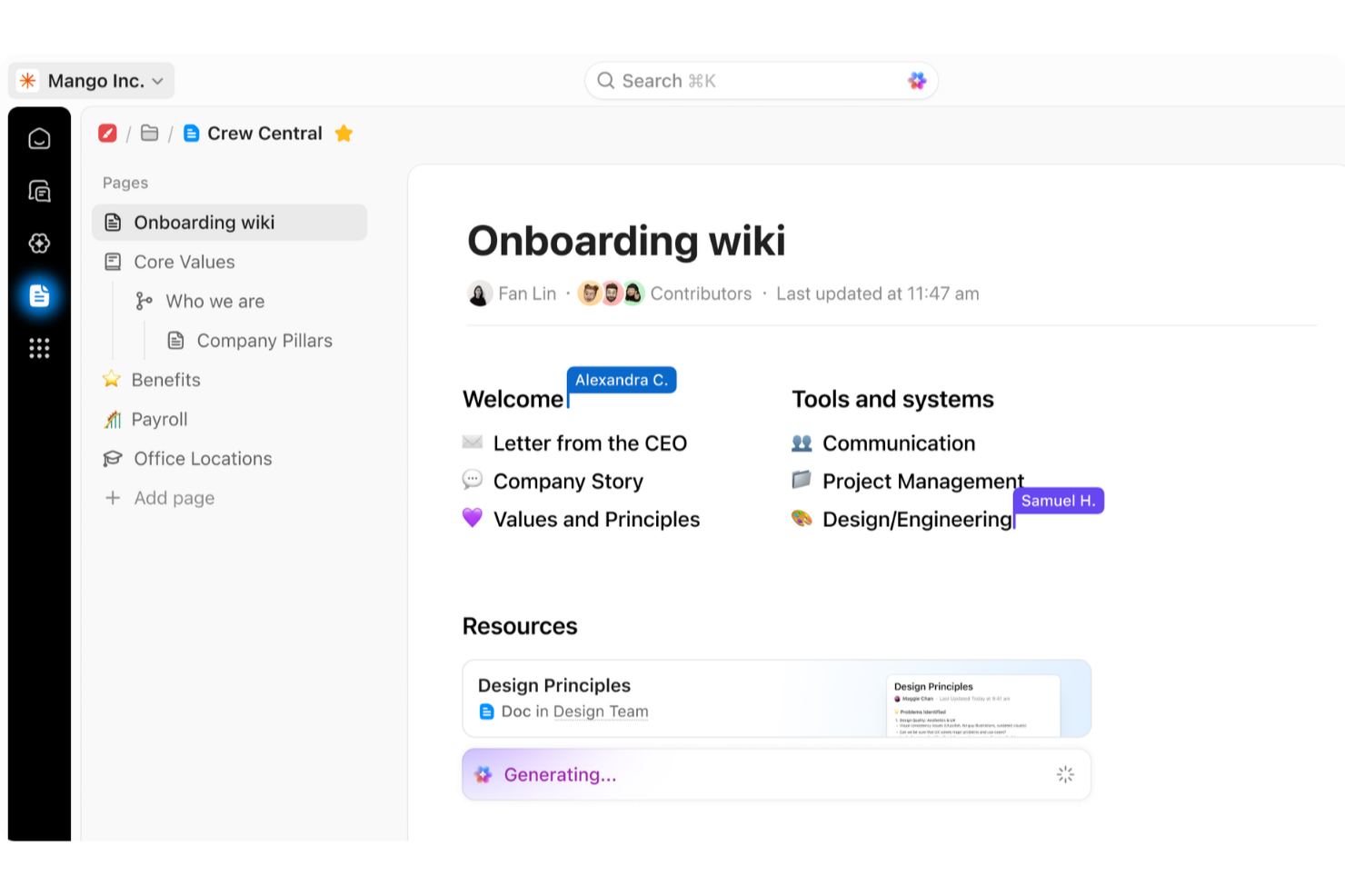
- Real-time collaboration makes team communication more effective
- Built-in automations reduce manual work and speed up your workflow
- Users often find the learning curve steep due to its rich feature set
- Some users report occasional performance lags when managing large projects
- Mobile app can be less intuitive than the desktop version
Jira
- Agile workflow management supports Scrum and Kanban and can improve your teams' productivity.
- Automation rules are easy to set up, which helps your team speed up their work.
- Custom filters can be created and accessed quickly, which improves your team's efficiency.
- Field names can be confusing, which might slow down your team's workflow.
- The interface can be too crowded in Scrum projects, which can make it hard for your team to navigate.
- There's a lack of resource management capabilities, which could limit your team's planning.
Best Use Cases for ClickUp and Jira
ClickUp
- Creative agencies ClickUp's customizable dashboards and task automation features can help you manage client projects, track feedback and revisions, and keep creative teams aligned.
- Tech startups ClickUp supports agile development with sprints and real-time collaboration features that can help teams iterate quickly.
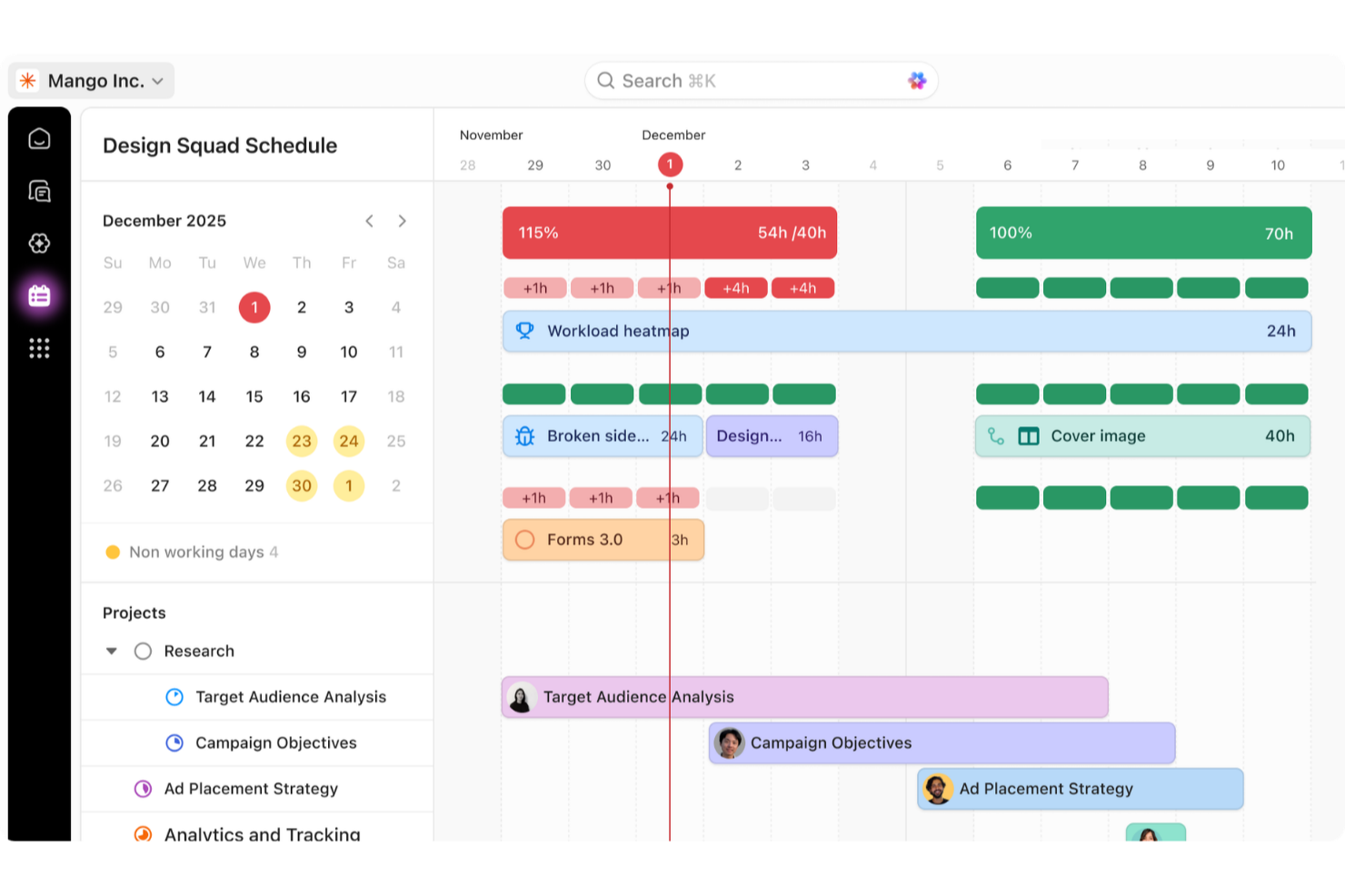
- Marketing teams You can streamline campaign planning and execution using ClickUp’s task dependencies and timelines.
- Remote teams ClickUp's real-time updates and collaboration tools keep everyone on the same page, no matter where they are.
- Product managers ClickUp’s roadmaps and goal-tracking features help you align development with business objectives.
- Freelancers You can track your tasks and deadlines efficiently with ClickUp’s simple task and time management tools.
Jira
- Software development Jira’s agile tools like Scrum and Kanban boards make it perfect for managing software projects.
- IT departments Its issue tracking capabilities help your team efficiently handle technical support and bug fixes.
- Tech startups Jira offers customization capabilities that allow your team to scale and adapt as your projects grow.
- Agile teams Sprint planning and backlog management features keep your agile processes organized and effective.
- Large enterprises Jira’s automation rules can streamline your complex workflows and improve team productivity.
- Project managers Its reporting and analytics provide insights that help you make informed decisions quickly.
Who Should Use ClickUp, and Who Should Use Jira?
In my opinion, ClickUp is ideal for teams seeking a versatile tool that supports various industries and project types, especially those who value customization and ease of use. For software development or teams needing advanced tracking and integration, Jira is the better choice.
I believe ClickUp works well for creative and marketing teams with its flexible interface, while Jira is built for technical teams that require detailed issue tracking and structured workflows.
Differences Between ClickUp and Jira
| ClickUp | Jira | |
|---|---|---|
| Automation | ClickUp provides built-in automation for task management. | Jira offers advanced automation, especially suited for development workflows. |
| Customization | ClickUp allows various views and custom fields for different projects | Jira provides detailed customization options, ideal for technical teams. |
| Integrations | ClickUp integrates with communication tools like Slack and Zoom. | Jira integrates deeply with development tools like Jenkins and GitHub |
| Pricing | ClickUp offers a flexible tiered pricing structure with free options. | Jira uses a per-user subscription model that scales with user count. |
| User Interface | ClickUp features a customizable interface with drag-and-drop ease | Jira’s interface is powerful but can be complex for new users. |
| Visit ClickUpOpens new window | Read Jira ReviewOpens new window |
Similarities Between ClickUp and Jira
| API Access | Both platforms provide API access, allowing you to build custom integrations and automate workflows. ClickUp's API is user-friendly for general tasks, while Jira's API is robust for more complex development requirements. |
|---|---|
| Collaboration | Both tools support team collaboration with features like comments and file sharing. ClickUp integrates smoothly with Slack for communication, while Jira offers integrations with development tools to enhance team collaboration. |
| Project Tracking | Both ClickUp and Jira offer robust project tracking, allowing you to monitor tasks, deadlines, and progress easily. ClickUp uses customizable views, while Jira excels with detailed issue tracking for development projects. |
| Scalability | ClickUp and Jira both scale well with your team, supporting growing project demands and expanding user bases. ClickUp offers flexibility across various industries, while Jira is tailored for scaling software development teams. |
| Task Management | ClickUp and Jira both provide comprehensive task management, enabling you to assign, prioritize, and track tasks efficiently. ClickUp's task views are customizable, whereas Jira offers detailed workflows particularly suited to technical teams. |
| Visit ClickUpOpens new window Read Jira ReviewOpens new window | |