


ClickUp jämfört med Notion: Jämförelse & expertomdömen för 2026



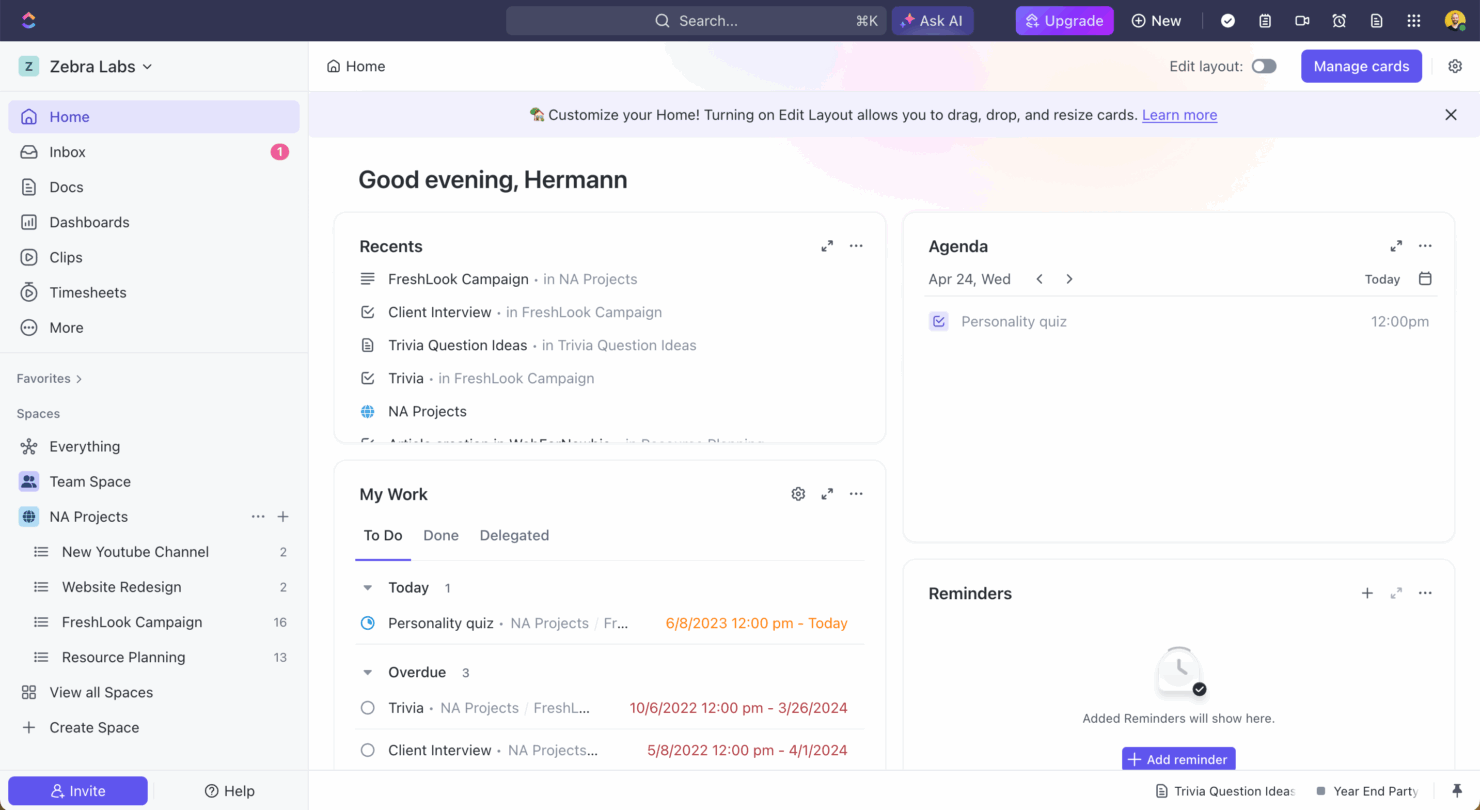
ClickUp är ett mångsidigt projekthanteringsverktyg som har utformats för att hjälpa team att effektivt organisera och hantera uppgifter. Notion erbjuder en flexibel arbetsyta som kombinerar anteckningar, uppgifter och databaser för att stödja anpassade arbetsflöden.
Även om båda verktygen förbättrar produktiviteten betonar ClickUp strukturerad uppgiftshantering, medan Notion fokuserar på att skapa en personlig digital arbetsyta.
I den här artikeln jämför vi verktygen och deras funktioner, för- och nackdelar, priser med mera för att hjälpa dig välja den bästa projekthanteringsprogramvaran för ditt team.
ClickUp vs. Notion: An Overview
ClickUp


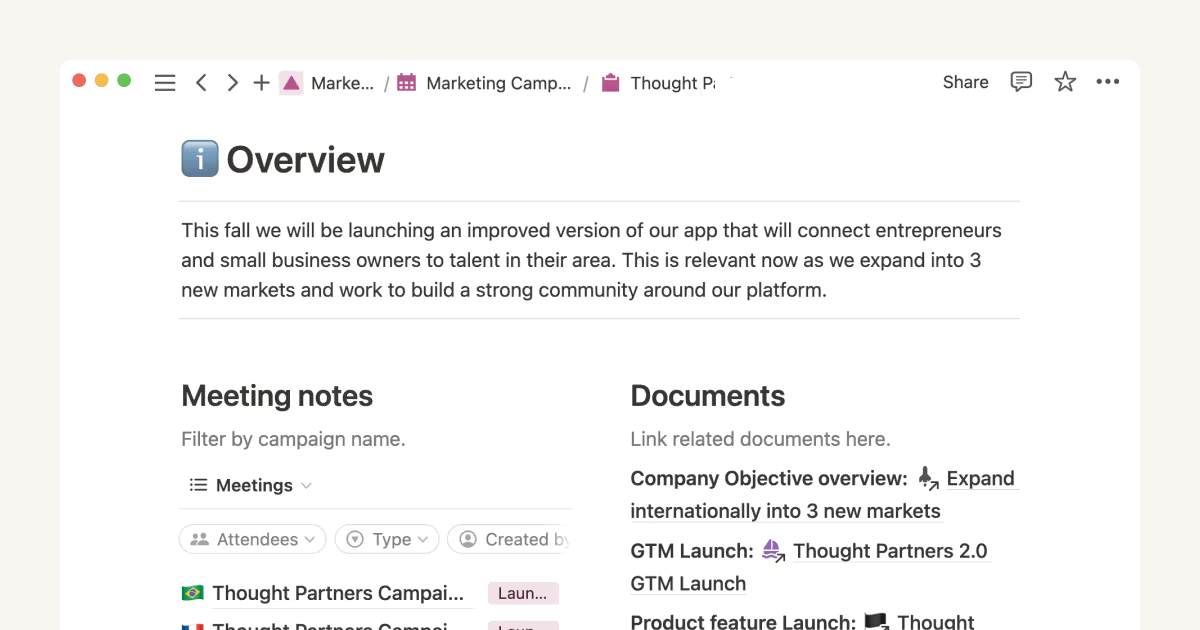
Notion

Varför du kan lita på våra programvarurekommendationer
Vårt team har testat och recenserat programvara sedan 2012. Som projektledare själva vet vi hur
svårt — och viktigt — det är att välja rätt programvara.
För den här guiden utvärderade vi verktyg genom praktisk testning och oberoende research, och betygsatte verktygen enligt våra urvalskriterier. Vi drar även nytta av insikter från branschens tankeledare och praktiserande projektledningsexperter.
Våra recensioner speglar vårt mänskliga redaktionella omdöme, inte ett säljbudskap.
Expertgranskare:
ClickUp vs. Notion Pricing Comparison
| ClickUp | Notion | |
|---|---|---|
| Free Trial | Free plan + free demo available | Free plan available |
| Pricing | From $7/user/month (billed annually) | From $10/user/month (billed annually) |
Priser för ClickUp erbjuder en prenumerationsmodell i flera nivåer med kostnadsfria och betalda abonnemang, men ytterligare kostnader kan tillkomma för premiumfunktioner och integrationer.
Priser för Notion följer också en struktur i flera nivåer, med kostnadsfria och betalda alternativ samt potentiella extra kostnader för teamsamarbete och större lagringsbehov.
För att välja rätt verktyg för projektets budget bör du utvärdera de specifika funktioner och den funktionalitet som ditt team behöver, jämföra dem med vad varje verktyg erbjuder och ta hänsyn till hur skalbara prisplanerna är när projektet växer.
Båda verktygen i den här jämförelsen erbjuder bra priser för små team, men skalas på mycket olika sätt.
ClickUp vs. Notion Feature Comparison
ClickUp erbjuder avancerade funktioner för uppgiftshantering som gör det enkelt att skapa, tilldela och följa uppgifter, vilket är idealiskt för komplexa projekt som kräver detaljerad uppföljning och tidshantering.
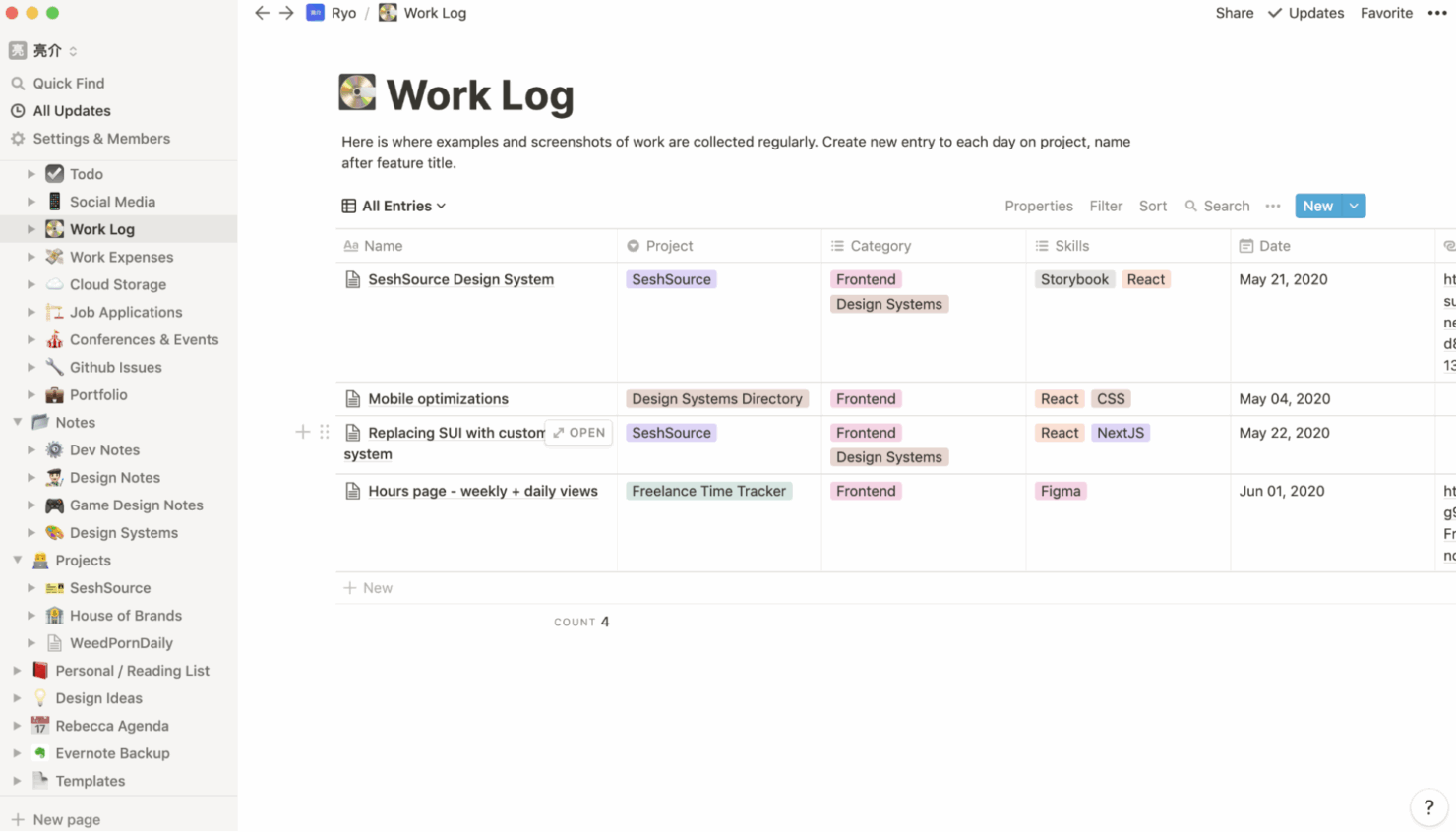
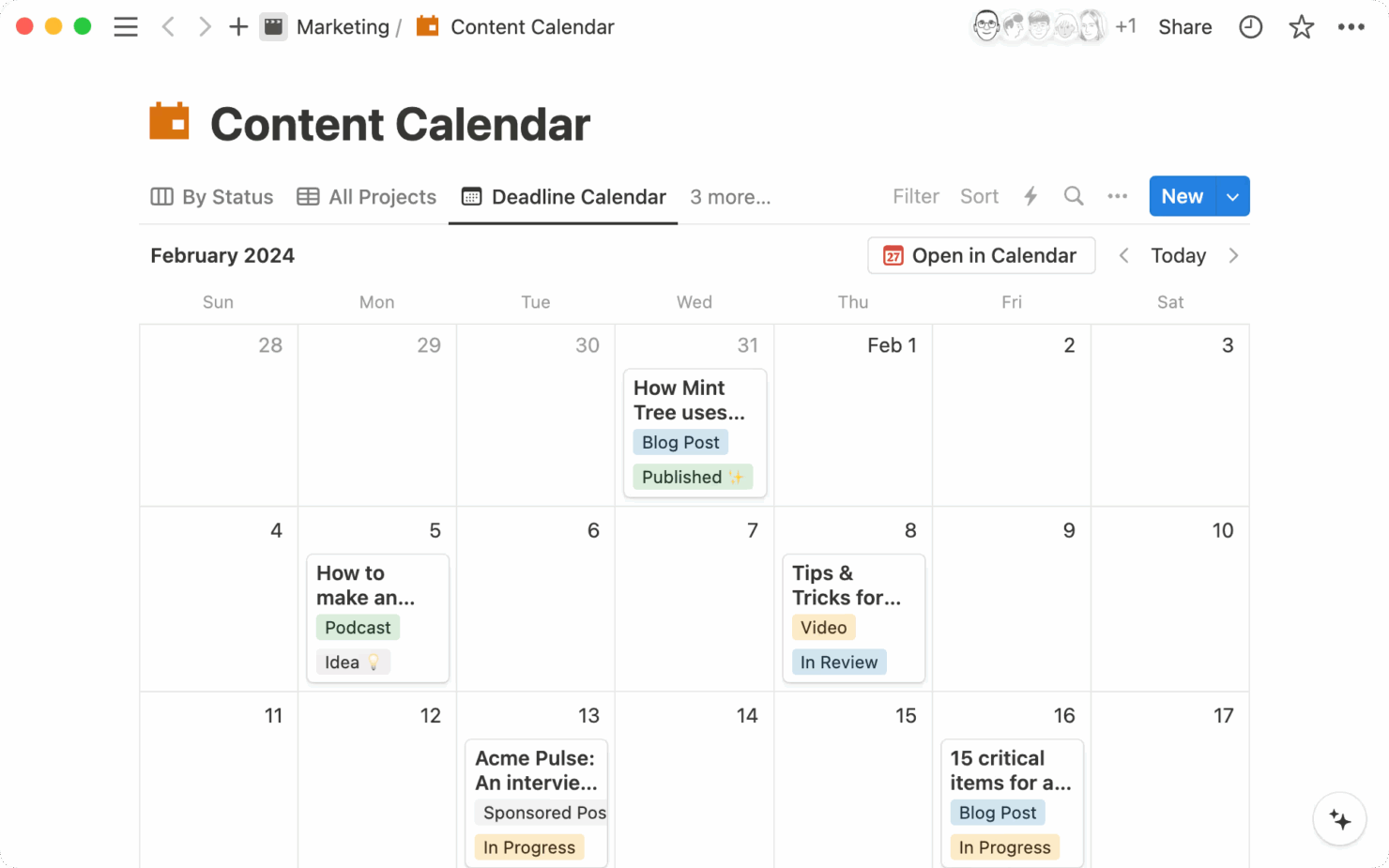
Notions flexibla databaser gör det möjligt att organisera anteckningar, uppgifter och projekt i en enda anpassningsbar arbetsyta, vilket passar team som behöver en heltäckande planeringsmiljö.
ClickUp passar bäst för uppgiftsfokuserade arbetsflöden, medan Notion stöder mer flexibla, kreativa och samarbetsinriktade projekt.
| ClickUp | Notion | |
|---|---|---|
| API | ||
| Calendar Management | ||
| Data Export | ||
| Data Import | ||
| External Integrations | ||
| Multi-User | ||
| Notifications | ||
| Project Management | ||
| Scheduling | ||
| Task Scheduling/Tracking |
ClickUp jämfört med Notion: integrationer
| Integration | ClickUp | Notion |
| Dropbox | ✅ | ✅ |
| Figma | ✅ | ❌ |
| GitHub | ✅ | ❌ |
| Slack | ✅ | ✅ |
| Google Calendar | ✅ | ✅ |
| Discord | ✅ | ❌ |
| HubSpot | ✅ | ❌ |
| Microsoft Teams | ✅ | ❌ |
| API | ✅ | ✅ |
| Zapier | ✅ | ✅ |
ClickUp integreras med Slack för att stödja kommunikation i realtid och uppgiftshantering, vilket gör det till ett bra val för team som förlitar sig på snabbmeddelanden för projektuppdateringar. Notions integration med Google Calendar hjälper till att visualisera projektets tidslinjer och scheman, vilket gör det enkelt att följa upp deadlines och möten.
Medan ClickUp fokuserar på att hantera uppgifter och kommunikation erbjuder Notion en bredare överblick över projektplanering och schemaläggning.
ClickUp jämfört med Notion: säkerhet, efterlevnad & tillförlitlighet
| Faktor | ClickUp | Notion |
| Datakryptering | ClickUp krypterar data i vila och under överföring med AES-256-kryptering. | Notion använder AES-256-kryptering för att skydda data både i vila och under överföring. |
| Efterlevnad av regelverk | ClickUp följer GDPR och CCPA och säkerställer efterlevnad av regler för datasekretess. | Notion följer GDPR-standarder för att skydda användarnas datasekretess. |
| Drifttillförlitlighet | ClickUp garanterar 99.99% drifttid med robust infrastruktursupport. | Notion erbjuder en tillförlitlig tjänst med fokus på att upprätthålla hög drifttid. |
Både ClickUp och Notion erbjuder starka funktioner för säkerhet och efterlevnad, men ClickUp utmärker sig med sin drifttidsgaranti och erbjuder något högre tillförlitlighet.
När du väljer mellan de två bör du granska varje plattforms säkerhetscertifieringar och policyer för drifttid för att säkerställa att de överensstämmer med ditt teams risktolerans och krav på datasekretess.
ClickUp jämfört med Notion: användarvänlighet
| Faktor | ClickUp | Notion |
| Användargränssnitt | ClickUp erbjuder ett anpassningsbart gränssnitt med olika vyer, till exempel listor och tavlor. | Notions gränssnitt är rent och minimalistiskt, vilket möjliggör en mycket personlig arbetsyta. |
| Introduktion | ClickUp erbjuder guidade rundturer och handledningar som hjälper nya användare att snabbt komma igång. | Notion erbjuder mallar och resurser från communityn för att underlätta inlärningen. |
| Konfiguration | Konfigurationen av ClickUp är enkel, med färdiga mallar för olika arbetsflöden. | Notion erbjuder mallar och resurser från communityn för att underlätta inlärningen. |
| Support | ClickUp erbjuder support dygnet runt via chatt samt omfattande dokumentation. | Notion erbjuder ett hjälpcenter och aktiva communityforum för support. |
ClickUp är mer nybörjarvänligt och erbjuder strukturerad vägledning genom handledningar samt chatsupport dygnet runt. Notion ger större flexibilitet men kan vara svårare att konfigurera, eftersom plattformen bygger på manuell konfiguration och har begränsad inbyggd vägledning. Det är dock ett starkt alternativ för användare som föredrar anpassning och har nytta av community-drivna resurser.
ClickUp vs Notion: Pros & Cons
ClickUp
- Built-in automations reduce manual work and speed up your workflow
- Extensive task management features keep your projects organized and on track
- Real-time collaboration makes team communication more effective
- Users often find the learning curve steep due to its rich feature set
- Some users report occasional performance lags when managing large projects
- Mobile app can be less intuitive than the desktop version
Notion
- You can take notes, manage projects, and maintain your databases in one place.
- The intuitive design makes it easy for users to navigate and organize their projects.
- You can tailor your workspace to fit your needs with flexible layouts and templates.
- The mobile app is less intuitive than the desktop version.
- You might experience slow performance if you have large databases or complex setups.
- It can be challenging for new users to master without spending time on tutorials.
Best Use Cases for ClickUp and Notion
ClickUp
- Freelancers You can track your tasks and deadlines efficiently with ClickUp’s simple task and time management tools.
- Tech startups ClickUp supports agile development with sprints and real-time collaboration features that can help teams iterate quickly.
- Marketing teams You can streamline campaign planning and execution using ClickUp’s task dependencies and timelines.
- Remote teams ClickUp's real-time updates and collaboration tools keep everyone on the same page, no matter where they are.
- Product managers ClickUp’s roadmaps and goal-tracking features help you align development with business objectives.
- Creative agencies ClickUp's customizable dashboards and task automation features can help you manage client projects, track feedback and revisions, and keep creative teams aligned.
Notion
- Creative agencies You can use customizable templates within a flexible workspace to manage creative projects and collaborate with the team.
- Freelancers You can manage multiple projects and clients in a single, organized platform.
- Startups You can tailor your workspace to your needs in order to manage rapid growth and changing project requirements.
- Remote teams Notion supports constant communication and project tracking across different locations.
- Education departments You can use Notion's database capabilities to organize curricula, schedules, and educational materials.
- Content writers You can use the note-taking and organization features to manage research, drafts, and editorial calendars efficiently.
Differences Between ClickUp and Notion
Nedan hittar du information om vad som skiljer dessa verktyg åt.
| ClickUp | Notion | |
|---|---|---|
| Automation | ClickUp supports automation for repetitive tasks and processes. | |
| Customization | ClickUp allows customization of views and dashboards to suit workflows. | |
| Pricing | ClickUp uses a tiered pricing model with options for advanced features. | |
| Task Management | ClickUp provides detailed task tracking with lists, boards, and timelines. | |
| User Interface | ClickUp has a structured interface with multiple view options. | |
| Visit ClickUpOpens new window | Read Notion ReviewOpens new window |
Similarities Between ClickUp and Notion
Nu när du vet vad som skiljer dem åt ska vi titta på likheterna.
| Artificial Intelligence | Both platforms have integrated AI into their products. Clickup has ClickUp Brain, while Notion has Notion AI. |
|---|---|
| Collaboration | Both platforms offer real-time collaboration features, allowing your team to work together seamlessly on projects. |
| Custom Templates | Each offers a variety of templates to help you quickly set up projects tailored to your team’s needs. |
| Integrations | Both ClickUp and Notion support integrations with tools like Google Calendar and Slack, enhancing team collaboration. |
| Visit ClickUpOpens new window Read Notion ReviewOpens new window | |
| Mobile Usability | ClickUp and Notion both provide mobile apps, letting you manage your work on the go from any device. |
| Security | Both ensure data security with strong encryption and compliance with privacy regulations like GDPR. |
| Visit ClickUpOpens new window Read Notion ReviewOpens new window | |