

17 Best Project Scheduling Courses to Upskill in 2026

When deadlines shift and dependencies stack up, your scheduling skills are what keep delivery on track. I sifted through the available options to find project scheduling courses worth your time—covering tools, methods, and planning frameworks so you can match training to what your work actually demands.
DPM School Spotlights
Master Project Plans - DPM School
Best for: Digital PMs building practical project timelines

Our DPM School mini course, Master Project Plans, uses planning examples and a checklist to help you create and refine project timelines across different delivery approaches.
What you’ll learn: Decide when to use a project plan, create detailed timelines, optimize plans, and address common planning challenges.
Course details:
- Format: Prerecorded, on-demand online lesson with downloadable resources
- Duration: Approximately one hour of instruction; 12 months’ access with individual purchase
- Level/prerequisites: Beginner; no prerequisites required
- Price: $49 USD per course
- Assessment: Optional brief quiz by email after course completion for the microcredential
- Certificate/credits: Optional DPM microcredential; no specific PDU award stated
The 17 Best Project Scheduling Courses
Below are my summaries of the best project scheduling courses. My reviews offer a look at each course's learning objectives, best fits, cost, and more.
1. Project Schedule Management (Critical Path Method) - Udemy
Best for: PMs learning CPM calculations from scratch

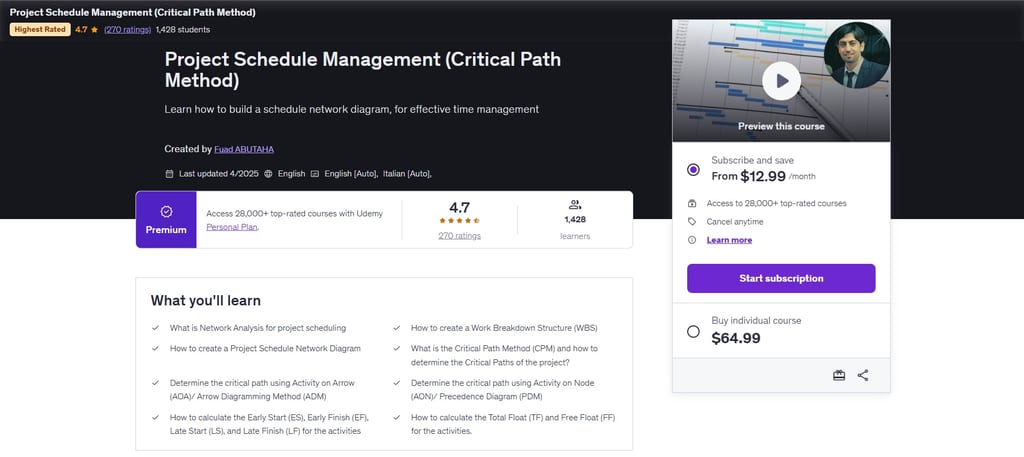
This Udemy course by Fuad Abutaha teaches the Critical Path Method at a calculation level, covering both Arrow and Precedence Diagramming approaches. It's worth considering if you want to understand the math behind schedules, not just trust a tool to run it for you.
What you'll learn: Build network diagrams, calculate Early/Late Start and Finish dates, determine Total and Free Float, identify the critical path, and create Gantt charts using Microsoft Project.
Course details:
- Format: Self-paced, on-demand video; online
- Duration: 3 hours 43 minutes of video; 20 lectures across 5 sections
- Level/prerequisites: Beginner; no prior experience required
- Price: Dynamic Udemy pricing; promotional rates from $14.99 USD; also accessible via Udemy Personal Plan subscription
- Certificate/credits: Udemy certificate of completion; no PDUs or professional credits noted
Considerations: At under four hours of video, this course goes deep on CPM calculations but covers a narrow slice of scheduling—if you need broader schedule management skills, you'll want to pair it with additional training.
2. Master Project Scheduling and Planning - Coursera
Best for: PMs who want end-to-end scheduling coverage in one course

Master Project Scheduling and Planning is a Coursera course from EDUCBA that takes you from foundational scheduling concepts through advanced techniques—all in one structured, heavily practice-based curriculum.
What you'll learn: Sequence activities using network diagrams, calculate critical path and float, apply schedule compression techniques, manage resources, and use Microsoft Project to build and monitor schedules.
Course details:
- Format: Self-paced, on-demand video with graded assignments; online
- Duration: Approximately 30 hours of total learning across 8 modules; 48 assignments included
- Level/prerequisites: Beginner to intermediate; no prerequisites required
- Price: Free to audit; certificate requires Coursera Plus subscription ($239 USD/year) or a separate certificate purchase
- Assessment: 48 graded assignments across 8 modules, including exercises and graded quizzes per module
- Certificate/credits: Shareable Coursera certificate of completion; also counts toward the Professional Risk and Program Management Specialization certificate; no PDUs noted
Considerations: The certificate is locked behind a paid subscription or purchase, so if you're auditing for free, you won't get a credential to show for it.
3. Project Scheduling Blueprint - Project Control Academy
Best for: Schedulers earning PDUs toward PMI-SP or PSP

Project Scheduling Blueprint is a standards-based scheduling course from Project Control Academy. It covers the full scheduling lifecycle using PMI and GAO frameworks, and it awards 30 PDUs—useful if you're preparing for PMI-SP or PSP.
What you'll learn: Define and sequence activities, calculate CPM float, load and level resources, baseline a schedule, and analyze and report schedule variances.
Course details:
- Format: Self-paced online; 19 prerecorded video modules via secure LMS; mobile-accessible; includes PDF handbook and private instructor Q&A forum
- Duration: 7-week structured program; 19 modules; 12 months of access to materials and instructor forum from enrollment date
- Level/prerequisites: Beginner to intermediate; no prerequisites required
- Price: $1,297 USD one-time, or 3 installments of $467 USD ($1,401 total); 15-day full refund guarantee
- Assessment: Per-module exercises and quizzes; final quiz required to complete the course
- Certificate/credits: Certificate of completion and 30 PDUs (3 CEUs) awarded by Project Control Academy
Considerations: The course focuses on scheduling methodology, not software—if you need hands-on training in Microsoft Project or Primavera P6, you'll need to source that separately.

4. Project Management Foundations: Schedules - LinkedIn Learning
Best for: PMs who need a quick, PMBOK-aligned scheduling course
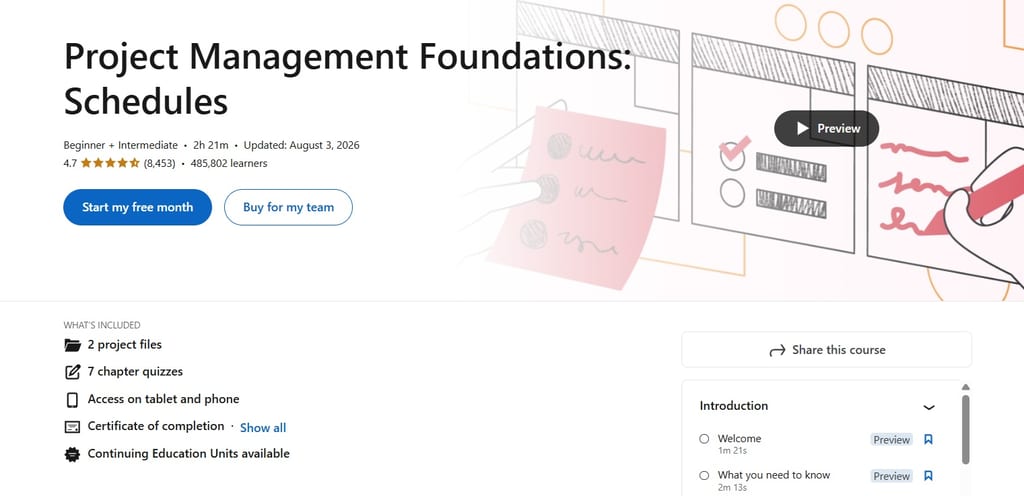
Project Management Foundations: Schedules is a LinkedIn Learning course taught by Bonnie Biafore, PMP. At just over two hours, it covers the complete scheduling lifecycle in a PMBOK-aligned format and qualifies for PMI PDUs.
What you'll learn: Plan and sequence activities, estimate durations, identify the critical path, assign and balance resources, and update and optimize your schedule as the project progresses.
Course details:
- Format: Self-paced, on-demand video; online; includes AI-powered role play simulations, 2 exercise files, and quizzes; mobile-accessible
- Duration: 2 hours 21 minutes of video content; access included with an active LinkedIn Premium subscription
- Level/prerequisites: Beginner to intermediate; no prerequisites required
- Price: Requires a LinkedIn Premium subscription; LinkedIn Premium Career starts at $39.99 USD/month or $239.88 USD/year (annual billing)
- Assessment: 7 quizzes included across the course
- Certificate/credits: LinkedIn Learning certificate of completion; eligible for PMI PDUs through LinkedIn Learning's PMI Authorized Training Partner status; also counts toward a Professional Certificate from Microsoft
Considerations: This course isn't available for individual purchase—you need a LinkedIn Premium subscription to access it, so the cost only makes sense if you're using LinkedIn Learning broadly.
5. Project Management With MS Project - Scheduling Master Class - Udemy
Best for: PMs new to scheduling in Microsoft Project
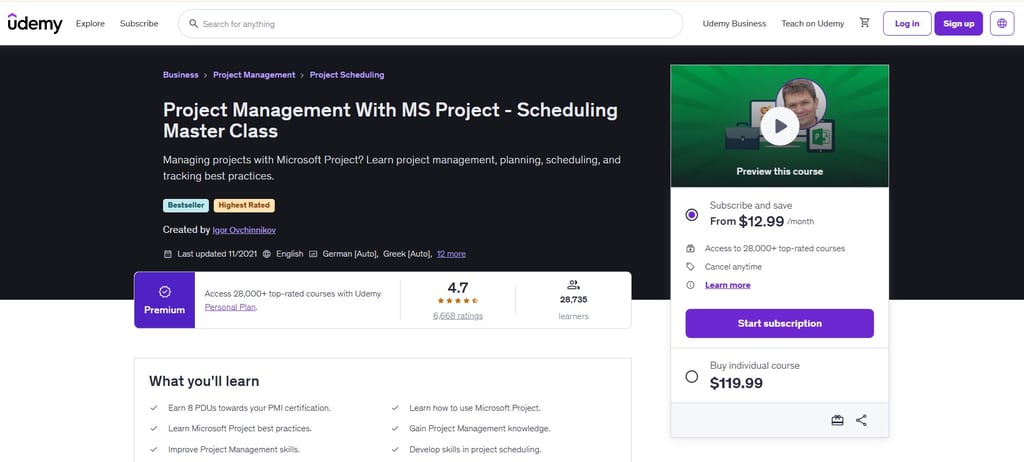
Project Management With MS Project - Scheduling Master Class is a Udemy course by Igor Ovchinnikov that pairs hands-on MS Project training with the scheduling theory behind it, covering CPM, dependencies, resource leveling, and baselining.
What you'll learn: Set up MS Project files, define task dependencies and relationship types, identify the critical path and float, level resources, and baseline and track your schedule.
Course details:
- Format: Self-paced, on-demand video; online; includes 1 downloadable resource; mobile and TV access
- Duration: 6.5 hours of video across 64 lectures; lifetime access upon purchase
- Level/prerequisites: Beginner; requires a copy of Microsoft Project installed
- Price: Dynamic pricing on Udemy; individual course purchase frequently available from $14.99 USD during promotions; 30-day money-back guarantee
- Certificate/credits: Udemy certificate of completion; 8 PDUs toward PMI certification
Considerations: The course uses Microsoft Project 2013 as its reference version and hasn't been updated since November 2021, so some interface elements will look different in current MS Project versions.
Find more Microsoft Project certifications here.
6. Primavera P6 Project Planning and Scheduling Masterclass - Udemy
Best for: Planners and schedulers learning Primavera P6 from scratch

Primavera P6 Project Planning and Scheduling Masterclass is a Udemy Bestseller by Basharat Bhatti. It covers the full P6 workflow—from download and installation through earned value analysis—with 129 downloadable resources and instructions for obtaining a free trial version of the software.
What you'll learn: Set up and configure Primavera P6, define activity dependencies and calculate critical path and float, assign and level resources, and baseline and track schedule progress using earned value analysis.
Course details:
- Format: Self-paced, on-demand video; online; includes 4 articles and 129 downloadable resources; mobile and TV access
- Duration: 24 hours 33 minutes of video across 118 lectures; lifetime access upon purchase
- Level/prerequisites: Beginner; no prior Primavera P6 experience required
- Price: Dynamic pricing on Udemy; individual course purchase frequently available from $14.99 USD during promotions; 30-day money-back guarantee
- Certificate/credits: Udemy certificate of completion; 20 PDUs toward PMI certification
Considerations: The free trial version of P6 Professional covered in the course runs on Windows only, so Mac users will need to arrange their own software access to follow along hands-on.
7. Project Planning and Scheduling - UC San Diego Extension
Best for: PMs wanting university credit for scheduling skills

Project Planning and Scheduling is a university-level course from UC San Diego Extension, taught by Alex Hosch, PMP. It carries academic units and can stack toward a professional certificate—a meaningful step up from self-paced video courses.
What you'll learn: Build a WBS, create network diagrams and identify the critical path, set schedule and cost baselines, and apply earned value management to monitor project performance.
Course details:
- Format: In-person (Thursday evenings, UC San Diego campus) or online asynchronous via Canvas LMS; both designed for working professionals
- Duration: 30 education hours across approximately 9 weeks; 3.00 continuing education units
- Level/prerequisites: Intermediate; requires Project Management Essentials or Project Management Boot Camp, which may be taken concurrently
- Price: $695 USD per section; required textbook(s) purchased separately
- Assessment: Graded assignments; Letter Grade or Pass/No Pass options; 70% minimum passing threshold
- Certificate/credits: 3.00 UC San Diego continuing education units; 30 PMI PDUs; counts toward the UC San Diego Professional Certificate in Project Management
Considerations: The required textbook—and in some sections a second book—adds to the total cost beyond the $695 tuition.
8. Construction Scheduling - Columbia University (via Coursera)
Best for: Construction professionals learning CPM and scheduling theory

Construction Scheduling is offered by Columbia University on Coursera and taught by Ibrahim Odeh, Ph.D. It brings Ivy League instruction to foundational scheduling theory, with guest lecturers from AECOM and STV Group adding real-world depth.
What you'll learn: Draw AON and AOA network diagrams, calculate critical path and float, apply PERT for schedule uncertainty, and schedule repetitive operations using Line of Balance.
Course details:
- Format: Online, self-paced; video lectures, readings, quizzes, and 12 assignments
- Duration: Approximately 30 hours of content across 16 modules; flexible, self-paced schedule
- Level/prerequisites: Beginner; no prerequisites required
- Price: Free to audit; certificate requires Coursera Plus ($239/year) or individual paid enrollment
- Assessment: Quizzes and 12 graded assignments
- Certificate/credits: Shareable Coursera certificate of completion; counts toward the Columbia University Construction Management Specialization
Considerations: The course doesn't award formal university credit or verified PMI PDUs, so if either matters to your professional development goals, you'll want to factor that in before enrolling.
If you're looking for more on construction, check out this list of construction management certificate programs. You can also find construction scheduling software for managing project timelines, resources, and progress.
9. Project Planning and Scheduling - ASCE (American Society of Civil Engineers)
Best for: Engineers needing CEUs for scheduling and CPM theory
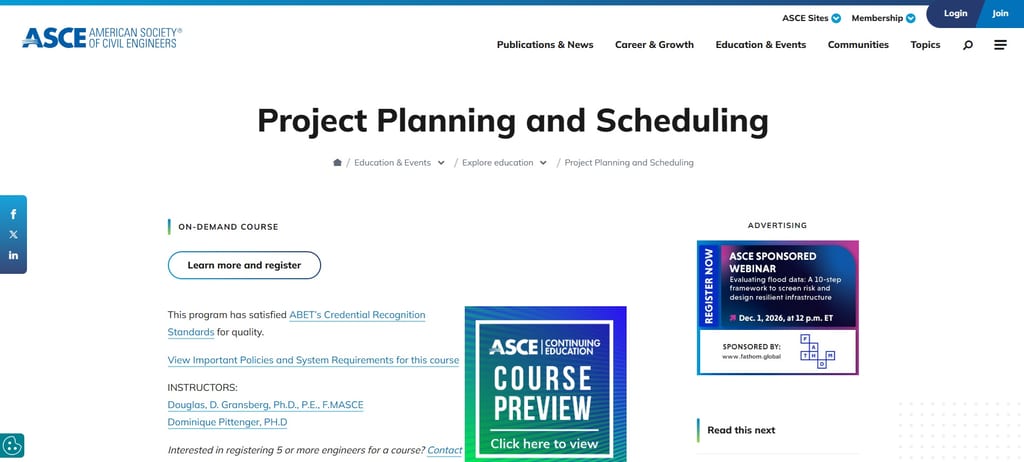
ASCE's on-demand course covers CPM scheduling theory from an engineering-society perspective, taught by credentialed P.E. instructors. It's a focused option for licensed engineers who need CEUs and PDHs that count toward licensure renewal.
What you'll learn: Apply CPM network analysis, sequence activities, level resources, load costs, and use earned value management to track schedule performance.
Course details:
- Format: Online, on-demand, self-paced; video lessons with embedded quizzes, exercises, a case study, and a final exam
- Duration: Approximately 4.5 hours; course access lasts 180 days from purchase
- Level/prerequisites: Beginner to intermediate; no prerequisites required
- Price: Individual course pricing available via ASCE's myLearning portal
- Assessment: In-lesson quizzes, practical exercises, and a final post-assessment; 70% passing threshold, up to 3 attempts
- Certificate/credits: Certificate of completion; 0.5 CEUs and 5 PDHs; counts toward three ASCE certificate programs; ABET-recognized; ASCE is an IACET Authorized Provider
Considerations: Because individual course pricing isn't listed publicly, you'll need to register through ASCE's myLearning portal to see the cost before committing.
10. Project Schedule and Finance Management - UCLA Extension
Best for: PMs pursuing PMP who need scheduling and finance PDUs

UCLA Extension's MGMT X 444.2 pairs CPM scheduling with project finance management in a single PMI-aligned course. It awards 35 PDUs—a meaningful portion of PMP® education requirements—and covers Agile and Hybrid scheduling alongside traditional approaches.
What you'll learn: Create precedence diagrams and apply CPM, optimize schedules using crashing and fast-tracking, apply earned value management to track performance, and use Smartsheet® and MS Project® across Agile, Hybrid, and Predictive delivery approaches.
Course details:
- Format: In-person (Thursday evenings, Los Angeles) or online (asynchronous); both sections use Canvas LMS
- Duration: 11 weeks; 4.0 continuing education units; approximately 33 contact hours for in-person section
- Level/prerequisites: No prerequisites required; open enrollment for individual courses
- Price: $1,100 USD per section; textbooks purchased separately; VA benefits accepted
- Assessment: Graded assignments throughout; letter grade awarded; C or better required for certificate credit
- Certificate/credits: 4.0 UCLA Extension units and 35 PMI Education Credits (PDUs); counts toward the UCLA Extension Project Management Certificate; UCLA Extension is a Premier PMI Authorized Training Partner (ATP®)
Considerations: Earning the UCLA Extension Project Management Certificate requires separate candidacy enrollment in the certificate program—completing the course alone doesn't automatically apply toward the credential.
11. Project Schedule: Monitor & Control Specialist - Udemy
Best for: PMs focused on schedule monitoring and control
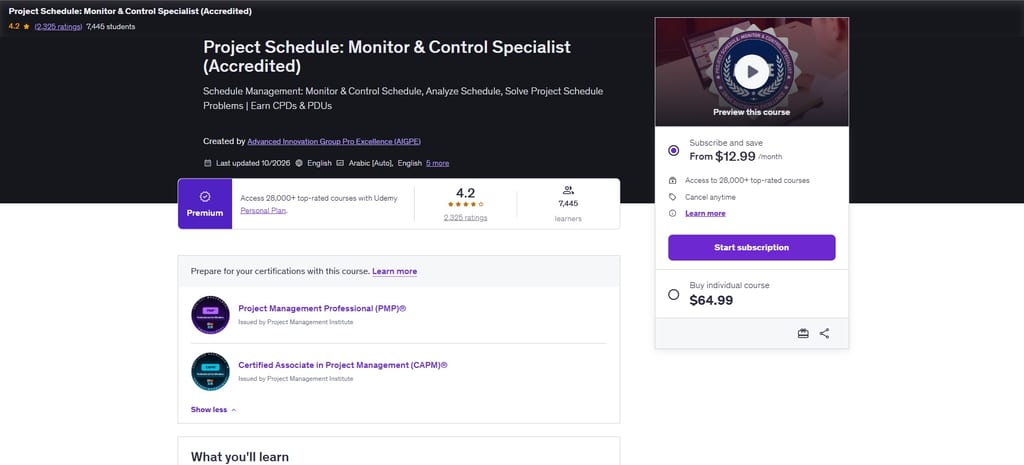
AIGPE's Udemy course focuses specifically on monitoring and controlling an existing schedule—not building one. It's a targeted skill-builder for PMs who need to track deviations, run variance analysis, and act on schedule slippage.
What you'll learn: Track schedule progress using Gantt and burndown charts, apply variance and trend analysis, run what-if scenario analysis, and use fast tracking and crashing to recover schedule slippage.
Course details:
- Format: Online, self-paced on Udemy; video lectures, downloadable resources, activities with solution videos, and practice quizzes
- Duration: 3 hours of on-demand video; 56 lectures across 7 sections; lifetime access once purchased
- Level/prerequisites: Beginner; requires basic project management knowledge and basic Excel charting skills
- Price: Included in Udemy Personal Plan subscription; individual course pricing varies by region and promotional period
- Assessment: Practice quizzes throughout; optional open-book AIGPE certification exam (60% minimum to pass; first two attempts free)
- Certificate/credits: Udemy certificate of completion; optional CPD-accredited AIGPE certification awards 3.0 PDUs/CEUs upon passing (PMI ATP Provider No. 5573)
Considerations: The 3.0 PDUs are tied to passing the separate AIGPE exam—not to finishing the Udemy course—so budget time for that additional step if PDUs are your goal.
12. Project Planning – Schedule Management - Velociteach
Best for: PMs who need a reusable schedule management plan template

Velociteach's course focuses on a single deliverable—the Schedule Management Plan—rather than scheduling techniques. At 1.5 hours and $33, it's a practical way to earn 1.5 PDUs and get a ready-to-use plan template you can adapt for real projects.
What you'll learn: Create and tailor a Schedule Management Plan, define schedule reporting requirements and change guidelines, and understand how the plan evolves across the project lifecycle.
Course details:
- Format: Online, self-paced on Velociteach's InSite platform; audio/video lessons accessible on computer, tablet, or mobile
- Duration: Approximately 1.5 hours of content; 6-month access from course key activation
- Level/prerequisites: No prerequisites required
- Price: $33 USD per learner; also available in a 5-course Project Planning Series bundle or PDU Passport all-access subscription ($549–$597)
- Certificate/credits: Certificate of completion; 1.5 PDUs (Ways of Working) toward PMP, CAPM, and PgMP recertification; 0.50 PDUs toward PMI-SP
Considerations: Your 6-month access window begins at activation, so don't redeem the course key until you're ready to complete it.
13. Project Scheduling and Planning Skills Course - BMC Training
Best for: PMs learning classroom scheduling in a global city

BMC Training's Project Scheduling and Planning Skills Course is a five-day, instructor-led program covering scheduling end-to-end—from WBS and Gantt charts through CPM, PERT, earned value, and crashing—delivered in person across 24 cities worldwide.
What you'll learn: Build and analyze project schedules using WBS, Gantt charts, CPM network calculations, PERT, earned value analysis, and schedule acceleration techniques including crashing.
Course details:
- Format: In-person, instructor-led classroom training across 24 cities worldwide; no online or virtual option listed
- Duration: Five days (one week)
- Level/prerequisites: Prerequisites not specified
- Price: Prices listed in GBP and vary by venue; representative range is approximately £4,700 (Istanbul) to £11,000 (Washington, D.C.) per learner
- Certificate/credits: No certificate, PDUs, or professional accreditation details are published on the course page
Considerations: No PDUs, CEUs, or formal accreditation are mentioned anywhere on the course page—so if credential maintenance is part of your goal, this course won't cover it, regardless of the investment.
14. Construction Project Scheduling - Udemy
Best for: Infrastructure engineers new to project scheduling

Tim Fairley's Udemy course covers project scheduling through a construction and infrastructure lens, making it a practical fit for engineers and site-side PMs who want scheduling fundamentals grounded in real project types.
What you'll learn: Build schedules using WBS, CPM network analysis, and earned value; track and control progress; and apply Lean Construction and Last Planner System principles to construction delivery.
Course details:
- Format: Self-paced online on Udemy; on-demand video with assignments, practice quizzes, and 52 downloadable resources including a guidebook and templates
- Duration: 3.5 hours of video across 63 lectures; lifetime access after purchase
- Level/prerequisites: Beginner; a basic understanding of engineering and infrastructure projects is recommended
- Price: Included in Udemy Personal Plan subscription; individual course pricing starts from $14.99 USD and varies by region and promotion
- Certificate/credits: Udemy certificate of completion; no PDUs, CEUs, or external professional accreditation
Considerations: This course covers scheduling entirely within a construction context, so project management professionals outside the built environment may find the scope too narrow for their needs.
15. Certificate of Project Planning and Scheduling - Australian Online Courses
Best for: Construction engineers learning scheduling from scratch

Australian Online Courses delivers this self-paced, tutor-assessed program covering project planning and scheduling fundamentals. The written assessments—marked by a real tutor—set it apart from video-only courses if you want structured feedback on your work.
What you'll learn: Build project schedules using WBS, Gantt charts, network diagrams, and critical path; apply schedule compression and Critical Chain Method; and monitor and adjust progress using variance tools.
Course details:
- Format: Self-paced online; written assessments marked by a tutor with unlimited email support during AEST business hours
- Duration: Estimated 30 hours of study; up to 12 months of access from enrollment
- Level/prerequisites: Beginner; no prerequisites required
- Price: AUD $299 per learner; payment plans available to Australian residents only, with a one-off AUD $79 establishment fee
- Assessment: Written short-answer questions, reflective tasks, and short reports or projects; tutor-marked with up to three resubmission attempts
- Certificate/credits: Certificate of Attainment and Statement of Results issued by Australian Online Courses; no PDUs, CEUs, or external professional accreditation
Considerations: Australian Online Courses is not a registered training organisation, so the Certificate of Attainment is not a nationally recognised qualification under the Australian Qualifications Framework—which matters if your role or employer requires accredited credentials.
For more online training options, check out this list of online project management certifications, and this list of project scheduling certifications.
16. Effective Planning and Scheduling Online Certificate Course - Courses For Success
Best for: Early-career PMs wanting scheduling basics and tool exposure

Courses For Success offers this 14-session online course covering the full scheduling toolkit—from WBS creation through schedule monitoring. At 6–8 hours with lifetime access, it's a low-commitment entry point to scheduling fundamentals for anyone starting out.
What you'll learn: Build a WBS, create CPM and PERT network diagrams and Gantt charts, identify task dependencies, align resources with activities, and monitor schedule progress.
Course details:
- Format: Self-paced online; 24/7 access on computer or mobile device
- Duration: 6–8 hours of study; lifetime access after purchase
- Level/prerequisites: Beginner to intermediate; no formal prerequisites required
- Price: USD $199 per course; subscription available at USD $29/month or USD $199/year for 400+ courses
- Assessment: Online multiple-choice assessment; unlimited retakes permitted
- Certificate/credits: Courses For Success Certificate of Completion; self-issued CEU certificate upon passing assessment; no PMI PDUs or accredited professional credits
Considerations: The CEU certificate is self-issued by Courses For Success with no named accrediting body, so it won't satisfy PDU requirements for PMP, CAPM, or similar credential renewals.
17. Project Scheduling (Project Management Fundamentals) - Udemy
Best for: Busy PMs who need a quick scheduling refresher
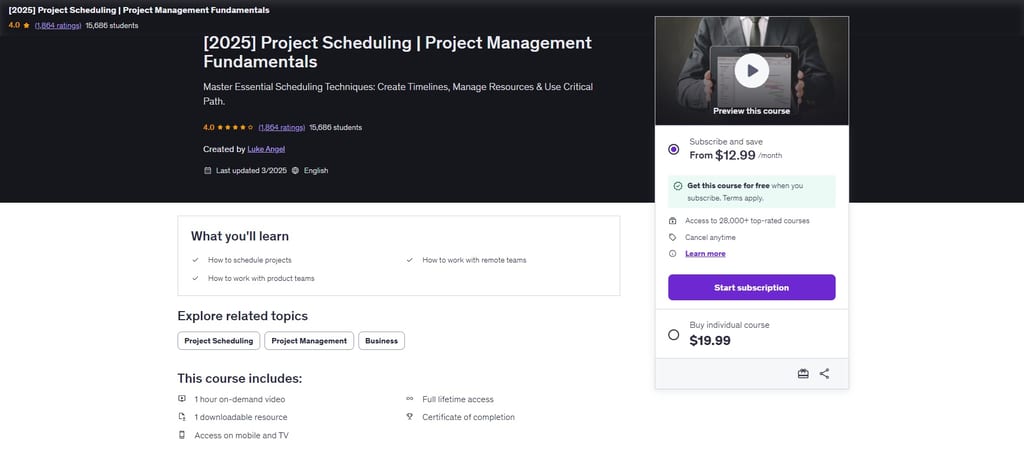
Luke Angel (PMP, PgMP, PfMP) teaches this focused Udemy course on project scheduling. At just over an hour, with exercise files included, it walks you through the full scheduling process using a practical running case study.
What you'll learn: Build a WBS, sequence tasks with dependencies and leads/lags, determine the critical path, assign and level resources, and optimize schedules using buffers and baselines.
Course details:
- Format: Self-paced online on Udemy; on-demand video accessible on desktop, mobile, and TV
- Duration: 1 hour 2 minutes of video across 24 lectures; lifetime access after purchase
- Level/prerequisites: Beginner; no formal prerequisites required
- Price: From USD $19.99 per course; also included in the Udemy Personal Plan subscription
- Certificate/credits: Udemy certificate of completion; no PMI PDUs or accredited professional credits
Considerations: At just over an hour, this course covers scheduling fundamentals at a high level—if you need deeper practice or PDUs for PMP renewal, a longer course will serve you better.
How to Choose a Project Scheduling Course
Start by naming the specific problem you're trying to solve. Whether you need to run a critical path analysis confidently, get sign-off on a schedule you built, or earn PDUs toward a PMP renewal—that answer will narrow the field faster than any other factor.
- Match the curriculum to your actual work. Check whether the course covers the techniques you use or need. CPM and resource leveling matter more if you're managing cross-functional dependencies; WBS and Gantt fundamentals matter more if you're just getting started. Scan the syllabus, not just the title.
- Be honest about your experience level. Some courses assume you already know what a deliverable-based WBS looks like. Others define it from scratch. If a course recommends prerequisites, take that seriously even when enrollment is open.
- Factor in your real time budget. Courses in this list range from just over an hour to 35+ hours. A one-hour course can sharpen one concept; it won't replace hands-on practice across the full scheduling workflow.
- Check whether you need verifiable credentials. A certificate of completion and a PDU-eligible credential aren't the same thing. If your employer requires accredited training or you're maintaining a PMP or CAPM, confirm that the course is explicitly approved by PMI or another recognized body before you buy.
- Consider how you learn best. Some courses use tutor-marked assessments and feedback loops; others use auto-graded quizzes or no assessment at all. If accountability helps you retain information, format matters as much as content.
Project Scheduling FAQ
Do you need to know scheduling software before taking a project scheduling course?
No—most courses teach scheduling concepts independently of any specific tool. You can learn WBS creation, critical path analysis, and resource leveling without ever opening Microsoft Project or Primavera P6.
That said, if your job requires a particular platform, look for a course that teaches both the underlying methods and hands-on practice in that tool. Concepts without tool fluency can leave a gap when it’s time to build an actual schedule under deadline pressure.
How can you tell whether a course will prepare you to build a real project schedule?
Look for courses that take you through the full scheduling workflow—defining work, mapping dependencies, estimating durations, assigning resources, and updating the schedule over time. Templates, case studies, and practical exercises are good signals.
If a course only covers terminology without asking you to apply it, you’ll recognize scheduling concepts but struggle to build one from scratch. The more a course mirrors the decisions you’ll face on a real project, the better it prepares you.
Should you choose a tool-specific or tool-agnostic course?
Choose a tool-specific course if you need to use a particular platform at work right now. Choose a tool-agnostic course if you want transferable scheduling fundamentals or your software environment may change.
If you need both, I’d prioritize a course that teaches the core concepts first—dependencies, critical path, resource leveling—and then gives you hands-on practice in the tool you actually use. Concepts transfer; interface skills are easier to pick up once you understand what you’re trying to do.
Does project scheduling training vary by industry?
Yes. Core techniques like dependencies, critical path, and schedule updates apply across industries, but planning constraints, terminology, and software can differ significantly. Construction projects rely heavily on Primavera P6 and schedule compression techniques; software teams often work in sprint-based models where scheduling looks more like capacity planning.
If you work in a specialized field, check whether a course’s examples and language reflect your type of project—generic examples can make it harder to connect the material to your actual work.
What's Next?
Want to connect with other digital project managers and share resources and best practices? Join our membership community and get access to 100+ templates, samples, and examples, plus a Slack community of hundreds of digital project managers.


