


ClickUp vs. Notion: Comparison & Expert Reviews For 2026



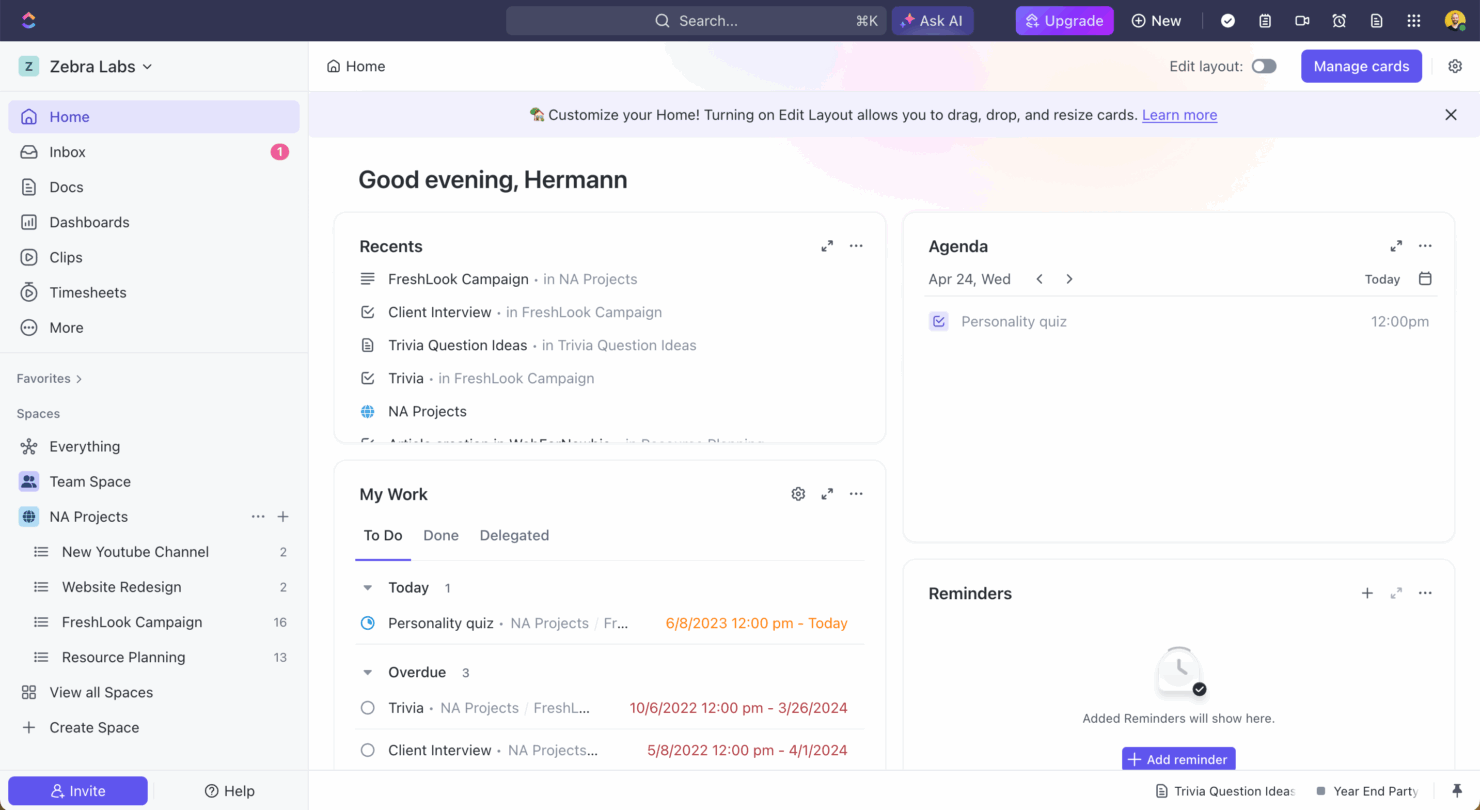
ClickUp is a versatile project management tool designed to help teams efficiently organize and manage tasks. Notion offers a flexible workspace that combines notes, tasks, and databases to support customized workflows.
While both tools enhance productivity, ClickUp emphasizes structured task management, while Notion focuses on building a personalized digital workspace.
In this article, we'll compare the tools and their features, pros and cons, pricing, and more, to help you choose the best project management software for your team.
ClickUp vs. Notion: An Overview
ClickUp


Notion

Why Trust Our Software Recommendations
Our team has been testing and reviewing software since 2012. As project managers ourselves, we know how difficult—and important—it is to choose the right software.
For this guide, we evaluated tools using hands-on testing and independent research, scoring tools using our selection criteria. We also draw on insights from industry thought leaders and practicing project management experts.
Our reviews reflect our human editorial judgment, not a sales pitch.
Expert reviewers:
ClickUp vs. Notion Pricing Comparison
| ClickUp | Notion | |
|---|---|---|
| Free Trial | Free plan + free demo available | Free plan available |
| Pricing | From $7/user/month (billed annually) | From $10/user/month (billed annually) |
ClickUp pricing offers a tiered subscription model with options for free and paid plans, but additional costs might arise from premium features and integrations.
Notion pricing also follows a tiered structure, with free and paid options, and potential extra costs for team collaboration and larger storage needs.
To select the right tool for your project's budget, evaluate the specific features & functionality your team needs, compare them against each tool's offerings, and consider the scalability of their pricing plans as your project grows.
Both tools in this comparison offer great pricing for small teams, but scale very differently.
ClickUp vs. Notion Feature Comparison
ClickUp offers advanced task management features that let you create, assign, and track tasks with ease, ideal for complex projects that demand detailed tracking and time management.
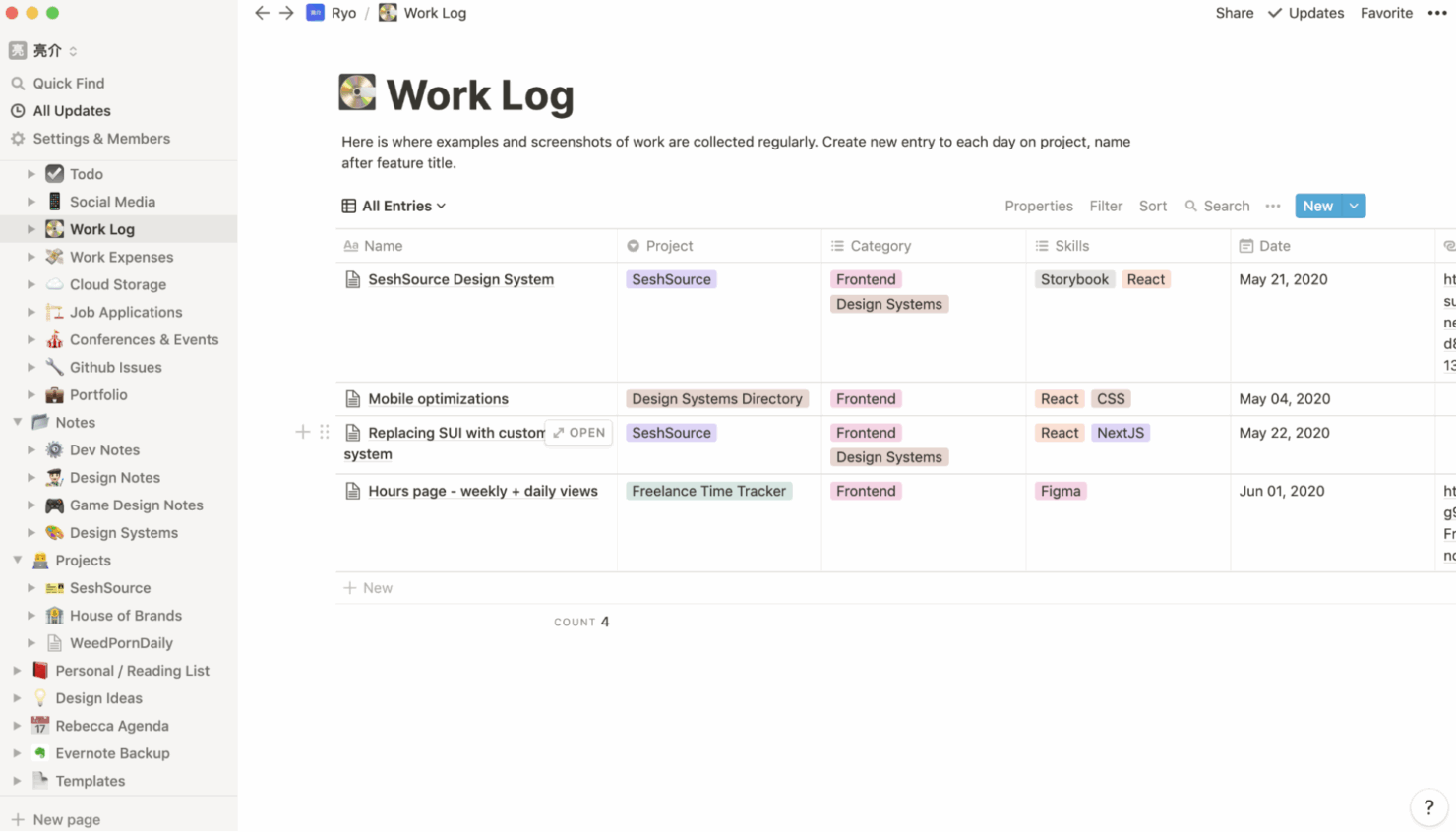
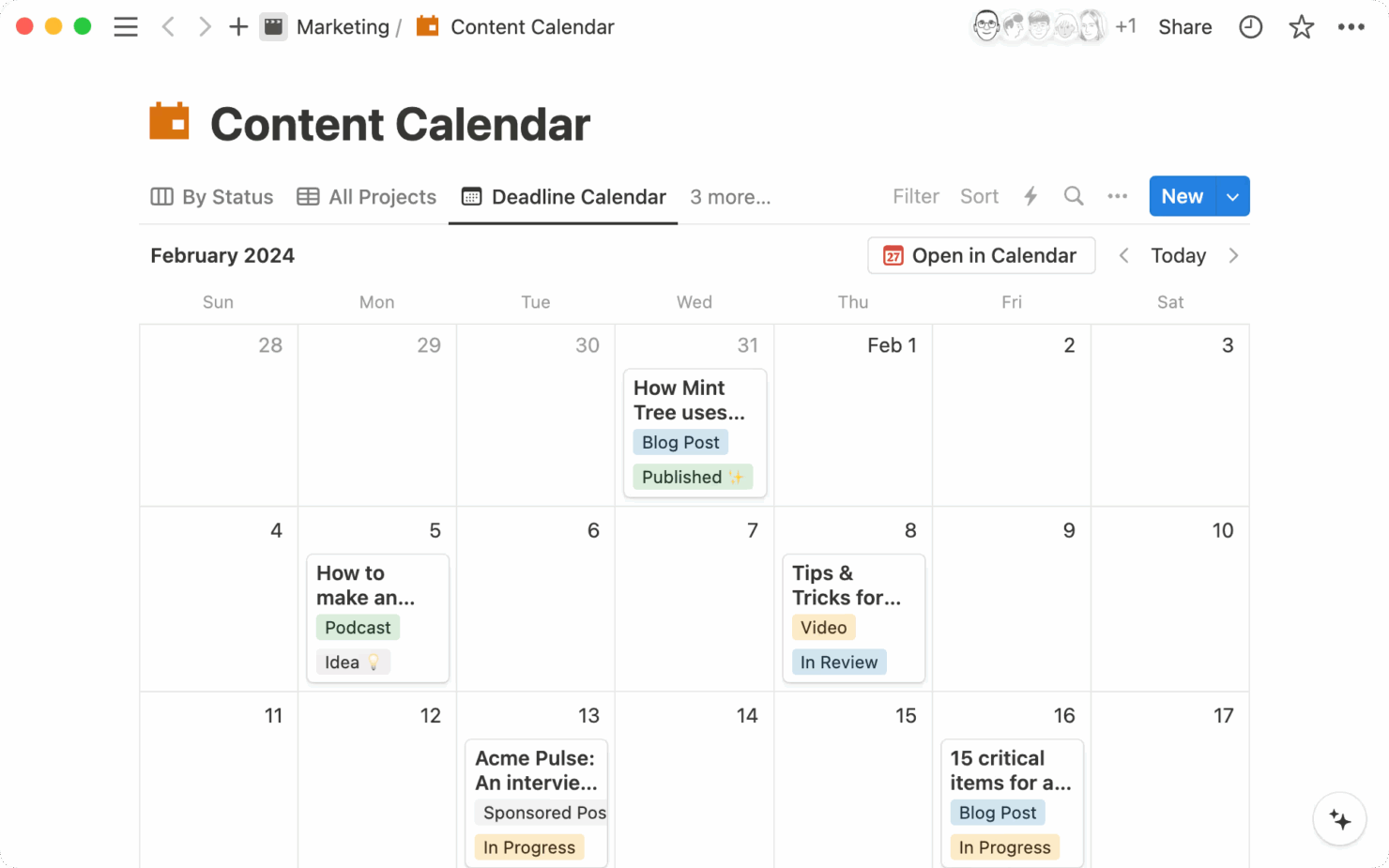
Notion’s flexible databases allow you to organize notes, tasks, and projects in a single, customizable workspace, making it well-suited for teams that need an all-in-one planning environment.
ClickUp is best for task-focused workflows, while Notion supports more adaptable, creative, and collaborative projects.
| ClickUp | Notion | |
|---|---|---|
| API | ||
| Calendar Management | ||
| Data Export | ||
| Data Import | ||
| External Integrations | ||
| Multi-User | ||
| Notifications | ||
| Project Management | ||
| Scheduling | ||
| Task Scheduling/Tracking |
ClickUp vs. Notion Integrations
| Integration | ClickUp | Notion |
| Dropbox | ✅ | ✅ |
| Figma | ✅ | ❌ |
| GitHub | ✅ | ❌ |
| Slack | ✅ | ✅ |
| Google Calendar | ✅ | ✅ |
| Discord | ✅ | ❌ |
| HubSpot | ✅ | ❌ |
| Microsoft Teams | ✅ | ❌ |
| API | ✅ | ✅ |
| Zapier | ✅ | ✅ |
ClickUp integrates with Slack to support real-time communication and task management, making it a strong choice for teams that rely on instant messaging for project updates. Notion’s integration with Google Calendar helps visualize project timelines and schedules, making it easy to track deadlines and meetings.
While ClickUp focuses on managing tasks and communication, Notion offers a broader view of project planning and scheduling.
ClickUp vs. Notion Security, Compliance & Reliability
| Factor | ClickUp | Notion |
| Data Encryption | ClickUp encrypts data at rest and in transit using AES-256 encryption. | Notion employs AES-256 encryption to secure data both at rest and in transit. |
| Regulatory Compliance | ClickUp complies with GDPR and CCPA, ensuring data privacy regulations. | Notion adheres to GDPR standards to protect user data privacy. |
| Uptime Reliability | ClickUp guarantees 99.99% uptime with robust infrastructure support. | Notion provides a reliable service with a focus on maintaining high uptime |
Both ClickUp and Notion offer strong security and compliance features, but ClickUp stands out with its uptime guarantee, offering slightly greater reliability.
When choosing between the two, review each platform’s security certifications and uptime policies to ensure they align with your team’s risk tolerance and data privacy requirements.
ClickUp vs. Notion Ease of Use
| Factor | ClickUp | Notion |
| User Interface | ClickUp offers a customizable interface with various views, like lists and boards. | Notion’s interface is clean and minimal, allowing for a highly personalized workspace. |
| Onboarding | ClickUp provides guided tours and tutorials to help new users get started quickly. | Notion offers templates and community resources to ease the learning curve. |
| Setup | ClickUp’s setup is straightforward with pre-built templates for different workflows. | Notion offers templates and community resources to ease the learning curve. |
| Support | ClickUp offers 24/7 support via chat and extensive documentation. | Notion provides a help center and active community forums for support. |
ClickUp is more beginner-friendly, offering structured guidance through tutorials and 24/7 chat support. Notion provides greater flexibility but can be more challenging to set up, as it relies on manual configuration and limited built-in guidance. However, it’s a strong option for users who prefer customization and benefit from community-driven resources.
ClickUp vs Notion: Pros & Cons
ClickUp
- Built-in automations reduce manual work and speed up your workflow
- Extensive task management features keep your projects organized and on track
- Real-time collaboration makes team communication more effective
- Users often find the learning curve steep due to its rich feature set
- Some users report occasional performance lags when managing large projects
- Mobile app can be less intuitive than the desktop version
Notion
- You can take notes, manage projects, and maintain your databases in one place.
- The intuitive design makes it easy for users to navigate and organize their projects.
- You can tailor your workspace to fit your needs with flexible layouts and templates.
- The mobile app is less intuitive than the desktop version.
- You might experience slow performance if you have large databases or complex setups.
- It can be challenging for new users to master without spending time on tutorials.
Best Use Cases for ClickUp and Notion
ClickUp
- Freelancers You can track your tasks and deadlines efficiently with ClickUp’s simple task and time management tools.
- Tech startups ClickUp supports agile development with sprints and real-time collaboration features that can help teams iterate quickly.
- Marketing teams You can streamline campaign planning and execution using ClickUp’s task dependencies and timelines.
- Remote teams ClickUp's real-time updates and collaboration tools keep everyone on the same page, no matter where they are.
- Product managers ClickUp’s roadmaps and goal-tracking features help you align development with business objectives.
- Creative agencies ClickUp's customizable dashboards and task automation features can help you manage client projects, track feedback and revisions, and keep creative teams aligned.
Notion
- Creative agencies You can use customizable templates within a flexible workspace to manage creative projects and collaborate with the team.
- Freelancers You can manage multiple projects and clients in a single, organized platform.
- Startups You can tailor your workspace to your needs in order to manage rapid growth and changing project requirements.
- Remote teams Notion supports constant communication and project tracking across different locations.
- Education departments You can use Notion's database capabilities to organize curricula, schedules, and educational materials.
- Content writers You can use the note-taking and organization features to manage research, drafts, and editorial calendars efficiently.
Differences Between ClickUp and Notion
Below, you will find details on what makes these tools different from each other.
| ClickUp | Notion | |
|---|---|---|
| Automation | ClickUp supports automation for repetitive tasks and processes. | |
| Customization | ClickUp allows customization of views and dashboards to suit workflows. | |
| Pricing | ClickUp uses a tiered pricing model with options for advanced features. | |
| Task Management | ClickUp provides detailed task tracking with lists, boards, and timelines. | |
| User Interface | ClickUp has a structured interface with multiple view options. | |
| Visit ClickUpOpens new window | Read Notion ReviewOpens new window |
Similarities Between ClickUp and Notion
Now that you know what makes them different, let’s look at the similarities.
| Artificial Intelligence | Both platforms have integrated AI into their products. Clickup has ClickUp Brain, while Notion has Notion AI. |
|---|---|
| Collaboration | Both platforms offer real-time collaboration features, allowing your team to work together seamlessly on projects. |
| Custom Templates | Each offers a variety of templates to help you quickly set up projects tailored to your team’s needs. |
| Integrations | Both ClickUp and Notion support integrations with tools like Google Calendar and Slack, enhancing team collaboration. |
| Visit ClickUpOpens new window Read Notion ReviewOpens new window | |
| Mobile Usability | ClickUp and Notion both provide mobile apps, letting you manage your work on the go from any device. |
| Security | Both ensure data security with strong encryption and compliance with privacy regulations like GDPR. |
| Visit ClickUpOpens new window Read Notion ReviewOpens new window | |