


FreeFileSync Review: Pros, Cons, Features, and Pricing Explained



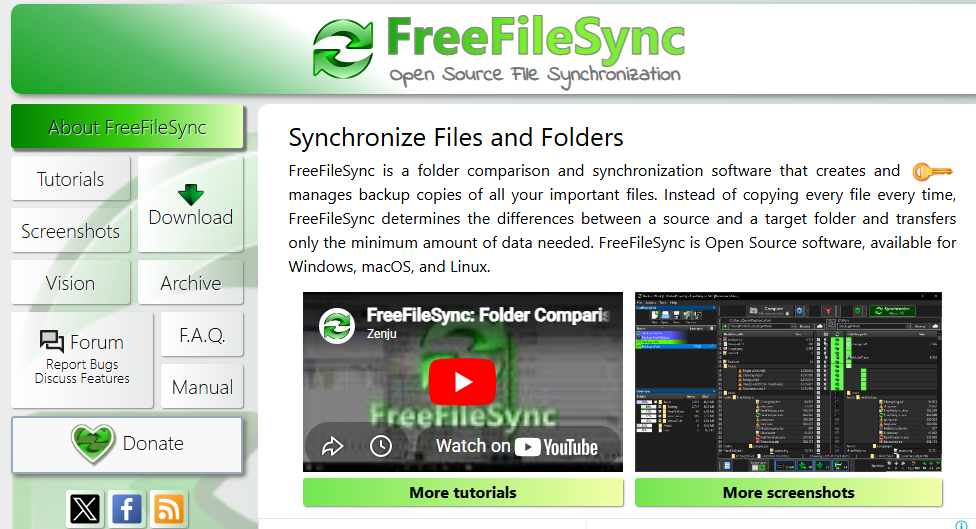
FreeFileSync is a file sync software for anyone who needs to compare, sync, and back up files across local drives, external storage, and network locations. It's worth considering if you want granular folder synchronization without a licensing fee—you'll get more control over sync rules and conflict resolution than GoodSync offers, at no cost.
FreeFileSync Evaluation Summary
- Free to use
Why Trust Our Software Recommendations
Our team has been testing and reviewing software since 2012. As project managers ourselves, we know how difficult—and important—it is to choose the right software.
For this guide, we evaluated tools using hands-on testing and independent research, scoring tools using our selection criteria. We also draw on insights from industry thought leaders and practicing project management experts.
Our reviews reflect our human editorial judgment, not a sales pitch.
Expert reviewers:
FreeFileSync Overview
When evaluating file sync software, FreeFileSync stands out as a no-cost, open source software solution that delivers serious functionality without locking you into subscriptions. Compared to other sync tools like rsync-based setups, it offers a powerful mix of file synchronization, data backup, and batch automation all wrapped in a lightweight installer.
That said, let’s be real, the GUI feels old-school, and onboarding isn’t exactly plug-and-play. If you’re expecting a polished SaaS experience, this definitely isn’t it. But if you want control, performance, and zero licensing fees, FreeFileSync is a great tool that punches above its weight.
pros
-
Supports real-time sync via RealTimeSync for instant updates
-
Handles large file sets across HDD, SSD, and external drives
-
Free version offers full functionality with no usage limits
cons
-
Outdated GUI compared to modern sync software
-
Limited integrations beyond Google Drive and FTP
-
No enterprise-grade support or compliance features
-

Smartsheet
Visit WebsiteThis rating combines scores from multiple user review sites to reflect overall customer sentiment about the product.4.4 -
Celoxis
Visit WebsiteThis rating combines scores from multiple user review sites to reflect overall customer sentiment about the product.4.5 -
Accelo
Visit WebsiteThis rating combines scores from multiple user review sites to reflect overall customer sentiment about the product.4.4





Our Review Methodology
How We Test & Score Tools
We’ve spent years building, refining, and improving our software testing and scoring system. The rubric is designed to capture the nuances of software selection and what makes a tool effective, focusing on critical aspects of the decision-making process.
Below, you can see exactly how our testing and scoring works across seven criteria. It allows us to provide an unbiased evaluation of the software based on core functionality, standout features, ease of use, onboarding, customer support, integrations, customer reviews, and value for money.
Core Functionality (25% of final scoring)
The starting point of our evaluation is always the core functionality of the tool. Does it have the basic features and functions that a user would expect to see? Are any of those core features locked to higher-tiered pricing plans? At its core, we expect a tool to stand up against the baseline capabilities of its competitors.
Standout Features (25% of final scoring)
Next, we evaluate uncommon standout features that go above and beyond the core functionality typically found in tools of its kind. A high score reflects specialized or unique features that make the product faster, more efficient, or offer additional value to the user.
We also evaluate how easy it is to integrate with other tools typically found in the tech stack to expand the functionality and utility of the software. Tools offering plentiful native integrations, 3rd party connections, and API access to build custom integrations score best.
Ease of Use (10% of final scoring)
We consider how quick and easy it is to execute the tasks defined in the core functionality using the tool. High scoring software is well designed, intuitive to use, offers mobile apps, provides templates, and makes relatively complex tasks seem simple.
Onboarding (10% of final scoring)
We know how important rapid team adoption is for a new platform, so we evaluate how easy it is to learn and use a tool with minimal training. We evaluate how quickly a team member can get set up and start using the tool with no experience. High scoring solutions indicate little or no support is required.
Customer Support (10% of final scoring)
We review how quick and easy it is to get unstuck and find help by phone, live chat, or knowledge base. Tools and companies that provide real-time support score best, while chatbots score worst.
Customer Reviews (10% of final scoring)
Beyond our own testing and evaluation, we consider the net promoter score from current and past customers. We review their likelihood, given the option, to choose the tool again for the core functionality. A high scoring software reflects a high net promoter score from current or past customers.
Value for Money (10% of final scoring)
Lastly, in consideration of all the other criteria, we review the average price of entry level plans against the core features and consider the value of the other evaluation criteria. Software that delivers more, for less, will score higher.
Core Features
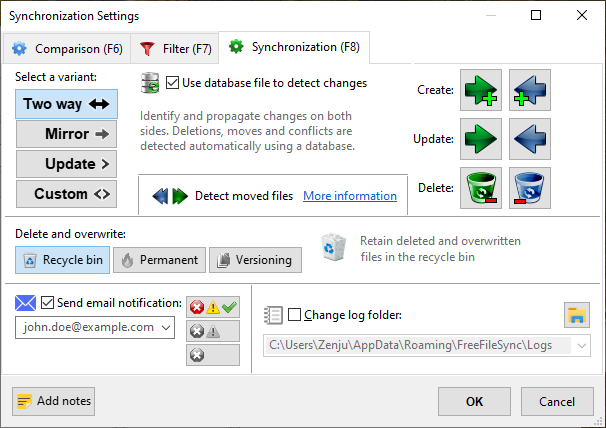
Two-Way and Mirror Sync
Synchronize files in both directions or create exact mirror copies between folders. This supports flexible backup and collaboration scenarios.
Real-Time Synchronization
Automatically detects and syncs file changes as they happen using the bundled RealTimeSync tool. This reduces manual intervention for ongoing sync needs.
Batch Job Automation
Save sync configurations as batch jobs and run them with a double-click or via task scheduler. This enables repeatable, unattended sync operations.
Cross-Platform Support
Runs on Windows, macOS, and Linux, allowing teams to use the same tool across different operating systems. This is valuable for mixed-environment teams.
Support for Network and Cloud Protocols
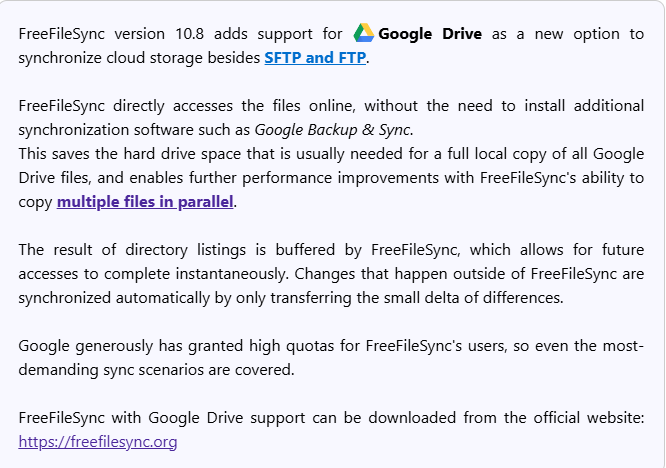
Sync files over local drives, network shares, FTP, FTPS, SFTP, and Google Drive. This makes it suitable for both local and remote file management.
Advanced File Comparison
Compares files by content (binary comparison), size, or date to ensure accurate synchronization. This helps prevent data loss and unnecessary transfers.
Ease of Use
FreeFileSync offers powerful sync capabilities, but its interface can feel outdated and overwhelming, especially for users new to file sync software. Many users appreciate the detailed control and transparency it provides, but setup and configuration often require technical know-how. The lack of guided onboarding and minimal in-app help means users must rely on external documentation or community forums to troubleshoot issues, making it less approachable for non-technical teams.
Integrations
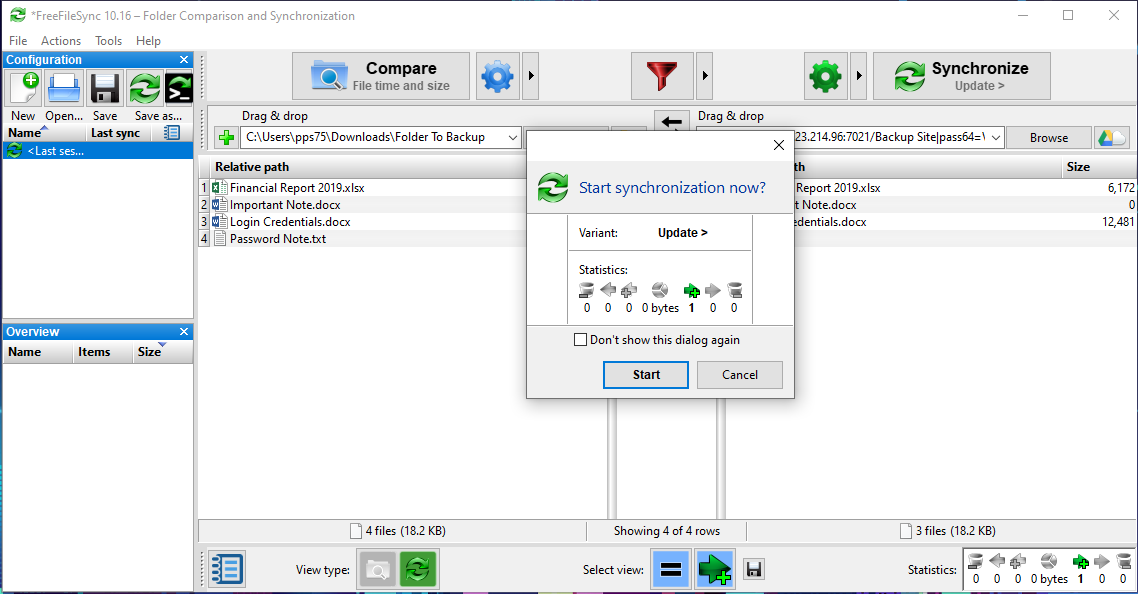
FreeFileSync integrates with local drives, network shares, FTP, FTPS, SFTP servers, and Google Drive.
FreeFileSync does not offer an API or direct connections with third-party integration tools but does offer command-line usage and is open-source.
FreeFileSync Specs
- 2-Factor Authentication
- API
- Batch Permissions & Access
- Calendar Management
- Contact Management
- Contact Sharing
- Email Integration
- External Integrations
- Google Apps Integration
- Multi-User
- Notifications
- Project Management
- Scheduling


