


SmartSuite Review: Pros, Cons, Features, and Pricing



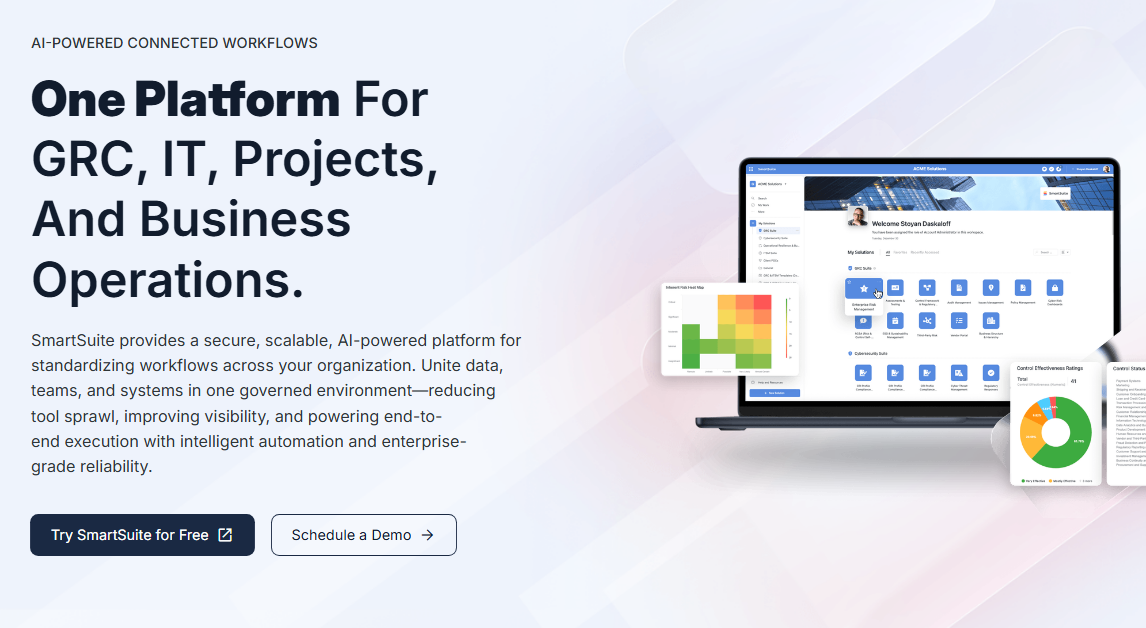
SmartSuite is a workflow automation software built for teams that need to manage projects, processes, and records across departments in one place. It covers task tracking, CRM, custom workflows, and reporting—without requiring separate tools for each use case. If you're finding monday.com too expensive to scale or too rigid for non-standard workflows, SmartSuite is worth a close look. You get more flexibility in how you structure and automate your data, with a pricing model that doesn't punish you for growing your team.
SmartSuite Evaluation Summary
- From $15/user/month (billed annually)
- Free trial + free demo available
Why Trust Our Software Recommendations
Our team has been testing and reviewing software since 2012. As project managers ourselves, we know how difficult—and important—it is to choose the right software.
For this guide, we evaluated tools using hands-on testing and independent research, scoring tools using our selection criteria. We also draw on insights from industry thought leaders and practicing project management experts.
Our reviews reflect our human editorial judgment, not a sales pitch.
Expert reviewers:
SmartSuite Overview
In my opinion, SmartSuite is a solid option for teams looking for workflow automation. Its standout features and integrations make it appealing for tech-savvy departments. While onboarding could be smoother, the platform's functionality and support channels compensate well, especially for project management and marketing teams. If you prioritize value for money and need a tool that grows with your business, SmartSuite is worth considering. However, if a sleek interface is a necessity, you might explore alternatives like
pros
-
You can customize your workspace to fit your team's needs.
-
The platform's no-code automation features save you time on repetitive tasks.
-
It offers a user-friendly interface that simplifies task management.
cons
-
Your team might find the onboarding process a bit challenging.
-
Its interface isn't as sleek as some competitors, such as Airtable and ClickUp.
-
Some users report occasional performance lags during peak times.
-

Smartsheet
Visit WebsiteThis rating combines scores from multiple user review sites to reflect overall customer sentiment about the product.4.5 -
Celoxis
Visit WebsiteThis rating combines scores from multiple user review sites to reflect overall customer sentiment about the product.4.5 -
Accelo
Visit WebsiteThis rating combines scores from multiple user review sites to reflect overall customer sentiment about the product.4.4





Our Review Methodology
How We Test & Score Tools
We’ve spent years building, refining, and improving our software testing and scoring system. The rubric is designed to capture the nuances of software selection and what makes a tool effective, focusing on critical aspects of the decision-making process.
Below, you can see exactly how our testing and scoring works across seven criteria. It allows us to provide an unbiased evaluation of the software based on core functionality, standout features, ease of use, onboarding, customer support, integrations, customer reviews, and value for money.
Core Functionality (25% of final scoring)
The starting point of our evaluation is always the core functionality of the tool. Does it have the basic features and functions that a user would expect to see? Are any of those core features locked to higher-tiered pricing plans? At its core, we expect a tool to stand up against the baseline capabilities of its competitors.
Standout Features (25% of final scoring)
Next, we evaluate uncommon standout features that go above and beyond the core functionality typically found in tools of its kind. A high score reflects specialized or unique features that make the product faster, more efficient, or offer additional value to the user.
We also evaluate how easy it is to integrate with other tools typically found in the tech stack to expand the functionality and utility of the software. Tools offering plentiful native integrations, 3rd party connections, and API access to build custom integrations score best.
Ease of Use (10% of final scoring)
We consider how quick and easy it is to execute the tasks defined in the core functionality using the tool. High scoring software is well designed, intuitive to use, offers mobile apps, provides templates, and makes relatively complex tasks seem simple.
Onboarding (10% of final scoring)
We know how important rapid team adoption is for a new platform, so we evaluate how easy it is to learn and use a tool with minimal training. We evaluate how quickly a team member can get set up and start using the tool with no experience. High scoring solutions indicate little or no support is required.
Customer Support (10% of final scoring)
We review how quick and easy it is to get unstuck and find help by phone, live chat, or knowledge base. Tools and companies that provide real-time support score best, while chatbots score worst.
Customer Reviews (10% of final scoring)
Beyond our own testing and evaluation, we consider the net promoter score from current and past customers. We review their likelihood, given the option, to choose the tool again for the core functionality. A high scoring software reflects a high net promoter score from current or past customers.
Value for Money (10% of final scoring)
Lastly, in consideration of all the other criteria, we review the average price of entry level plans against the core features and consider the value of the other evaluation criteria. Software that delivers more, for less, will score higher.
Core Features
Task Management: You can organize and prioritize tasks with features such as time-tracking, helping your team meet deadlines. Its intuitive interface makes it simple to assign tasks and monitor progress.
Automated Workflows: SmartSuite automates repetitive tasks, saving your team time and reducing errors. You can set triggers and actions to simplify your daily operations.
Customizable Templates: Use pre-built templates to quickly set up workflows that match your business needs. You can tailor these templates to fit your specific processes.
Real-Time Collaboration: Your team can collaborate in real time, ensuring everyone stays aligned. Its collaboration features support simultaneous doc edits and instant feedback.
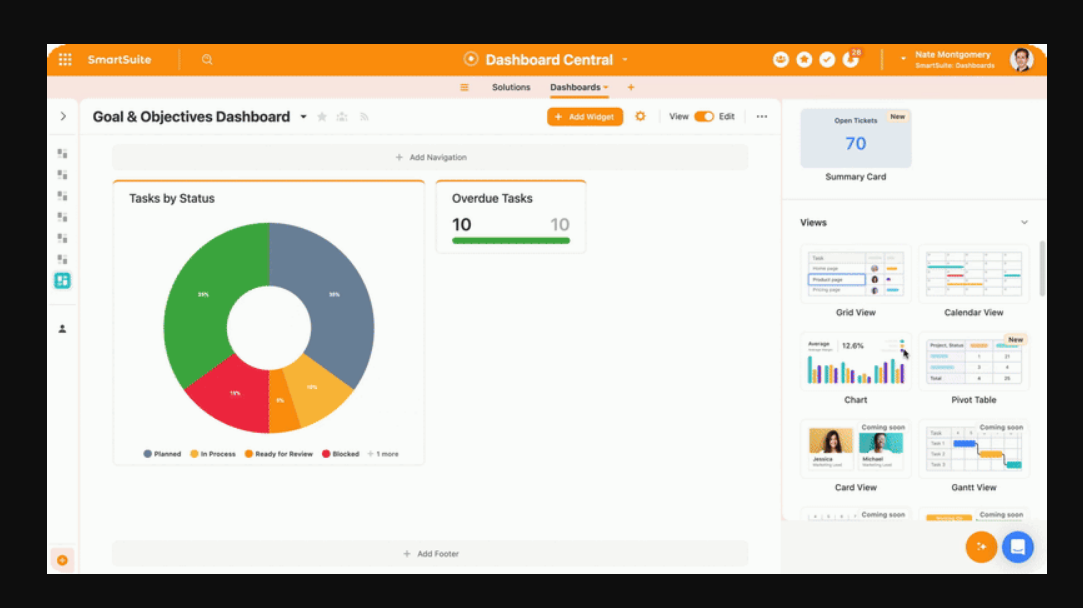
Reporting and Analytics: SmartSuite provides insights into your workflows, helping you make data-driven decisions. You can generate reports to track performance and identify areas for improvement.
Role-Based Permissions: Assign roles to team members to control who can access what in your workflows, ensuring your data remains secure.
Ease of Use
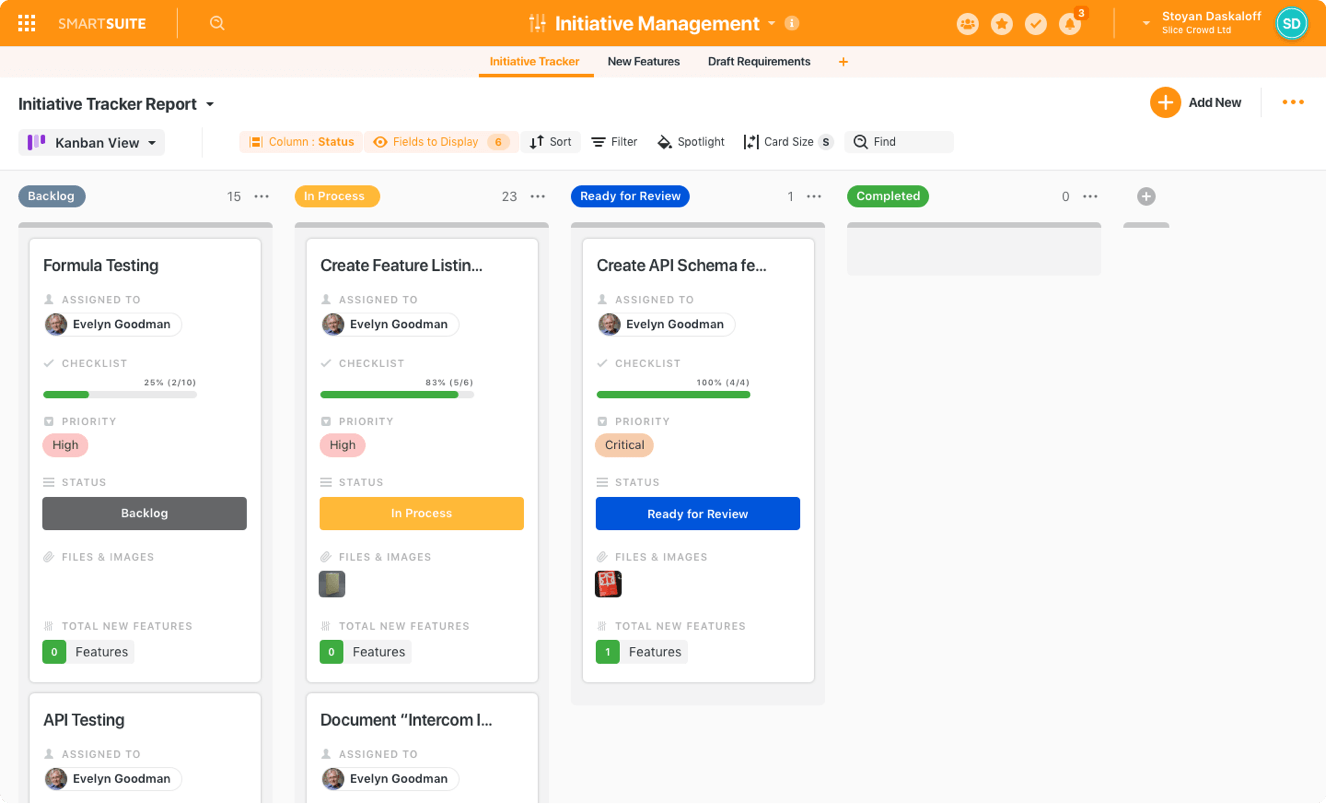
SmartSuite offers a user-friendly interface with various dashboard views, including Kanban boards and Gantt charts. Its drag-and-drop builder simplifies workflow creation, which is a plus if you're new to automation tools. However, the occasional learning curve might slow down your initial setup. Once you get past that, managing tasks and automating processes becomes straightforward, making it a practical choice for teams willing to invest some time.
Integrations
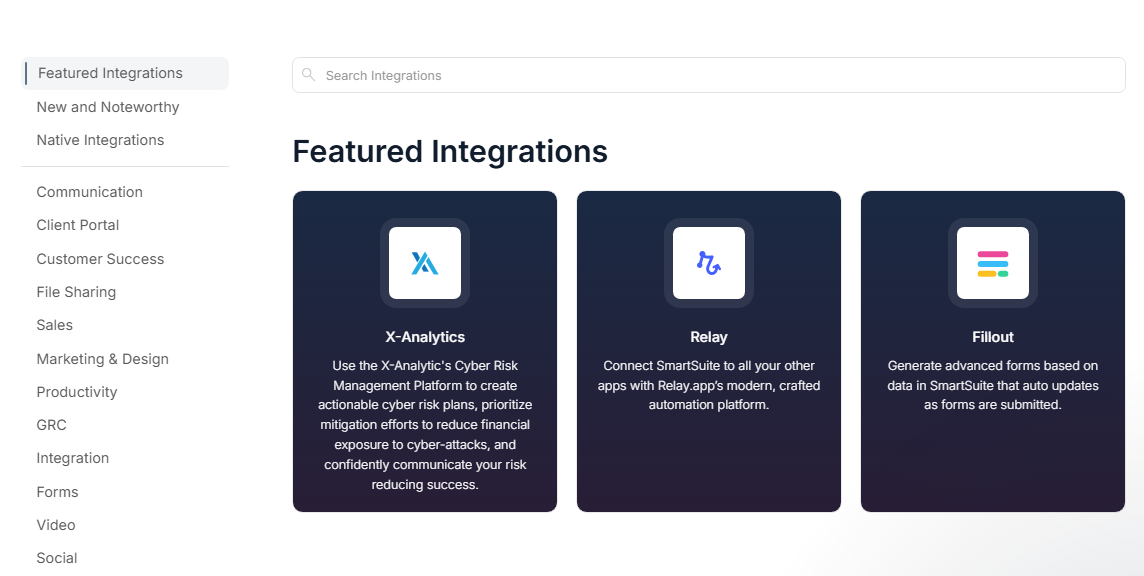
SmartSuite provides native integration with various platforms, including Google Drive, Slack, Salesforce, Google Sheets, Jira Cloud, Box, HubSpot, Google Maps, and Microsoft Teams.
SmartSuite also offers an API and connects with third-party integration tools like Zapier, allowing you to build custom integrations with thousands of other applications.
SmartSuite Specs
- Access Management
- API
- Audit Management
- Batch Permissions & Access
- Calendar Management
- Collaboration Support
- Custom Data Forms
- Customer Management
- Dashboards
- Data Export
- Data Import
- Data Visualization
- Document Management
- External Integrations
- Form Builder
- Inventory Tracking
- Notifications
- Process Modeling
- Process Reporting
- Project Management
- Reports
- Status Notifications
- Supplier Management
- Task Scheduling/Tracking
- Third-Party Plugins/Add-Ons



