

Signaturely Review: Pros, Cons, Features and Pricing Explained



Signaturely is an e-signature software built for teams that need to send, sign, and track contracts without the overhead of enterprise-grade tools. I'd choose it if you want something more affordable and easier to set up than DocuSign, but still capable of handling reusable templates and multi-signer workflows at scale.
Signaturely Evaluation Summary
- From $20/month; API plans start at $49/month
- Free trial available
Why Trust Our Software Recommendations
Our team has been testing and reviewing software since 2012. As project managers ourselves, we know how difficult—and important—it is to choose the right software.
For this guide, we evaluated tools using hands-on testing and independent research, scoring tools using our selection criteria. We also draw on insights from industry thought leaders and practicing project management experts.
Our reviews reflect our human editorial judgment, not a sales pitch.
Expert reviewers:
Signaturely Overview
In my opinion, Signaturely stands out for its straightforward interface and accessible pricing, making it a top pick for lean teams or small businesses judging ease-of-use above advanced automation. Compared to the competition, it outperforms with guided onboarding, fast signature tracking, and responsive support, though it underdelivers if you need deep workflow customization or niche integrations. If you’re selecting a solution for contract approvals, quick NDAs, or simple project sign-offs, I think you’ll find Signaturely especially well-suited—just know its simplicity leaves power users wanting more.
pros
-
Document templates save time on repetitive agreements
-
Guided signature fields eliminate signing mistakes
-
Audit trails meet most compliance requirements
cons
-
No bulk sending for large recipient lists
-
Limited branding options for document customization
-
Complex workflows can’t be automated within the platform
Is Signaturely Right For Your Needs?
Who Would be a Good Fit for Signaturely?
Signaturely fits best for small to medium businesses, independent professionals, and teams that want a straightforward, affordable e-signature tool without advanced workflow complexity. Its user-friendly interface, unlimited self-signing, and clear pricing work well for teams that prioritize fast onboarding and simple contract workflows. I think industries and job roles with basic document signing needs will get the most from Signaturely.
-
Freelancers and Consultants
The unlimited free self-signing and easy document tracking make managing client contracts simple and cost-effective for solo professionals.
-
HR Departments
Electronic onboarding packets and offer letters are easy to send and track, thanks to templates and guided signature fields.
-
Real Estate Agents
Sending contracts and disclosures to multiple parties is straightforward, and automated reminders help keep deals moving.
-
Small Legal Practices
Standardized templates let you reuse common agreements, and audit trails keep every signature legally backed.
-
Startups
Fast setup and intuitive workflows mean early-stage teams can get contracts signed without technical overhead.
-
Procurement Teams
Quickly sending, tracking, and storing vendor agreements fits perfectly due to simple document lifecycles and dashboard monitoring.
Who Would be a Bad Fit for Signaturely?
Signaturely isn’t a match for organizations needing bulk, high-volume sending, advanced workflow automation, or extensive branding options. If you rely heavily on custom integrations, complex approval flows, or detailed white-labeling, Signaturely’s feature set may feel limited. Large enterprises or regulated sectors may find it lacks certain compliance tools or granular admin controls.
-
Large Enterprises
Advanced workflow automation and centralized admin controls are limited compared to what many big organizations require.
-
Financial Services
Industries with extra compliance needs may find audit and security features don’t go far enough.
-
Healthcare Organizations
Signaturely does not offer dedicated HIPAA support, so medical forms and sensitive data may not be adequately protected.
-
Insurance Firms
Complex approval chains and high-volume sending capabilities are currently not Signaturely’s focus.
-
Global Corporates
If you need custom localization or legal standards for multiple countries, Signaturely’s compliance and language options may fall short.
-
Marketing Agencies
Extensive branding customization is limited, so agencies needing fully white-labeled client deliverables might be disappointed.
Our Review Methodology
How We Test & Score Tools
We’ve spent years building, refining, and improving our software testing and scoring system. The rubric is designed to capture the nuances of software selection and what makes a tool effective, focusing on critical aspects of the decision-making process.
Below, you can see exactly how our testing and scoring works across seven criteria. It allows us to provide an unbiased evaluation of the software based on core functionality, standout features, ease of use, onboarding, customer support, integrations, customer reviews, and value for money.
Core Functionality (25% of final scoring)
The starting point of our evaluation is always the core functionality of the tool. Does it have the basic features and functions that a user would expect to see? Are any of those core features locked to higher-tiered pricing plans? At its core, we expect a tool to stand up against the baseline capabilities of its competitors.
Standout Features (25% of final scoring)
Next, we evaluate uncommon standout features that go above and beyond the core functionality typically found in tools of its kind. A high score reflects specialized or unique features that make the product faster, more efficient, or offer additional value to the user.
We also evaluate how easy it is to integrate with other tools typically found in the tech stack to expand the functionality and utility of the software. Tools offering plentiful native integrations, 3rd party connections, and API access to build custom integrations score best.
Ease of Use (10% of final scoring)
We consider how quick and easy it is to execute the tasks defined in the core functionality using the tool. High scoring software is well designed, intuitive to use, offers mobile apps, provides templates, and makes relatively complex tasks seem simple.
Onboarding (10% of final scoring)
We know how important rapid team adoption is for a new platform, so we evaluate how easy it is to learn and use a tool with minimal training. We evaluate how quickly a team member can get set up and start using the tool with no experience. High scoring solutions indicate little or no support is required.
Customer Support (10% of final scoring)
We review how quick and easy it is to get unstuck and find help by phone, live chat, or knowledge base. Tools and companies that provide real-time support score best, while chatbots score worst.
Customer Reviews (10% of final scoring)
Beyond our own testing and evaluation, we consider the net promoter score from current and past customers. We review their likelihood, given the option, to choose the tool again for the core functionality. A high scoring software reflects a high net promoter score from current or past customers.
Value for Money (10% of final scoring)
Lastly, in consideration of all the other criteria, we review the average price of entry level plans against the core features and consider the value of the other evaluation criteria. Software that delivers more, for less, will score higher.
Core Features
Document Templates
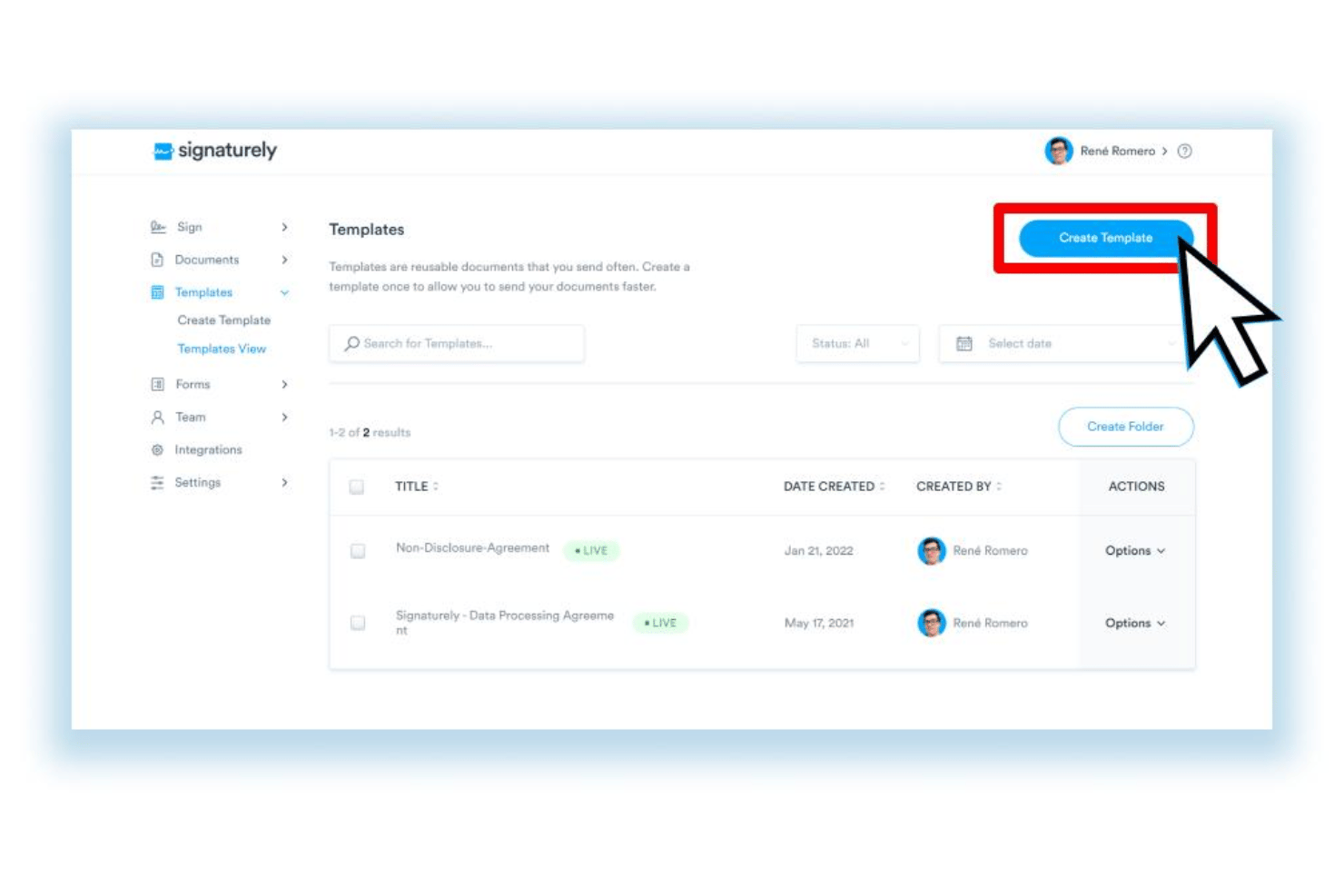
Save contract formats and reuse them for new agreements in seconds. Signaturely lets you standardize repetitive workflows for NDAs, proposals, and more.
Signature Request Tracking
Track each document’s signature status in real time from your dashboard. You’ll get alerts for pending, completed, and declined document actions.
Guided Signing Fields
Drag-and-drop signature, date, and text fields onto documents so signers never miss a required step. This minimizes user errors and back-and-forth.
Legally Binding E-signatures
Every signed document is legally valid and complies with major e-signature standards. Signaturely backs every signed document with detailed audit trails.
Team Collaboration
Assign documents to specific team members for sending or review. Control permissions for who can view, edit, or send contracts.
Automated Reminders
Signaturely sends automatic email reminders to signers who haven’t completed their action. This helps keep deals and approvals on schedule.
Standout Features
Free Unlimited Self-Signing
Sign as many personal or internal documents as you want at no extra cost. Great for project managers who need audit trails for approvals without burning through paid credits.
Step-by-Step Workflow Builder
Build guided sending workflows that walk you through each stage of document setup. This is especially helpful for new users who want a foolproof, click-by-click experience.
Ease of Use
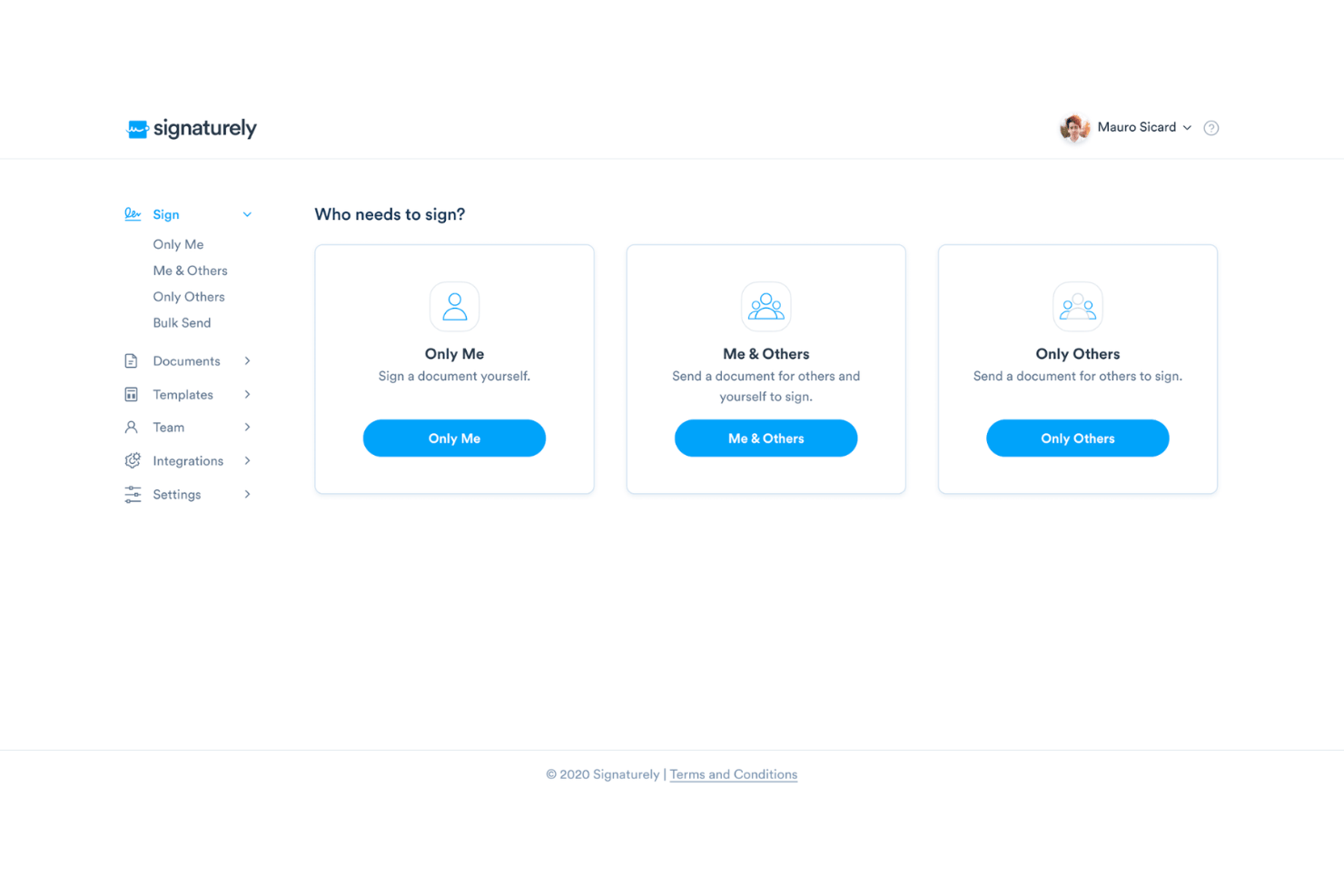
Signaturely’s interface is uncluttered and intuitive, letting you upload, prep, and send documents in just a few clicks. I think its step-by-step guidance and drag-and-drop fields make onboarding fast for non-technical teams. User reviews praise how easy it is to follow signature requests and track completion, so I’d judge it one of the most accessible solutions for day-to-day contract work.
Onboarding
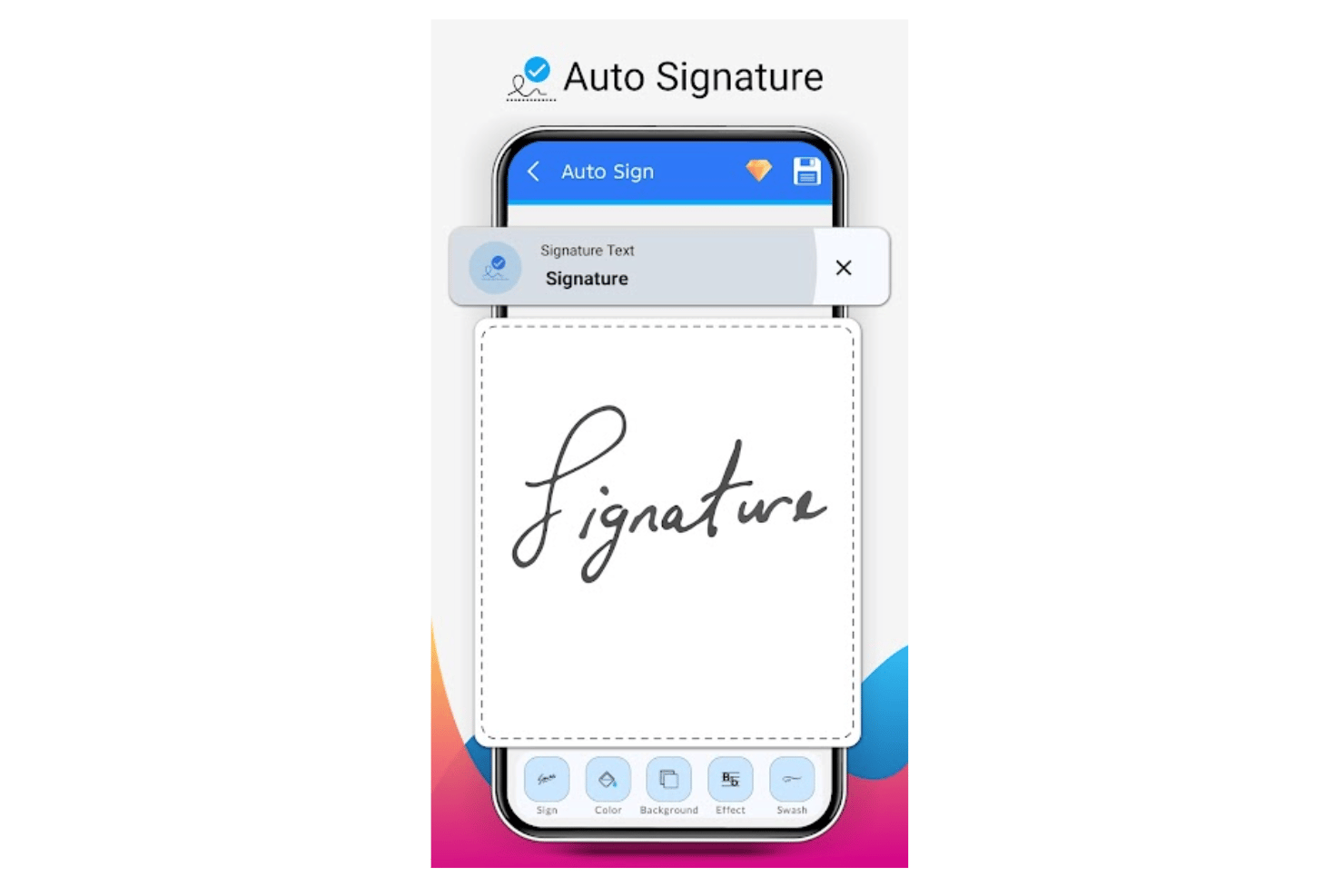
Signaturely excels at onboarding with its clear, step-by-step prompts and fast setup process. In my experience, new users find immediate value thanks to interactive guides, example templates, and responsive email support. Many reviews highlight the quick path from signup to getting a contract signed, which I think makes it ideal for teams wanting results right away.
Customer Support
Signaturely delivers responsive, knowledgeable support, especially via email, which users often mention as quick and friendly. I’ve noticed its help center is clear, with easy-to-follow articles and onboarding videos that address most common questions. While live chat and phone aren’t offered, the efficiency and clarity of support responses make up for it in most real-world scenarios.
Integrations
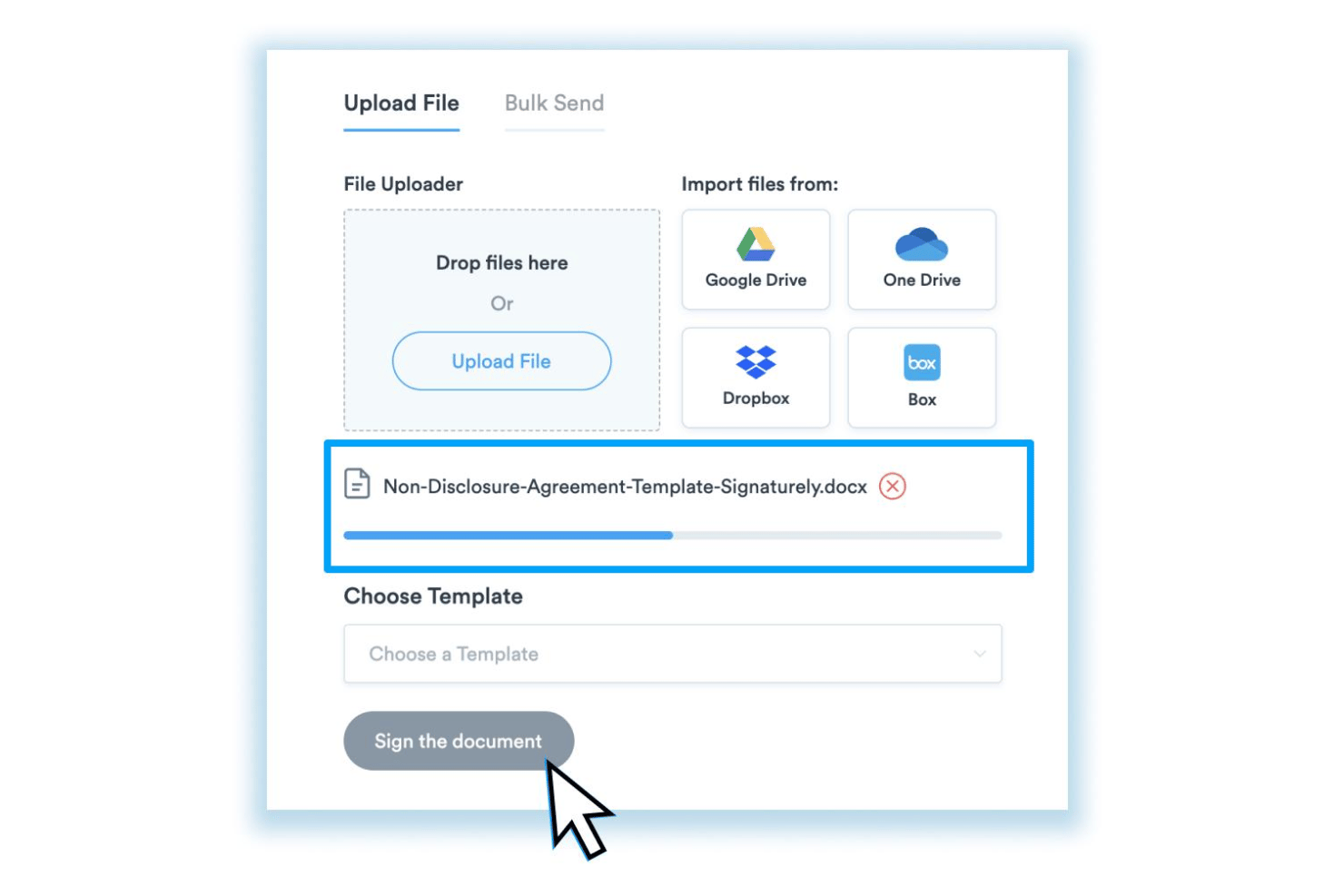
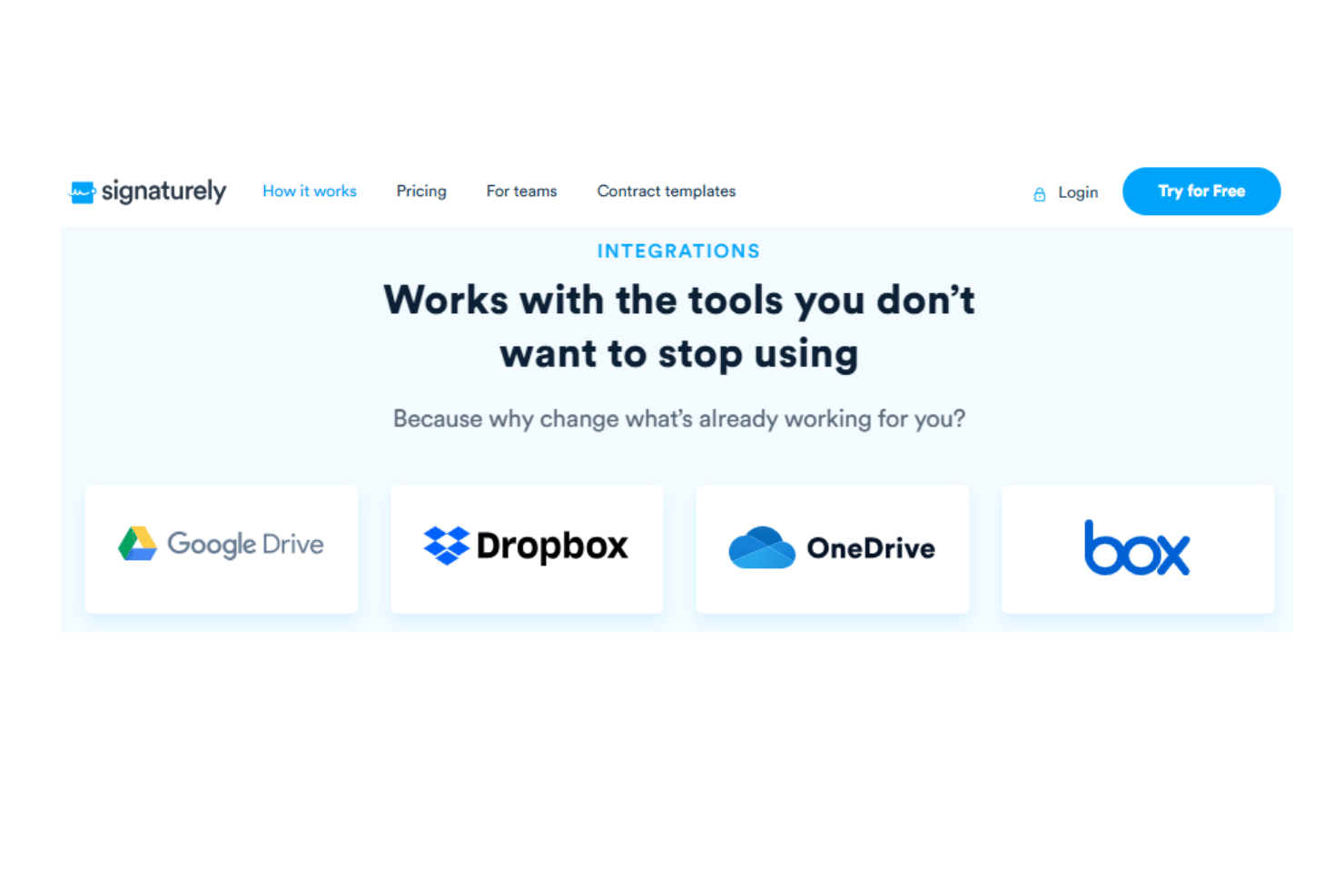
Signaturely integrates with Google Drive, Dropbox, OneDrive, and Box, among others.
Signaturely also offers an API and supports third-party integrations through Zapier.
Value for Money
Signaturely offers strong value for straightforward e-signature needs, with transparent, affordable pricing that appeals to small businesses and freelancers. Its unlimited self-signing feature is a standout benefit, while paid plans include essential e-signature functionality without hidden fees or unexpected usage-based costs.
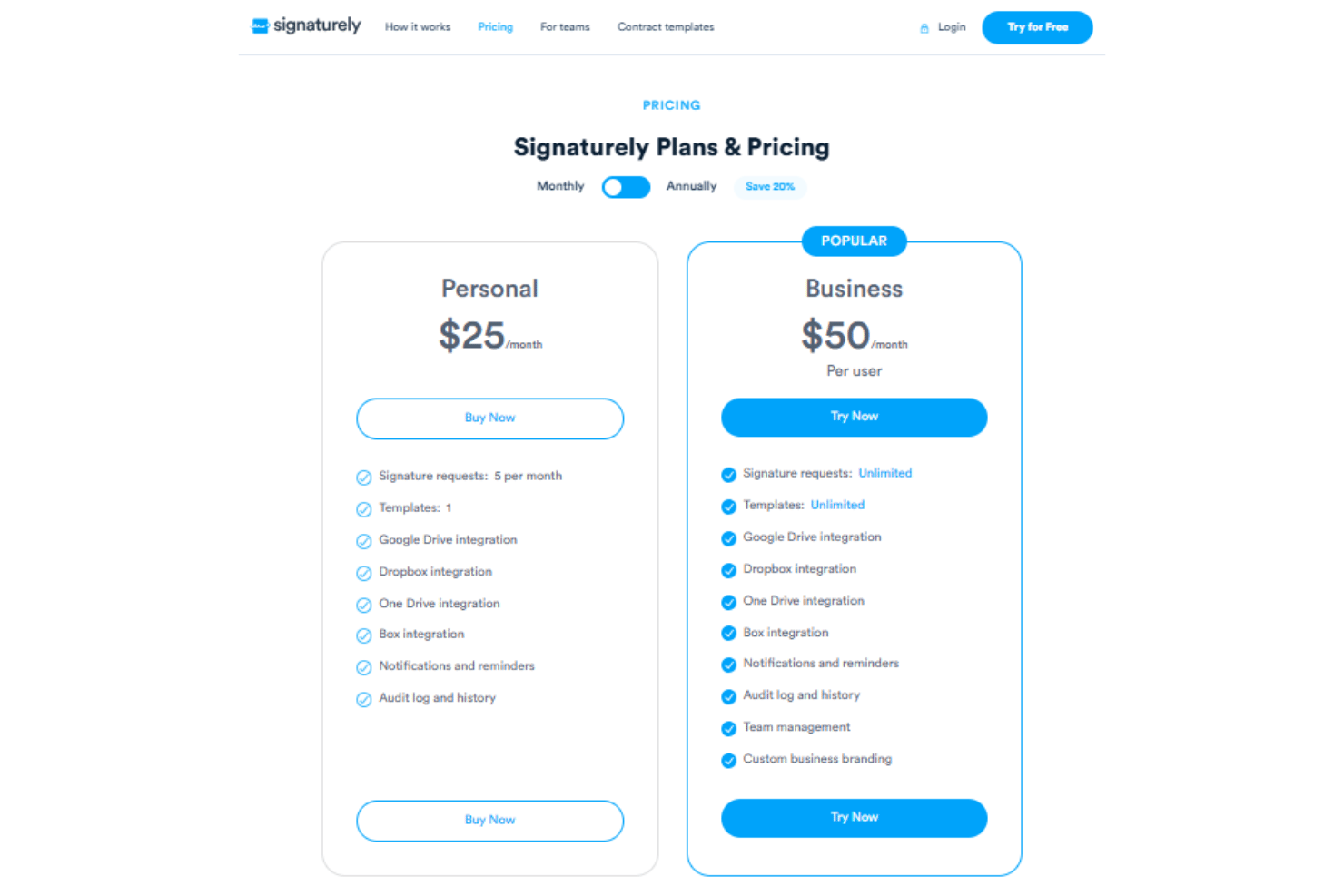
- Personal: Includes five signature requests per month, notifications, reminders, and audit logs.
- Business: Offers unlimited signature requests, unlimited templates, team management, and custom business branding.
Signaturely Specs
- 2-Factor Authentication
- Accounts Payable
- Accounts Receivable
- API
- Approval Workflows
- Balance Sheet
- Billing/Invoicing
- Budgeting
- Calendar Management
- Comparative Reporting
- CRM Integration
- Custom Reports
- Customer Management
- Dashboard
- Data Export
- Data Import
- Data Visualization
- Expense Tracking
- External Integrations
- Forecasting
- General Account Ledger
- Historical Data Analysis
- Inventory Tracking
- Multi-Currency
- Multi-User
- Notifications
- P&L
- Payroll
- Scenario Planning
- Scheduling
- Supplier Management
- Tax Management
- Time Management
Signaturely FAQs
Can I use Signaturely to sign documents on my mobile device?
How does Signaturely handle data security and compliance?
What happens if a signer declines or ignores a request?
Is there a limit to how many documents I can sign or send each month?
Can I save frequently used contracts as templates in Signaturely?
Does Signaturely allow multiple signers on the same document?
How are document versions and changes tracked in Signaturely?
What kind of customer support can my team expect?
Signaturely Company Overview & History
Signaturely is an e-signature software company based in the United States. The company focuses exclusively on providing a simple, intuitive way to create, send, and track legally binding electronic signatures. Signaturely is an independent firm and is not affiliated with other major software brands, nor does it operate additional products. Detailed financials, customer lists, and workforce size are not publicly disclosed on the company’s website.
Signaturely Major Milestones
- 2020: Signaturely platform launches to provide user-friendly e-signature solutions for individuals and businesses
- 2021: Adds integrations with major cloud storage platforms and introduces reusable templates
- 2023: Recognized on numerous SaaS review platforms for ease of use and value for money