

Scribe Review: Pros, Cons, Features and Pricing Overview



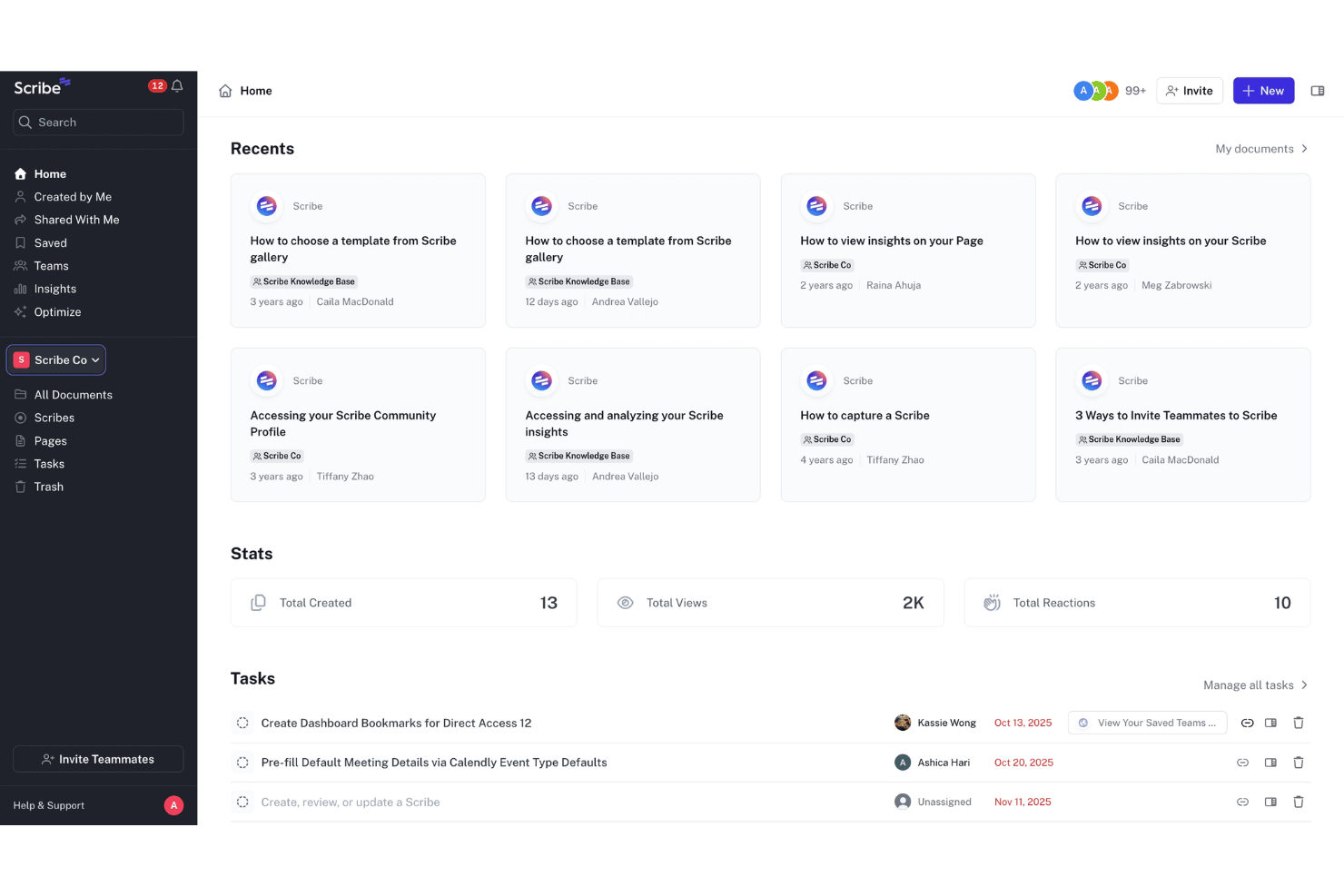
Scribe is a process documentation software that auto-generates step-by-step guides by capturing your screen as you work. It's a strong fit for teams that need to document recurring workflows, SOPs, and onboarding processes without writing guides from scratch. If you've been manually building process docs in Confluence or Notion, Scribe is worth a closer look. It builds the guide for you as you complete the process.
Scribe Evaluation Summary
- From $12/seat/month (billed annually)
- Free plan + free demo available
Why Trust Our Software Recommendations
Our team has been testing and reviewing software since 2012. As project managers ourselves, we know how difficult—and important—it is to choose the right software.
For this guide, we evaluated tools using hands-on testing and independent research, scoring tools using our selection criteria. We also draw on insights from industry thought leaders and practicing project management experts.
Our reviews reflect our human editorial judgment, not a sales pitch.
Expert reviewers:
Scribe Overview
When I compare Scribe to other SOP creation options, I think its instant step-by-step capture and clean interface set it apart for teams that need fast, visual guides with minimal setup. The generous free tier and straightforward pricing help with decision-making, though integrations are a bit limited and complex workflows require workarounds. For onboarding, training, and routine task documentation, especially in fast-moving environments, I’d judge Scribe as an easy choice—just keep in mind its simplicity is a strength and a constraint depending on your needs.
pros
-
Automatically generates step-by-step guides from your screen actions
-
Supports screenshots and text annotations in captured guides
-
Guides can be shared with links or embedded in wikis
cons
-
No workflow automation or process approval features
-
Limited options for advanced formatting or conditional steps
-
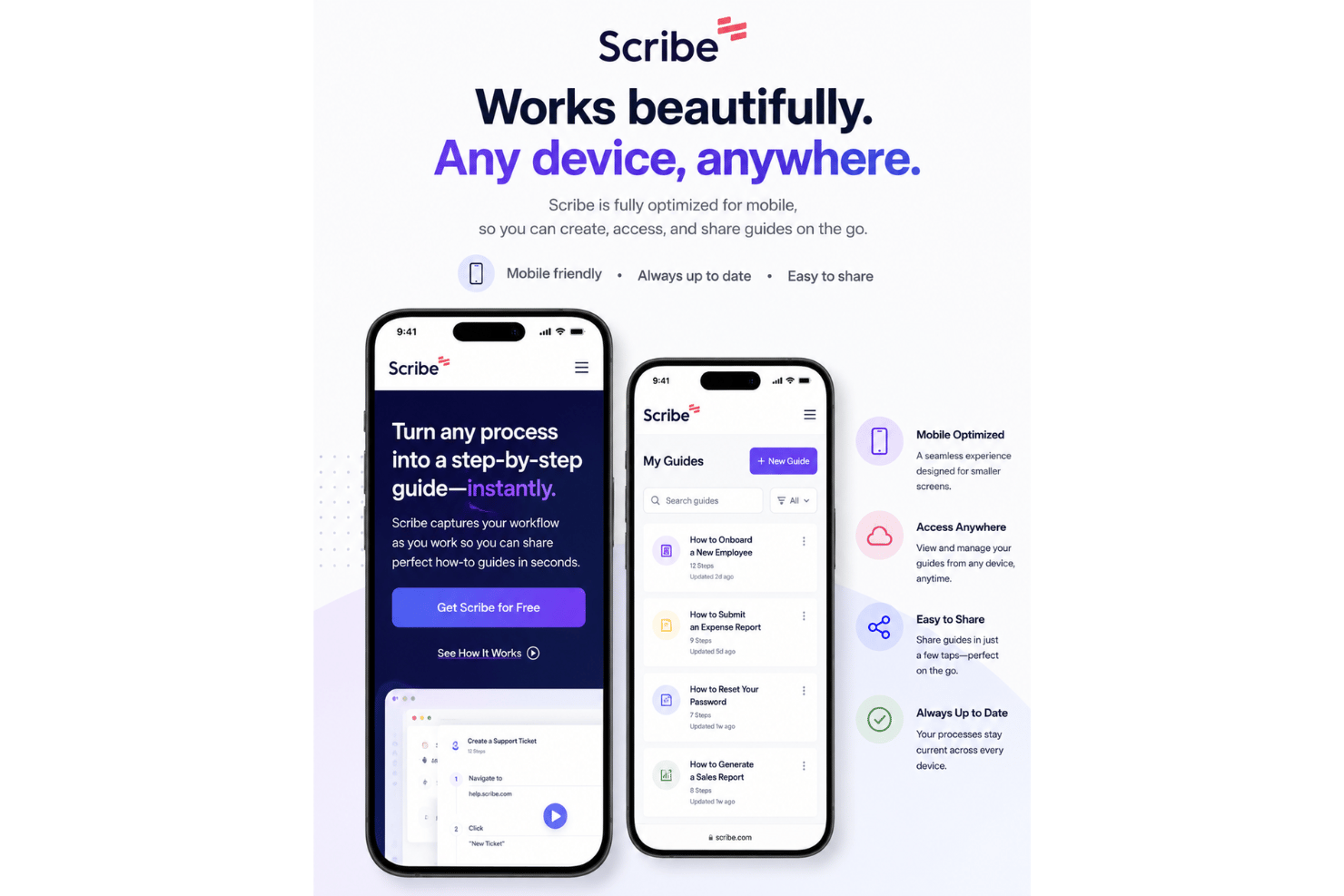
Mobile functionality may be restricted depending on the plan.
-

Smartsheet
Visit WebsiteThis rating combines scores from multiple user review sites to reflect overall customer sentiment about the product.4.5 -
Celoxis
Visit WebsiteThis rating combines scores from multiple user review sites to reflect overall customer sentiment about the product.4.5 -
Accelo
Visit WebsiteThis rating combines scores from multiple user review sites to reflect overall customer sentiment about the product.4.4





Our Review Methodology
How We Test & Score Tools
We’ve spent years building, refining, and improving our software testing and scoring system. The rubric is designed to capture the nuances of software selection and what makes a tool effective, focusing on critical aspects of the decision-making process.
Below, you can see exactly how our testing and scoring works across seven criteria. It allows us to provide an unbiased evaluation of the software based on core functionality, standout features, ease of use, onboarding, customer support, integrations, customer reviews, and value for money.
Core Functionality (25% of final scoring)
The starting point of our evaluation is always the core functionality of the tool. Does it have the basic features and functions that a user would expect to see? Are any of those core features locked to higher-tiered pricing plans? At its core, we expect a tool to stand up against the baseline capabilities of its competitors.
Standout Features (25% of final scoring)
Next, we evaluate uncommon standout features that go above and beyond the core functionality typically found in tools of its kind. A high score reflects specialized or unique features that make the product faster, more efficient, or offer additional value to the user.
We also evaluate how easy it is to integrate with other tools typically found in the tech stack to expand the functionality and utility of the software. Tools offering plentiful native integrations, 3rd party connections, and API access to build custom integrations score best.
Ease of Use (10% of final scoring)
We consider how quick and easy it is to execute the tasks defined in the core functionality using the tool. High scoring software is well designed, intuitive to use, offers mobile apps, provides templates, and makes relatively complex tasks seem simple.
Onboarding (10% of final scoring)
We know how important rapid team adoption is for a new platform, so we evaluate how easy it is to learn and use a tool with minimal training. We evaluate how quickly a team member can get set up and start using the tool with no experience. High scoring solutions indicate little or no support is required.
Customer Support (10% of final scoring)
We review how quick and easy it is to get unstuck and find help by phone, live chat, or knowledge base. Tools and companies that provide real-time support score best, while chatbots score worst.
Customer Reviews (10% of final scoring)
Beyond our own testing and evaluation, we consider the net promoter score from current and past customers. We review their likelihood, given the option, to choose the tool again for the core functionality. A high scoring software reflects a high net promoter score from current or past customers.
Value for Money (10% of final scoring)
Lastly, in consideration of all the other criteria, we review the average price of entry level plans against the core features and consider the value of the other evaluation criteria. Software that delivers more, for less, will score higher.
Core Features
Instant Step-by-Step Recording
Capture any workflow in real time, automatically generating visual guides from your screen actions. This feature reduces the time spent manually documenting processes.
Smart Screenshot Annotation
Add highlights, arrows, icons, and text to screenshots within your guide. It’s an easy way to clarify or call out critical actions in each step.
One-Click Sharing and Embedding
Share process guides with a link, or embed them in your team’s wiki or knowledge base. Teams quickly distribute and centralize documentation with minimal friction.
Guide Editing and Customization
Edit recorded steps, swap screenshots, and insert extra notes or context. This gives you granular control over what’s shown to guide readers accurately.
Team Spaces and Organization
Sort guides into folders and workspaces for departments or projects. Teams can keep documentation organized and easy to navigate as content grows.
Export to PDF or HTML
Download guides as PDFs or HTML files for offline distribution or archiving. This is handy for compliance or sharing outside your typical platforms.
Ease of Use
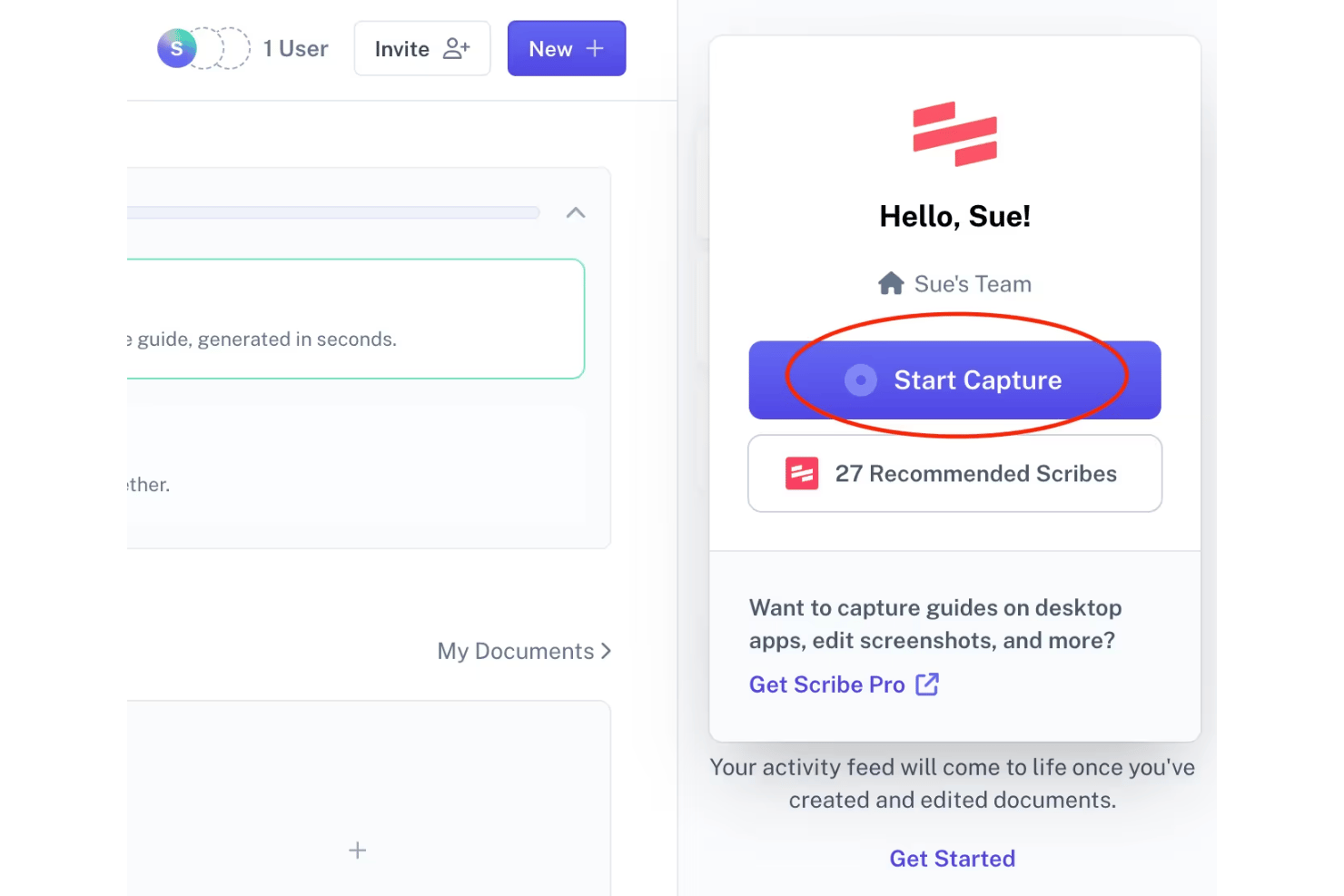
Scribe stands out for its user-friendliness, letting anyone create polished process guides in minutes without training. The instant capture and simple annotation tools remove the friction of manual documentation, while the clean interface puts everything just a click away. Users repeatedly mention how quickly they can create, edit, and share walkthroughs, even if they’re not tech-savvy.
Integrations
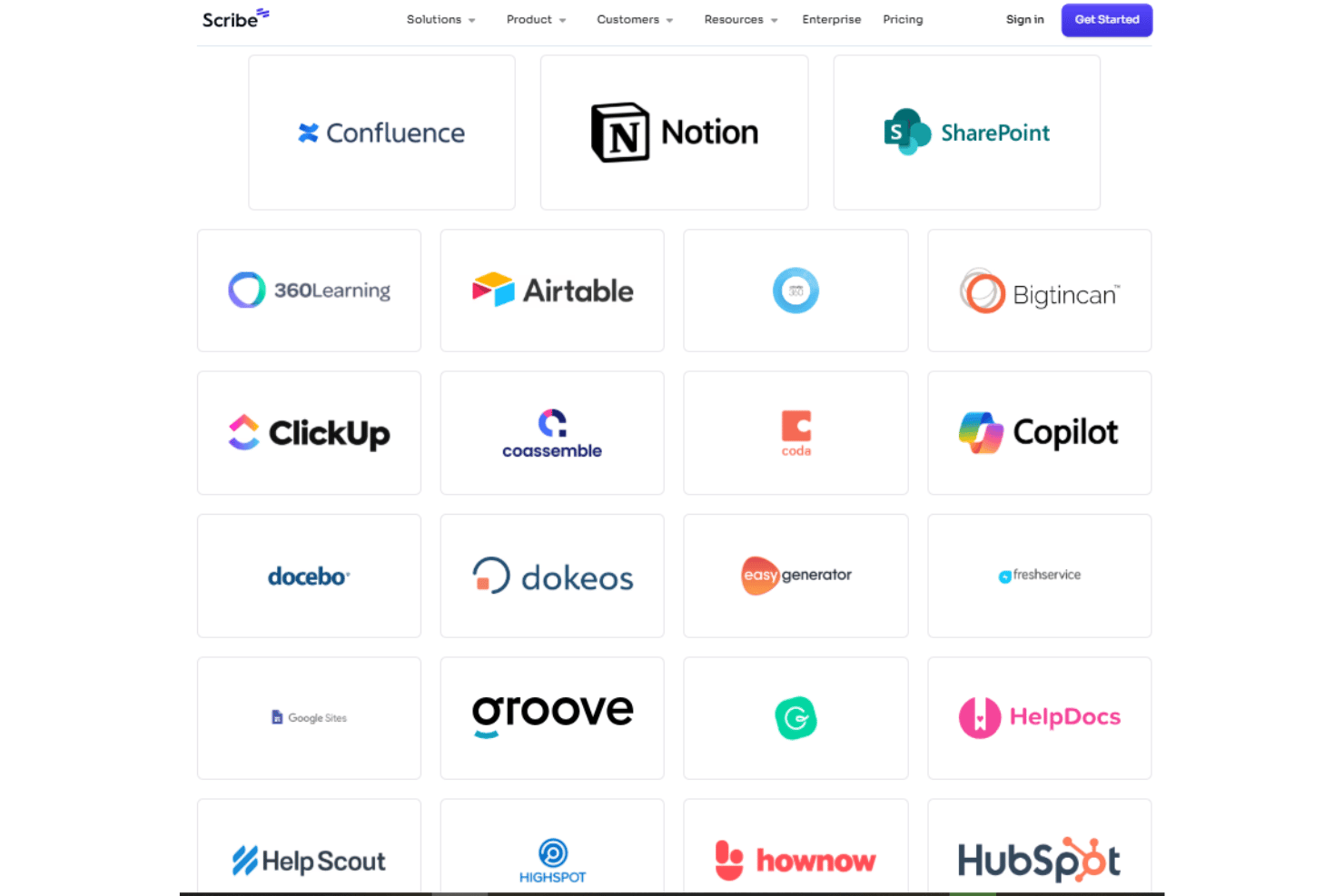
Scribe integrates with Confluence, Notion, Slack, WordPress, miro, Salesforce, monday.com, and ClickUp, among others.
Scribe offers an API for programmatic access to its platform, including the Enterprise Search API, which enables organizations to search and retrieve internal documents within their applications.
Scribe Specs
- Access Management
- API
- Audit Management
- Batch Permissions & Access
- Calendar Management
- Collaboration Support
- Custom Data Forms
- Customer Management
- Dashboards
- Data Export
- Data Import
- Data Visualization
- Document Management
- External Integrations
- Form Builder
- Inventory Tracking
- Notifications
- Process Modeling
- Process Reporting
- Project Management
- Reports
- Status Notifications
- Supplier Management
- Task Scheduling/Tracking
- Third-Party Plugins/Add-Ons




- 10 Best Scribe Alternatives for SOP Creation in 2026Opens new window
- 13 Best Newsletters for Operations Leaders to Subscribe to in 2026Opens new window
- Scribe Review: Pros, Cons, Features and Pricing OverviewOpens new window
- Write a Project Status Report in 10 Easy Steps (+ Template)Opens new window