


Perfect Practice Review: Pros, Cons, Features and Pricing Guide



Perfect Practice is a project management software for lawyers that combines matter management, time tracking, and billing in a single on-premise platform. It's worth considering if your firm runs its own servers and wants to keep client data off cloud infrastructure entirely. If you've evaluated Clio but prefer not to tie your practice to a cloud-based subscription model, Perfect Practice is the on-premise alternative that still covers the core workflow from intake to invoice.
Perfect Practice Evaluation Summary
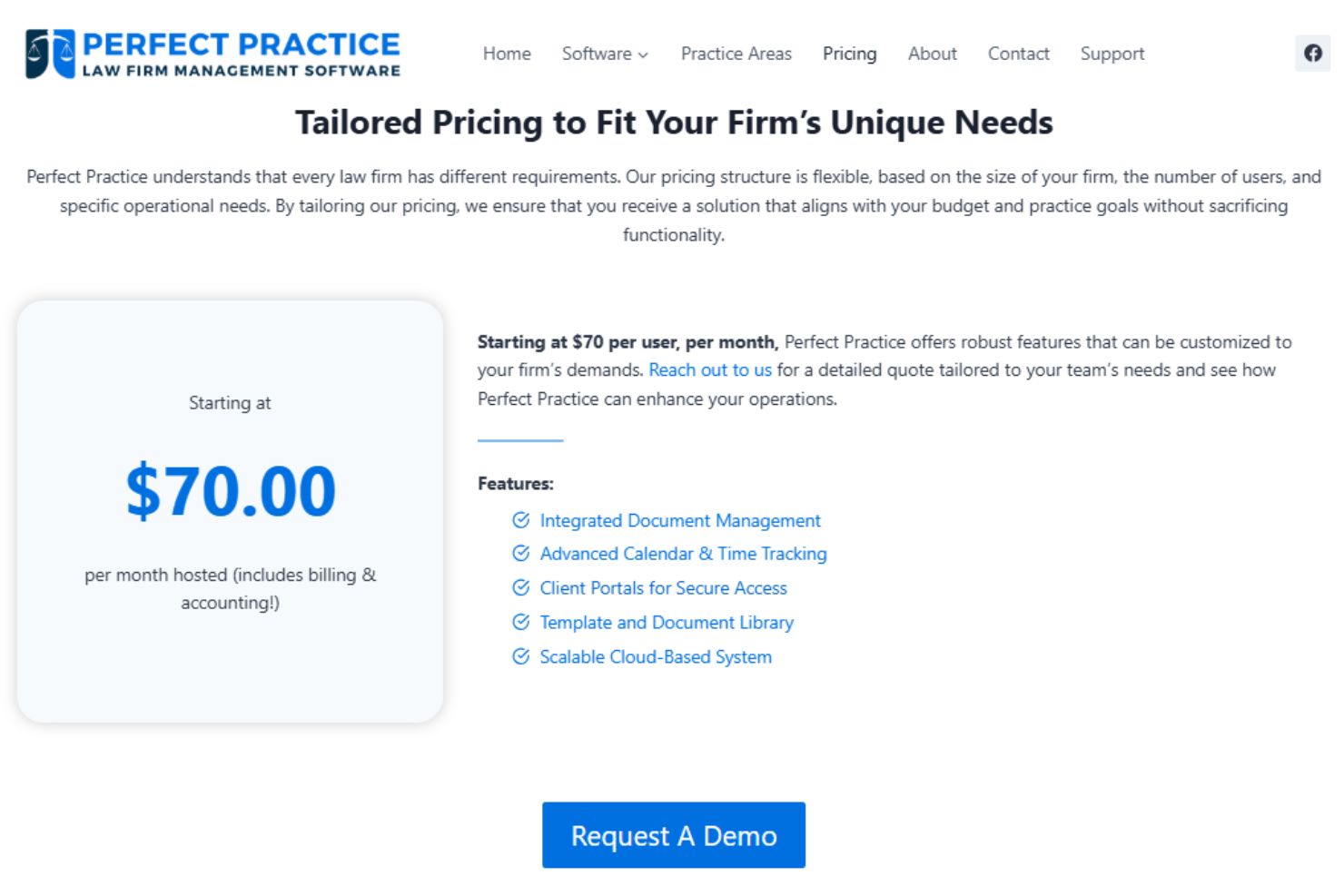
- From $70/user/month
- Free demo available
Why Trust Our Software Recommendations
Our team has been testing and reviewing software since 2012. As project managers ourselves, we know how difficult—and important—it is to choose the right software.
For this guide, we evaluated tools using hands-on testing and independent research, scoring tools using our selection criteria. We also draw on insights from industry thought leaders and practicing project management experts.
Our reviews reflect our human editorial judgment, not a sales pitch.
Expert reviewers:
Perfect Practice Overview
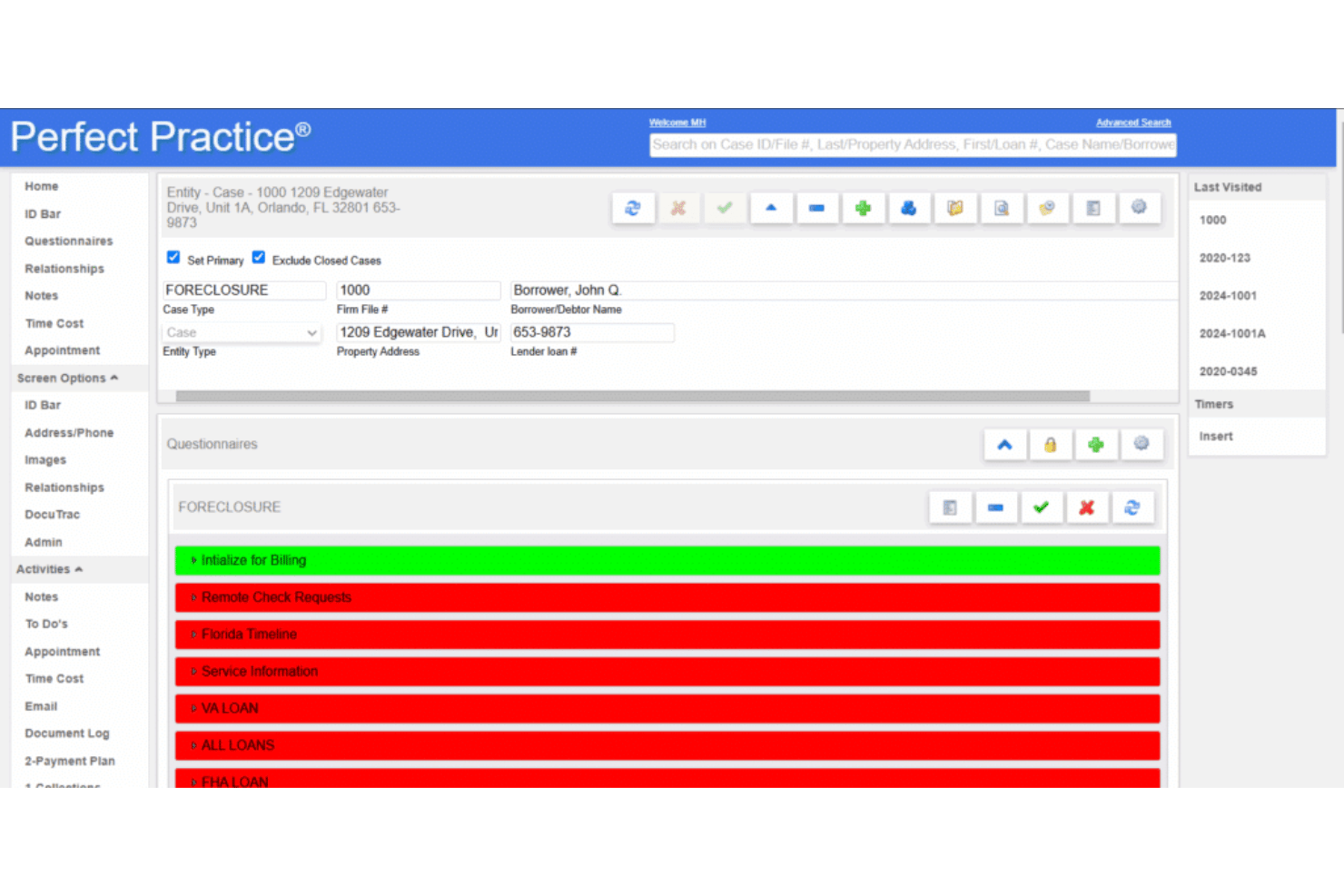
The way I see it, Perfect Practice stands out if you want deep legal workflow automation, case-centric dashboards, and built-in compliance tools. It isn't the most modern-looking platform, and onboarding can take time, but you're getting an all-in-one solution that helps legal professionals manage complex cases, invoicing, and billing in one place. If you care most about support for custom legal processes or have a midsize-to-large firm with specialized firm needs, I'd judge Perfect Practice to be a strong choice. For example, the document automation and matter management go well beyond most generic software solutions.
pros
-
Customizable workflows tailored to complex legal processes
-
Comprehensive case and document management in one system
-
Strong reporting and audit features for compliance needs
cons
-
Dated user interface compared to most modern solutions
-
Limited real-time team collaboration tools
-
Requires vendor-assisted onboarding and setup for new firms
Is Perfect Practice Right For Your Needs?
Who Would be a Good Fit for Perfect Practice?
Firms handling complex, high-volume legal matters or requiring deeply customized workflows are going to benefit most from Perfect Practice. It's especially well-suited for organizations needing detailed matter management, regulatory compliance, and strong automation in a multi-user environment. Departments or practice areas with layered approval processes, repeatable tasks, or intensive document management will get the most value from features like rules-based routing and built-in compliance safeguards.
-
Enterprise Law Firms
Feature-rich workflows, audit trails, and automation cover high-volume, multi-practice needs.
-
Government Legal Departments
Compliance features and multi-level approvals help ensure regulatory requirements are always met.
-
Trusts & Estates Practices
Detailed matter tracking and document generation meet the complexity of estate administration.
-
Corporate Legal Operations
Centralizing matters, billing, and workflow management streamlines legal service delivery.
-
Litigation Teams
Deadline management and case calendaring help litigation teams track court schedules.
-
Regulated Industries Counsel
Custom compliance controls fit highly regulated fields such as finance or healthcare law.
Who Would be a Bad Fit for Perfect Practice?
Smaller practices or legal teams seeking simplicity, low cost, or rapid onboarding are likely to find Perfect Practice overwhelming and more feature-rich than they really need. If your priority is quick deployment, a lightweight interface, or you don't require advanced automation or compliance controls, Perfect Practice's comprehensive capabilities can prove excessive. It's also less ideal for non-legal businesses or for teams that need highly collaborative document editing built in.
-
Solo Practitioners
Complex configurations and pricing can be too much for one-person practices.
-
Legal Startups
Setup complexity and feature density may slow down fast-moving, small law firms.
-
Paralegal-Only Teams
Feature set leans toward attorney workflows, so support for non-attorney needs may be lacking.
-
Nonprofit Legal Clinics
Pricing and setup time may not be practical for teams with limited budgets or low case volumes.
-
Small Business Owners
Perfect Practice isn't designed for businesses outside the legal industry or for basic legal needs.
Our Review Methodology
How We Test & Score Tools
We’ve spent years building, refining, and improving our software testing and scoring system. The rubric is designed to capture the nuances of software selection and what makes a tool effective, focusing on critical aspects of the decision-making process.
Below, you can see exactly how our testing and scoring works across seven criteria. It allows us to provide an unbiased evaluation of the software based on core functionality, standout features, ease of use, onboarding, customer support, integrations, customer reviews, and value for money.
Core Functionality (25% of final scoring)
The starting point of our evaluation is always the core functionality of the tool. Does it have the basic features and functions that a user would expect to see? Are any of those core features locked to higher-tiered pricing plans? At its core, we expect a tool to stand up against the baseline capabilities of its competitors.
Standout Features (25% of final scoring)
Next, we evaluate uncommon standout features that go above and beyond the core functionality typically found in tools of its kind. A high score reflects specialized or unique features that make the product faster, more efficient, or offer additional value to the user.
We also evaluate how easy it is to integrate with other tools typically found in the tech stack to expand the functionality and utility of the software. Tools offering plentiful native integrations, 3rd party connections, and API access to build custom integrations score best.
Ease of Use (10% of final scoring)
We consider how quick and easy it is to execute the tasks defined in the core functionality using the tool. High scoring software is well designed, intuitive to use, offers mobile apps, provides templates, and makes relatively complex tasks seem simple.
Onboarding (10% of final scoring)
We know how important rapid team adoption is for a new platform, so we evaluate how easy it is to learn and use a tool with minimal training. We evaluate how quickly a team member can get set up and start using the tool with no experience. High scoring solutions indicate little or no support is required.
Customer Support (10% of final scoring)
We review how quick and easy it is to get unstuck and find help by phone, live chat, or knowledge base. Tools and companies that provide real-time support score best, while chatbots score worst.
Customer Reviews (10% of final scoring)
Beyond our own testing and evaluation, we consider the net promoter score from current and past customers. We review their likelihood, given the option, to choose the tool again for the core functionality. A high scoring software reflects a high net promoter score from current or past customers.
Value for Money (10% of final scoring)
Lastly, in consideration of all the other criteria, we review the average price of entry level plans against the core features and consider the value of the other evaluation criteria. Software that delivers more, for less, will score higher.
Core Features
Matter Management
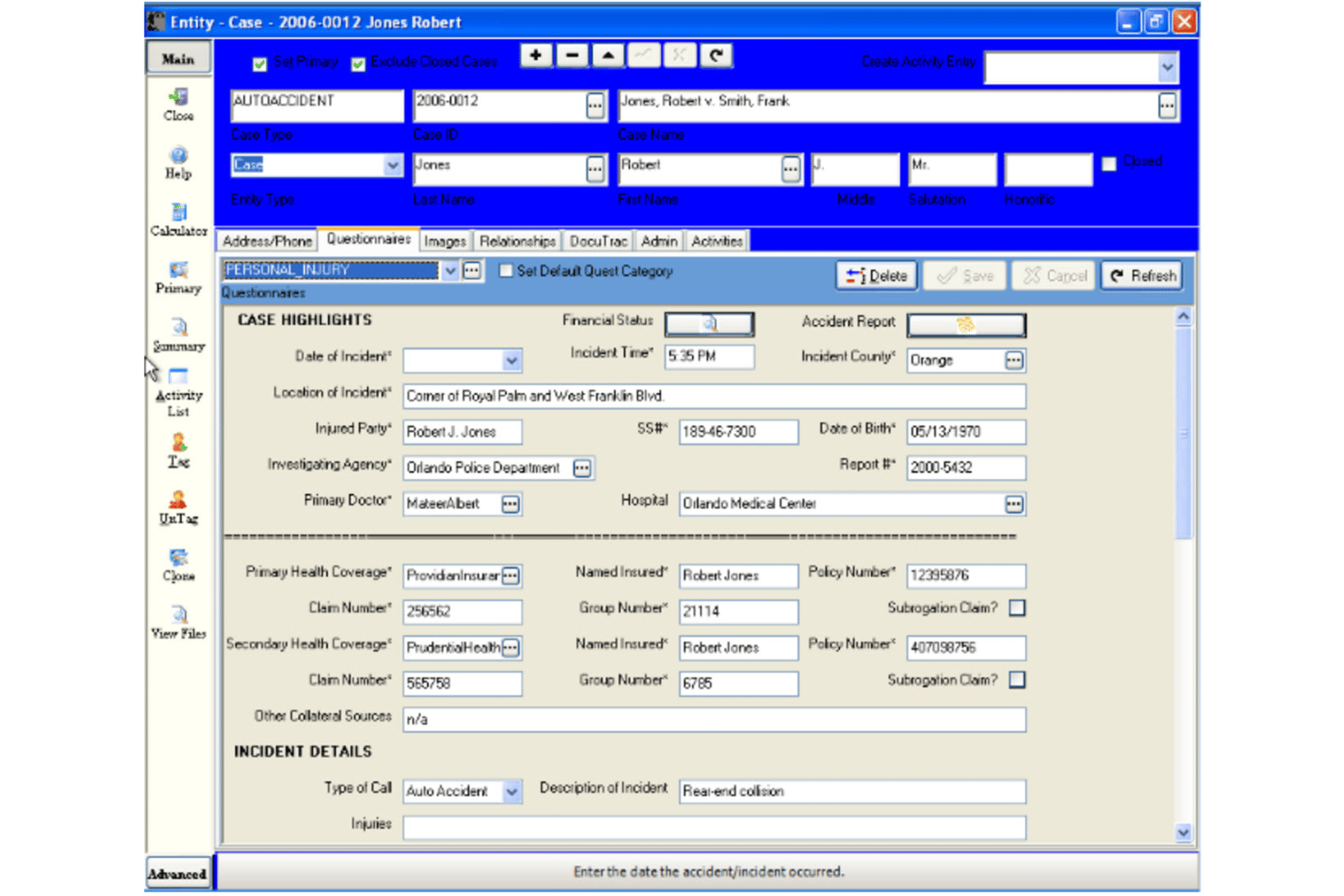
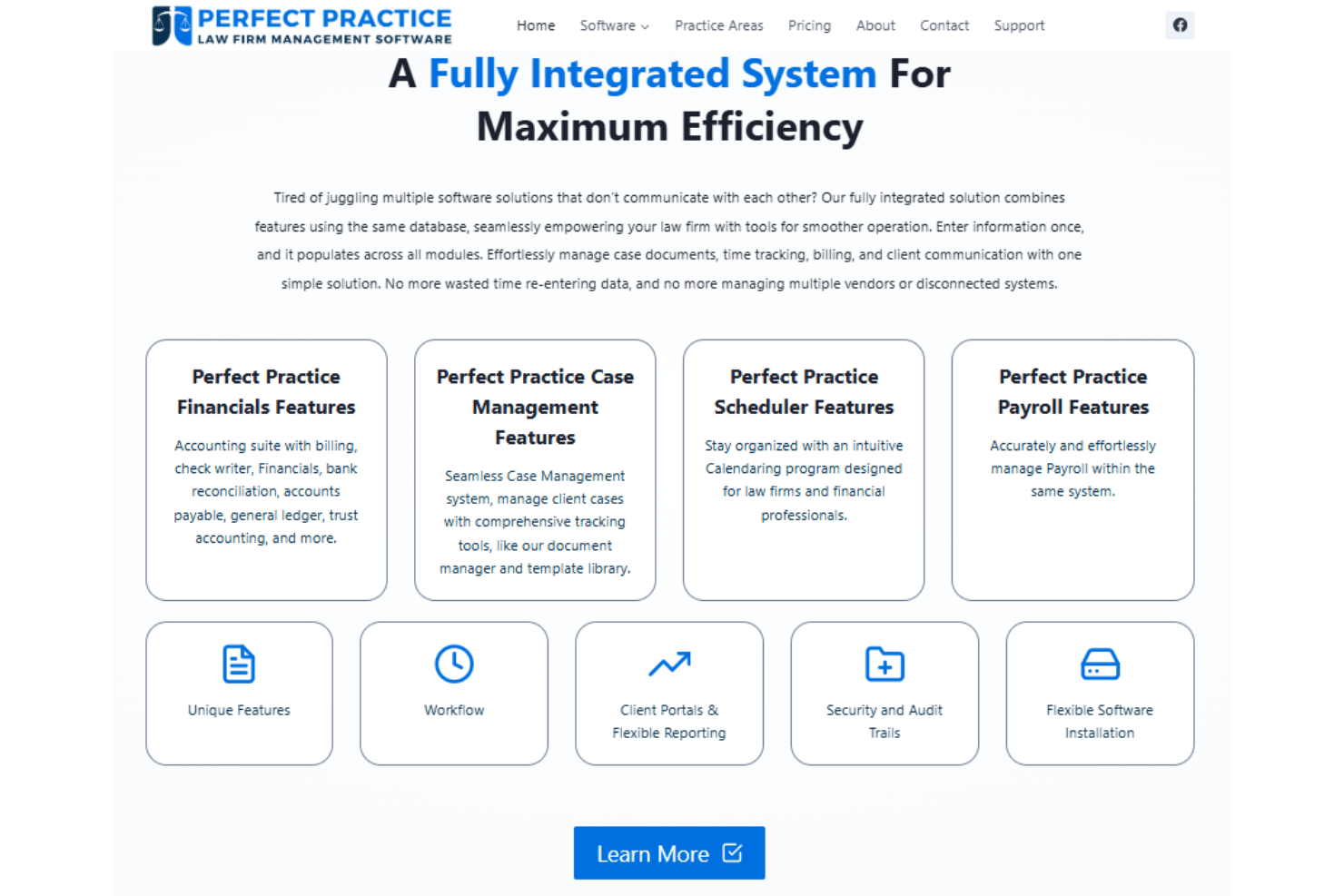
Organize all client matters, case files, and related documents in one view. Track statuses, deadlines, and client communication on a matter-by-matter basis.
Workflow Automation
Automate routine legal steps like docketing, bookkeeping, task assignments, and document creation. Custom workflows let you match your firm's real processes.
Time Tracking and Billing Management
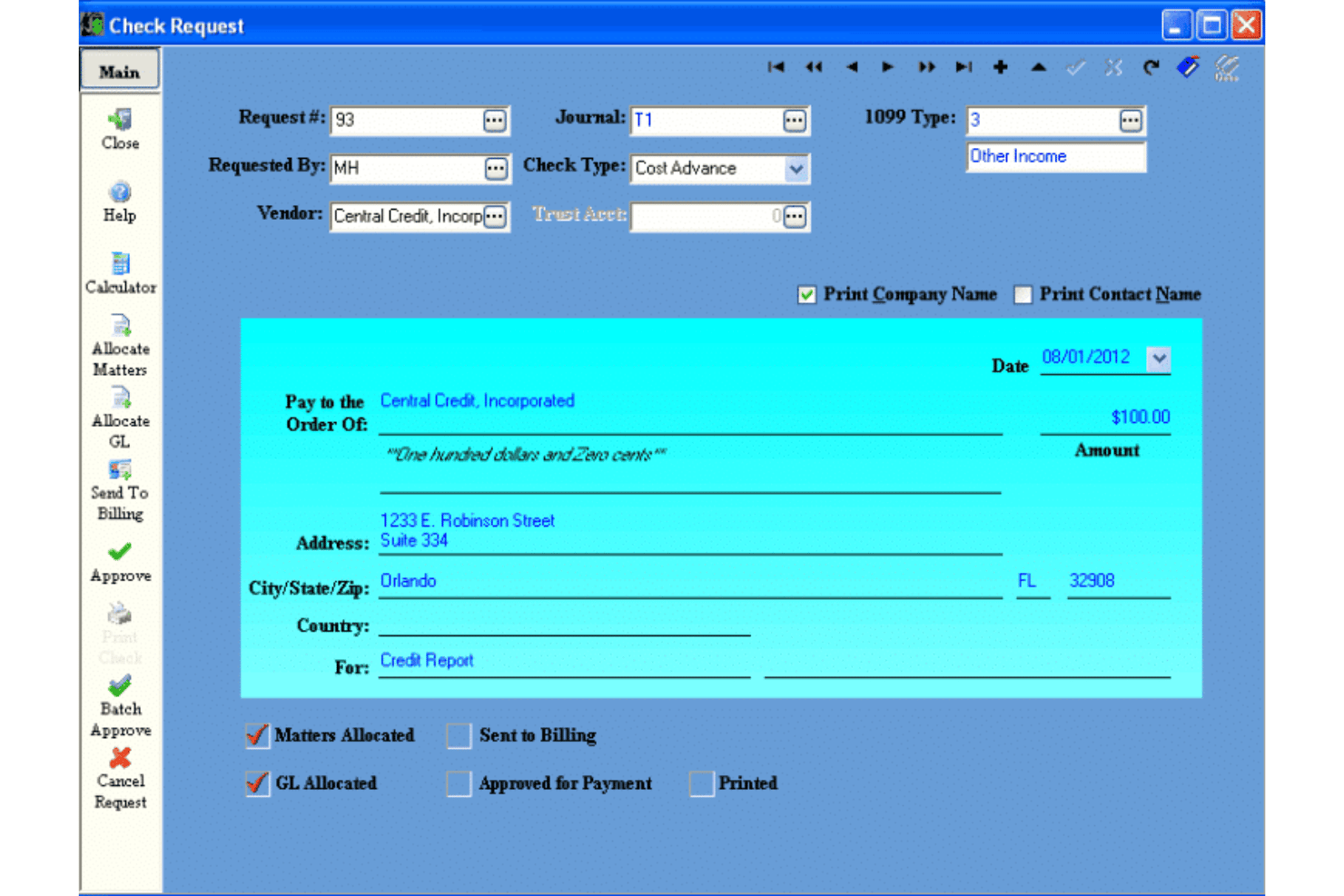
Track billable hours, generate invoices, and connect time entries directly to matters. Automated billing rules reduce manual calculations and errors.
Document Assembly
Generate legal documents from firm-approved templates within matters. Merge data directly from case records to speed up drafting and reduce errors.
Calendar and Docketing
Manage court dates, deadlines, and appointments linked to each case. Automated tickler systems help you avoid missing critical dates.
Reporting and Auditing
Access built-in reports for cases, deadlines, billing, and firm activity. Full audit trails keep every user action and record change tracked for compliance.
Standout Features
Rules-Based Routing
Route documents, tasks, or requests to the right staff using customizable logic. This cuts down bottlenecks and fits complex task management workflows and approval chains in law firms.
Built-In Compliance Safeguards
Apply pre-configured legal compliance checks across every workflow step. This helps firms avoid regulatory missteps without needing separate compliance software.
Ease of Use
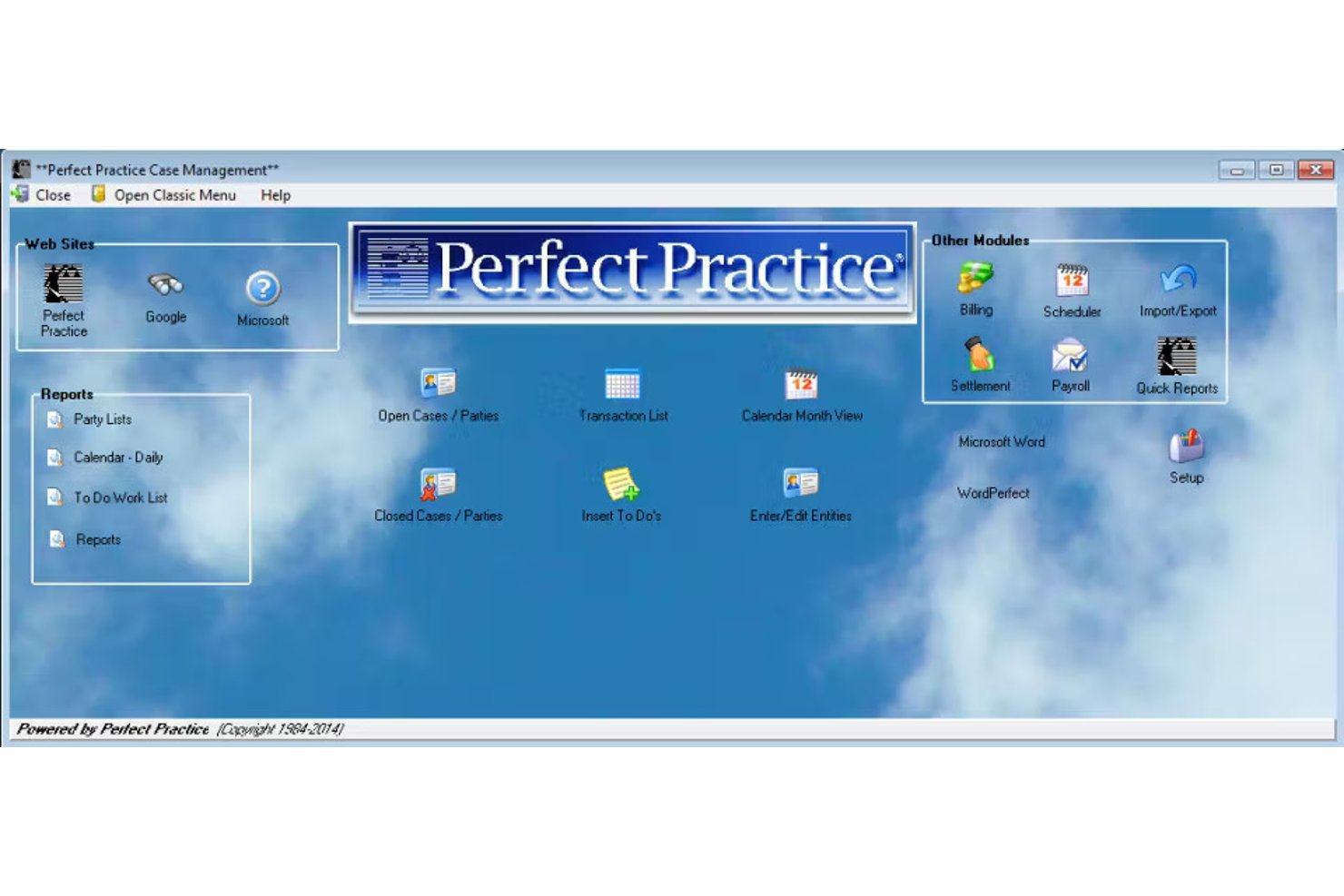
Perfect Practice isn't the flashiest or most user-friendly at first glance, but its deep matter management and customizable workflows win over users who need detail and legal specificity. There's a steeper onboarding curve, yet its dashboard and automation features allow experienced staff to cut down on repetitive tasks once everything's set up.
Onboarding
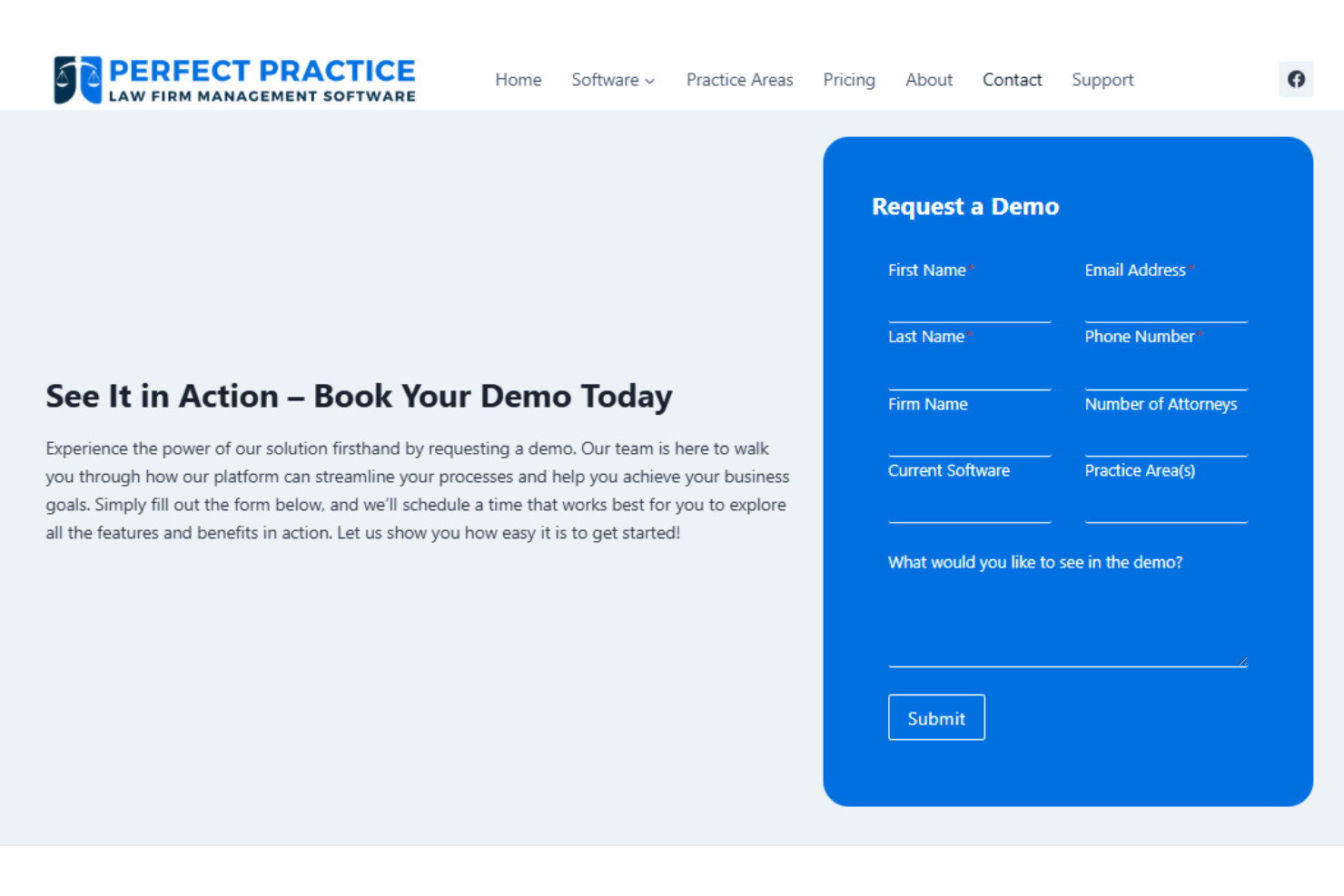
Most new users find Perfect Practice's onboarding lengthy and hands-on, since setup is vendor-guided and tailored to firm processes. The tradeoff is access to detailed training and responsive support, with resource-rich documentation and real humans who walk through configuration, making the intricate setup less overwhelming for busy law firms.
Customer Support
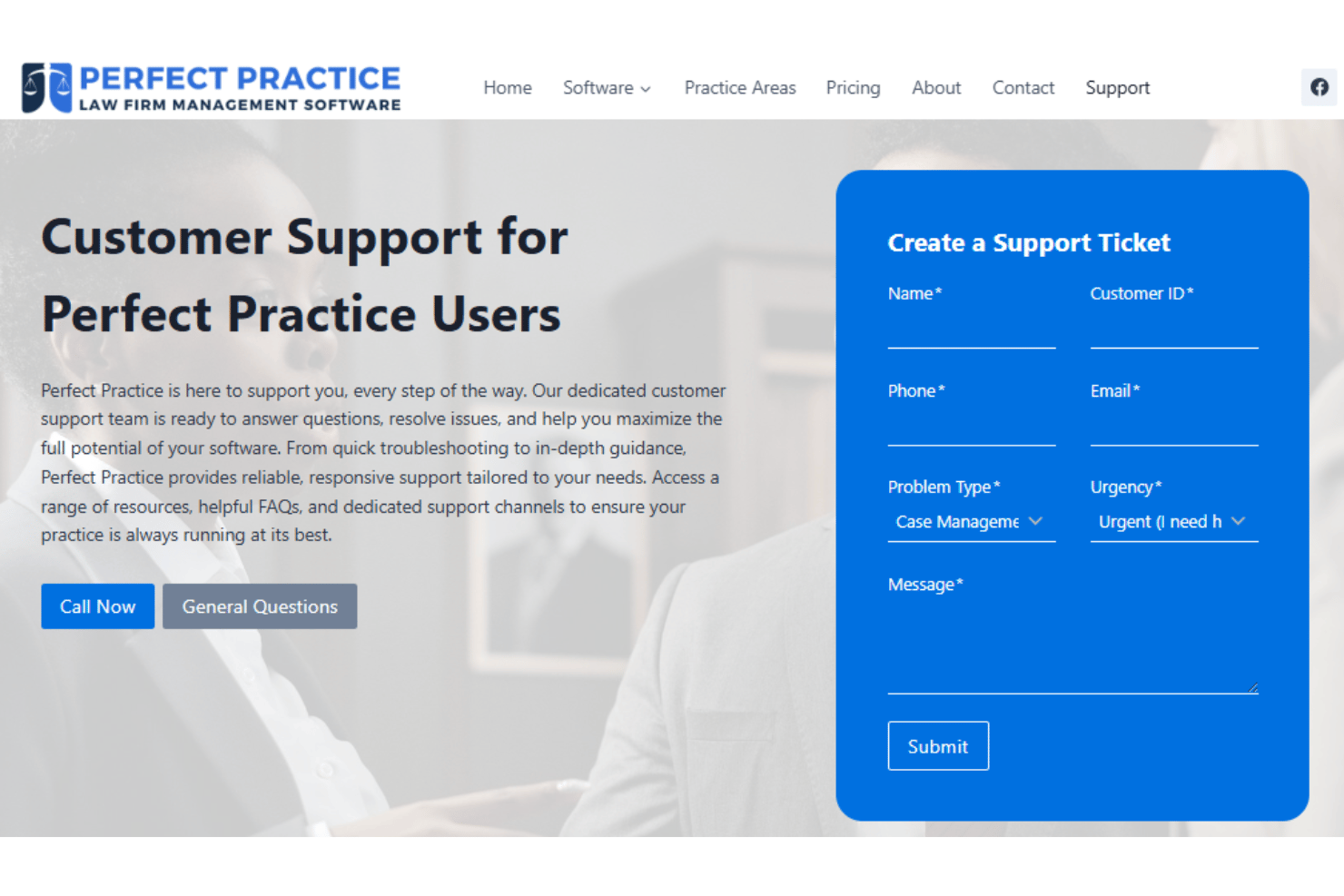
Users often say Perfect Practice stands out for its dedicated, knowledgeable support team. The company offers direct access to technical staff, quick responses for complex workflow questions, and ongoing training resources, making it easier for law firms to troubleshoot and customize their system confidently.
Integrations
Perfect Practice integrates with select legal and accounting systems, although the vendor does not publicly list specific integrations. It also does not provide a publicly documented API, and custom integrations typically require vendor involvement.
Value for Money
Perfect Practice isn't the lowest-cost practice management software, but user feedback shows many firms feel its legal-specific functionality and tailored automation justify the investment, especially for midsize or large practices. Pricing is customized based on firm size and setup needs, so the cost scales with complexity, not as a rigid per-user subscription.
Perfect Practice Specs
- API
- Batch Permissions & Access
- Budgeting
- Calendar Management
- Collaboration Support
- Contact Management
- Contact Sharing
- Customer Management
- Dashboard
- Dashboards
- Data Export
- Data Import
- Data Visualization
- Dependency Tracking
- Document Sharing
- Expense Tracking
- External Integrations
- File Sharing
- Gantt Charts
- Kanban Boards
- Multi-User
- Notifications
- Project Management
- Resource Management
- Scheduling
- Task Scheduling/Tracking
- Third-Party Plugins/Add-Ons
- Time Management
- Travel Management
- Workflow Management
Perfect Practice FAQs
How customizable are workflows in Perfect Practice?
Does Perfect Practice support multi-office or remote teams?
What support options are available for law firms during onboarding?
How does Perfect Practice handle data security and legal compliance?
What kind of reporting and analytics are available?
Can you migrate data from another legal project management tool?
How often is Perfect Practice updated or improved?
Is there mobile access or a dedicated app for Perfect Practice?
Perfect Practice Company Overview & History
Perfect Practice is a legal software company based in Orlando, Florida, and has been serving law firms and professional services organizations since 1984. The company remains privately owned and focuses exclusively on its flagship product, Perfect Practice, which specializes in workflow automation and case management for the legal industry. The company is well known for its personalized client service and strong presence among midsize to large law firms, but it does not publicly disclose financials, workforce size, or high-profile client lists on its website.
Perfect Practice Major Milestones
- 1984: Company founded to deliver legal practice management solutions.
- 1990s: Release of the first Windows-based version of Perfect Practice.
- 2020: Major product updates focused on workflow automation and document management.