



MyCase vs. PracticePanther: Comparison & Expert Reviews for 2026



Managing deadlines, client matters, and documents can leave you spinning—and that's where project management software built specifically for lawyers comes in. Whether you're after smooth workflows or better visibility into your caseload, both MyCase and PracticePanther promise to help. But knowing which one will fit your needs isn’t always obvious.
In this article, you’ll get my head-to-head comparison of MyCase and PracticePanther. I’ll break down the pros and cons, use cases, pricing, security, and usability, so you can choose the best option for your firm.
MyCase vs. PracticePanther: An Overview
MyCase
PracticePanther



Why Trust Our Software Recommendations
Our team has been testing and reviewing software since 2012. As project managers ourselves, we know how difficult—and important—it is to choose the right software.
For this guide, we evaluated tools using hands-on testing and independent research, scoring tools using our selection criteria. We also draw on insights from industry thought leaders and practicing project management experts.
Our reviews reflect our human editorial judgment, not a sales pitch.
Expert reviewers:
MyCase vs. PracticePanther Pricing Comparison
| MyCase | PracticePanther | |
|---|---|---|
| Free Trial | 10-day free trial | 7-day free trial + free demo available |
| Pricing | From $50/user/month (billed annually) | From $59/user/month |
MyCase vs. PracticePanther Pricing & Hidden Costs
MyCase and PracticePanther both use a subscription-based pricing model, with plans that scale based on features and user count. While each platform promotes straightforward monthly pricing, your total cost can still vary depending on how you use the software. MyCase, in particular, offers several add-ons—like accounting tools or website services—that can increase your overall spend. PracticePanther includes more features in its core plans, but you may still encounter costs tied to payment processing or optional services, depending on your setup.
To land on the right option, I recommend mapping out your must-have features and how your team might grow over the next couple of years. Ask each vendor to clarify any additional costs tied to the features you actually plan to use—not just what’s listed in each tier. You’ll also want to understand how pricing scales as you add users or expand functionality, since even small increases can add up over time.
MyCase vs. PracticePanther Feature Comparison
| MyCase | PracticePanther | |
|---|---|---|
| 2-Factor Authentication | ||
| API | ||
| Approval Workflows | ||
| Audit Trail | ||
| Calendar Management | ||
| Compliance Tracking | ||
| Contract Management | ||
| Custom Reports | ||
| Customer Management | ||
| Data Export | ||
| Data Import | ||
| Document Management | ||
| External Integrations | ||
| Multi-User | ||
| NDA Management | ||
| Notifications | ||
| Policy Management | ||
| Scheduling | ||
| Workflow Management |
MyCase vs. PracticePanther Integrations
| Integration | MyCase | PracticePanther |
|---|---|---|
| QuickBooks Online | ✅ | ✅ |
| LawPay | ✅ | ❌ |
| Dropbox | ✅ | ✅ |
| Microsoft 365 | ✅ | ✅ |
| Google Calendar | ✅ | ✅ |
| NetDocuments | ✅ | ❌ |
| Xero | ❌ | ❌ |
| RingCentral | ❌ | ❌ |
| API | ✅ | ✅ |
| Zapier | ✅ | ✅ |
MyCase and PracticePanther both cover the core integrations most law firms rely on, including billing, document storage, and calendaring tools. In my experience, MyCase stands out with a broader range of native integrations—especially for legal-specific workflows like payments, document management, and intake—so you’re less likely to rely on third-party connectors to fill gaps. PracticePanther still handles the essentials well, but its integration ecosystem is more limited overall. If your firm depends on a wider mix of specialized tools or wants more built-in connectivity out of the box, MyCase is likely the better fit.
MyCase vs. PracticePanther Security, Compliance & Reliability
| Factor | MyCase | PracticePanther |
|---|---|---|
| Data Encryption | Uses bank-grade 256-bit SSL encryption for data in transit and at rest. | Uses 256-bit SSL encryption for all data storage and transmissions. |
| Compliance | Follows ABA and state bar data security guidelines, plus GDPR support. | Meets ABA standards and is GDPR compliant, with HIPAA-ready options. |
| Uptime | Provides high uptime with ongoing backups and redundancy. | Advertises high uptime and real-time redundancy with hourly backups. |
| Access Control | Offers robust user roles and permission settings. | Provides detailed user permissions and custom access controls. |
| Audit Logging | Maintains detailed audit trails of case activity changes. | Tracks user actions and provides full audit logs per matter. |
Both tools hit the key legal compliance marks, but PracticePanther pulls ahead with HIPAA-ready features for extra-sensitive data. MyCase gets high marks for its reliable uptime and straightforward permission controls, while PracticePanther stands out for firms with strict health privacy or custom access needs.
MyCase vs. PracticePanther Ease of Use
| Factor | MyCase | PracticePanther |
|---|---|---|
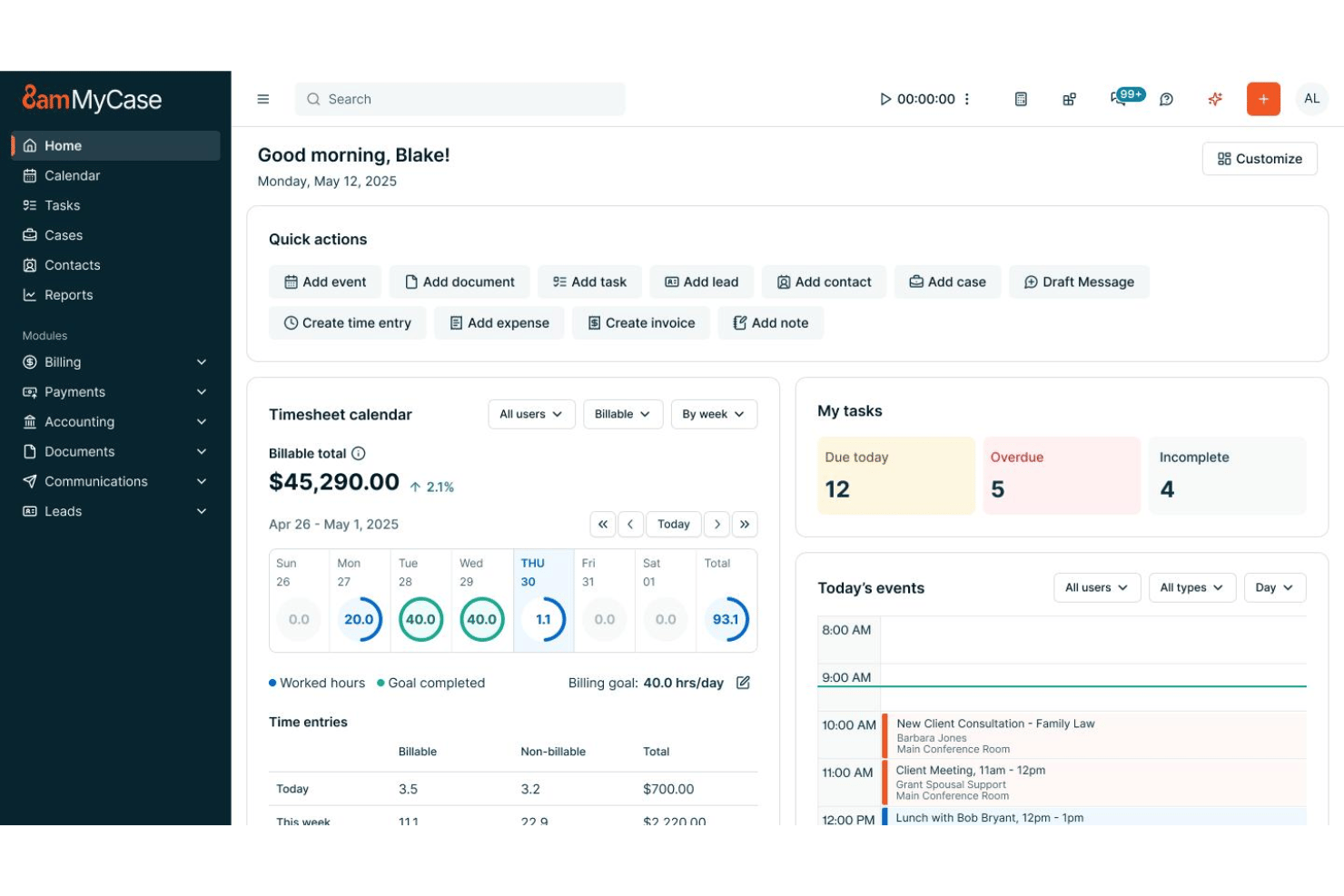
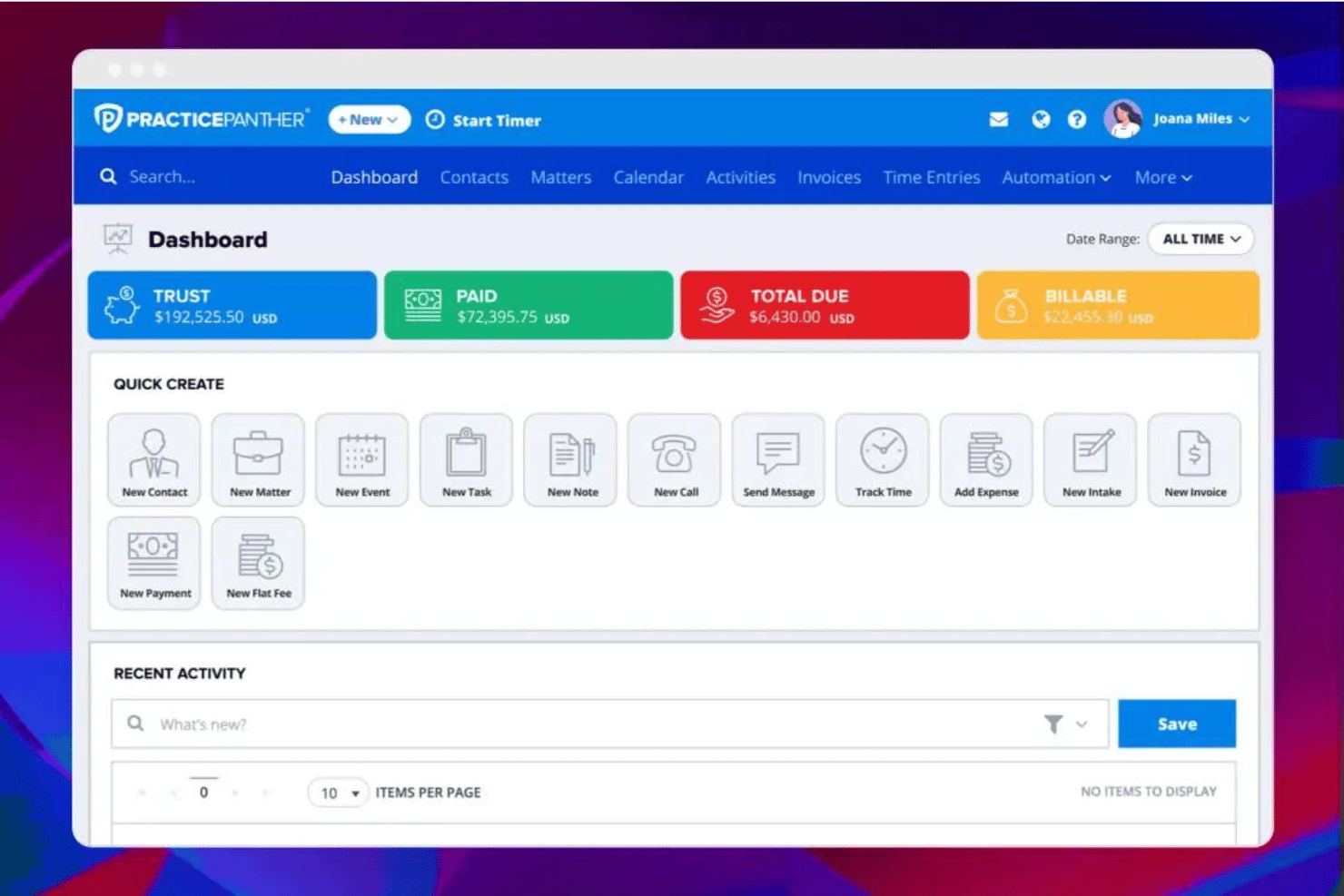
| User Interface | Features a clean layout and intuitive menus designed for quick adoption by legal teams. | Balances a modern dashboard with customizable widgets for workflow personalization. |
| Onboarding | Offers in-app guides, resources, and specialist support to smooth onboarding. | Provides step-by-step setup help plus free one-on-one training sessions. |
| Navigation | Streamlined workflow keeps key tools and client info easily accessible. | Wide range of options can feel busy, but powerful search and shortcuts help find what you need fast. |
| Customer Support | Reliable live chat, phone, and email support with good response times. | Reference library plus responsive live and email support for fast answers. |
| Mobile Access | Native mobile apps (iOS, Android) with core feature parity and solid reviews. | Full-featured mobile app (iOS, Android) with extra customization and frequent updates. |
PracticePanther offers more customization but has a steeper learning curve, while MyCase wins for those who want a familiar, out-of-the-box feel. I find MyCase easier for new staff to navigate, but PracticePanther rewards power users who want to tailor every screen.
MyCase vs PracticePanther: Pros & Cons
MyCase
- Case management and billing workflows are tightly integrated
- Client portal streamlines secure document sharing and communication
- Automated reminders help ensure deadlines and court dates are met
- Bulk document management options are limited
- Mobile app lacks full desktop functionality
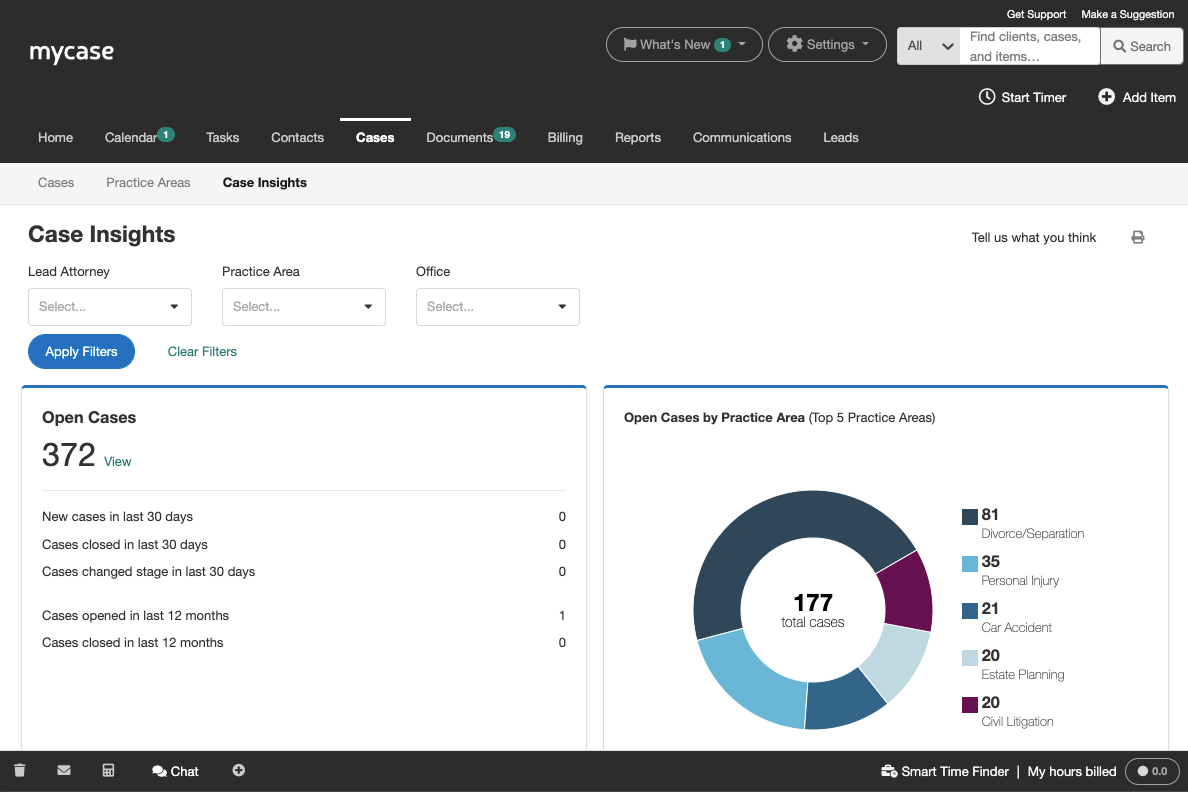
- Reports customization isn’t as granular as some firms need
PracticePanther
- Built-in legal billing and trust accounting tools
- Customizable workflow automation for repetitive case tasks
- Responsive customer support with live chat and webinars
- Limited case document version control options
- Occasional lag when accessing large case files
- Calendar reminders lack detailed customization
Best Use Cases for MyCase and PracticePanther
MyCase
- Solo Practitioners MyCase streamlines all case management, invoicing, and calendaring for a solo lawyer in one place.
- Small Law Firms Small firms benefit from built-in client portal, integrated billing, and collaborative tools.
- Estate Planning Practices Automated document generation and e-signature tools fit the routine paperwork and client approvals these firms need every day.
- Family Law Attorneys Secure messaging and easy-to-use calendars help keep sensitive client information organized.
- Immigration Law Offices MyCase’s contact management and document sharing tools support high-volume legal workflows.
- Litigation Teams Custom reminders and matter-centric task tracking make it easy to manage court dates.
PracticePanther
- Solo Attorneys PracticePanther’s simple setup, intuitive billing, and automation tools keep solo practices running smoothly with minimal administrative work.
- Small Law Firms I think smaller firms benefit from its bundled case, document, and billing management tailored to legal workflows.
- In-House Legal Teams Centralized case tracking and secure document sharing provide transparency and control for corporate legal departments.
- Boutique Firms Boutique practices get value from PracticePanther’s branded client portals and customizable workflows for niche matters.
- Virtual Law Practices Remote teams enjoy cloud-based matter management, secure communication channels, and automation for repetitive tasks.
- Immigration Law Practices PracticePanther’s automated workflows and document templates suit practices handling high volumes of client intakes and filings.
Who Should Use MyCase, and Who Should Use PracticePanther?
If you want something that just works out of the box, MyCase is the better fit for most firms. In my experience, it’s ideal for solo attorneys and small to mid-sized teams that don’t want to spend weeks stitching together tools or customizing workflows. You get a true all-in-one system—case management, billing, client communication, and reporting—all in one place, which keeps things simple and predictable as you grow. If your priority is ease of use, faster onboarding, and fewer moving parts, MyCase is the platform you’ll likely feel comfortable with right away.
PracticePanther, on the other hand, makes more sense if you want flexibility and control over how your firm operates. It’s a better fit for firms with more complex workflows, specific billing requirements (like LEDES), or teams that rely heavily on customization and automation. I’ve found it especially useful when you already have a tech stack in place and want software that adapts to your processes rather than the other way around. If you’re willing to trade a bit of simplicity for deeper customization and workflow automation, PracticePanther is the stronger choice.
Differences Between MyCase and PracticePanther
| MyCase | PracticePanther | |
|---|---|---|
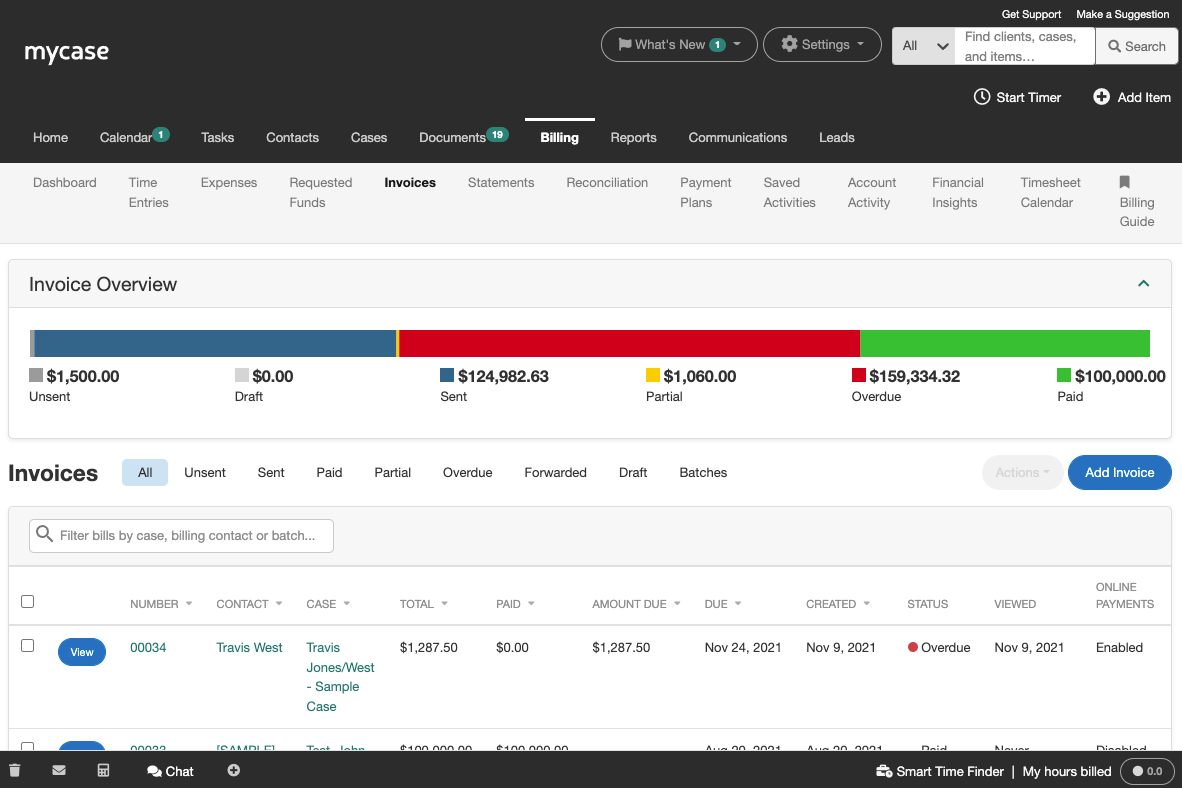
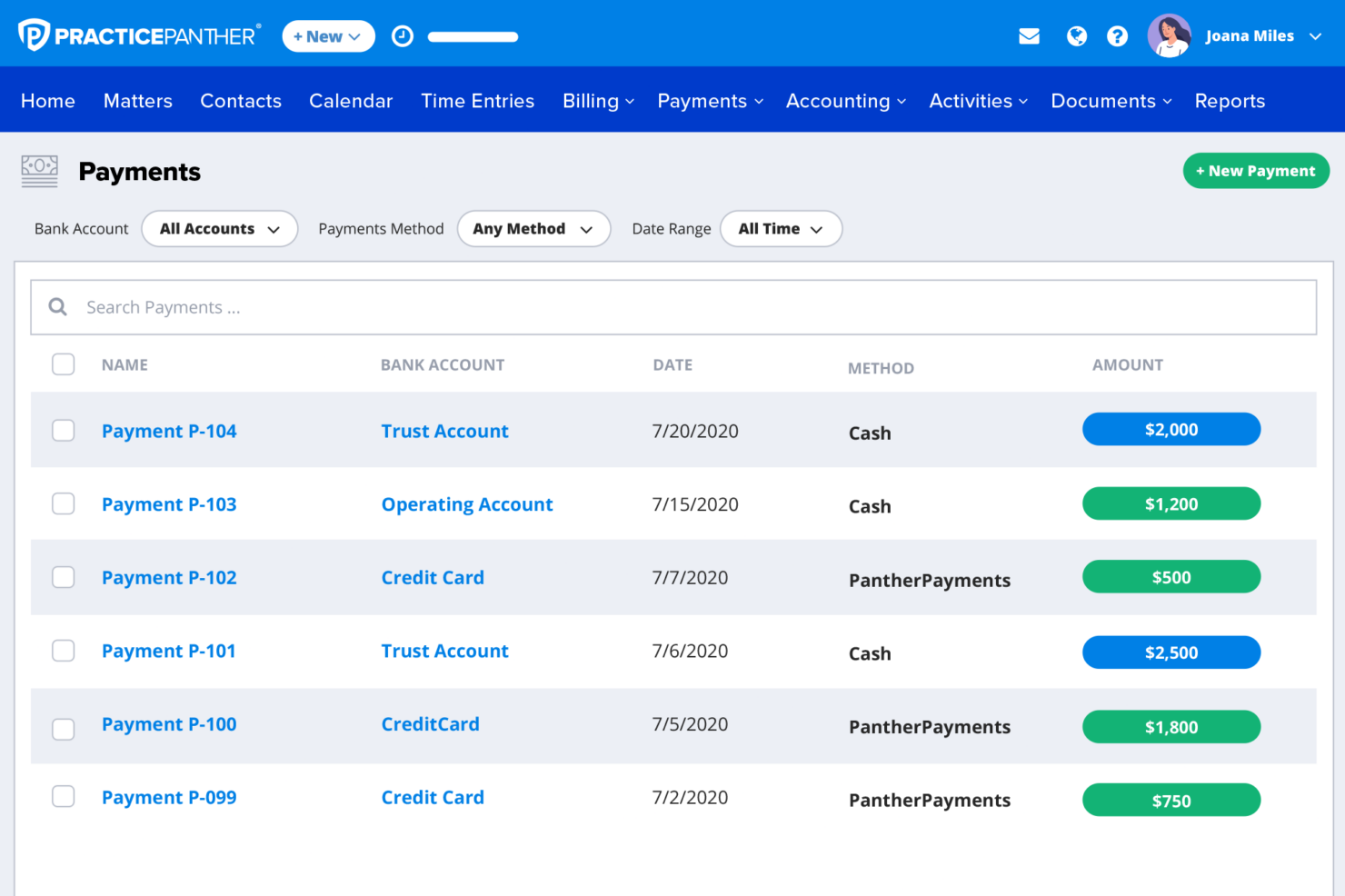
| Billing & Accounting | Built-in billing with optional accounting add-ons for deeper financial management. | More robust built-in billing features, including advanced reporting and LEDES support. |
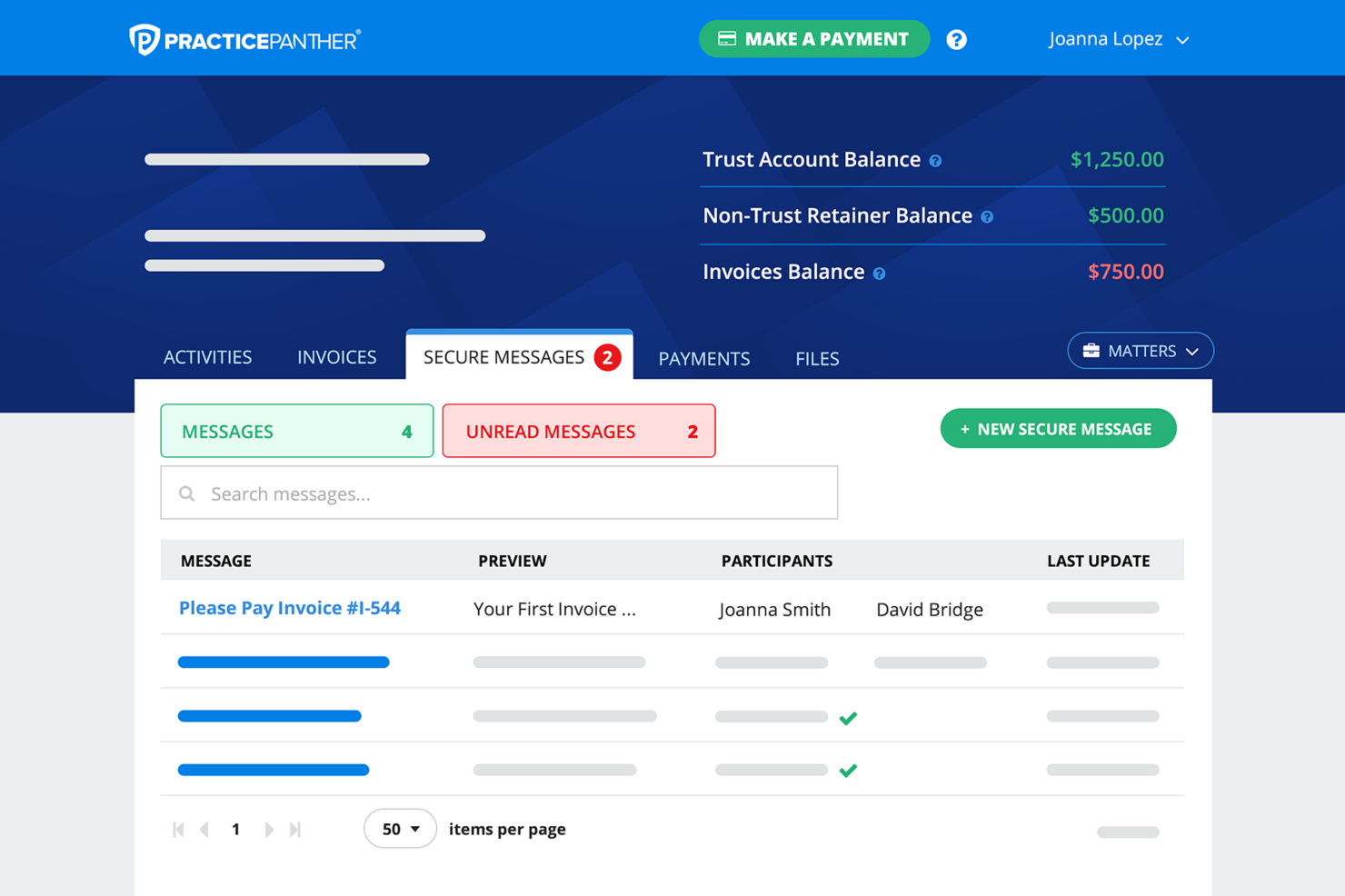
| Client Communication | Strong built-in client portal, messaging, and e-signature tools in one place. | Solid communication tools including client portal and texting, but less centralized overall. |
| Customization | Designed for simplicity with limited customization options. | Highly customizable workflows, fields, and user roles for more tailored setups. |
| Document Management | Strong built-in document management with features like full-text search and automation. | Good document handling, but relies more on integrations for advanced workflows. |
| Read MyCase ReviewOpens new window | Read PracticePanther ReviewOpens new window | |
| Integration Network | Broad range of native, legal-specific integrations plus Zapier and API access. | Good integration support with Zapier and API, but fewer native legal-specific integrations. |
| Workflow Automation | Offers basic automation for tasks, reminders, and document workflows. | More advanced automation with customizable workflows, triggers, and templates. |
| Read MyCase ReviewOpens new window | Read PracticePanther ReviewOpens new window |
Similarities Between MyCase and PracticePanther
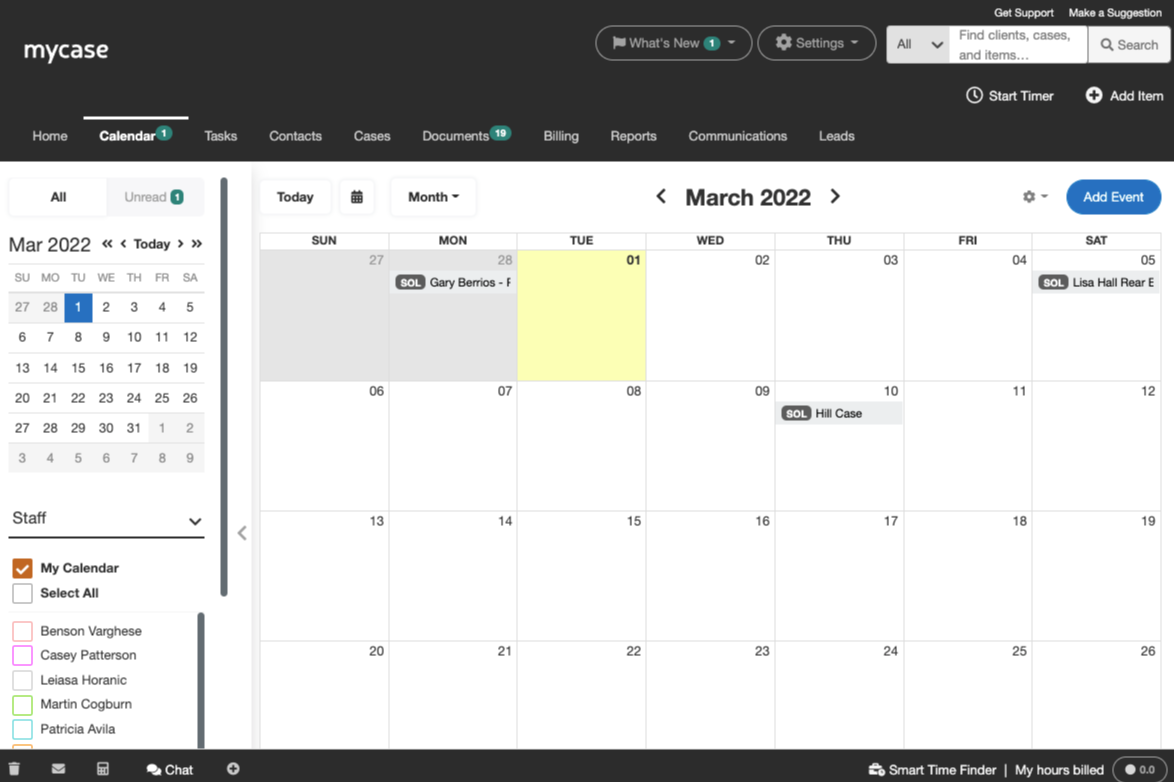
| Calendar & Scheduling | Each tool includes built-in calendaring with court date tracking, reminders, and integrations with common calendar platforms. |
|---|---|
| Cloud-Based Access | Both solutions are fully cloud-based, offering secure web access and mobile apps that keep attorneys connected from anywhere. |
| Legal Case Management | Both provide robust case management tools, including task management, document storage, and client/matter organization tailored for legal practices. |
| Mobile Apps | Each platform provides dedicated mobile apps for iOS and Android, so you can manage cases, track time, and communicate on the go. |
| Read MyCase ReviewOpens new window Read PracticePanther ReviewOpens new window | |
| Reporting & Insights | Both platforms offer reporting tools that help you track firm performance, billing activity, and productivity metrics. |
| Time Tracking | Each platform makes it easy to log billable hours, run timers, and attach tracked time directly to cases or invoices. |
| Read MyCase ReviewOpens new window Read PracticePanther ReviewOpens new window | |