




Mural is a visual collaboration software built for teams running facilitated workshops, design sprints, and agile ceremonies. I'd consider it when structured session design matters. Mural's built-in facilitation tools, like timers, voting, and guided tours, give you more control over the room than Miro's freeform canvas approach.
Mural Evaluation Summary
- From $9.99/user/month (billed annually)
- Free demo + free plan available
Why Trust Our Software Recommendations
Our team has been testing and reviewing software since 2012. As project managers ourselves, we know how difficult—and important—it is to choose the right software.
For this guide, we evaluated tools using hands-on testing and independent research, scoring tools using our selection criteria. We also draw on insights from industry thought leaders and practicing project management experts.
Our reviews reflect our human editorial judgment, not a sales pitch.
Expert reviewers:
Mural Overview
Mural is a strong choice for teams that prioritize visual collaboration, especially in creative and brainstorming environments. Its intuitive interface and engaging templates make it popular with design and marketing teams. While some users consider the pricing high compared to alternatives like Miro, Mural delivers solid value for teams that need interactive, visual project management.
pros
-
Mural's intuitive interface makes it easy for your team to engage in creative brainstorming sessions.
-
The platform offers a wide array of templates that help you quickly visualize and plan your projects.
-
Its real-time collaboration features ensure your team stays connected and productive, no matter where they are.
cons
-
Some users find the initial learning curve steep, which might slow down your team's adaptation.
-
Performance can lag with larger or more complex boards, impacting your team's workflow.
-
Limited offline functionality means your team will need a reliable internet connection to collaborate effectively.
Is Mural Right For Your Needs?
Who Would be a Good Fit for Mural?
Mural is well-suited for creative teams in design, marketing, and education that rely on visual collaboration. Its templates and real-time features support interactive brainstorming and project planning. Design teams can sketch concepts, while marketing teams can map campaigns—all within one platform. The intuitive interface helps teams focus on ideas without getting slowed down by technical issues.
-
Design Teams
Mural's visual tools and templates allow your design team to sketch and refine ideas collaboratively.
-
Marketing Departments
Your marketing team can plan campaigns visually, making it easier to align strategies and goals.
-
Educational Institutions
Teachers can use Mural to create interactive lessons that engage students in collaborative learning.
-
Remote Teams
Mural's real-time collaboration keeps your remote team connected and productive, regardless of location.
-
Product Development
Product teams can map out features and workflows visually, aiding in better planning and execution
-
Creative Agencies
For agencies, Mural offers a space to brainstorm and present creative concepts to clients effectively.
Who Would be a Bad Fit for Mural?
Mural may not suit teams that rely on text-heavy documentation or need offline access. Its visual format isn't ideal for managing detailed text documents or spreadsheets. Teams in low-connectivity environments may struggle with its online dependency, and those needing traditional project management features might find its offerings limited.
-
Legal Firms
Your focus on text-heavy documents and contracts won't align well with Mural's visual tools
-
Accounting Departments
If your work revolves around spreadsheets and numbers, Mural's visual features might not be beneficial.
-
Manufacturing Industry
Hands-on tasks and limited internet access make Mural's real-time collaboration less practical for your team.
-
Construction Projects
Your need for detailed project management tools and offline access might not be met by Mural's visual focus.
-
Customer Support Teams
If your team requires streamlined ticket management and communication, Mural's visual tools might not serve your needs.
-
Finance Teams
Your reliance on detailed financial data and traditional tools won't align with Mural's visual and interactive approach.
Our Review Methodology
How We Test & Score Tools
We’ve spent years building, refining, and improving our software testing and scoring system. The rubric is designed to capture the nuances of software selection and what makes a tool effective, focusing on critical aspects of the decision-making process.
Below, you can see exactly how our testing and scoring works across seven criteria. It allows us to provide an unbiased evaluation of the software based on core functionality, standout features, ease of use, onboarding, customer support, integrations, customer reviews, and value for money.
Core Functionality (25% of final scoring)
The starting point of our evaluation is always the core functionality of the tool. Does it have the basic features and functions that a user would expect to see? Are any of those core features locked to higher-tiered pricing plans? At its core, we expect a tool to stand up against the baseline capabilities of its competitors.
Standout Features (25% of final scoring)
Next, we evaluate uncommon standout features that go above and beyond the core functionality typically found in tools of its kind. A high score reflects specialized or unique features that make the product faster, more efficient, or offer additional value to the user.
We also evaluate how easy it is to integrate with other tools typically found in the tech stack to expand the functionality and utility of the software. Tools offering plentiful native integrations, 3rd party connections, and API access to build custom integrations score best.
Ease of Use (10% of final scoring)
We consider how quick and easy it is to execute the tasks defined in the core functionality using the tool. High scoring software is well designed, intuitive to use, offers mobile apps, provides templates, and makes relatively complex tasks seem simple.
Onboarding (10% of final scoring)
We know how important rapid team adoption is for a new platform, so we evaluate how easy it is to learn and use a tool with minimal training. We evaluate how quickly a team member can get set up and start using the tool with no experience. High scoring solutions indicate little or no support is required.
Customer Support (10% of final scoring)
We review how quick and easy it is to get unstuck and find help by phone, live chat, or knowledge base. Tools and companies that provide real-time support score best, while chatbots score worst.
Customer Reviews (10% of final scoring)
Beyond our own testing and evaluation, we consider the net promoter score from current and past customers. We review their likelihood, given the option, to choose the tool again for the core functionality. A high scoring software reflects a high net promoter score from current or past customers.
Value for Money (10% of final scoring)
Lastly, in consideration of all the other criteria, we review the average price of entry level plans against the core features and consider the value of the other evaluation criteria. Software that delivers more, for less, will score higher.
Core Features
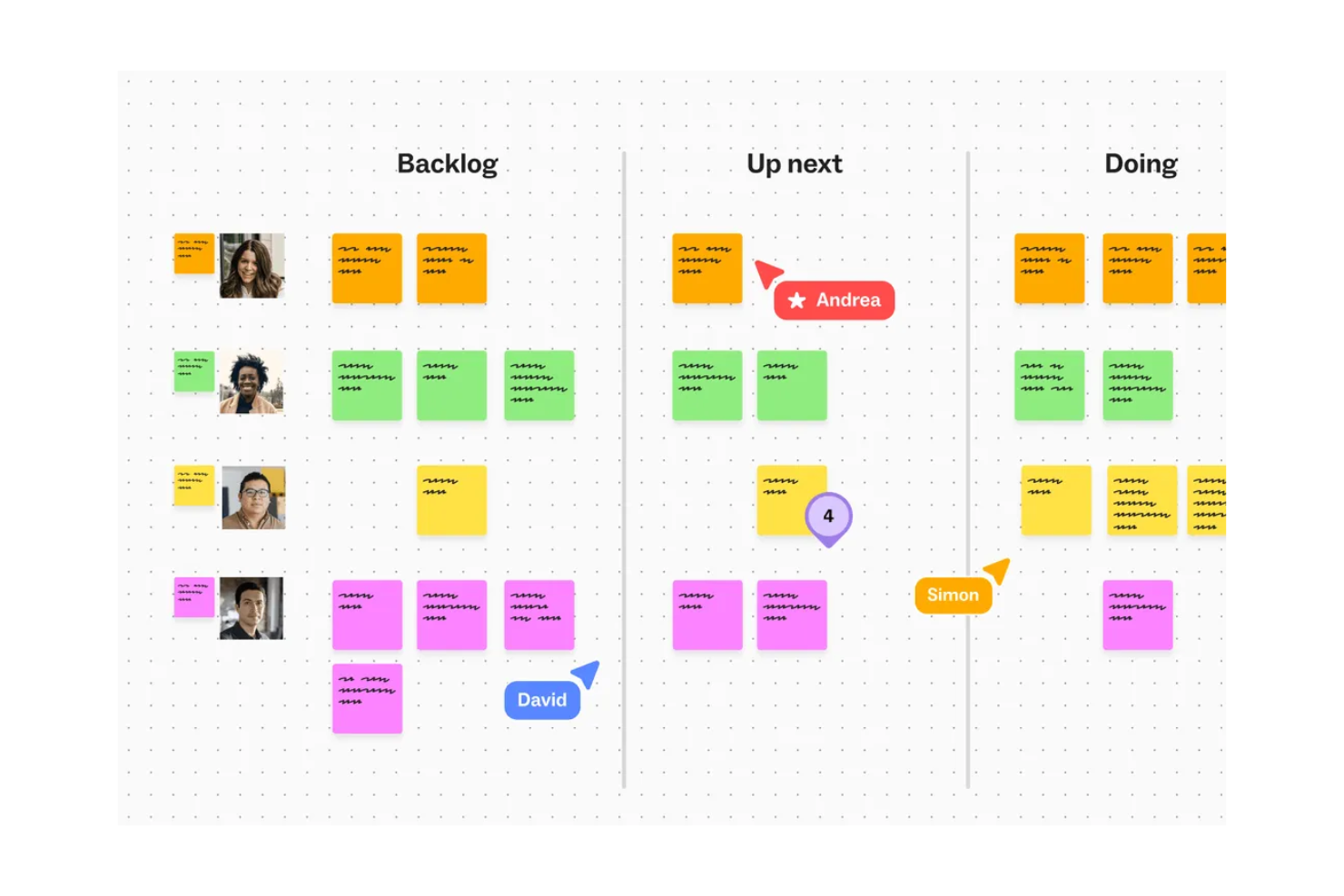
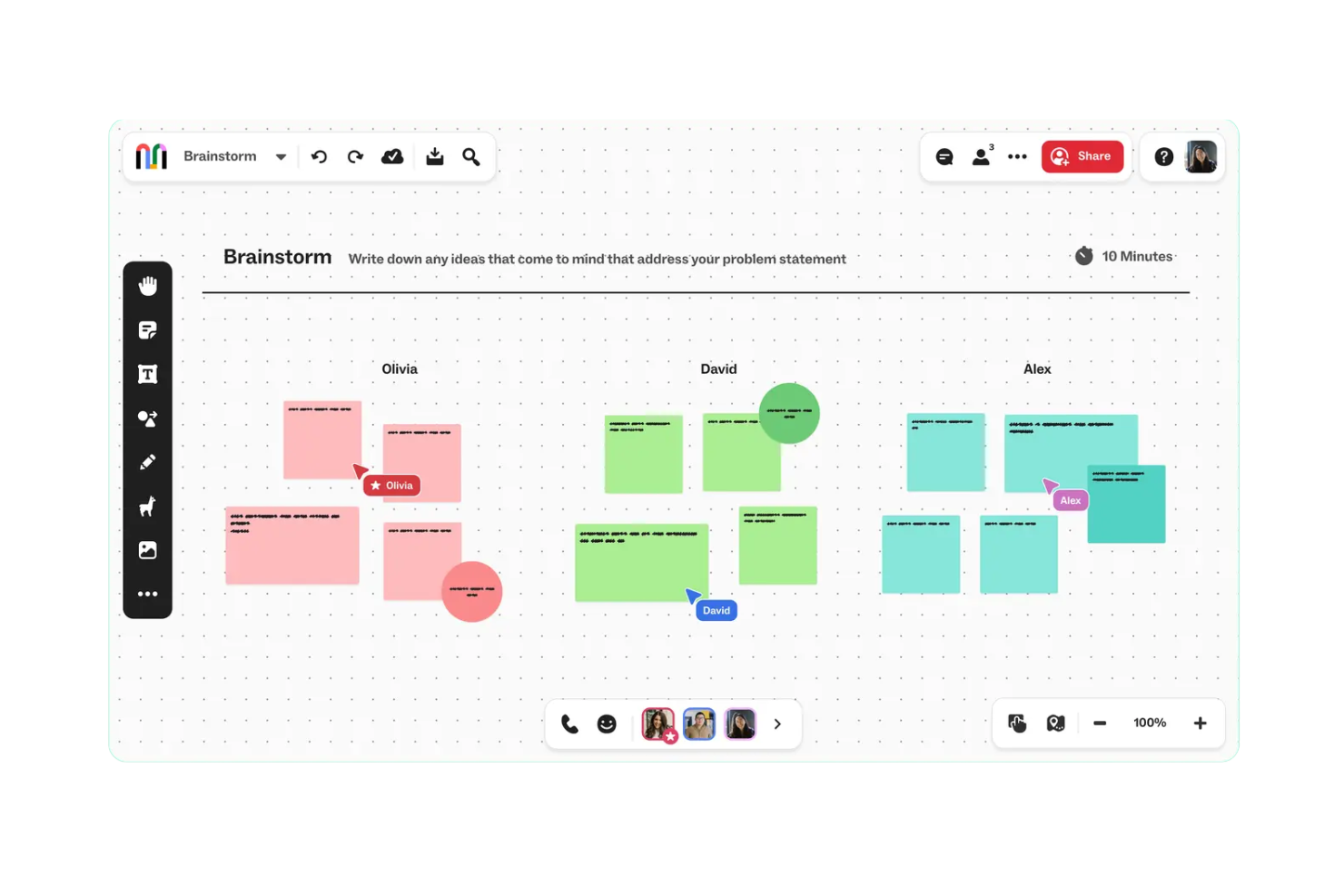
Real-Time Collaboration: Mural lets your team work together simultaneously, ensuring everyone stays on the same page. You can see updates in real-time, making it easy to brainstorm and make decisions quickly.
Visual Templates: With a wide array of templates, you can jumpstart your projects without starting from scratch. These templates help you organize ideas and workflows visually.
Sticky Notes: Mural's sticky notes feature lets your team jot down ideas quickly and arrange them for clarity. It's an effective way to capture and prioritize thoughts during meetings.
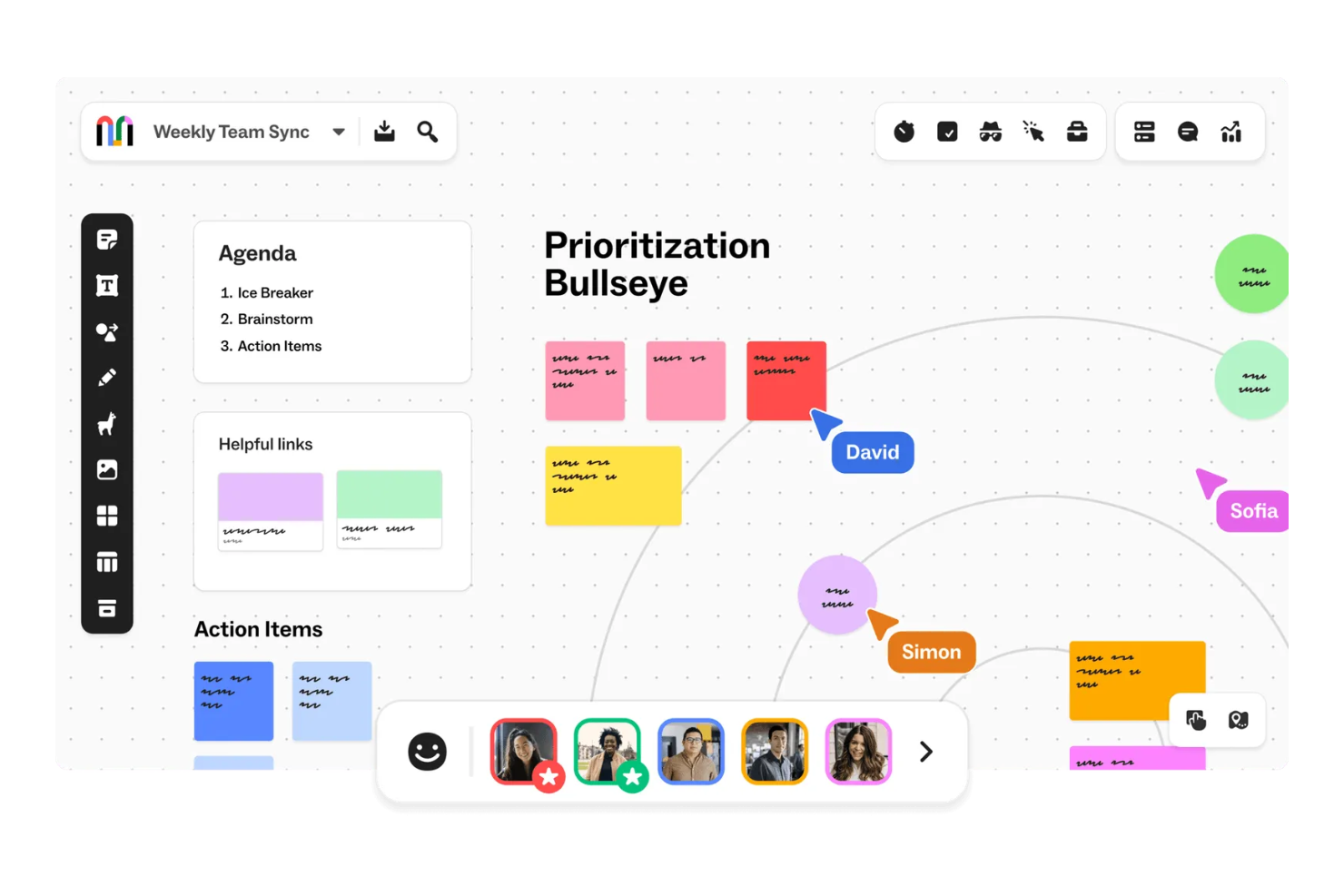
Workflow Diagram: Mural lets your team create workflow diagrams using its infinite canvas, drag-and-drop shapes, and connectors. You can map out processes, customer journeys, team workflows, and decision trees visually.
Third‑Party Integrations: Connect Mural with tools like Microsoft Teams, Asana, OneDrive, Google Drive, Jira, and GitHub to bring external content into your visual workspace.
Microsoft 365 Copilot Integration: Seamlessly integrate with Copilot for richer content generation, summarization, and pattern detection inside your murals.
Standout Features
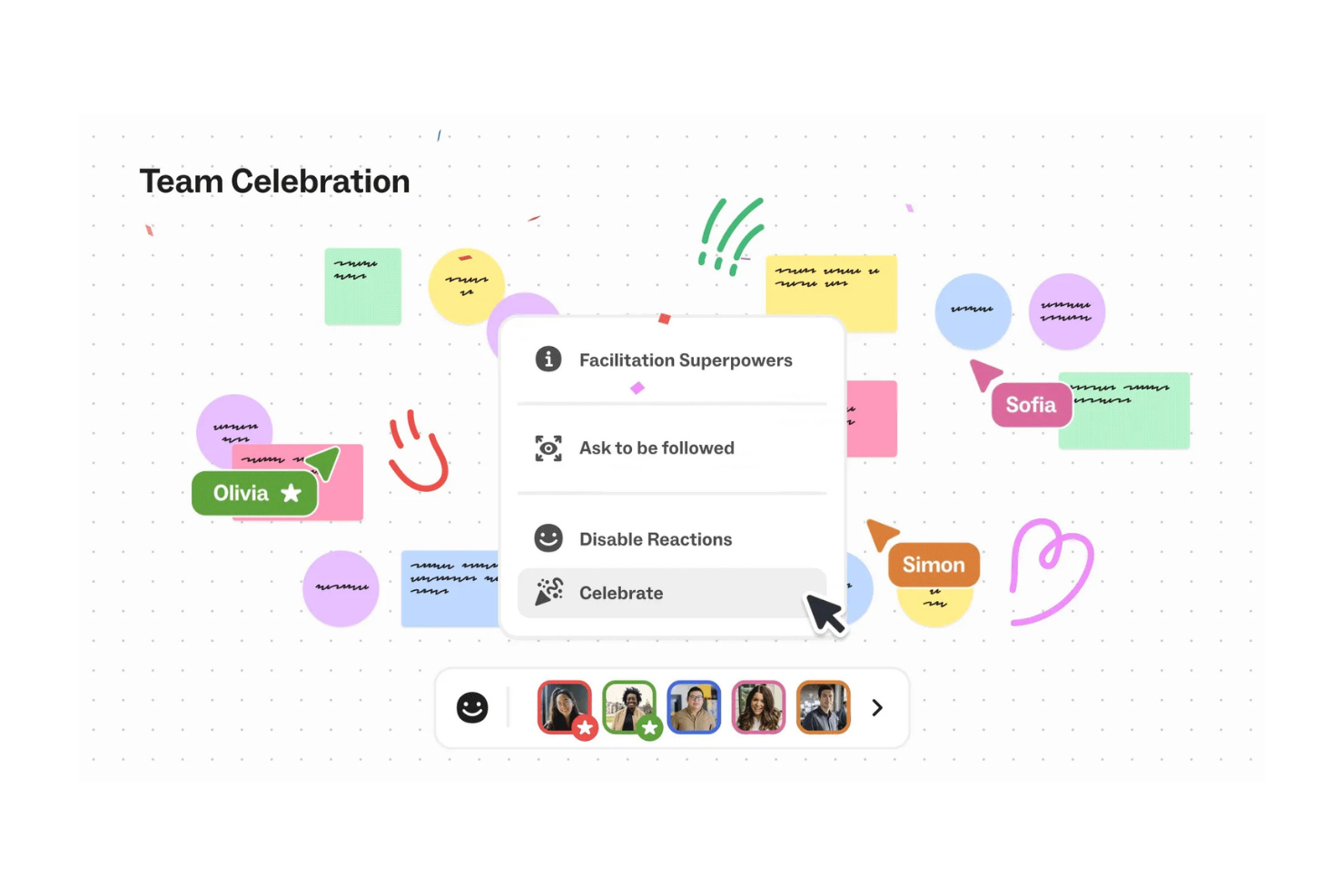
Facilitation Superpowers: Mural offers tools like timers and private mode to help you guide workshops and meetings smoothly. These features ensure your sessions are productive and focused.
Mural AI Assistant: Use built-in AI (GPT‑4 powered) to generate ideas, mind maps, summaries, clustering, sentiment classification, and more — accelerating creative thinking and early-stage planning.
Ease of Use
Mural is easy to use, with an intuitive interface that supports quick adoption. Its drag-and-drop tools and clear layout make organizing and brainstorming simple. The onboarding process is straightforward, helping teams get started quickly.
While some features may require a bit of learning, the overall experience is smooth for both tech-savvy and less experienced users.
Onboarding
Mural offers a smooth onboarding experience with helpful tutorials and a user-friendly interface. Video guides and interactive demos make it easy to learn the platform’s features.
Most users find the setup process to be quick, leading to rapid adoption. Support resources and community forums are also available to help resolve early questions or issues.
Customer Support
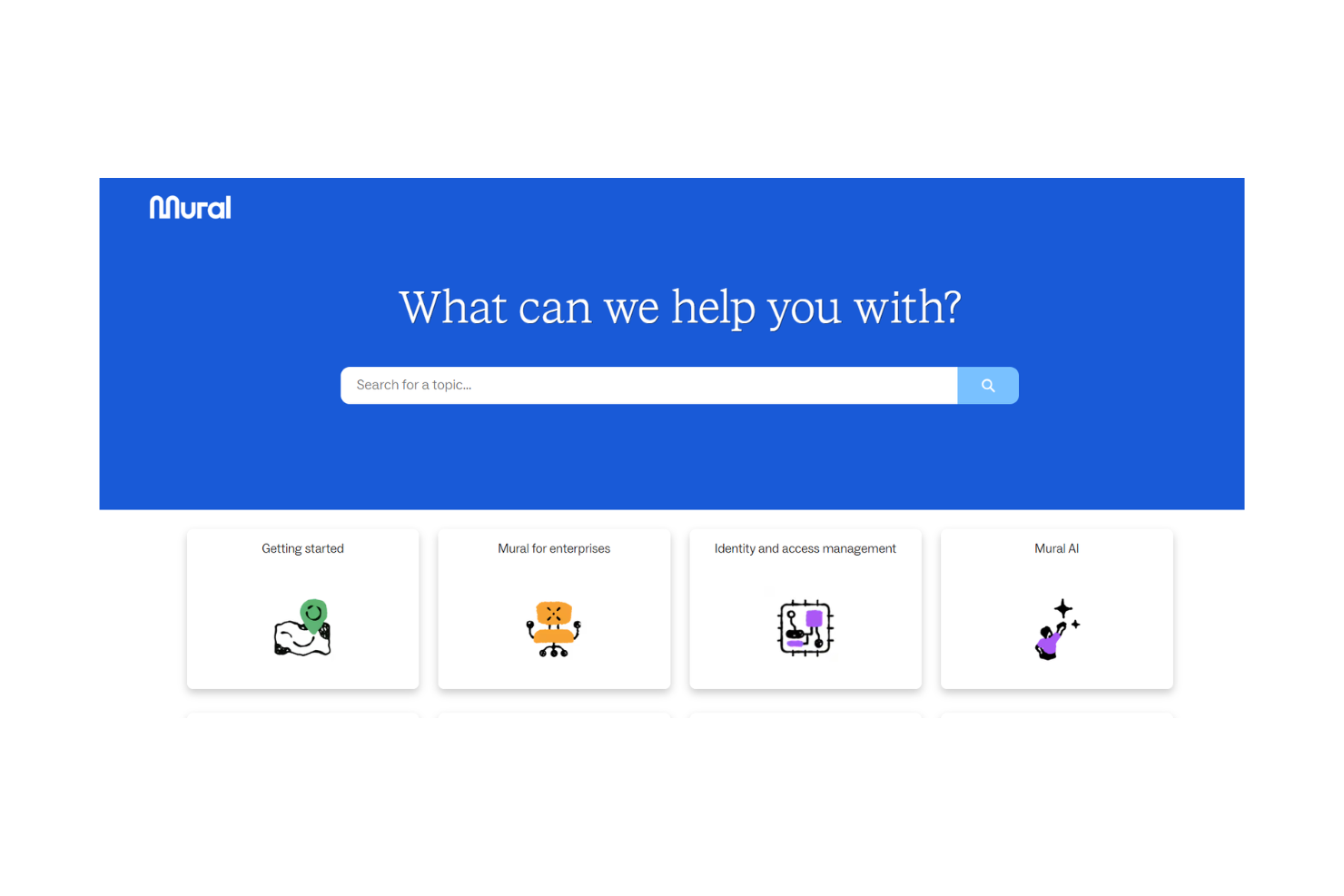
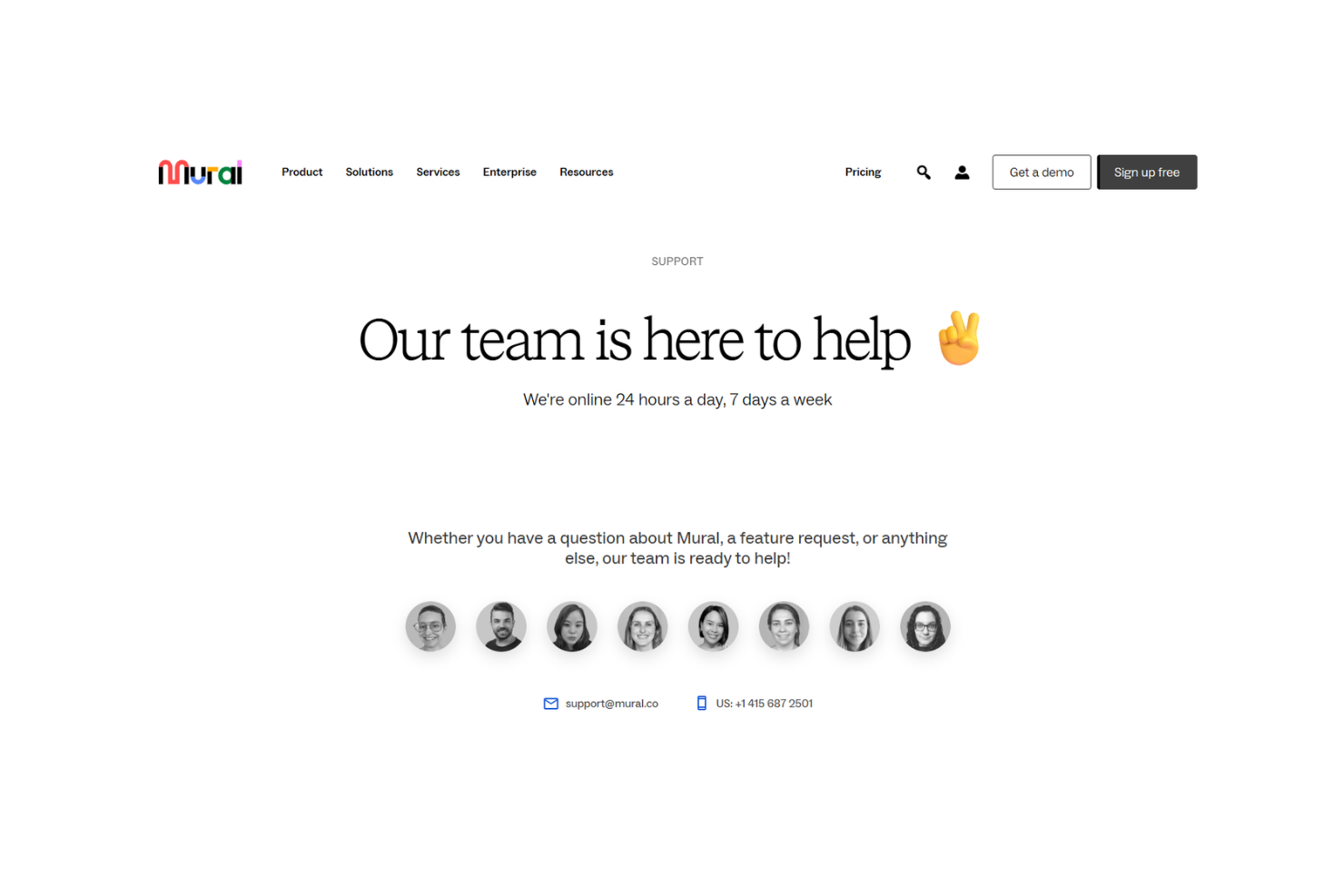
Mural offers reliable customer support through email and live chat, with a responsive team that resolves issues efficiently. Users also benefit from a detailed knowledge base and active community forums for troubleshooting.
While some note that response times could be faster, the overall support experience is dependable.
Value for Money
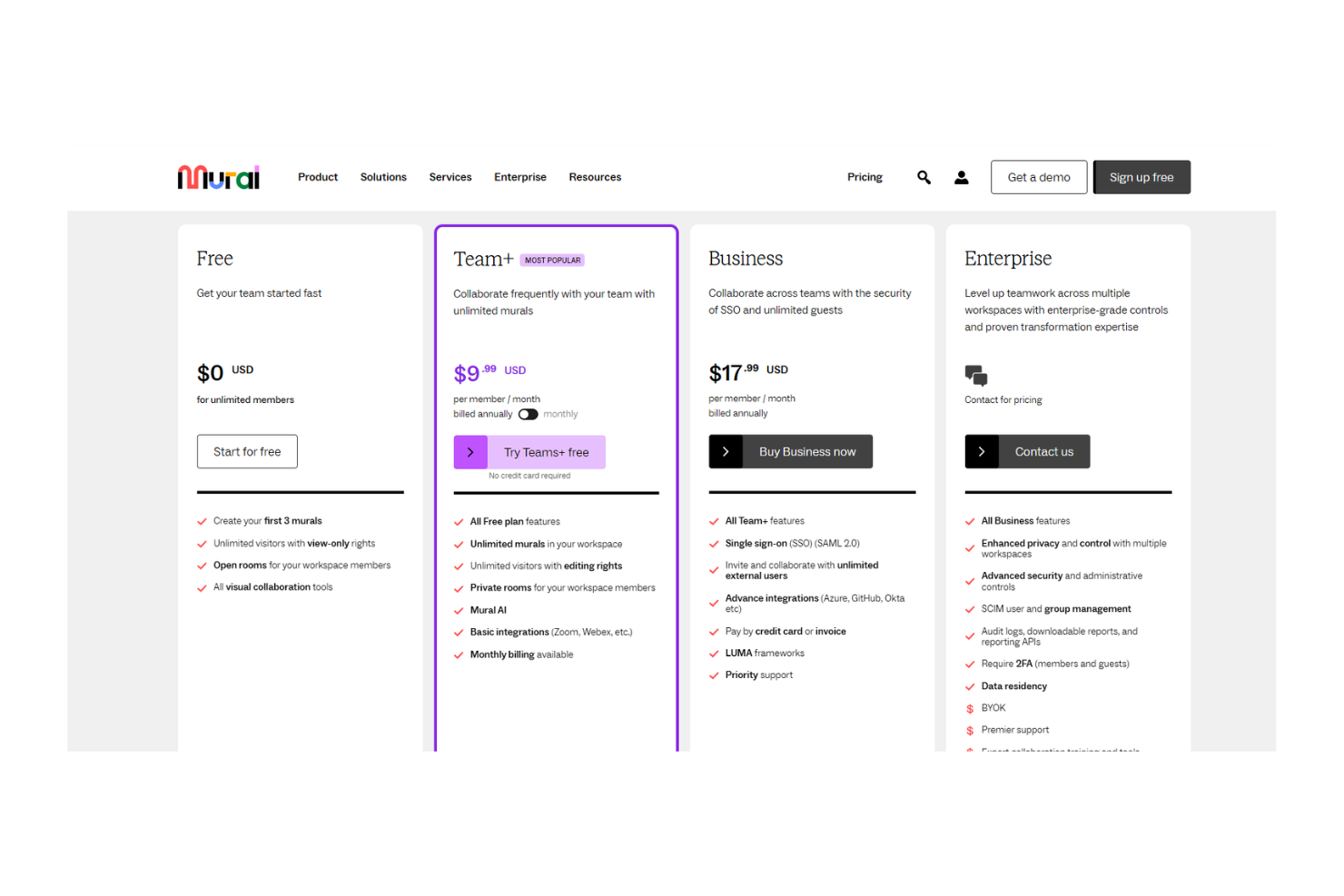
Mural pricing offers reasonable value for the features and capabilities it delivers, though some users feel it could be more competitive. The pricing tiers cater to different team sizes and needs, providing flexibility. While the cost might be higher than some alternatives, the robust visual collaboration tools justify the investment for teams that prioritize creativity.
- Free Plan: Basic features for small teams and personal use.
- Team+: Offers unlimited murals and additional collaboration features.
- Business: Includes advanced security and admin controls for larger teams.
- Enterprise: Custom solutions with dedicated support and integrations.
Mural Specs
- 2-Factor Authentication
- API
- Batch Permissions & Access
- Budgeting
- Calendar Management
- Contact Management
- Contact Sharing
- Customer Management
- Dashboard
- Data Export
- Data Import
- Data Visualization
- Email Integration
- Expense Tracking
- External Integrations
- Gantt Charts
- Google Apps Integration
- Multi-User
- Notifications
- Project Management
- Resource Management
- Scheduling
- Task Scheduling/Tracking
- Third-Party Plugins/Add-Ons
- Travel Management
Mural FAQs
How does Mural handle data security and compliance?
Can I use Mural offline?
What kind of support does Mural offer?
How customizable is Mural for my team's needs?
Does Mural offer training resources for new users?
How does Mural facilitate real-time collaboration?
Can I integrate Mural with other tools my team uses?
How scalable is Mural for growing teams?
Mural Company Overview & History
Mural started in 2011 when co‑founders, including Mariano Suarez‑Battan, launched the platform to help teams collaborate visually. Headquartered in San Francisco, the company has grown to around 580–600 employees working remotely across many countries.
By 2025, Mural had raised approximately $192 million in funding and reached a valuation of about $2 billion, with annual revenue nearing $189 million. You can rely on its enterprise security and extensive customer base—over 75% of the Fortune 100 trusts Mural for visual collaboration.
Mural Major Milestones
- 2011: Founded and platform launched
- 2020: Series B funding and rapid growth with $60M revenue
- 2021: Raised $50 M in Series C at a ~$2 B valuation
- 2024: Reported $189 M in revenue and 1,200 enterprise customers
What's Next?
Want to connect with other digital project managers to share resources and best practices? Join our membership community and get access to 100+ templates, samples, and examples and connect with 100s of other digital project managers in Slack.