


monday service vs. OneDesk: Expert Comparison for 2026



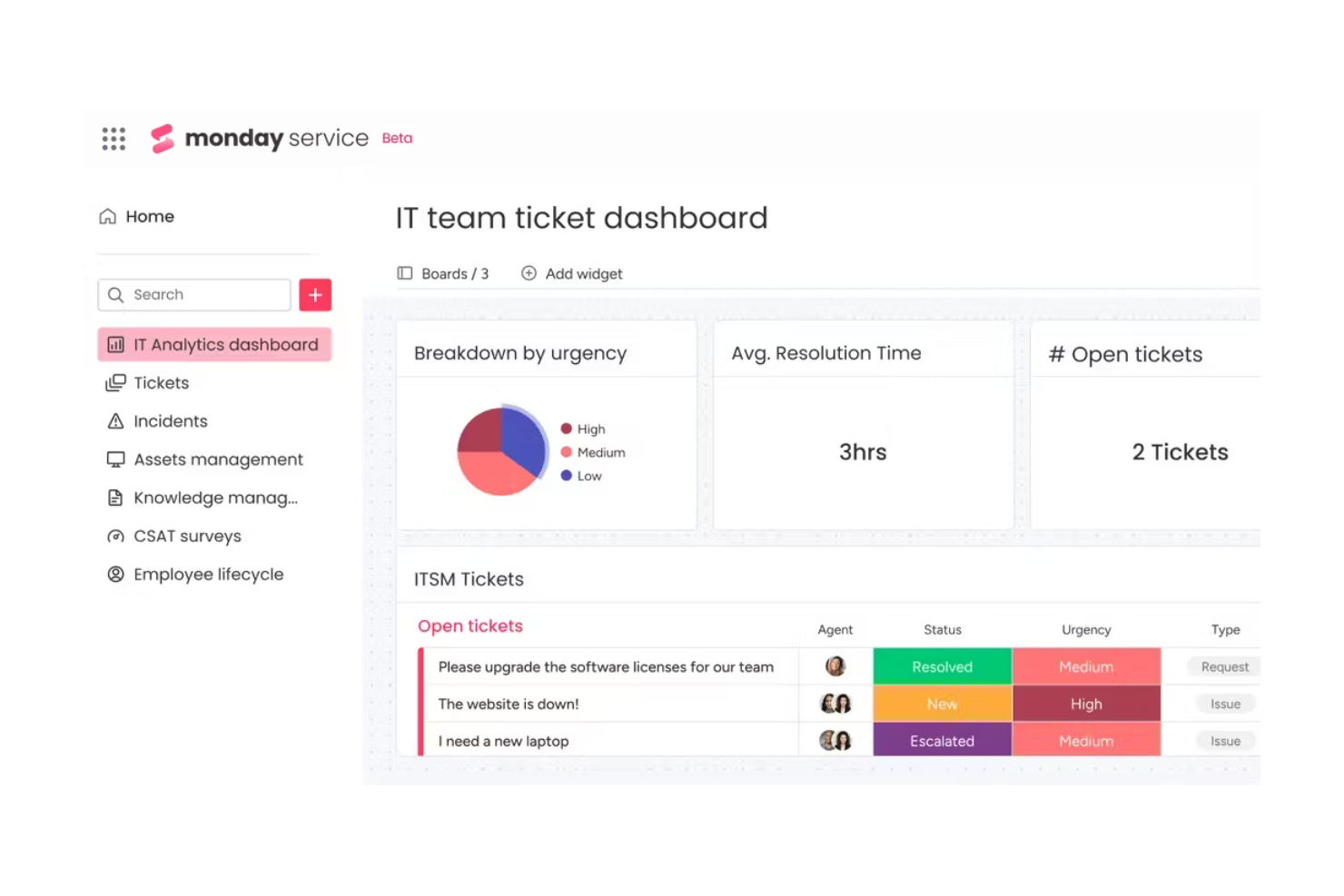
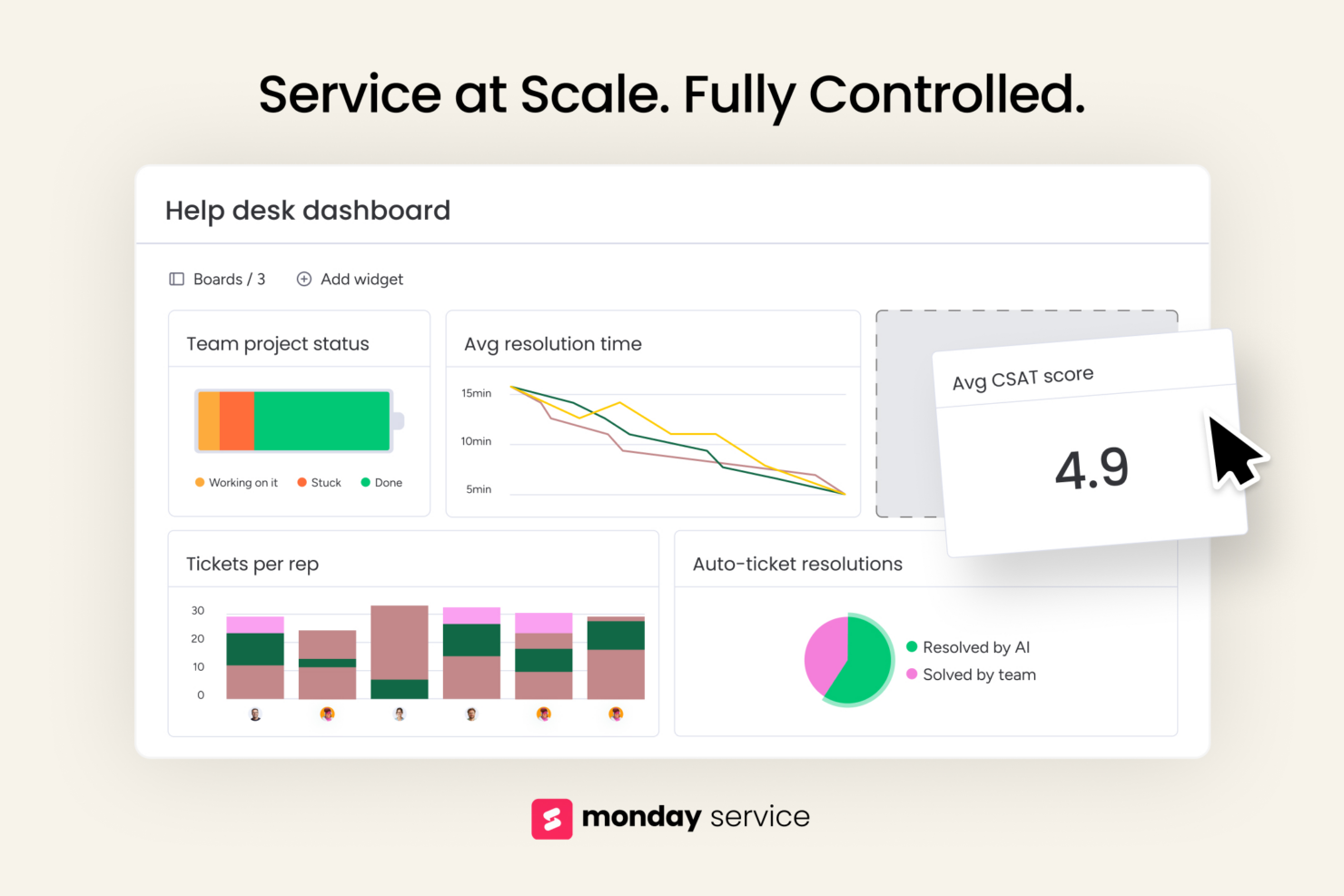
monday service is an AI-powered service management platform built on monday.com that streamlines service desk operations through customizable ticket boards, service portals, real-time analytics, and AI automations. In contrast, OneDesk combines full help desk functionality and project management software tools into a single platform, enabling seamless ticket handling, task tracking, and client collaboration. The main difference between these platforms involves how they integrate with other tools and manage tasks, both of which can be crucial functions for your business needs.
In this article, you'll find a detailed comparison of these tools, including their features, pros and cons, pricing, and more to help you determine which of these help desk tools will best serve your team’s needs.
monday service vs. OneDesk: An Overview
monday service

Why Trust Our Software Recommendations
Our team has been testing and reviewing software since 2012. As project managers ourselves, we know how difficult—and important—it is to choose the right software.
For this guide, we evaluated tools using hands-on testing and independent research, scoring tools using our selection criteria. We also draw on insights from industry thought leaders and practicing project management experts.
Our reviews reflect our human editorial judgment, not a sales pitch.
Expert reviewers:
monday service vs. OneDesk Pricing Comparison
| monday service | OneDesk | |
|---|---|---|
| Free Trial | 14-day free trial | Fee trial + free demo available |
| Pricing | From $9/seat/month (billed annually) | From $10.99/user/month (billed annually) |
monday service vs. OneDesk Pricing & Hidden Costs
The monday service pricing model offers tiered plans based on user count and features, which can include extra costs for add-ons or increased usage limits.
OneDesk pricing follows a subscription model that scales with the number of users, with potential additional fees for integrations or premium support.
To choose the right software solution for your needs, consider evaluating the scalability of each pricing model against your team's growth projections and any specific features you may need in the future. While neither tool offers a free version, both provide a 14-day free trial that allows you to test functionality before committing.
monday service vs. OneDesk Feature Comparison
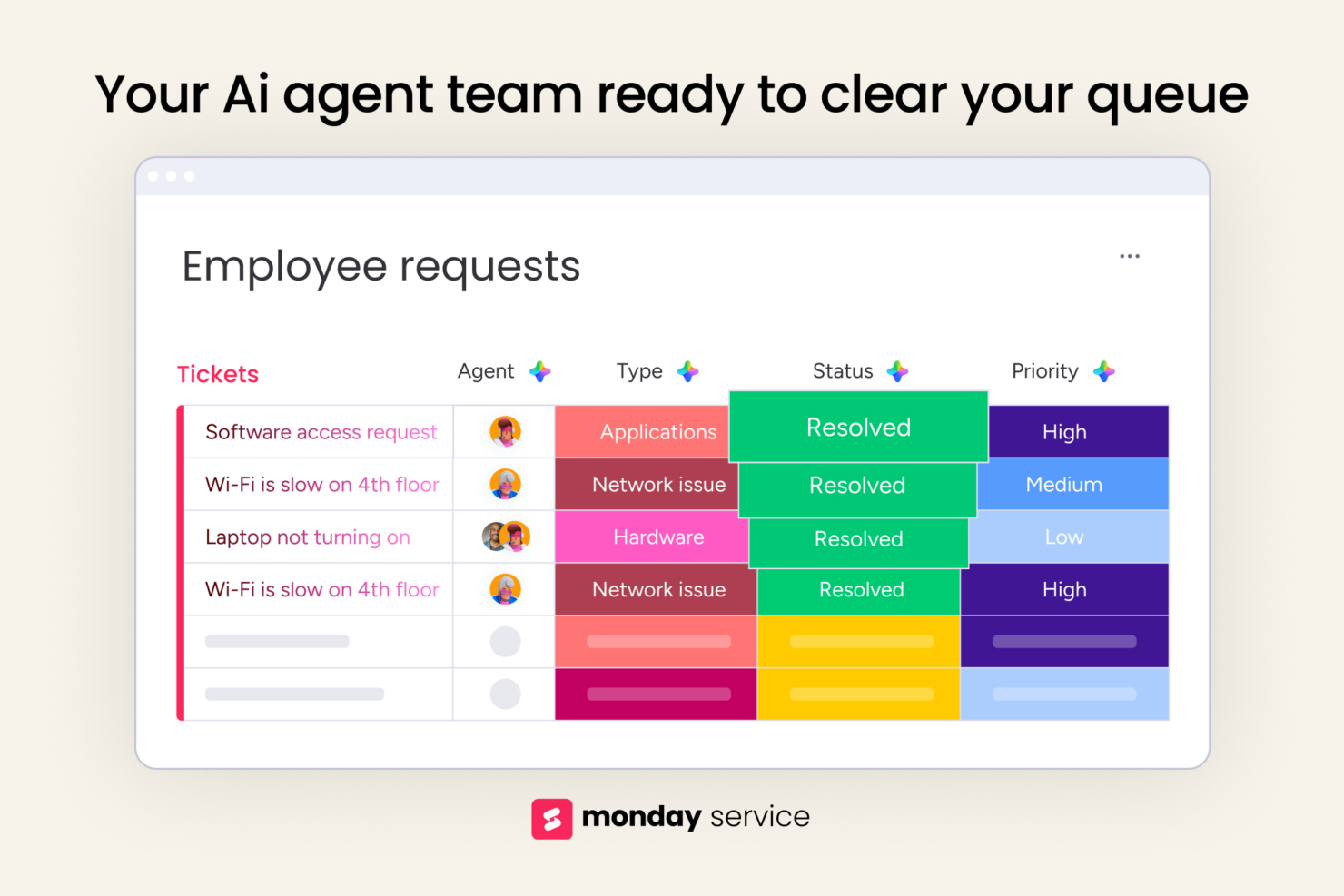
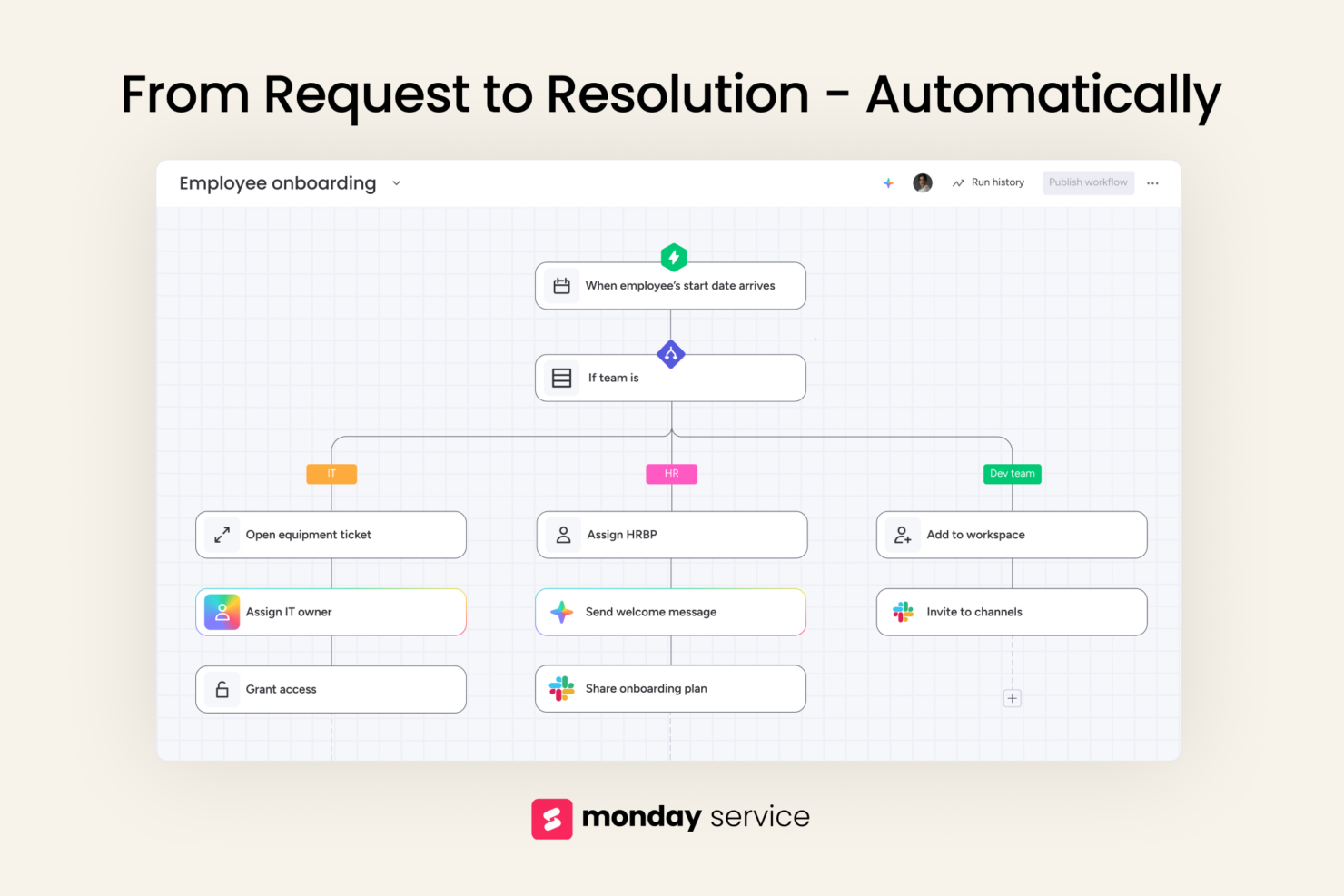
With monday service’s AI-powered auto-categorization, you can efficiently sort and prioritize incoming tickets, which is a valuable feature for managing high volumes of IT support requests. In contrast, OneDesk’s task assignment and real-time communication features are great for coordinating cross-functional teams on complex product launches. Furthermore, while monday service excels in automating service tasks to save time, OneDesk offers strong tools for collaborative project management. They both offer time-saving features like time tracking and automated alerts that help teams prioritize key issues and deadlines.
Both tools offer unique advantages; monday service excels in integration for complex workflows, while OneDesk is perfect for teams seeking unified task and customer support management with resource management and forecasting capabilities.
| monday service | OneDesk | |
|---|---|---|
| API | ||
| Analytics | ||
| CRM Integration | ||
| Call Integration | ||
| Chat | ||
| Contact Management | ||
| Customer Management | ||
| Dashboard | ||
| Data Export | ||
| Data Import | ||
| Data Visualization | ||
| Email Integration | ||
| External Integrations | ||
| Instant Chat Integration | ||
| Knowledge Base | ||
| Lead Management | ||
| Lead Scoring | ||
| Multi-User | ||
| Notifications | ||
| Real-time Alerts | ||
| Scheduling | ||
| Self-service Portal | ||
| Social Media Integration | ||
| Support Forum | ||
| Ticket Management | ||
| Workflow Management |
monday service vs. OneDesk Integrations
| Integration | monday service | OneDesk |
|---|---|---|
| ✅ | ❌ | |
| HubSpot | ✅ | ❌ |
| Slack | ✅ | ❌ |
| DropBox | ✅ | ✅ |
| MailChimp | ✅ | ✅ |
| Microsoft Teams | ✅ | ✅ |
| Zoom | ✅ | ❌ |
| Okta | ✅ | ✅ |
| Wordpress | ✅ | ✅ |
| Asana | ✅ | ❌ |
| API | ✅ | ✅ |
| Zapier | ✅ | ✅ |
With monday service’s HubSpot integration, you can sync customer details with project tasks, making it easier to keep your pipeline and project timelines in step. OneDesk’s WordPress integration is great for support teams handling website issues, especially when linking tickets to content or plugin updates. Both help you cut back on manual work—just in different corners of your workflow.
monday service vs. OneDesk Security, Compliance & Reliability
| Factor | monday service | OneDesk |
|---|---|---|
| Data Privacy | Uses GDPR-compliant policies to protect personal data with strict access controls | Implements data privacy protocols with compliance to GDPR standards |
| Encryption | Offers end-to-end encryption for data in transit and at rest | Provides SSL encryption for secure data transmission |
| Regulatory Compliance | Adheres to industry standards with regular audits and certifications | Conducts regular compliance checks to meet industry regulations |
| Uptime Reliability | Guarantees 99.9% uptime with solid infrastructure and redundancy plans | Offers reliable uptime with consistent server monitoring |
| User Authentication | Supports SSO and 2FA to enhance user access security | Uses SSO and role-based permissions for secure access |
monday service and OneDesk both offer strong security and compliance, but monday service stands out with its emphasis on integrated audit tracking and multi-layered encryption.
To evaluate these platforms, consider reviewing their certifications, encryption methods, and user access controls to ensure they align with your organization's security priorities.
monday service vs. OneDesk Ease of Use
| Facotr | monday service | OneDesk |
|---|---|---|
| User Interface | Features a visually intuitive drag-and-drop interface that simplifies task management | Offers a straightforward layout with customizable dashboards for easy navigation |
| Onboarding Experience | Provides interactive tutorials and guides to quickly get new users up to speed | Includes step-by-step setup wizards and helpful onboarding resources |
| Setup | Offers quick setup with pre-made templates for various workflows | Requires minimal configuration, enabling fast deployment for teams |
| Support | Offers 24/7 support with live chat and extensive knowledge base articles | Provides email support and comprehensive documentation for troubleshooting |
| Customization | Allows extensive customization of boards and workflows to fit team needs | Offers limited customization options but supports project-specific adjustments |
monday service is praised for its user-friendly interface and flexibility, which make it easy for teams to tailor workflows. OneDesk excels in its straightforward setup and dashboard customization, though it may lack the deep customization options some teams need. Both solutions also offer mobile app access, including Android support, to help teams stay connected through notifications and task updates.
For teams supporting internal or external users, both systems offer customer portal features and self service capabilities to reduce support workload.
monday service vs OneDesk: Pros & Cons
monday service
- You can customize ticket workflows to fit your team's needs.
- Its visual interface helps your team easily track completed tickets.
- Automation features save your team members time on repetitive tasks.
- You might find the onboarding process a bit complex.
- Some users feel the interface can be overwhelming at first.
- Customer support response times may not always meet your expectations.
OneDesk
- You can efficiently integrate project management with helpdesk functions.
- It offers a unified platform for improved team collaboration.
- Your team gets clear visibility into project progress and customer support activities.
- Some users find the interface less intuitive than other project management tools.
- Customization options can be limited for complex workflows.
- You might encounter occasional performance lags with large data sets.
Best Use Cases for monday service and OneDesk
The Who Should Use X and Who Should Use Y goes here.
monday service
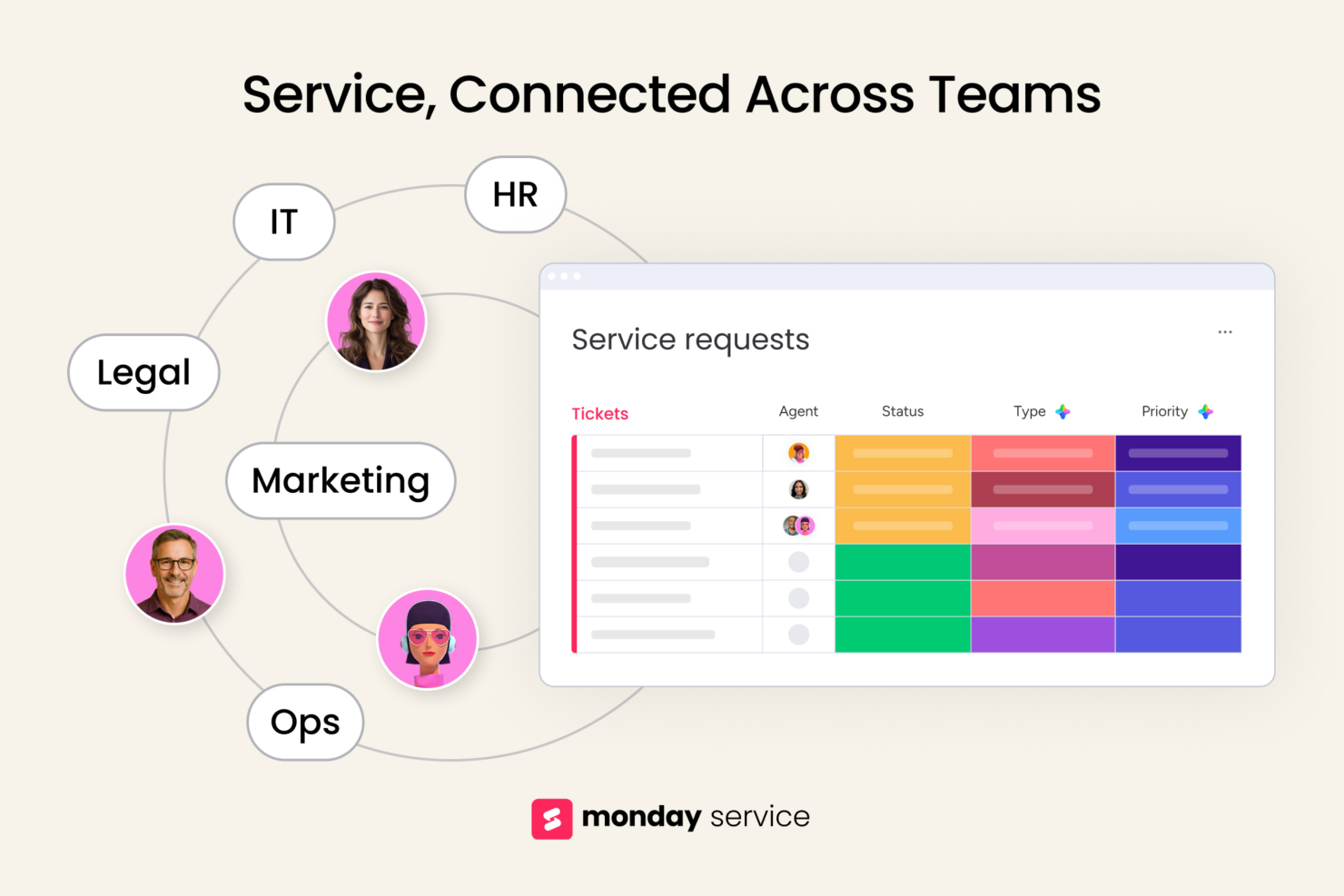
- IT support teams Track incoming requests, assign tickets, and set up automation rules to speed up resolution times.
- Operations departments Map out processes, manage internal requests, and create clear ownership across teams.
- Customer support teams Keep track of issues, follow-ups, and feedback loops in one place with simple status updates and task assignments.
- HR teams monday service offers templates to manage employee requests without spreadsheets or email chains.
- Marketing departments Plan campaigns, manage deadlines, and collaborate with designers and writers using visual workflows.
- Legal teams Track contract reviews, approvals, and legal requests with boards that give you transparency and accountability.
OneDesk
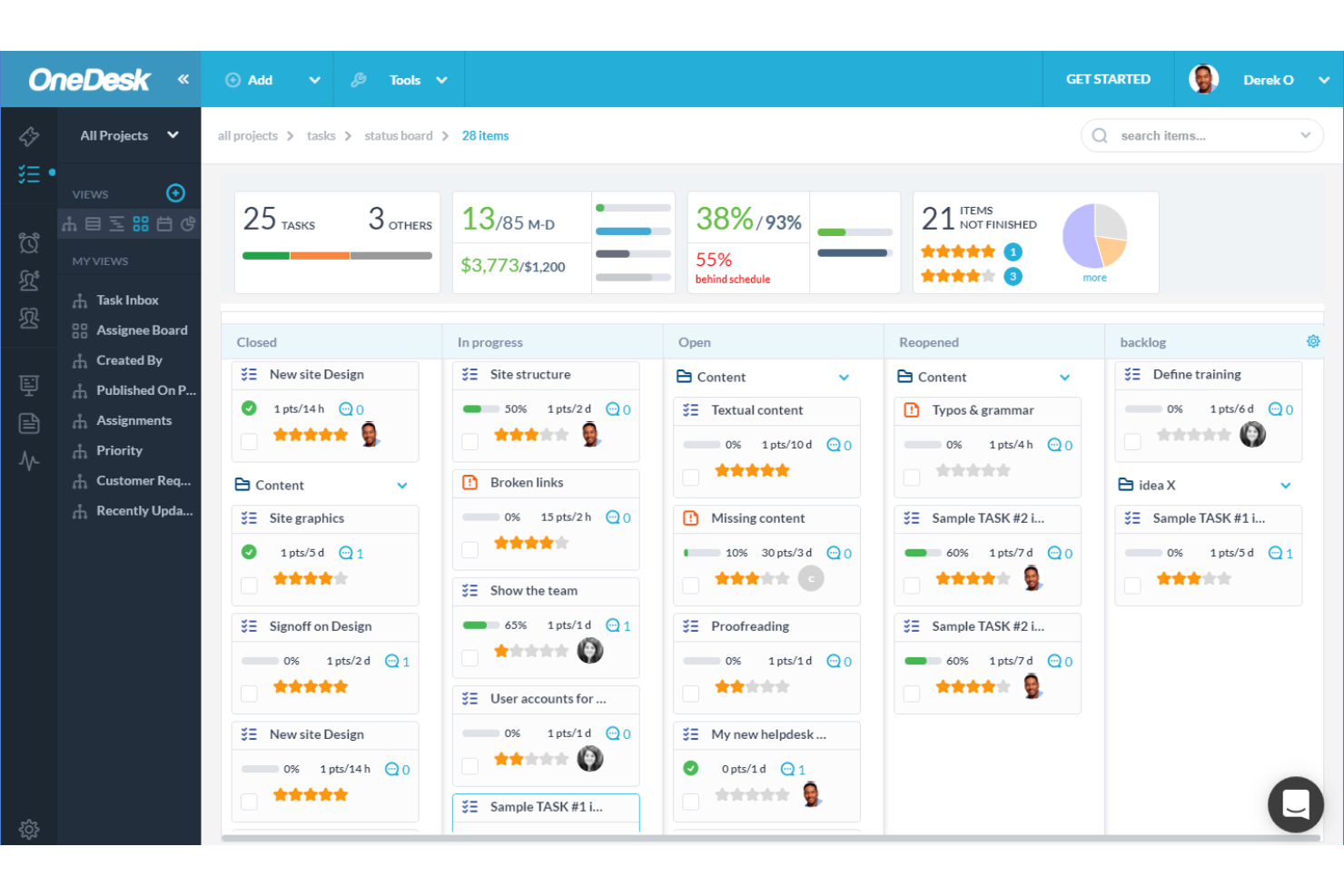


- IT Departments OneDesk combines helpdesk and project management, making it perfect for IT teams handling support requests and project tasks.
- Customer Service Teams You can manage customer interactions and project timelines in one place, improving response times and service quality.
- Marketing Agencies Track campaigns and client feedback simultaneously, helping your team stay aligned with client needs and project goals.
- Consulting Firms OneDesk provides a platform to manage client projects and support queries, ensuring you deliver on promises efficiently.
- Small to Mid-sized Businesses With its integrated approach, OneDesk helps you manage tasks and customer support without the need for multiple tools.
- Project Managers If you're juggling project timelines and client communication, OneDesk offers a way to keep everything organized and accessible.
Who Should Use monday service, and Who Should Use OneDesk?
In my opinion, monday service is ideal for creative teams, small businesses, and startups that need flexibility and strong integration capabilities to manage dynamic projects. I believe OneDesk is best suited for customer support teams and service-oriented businesses that require a blend of help desk and project management tools.
If your team values customization and visual project tracking, monday service might be your go-to. On the other hand, if seamless support ticket handling is a priority for your organization, I believe OneDesk would be the better choice—especially for teams focused on professional services or using Gantt charts to manage milestones and timelines.
Differences Between monday service and OneDesk
| monday service | OneDesk | |
|---|---|---|
| Automation | Supports automation for task management and workflow customization | Offers basic automation to streamline support tickets |
| Customization | Allows extensive customization of boards for different workflows | Limited customization, focuses on project-specific needs |
| Integrations | Extensive app integrations, ideal for teams using diverse tools | Limited integrations, focusing more on internal functions |
| Pricing Model | Offers tiered plans based on users and features, with potential add-on costs | Offers tiered plans based on users and features, with potential add-on costs |
| User Interface | Provides a visually intuitive drag-and-drop interface for project management | Features a simple layout with customizable dashboards |
| Read monday service ReviewOpens new window | Read OneDesk ReviewOpens new window |
Similarities Between monday service and OneDesk
| Cloud-Based | Both tools are cloud-based, which allows you to access them from anywhere and ensures your team can work remotely. monday service is known for its mobile accessibility, and OneDesk offers seamless web integration. Both tools are accessible via desktop and mobile app, supporting a variety of deployment preferences—including on-premises for large enterprises—that make them flexible for a wide range of use cases. |
|---|---|
| Collaborative Tools | Both tools offer collaboration features like comments and file sharing to enhance team communication. monday service focuses on real-time updates, while OneDesk integrates collaboration into its help desk tickets. |
| Reporting | Both provide reporting tools to track performance and efficiencies. monday service excels with customizable dashboards, while OneDesk offers detailed project and ticket analytics to help measure team metrics. |
| Support | Each provides comprehensive support through knowledge bases and customer service. monday service includes 24/7 live chat, and OneDesk offers detailed documentation for troubleshooting. |
| User Management | Both platforms allow you to manage user roles and permissions to ensure team members have the right access. monday service offers detailed role assignments, while OneDesk provides role-based permissions. |
| Read monday service ReviewOpens new window Read OneDesk ReviewOpens new window | |
Join For More Project Management Insights
Want to learn more about project management and project management software? Join our membership community to access 100+ templates, samples, and examples, and connect with 100s of other digital project managers in Slack.