


Lucid vs. Visio: Comparison and Expert Reviews for 2026



Nobody dreams of becoming a diagram wrangler, yet here you are: weighing platforms because the last one made a simple flowchart feel like a second job. What you really want is a tool that keeps up with how your team thinks, then gets out of the way.
If you’ve ever struggled to keep messy processes clear or fought with clunky platforms, choosing the right workflow diagram software can feel overwhelming. You know Lucid and Visio are big names, but which one actually makes it easier for your team to map, share, and adapt workflows?
In this article, you’ll get a practical side-by-side comparison of the Lucid Visual Collaboration Suite and Visio—including pros and cons, use cases, pricing, security, and usability—so you can decide which tool fits your needs. I’ll break down what matters most for real teams who want to save time and reduce headaches.
Lucid vs. Visio: An Overview
Lucid
Why Trust Our Software Recommendations
Our team has been testing and reviewing software since 2012. As project managers ourselves, we know how difficult—and important—it is to choose the right software.
For this guide, we evaluated tools using hands-on testing and independent research, scoring tools using our selection criteria. We also draw on insights from industry thought leaders and practicing project management experts.
Our reviews reflect our human editorial judgment, not a sales pitch.
Expert reviewers:
Lucid vs. Visio Pricing Comparison
| Lucid | Visio | |
|---|---|---|
| Free Trial | Free trial + free plan available | 30-day free trial available |
| Pricing | From $15/month (billed annually) | From $5/user/month (billed annually) |
Lucid vs. Visio Pricing & Hidden Costs
Lucid uses a subscription-based pricing model with tiers that scale from individual users up to enterprise plans, and it also offers a free plan for basic diagramming and collaboration. However, some of its most advanced data features, and add-ons like the Process Accelerator are reserved for Enterprise accounts. Visio offers both subscription plans and a one-time perpetual license, and a lightweight web version already comes included with most Microsoft 365 commercial plans. Both platforms may introduce additional costs as your team, data needs, or diagrams expand.
To find the best value, list the features you actually use daily—like real-time collaboration, platform compatibility, and integration needs. Take time to consider long-term team growth, required support, and how each tool fits into your broader software stack. You’ll make a smarter call if you trial each platform with your team’s actual workflows before committing.
Lucid vs. Visio Feature Comparison
Both Lucid and Visio give you the basics for building workflow diagrams—drag-and-drop shapes, customizable templates, real-time collaboration, and export options for sharing your work. You’ll also find integrations with popular tools, basic automation, and commenting to keep feedback in one place.
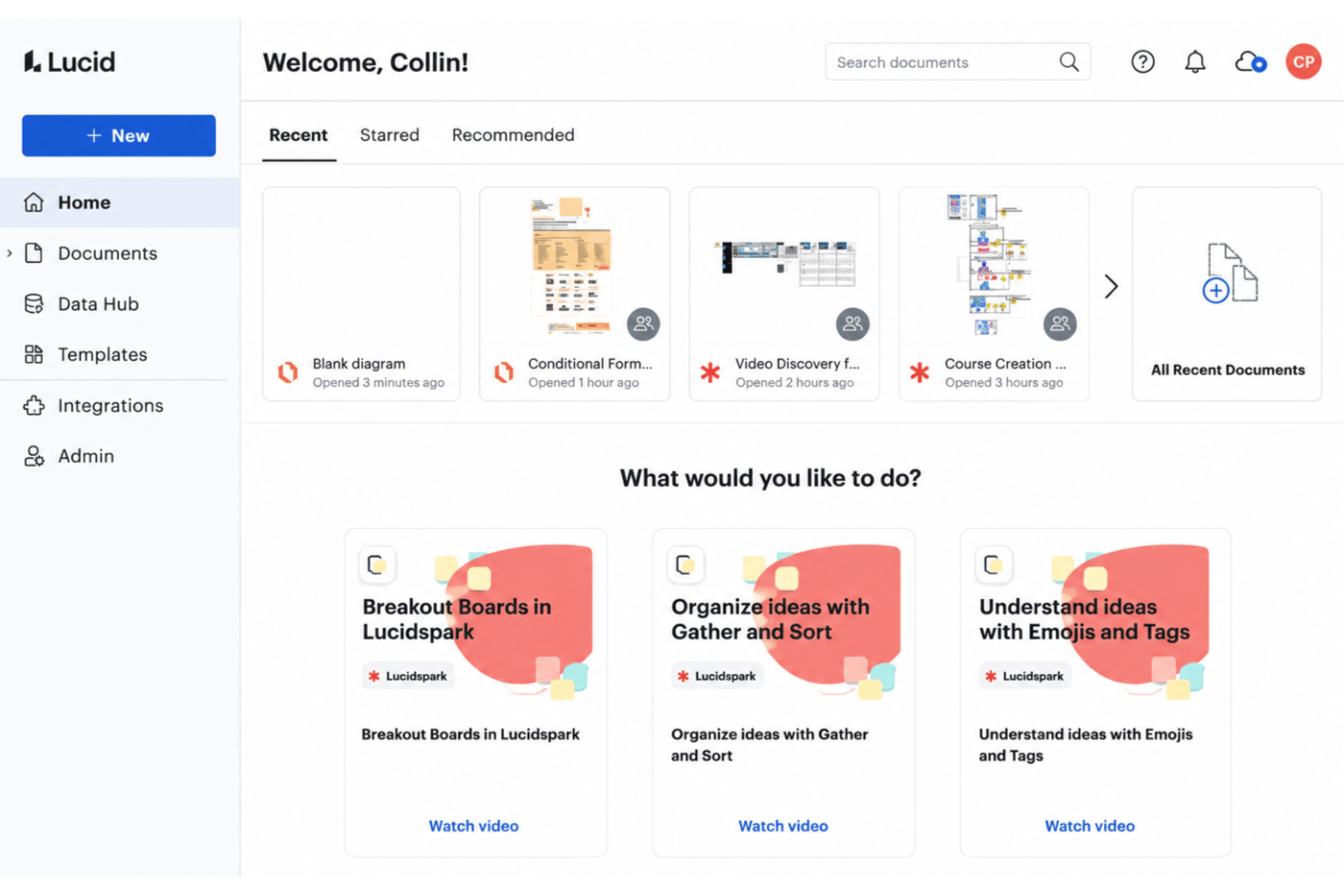
Lucid stands out with its easy cloud-based collaboration and the breadth of the suite: Lucid AI can generate and refine diagrams for you, more than 1,000 ready-made templates speed up that first draft, and Lucidchart’s diagramming shares a universal canvas with Lucidspark, Lucid’s virtual whiteboard for brainstorming and working sessions. Visio, on the other hand, offers advanced diagramming tools that integrate tightly with Microsoft 365, making it a natural fit if your team already lives in the Microsoft ecosystem—though it currently lacks a built-in AI assistant.
| Lucid | Visio | |
|---|---|---|
| 2-Factor Authentication | ||
| API | ||
| Dashboard | ||
| Data Export | ||
| Data Import | ||
| Data Visualization | ||
| External Integrations | ||
| Multi-User | ||
| Notifications | ||
| Scheduling |
Lucid vs. Visio Integrations
| Integration | Lucid | Visio |
|---|---|---|
| Google Workspace | ✅ | ❌ |
| Microsoft 365 | ✅ | ✅ |
| Slack | ✅ | ❌ |
| Confluence | ❌ | ✅ |
| Jira | ✅ | ❌ |
| Salesforce | ✅ | ❌ |
| Dropbox | ✅ | ❌ |
| Microsoft Teams | ✅ | ✅ |
| API | ✅ | ✅ |
| Zapier | ✅ | ❌ |
Lucid offers a wide selection of integrations through its marketplace—including enterprise architecture tools like Ardoq and LeanIX—while Visio focuses on tight alignment within the Microsoft suite. Both give you an API, but Lucid’s wide array of integrations and MCP server makes it the obvious winner in this category.
Lucid vs. Visio Security, Compliance & Reliability
| Factor | Lucid | Visio |
|---|---|---|
| Certifications | Holds SOC 2 Type II, ISO 27001, and ISO 27701 certifications, plus PCI merchant certification.. | Covered by Microsoft 365’s broad compliance certifications and enterprise-grade encryption. |
| Government & Public Sector | FedRAMP Certified at the Moderate impact level and IRAP assessed at the PROTECTED level | Available through Microsoft’s government cloud environments. |
| User Access Controls | Enables SSO, SAML, and granular sharing permissions. | Integrates with Microsoft Entra ID for tight user control. |
| Data Privacy | Certified under the EU-U.S. and Swiss-U.S. Data Privacy Frameworks.. | Backed by Microsoft’s enterprise privacy commitments. |
Both tools deliver strong security foundations, but Visio’s compliance benefits are woven deeply into Microsoft’s ecosystem, while Lucid brings serious credentials of its own—including FedRAMP certification and an IRAP assessment that make it a real option for public sector work. In my experience, Visio excels when your compliance story already runs through Microsoft, whereas Lucidchart stands out for flexibility across diverse tech stacks
Lucid vs. Visio Ease of Use
| Factor | Lucid | Visio |
|---|---|---|
| User Interface | Clean, intuitive layout with drag-and-drop editing. | Traditional, feature-rich interface with more technical menus. |
| Onboarding | An onboarding email flow for every user, plus a help center, training labs, and an active community. | Steeper learning curve, especially for those new to Microsoft Visio. |
| Collaboration | Real-time co-editing and instant feedback tools. | Comments and sharing work best with other Microsoft 365 users. |
| Platform Support | Fully cloud-based—best on a desktop browser, with a mobile app suited to viewing and quick comments. | Desktop-first, with web version offering fewer features. |
Lucid is far friendlier for new users and cloud collaboration—every account gets an onboarding email flow, and Enterprise customers can add professional services, including a migration package for moving over from competing tools. Visio shines when you need advanced features and already use Microsoft daily. Personally, I find Lucid’s interface and onboarding more approachable.
Lucid vs Visio: Pros & Cons
Lucid
- Real-time collaboration supports remote and hybrid teams well
- Advanced diagramming tools for technical and business workflows
- Version history enables easy rollback to previous states
- Tapping the full toolset means moving between Lucidchart and Lucidspark
- More advanced data features are reserved for the Enterprise plan
- Limited offline access for users without internet connection
Visio
- You can create detailed and professional-looking diagrams.
- It offers a wide range of templates and shapes.
- Your team benefits from its compatibility with Microsoft products.
- It has a steep learning curve for new users.
- You might find the interface outdated compared to competitors.
- It requires significant system resources for optimal performance.
Best Use Cases for Lucid and Visio
Lucid
- Product Management Teams Lucid enables rapid user journey mapping, roadmapping, and workflow visualization for cross-functional project work.
- Software Engineering UML diagrams, system architectures, and data flow mapping are easy to build and share with real-time collaboration.
- Enterprise IT Departments Complex process mapping, network diagrams, and documentation can be maintained at scale with admin controls and access management.
- Consulting Firms Facilitates collaborative client workshops, value stream mapping, and dynamic presentations for stakeholder alignment.
- Higher Education Offers collaborative whiteboarding for faculty and students, encouraging interactive learning and group project work.
- Large Enterprises Lucid's scalability, advanced security, and integration options match large organizations' governance and compliance requirements.
Visio
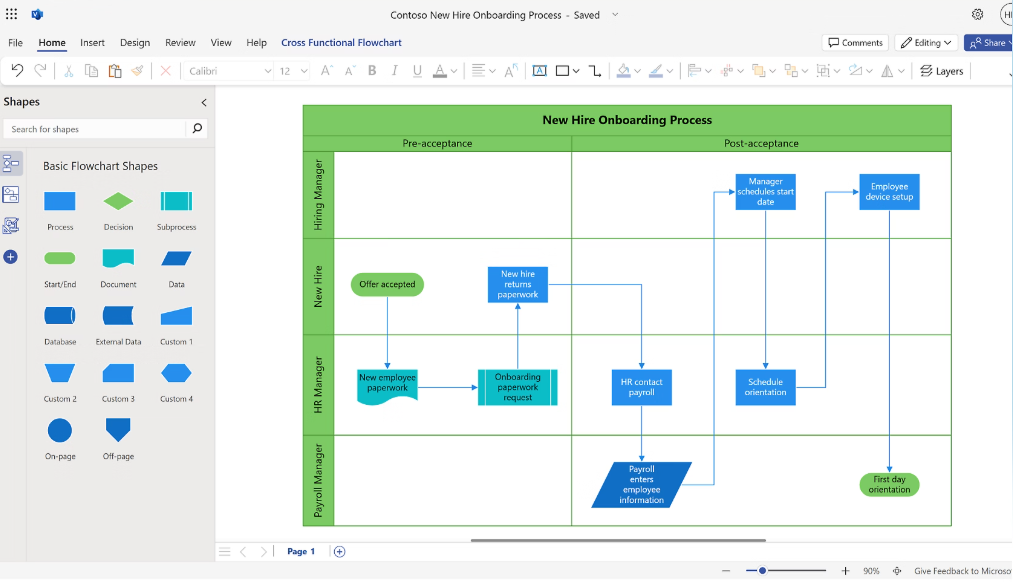

- Engineering Teams Visio offers precise diagramming tools that help your team create detailed engineering drawings.
- IT Departments It’s perfect for designing complex network diagrams, thanks to its extensive shape library.
- Project Managers You can plan projects efficiently using Visio’s project timeline and chart features.
- Architectural Firms Visio helps you draft clear architectural plans with its advanced drawing tools.
- Large Enterprises The software supports collaboration across departments, making it ideal for large-scale projects.
- Consultants Visio allows you to present complex data in a clear, visual format to your clients.
Who Should Use Lucid, and Who Should Use Visio?
Lucid is the go-to for fast-moving teams who need easy onboarding, live collaboration, and flexible integrations, and it scales from individual users to enterprise accounts—Lucid counts more than 100 million users across 180+ countries, spanning software development, SaaS, consulting, education, healthcare, financial services, and the public sector. Visio fits companies already invested in Microsoft 365 or power users who want deep diagramming control and integration with corporate IT systems. I’d recommend Lucid for startups, agencies, and distributed teams, while Visio makes sense for large enterprises with established Microsoft infrastructure.
Differences Between Lucid and Visio
| Lucid | Visio | |
|---|---|---|
| Automation | Lucid AI generates and refines diagrams; the Lucid MCP server connects visuals to AI tools. | No built-in AI assistant; automation runs through the broader Microsoft ecosystem. |
| Collaboration | Real-time multi-user editing and instant feedback. | Collaboration mostly via sharing files within Microsoft 365. |
| Platform Access | 100% cloud-based and works on any device with a browser. | Primarily desktop-based, with a lighter online version. |
| Pricing Structure | Subscription model with clear tiers and flexible plans. | Subscriptions and perpetual licenses, with a lightweight web app included in most Microsoft 365 plans. |
| Visit LucidOpens new window | Read Visio ReviewOpens new window |
Similarities Between Lucid and Visio
| Data Linking | Both support data-driven diagrams, letting you connect shapes to spreadsheet data for live updates. |
|---|---|
| Diagram Templates | Both offer a wide range of built-in templates for flowcharts, org charts, and process diagrams. |
| Enterprise Compliance | Both meet modern compliance needs—like SSO, SOC 2, and advanced encryption—for enterprise teams. |
| File Export Choices | Both let you export diagrams in common formats like PDF, image files, and compatible diagram file types. |
| Visit LucidOpens new window Read Visio ReviewOpens new window | |