


Google Keep Review: Pros, Cons, Features and Pricing



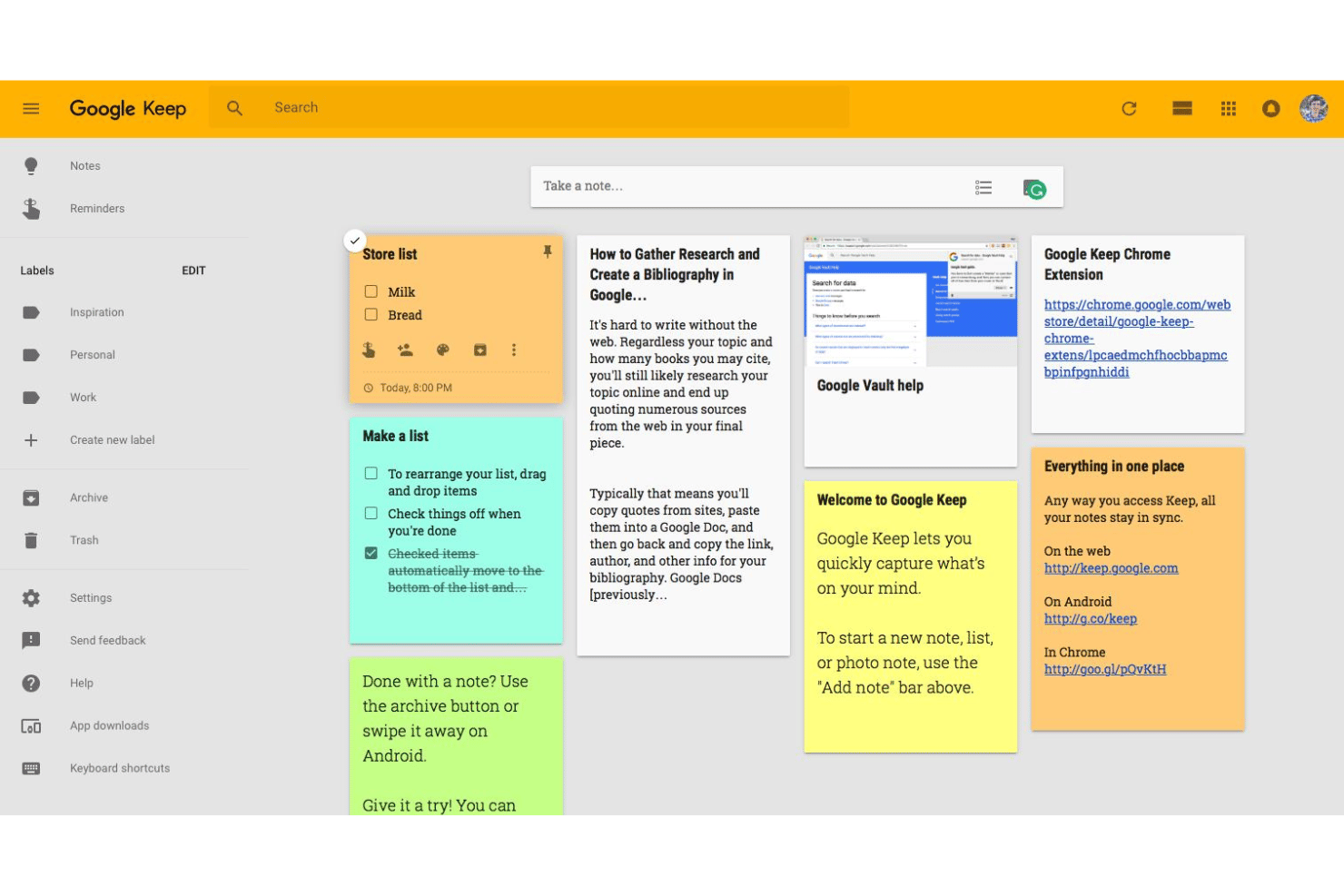
Google Keep is a note taking app from Google for capturing ideas, checklists, images, and reminders across devices. I'd consider it if your team already lives inside Google Workspace—Docs, Drive, Gmail—and needs a quick way to capture and organize notes without switching tools. Compared to Evernote, Keep is the lighter option; Evernote has more advanced organizational features, but if Google Workspace is your home base, Keep's native integration makes it the more practical choice.
Google Keep Evaluation Summary
- From $7/user/month
- Free plan available
Why Trust Our Software Recommendations
Our team has been testing and reviewing software since 2012. As project managers ourselves, we know how difficult—and important—it is to choose the right software.
For this guide, we evaluated tools using hands-on testing and independent research, scoring tools using our selection criteria. We also draw on insights from industry thought leaders and practicing project management experts.
Our reviews reflect our human editorial judgment, not a sales pitch.
Expert reviewers:
Google Keep Overview
When I judge Google Keep against other note taking apps, its instant onboarding, free pricing, and tight Google integration really shine. If you’re choosing a tool for jotting meeting notes, action items, or quick reminders, the Google Keep app is easy to recommend across all your devices. The simple interface helps anyone get started fast—just open the web app and add checklists or notes in seconds. But if you’re selecting a solution for deep organization or advanced note formatting, Keep falls short. I think it’s best for project managers who want speed, cloud sync, and collaboration, especially in the Google ecosystem like shared to-do lists or capturing ideas mid-meeting.
pros
-
Syncs instantly across devices for real-time updates
-
Lets users create, color-code, and pin notes quickly
-
Supports image and voice note capture in one tap
cons
-
No folder or tag system for advanced organization
-
Limited formatting options for structured meeting notes
-
Search function misses context or related items sometimes
Is Google Keep Right For Your Needs?
Who Would be a Good Fit for Google Keep?
Google Keep is ideal for individuals, startups, and small teams needing a fast, lightweight way to capture notes, reminders, or tasks. It excels for those seeking quick access, instant sync, and effortless sharing without complex setup.
-
Freelancers
Perfect for tracking tasks and jotting down ideas on the go thanks to instant sync and mobile access.
-
Small Retail Stores
Store owners can quickly create shopping lists, note inventory needs, or share reminders among staff without setup or training.
-
Education Departments
Teachers and students can share collaborative notes, track homework, or snap photos of whiteboard content with ease.
-
Design Teams
Creative teams can store photos, sketches, and quick ideas, keeping inspiration organized with colors and visual notes.
-
Administrative Assistants
Rapidly log meeting takeaways or action items, set reminders, and share agendas with managers using simple collaboration features.
-
Personal Productivity
Ideal for anyone juggling errands, lists, and appointments who needs reminders and easy access across all devices.
Who Would be a Bad Fit for Google Keep?
Google Keep is not suitable for larger teams or regulated industries requiring detailed control, audit trails, or structured knowledge management. It lacks advanced formatting, hierarchical organization, and business-critical compliance features.
-
Legal Departments
Lacks version history, tagging, and compliance features necessary for sensitive documentation and legal recordkeeping.
-
Enterprise IT Teams
Doesn’t offer admin controls, user management, or integration with enterprise identity systems.
-
Healthcare Organizations
Falls short on data privacy controls, audit visibility, and role-based access required for healthcare compliance.
-
Project Management Offices
No support for task dependencies, milestones, or reporting needed for managing complex projects.
-
Medium-Large Enterprises
Not suited for company-wide note sharing or documentation at scale due to limited organization and access controls.
-
Scientific Research Teams
Inadequate for managing research notes, collaborative editing with citations, or storing structured datasets.
Our Review Methodology
How We Test & Score Tools
We’ve spent years building, refining, and improving our software testing and scoring system. The rubric is designed to capture the nuances of software selection and what makes a tool effective, focusing on critical aspects of the decision-making process.
Below, you can see exactly how our testing and scoring works across seven criteria. It allows us to provide an unbiased evaluation of the software based on core functionality, standout features, ease of use, onboarding, customer support, integrations, customer reviews, and value for money.
Core Functionality (25% of final scoring)
The starting point of our evaluation is always the core functionality of the tool. Does it have the basic features and functions that a user would expect to see? Are any of those core features locked to higher-tiered pricing plans? At its core, we expect a tool to stand up against the baseline capabilities of its competitors.
Standout Features (25% of final scoring)
Next, we evaluate uncommon standout features that go above and beyond the core functionality typically found in tools of its kind. A high score reflects specialized or unique features that make the product faster, more efficient, or offer additional value to the user.
We also evaluate how easy it is to integrate with other tools typically found in the tech stack to expand the functionality and utility of the software. Tools offering plentiful native integrations, 3rd party connections, and API access to build custom integrations score best.
Ease of Use (10% of final scoring)
We consider how quick and easy it is to execute the tasks defined in the core functionality using the tool. High scoring software is well designed, intuitive to use, offers mobile apps, provides templates, and makes relatively complex tasks seem simple.
Onboarding (10% of final scoring)
We know how important rapid team adoption is for a new platform, so we evaluate how easy it is to learn and use a tool with minimal training. We evaluate how quickly a team member can get set up and start using the tool with no experience. High scoring solutions indicate little or no support is required.
Customer Support (10% of final scoring)
We review how quick and easy it is to get unstuck and find help by phone, live chat, or knowledge base. Tools and companies that provide real-time support score best, while chatbots score worst.
Customer Reviews (10% of final scoring)
Beyond our own testing and evaluation, we consider the net promoter score from current and past customers. We review their likelihood, given the option, to choose the tool again for the core functionality. A high scoring software reflects a high net promoter score from current or past customers.
Value for Money (10% of final scoring)
Lastly, in consideration of all the other criteria, we review the average price of entry level plans against the core features and consider the value of the other evaluation criteria. Software that delivers more, for less, will score higher.
Core Features
Real-Time Sync Across Devices
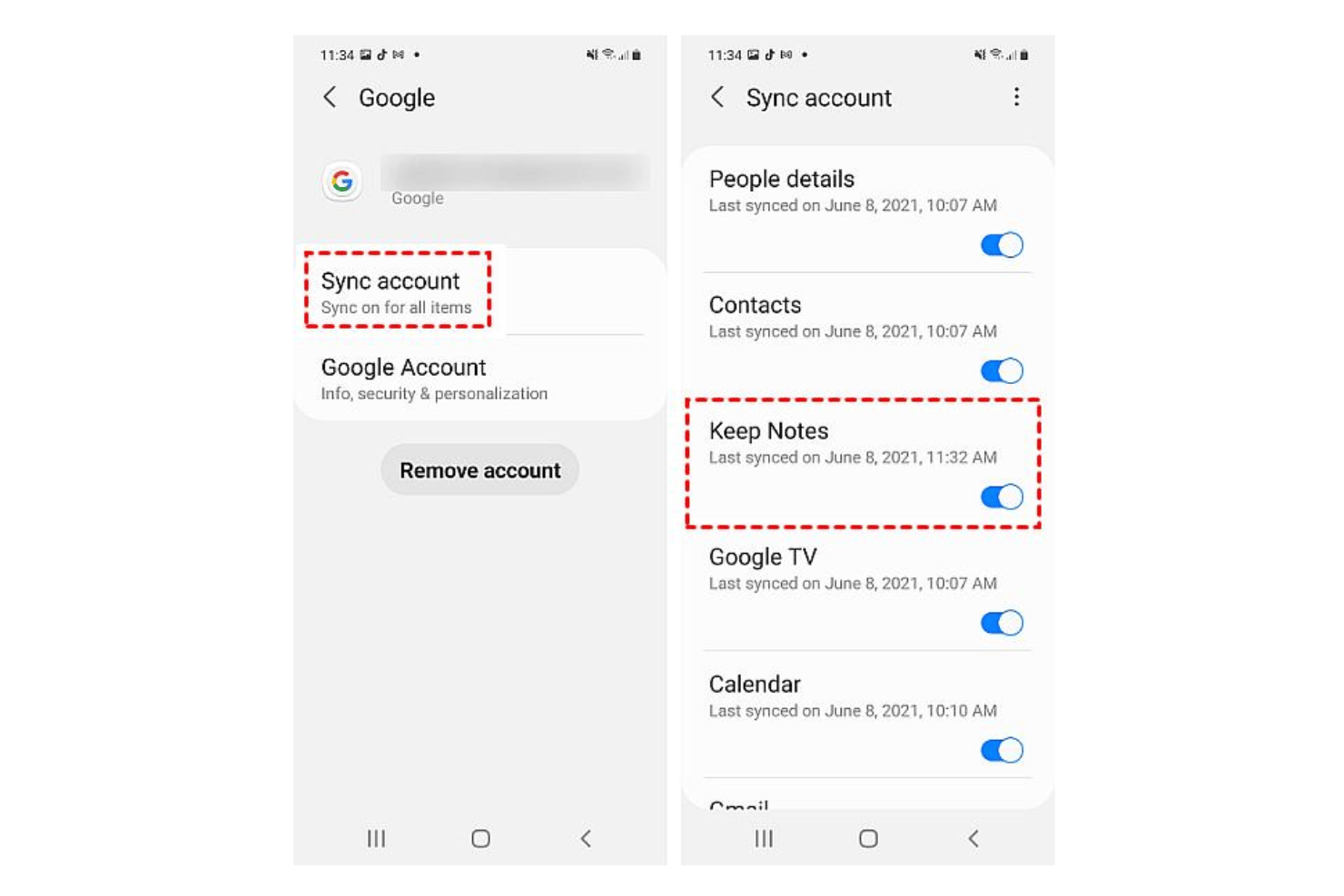
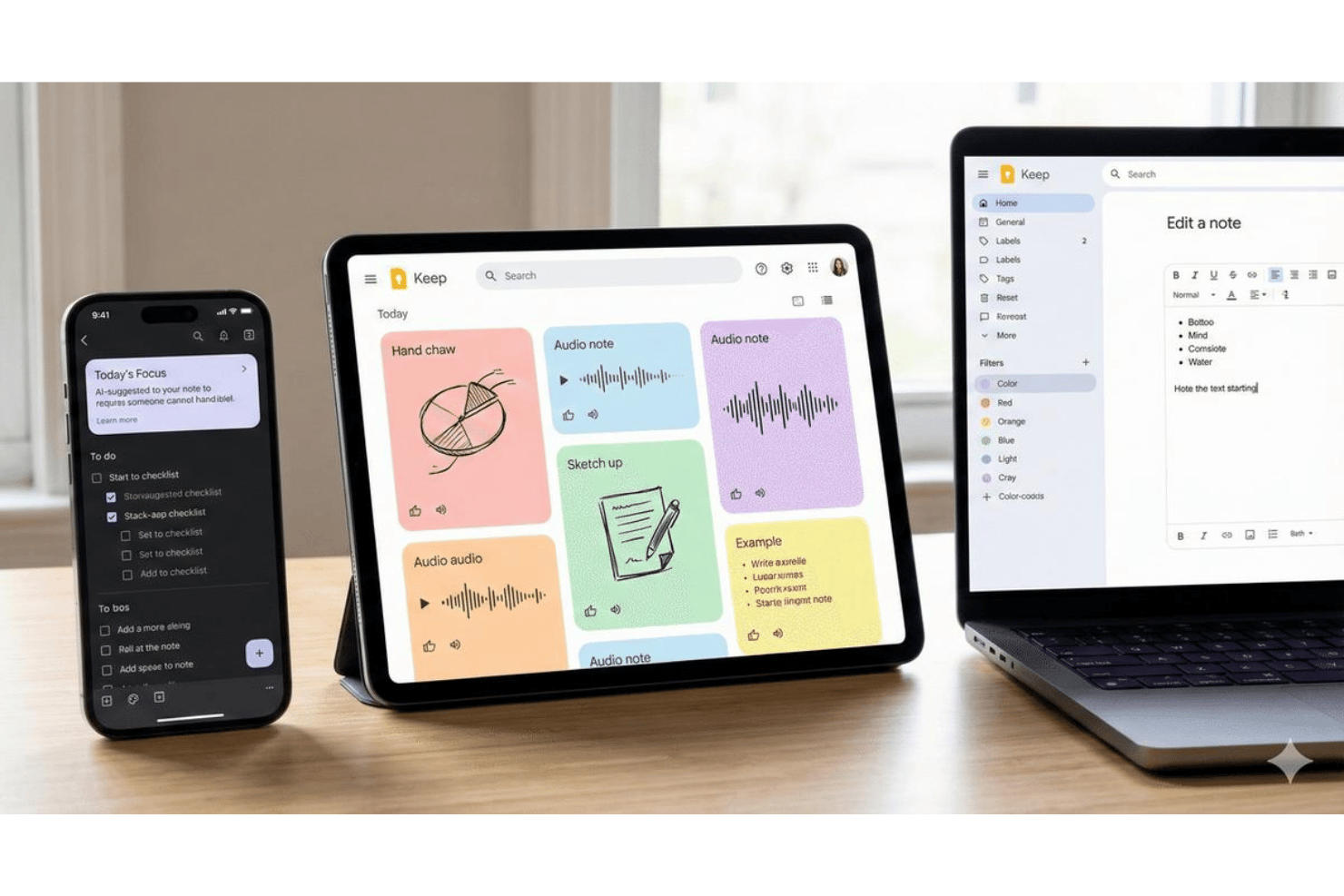
Your notes update instantly across all your synced devices. Capture an idea on your iPhone, Android phone, or iPad and see it on your desktop right away.
Voice Notes and Transcription
Record a voice note with one tap and Keep automatically transcribes it. This is invaluable when you’re running between meetings.
Image and Photo Notes
Snap a photo, upload a screenshot, or extract text from images using built-in OCR. You can annotate photos or add context directly within the note.
Color-Coding and Pinning
Assign colors to notes to sort visually at a glance. Pin important notes so they stay at the top of your list for fast access.
Reminders Based on Time or Location
Set a time-based or location-based reminder for any note. For example, get a notification when a deadline arrives or when you reach a specific location.
Collaboration and Shared Notes
Share notes with teammates to edit together in real time. Perfect for shared meeting agendas or project task lists.
Standout Features
Checklist Support Within Notes
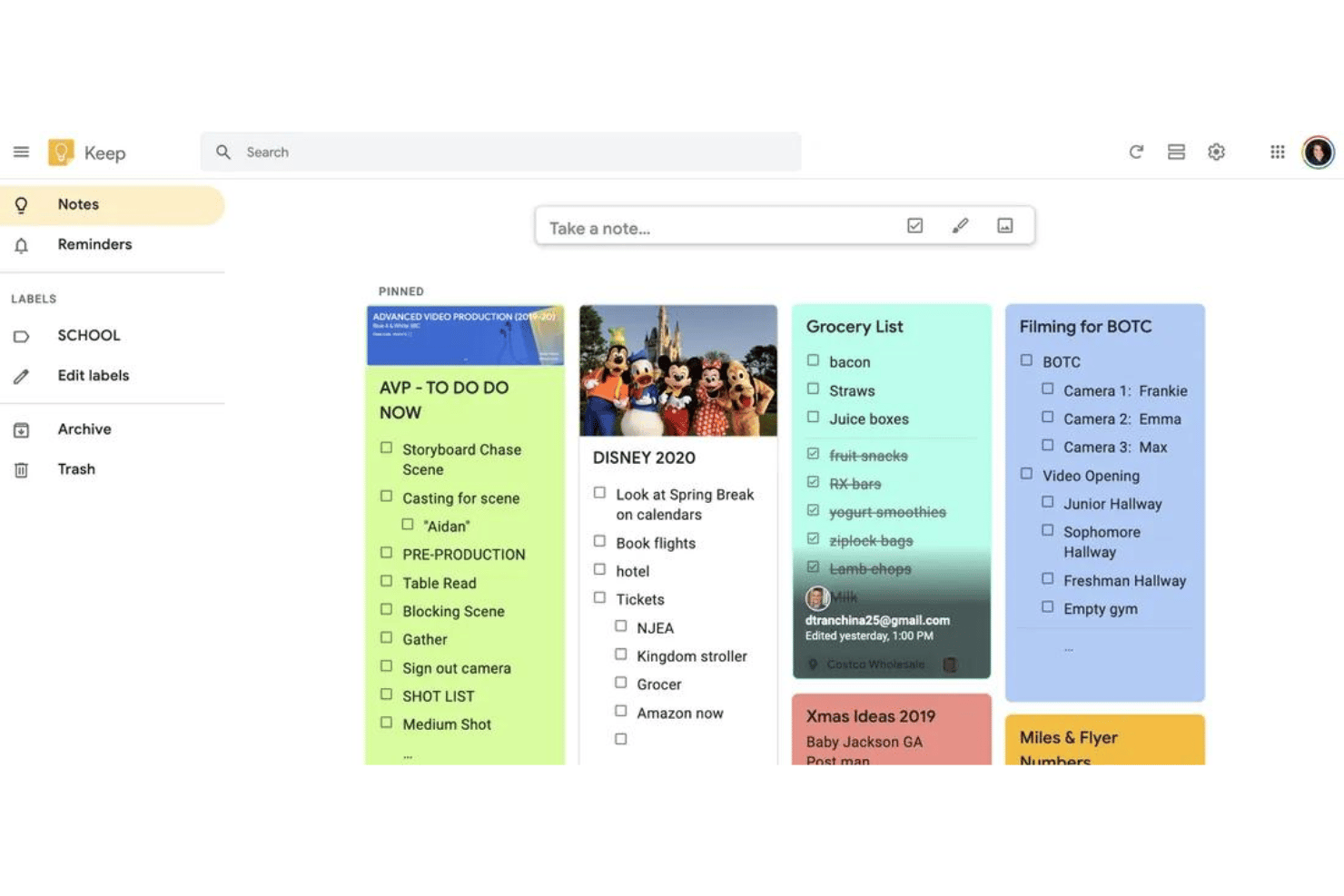
Turn any note into a checklist with interactive checkboxes. This helps you quickly track tasks or shopping lists without leaving the note.
Drag-and-Drop Reorganization
Easily reorder notes and items in lists with simple drag-and-drop. You can prioritize tasks or ideas on the fly, making it easy to adapt as projects shift.
Ease of Use
Google Keep nails user-friendliness—everything is stripped down for speed, with instant capture and color-coding just a tap away. I’ve noticed users love the drag-and-drop organization and checklist support, especially for juggling daily priorities. The simple design keeps features visible, not buried, with offline access built in so your notes are always available—even without a connection.
Onboarding
You can start using Google Keep within seconds—just sign in and tap to create a new note, with no guided tour needed. Most users say the setup is basically frictionless, but the flip side is limited in-app help or onboarding. For first-time users who get stuck, Google’s online help center and active user forums are your best resources.
Customer Support
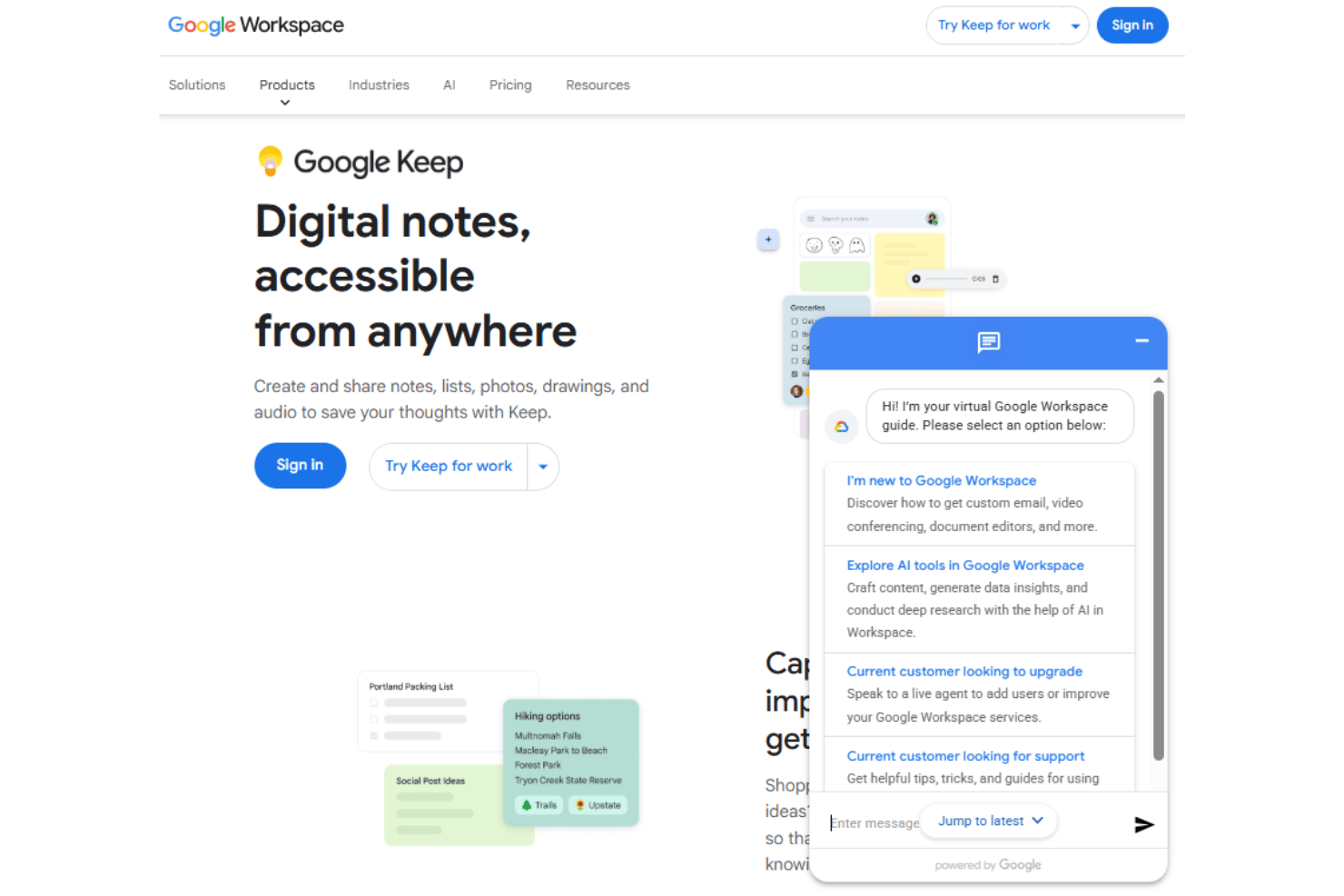
Google Keep doesn’t offer live chat or phone support, which puts more pressure on users to self-serve. Most people rely on the Google help center, FAQ articles, or active community forums for troubleshooting. While answers are usually easy to find, you won’t get tailored help or direct escalation for unique issues.
Integrations
Google Keep integrates with Google Drive, Google Docs, Google Calendar, Gmail, Google Assistant, Google Chrome, Google Maps, Google Gemini, and Android widgets.
Google Keep does offer an API, however it’s only available to Google Workspace enterprise administrators.
Value for Money
Google Keep’s free, unlimited note-taking includes cloud storage and appeals to anyone who needs a basic, no-cost solution with zero barriers to entry. User reviews consistently highlight the value of having reliable cloud sync and sharing without any subscription upcharge, which gives it an edge if you want straightforward functionality and don’t need complex features.
- Free: Full access to notes, reminders, sharing, and sync with your Google account; no paid tiers exist.
Google Keep Specs
- 2-Factor Authentication
- API
- Approval Workflows
- Audit Trail
- Batch Permissions & Access
- Chat
- Dashboard
- Data Export
- Data Import
- Document Comparison
- Document Sharing
- Electronic Signature
- Email Integration
- External Integrations
- File Sharing
- File Transfer
- Google Apps Integration
- History/Version Control
- Metadata Management
- Multi-User
- NDA Management
- Notifications
- Password & Access Management
- Project Management
- Template Designer
Google Keep FAQs
Can Google Keep handle bulk note imports or exports?
How secure is the data stored in Google Keep?
Are there audit logs or activity tracking in Google Keep?
Can you organize notes beyond color-coding and pinning?
How well does Google Keep work offline?
What happens if someone leaves the team or their Google account is deleted?
Is Google Keep compliant with GDPR, HIPAA, or other standards?
Google Keep Company Overview & History
Google Keep is a cloud-based note-taking app developed and maintained by Google LLC, a global technology company headquartered in Mountain View, California. Google employs over 180,000 people worldwide and is widely recognized for its vast suite of productivity products under Google Workspace, which includes Gmail, Drive, Calendar, Docs, and more. As a publicly traded company under Alphabet Inc. (NASDAQ: GOOGL), Google serves millions of individual and enterprise users, including many Fortune 500 companies. Google is known for its innovation-driven work culture and its influence on digital collaboration across industries.
Google Keep Major Milestones
- 2013: Google Keep publicly released as part of Google’s suite of consumer productivity tools.
- 2017: Google Keep became a core Google Workspace (formerly G Suite) product, enabling deeper integration with other Google productivity tools.
- 2020: Expanded availability and integrations announced alongside major Google Workspace rebranding.