

Content Workflow Review 2026: Pros, Cons, Features, and Pricing



Content Workflow by Bynder is a collaboration tool built for content teams that need structured editorial planning, templated content creation, and multi-stage approval workflows in one place. I'd consider it over something like Planable if your team is producing long-form or multi-channel content at scale and needs more control over content structure, workflow stages, and the full production lifecycle from brief to publish.
Content Workflow Evaluation Summary
- Pricing upon request
- 14-day free trial available
Why Trust Our Software Recommendations
Our team has been testing and reviewing software since 2012. As project managers ourselves, we know how difficult—and important—it is to choose the right software.
For this guide, we evaluated tools using hands-on testing and independent research, scoring tools using our selection criteria. We also draw on insights from industry thought leaders and practicing project management experts.
Our reviews reflect our human editorial judgment, not a sales pitch.
Expert reviewers:
Content Workflow Overview
If you’re judging Content Workflow, I think its customizable workflows and clean interface stand out when you’re wrangling complex content teams. The task approvals and comment threads beat the patchwork of shared docs, but you’ll want to weigh the per-user pricing if your team scales fast. Integrations with digital asset management outshine many tools for creative and brand teams, though onboarding can be involved for less technical users.
For anyone selecting a platform to manage multi-step reviews or versioning, I’d say Content Workflow is a clear pick for marketing departments or agencies demanding structure and transparency.
pros
-
Task-driven workflows support granular content approvals
-
Version control clearly tracks changes and feedback histories
-
Automatic audit trails simplify compliance tracking
cons
-
No built-in chat or real-time messaging features
-
Limited reporting compared to analytics-focused platforms
-
Onboarding process can feel lengthy for smaller teams
-

Smartsheet
Visit WebsiteThis rating combines scores from multiple user review sites to reflect overall customer sentiment about the product.4.5 -
Celoxis
Visit WebsiteThis rating combines scores from multiple user review sites to reflect overall customer sentiment about the product.4.5 -
Accelo
Visit WebsiteThis rating combines scores from multiple user review sites to reflect overall customer sentiment about the product.4.4





Our Review Methodology
How We Test & Score Tools
We’ve spent years building, refining, and improving our software testing and scoring system. The rubric is designed to capture the nuances of software selection and what makes a tool effective, focusing on critical aspects of the decision-making process.
Below, you can see exactly how our testing and scoring works across seven criteria. It allows us to provide an unbiased evaluation of the software based on core functionality, standout features, ease of use, onboarding, customer support, integrations, customer reviews, and value for money.
Core Functionality (25% of final scoring)
The starting point of our evaluation is always the core functionality of the tool. Does it have the basic features and functions that a user would expect to see? Are any of those core features locked to higher-tiered pricing plans? At its core, we expect a tool to stand up against the baseline capabilities of its competitors.
Standout Features (25% of final scoring)
Next, we evaluate uncommon standout features that go above and beyond the core functionality typically found in tools of its kind. A high score reflects specialized or unique features that make the product faster, more efficient, or offer additional value to the user.
We also evaluate how easy it is to integrate with other tools typically found in the tech stack to expand the functionality and utility of the software. Tools offering plentiful native integrations, 3rd party connections, and API access to build custom integrations score best.
Ease of Use (10% of final scoring)
We consider how quick and easy it is to execute the tasks defined in the core functionality using the tool. High scoring software is well designed, intuitive to use, offers mobile apps, provides templates, and makes relatively complex tasks seem simple.
Onboarding (10% of final scoring)
We know how important rapid team adoption is for a new platform, so we evaluate how easy it is to learn and use a tool with minimal training. We evaluate how quickly a team member can get set up and start using the tool with no experience. High scoring solutions indicate little or no support is required.
Customer Support (10% of final scoring)
We review how quick and easy it is to get unstuck and find help by phone, live chat, or knowledge base. Tools and companies that provide real-time support score best, while chatbots score worst.
Customer Reviews (10% of final scoring)
Beyond our own testing and evaluation, we consider the net promoter score from current and past customers. We review their likelihood, given the option, to choose the tool again for the core functionality. A high scoring software reflects a high net promoter score from current or past customers.
Value for Money (10% of final scoring)
Lastly, in consideration of all the other criteria, we review the average price of entry level plans against the core features and consider the value of the other evaluation criteria. Software that delivers more, for less, will score higher.
Core Features
Customizable Workflow Templates
Set up reusable templates for multi-step content approvals. Teams can map their real processes and trigger automatic task handoffs.
Content Version Control
Manage every edit and feedback cycle in a central timeline. Users can view, compare, and restore earlier versions with a single click.
Task Assignment and Tracking
Assign, schedule, and monitor tasks on a shared dashboard. Everyone always knows what’s next and who’s responsible.
Automated Audit Trail
Every action is time-stamped and logged for compliance. You get a tracked record of feedback and approvals for peace of mind.
Commenting and Mentions
Collaborators can add feedback, tag teammates, and keep discussions attached to work items. This reduces lost emails and miscommunication.
Content Publishing Calendar
Visualize campaign timelines and publishing dates on a shared calendar. It’s easy to spot conflicts and coordinate across channels.
Ease of Use
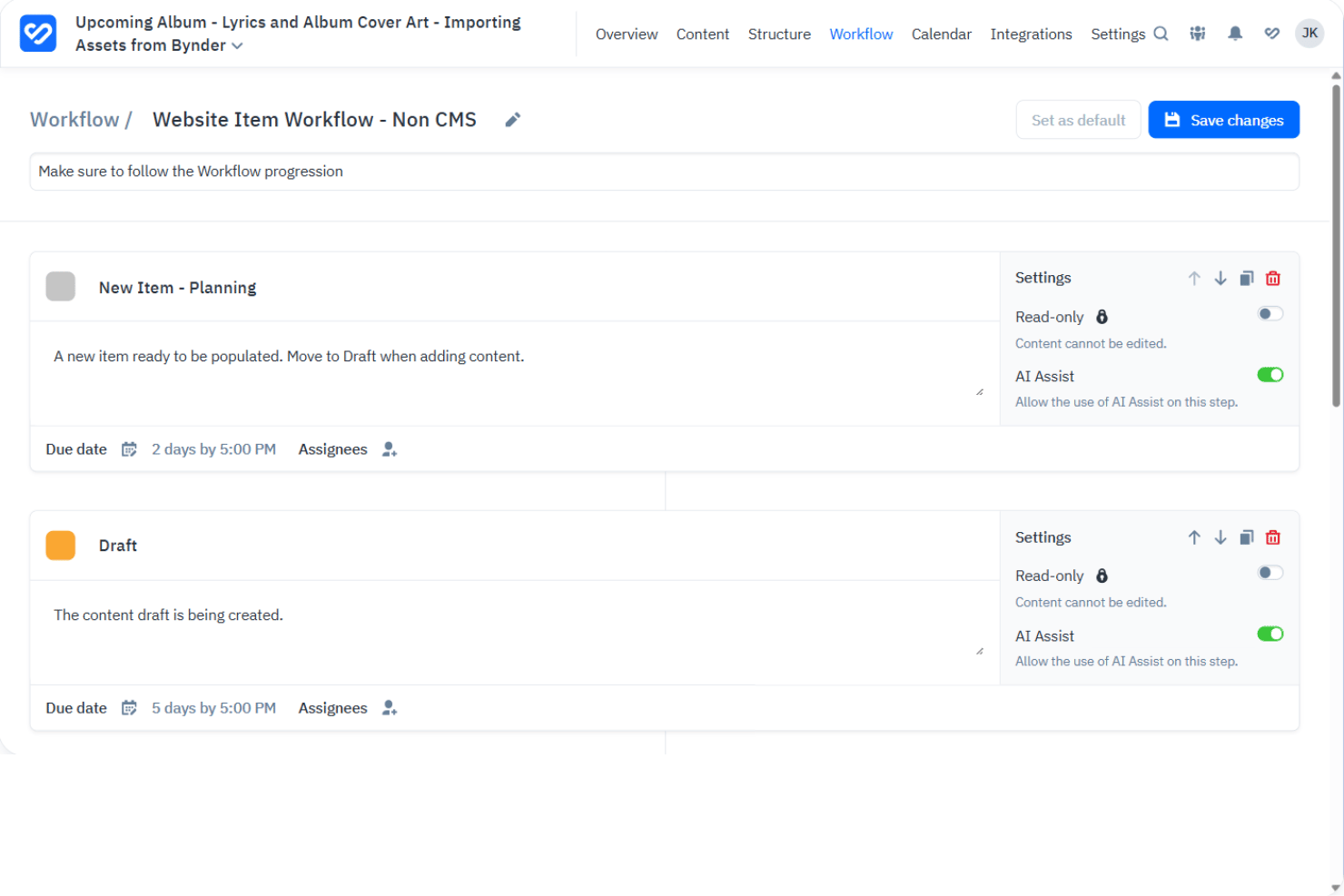
Content Workflow feels intuitive once workflows are set up, thanks to a clean dashboard and focused task management. The document timelines and in-line comments make complex approvals simpler to navigate.
I’ve seen some users mention that initial onboarding can be heavy, but its logical interface and visual progress make content collaboration much less chaotic.
Integrations
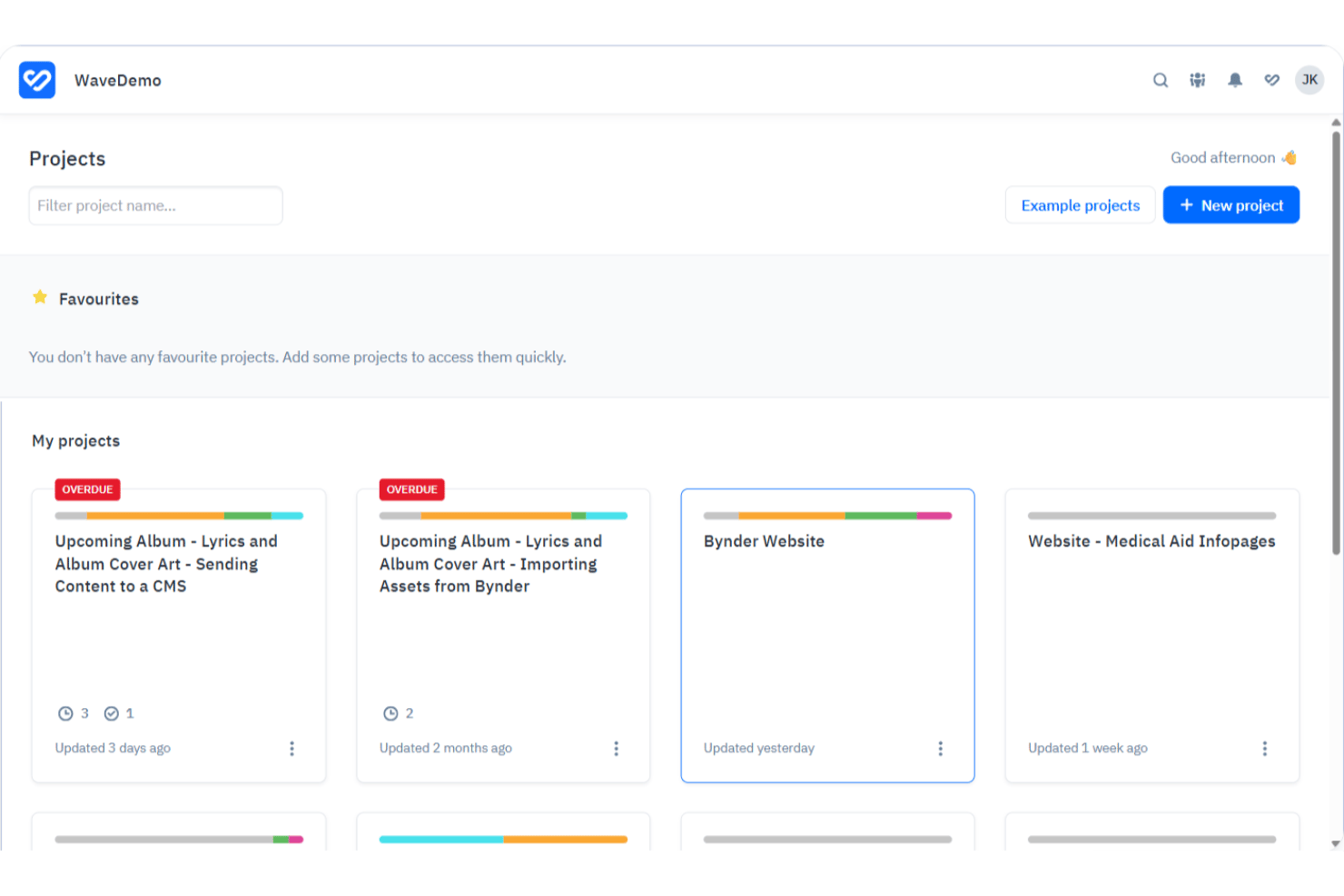
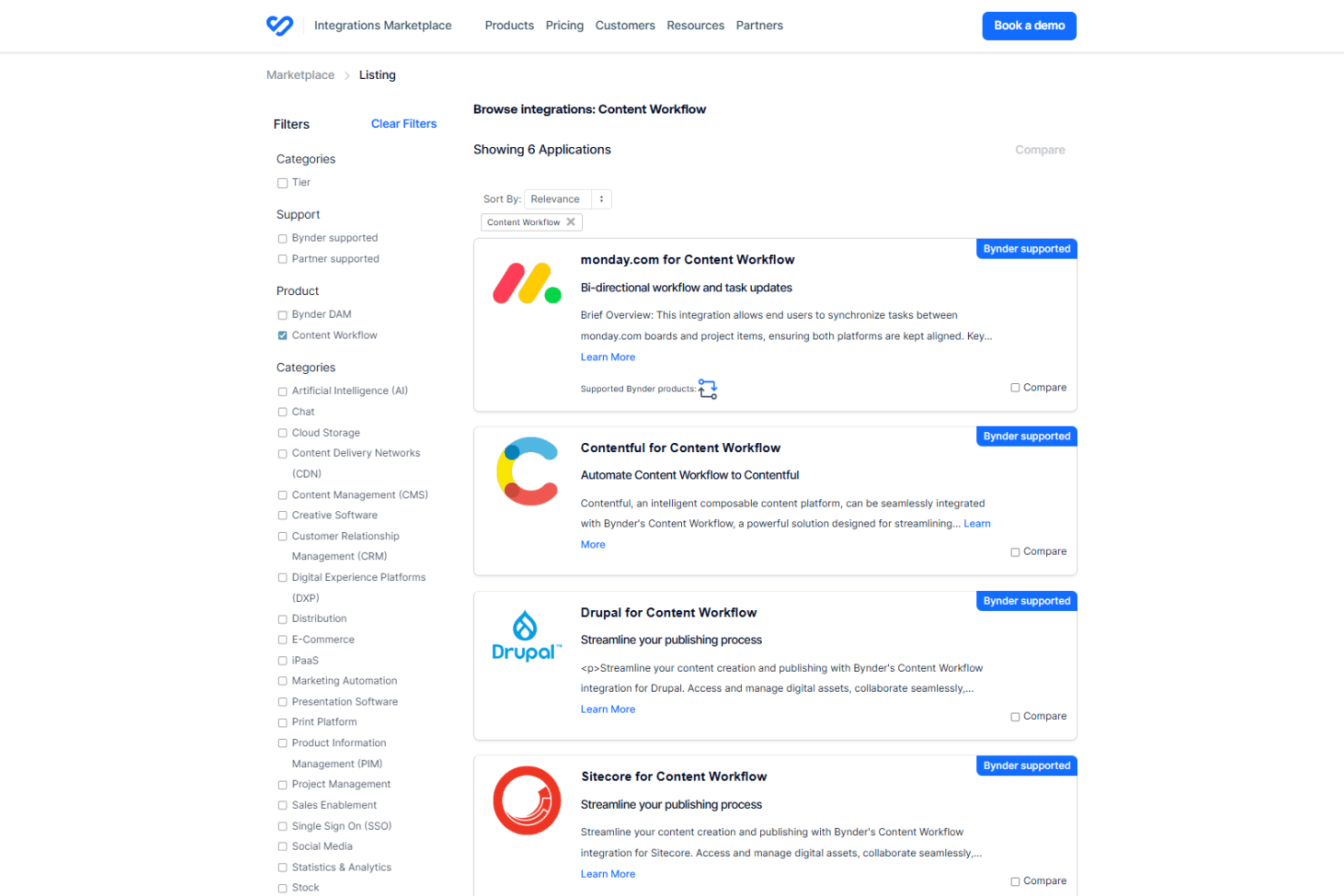
Content Workflow integrates with Bynder DAM, Google Drive, Dropbox, Jira, Slack, Microsoft Teams, Office 365, WordPress, Drupal, and SharePoint, among others.
Content Workflow also offers an API for custom integrations and integrates with several third-party tools.
Content Workflow Specs
- A/B Testing
- Energy Production Estimates
- Geo-filtering
- Inventory Tracking
- Materials Library
- Media Streaming
- SCORM
- SEO
- Shading Analysis


