


Clio vs. Rocket Matter: Full Comparison & Expert Reviews in 2026



Juggling deadlines, clients, and compliance in your legal practice is tough enough without the wrong tools slowing you down. If you’re wondering whether Clio or Rocket Matter is the smarter choice for your firm, you’re not alone—both platforms promise to simplify your day, but each takes a different approach to legal project management software.
In this article, you’ll find a side-by-side comparison of Clio and Rocket Matter, with a clear look at their pros, cons, best-fit use cases, pricing, security, and everyday usability. By the end, you’ll be ready to pick the software that actually works for the way you practice law.
Clio vs. Rocket Matter: An Overview
Clio
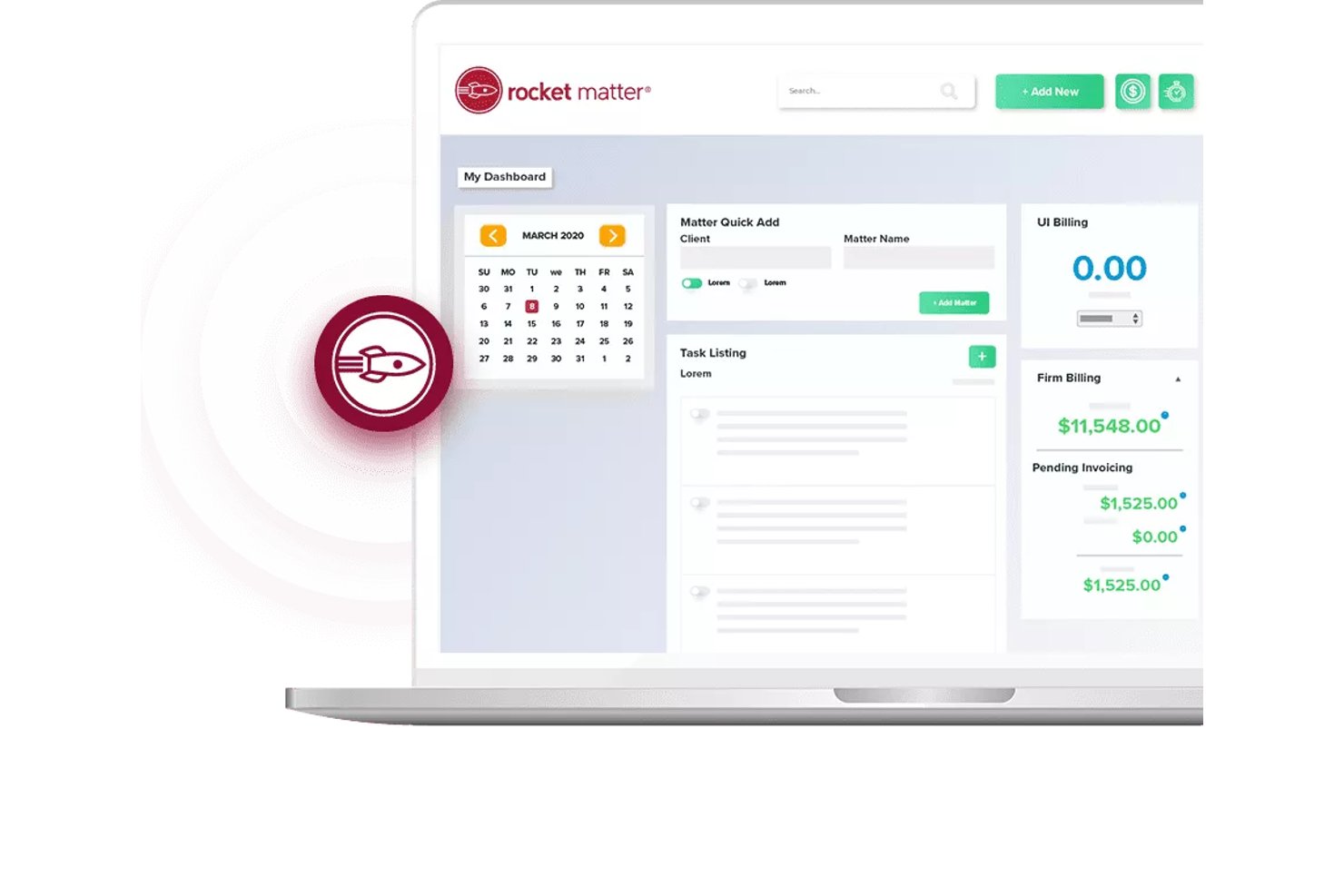
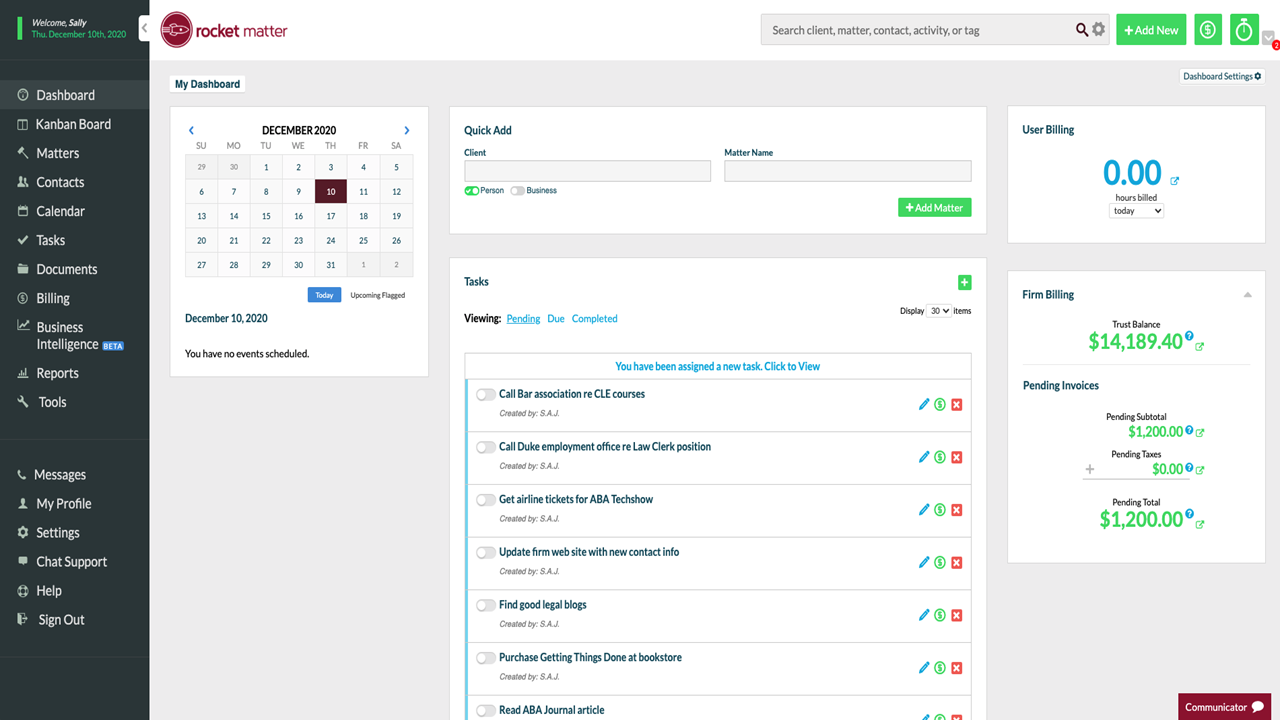
Rocket Matter
Why Trust Our Software Recommendations
Our team has been testing and reviewing software since 2012. As project managers ourselves, we know how difficult—and important—it is to choose the right software.
For this guide, we evaluated tools using hands-on testing and independent research, scoring tools using our selection criteria. We also draw on insights from industry thought leaders and practicing project management experts.
Our reviews reflect our human editorial judgment, not a sales pitch.
Expert reviewers:
Clio vs. Rocket Matter Pricing Comparison
| Clio | Rocket Matter | |
|---|---|---|
| Free Trial | Free trial available | 10-day free trial + free demo available |
| Pricing | From £79/user/month | From $59/user/month (billed annually) |
Clio vs. Rocket Matter Pricing & Hidden Costs
Clio and Rocket Matter both use tiered subscription models with different feature sets at each level, so your access to advanced tools depends on your plan. Both also charge per user, meaning your costs will scale as your team grows, and you might pay extra for things like e-signatures or specialty integrations. Be aware that add-on features and support options can increase your total price with either tool.
Instead of just comparing sticker prices, I recommend mapping out the exact features you’ll actually use and looking for any gaps that could force you into a higher tier. Take a close look at which integrations come standard versus paid add-ons, and double-check support and migration fees if you’re switching from another practice management system. This way, you can spot any hidden costs before making your decision—so you’re not surprised down the road.
Clio vs. Rocket Matter Feature Comparison
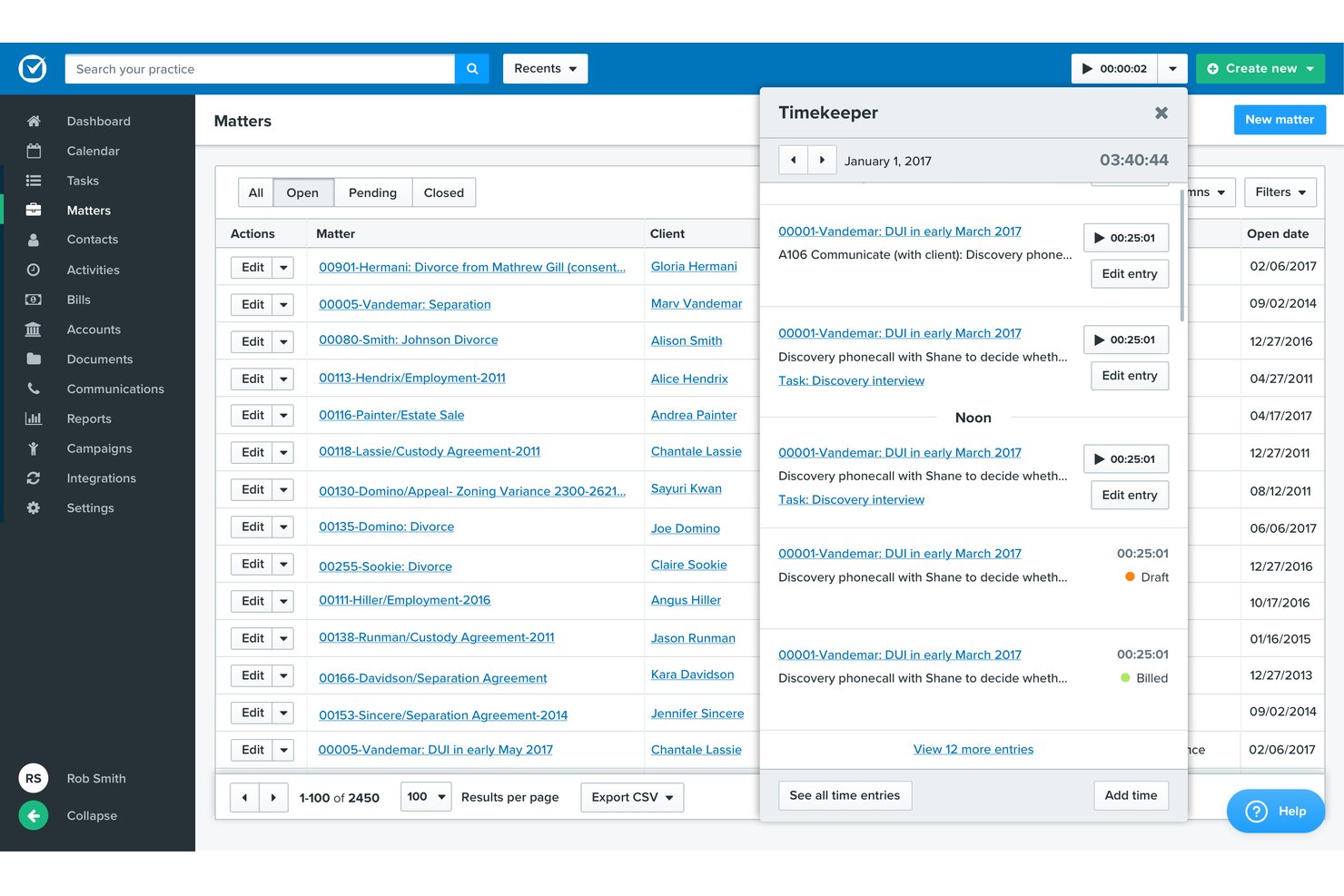
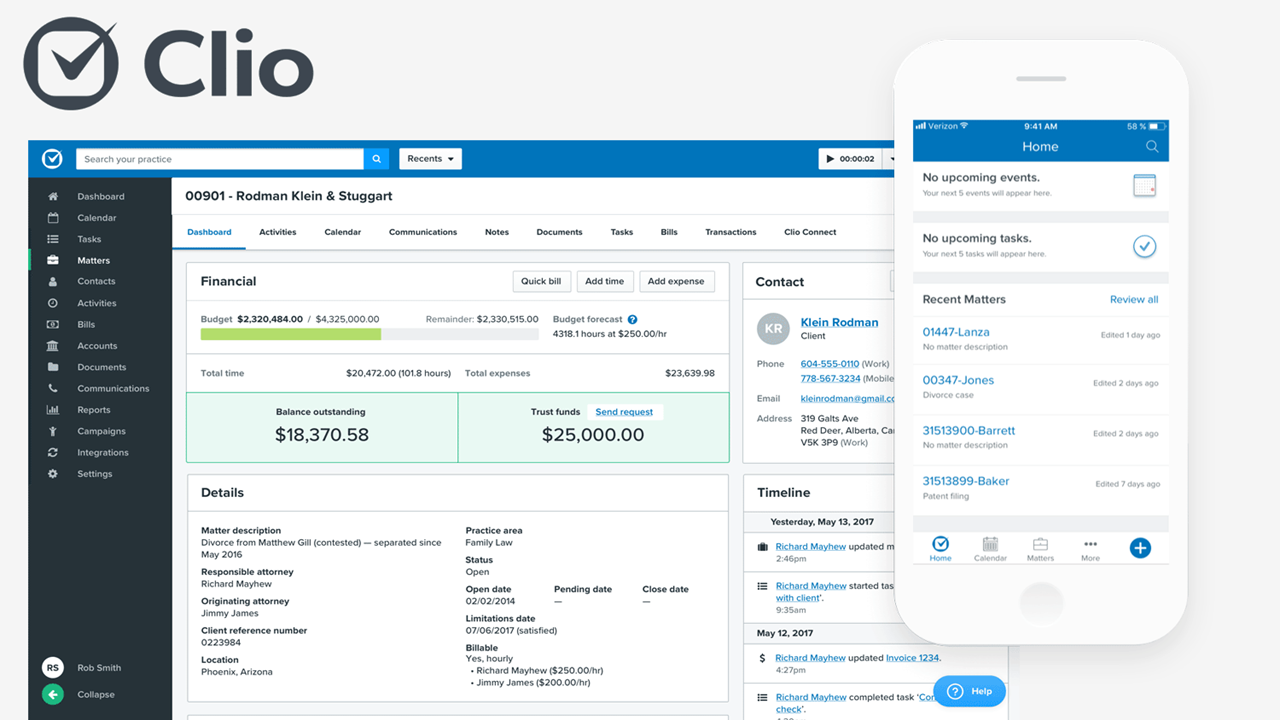
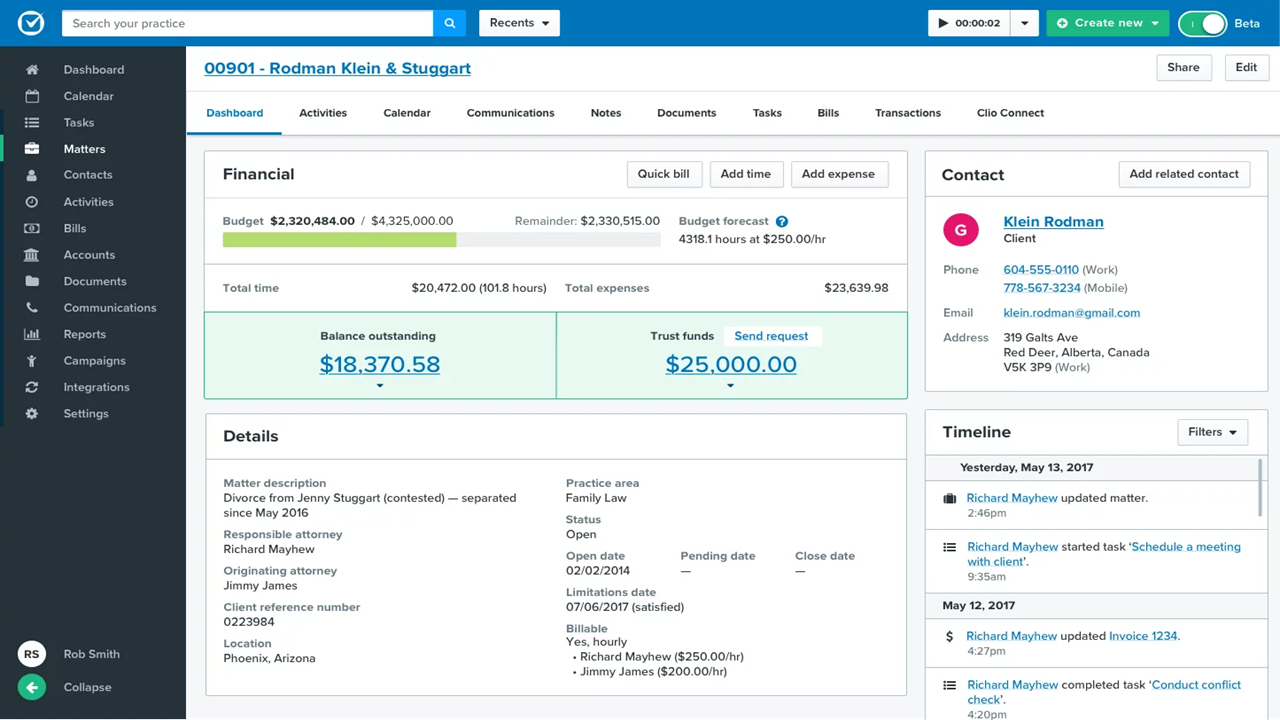
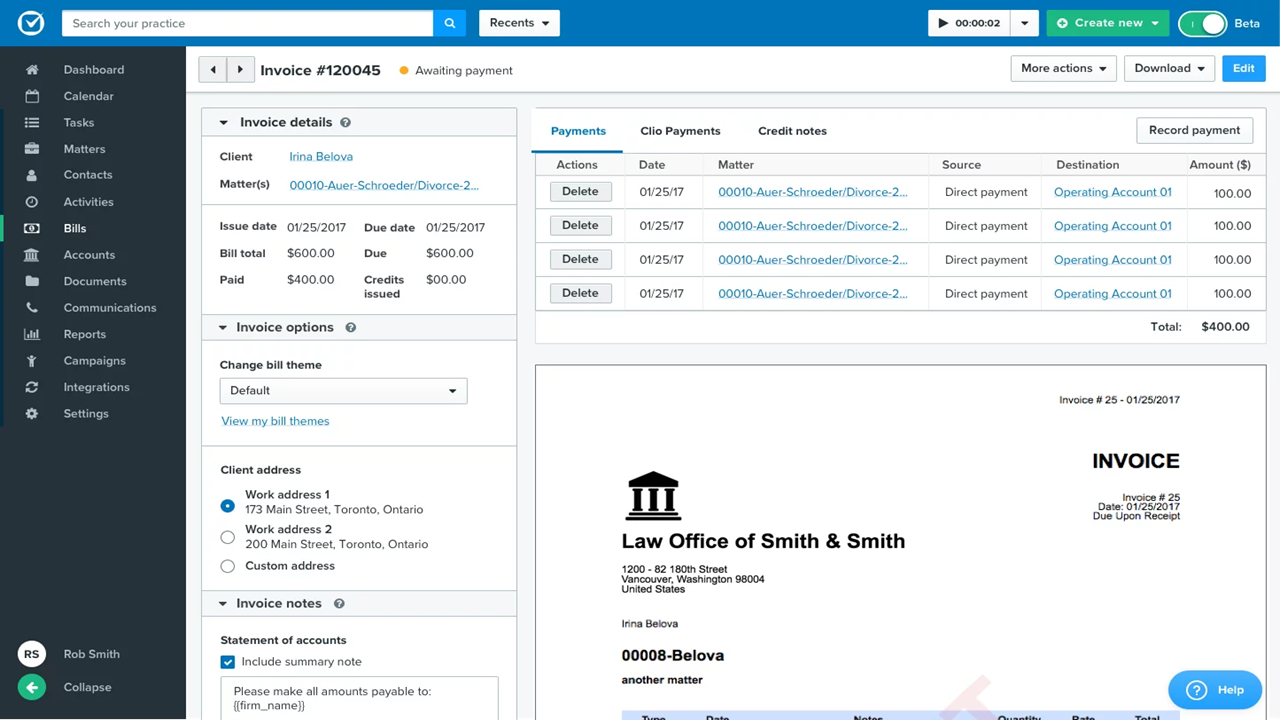
Both Clio and Rocket Matter pack in legal case management, document storage, time tracking, matter-centric calendars, and billing tools—all the bread and butter features you’d expect in practice management software for lawyers. They each support robust reporting and client communications, so you keep everything organized in one place.
But Clio pulls ahead with its massive integration marketplace and unique client intake workflows, giving you automation and connection options you won’t find elsewhere. Rocket Matter stands out for its built-in advanced billing flexibility, along with productivity tools like its native document automation and gamified user dashboards that add a little fun to your daily routine.
| Clio | Rocket Matter | |
|---|---|---|
| 2-Factor Authentication | ||
| API | ||
| Approval Workflows | ||
| Audit Trail | ||
| Calendar Management | ||
| Compliance Tracking | ||
| Contract Management | ||
| Custom Reports | ||
| Customer Management | ||
| Data Export | ||
| Data Import | ||
| Document Management | ||
| External Integrations | ||
| Multi-User | ||
| NDA Management | ||
| Notifications | ||
| Policy Management | ||
| Scheduling | ||
| Workflow Management |
Clio vs. Rocket Matter Integrations
| Integration | Clio | Rocket Matter |
|---|---|---|
| QuickBooks Online | ✅ | ✅ |
| Dropbox | ✅ | ✅ |
| Microsoft 365 | ✅ | ✅ |
| Google Workspace | ✅ | ✅ |
| Xero | ✅ | ❌ |
| LawPay | ✅ | ✅ |
| Box | ✅ | ❌ |
| Lexicata | ✅ | ❌ |
| Evernote | ✅ | ❌ |
| HubSpot | ✅ | ✅ |
| API | ✅ | ✅ |
| Zapier | ✅ | ✅ |
Clio offers a wider range of direct integrations, especially for document management and client intake, while Rocket Matter covers the essentials. Both support APIs, but Clio’s larger integration marketplace means you’ll have more flexibility if you’re looking to build a highly connected tech stack. Keep in mind that Rocket Matter’s Zapier integration is only available on higher-tier plans, so if that connection is necessary for you, be prepared to pay more.
Clio vs. Rocket Matter Security, Compliance & Reliability
| Factor | Clio | Rocket Matter |
|---|---|---|
| Data Encryption | Uses industry-standard encryption for data in transit and at rest. | Uses industry-standard SSL/TLS encryption for data in transit and at rest. |
| Regulatory Compliance | SOC 2 Type II certified with GDPR-aligned practices and regular audits. | GDPR-aligned with strong security practices designed for legal professionals. |
| Access Controls | Granular role-based permissions and two-factor authentication. | Role-based permissions and two-factor authentication. |
| Data Backups | Automatic daily backups with geographically redundant storage. | Daily backups stored in secure offsite locations. |
| Uptime & Reliability | High uptime with transparent system status and incident reporting. | Reliable performance with a stated uptime target around 99.9%. |
Both Clio and Rocket Matter take security seriously, and you’ll get the core protections you’d expect from modern legal practice management software. In my experience, Clio feels a bit more enterprise-ready, especially when it comes to transparency around audits and infrastructure. Rocket Matter still checks the right boxes, though—it’s secure, reliable, and straightforward to configure without a lot of overhead.
Clio vs. Rocket Matter Ease of Use
| Factor | Clio | Rocket Matter |
|---|---|---|
| User Interface | Clean, modern design with customizable dashboards and intuitive navigation. | Simple, colorful interface with straightforward menu layouts. |
| Onboarding & Setup | Step-by-step onboarding guides and a large library of self-serve resources. | Live onboarding support and easy-import tools for faster setup. |
| Learning Curve | Quick to pick up for most users, with plenty of built-in tips. | Very short learning curve, especially for users familiar with legal work. |
| Customer Support | 24/5 live chat, phone, and email support, plus deep help docs. | Renowned for friendly, hands-on live support and fast responses. |
| Mobile Experience | Highly rated iOS and Android apps that mirror key desktop features. | Mobile app covers basics well but is less feature-rich than Clio’s. |
Both tools are truly beginner-friendly, but Rocket Matter is especially easy for newcomers, while Clio makes it simple to scale and customize as you grow. I find Rocket Matter’s personal support responsive and confidence-boosting, but Clio’s interface and mobile app make everyday work a bit more user-friendly.
Clio vs Rocket Matter: Pros & Cons
Clio
- Built-in time tracking links directly to billing.
- Task lists automate recurring workflows for cases.
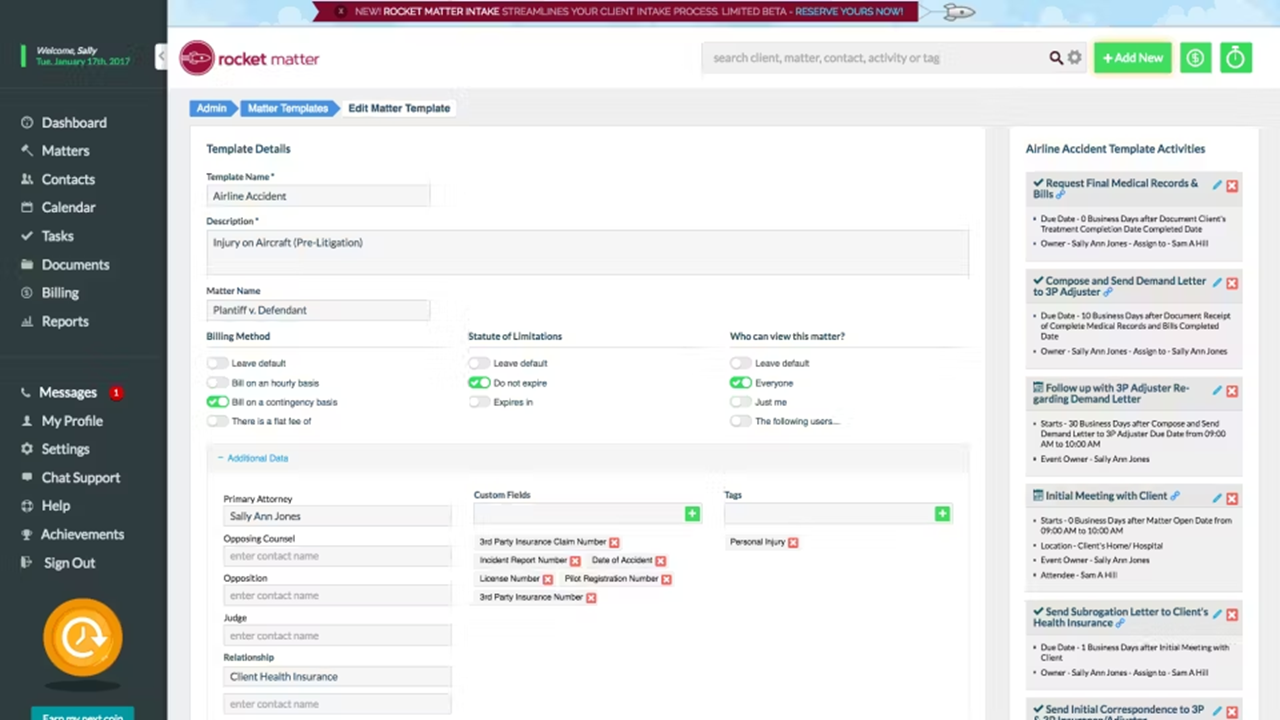
- Custom matter templates match legal practice areas.
- Mobile app features lag behind desktop version.
- Reporting tools feel limited for complex performance analysis.
- Automated task dependencies are missing for multi-step projects.
Rocket Matter
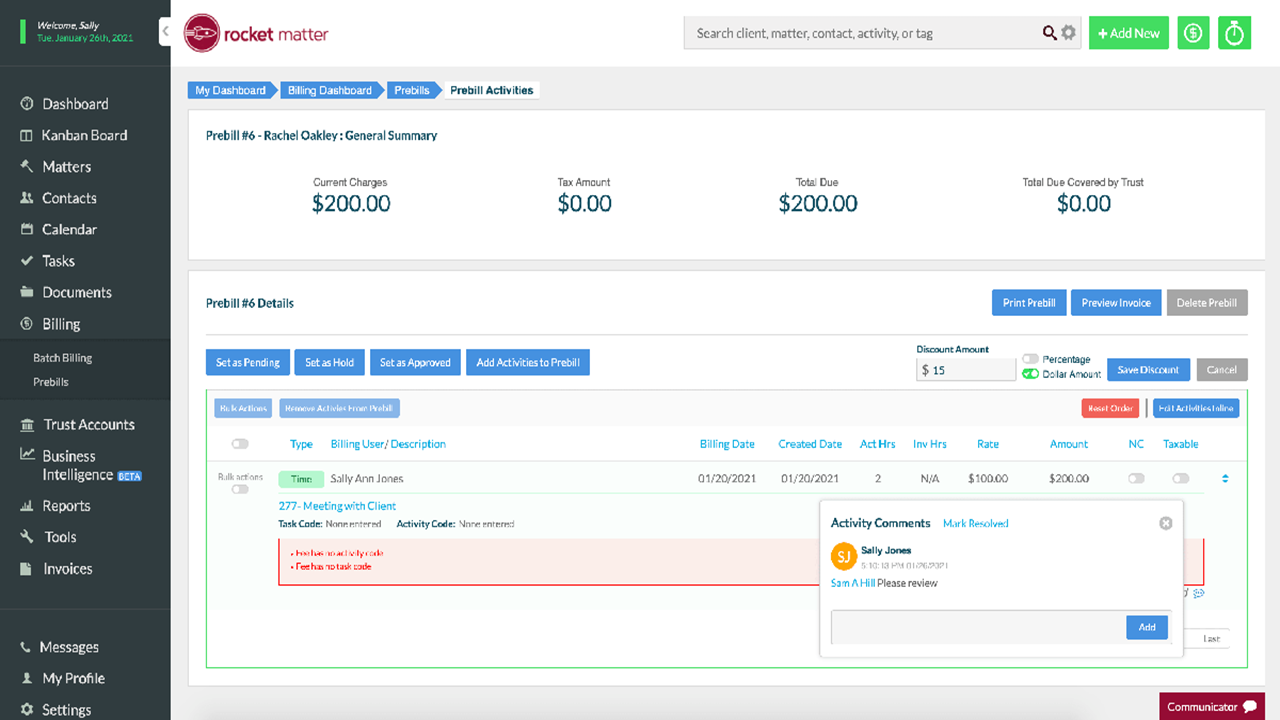
- Robust legal billing and trust accounting features
- Strong document management with built-in templates
- Responsive customer support tailored for legal teams
- No built-in client intake or CRM workflows
- Task management lacks advanced dependencies and automations
- Some users report occasional sluggish performance with large matters
Best Use Cases for Clio and Rocket Matter
Clio
- Solo Practitioners Clio’s easy setup, client intake, and end-to-end workflow tools support solo lawyers with busy caseloads.
- Small Law Firms Teams of up to 20 gain from built-in document automation, secure case files, and collaborative calendars.
- Mid-Size Law Firms Growing firms value Clio’s advanced reporting, trust accounting, and task tracking across diverse practice areas.
- Legal Administrators Admins use the platform to manage billing, client intake, and compliance tasks with audit trails and status monitoring.
- Family Law Practices Document management, deadline tracking, and client communication features suit firms handling sensitive, ongoing matters.
- Litigation Departments Calendaring, document storage, and court deadline automation streamline high-volume litigation work.
Rocket Matter
- Boutique Law Firms Firms benefit from affordable access to billing, matter management, and trust accounting.
- Legal Departments Teams can track matters, document approvals, and compliance with Rocket Matter’s workflows.
- Solo Practitioners Solo lawyers get an all-in-one platform for client file and billing without needing IT staff.
- Family Law Practices Rocket Matter supports detailed recordkeeping, client communications, and document assembly.
- Estate Planning Firms Template management and secure file storage help estate lawyers manage complex paperwork.
- Litigation Teams Calendaring and secure task assignment help litigation groups stay on top of court dates.
Who Should Use Clio, and Who Should Use Rocket Matter?
Clio is the better fit if you want a more polished, scalable platform that can grow with your firm over time. I typically recommend it for mid-sized to larger firms—or smaller firms that expect to expand—because of its broader ecosystem, integrations, and stronger reporting capabilities. If you value flexibility, customization, and a more “enterprise-grade” feel, you’ll likely feel more at home with Clio.
Rocket Matter, on the other hand, makes more sense if you want something simpler and easier to get up and running. I’ve found it works especially well for solo lawyers and small law firms that don’t need a ton of complexity but still want solid core features. If your priority is ease of use, quick setup, and predictable pricing, Rocket Matter is usually the more practical choice.
Differences Between Clio and Rocket Matter
| Clio | Rocket Matter | |
|---|---|---|
| Client Intake & CRM | Strong intake tools with automation, forms, and CRM-like pipeline tracking. | Basic intake features with less emphasis on pipeline-style client management. |
| Customization | Highly customizable dashboards, workflows, and reporting. | Simpler setup with more fixed workflows and templates. |
| Integration Depth | Largest integration marketplace with advanced automation and intake tools. | Integrates with core legal and productivity apps only. |
| Mobile Experience | Robust mobile app with strong feature parity for managing cases on the go. | Mobile app is functional but less comprehensive than desktop experience. |
| Scalability | Designed to support scaling firms with complex workflows and multi-user collaboration. | Better suited for smaller teams with simpler operational needs. |
| Read Clio ReviewOpens new window | Read Rocket Matter ReviewOpens new window |
Similarities Between Clio and Rocket Matter
| Client Communication | Both offer built-in tools for communicating with clients, including secure messaging or integrations that keep conversations tied to matters. |
|---|---|
| Legal Case Management | Both let you track matters, documents, tasks, and deadlines all in one place, making legal project coordination much easier. |
| Reporting & Analytics | Both offer detailed reporting on cases, billing, and productivity, giving teams better insights to manage workflows and profits. |
| Task & Workflow Management | Each platform includes task assignment, calendaring, and workflow tracking to help teams stay organized and meet deadlines. |
| Time and Billing | Both support time entry, customizable invoices, and trust accounting, helping firms capture more billable hours accurately. |
| Read Clio ReviewOpens new window Read Rocket Matter ReviewOpens new window | |