



Clio vs. PracticePanther: Comparison & Expert Reviews For 2026



You’re juggling cases, deadlines, and documents—and trying to find the right tools to keep your legal team on track. Clio and PracticePanther both promise to help, but choosing between them isn’t always straightforward. When you’re looking for project management software for lawyers, you need more than a feature list—you need real answers about how these platforms fit your workflow.
In this article, I’ll walk you through a side-by-side comparison of Clio and PracticePanther. You’ll get insights into pros and cons, top use cases, pricing, security, and usability to help you make a confident choice.
Clio vs. PracticePanther: An Overview
Clio
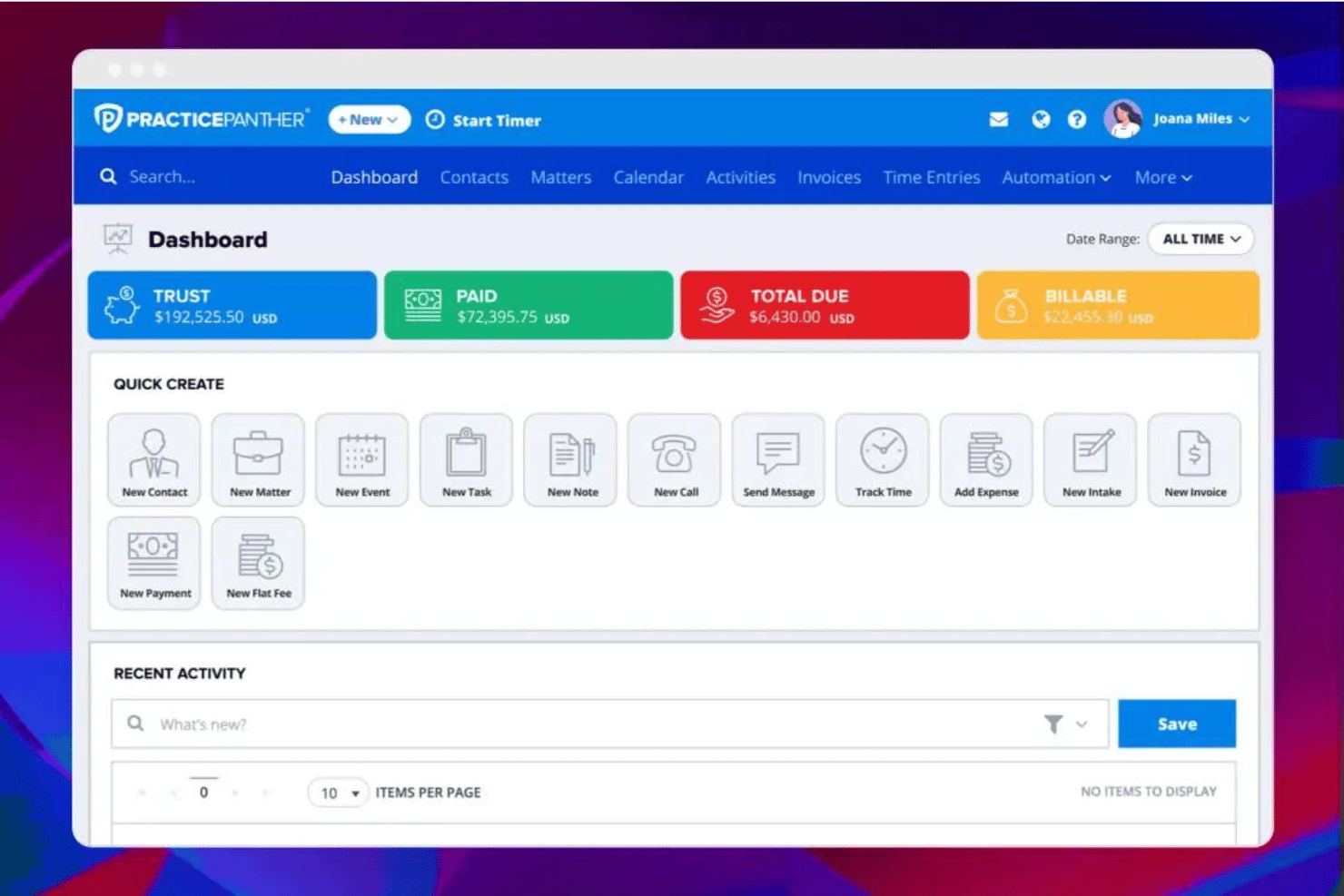
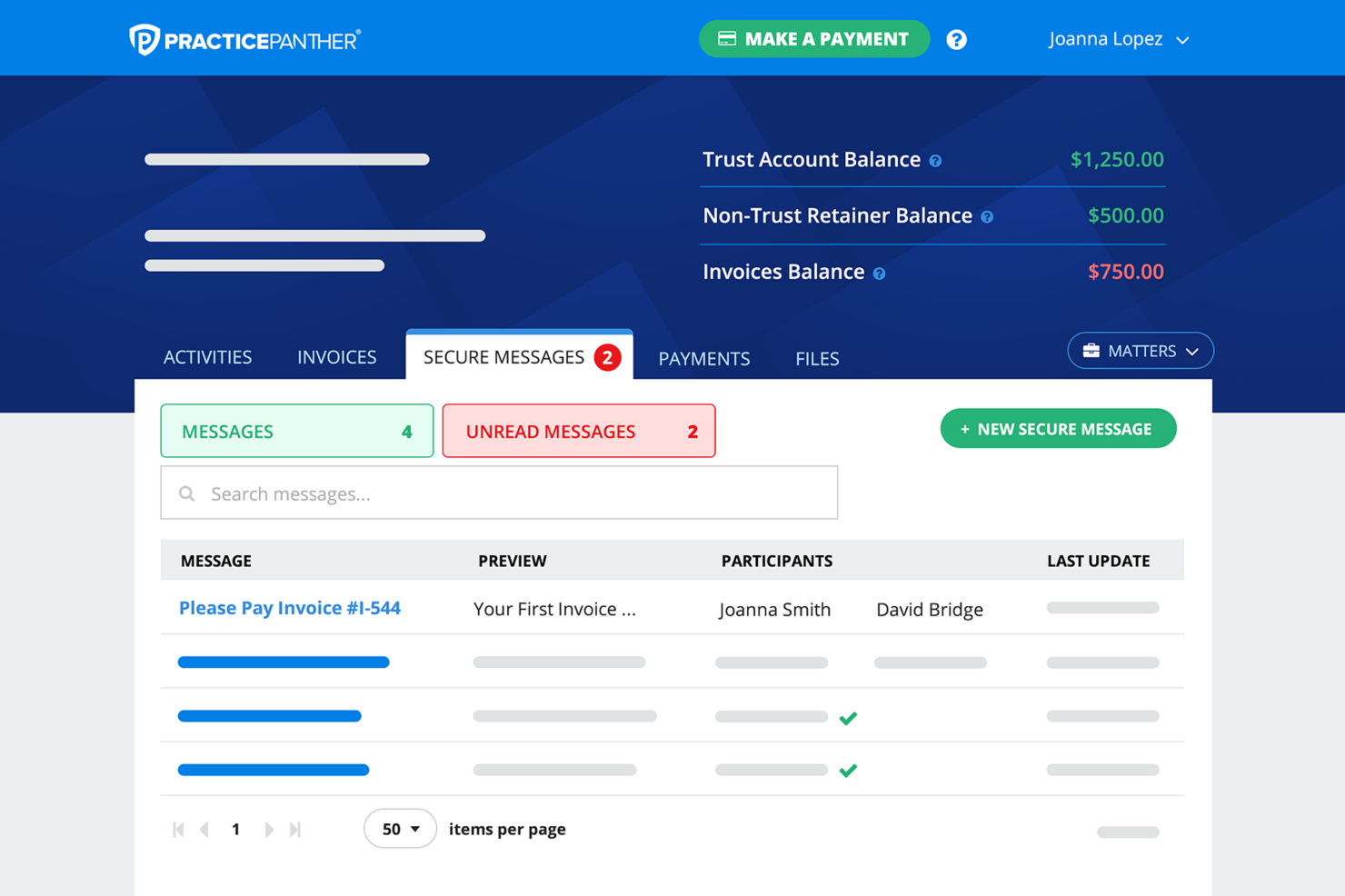
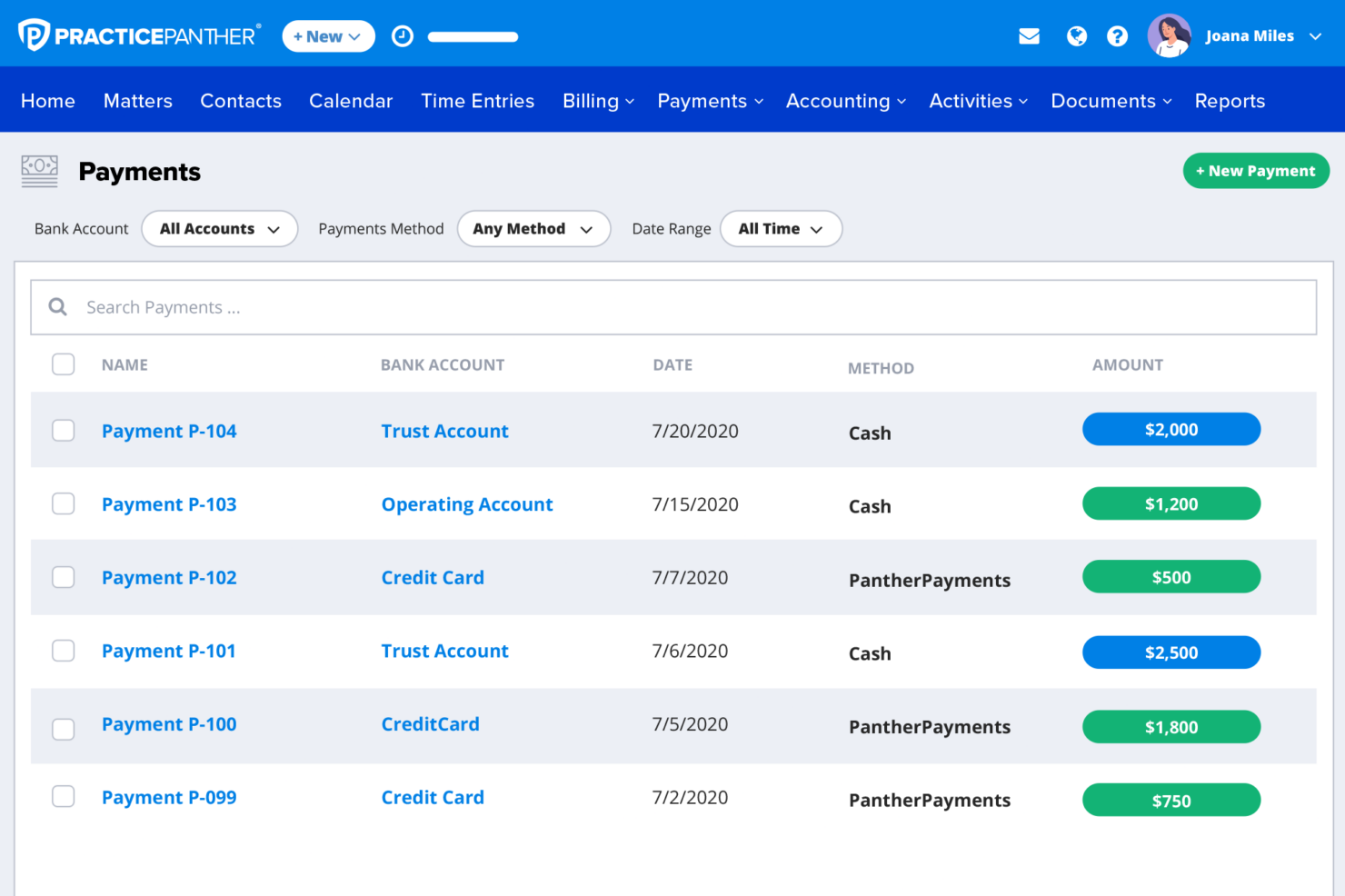
PracticePanther



Why Trust Our Software Recommendations
Our team has been testing and reviewing software since 2012. As project managers ourselves, we know how difficult—and important—it is to choose the right software.
For this guide, we evaluated tools using hands-on testing and independent research, scoring tools using our selection criteria. We also draw on insights from industry thought leaders and practicing project management experts.
Our reviews reflect our human editorial judgment, not a sales pitch.
Expert reviewers:
Clio vs. PracticePanther Pricing Comparison
| Clio | PracticePanther | |
|---|---|---|
| Free Trial | Free trial available | 7-day free trial + free demo available |
| Pricing | From £79/user/month | From $59/user/month |
Clio vs. PracticePanther Pricing & Hidden Costs
Clio and PracticePanther both use subscription-based pricing, with tiered plans based on features and firm needs. Entry-level pricing starts at the same point, but the way costs scale is different. Clio uses a more modular approach, where advanced capabilities—like CRM, accounting, and document automation—are often sold as add-ons. PracticePanther, by contrast, includes more features directly in its higher-tier plans, with fewer separate add-ons.
That difference matters when you’re budgeting. With Clio, your total cost can increase as you layer in additional tools. With PracticePanther, pricing is generally more predictable, but you’ll need to move up tiers to unlock advanced functionality. Both platforms include core case management, billing, and client communication features, but higher-end reporting, automation, and financial tools sit behind more expensive plans.
Clio vs. PracticePanther Feature Comparison
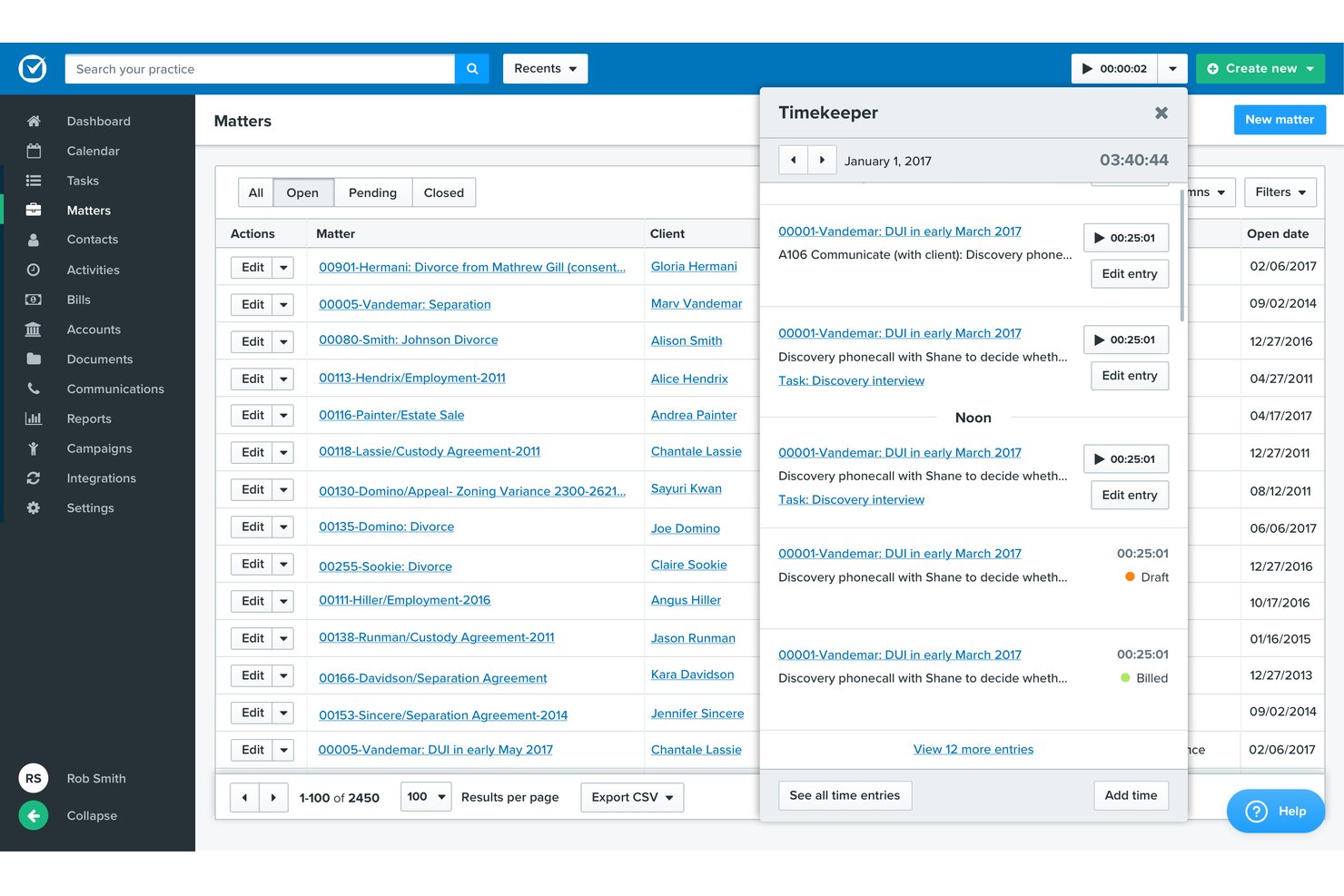
Both Clio and PracticePanther cover the same core foundation you’d expect from modern legal practice management software. You’re getting case and matter management, time tracking, billing, document management, and client communication tools in both platforms—along with client portals and workflow automation to keep your firm organized and efficient.
Where they start to separate is in how they extend those basics. Clio stands out for its massive integration ecosystem (250+ apps) and modular add-ons like Clio Grow and Clio Accounting, which let you build a highly customized tech stack. PracticePanther, on the other hand, differentiates itself with more features built in—especially things like native eSignature, two-way texting, and strong out-of-the-box workflow automation that reduce the need for extra tools.
| Clio | PracticePanther | |
|---|---|---|
| 2-Factor Authentication | ||
| API | ||
| Approval Workflows | ||
| Audit Trail | ||
| Calendar Management | ||
| Compliance Tracking | ||
| Contract Management | ||
| Custom Reports | ||
| Customer Management | ||
| Data Export | ||
| Data Import | ||
| Document Management | ||
| External Integrations | ||
| Multi-User | ||
| NDA Management | ||
| Notifications | ||
| Policy Management | ||
| Scheduling | ||
| Workflow Management |
Clio vs. PracticePanther Integrations
| Integration | Clio | PracticePanther |
|---|---|---|
| QuickBooks Online | ✅ | ✅ |
| Microsoft 365 | ✅ | ✅ |
| Google Workspace | ✅ | ✅ |
| Dropbox | ✅ | ✅ |
| LawPay | ✅ | ✅ |
| Xero | ✅ | ❌ |
| NetDocuments | ✅ | ❌ |
| Box | ✅ | ✅ |
| RingCentral | ❌ | ✅ |
| DocuSign | ✅ | ✅ |
| API | ✅ | ✅ |
| Zapier | ✅ | ✅ |
Both Clio and PracticePanther cover the core integrations most law firms rely on, including accounting tools, document storage, email platforms, and e-signatures. They also both offer APIs and Zapier connections, which means you can extend functionality well beyond their native ecosystems.
Where I see a difference is in depth and ecosystem size. Clio tends to offer a broader and more mature integrations marketplace, especially with legal-specific tools like NetDocuments and accounting platforms like Xero. PracticePanther still covers the essentials and includes integrations like RingCentral, but its ecosystem is generally narrower—so it’s worth double-checking any mission-critical tools before committing.
Clio vs. PracticePanther Security, Compliance & Reliability
| Factor | Clio | PracticePanther |
|---|---|---|
| Data Encryption | AES-256 encryption in transit and at rest across all accounts. | AES-256 encryption for stored and transmitted data in every plan. |
| Regulatory Compliance | Adheres to SOC 2, GDPR, and US legal regulations. | Follows US and international legal standards, including GDPR. |
| Data Backups | Automated daily backups with geographically dispersed data centers. | Regular automatic backups and multi-location data hosting. |
| Access Controls | Role-based permissions, SSO, and two-factor authentication available. | Role-based access and two-factor authentication options. |
| Uptime Guarantee | Public uptime tracking and a 99.9% uptime commitment. | Reliable uptime record and proactive infrastructure monitoring. |
Both Clio and PracticePanther give law firms robust data security, regulatory compliance, and reliable access, but Clio’s SOC 2 certification and visible uptime reporting may give you extra peace of mind. I think Clio is especially strong in transparency, while PracticePanther brings solid flexibility and easy-to-use security policies.
Clio vs. PracticePanther Ease of Use
| Factor | Clio | PracticePanther |
|---|---|---|
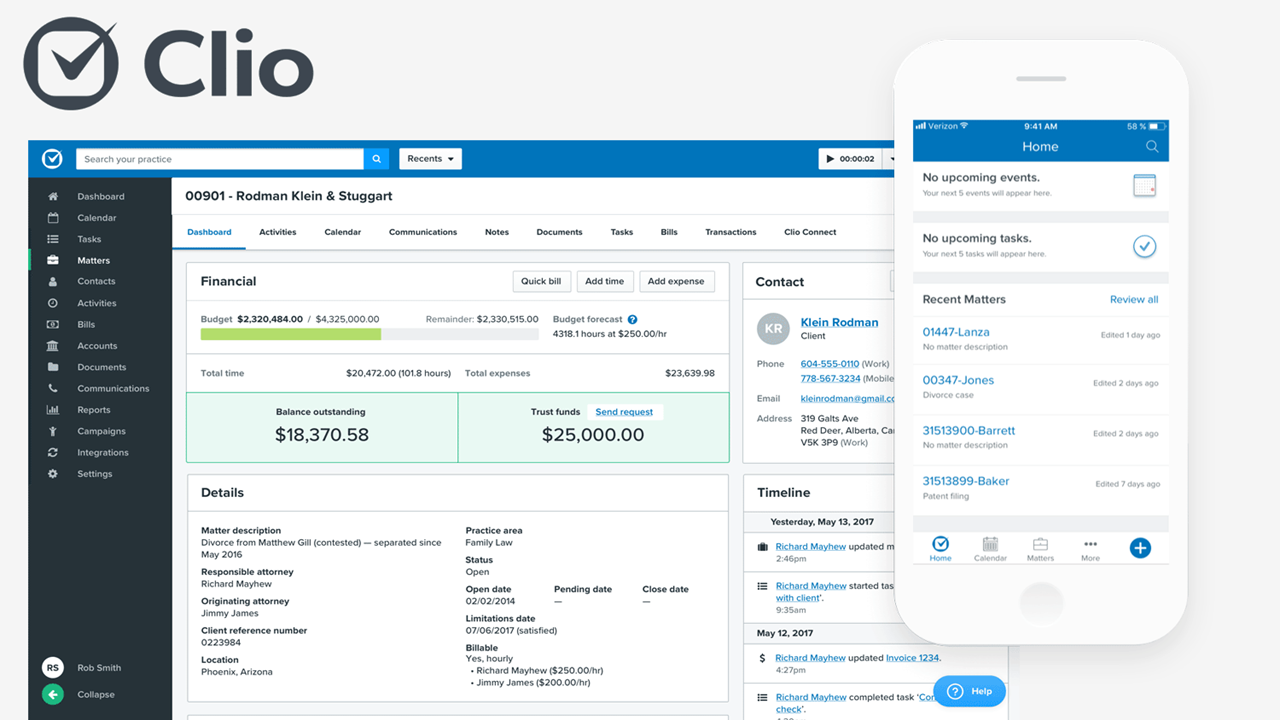
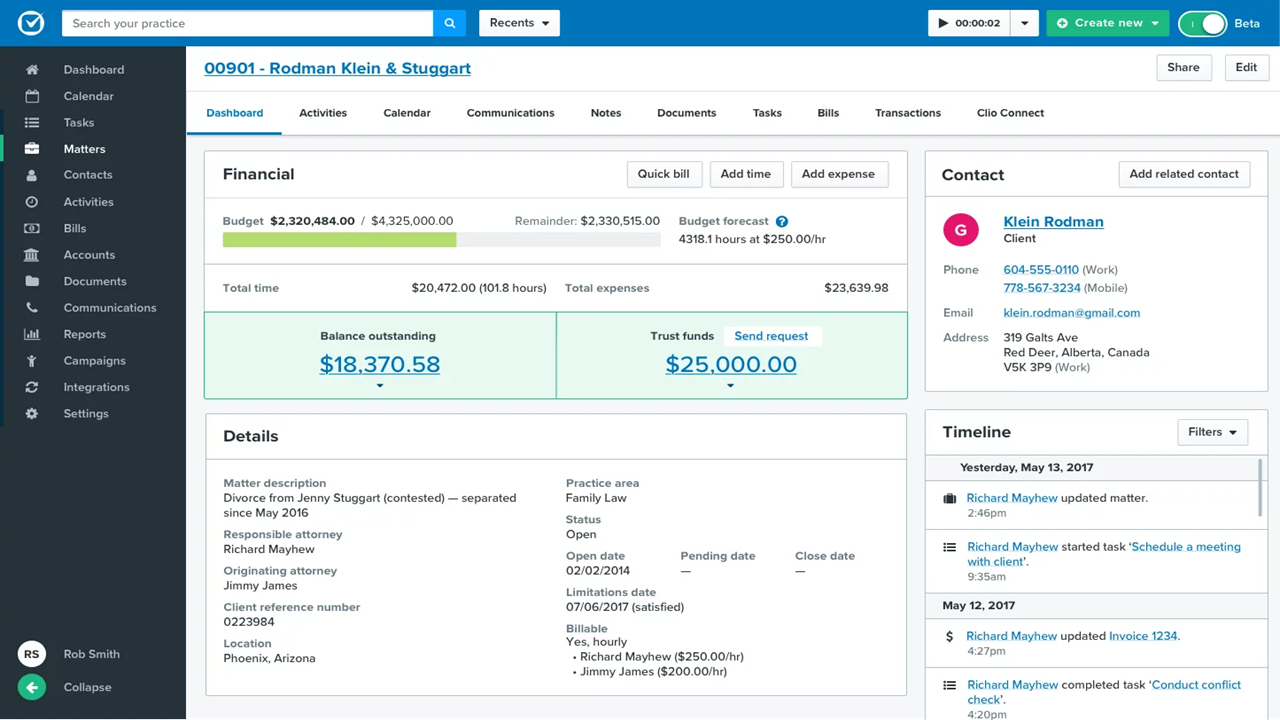
| User Interface | Clean, modern interface with consistent layouts and clear menus. | Intuitive dashboard with customizable widgets and quick access panels. |
| Onboarding | Guided setup flows, knowledge base, and onboarding specialists. | Personalized setup help, video tutorials, and one-on-one support sessions. |
| Customization | Flexible settings for workflow, dashboards, and notifications. | Highly customizable workflows, templates, and fields across the platform. |
| Support | Extensive help center, live chat, and 24/5 phone support. | Responsive live chat, email, and phone support with fast response times. |
Both products make it simple to get started, but PracticePanther’s customization options and personal onboarding give it a slight edge for teams wanting a tailored setup. I find Clio especially strong if you prefer an interface that feels instantly familiar, while PracticePanther wins for flexibility.
Clio vs PracticePanther: Pros & Cons
Clio
- Built-in time tracking links directly to billing.
- Task lists automate recurring workflows for cases.
- Custom matter templates match legal practice areas.
- Mobile app features lag behind desktop version.
- Reporting tools feel limited for complex performance analysis.
- Automated task dependencies are missing for multi-step projects.
PracticePanther
- Built-in legal billing and trust accounting tools
- Customizable workflow automation for repetitive case tasks
- Responsive customer support with live chat and webinars
- Limited case document version control options
- Occasional lag when accessing large case files
- Calendar reminders lack detailed customization
Best Use Cases for Clio and PracticePanther
Clio
- Solo Practitioners Clio’s easy setup, client intake, and end-to-end workflow tools support solo lawyers with busy caseloads.
- Small Law Firms Teams of up to 20 gain from built-in document automation, secure case files, and collaborative calendars.
- Mid-Size Law Firms Growing firms value Clio’s advanced reporting, trust accounting, and task tracking across diverse practice areas.
- Legal Administrators Admins use the platform to manage billing, client intake, and compliance tasks with audit trails and status monitoring.
- Family Law Practices Document management, deadline tracking, and client communication features suit firms handling sensitive, ongoing matters.
- Litigation Departments Calendaring, document storage, and court deadline automation streamline high-volume litigation work.
PracticePanther
- Solo Attorneys PracticePanther’s simple setup, intuitive billing, and automation tools keep solo practices running smoothly with minimal administrative work.
- Small Law Firms I think smaller firms benefit from its bundled case, document, and billing management tailored to legal workflows.
- In-House Legal Teams Centralized case tracking and secure document sharing provide transparency and control for corporate legal departments.
- Boutique Firms Boutique practices get value from PracticePanther’s branded client portals and customizable workflows for niche matters.
- Virtual Law Practices Remote teams enjoy cloud-based matter management, secure communication channels, and automation for repetitive tasks.
- Immigration Law Practices PracticePanther’s automated workflows and document templates suit practices handling high volumes of client intakes and filings.
Who Should Use Clio, and Who Should Use PracticePanther?
Clio is a better fit if you’re running a growing or more complex law firm and want a platform that can scale with you. In my experience, it’s especially strong for firms that need deep customization, advanced reporting, and a wide range of integrations. If you’re planning to build out a more sophisticated tech stack—or want CRM, accounting, and automation layered into your system over time—Clio gives you that flexibility.
PracticePanther, on the other hand, is ideal if you want something simpler and more all-in-one right out of the box. I’ve found it works particularly well for solo lawyers and small firms that value ease of use, predictable pricing, and built-in features like texting, eSignature, and workflows without relying heavily on add-ons. If your priority is getting up and running quickly with minimal setup, PracticePanther is often the more straightforward choice.
Differences Between Clio and PracticePanther
| Clio | PracticePanther | |
|---|---|---|
| Accounting Features | Separate legal accounting product (Clio Accounting) and integrations like QuickBooks/Xero. | Native accounting features included in top-tier (Business Pro) plan. |
| App Marketplace | Extensive integration marketplace (250+ apps) with many legal-specific tools. | Fewer direct integrations, with focus on core and popular apps. |
| CRM & Client Intake | Dedicated CRM (Clio Grow) with marketing and intake automation (add-on or bundled in top tier). | Built-in intake forms and client management features included in higher tiers. |
| Reporting Tools | Advanced reports and performance dashboards for in-depth analytics. | Standard reporting with some advanced insights in higher tiers. |
| Workflow Automation | Advanced automation (tasks, documents, workflows) available in higher tiers and add-ons. | Strong built-in workflow automation with triggers and task automation included in core plans. |
| Read Clio ReviewOpens new window | Read PracticePanther ReviewOpens new window |
Similarities Between Clio and PracticePanther
| Case Management | Both deliver robust case and matter management, including task tracking, calendaring, and document storage features. |
|---|---|
| Client Communication | Both offer secure client portals, texting, and email integrations to streamline communication and document sharing. |
| Cloud Accessibility | Both are fully cloud-based, so teams can access files and manage workflows from anywhere with an internet connection. |
| Document Management | Both provide centralized document storage with version control, document sharing, and organization by matter. |
| Read Clio ReviewOpens new window Read PracticePanther ReviewOpens new window | |
| Mobile Access | Each offers fully functional mobile apps (iOS and Android) for managing cases, time tracking, and communication on the go. |
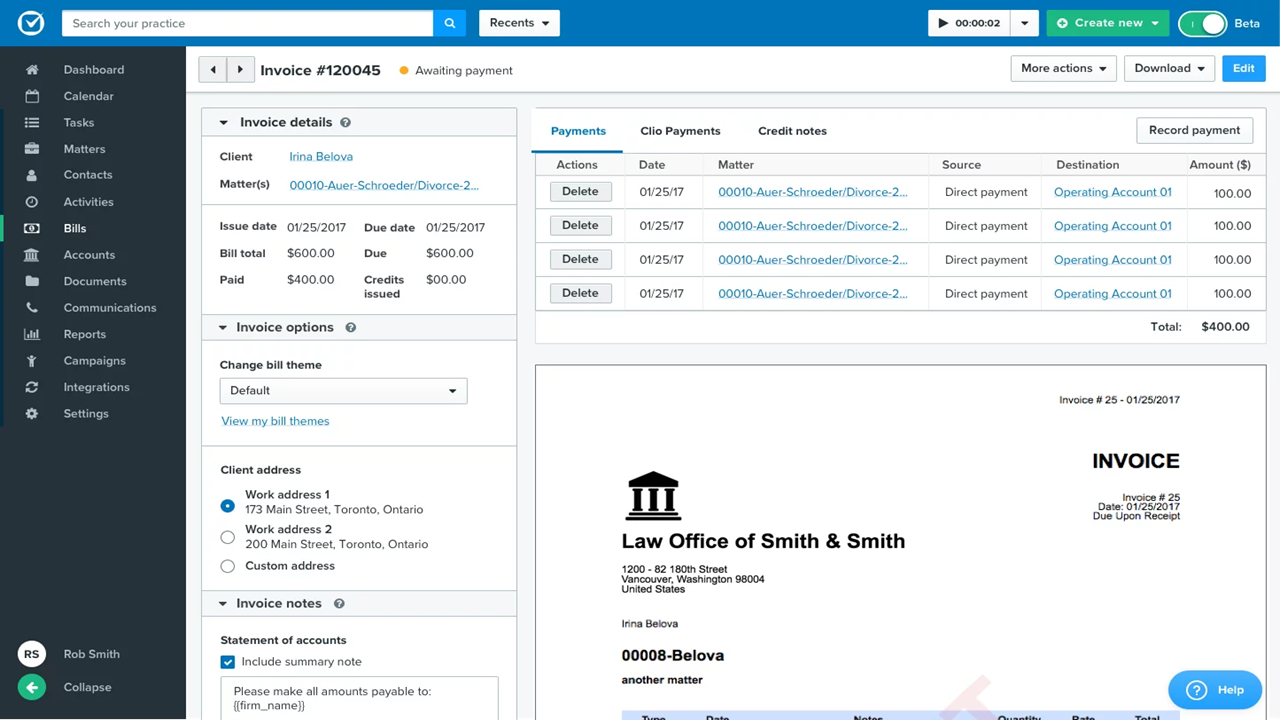
| Time & Billing | Each system makes time tracking and invoicing natural, supporting legal billing codes and integrated payment options. |
| Read Clio ReviewOpens new window Read PracticePanther ReviewOpens new window | |