

Claude Managed Agents Review 2026: Features, Pros, Cons and Pricing



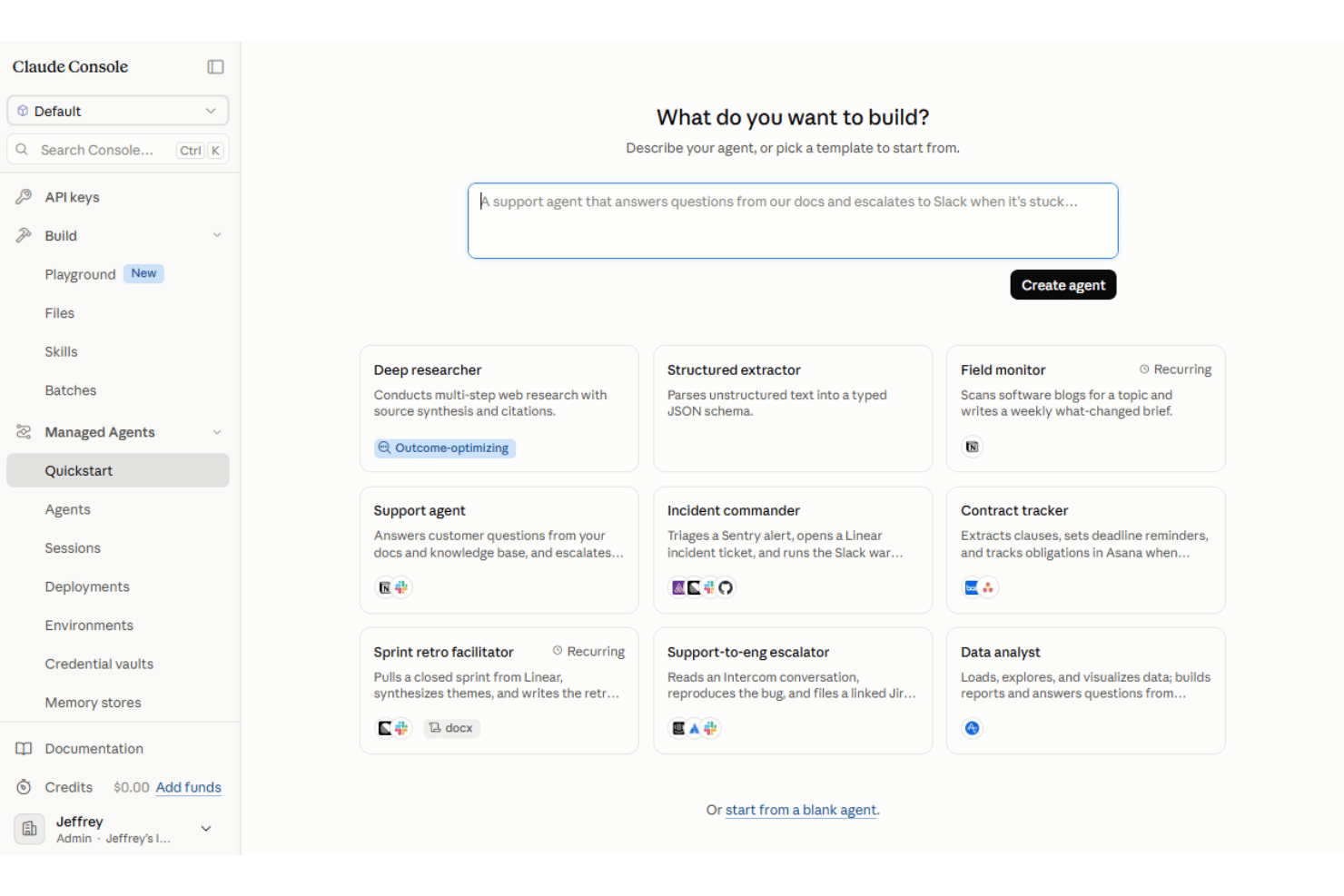
Claude Managed Agents is an AI productivity tool from Anthropic for building and running autonomous agents with a managed agent harness and production infrastructure. It supports long-running, stateful sessions, built-in tool execution, MCP connections, scheduled runs, and managed or self-hosted sandboxes. I’d look at it when a technical team needs agents to complete multi-step work without building its own agent loop, sandbox, and tool execution layer from scratch. Compared to ChatGPT's custom GPTs, Claude Managed Agents give you longer context windows, stronger reasoning on ambiguous project docs, and managed orchestration so you're not stitching together your own agent scaffolding to get reliable output.
Claude Managed Agents Evaluation Summary
- From $0.08/active session-hour + model usage
- No free trial available
Why Trust Our Software Recommendations
Our team has been testing and reviewing software since 2012. As project managers ourselves, we know how difficult—and important—it is to choose the right software.
For this guide, we evaluated tools using hands-on testing and independent research, scoring tools using our selection criteria. We also draw on insights from industry thought leaders and practicing project management experts.
Our reviews reflect our human editorial judgment, not a sales pitch.
Expert reviewers:
Claude Managed Agents Overview
If you’re judging Claude Managed Agents as an AI productivity tool, I think its main strength is the infrastructure it provides for long-running, stateful agent work. Anthropic manages much of the agent loop, tool execution, session state, and runtime, while teams can connect external tools through MCP and run agents in managed or self-hosted sandboxes. A visual Console makes agents easier to configure and test, but production implementation remains developer-oriented and typically involves APIs or SDKs. The main tradeoffs are its technical setup requirements, usage-based costs, and current beta status.
pros
-
Managed agent harness reduces the infrastructure teams need to build for agent loops, state, and tool execution
-
Stateful sessions and scheduled deployments support long-running and recurring agent work
-
Supports built-in tools, MCP connections, and managed or self-hosted execution environments
cons
-
Production implementation remains developer-oriented despite the visual Console
-
Managed Agents is built for Claude models rather than offering a model-agnostic runtime
-
The product remains in beta and is not currently eligible for Zero Data Retention or HIPAA BAA coverage
-

Smartsheet
Visit WebsiteThis rating combines scores from multiple user review sites to reflect overall customer sentiment about the product.4.4 -
Celoxis
Visit WebsiteThis rating combines scores from multiple user review sites to reflect overall customer sentiment about the product.4.5 -
Accelo
Visit WebsiteThis rating combines scores from multiple user review sites to reflect overall customer sentiment about the product.4.4





Our Review Methodology
How We Test & Score Tools
We’ve spent years building, refining, and improving our software testing and scoring system. The rubric is designed to capture the nuances of software selection and what makes a tool effective, focusing on critical aspects of the decision-making process.
Below, you can see exactly how our testing and scoring works across seven criteria. It allows us to provide an unbiased evaluation of the software based on core functionality, standout features, ease of use, onboarding, customer support, integrations, customer reviews, and value for money.
Core Functionality (25% of final scoring)
The starting point of our evaluation is always the core functionality of the tool. Does it have the basic features and functions that a user would expect to see? Are any of those core features locked to higher-tiered pricing plans? At its core, we expect a tool to stand up against the baseline capabilities of its competitors.
Standout Features (25% of final scoring)
Next, we evaluate uncommon standout features that go above and beyond the core functionality typically found in tools of its kind. A high score reflects specialized or unique features that make the product faster, more efficient, or offer additional value to the user.
We also evaluate how easy it is to integrate with other tools typically found in the tech stack to expand the functionality and utility of the software. Tools offering plentiful native integrations, 3rd party connections, and API access to build custom integrations score best.
Ease of Use (10% of final scoring)
We consider how quick and easy it is to execute the tasks defined in the core functionality using the tool. High scoring software is well designed, intuitive to use, offers mobile apps, provides templates, and makes relatively complex tasks seem simple.
Onboarding (10% of final scoring)
We know how important rapid team adoption is for a new platform, so we evaluate how easy it is to learn and use a tool with minimal training. We evaluate how quickly a team member can get set up and start using the tool with no experience. High scoring solutions indicate little or no support is required.
Customer Support (10% of final scoring)
We review how quick and easy it is to get unstuck and find help by phone, live chat, or knowledge base. Tools and companies that provide real-time support score best, while chatbots score worst.
Customer Reviews (10% of final scoring)
Beyond our own testing and evaluation, we consider the net promoter score from current and past customers. We review their likelihood, given the option, to choose the tool again for the core functionality. A high scoring software reflects a high net promoter score from current or past customers.
Value for Money (10% of final scoring)
Lastly, in consideration of all the other criteria, we review the average price of entry level plans against the core features and consider the value of the other evaluation criteria. Software that delivers more, for less, will score higher.
Core Features
Autonomous Multi-Step Task Execution
Deploy agents that independently complete complex, multi-step workflows such as software research, code review, or documentation. Agents can continue working across multiple tool calls while you monitor, steer, or interrupt execution when needed.
Long Context Window Processing
Handle large inputs such as lengthy project briefs, research materials, or connected business data within an agent workflow. This helps teams work with more context without manually splitting information across separate tasks.
Managed Orchestration
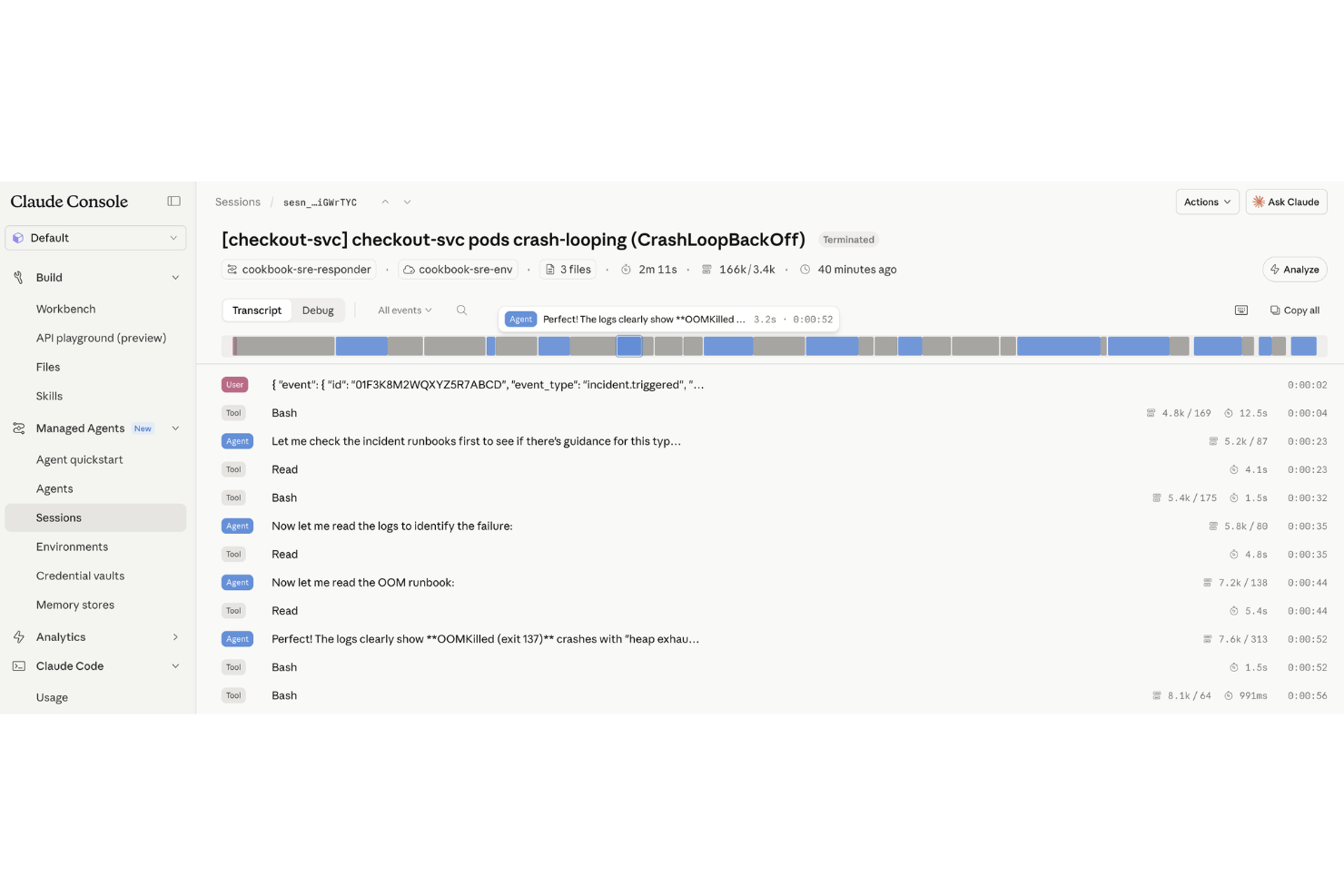
Anthropic manages core agent infrastructure such as the agent loop, session state, tool execution, and runtime environment. This reduces the amount of orchestration infrastructure development teams need to build and maintain themselves.
Task-Specific Agent Creation
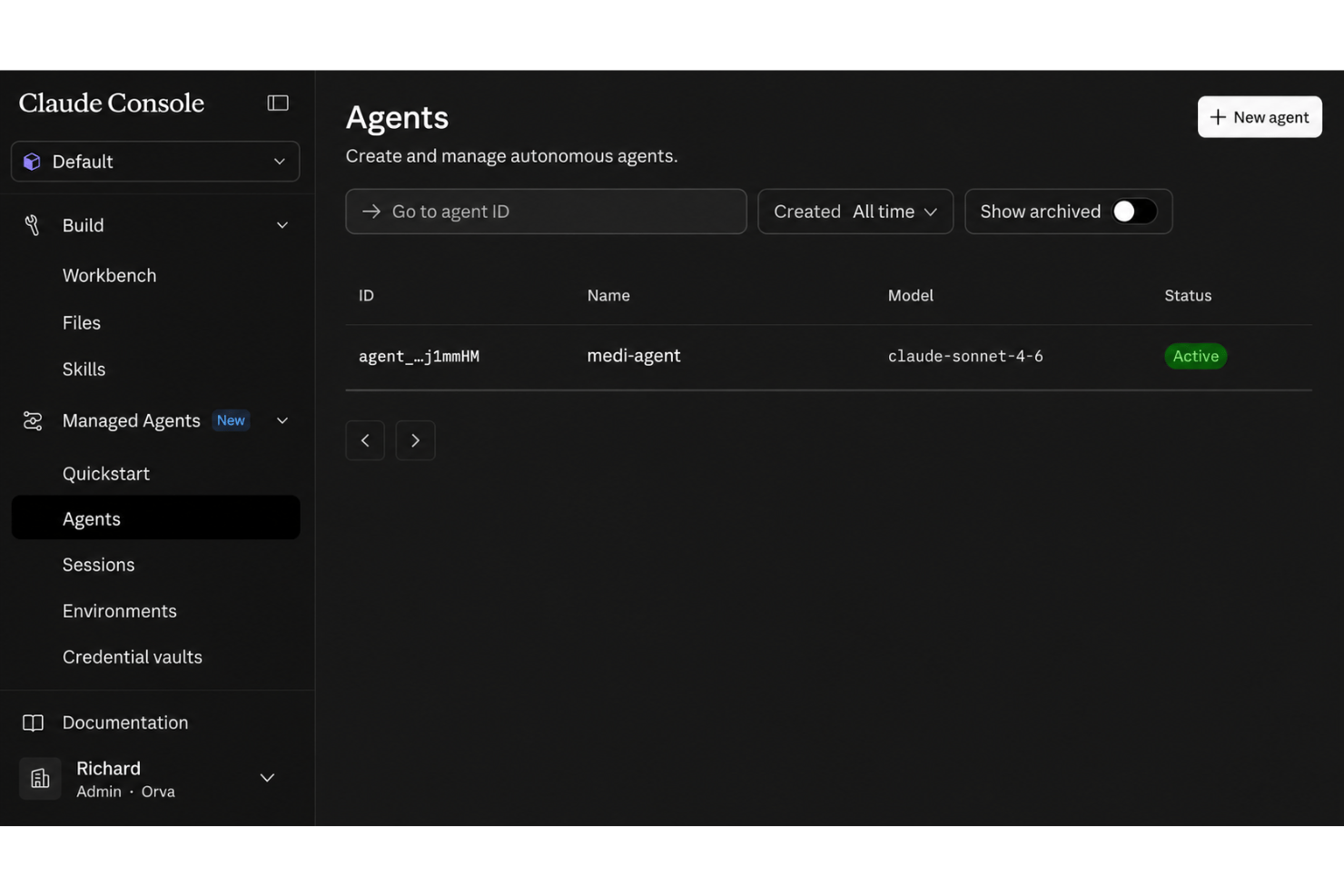
Create reusable, task-specific agents with their own model, system prompt, tools, MCP servers, and skills. Teams can configure agents visually in Claude Console or through the API for repeated use across sessions.
Real-World Document Understanding
Agents parse ambiguous or unstructured project docs to extract what matters—think summarizing decision logs or surfacing pain points in meeting notes. You get actionable context, not just reworded text.
Cross-Tool Workflow Handling
Configure agents to work across external tools and data sources through MCP servers, built-in tools, and APIs. Agents can gather information, use tools, and carry out several actions within the same workflow.
Ease of Use
Claude Managed Agents is more approachable than building an agent runtime from scratch, but it is still primarily aimed at developers. Claude Console provides a visual interface for configuring and testing agents, including prompts, tools, MCP servers, and skills. Production use generally moves into the API or SDK, where teams create sessions, connect environments, and manage agent execution. This reduces infrastructure work, but teams still need technical familiarity to deploy and operate agents effectively.
Integrations
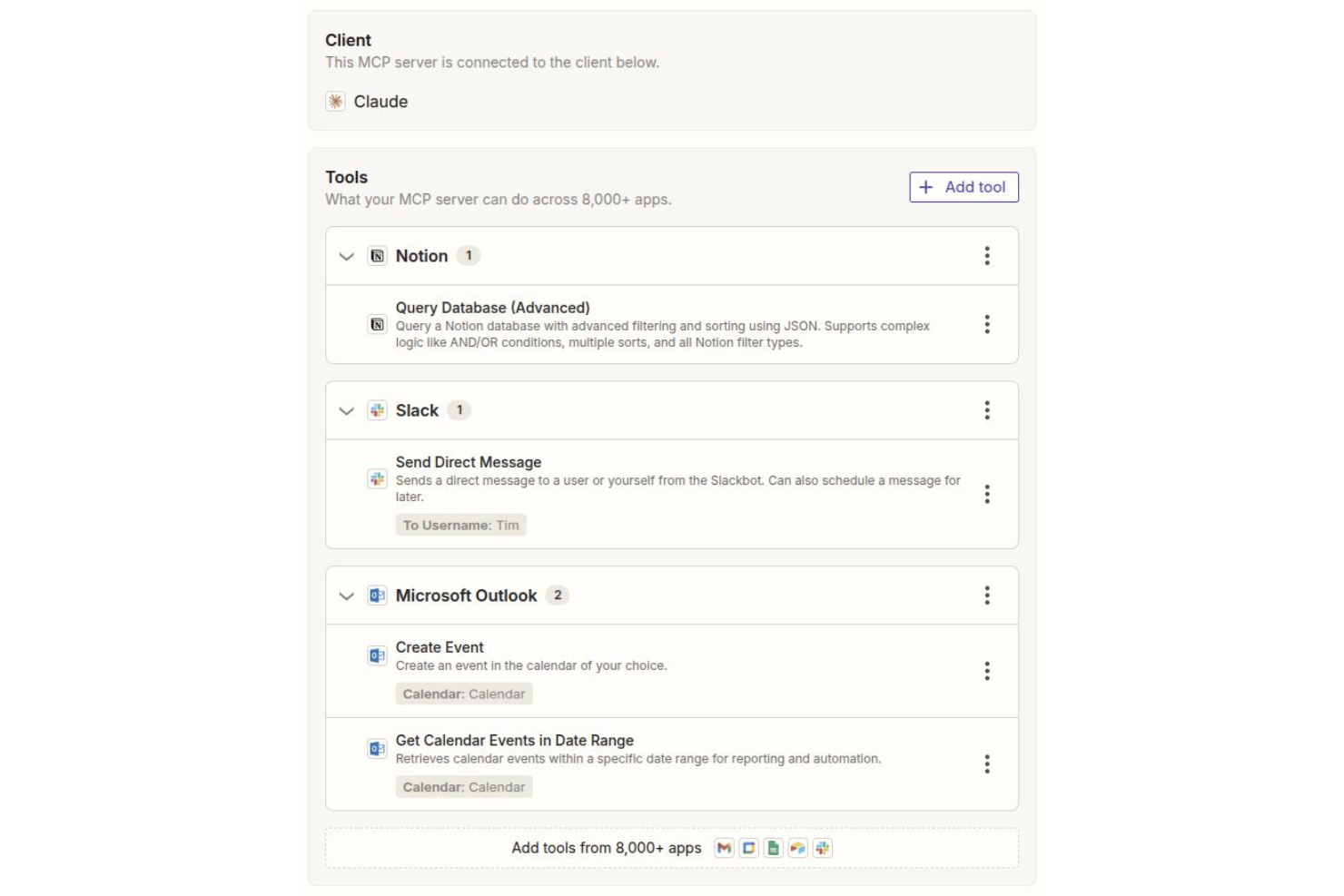
Claude Managed Agents integrates with Jira, Google Docs, Google Sheets, Confluence, Slack, Trello, Asana, Notion, GitHub, and Microsoft Teams, among others.
You can also connect Claude Managed Agents to other systems using its API or by working with third-party integration tools.
Claude Managed Agents Specs
- A/B Testing
- AI Integration
- Analytics
- API
- Calendar Management
- Comparative Reporting
- Custom Reports
- Dashboard
- Data Export
- Data Import
- Data Mining
- Data Visualization
- External Integrations
- Forecasting
- Historical Data Analysis
- Multi-User
- Notifications
- Process Reporting
- Real-time Alerts
- Scenario Planning
- Scheduling
- Sentiment Analysis
- SEO
- Time Series Modeling
- Workflow Management


