
Boomi Review: Pros, Cons, Features, and Pricing Explained



Boomi is a cloud-native integration platform that connects your project management software with the rest of your tech stack—CRMs, ERPs, data warehouses, and more. It's the right call when your team manages workflows across multiple tools and needs reliable, automated data syncing without custom development. Compared to MuleSoft, Boomi is faster to configure and doesn't require a dedicated engineering team. That makes it a more practical option for project-led teams that need integration without the infrastructure overhead.
Boomi Evaluation Summary
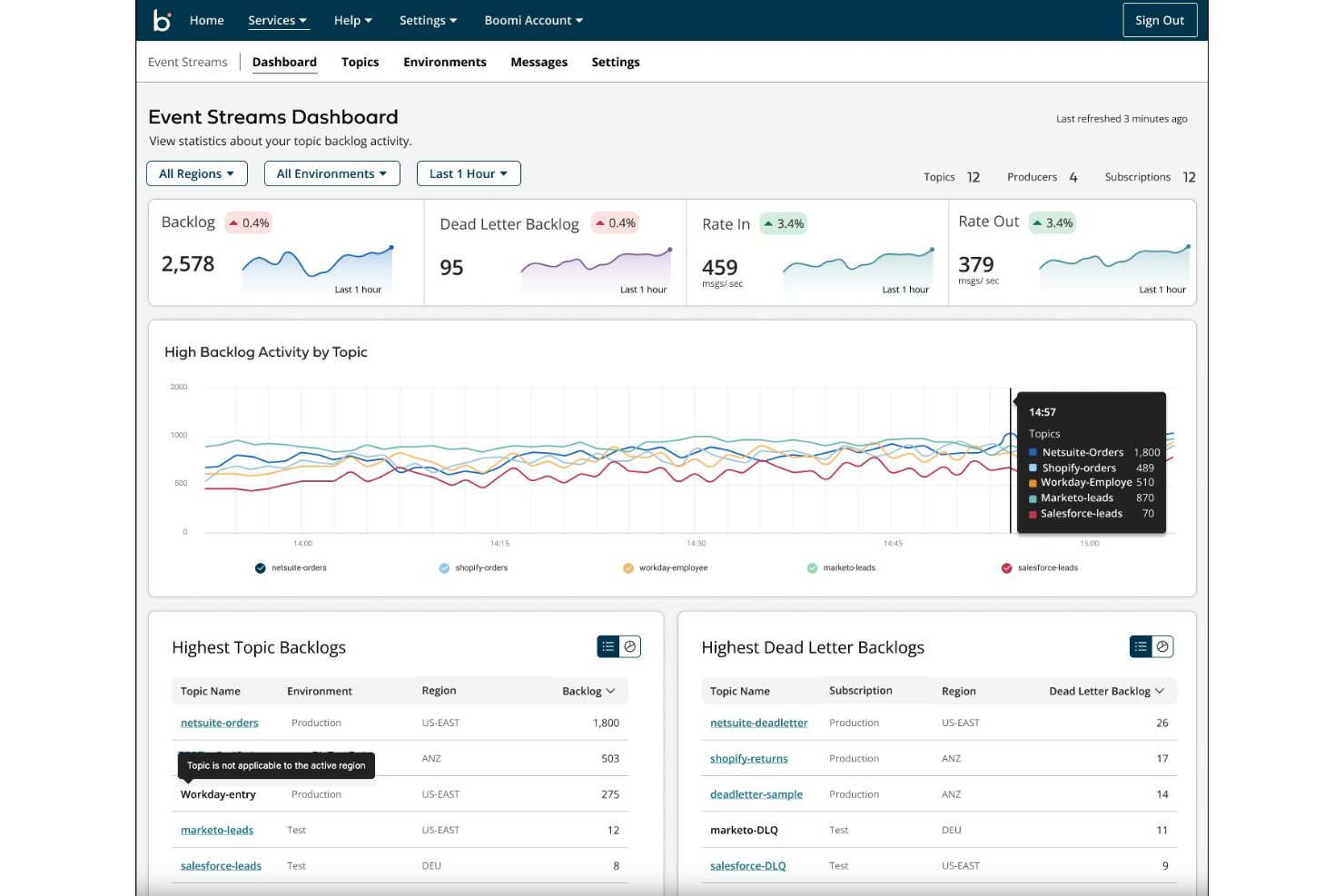
- From $99/month
- 30-day free trial
Why Trust Our Software Recommendations
Our team has been testing and reviewing software since 2012. As project managers ourselves, we know how difficult—and important—it is to choose the right software.
For this guide, we evaluated tools using hands-on testing and independent research, scoring tools using our selection criteria. We also draw on insights from industry thought leaders and practicing project management experts.
Our reviews reflect our human editorial judgment, not a sales pitch.
Expert reviewers:
Boomi Overview
I think Boomi’s integration and automation functionalities make it ideal teams managing complex, multi-system workflows. The interface is modern but may feel technical during onboarding, especially for teams without integration experience. Pricing reflects its enterprise focus, so it’s best suited for organizations prioritizing data connectivity over basic task tracking. Support is responsive, and the platform’s extensive integration library outperforms many competitors, though it can underperform for teams seeking simple, out-of-the-box project management. If you’re selecting a solution for cross-platform coordination, Boomi is a strong contender.
pros
-
Centralizes workflow automation and data management.
-
Offers strong low-code process design tools.
-
Provides responsive customer support and active community.
cons
-
Advanced configurations can be complex for new users.
-
Pricing may be high for smaller organizations.
-
Lacks built-in project planning and resource management tools.
-

Smartsheet
Visit WebsiteThis rating combines scores from multiple user review sites to reflect overall customer sentiment about the product.4.4 -
Celoxis
Visit WebsiteThis rating combines scores from multiple user review sites to reflect overall customer sentiment about the product.4.5 -
Accelo
Visit WebsiteThis rating combines scores from multiple user review sites to reflect overall customer sentiment about the product.4.4





Our Review Methodology
How We Test & Score Tools
We’ve spent years building, refining, and improving our software testing and scoring system. The rubric is designed to capture the nuances of software selection and what makes a tool effective, focusing on critical aspects of the decision-making process.
Below, you can see exactly how our testing and scoring works across seven criteria. It allows us to provide an unbiased evaluation of the software based on core functionality, standout features, ease of use, onboarding, customer support, integrations, customer reviews, and value for money.
Core Functionality (25% of final scoring)
The starting point of our evaluation is always the core functionality of the tool. Does it have the basic features and functions that a user would expect to see? Are any of those core features locked to higher-tiered pricing plans? At its core, we expect a tool to stand up against the baseline capabilities of its competitors.
Standout Features (25% of final scoring)
Next, we evaluate uncommon standout features that go above and beyond the core functionality typically found in tools of its kind. A high score reflects specialized or unique features that make the product faster, more efficient, or offer additional value to the user.
We also evaluate how easy it is to integrate with other tools typically found in the tech stack to expand the functionality and utility of the software. Tools offering plentiful native integrations, 3rd party connections, and API access to build custom integrations score best.
Ease of Use (10% of final scoring)
We consider how quick and easy it is to execute the tasks defined in the core functionality using the tool. High scoring software is well designed, intuitive to use, offers mobile apps, provides templates, and makes relatively complex tasks seem simple.
Onboarding (10% of final scoring)
We know how important rapid team adoption is for a new platform, so we evaluate how easy it is to learn and use a tool with minimal training. We evaluate how quickly a team member can get set up and start using the tool with no experience. High scoring solutions indicate little or no support is required.
Customer Support (10% of final scoring)
We review how quick and easy it is to get unstuck and find help by phone, live chat, or knowledge base. Tools and companies that provide real-time support score best, while chatbots score worst.
Customer Reviews (10% of final scoring)
Beyond our own testing and evaluation, we consider the net promoter score from current and past customers. We review their likelihood, given the option, to choose the tool again for the core functionality. A high scoring software reflects a high net promoter score from current or past customers.
Value for Money (10% of final scoring)
Lastly, in consideration of all the other criteria, we review the average price of entry level plans against the core features and consider the value of the other evaluation criteria. Software that delivers more, for less, will score higher.
Core Features
Workflow Automation
Design and automate multi-step business processes using a visual builder. Users can trigger actions, approvals, and notifications based on custom rules.
Process Monitoring
Track the status of workflows and data flows in real time. Dashboards provide visibility into process health and bottlenecks.
Low-Code Development
Build and modify workflows with drag-and-drop tools and light scripting, reducing the need for custom coding. This speeds up deployment and empowers non-technical users.
Data Mapping
Transform and map data between different formats and systems within workflows. Built-in tools help ensure data consistency and accuracy.
Error Handling and Alerts
Automatically detect, log, and notify users of process errors or failures. Customizable alerts help teams respond quickly to issues.
Document Management
Store, route, and manage documents as part of automated workflows. Version control and audit trails support compliance and collaboration.

Ease of Use
Boomi’s user interface is modern and intuitive for users familiar with workflow automation, but it can feel complex for those expecting traditional project management layouts. The low-code tools make process building accessible and user-friendly, yet configuring advanced workflows often requires technical knowledge. User reviews highlight that onboarding is smoother for IT teams than for business users, and documentation is thorough but assumes some integration experience. Overall, Boomi prioritizes flexibility and depth over simplicity.

Integrations
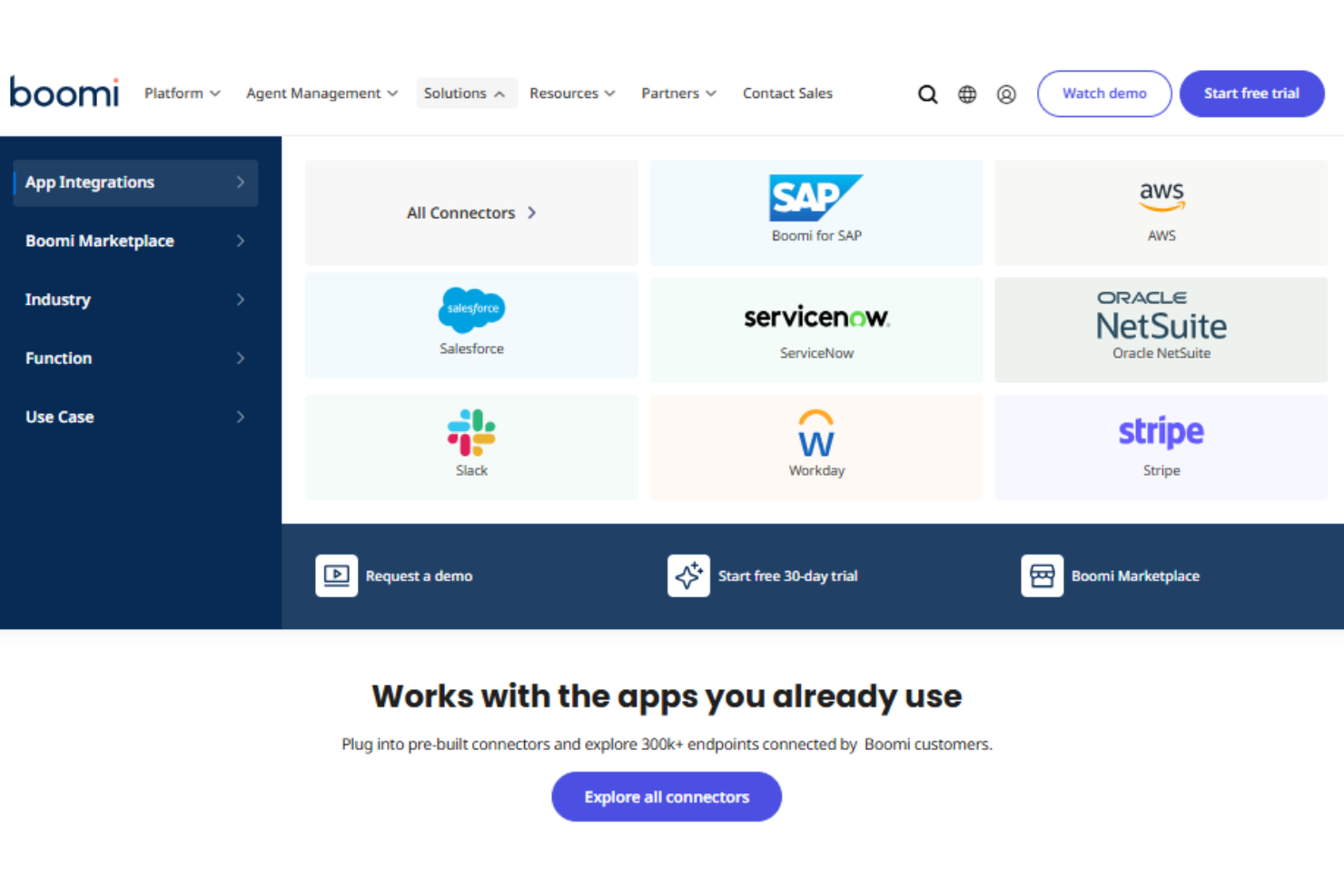
Boomi integrates with Salesforce, NetSuite, SAP, Snowflake, and AWS, among others.
Boomi also offers a robust API and supports connections with third-party integration tools.
Boomi Specs
- 2-Factor Authentication
- Accounts Payable
- Accounts Receivable
- API
- Approval Workflows
- Balance Sheet
- Billing/Invoicing
- Budgeting
- Calendar Management
- Comparative Reporting
- CRM Integration
- Custom Reports
- Customer Management
- Dashboard
- Data Export
- Data Import
- Data Visualization
- Expense Tracking
- External Integrations
- Forecasting
- General Account Ledger
- Historical Data Analysis
- Inventory Tracking
- Multi-Currency
- Multi-User
- Notifications
- P&L
- Payroll
- Scenario Planning
- Scheduling
- Supplier Management
- Tax Management
- Time Management