

Apple Notes Review: Features, Pros, Cons and Pricing Guide



Apple Notes is a note taking app built into every Apple device. It's designed for quick capture, organization, and collaboration with no setup required. I'd consider it if your team already works in the Apple ecosystem and needs a lightweight, always-available tool. If you've been looking at Evernote, for example, it comes down to the environment you already work in.
Apple Notes Evaluation Summary
- Pricing upon request
- Free plan available
Why Trust Our Software Recommendations
Our team has been testing and reviewing software since 2012. As project managers ourselves, we know how difficult—and important—it is to choose the right software.
For this guide, we evaluated tools using hands-on testing and independent research, scoring tools using our selection criteria. We also draw on insights from industry thought leaders and practicing project management experts.
Our reviews reflect our human editorial judgment, not a sales pitch.
Expert reviewers:
Apple Notes Overview
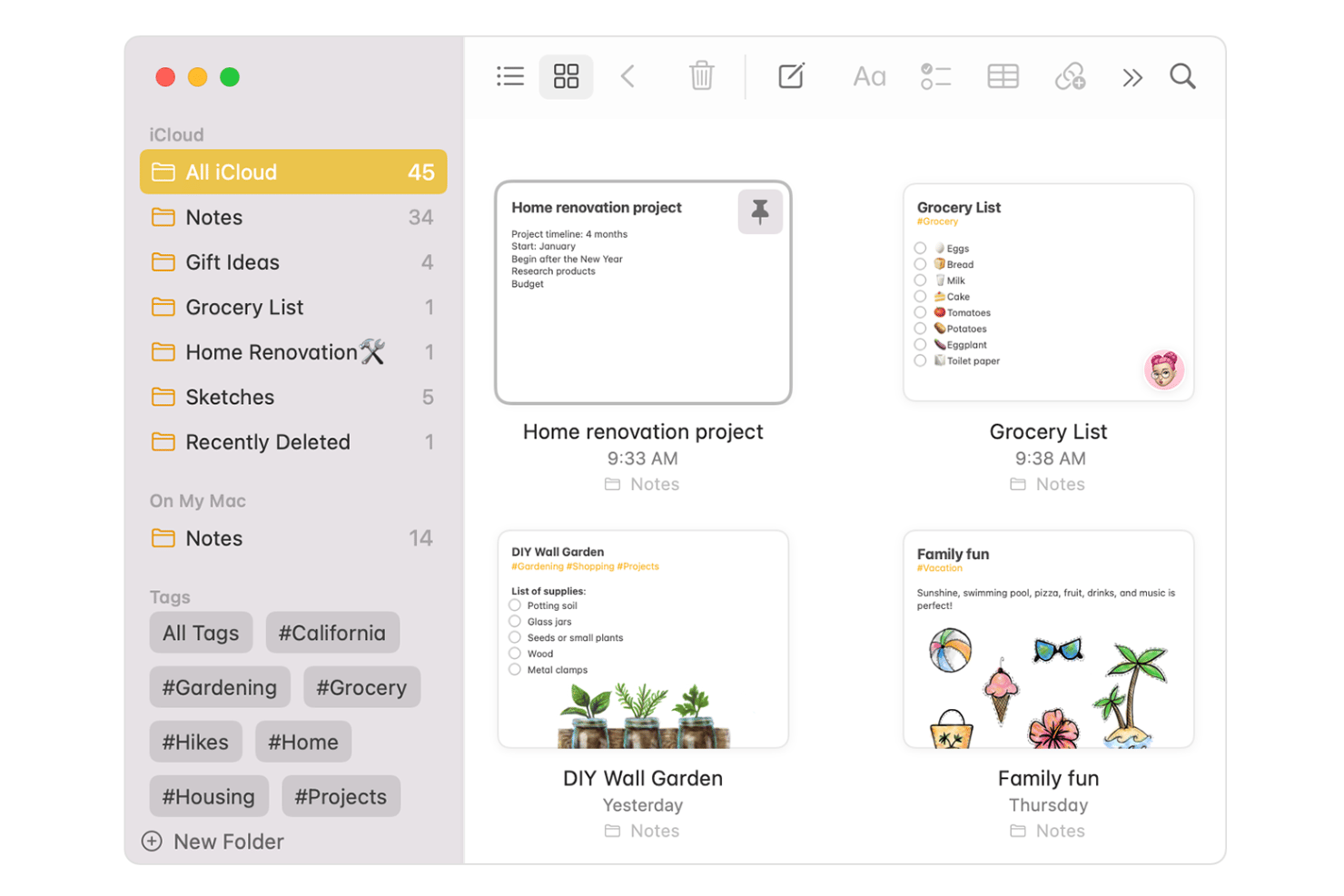
If you’re judging a note taking app on Apple device sync, free pricing, and a clean, intuitive note-taking experience, Apple Notes ranks high. I think it’s best for users deeply invested in the Apple ecosystem who want quick startup and reliable sharing. While it lacks advanced integrations and complex workflow features, its instant document scanning, solid formatting options, hand-drawn sketches, and robust tagging outperform basic text apps. Choosing Apple Notes makes sense for fast onboarding and light collaboration that simply want to seamlessly take notes, but might limit you if you need heavy automation or work across non-Apple platforms.
pros
-
Syncs instantly across all Apple devices without setup
-
Supports attachments like PDFs, images, and hand-drawn sketches
-
Offers smart folder organization and advanced keyword search
cons
-
Only available on Apple devices, no web or Android version
-
Lacks advanced formatting and markdown support
-
No version history for retrieving previous note changes
Is Apple Notes Right For Your Needs?
Who Would be a Good Fit for Apple Notes?
Apple Notes is well-suited for individuals and teams mainly using Apple devices, who need an easy, organized way to capture and access notes or ideas. It's ideal for people who appreciate quick syncing, minimal setup, and a clean user interface.
-
Solo Entrepreneurs
Apple Notes makes organizing expenses, brainstorming, and tracking tasks simple without needing extensive templates or integrations.
-
Students
With features like document scanning and searchable handwriting, students can digitize class notes and study materials quickly.
-
Designers
Sketching ideas and adding images or hand-drawn mockups with Apple Pencil is straightforward and instantly accessible across devices.
-
Small Remote Teams
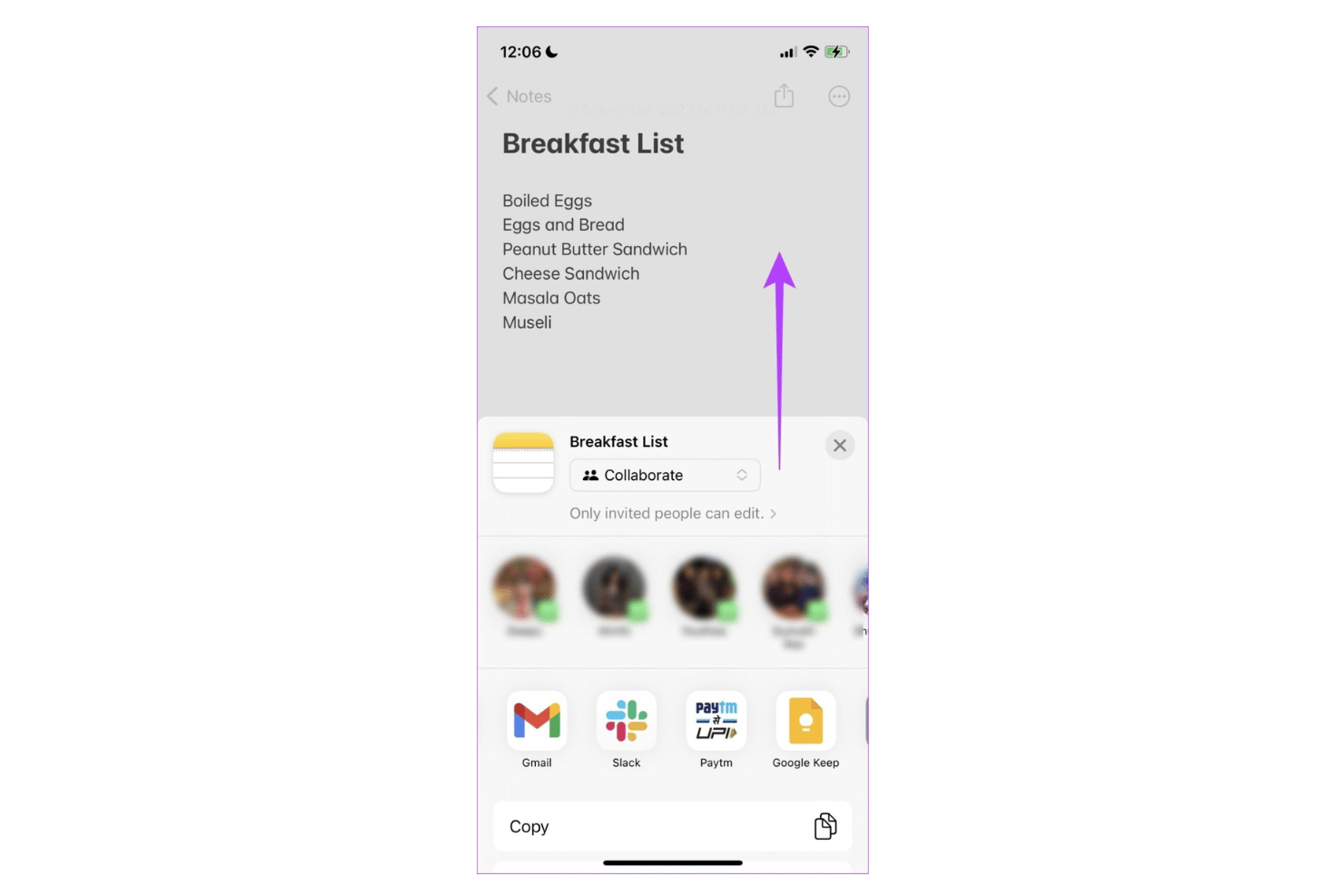
For lightweight sharing and quick reference, Apple Notes provides easy note collaboration within smaller, Apple-only groups.
-
Personal Productivity Enthusiasts
Individuals managing to-do lists or journaling will appreciate Apple Notes’ folder system, tagging, and privacy controls.
-
Educators
Teachers can use Apple Notes to plan lessons, organize teaching resources, and scan assignments for digital recordkeeping.
Who Would be a Bad Fit for Apple Notes?
Apple Notes is less suitable for those needing cross-platform support, advanced collaboration features, or integrations with business tools. Larger organizations or industries with strict workflow and compliance needs may find Apple Notes lacking.
-
Large Enterprises
Limited admin controls and lack of centralized user management make Apple Notes unsuitable for company-wide deployment.
-
Windows or Android Users
Apple Notes is not available natively outside of Apple devices, excluding mixed-platform environments.
-
Legal Teams
The absence of version history, export controls, or e-discovery features poses risks for documentation-heavy and regulated industries.
-
Project Managers
Without reminders, task management, or workflow automation, Apple Notes lacks tools needed to track complex projects.
-
Sales Departments
Apple Notes cannot connect with CRMs or automate workflow triggers for sales pipeline tracking.
-
IT Teams
No API, scripting, or integration with enterprise tools means Apple Notes cannot support technical documentation or automation needs.
Our Review Methodology
How We Test & Score Tools
We’ve spent years building, refining, and improving our software testing and scoring system. The rubric is designed to capture the nuances of software selection and what makes a tool effective, focusing on critical aspects of the decision-making process.
Below, you can see exactly how our testing and scoring works across seven criteria. It allows us to provide an unbiased evaluation of the software based on core functionality, standout features, ease of use, onboarding, customer support, integrations, customer reviews, and value for money.
Core Functionality (25% of final scoring)
The starting point of our evaluation is always the core functionality of the tool. Does it have the basic features and functions that a user would expect to see? Are any of those core features locked to higher-tiered pricing plans? At its core, we expect a tool to stand up against the baseline capabilities of its competitors.
Standout Features (25% of final scoring)
Next, we evaluate uncommon standout features that go above and beyond the core functionality typically found in tools of its kind. A high score reflects specialized or unique features that make the product faster, more efficient, or offer additional value to the user.
We also evaluate how easy it is to integrate with other tools typically found in the tech stack to expand the functionality and utility of the software. Tools offering plentiful native integrations, 3rd party connections, and API access to build custom integrations score best.
Ease of Use (10% of final scoring)
We consider how quick and easy it is to execute the tasks defined in the core functionality using the tool. High scoring software is well designed, intuitive to use, offers mobile apps, provides templates, and makes relatively complex tasks seem simple.
Onboarding (10% of final scoring)
We know how important rapid team adoption is for a new platform, so we evaluate how easy it is to learn and use a tool with minimal training. We evaluate how quickly a team member can get set up and start using the tool with no experience. High scoring solutions indicate little or no support is required.
Customer Support (10% of final scoring)
We review how quick and easy it is to get unstuck and find help by phone, live chat, or knowledge base. Tools and companies that provide real-time support score best, while chatbots score worst.
Customer Reviews (10% of final scoring)
Beyond our own testing and evaluation, we consider the net promoter score from current and past customers. We review their likelihood, given the option, to choose the tool again for the core functionality. A high scoring software reflects a high net promoter score from current or past customers.
Value for Money (10% of final scoring)
Lastly, in consideration of all the other criteria, we review the average price of entry level plans against the core features and consider the value of the other evaluation criteria. Software that delivers more, for less, will score higher.
Core Features
Cross-Device Sync
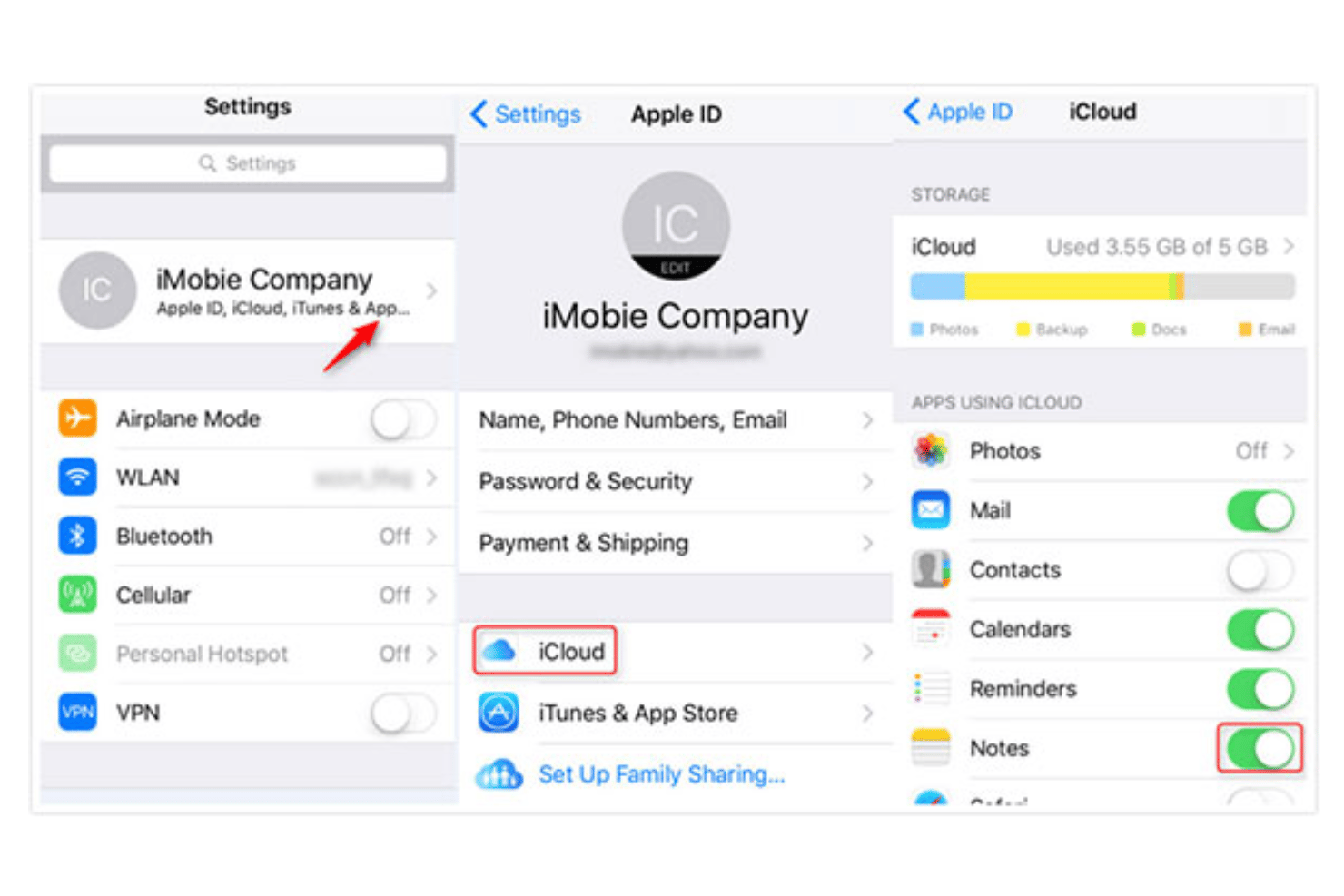
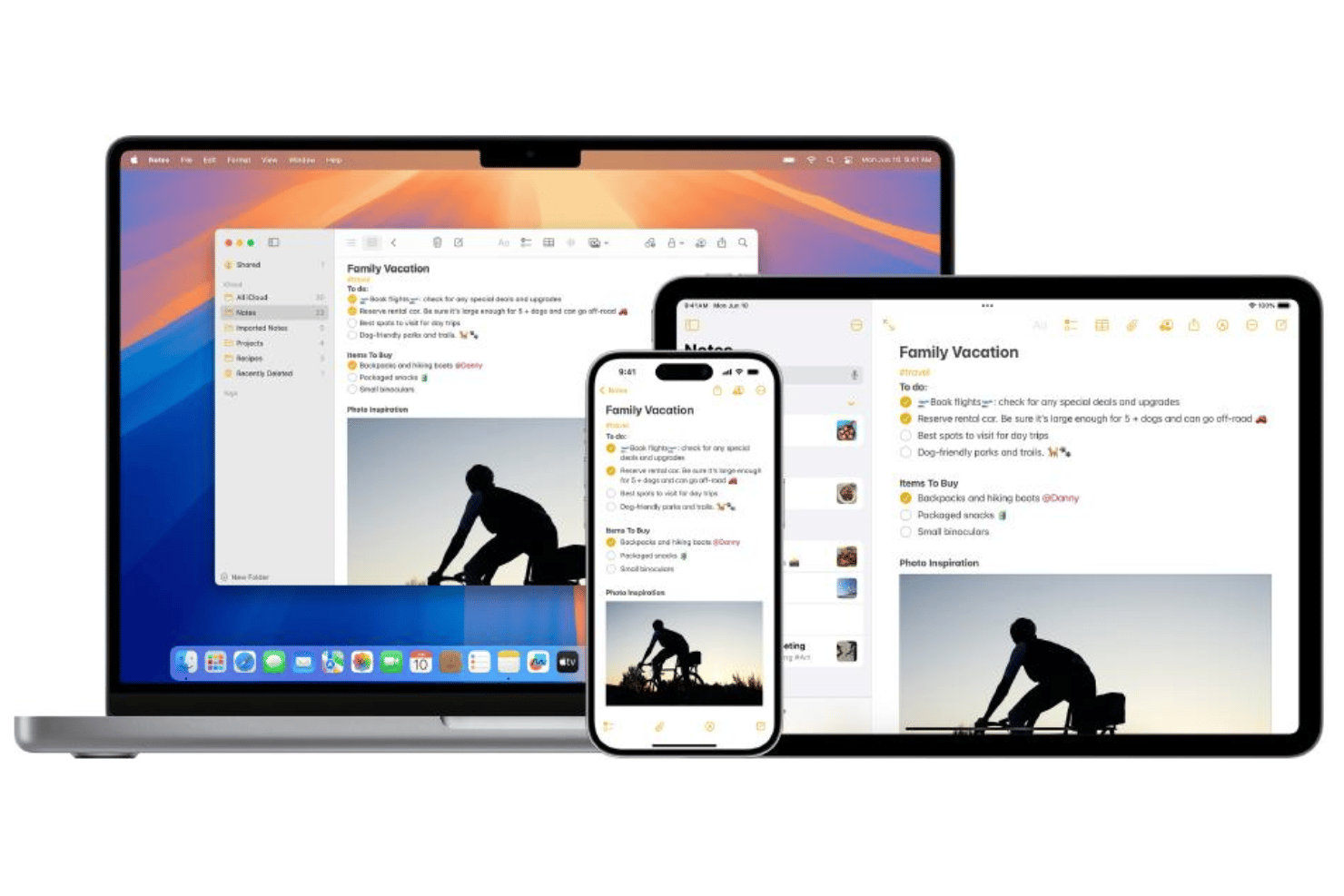
Apple Notes automatically syncs all your notes across iPhone, iPad, and Mac. You can pick up right where you left off on any device seamlessly.
Inline Attachments
Add images, scanned documents, web links, and sketches directly into your notes. This helps you capture meeting photos, receipts, or quick ideas all in one place.
Folders and Subfolders
Organize notes into folders and subfolders for easy retrieval. Divide personal and work notes or sort project notes into logical groups.
Powerful Search and Tagging
Find notes instantly using keyword search or custom tags. Tag notes with subjects like “meetings” or “tasks” to speed up sorting.
Handwritten Notes and Sketches
Draw diagrams, change fonts, annotate images, or handwrite quick reminders using Apple Pencil or your finger. These sketches are searchable and sync across devices.
Document Scanning
Scan paper documents using your device’s camera and save them directly to notes. The scanner can auto-crop and enhance readability for quick reference later.
Standout Features
Quick Note on iPad and Mac
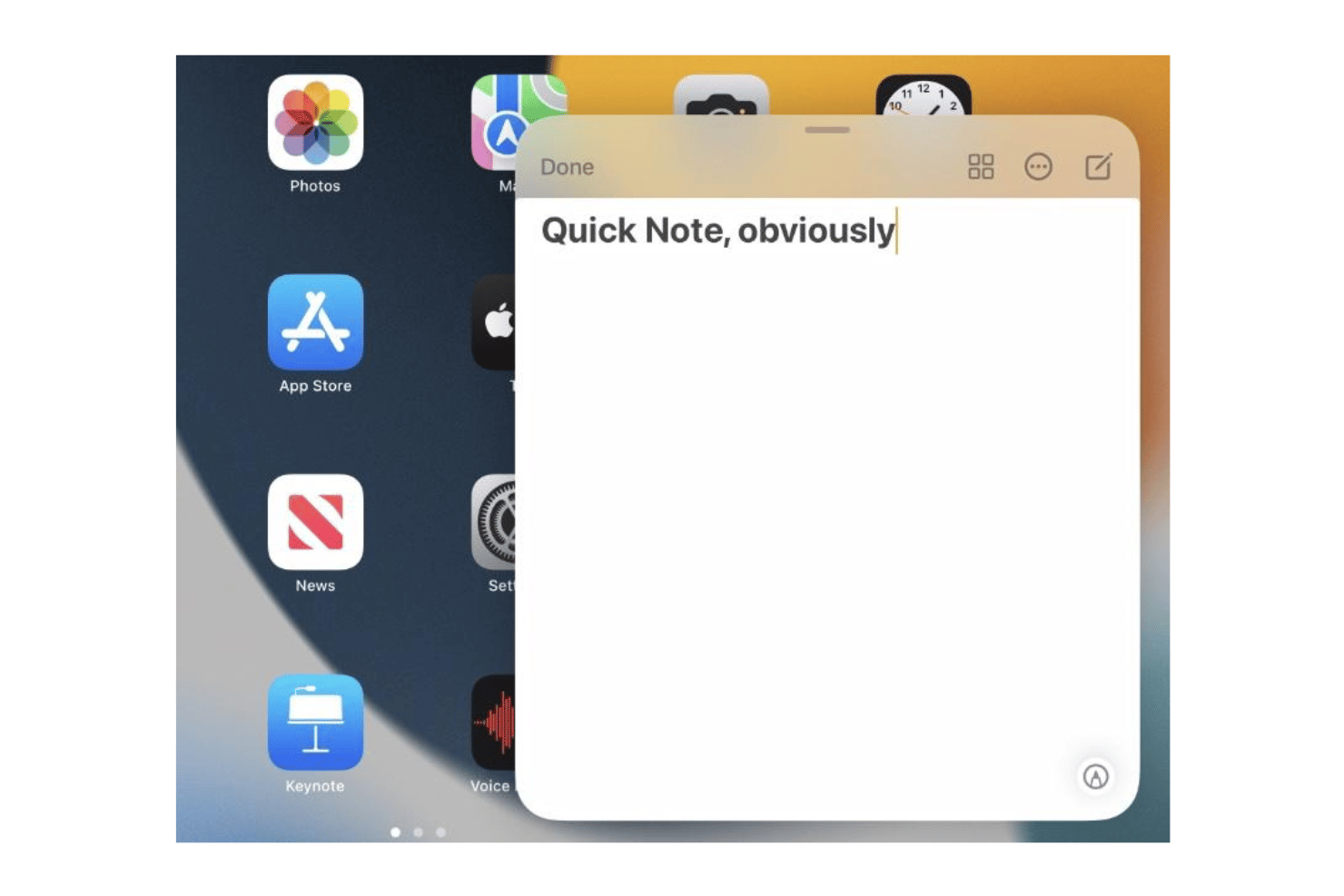
Quick Note lets you jot down thoughts instantly without leaving your current app. For example, you can pull up a note while browsing or viewing documents and save clipped content in seconds.
Note Locking With Face ID or Touch ID
Add extra privacy by locking sensitive notes with Face ID or Touch ID authentication. Only authorized users can open protected notes, keeping project details and private info secure.
Ease of Use
Apple Notes is one of the most user-friendly note taking apps out there, especially if you’re already on Apple devices. Its minimal interface, instant device sync, and drag-and-drop attachments make capturing and organizing notes feel effortless. Features like Quick Note and easy search keep everything at your fingertips, with no setup or steep learning curve.
Onboarding
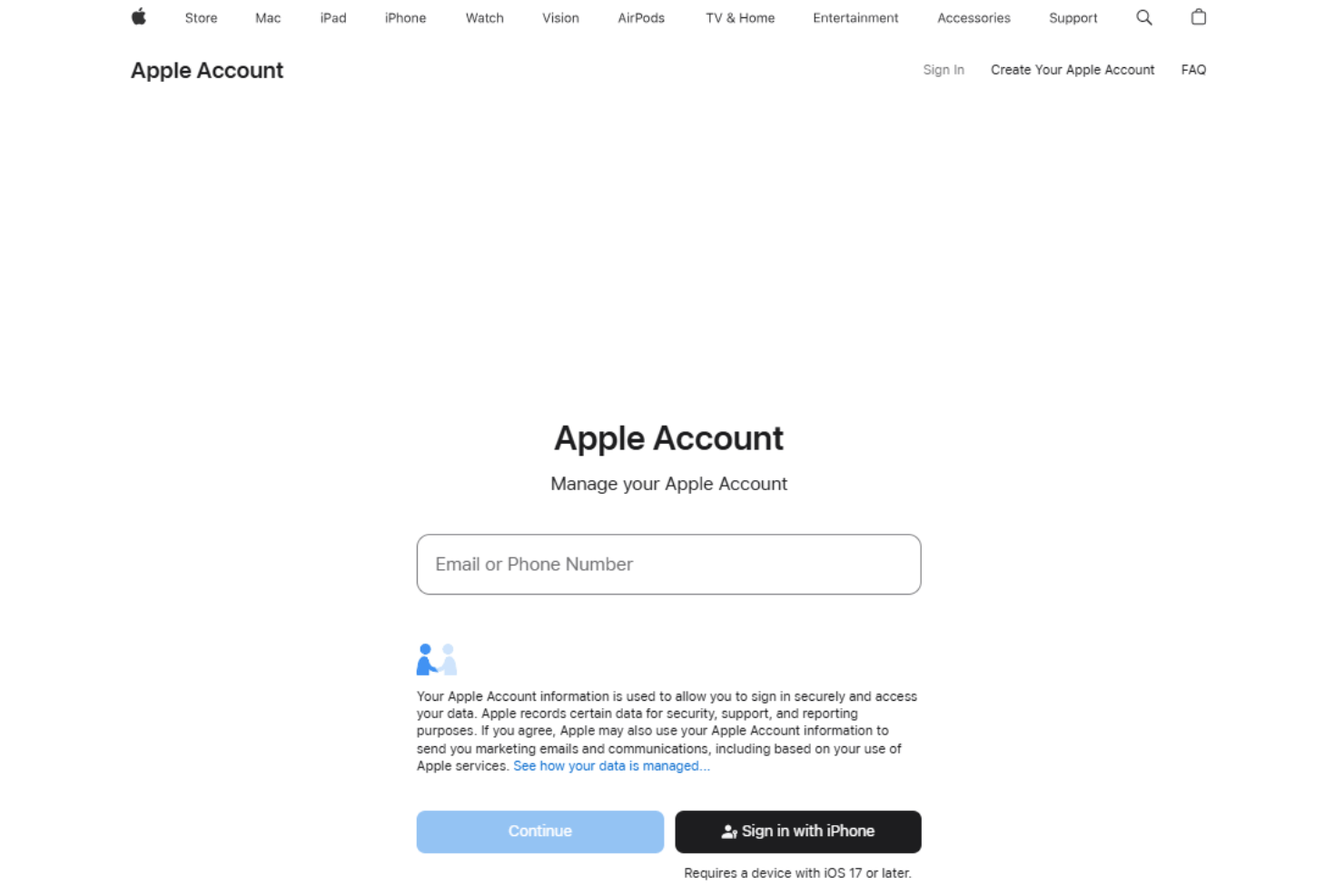
Getting started with Apple Notes requires virtually no onboarding, since it’s pre-installed and instantly familiar to anyone using Apple devices. Most users can start capturing notes right away without walkthroughs, though Apple’s official support page and community forums offer clear guides for exploring features like folders, tags, and locking notes.
Customer Support
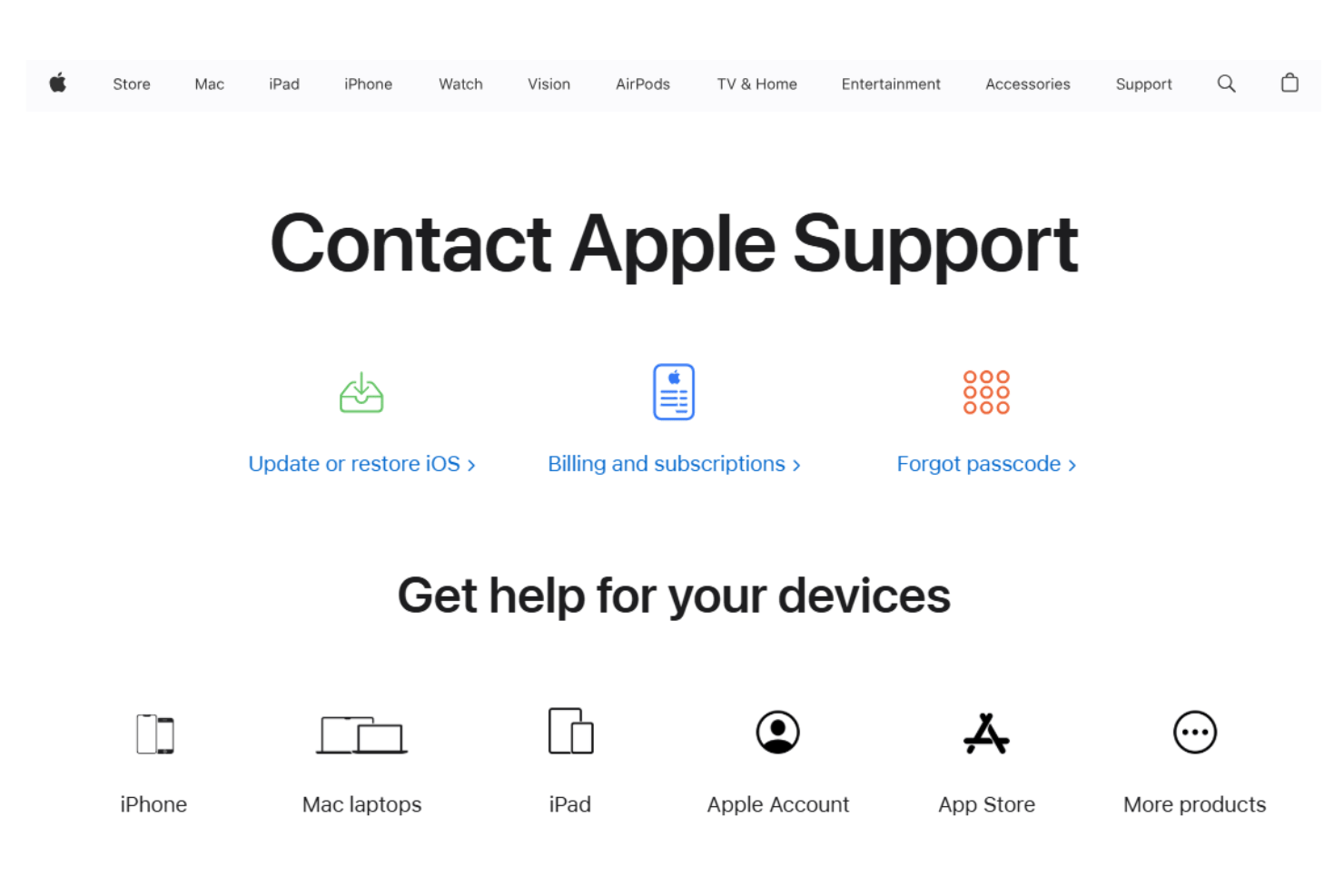
Apple Notes users rely on Apple’s main support ecosystem, which includes a detailed help center. While documentation is thorough, many users feel the personal touch is limited, especially for advanced note-specific problems or feature requests.
Integrations
Apple Notes integrates with Mail, Safari, Messages, Photos, Reminders, Siri, iCloud, Apple Pencil, Files, and Maps.
Apple Notes does not provide a public API or direct support for third-party integration tools.
Value for Money
Apple Notes delivers impressive value for users who own Apple devices since it’s completely free with no ads or feature limitations. Most reviewers feel that, for basic to moderate note taking needs, you can’t beat the cost for the built-in functionality and cloud sync.
- Free (Included with Apple devices): Unlimited note taking, attachments, folders, and sync using 5GB of iCloud storage.
- Paid iCloud+ Tiers: Expanded storage (starting at 50GB) for notes, photos, and all iCloud data, with no feature upgrades to Apple Notes itself.
Apple Notes Specs
- 2-Factor Authentication
- API
- Approval Workflows
- Audit Trail
- Batch Permissions & Access
- Chat
- Dashboard
- Data Export
- Data Import
- Document Comparison
- Document Sharing
- Electronic Signature
- Email Integration
- External Integrations
- File Sharing
- File Transfer
- Google Apps Integration
- History/Version Control
- Metadata Management
- Multi-User
- NDA Management
- Notifications
- Password & Access Management
- Project Management
- Template Designer
Apple Notes FAQs
Does Apple Notes support real-time collaboration on notes?
Can you export or back up notes in bulk from Apple Notes?
Is Apple Notes available on Microsoft Windows or Android devices?
How secure are notes stored in Apple Notes?
Does Apple Notes have task management or reminder features?
How does Apple Notes handle large file attachments?
Is there an audit trail or version history for notes?
Apple Notes Company Overview & History
Apple Notes is a default note taking application developed by Apple Inc., headquartered in Cupertino, California. Apple employs over 150,000 people worldwide and is known for its broad portfolio—including the iPhone, Mac, iPad, Apple Watch, and a suite of productivity software. Apple is recognized for its design philosophy, brand loyalty, and a work culture focused on innovation and privacy. The company is publicly traded (AAPL) and consistently ranks among the world’s most valuable technology companies.
Apple Notes Major Milestones
- 2011: Launched alongside iOS 5 and iCloud, allowing users to sync notes across Apple devices.
- 2015: Major overhaul with iOS 9, adding rich text formatting, attachments, checklists, and drawing support.
- 2019: Added shared folders with iOS 13, expanding basic collaboration features.
- 2021: Introduced tagging and Quick Note with iOS 15, improving organization and capture capabilities.
- 2023: Released OCR scanning, markup, and PDF attachment features with iPadOS 17.
- 2025: Released AI features like summarization and proofreading.