


Air vs. Bynder: Comparison and Expert Reviews for 2026 Digital Asset Management


Gathering and organizing digital assets, all while trying to maintain consistency across a growing library of files and folders, is no small talk. Your creative goals, and in turn your wider business goals, depend entirely on how effectively your team can access and manage the right assets, but you first need to figure out what kind of features and capabilities you need to make that happen.
Choosing between Air and Bynder means weighing modern simplicity against enterprise-grade control in your digital asset management software, but each brings a distinct approach to organizing your creative chaos. If you’re struggling to pick the right platform for your team’s growing library of files, you’re not alone. Air stands out for its intuitive, visual-first interface that helps fast-moving teams collaborate without friction, while Bynder delivers advanced workflow automation. In this article, you’ll get a side-by-side look at how these platforms handle asset organization, sharing, integrations, and scalability, so you can confidently decide which solution will actually make your work easier.
Air vs. Bynder: An Overview
Air

Bynder


Why You Can Trust Us
We’ve been testing and reviewing project management software since 2012. As project managers ourselves, we know how critical and difficult it is to make the right decision when selecting software.
We invest in deep research to help our audience make better software purchasing decisions. We’ve tested more than 2,000 tools for different project management use cases and written over 1,000 comprehensive software reviews. Learn how we stay transparent & our software review methodology.
Air vs. Bynder Pricing Comparison
| Air | Bynder | |
|---|---|---|
| Free Trial | Free plan available | Free demo available |
| Pricing | From $10/month (billed annually) | Pricing upon request |
Air vs. Bynder Pricing & Hidden Costs
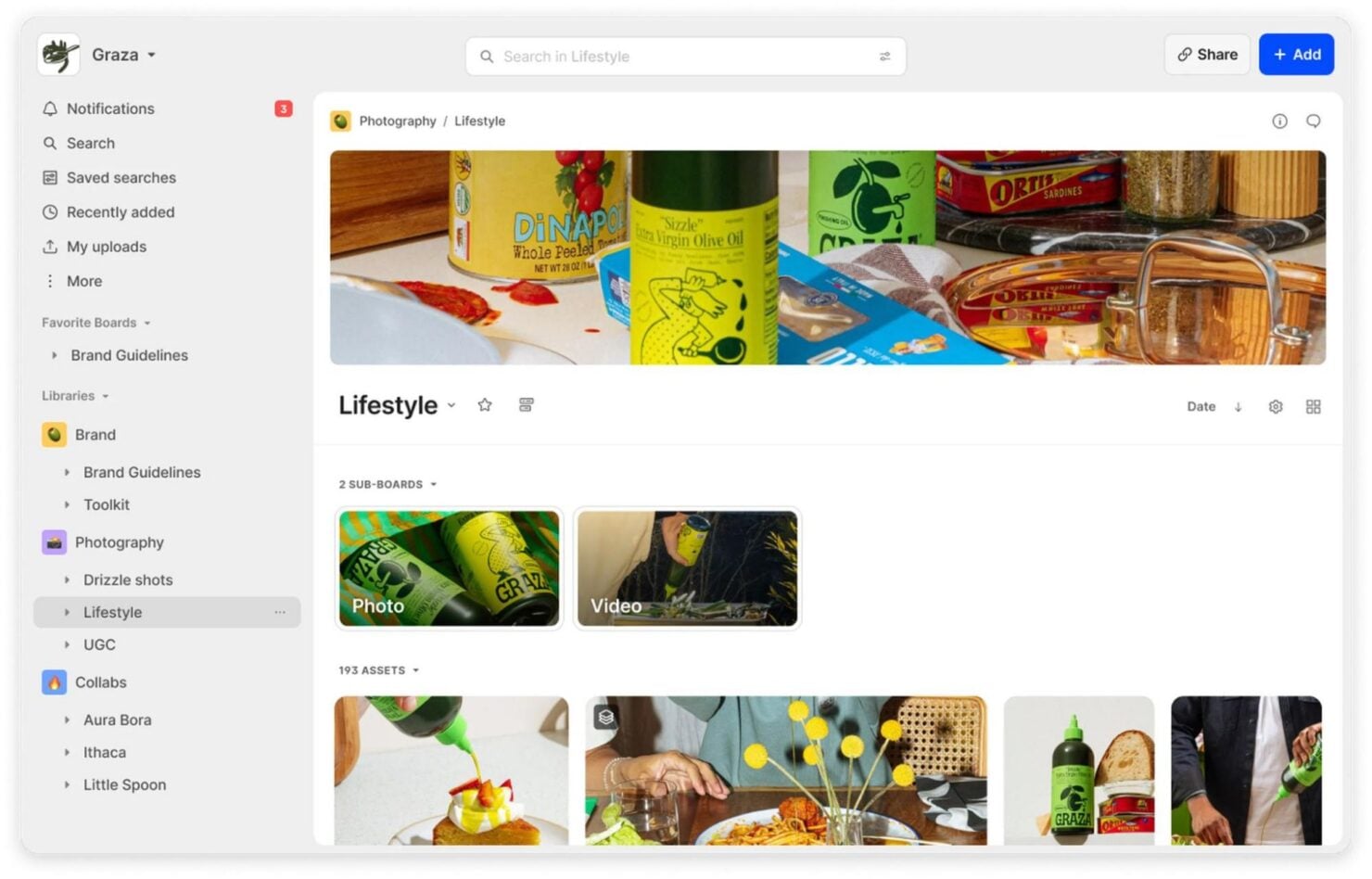
Air uses a transparent, tiered subscription model based on storage and user seats, making it easy to estimate costs as your team grows. Bynder, on the other hand, offers custom pricing tailored to each organization’s requirements, which often includes additional fees for advanced modules, integrations, or onboarding services. With both platforms, you may encounter extra costs for exceeding storage limits, adding users, or accessing premium features.
To choose the right pricing model, start by mapping out your team’s current and future asset management needs, think about storage, user roles, and integration requirements. Ask each vendor for a detailed breakdown of what’s included, what counts as an add-on, and how pricing scales as your usage changes. This approach helps you avoid surprises and ensures you’re comparing true total costs, not just the base subscription.
Air vs. Bynder Feature Comparison
Air’s visual workspace and fast drag-and-drop uploads make it easy for teams to organize, find, and share creative assets in real time, supporting quick collaboration and feedback. Bynder, meanwhile, shines with advanced AI-powered search and customizable workflows, helping large organizations maintain brand consistency and automate complex approval processes.
| Air | Bynder | |
|---|---|---|
| API | ||
| Access Management | ||
| Asset Tagging | ||
| Automatic Transcription | ||
| Batch Permissions & Access | ||
| Brand Asset Creation | ||
| Brand Management | ||
| Dashboards | ||
| Database Search | ||
| Document Comparison | ||
| Document Sharing | ||
| Downloading | ||
| External Integrations | ||
| File Format Conversion | ||
| File Sharing | ||
| File Transfer | ||
| History/Version Control | ||
| Keyword Tracking | ||
| Materials Library | ||
| Metadata Management | ||
| Multi-User | ||
| Product Catalog | ||
| Reports | ||
| Review Monitoring | ||
| Template Designer |
Air vs. Bynder Integrations
| Integration | Air | Bynder |
| Adobe Creative Cloud | ✅ | ✅ |
| Slack | ✅ | ✅ |
| Figma | ✅ | ✅ |
| Canva | ✅ | ✅ |
| Google Drive | ❌ | ✅ |
| Microsoft 365 | ❌ | ✅ |
| Shopify | ✅ | ✅ |
| Salesforce | ❌ | ✅ |
| Contentful | ❌ | ✅ |
| Webflow | ❌ | ✅ |
| API | ✅ | ✅ |
| Zapier | ✅ | ✅ |
Air and Bynder both cover the essentials like Adobe Creative Cloud, Slack, and Figma but Bynder offers a broader range of direct integrations with enterprise tools such as Salesforce, Contentful, and Shopify. Both platforms provide API access, so you can build out any missing links, but if your stack leans heavily on ecommerce or advanced marketing platforms, Bynder’s marketplace gives you more out-of-the-box options.
Air vs. Bynder Security, Compliance & Reliability
| Factor | Air - | Bynder - |
| Data Encryption | Uses AES-256 encryption for files at rest and in transit with enterprise-grade infrastructure. | Encrypts data at rest and in transit with enterprise-grade protocols. |
| Regulatory Compliance | Offers GDPR, SOC 2, and CASA Tier 2 compliance and privacy controls for user data. | Supports GDPR, SOC 2, and ISO 27001 compliance for global organizations. |
| Access Controls | Provides granular user permissions and role-based access. | Advanced role-based access, SSO, and audit trails for large teams. |
| Uptime Guarantee | Delivers high uptime with cloud infrastructure and status monitoring. | 99.9% uptime SLA with dedicated reliability engineering. |
| Backup & Recovery | Automated incremental snapshots, nightly encrypted backups, and multi-region replication for maximum data durability. | Continuous backups, disaster recovery, and version history. |
Bynder and Air are closely matched when it comes to security, uptime, and reliability, both offering strong encryption and privacy controls. Bynder provides more advanced certifications and granular controls, while Air takes a more straightforward approach that is well-suited for creative teams.
Air vs. Bynder Ease of Use
| Factor | Air - | Bynder - |
| User Interface | Clean, visual-first layout with drag-and-drop simplicity. | Feature-rich dashboard with customizable views and advanced filters. |
| Onboarding | Quick setup and guided tours help teams get started fast. | Structured onboarding with dedicated support for complex deployments. |
| Navigation | Intuitive folder structure and fast search for assets. | Powerful search with metadata tagging and smart filters. |
| Support | Responsive chat and email support for day-to-day questions. | 24/7 global support and a detailed knowledge base. |
| Customization | Simple workspace customization for branding and workflows. | Deep customization for workflows, permissions, and branding. |
Air is the clear winner for teams that want a fast, intuitive start, while Bynder’s depth and customization suit organizations with complex needs and dedicated admins. Air’s strengths are its visual simplicity and quick learning curve, while Bynder shines when you need advanced controls and tailored workflows.
Air vs Bynder: Pros & Cons
Air
- Asset organization features help keep digital content well-structured and accessible.
- Collaboration tools improve team communication and workflow efficiency.
- The intuitive interface makes it easy to navigate and manage assets.
- Onboarding could be smoother for new team members.
- The AI tagging feature could be more intuitive.
- Advanced customization options are limited.
Bynder
- Customer support is responsive and helpful, so you can get the assistance you need.
- Collaboration tools improve teamwork and help keep projects on track.
- Its intuitive interface makes it easy for your team to navigate and use.
- The onboarding process may require more guidance for new users.
- Customization options can be limited for niche use cases.
- Some users find the learning curve steep due to its wide array of features.
Best Use Cases for Air and Bynder
Air
- Tech & Saas Companies Air gives tech teams a centralized hub to organize and scale their digital assets as their product output grows.
- Creative Departments Air supports your creative work with efficient collaboration and easy asset access.
- Media Companies Its asset organization features help keep content well structured and accessible for various media projects.
- Advertising Agencies Its intuitive interface can make asset navigation and management easier.
- Marketing Teams Air offers collaboration tools to improve communication and simplify asset management for marketing projects.
Bynder
- Retail marketing Bynder helps your team keep branding consistent across multiple channels with organized marketing asset libraries.
- Media companies Bynder's asset management capabilities make managing large volumes of content straightforward and efficient.
- Creative agencies Your creative projects stay on track with Bynder's collaboration tools that improve teamwork and communication.
- Corporate branding Bynder supports brand consistency with tools designed for seamless asset sharing and collaboration.
- Higher education Your institution benefits from Bynder's easy-to-use interface, which streamlines asset management across departments.
- Nonprofit organizations Bynder helps your team manage digital assets effectively, so you can clearly communicate your mission and brand.
Who Should Use Air, and Who Should Use Bynder?
Air is the best fit for creative teams, agencies, and startups that want a visually intuitive, easy-to-adopt platform without the overhead of complex setup or enterprise pricing. If your team values speed, collaboration, and a modern interface for managing visual assets, Air will feel like a natural extension of your workflow. Bynder, on the other hand, is built for large organizations, marketing departments, and global brands that need advanced compliance, deep customization, and robust integrations to manage brand assets at scale. If you’re juggling strict governance, multiple stakeholders, and require enterprise-level support, Bynder is the clear choice.
Differences Between Air and Bynder
| Air | Bynder | |
|---|---|---|
| Integration Depth | Integrates with creative tools and Zapier for flexibility. | Extensive direct integrations with enterprise and marketing platforms. |
| Pricing Model | Transparent, tiered subscription with clear limits. | Custom quotes with add-ons and enterprise-level flexibility. |
| User Interface | Visual-first, modern, and simple for quick adoption. | Feature-rich, customizable, and designed for power users. |
| Workflow Automation | Basic automation for asset sharing and approvals. | Advanced workflow automation with customizable approval chains. |
| Visit AirOpens new window | Read Bynder ReviewOpens new window |
Similarities Between Air and Bynder
| API Availability | Both provide robust APIs, allowing you to build custom integrations and automate workflows tailored to your team’s needs. |
|---|---|
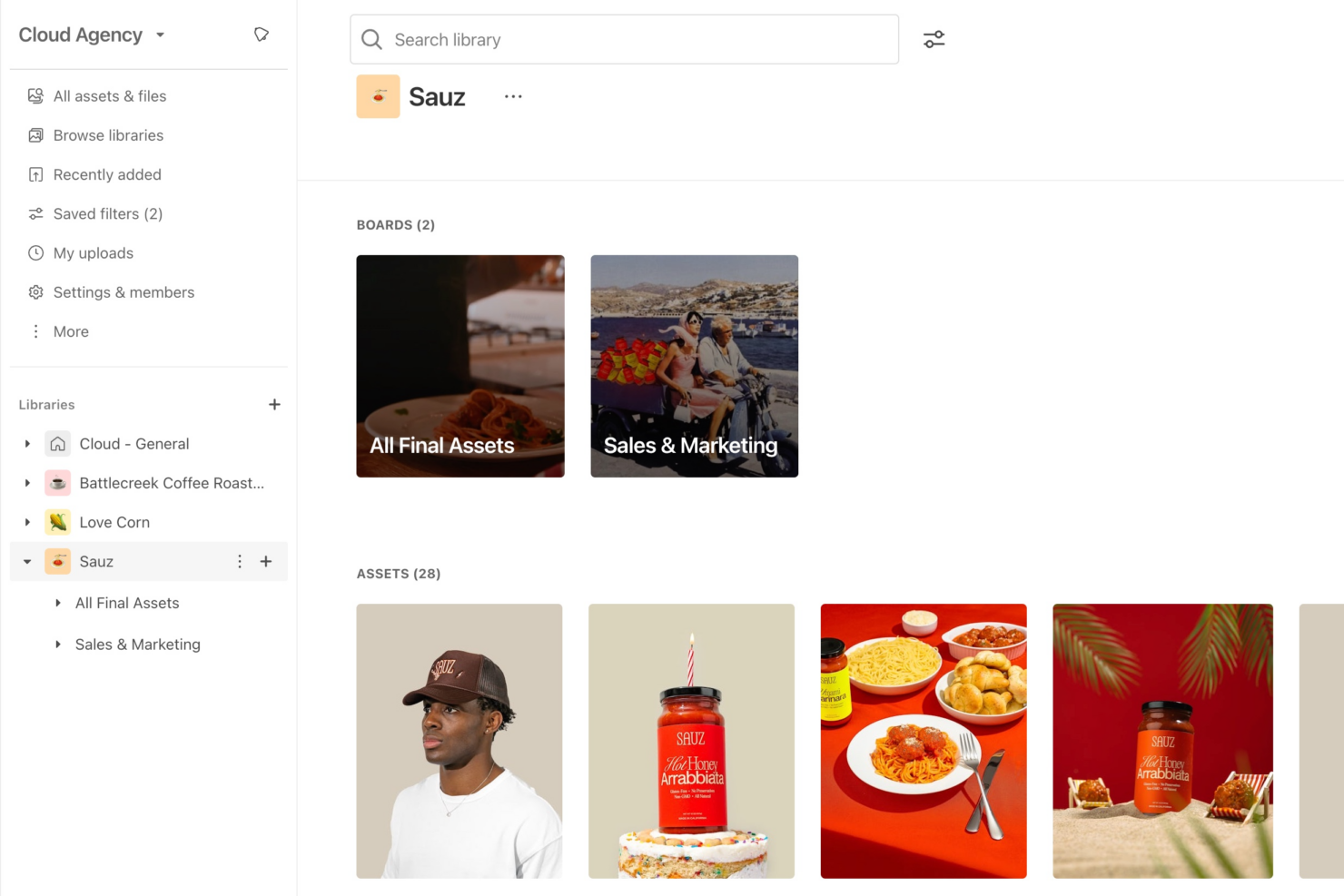
| Asset Organization | Both platforms let you organize, tag, and search assets with folders, metadata, and visual previews—Air emphasizes simplicity, while Bynder adds advanced filtering. |
| Cloud-Based Access | Both are fully cloud-based, so users can access, upload, and manage assets securely from any device or location. |
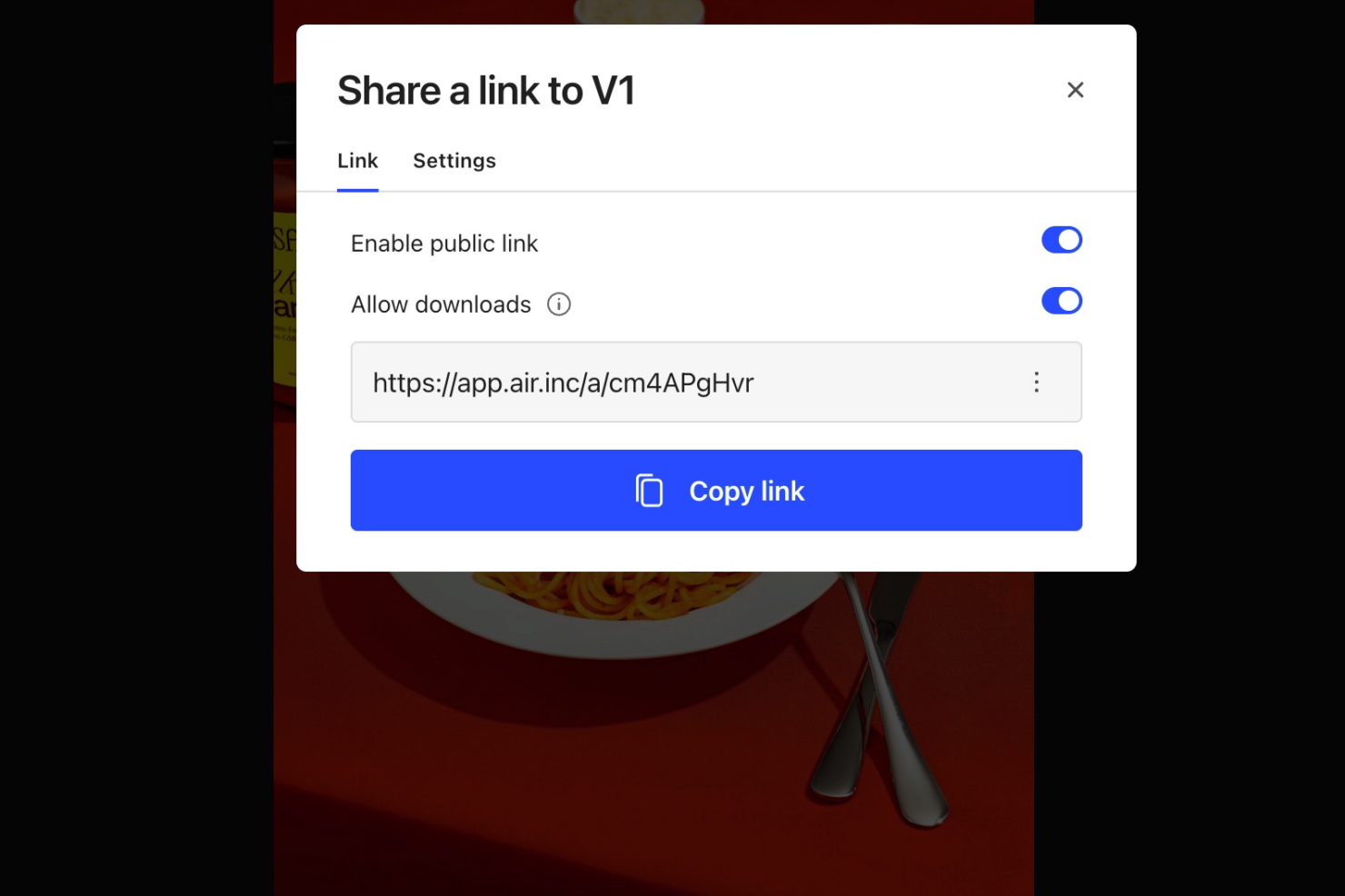
| Collaboration Tools | Both support real-time collaboration, commenting, and sharing, making it easy for teams to review and approve assets from anywhere. |
| Version Control | Both offer version history and rollback features, helping teams track changes and restore previous asset versions as needed. |
| Visit AirOpens new window Read Bynder ReviewOpens new window | |