


actiTIME vs. Clockify: Comparison and Expert Reviews for 2026


You’ll quickly notice that basic time tracking only gets you so far. If you can’t clearly see project costs or get your team to log hours consistently, you’re missing the insights that actually matter. With actiTIME and Clockify, you’re weighing structured project analytics against flexible, simple tracking—two distinct approaches to time tracking software that can shape how your team works.
In this article, you’ll get a side-by-side comparison, expert insights, and practical advice to help you confidently decide which tool will keep your projects—and your people—on track.
actiTIME vs. Clockify: An Overview
Clockify

Why You Can Trust Us
We’ve been testing and reviewing project management software since 2012. As project managers ourselves, we know how critical and difficult it is to make the right decision when selecting software.
We invest in deep research to help our audience make better software purchasing decisions. We’ve tested more than 2,000 tools for different project management use cases and written over 1,000 comprehensive software reviews. Learn how we stay transparent & our software review methodology.
actiTIME vs. Clockify Pricing Comparison
| actiTIME | Clockify | |
|---|---|---|
| Free Trial | Free plan + free trial available | Free plan available |
| Pricing | From $6/user/month (billed annually) | From $3.99/user/month (billed annually) |
actiTIME vs. Clockify Pricing & Hidden Costs
actiTIME uses a tiered pricing model based on the number of users, with separate options for cloud (subscription) and self-hosted (one-time license) deployments. You may encounter additional costs for services like customization or data migration—especially with the self-hosted version, where your team is responsible for infrastructure and updates.
Clockify, on the other hand, offers a generous free plan with unlimited users and basic time tracking, then charges for advanced features like reporting, scheduling, and team management. While pricing is transparent, some capabilities that feel “standard” (like deeper reporting or approvals) are only available in higher-tier plans, which can increase costs as your needs grow.
actiTIME vs. Clockify Feature Comparison
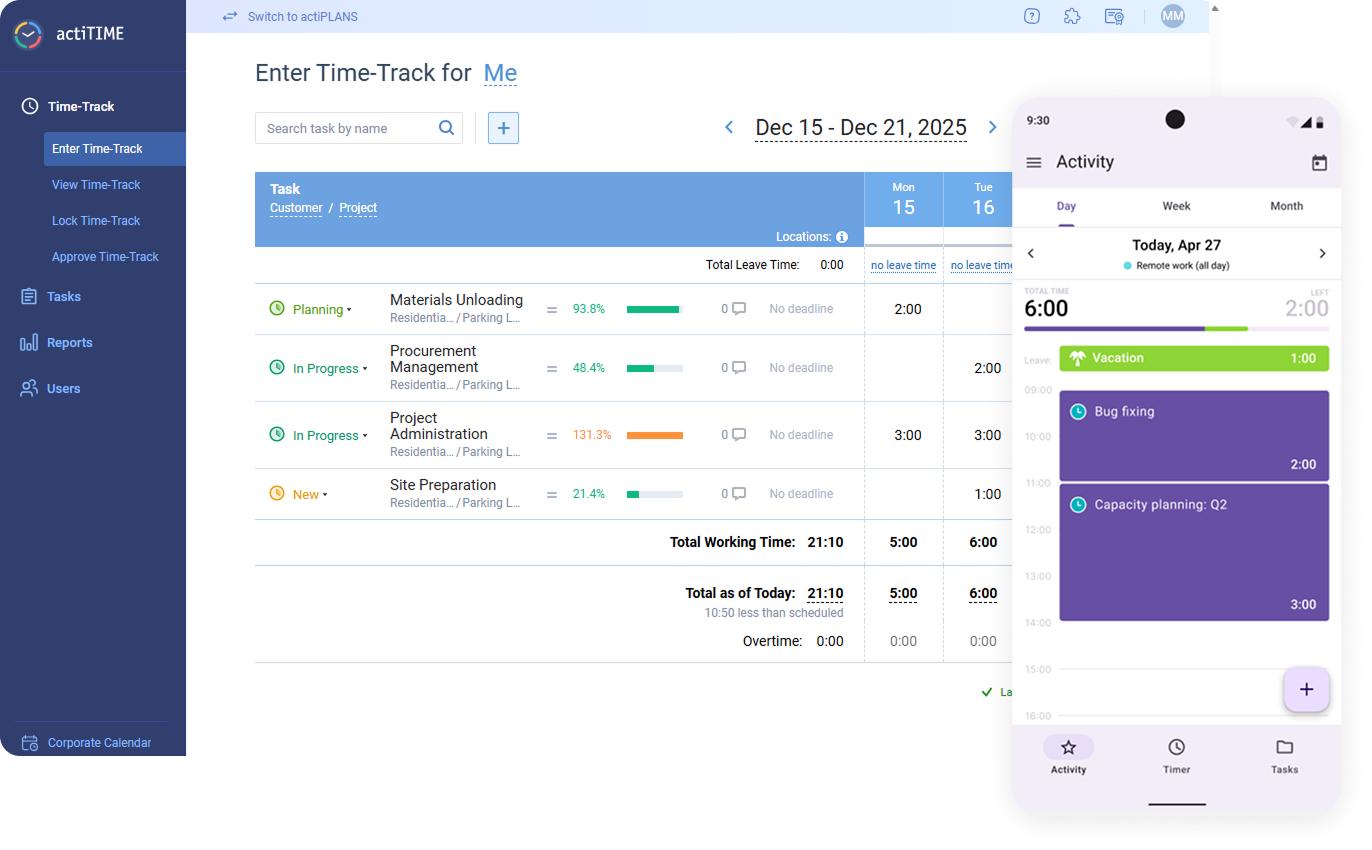
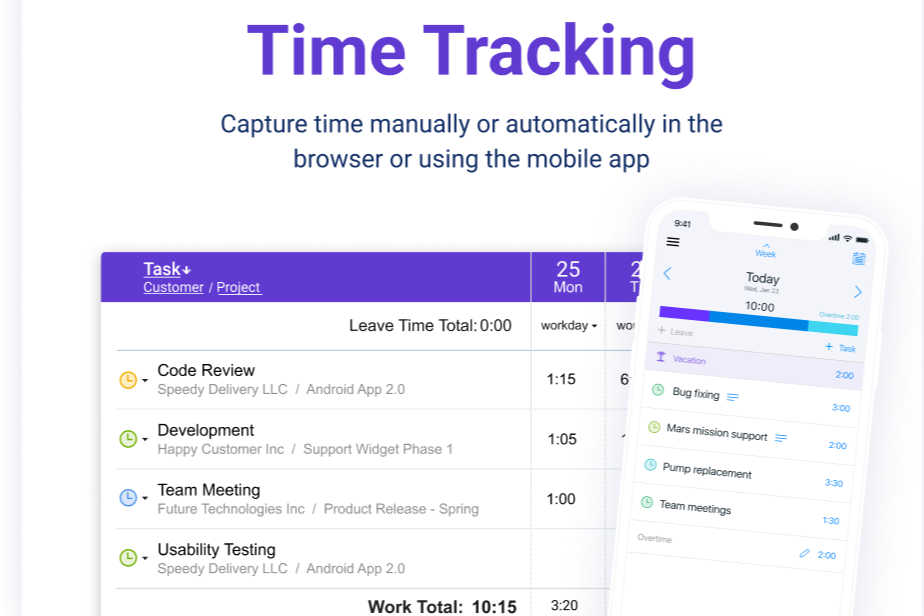
While both tools cover the core essentials of time tracking (logging hours, organizing work by projects and tasks, generating reports, and monitoring team activity), actiTIME stands out for its deeper operational and financial controls. You can track time alongside cost and billing rates, manage multi-level budgets, and generate invoices directly from time data—making it especially useful if you need visibility into profitability. Its built-in task workflows and approvals also add structure beyond basic time tracking.
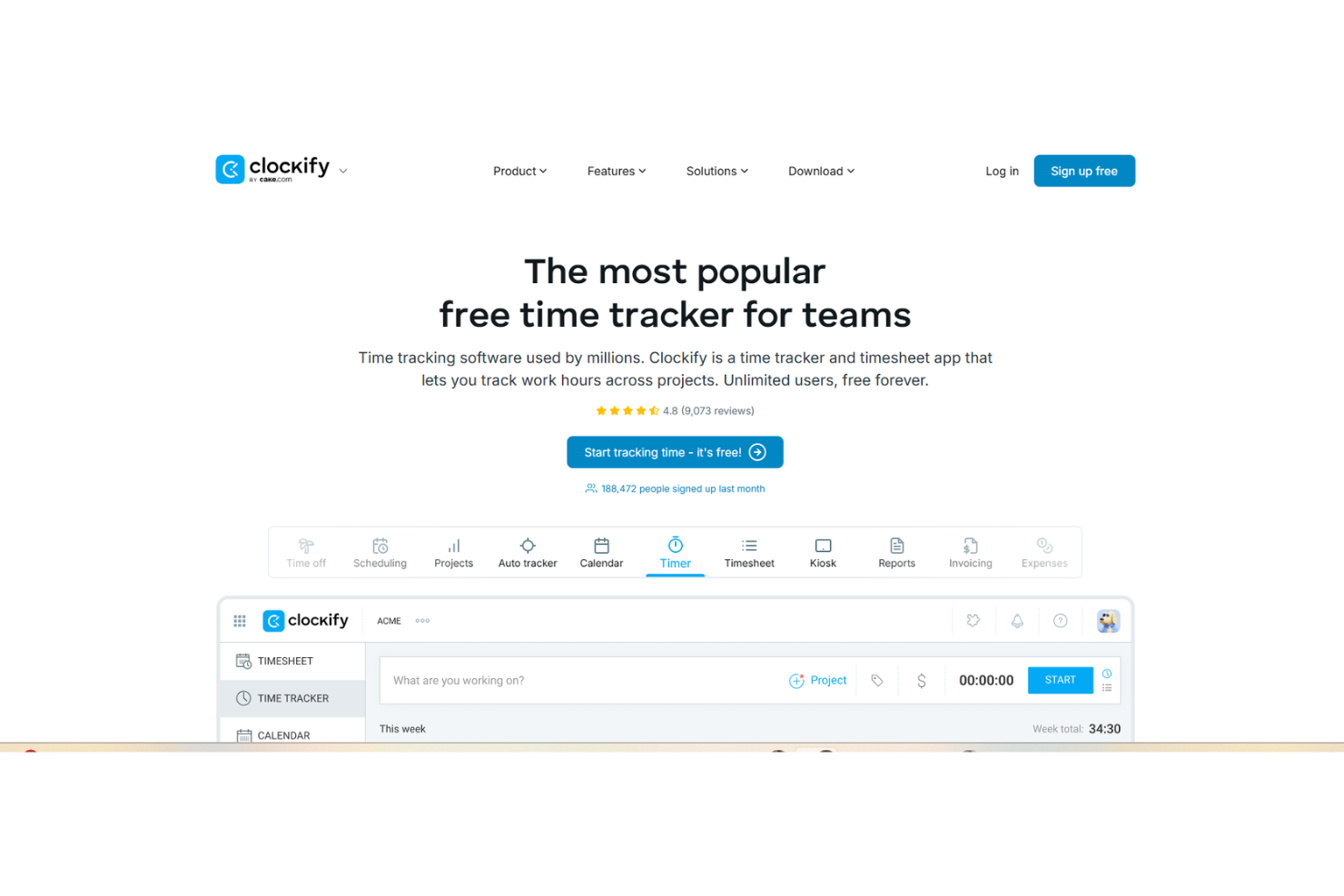
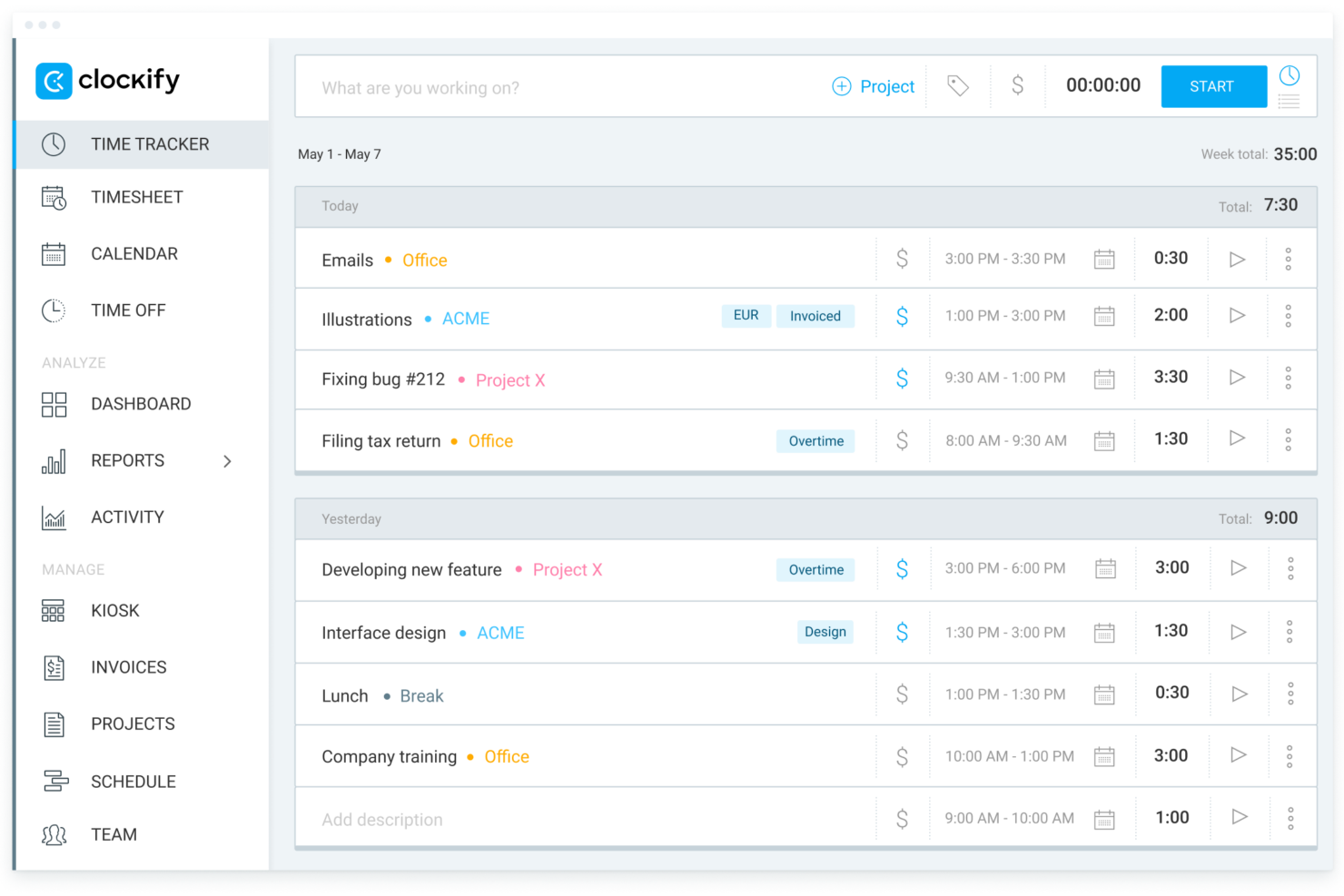
Clockify, in contrast, stands out for its simplicity and accessibility. You can get started quickly with unlimited users on the free plan, and its timer-based tracking, browser extensions, and wide range of integrations make it easy to use across different workflows without much setup.
| actiTIME | Clockify | |
|---|---|---|
| API | ||
| Analytics | ||
| Approval Workflows | ||
| Attendance Tracking | ||
| Batch Permissions & Access | ||
| Billing/Invoicing | ||
| Budgeting | ||
| Calendar Management | ||
| Dashboard | ||
| Data Export | ||
| Data Import | ||
| Data Visualization | ||
| Expense Tracking | ||
| External Integrations | ||
| Forecasting | ||
| Multi-User | ||
| Notifications | ||
| Project Management | ||
| Resource Management | ||
| Scheduling | ||
| Task Scheduling/Tracking | ||
| Time Management | ||
| Timesheets | ||
| Vacation & Absence Calendar |
actiTIME vs. Clockify Integrations
| Integration | actiTIME | Clockify |
| Asana | ❌ | ✅ |
| Trello | ❌ | ✅ |
| Jira | ❌ | ✅ |
| QuickBooks | ✅ | ✅ |
| Salesforce | ❌ | ✅ |
| Google Calendar | ❌ | ✅ |
| Slack | ❌ | ❌ |
| GitHub | ❌ | ✅ |
| API | ✅ | ✅ |
| Zapier | ✅ | ✅ |
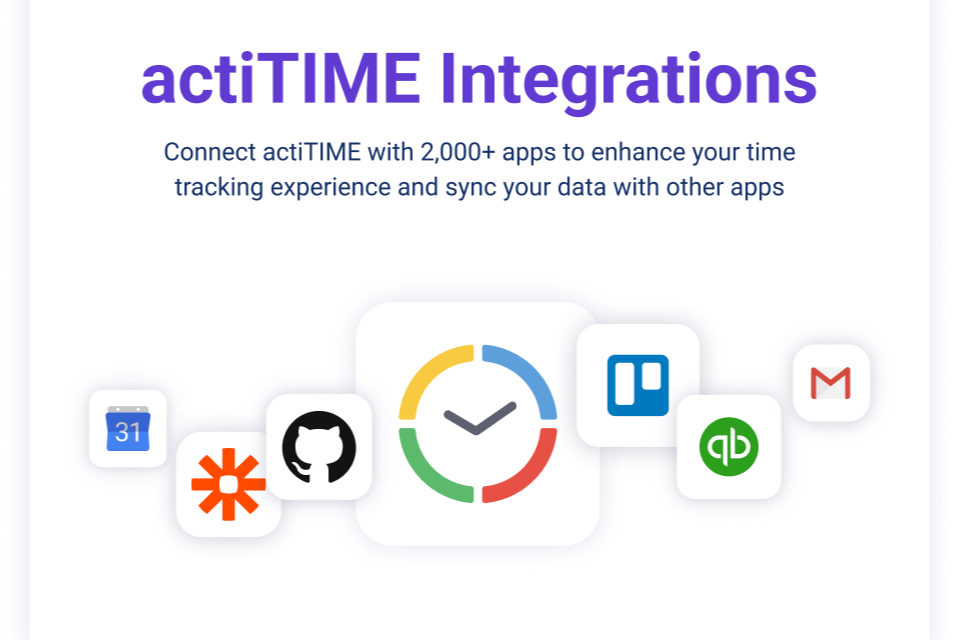
Both actiTIME and Clockify support key integrations like QuickBooks, Zapier, and API access, but their overall ecosystems differ significantly. Clockify stands out with a broader range of native integrations across project management, communication, and developer tools—making it a better fit if you rely on tools like Asana, Jira, Slack, or GitHub. actiTIME, by contrast, offers a more limited set of direct integrations and leans more heavily on Zapier or its API for extending functionality, which may require additional setup depending on your workflow.
actiTIME vs. Clockify Security, Compliance & Reliability
| Factor | actiTIME | Clockify |
| Data Privacy | Stores data on AWS (US/EU), supports GDPR-aligned practices, with role-based access controls. | Follows GDPR, offers data encryption, and lets you manage user permissions. |
| Encryption | Uses SSL/TLS encryption for data in transit (HTTPS enforced) and storage. | Secures all data with SSL/TLS encryption during transfer and storage. |
| Uptime & Backups | No formal uptime SLA; daily backups with RPO/RTO of ~24 hours. | Maintains high uptime and performs daily backups for data protection. |
| Regulatory Compliance | Supports GDPR and offers audit logs for compliance tracking. | SOC 2 Type II certified; GDPR compliant. |
| User Authentication | Role-based access + optional 2FA (not supported for API/integrations). | Role-based permissions + 2FA support. |
Both actiTIME and Clockify provide strong core security features, including encryption in transit, role-based access controls, and GDPR-aligned practices. actiTIME stands out for its flexible data hosting options (US or EU) and its use of AWS infrastructure, giving you more control over data residency and reliability, while Clockify holds formal certifications like SOC 2 Type II.
actiTIME vs. Clockify Ease of Use
| Factor | actiTIME | Clockify |
| User Interface | Offers a feature-rich interface with many options, which can feel complex at first. | Features a clean, intuitive interface that’s easy to navigate for new users. |
| Onboarding | Provides guided setup and documentation, but setup can take longer due to configuration options. | Quick onboarding with minimal setup lets teams start tracking time quickly. |
| Task Management | Supports detailed task and project setup, ideal for structured workflows. | Streamlines task entry and editing, making it fast for everyday use. |
| Support | Email, chat/contact options, and a comprehensive help center with guides and videos. | Email support and help center; higher tiers may include priority support. |
| Mobile Experience | Mobile app supports core tracking features; experience is solid but less emphasized than desktop. | Mobile app is well-rated and optimized for quick, on-the-go time tracking. |
Clockify is generally easier to adopt, thanks to its straightforward interface and minimal setup requirements. actiTIME, while slightly more complex upfront, offers more structure and control for teams that need detailed workflows and configuration. In practice, Clockify is better for quick adoption, while actiTIME is better suited for teams willing to invest time in setup for more tailored processes.
actiTIME vs Clockify: Pros & Cons
actiTIME
- Strong, customizable reporting for cost, billing, and performance analysis.
- Built-in leave and PTO management within the same system.
- Detailed time tracking at the project and task level for better visibility.
- No built-in payroll processing, though direct payroll integrations are available.
- Limited native integrations compared to many competing platforms.
- Mobile app features are limited compared to the web version.
Clockify
- It's great for managing time across multiple projects seamlessly.
- Your team benefits from excellent customer support.
- You can track time easily with its intuitive interface.
- Reporting options can be limited for complex projects.
- You may find the mobile app less responsive at times.
- Some advanced features might be missing compared to paid tools.
Best Use Cases for actiTIME and Clockify
actiTIME
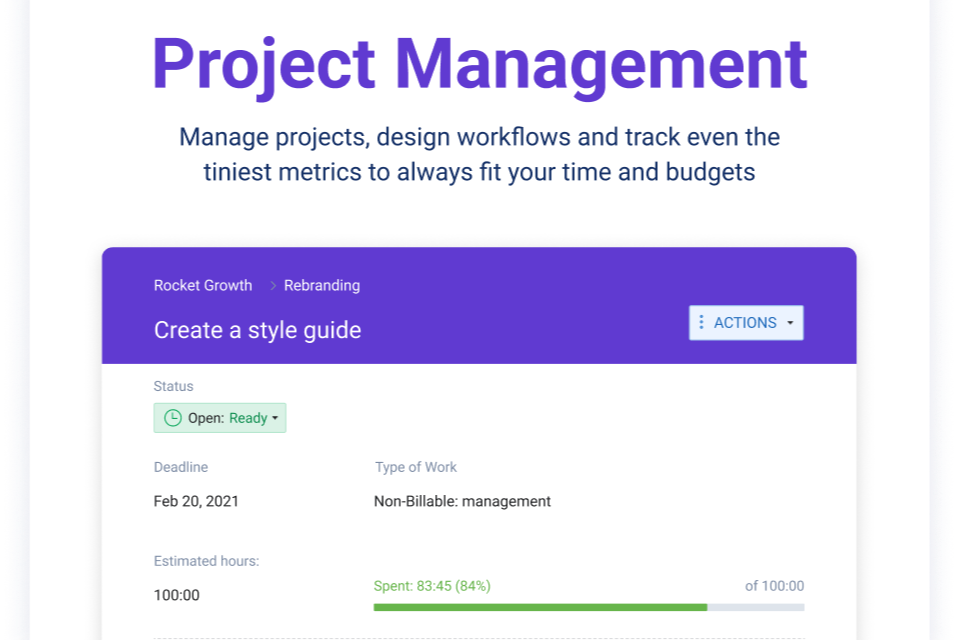
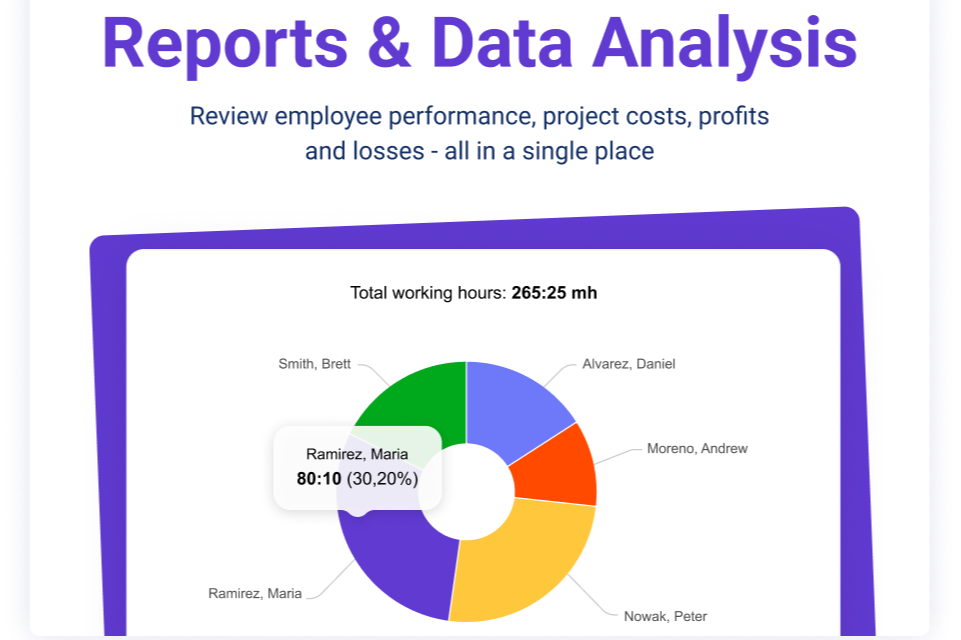
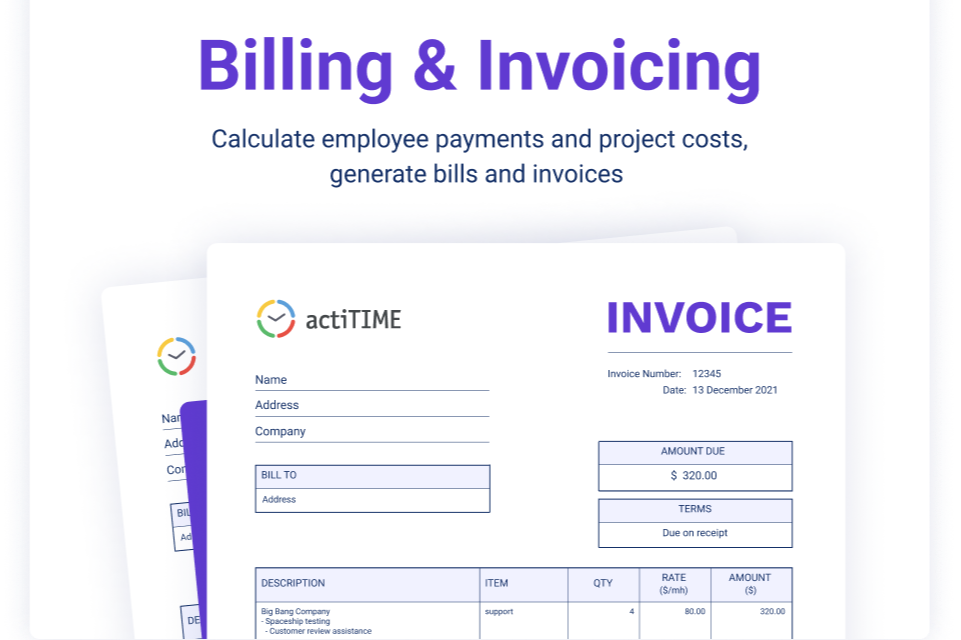
- Professional Services Firms actiTIME is well-suited for professional services teams that rely on billable hours and client-based work. Its billing rates, invoicing capabilities, and profitability reporting help track margins and ensure projects stay within budget.
- Creative Agencies Agencies managing multiple clients benefit from task-level tracking, workflow statuses, and Kanban views, which provide visibility into project progress while supporting detailed time and cost reporting across accounts.
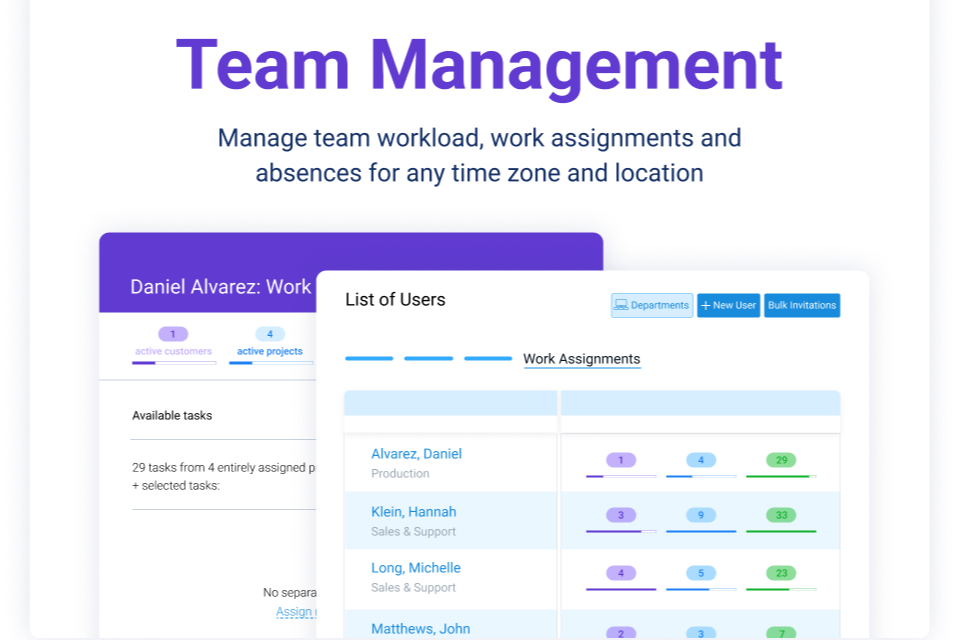
- IT Departments Internal teams can use actiTIME to monitor resource allocation, track time across initiatives, and manage leave in one system, helping improve planning and visibility across ongoing projects.
- Consulting Teams Consulting teams can leverage billable vs. non-billable tracking, rate management, and estimated vs. actual reporting to better manage client engagements and evaluate project performance.
- Engineering Teams For engineering or technical teams, actiTIME’s granular time tracking and budget controls support more accurate project costing, forecasting, and workload analysis across complex projects.
- Mid-Sized Companies Growing organizations benefit from actiTIME’s scalable structure, user roles/permissions, and customizable settings, though larger teams may need to account for its limited native integrations.
Clockify
- Freelancers Clockify lets you track billable hours easily, ensuring accurate invoicing for your clients.
- Small Businesses Your team can manage projects and time effectively without the cost, thanks to Clockify’s free features.
- Marketing Teams Organize campaigns and track time spent on tasks, helping you stay on schedule.
- Creative Agencies You can manage multiple projects seamlessly, keeping track of hours across different clients.
- Remote Teams Clockify’s excellent customer support ensures your team can resolve issues quickly, even from afar.
- IT Departments Track time on various tasks and projects, helping you allocate resources efficiently.
Who Should Use actiTIME, and Who Should Use Clockify?
If you need more than just time tracking—like understanding project costs, managing budgets, or generating invoices—actiTIME is likely the better fit for you. It works best if you run a service-based business or manage projects where profitability and control matter. You’ll get the most value if you’re willing to spend time setting up workflows, budgets, and reporting.
If your priority is simplicity and affordability, Clockify is a strong choice. It’s ideal if you want to get your team tracking time quickly without a steep learning curve or upfront cost. You’ll benefit most if you just need flexible, easy-to-use tracking without deeper financial or operational complexity.
Differences Between actiTIME and Clockify
| actiTIME | Clockify | |
|---|---|---|
| Billing Features | Includes built-in billing, invoicing, and cost tracking tools. | Includes invoicing and billing features, but they are limited to paid tiers and less tightly integrated. |
| Budgeting | Supports time, cost, and billing budgets across multiple levels. | Offers budgets and estimates mainly in higher-tier plans with less depth. |
| Deployment Options | Available as cloud (SaaS) or self-hosted. | Primarily cloud-based (with limited server options). |
| Integration Options | Limited native integrations; relies on API, Zapier, and tools like QuickBooks. | Broad native integrations with tools like Slack, Google Calendar, Jira, and GitHub. |
| Reporting Depth | Offers advanced, customizable reports focused on cost, billing, and profitability. | Provides solid reporting, including dashboards, labor cost, and profit tracking (in higher tiers). |
| Visit actiTIMEOpens new window | Read Clockify ReviewOpens new window |
Similarities Between actiTIME and Clockify
| API & Zapier Access | Both support API and Zapier integrations, allowing you to automate workflows and connect with other tools. |
|---|---|
| Data Export | Both allow you to export time and report data (e.g., CSV or similar formats). |
| Time Tracking | Both let you track time by project, task, or client, with manual entry and timers for flexible workflows. |
| Timesheet Approvals | Both support timesheet approvals and locking features to ensure accurate submissions. |
| User Permissions | Both offer role-based access controls, so you can manage who sees and edits data at different levels. |
| Visit actiTIMEOpens new window Read Clockify ReviewOpens new window | |