
Loom-recension: Fördelar, nackdelar, funktioner och priser förklarade



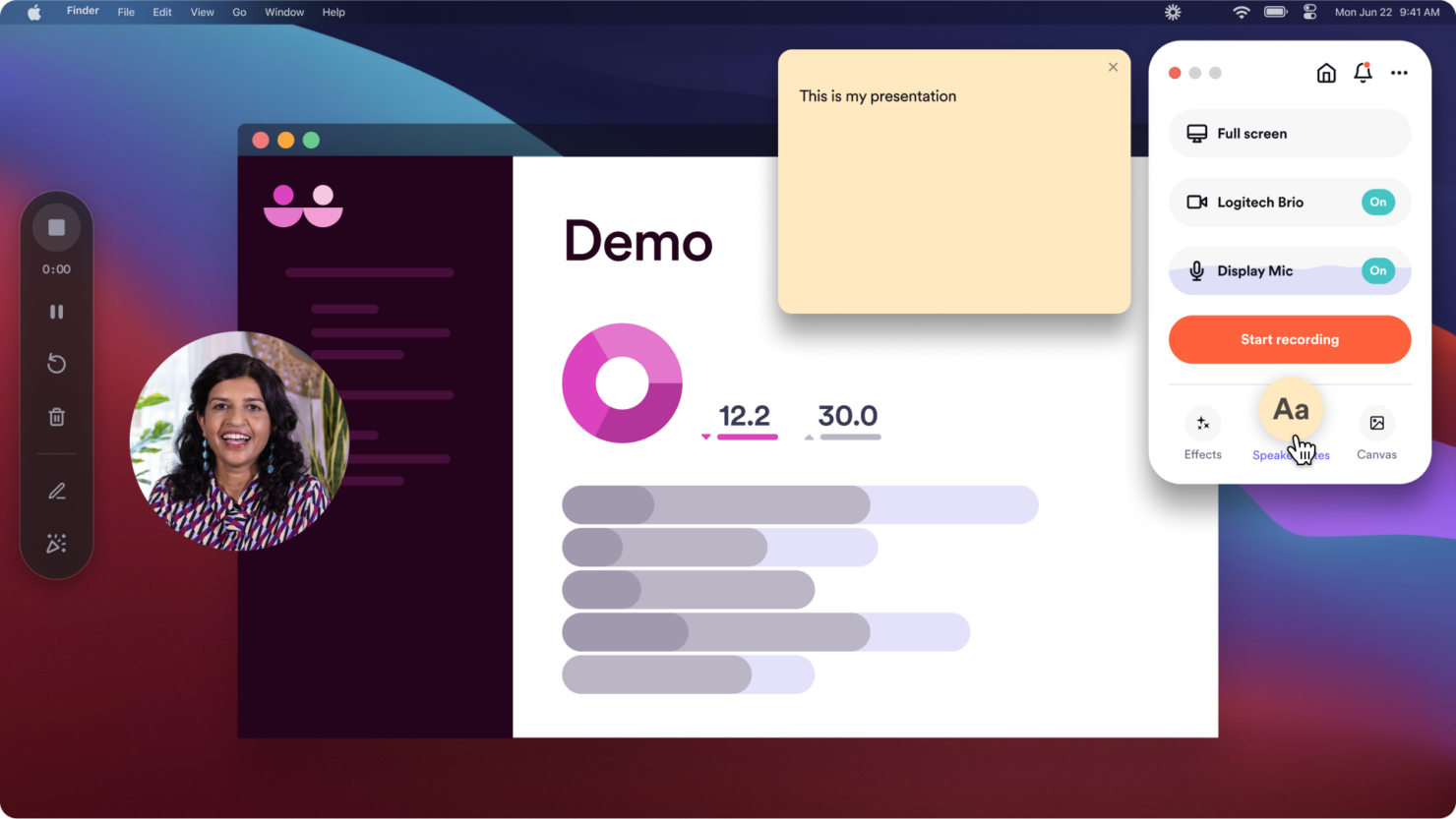
Loom is a free collaboration tool built around async video messaging. Record your screen, camera, or both and share it instantly via a link. It's worth considering when your team spends too much time in status meetings that a short video walkthrough could replace. I'd pick it over Zoom for async communication because Loom is purpose-built for it. Viewers can comment, react, and respond without scheduling a call.
Loom Evaluation Summary
- $18/month
- Free demo available
Varför du kan lita på våra programvarurekommendationer
Vårt team har testat och recenserat programvara sedan 2012. Som projektledare själva vet vi hur
svårt — och viktigt — det är att välja rätt programvara.
För den här guiden utvärderade vi verktyg genom praktisk testning och oberoende research, och betygsatte verktygen enligt våra urvalskriterier. Vi drar även nytta av insikter från branschens tankeledare och praktiserande projektledningsexperter.
Våra recensioner speglar vårt mänskliga redaktionella omdöme, inte ett säljbudskap.
Expertgranskare:
Loom Overview
When evaluating Loom, its quick video recording, intuitive interface, and generous free plan make it easy to recommend for teams prioritizing async updates and visual walkthroughs. Compared to others, Loom's onboarding is faster and its chrome extension is more reliable, but it lacks advanced project tracking and deep workflow integrations. If you're selecting a screen recording tool for onboarding, feedback, or sharing demos across distributed teams, Loom is a top pick. However, if you need built-in task management or complex integrations, you may find Loom underperforms in those areas.
pros
-
Video messaging reduces the need for live meetings.
-
Free plan includes unlimited viewers and up to 25 videos.
-
Built-in AI features generate transcripts and summaries.
cons
-
No built-in task or project management features.
-
Free plan limits video length to five minutes.
-
Lacks advanced workflow automation compared to others.
-

Celoxis
Visit WebsiteThis rating combines scores from multiple user review sites to reflect overall customer sentiment about the product.4.5 -
Accelo
Visit WebsiteThis rating combines scores from multiple user review sites to reflect overall customer sentiment about the product.4.4 -
Wrike
Visit WebsiteThis rating combines scores from multiple user review sites to reflect overall customer sentiment about the product.4.3





Loom Specs
- 3D Print Analyzation
- Architectural Design
- Big Data
- BitCoin
- CAD File Support
- Click-to-Dial
- Collaboration Support
- CRM Integration
- Electrical Design
- FBX File Support
- Knowledge Base
- Mechanical Design
- Multi-Account
- Multi-App
- Multi-Currency
- Multi-Site
- Multi-User
- Natural Resources
- Notifications
- OBJ File Support
- P&L
- PayPal
- Pixel Graphics
- PLY File Support
- Remote Access
- SMS
- Social-Media Integration
- STL File Support
- Stripe
- Support Forum
- Ticket Management
- Trading
- Ultra-High-Res Monitor Support
- Vector File Support
- Video
- VRML File Support
- X3G File Support