

How monday AI agents Handle Marketing
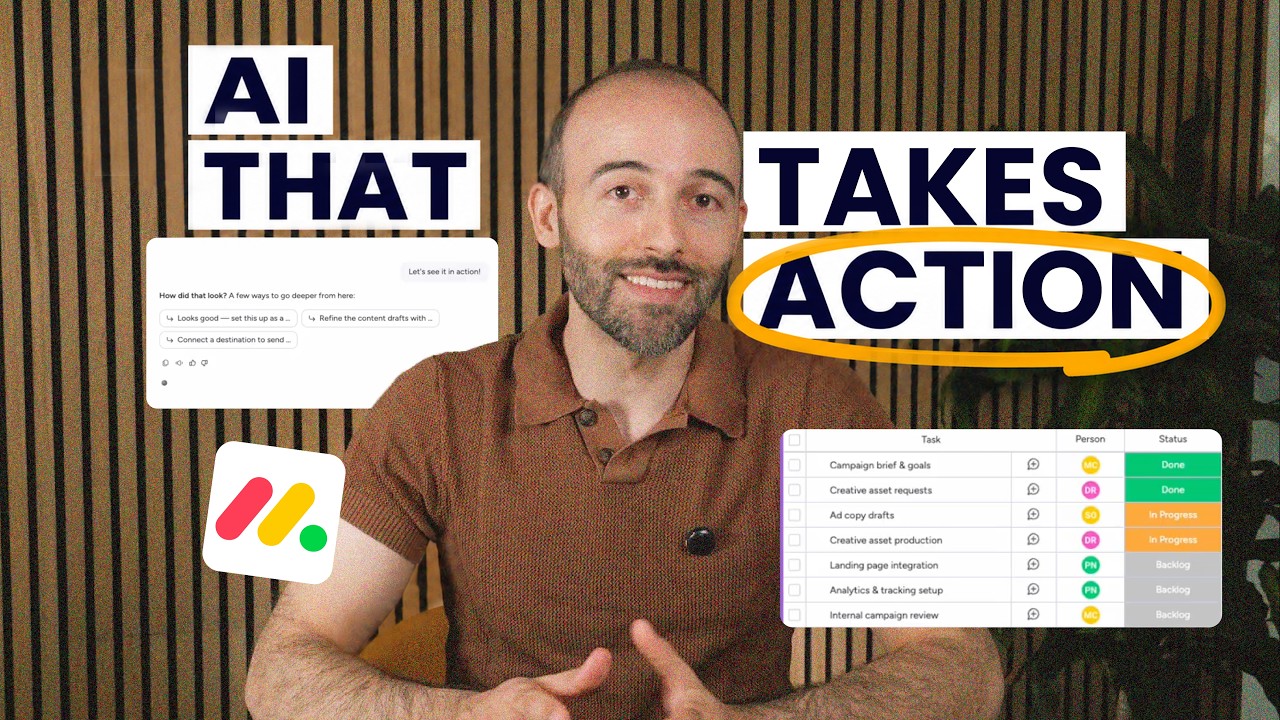
monday agents can take on some of the routine coordination involved in managing projects and workflows. For a marketing campaign, that could mean tracking deadlines, managing handoffs, and following up on tasks, while your team stays responsible for strategy and creative decisions.
Whether you’re exploring monday agents, evaluating AI agent builders, or looking for ways to automate campaign management and team coordination, this video walks through how to create a custom agent in monday.com using a marketing campaign as an example.
What You’ll Learn
In this video, we’ll cover:
- How monday agents can support marketing campaign coordination
- Creating a custom AI agent using plain-language instructions
- Giving agents context through monday.com boards, files, and the Brain tab
- Connecting external tools like Gmail, Slack, and Google Drive
- Setting permissions to control what information agents can access and modify
- Configuring jobs, triggers, and schedules to automate recurring tasks
- How monday agents differ from traditional rule-based automations
- Monitoring agent activity and adjusting its behavior
- Key considerations around permissions, oversight, and AI credit costs
Chapters:
00:00 – Intro
00:17 – The Use Case
00:48 – How monday agents Work
03:43 – The Outcome
04:13 – Considerations
For a deeper look at monday.com check out our in-depth review: https://thedigitalprojectmanager.com/tools/monday-review/
Or, head over to monday.com!
AI agents can take on a lot of different tasks. The harder question is where handing work over to one would actually make a difference in your day-to-day workflow. Let’s create one on monday.com and see how it could handle some of the coordination behind the marketing campaign.
Say you’re preparing a new campaign. You’ve worked out your audience, goals, messaging, channels, and creative direction. Now, all of those decisions need to turn into coordinated work across your team. Deliverables need owners and deadlines, work needs to move through review, changes need to be followed up on, and as the campaign progresses, someone needs to keep an eye on what’s moving and what needs attention.
With monday’s AI agent builder, you can create an agent around that workflow, giving it a specific role and deciding what information it can use, when it should act, and what it’s allowed to do. Start by deciding what you actually want to delegate. On monday.com, you can describe the agent you want in plain language, use a predefined starting prompt, or start from scratch.
For this campaign, you might make its job coordination rather than strategy. You still decide what the campaign is trying to achieve and how you wanna get there, while the agent helps keep the resulting work moving. Once you’ve defined that role, the agent needs enough context to understand what work it’s dealing with.
In the Brain tab, you can give it instructions, along with access to relevant monday boards and files. You can also add external files as context. For example, you might connect your campaign board and supporting documents so the agent can work from the same campaign information your team is already using.
How it interacts with that information is up to you. You can give it read access when it only needs to reference board data, or allow it to edit and add information when you want it to take action. You can then connect tools for work that needs to happen outside that board monday supports integrations with apps including Gmail, Outlook, Slack, Microsoft Teams, Google Drive, Salesforce, and Canva.
With the right permissions and tools in place, your agent can do more than report back on what it finds. It can create or update items, assign owners, change statuses, draft messages, log outcomes, and carry out the follow-ups you’ve authorized. But you probably don’t want all of that happening continuously, so the next part is deciding when the agent should act.
Jobs let you break its responsibilities into specific tasks, each with its own instructions and trigger. For your campaign, one job could monitor work for deliverables that need attention and respond according to the instructions you’ve set. Another could run on a recurring schedule to check the campaign at regular intervals.
Jobs can run on a schedule, and there are also default jobs that run when you assign the agent to an item or mention it. Now the agent has a fairly defined operating environment. It knows what its role is, what campaign information it can work with, what actions it can take, and when it should take them.
That means you don’t necessarily have to keep checking the campaign board just to spot routine changes that require a predictable response. The agent can monitor the information you’ve made available to it and act within the instructions, permissions, and guardrails you’ve set. Now, there’s an important difference here from a standard automation.
An automation follows the trigger and action sequence you define in advance. An agent can use the context available to it to determine what action is appropriate while still operating within the boundaries you’ve given it. That doesn’t mean handing over the campaign itself. You’re still setting the strategy, reviewing creative work, approving content, making judgment calls, and changing direction when the campaign needs it.
What you’re choosing to delegate is some of the coordination around those decisions. So what does that change when you’re actually running the campaign? As more deliverables, deadlines, and handoffs enter the workflow, not every one of them has to create another coordination task for you. The agent can keep handling the responsibilities you’ve delegated while you step in when the work needs approval, a decision, or a change in direction.
That can be particularly useful when you’re managing multiple campaigns or work streams at once, because keeping the routine parts moving doesn’t have to depend entirely on how often you can check in on them. So before you build agents into your campaign workflow, there are a few practical things to factor in.
Because an agent can take actions on your behalf, you need to pay particular attention to what information and tools you give it access to. You’ll also wanna make sure it’s doing what you intended. The activity section lets you review its runs, status, and the apps it used, and you can adjust the agent if the behavior needs refining.
Finally, monday agents use AI credits, which are purchased separately, so check the current pricing page if you plan to run agents regularly. For more on monday.com and how it fits your marketing tech stack, check out our full review and other resources from The Digital Project Manager.

