

5 Best Marketing Project Management Software in 2026
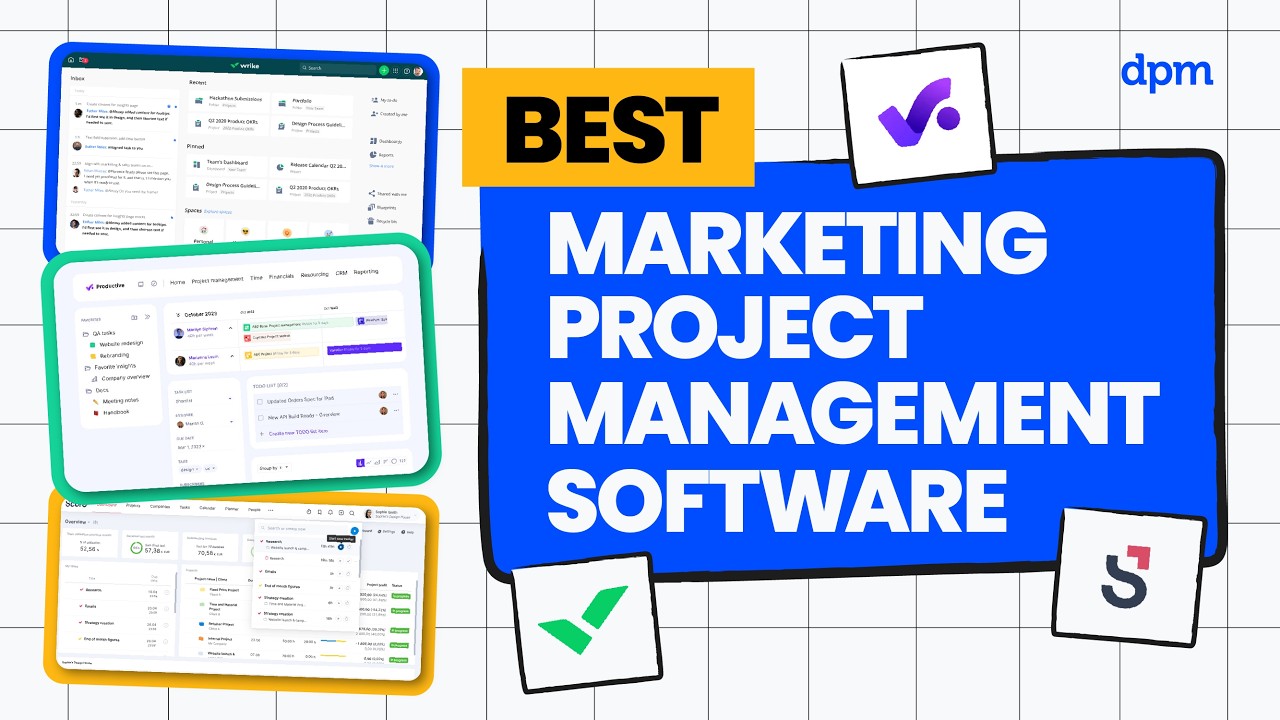
Looking for the best marketing project management software in 2026?
In this video, we compare five of the top marketing project management tools, breaking down how they help teams plan campaigns, manage budgets, and stay aligned—plus what each tool is best for, how AI features actually show up, and pricing at a glance.
Whether you’re running complex campaigns, managing cross-functional teams, or trying to keep projects on track as priorities shift, this comparison will help you choose the right marketing project management software for your team.
Marketing PM Tools covered in this video:
0:22 – Scoro
1:48 – Wrike
3:21 – Productive
5:13 – Air
7:01 – monday.com
For a deeper comparison, check out our full guide to marketing project management software.
Ever had a campaign go off track because priorities changed mid-project and your tools couldn’t keep up?
In this video, I’ll walk you through five of the best marketing project management software in 2026, breaking down who each tool is best for, standout features, where AI shows up, and pricing at a glance. Let’s get into it.
First up is Scoro. This one is great if you need to track project budgets and profitability in real-time, so you can quickly spot financial risks before they impact your marketing campaigns. You get detailed budget dashboards that let you monitor costs, revenue, and margins across all your marketing projects in one place.
Built-in time tracking links directly to billing, so you can see exactly how team hours affect your bottom line. And automated reporting pulls together financial and project data, making it easier to share clear updates with stakeholders or adjust plans on the fly.
As for AI features, Scoro uses predictive analytics to flag projects that are trending over budget or behind schedule. The platform also suggests resource allocations based on historical project data, helping you optimize team assignments before issues arise. This means you can make proactive decisions about budgets and staffing, rather than reacting to problems after they happen.
Where Scoro really shines is in its ability to centralize quotes, invoices, and project financials, so your team can manage the entire client life cycle without switching between multiple tools. One thing to be aware of though is that Scoro’s interface can feel complex at first, which may slow down onboarding for teams new to project management platforms.
Scoro has a free 14-day trial, and paid plans start around $19.90 per user per month, with higher tiers unlocking project budgets and templates, detailed financial reports, and advanced resource planning tools.
Next up is Wrike. This one is great if your team needs to coordinate complex projects across multiple departments as your organization grows, so you can keep everyone aligned without losing visibility or control. You can customize workflows to match each department’s process, making it easier to manage handoffs and dependencies as projects scale.
Dynamic request forms help you capture project details up front, so teams spend less time clarifying requirements and more time executing. Plus, real-time dashboards give you a clear view of progress and bottlenecks, which is especially useful when you’re juggling multiple high-stakes initiatives at once.
In terms of AI features, Wrike offers automated task prioritization that helps your team focus on the most urgent work as project demands shift. The platform also uses AI to analyze project data and flag potential risks, so you can address issues before they impact delivery. This is especially helpful when you’re managing large, distributed teams and need to keep projects on track without constant manual oversight.
One standout feature is Wrike’s ability to let you build custom automation rules, so you can eliminate repetitive manual tasks and reduce the risk of errors as your workload grows. On the other hand, a potential downside is that Wrike’s notification system can generate a high volume of alerts, which may lead to important updates getting overlooked in busy project environments.
Wrike has a free plan and a 14-day free trial, and paid plans start around $10 per user per month, with higher tiers unlocking advanced resource and capacity planning, workflow customizations, and detailed reporting features.
Next up is Productive. This one is great if your agency needs to manage client projects, budgets, and profitability in one place, so you can keep a close eye on margins as your workload grows. You can track billable hours and project budgets in real-time, making it easier to spot scope creep before it impacts profitability.
Built-in resource planning lets you allocate team members based on availability and skill set, so you avoid overbooking and burnout. And integrated invoicing ties project work directly to client billing, which helps reduce errors and keeps cash flow predictable.
As for AI features, Productive includes an AI assistant that can instantly surface business insights, like which projects are at risk of losing money, or which teams have the best utilization rates, just by asking a question. You can also describe the workflow you want to automate, and the system will build automations for you, such as sending reminders for high-priority tasks, or assigning clients based on time zone. These capabilities help your agency make faster decisions and reduce manual setup, especially when managing multiple clients and shifting priorities.
One great thing about Productive is its built-in sales pipeline management, which lets you track leads, proposals, and deals alongside project delivery, so your team can connect sales activity directly to ongoing client work. One thing to be aware of though is that Productive’s interface can feel overwhelming at first, which may slow down onboarding for teams that are new to all-in-one platforms.
Productive has a free 14-day trial, and paid plans start around $10 per user per month, with higher tiers unlocking advanced reporting, resource planning, and financial forecasting features.
At this point, you can probably see how these tools differ in terms of workflow customization and pricing [music] structure. If you want a clearer side-by-side breakdown of those differences, I’ve linked a detailed comparison guide below. Now, let’s look at more options.
Next up is Air. This one is great if your team needs to quickly find and organize digital assets using AI-powered search, especially when you’re managing a large and constantly growing content library. You can use visual search to locate images or videos by simply uploading a reference file, which helps when you can’t remember file names or tags.
Automated tagging organizes assets as soon as they’re uploaded, so your team spends less time on manual data entry and more time on creative work. Plus, version control keeps track of asset updates, making it easy to roll back changes or compare different iterations during client reviews.
In terms of AI features, Air can automatically generate tags and keywords for every asset as it’s uploaded, making it much easier to organize and retrieve files without manual input. You can also use natural language search to find assets by describing what you’re looking for, even if you don’t know the exact file name or location. These capabilities help teams quickly surface the right content during fast-paced campaigns or when onboarding new team members.
A standout feature of Air is its flexible workspace structure, which lets you set up custom folders, permissions, and workflows, so different teams or clients can manage assets independently without confusion or overlap. On the other hand, a potential downside is that Air’s upload and sync speeds can [music] lag with very large files or bulk uploads, which may slow down teams working with high-resolution video or extensive asset libraries.
Air has a free plan, with paid plans starting around $25 per month for individuals and small teams. Pricing then scales significantly as your team grows, mainly increasing storage, user capacity, and access controls for managing larger asset libraries.
And last but not least is monday.com. This one is great if you want a single platform to manage every stage of your team’s projects, from planning and execution to tracking and reporting, so you don’t have to juggle multiple disconnected tools. You can build custom workflows using visual boards, so your team can adapt processes to fit the way you actually work.
Integrated automations handle repetitive tasks like status updates or notifications, which helps reduce manual follow-up and keeps projects moving. And built-in dashboards pull data from across your workspaces, making it easy to track progress and share updates with stakeholders in real-time.
As for AI features, monday.com can automatically summarize project updates and generate action items from meeting notes, helping your team quickly identify next steps without sifting through long threads. You’ll also find smart suggestions for task assignments and deadlines embedded in your boards, which can help balance workloads and keep projects on track during busy periods.
One great thing about monday.com is its extensive library of ready-made templates for different project types, which lets your team launch new workflows quickly without building everything from scratch. That being said, one potential drawback [music] is that monday.com’s interface can feel overwhelming at first, which may slow down onboarding for teams that are new to customizable work management platforms.
monday.com has a free plan and a free trial, and paid plans start around $9 per seat per month, with higher tiers unlocking features like timeline and Gantt views, automations and integrations, and advanced reporting.
So, which of the tools we’ve covered today actually makes the most sense for your situation?
Choose Scoro if you need to track project budgets and financials alongside your workflows.
Wrike is a strong fit for larger teams that need to manage complex, multi-team projects.
Productive works best for agencies and consultancies handling client work and billable hours.
Air is ideal if your team relies on fast, AI-powered searches for creative assets.
Go with monday.com if you want one platform to manage every stage of your projects.
And if you’d like a deeper comparison, we’ve linked our full marketing project management software guide below. Thanks for watching.

