

Best Creative Project Management Software in 2026
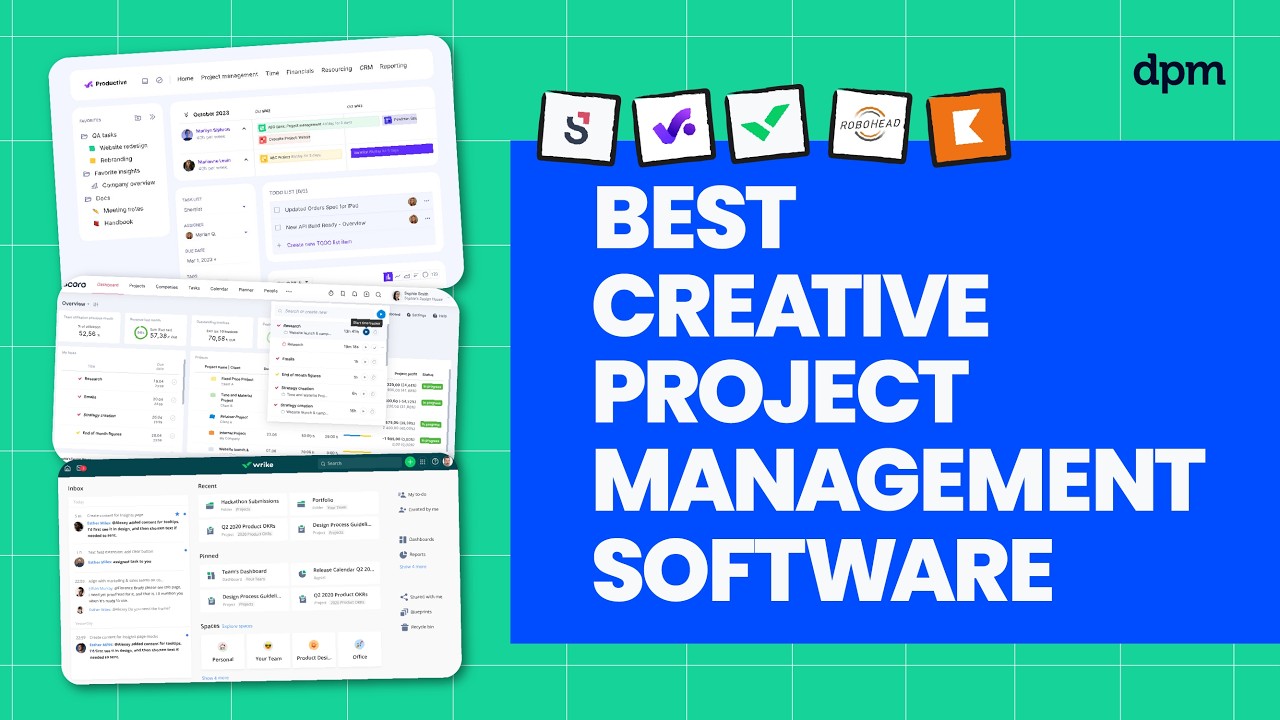
Looking for the best creative project management software in 2026?
We compare the top creative project management tools, breaking down how they help teams manage feedback, streamline approvals, and keep creative work moving—plus what each tool is best for, how AI features actually show up, and pricing at a glance.
Creative project management platforms covered in this video:
0:26 – RoboHead
1:56 – Wrike
3:30 – Scoro
5:22 – Productive
7:03 – Kantata
Whether you’re managing design requests, coordinating stakeholders, or trying to speed up review cycles, this comparison will help you choose the right tool to keep your creative projects on track.
For a deeper comparison, check out our full guide to creative project management software.
Creative work moves fast, but when feedback and approvals are messy, everything slows down. That’s where the right project management tool can make a big difference.
In this video, I’ll walk you through five of the best creative project management software in 2026, breaking down who each tool is best for, standout features, where AI shows up, and pricing at a glance. Let’s get into it.
First up is RoboHead. This one is great if your creative or marketing team needs a dedicated space to manage projects and gather feedback from unlimited stakeholders, so nothing gets lost during reviews. You can set up custom project request forms to capture all the details your team needs before work begins, reducing back and forth and missed requirements.
Built-in proofing tools let stakeholders leave precise, actionable feedback directly on creative assets, so revisions are clear and trackable. And automated task notifications help everyone stay on top of deadlines, even when multiple projects are moving at once. In terms of AI features, RoboHead Spark includes a request assistant that lets you start project requests using just a few sentences or by uploading an example file, automatically filling in detailed form fields for you.
The suite also offers a report analyst that can surface trends, generate charts, and answer data questions instantly, so you can quickly spot bottlenecks or successes in your workflow. For creative reviews, tools like RoboProofreader and RoboAuditor help polish content and check for brand consistency before anything goes out the door.
Where RoboHead really shines is in its detailed project timelines, which let you visualize every phase and dependency so your team can anticipate bottlenecks before they happen. That being said, one potential drawback is that RoboHead’s interface can feel dated compared to newer creative project management tools, which may slow onboarding for teams used to more modern layouts.
RoboHead has a free trial, and pricing is typically quote-based.
Next up is Wrike. This one is great if your team needs customizable workflows and dashboards to adapt project tracking to your exact creative process, so you can keep everyone aligned as priorities shift. You can build custom dashboards that surface the exact metrics and tasks your team needs to see, making it easier to spot blockers or shifting priorities at a glance.
Dynamic request forms help you standardize intake and route work to the right people, so nothing falls through the cracks during busy periods. Plus, built-in proofing and approval tools let stakeholders review creative assets directly in the platform, speeding up feedback cycles and reducing email back and forth.
As for AI features, Wrike includes a work intelligence suite that can automatically flag at-risk projects and suggest task prioritization based on historical data. The platform also offers document processing that extracts action items and deadlines from uploaded files, helping your team quickly turn briefs or meeting notes into actionable tasks.
These capabilities are embedded directly in project views, so you can catch issues and organize work without switching tools. One standout feature is Wrike’s ability to automate complex workflows with custom rules, so your team can reduce manual handoffs and keep projects moving even as requirements change.
On the flip side, one potential drawback of Wrike is that its wide range of customization options can make the initial setup time-consuming, which may delay getting your team fully up and running. Wrike has a free plan and a free trial, and paid plans start around ten dollars per user, with higher tiers unlocking features like advanced workflow customization, resource and capacity planning, and AI Elite capabilities.
Next up is Scoro. This one is great if your agency or consultancy needs a single platform to manage projects, billing, and reporting together so you can keep client work and financials tightly aligned. You can link project budgets directly to time tracking and invoicing, making it easier to monitor profitability as work progresses.
Built-in quoting and billing tools let you generate proposals and invoices from the same workspace so your team spends less time switching between systems. And real-time dashboards pull together project status, financials, and resource allocation, giving you a clear view of both client delivery and business performance in one place.
In terms of AI features, Scoro includes Eli, a conversational assistant that lets you query business data in natural language and get instant answers or insights without digging through reports. Eli can also suggest next steps and surface relevant actions based on project status or financial trends, helping your team make faster, more informed decisions.
One great thing about Scoro is its ability to track the entire client life cycle from quote to delivery to invoicing in one connected system, so your team always has full visibility into project progress and profitability. On the other hand, a potential downside is that Scoro’s interface can feel overwhelming at first, which may slow down onboarding for teams new to all-in-one platforms.
Scoro has a free trial, and paid plans start around $19.90 per user per month, with higher tiers unlocking features like project budgets and templates, advanced resource planning, and company-wide financial forecasting.
At this point, you can probably see how these tools differ in terms of workflows, feedback and approval features, and pricing structure. If you want a clearer side-by-side breakdown of those differences, check out our complete guide to creative project management software linked in the description below. Now let’s look at more options.
Next up is Productive. This one is great if your agency wants to manage projects, time tracking, budgeting, and sales in one place, so you can keep your entire client workflow connected from pitch to payment.
You can track billable hours, project budgets, and sales pipelines all from a single dashboard, so your team always knows where projects stand financially and operationally. Built-in resource planning tools let you allocate people to projects based on availability and skills, helping you avoid overbooking or underutilizing talent.
And automated profitability reports pull together time, expenses, and revenue, giving you a clear picture of which clients and projects are driving your business forward. As for AI features, Productive includes an assistant that can summarize project updates and generate draft emails or messages based on recent activity, helping your team keep clients informed without manual effort.
The assistant can also analyze time tracking and budget data to flag projects at risk of overruns, so you can address issues before they impact profitability. This means project managers spend less time on routine communication and more time focusing on client delivery. A standout feature of Productive is its customizable permission settings, which let you control exactly who can view or edit sensitive financial and project data, so you can maintain confidentiality across different roles and teams.
One thing to be aware of, though, is that Productive’s mobile app has more limited functionality compared to the desktop version, which can make it harder for team members to manage complex tasks or access detailed reports while on the go. Productive has a free trial and paid plans start around twelve dollars per user per month, with higher tiers unlocking features like advanced reporting, revenue forecasting, and integrations with HRIS and HubSpot.
And last but not least is Kantata. This one is great if your professional services team needs to manage resources and project accounting in one place so you can keep project margins visible and make smarter staffing decisions as work evolves. You can forecast resource needs and track utilization in real time, so project leads can quickly spot gaps or overloads as client demands shift.
Built-in project accounting tools let you monitor budgets, expenses, and revenue at both the project and portfolio level, making it easier to keep financials on track. Plus, automated scenario planning helps you model different staffing or timeline options before making changes, supporting better decision-making when priorities change mid-project.
In terms of AI features, Kantata offers predictive resource forecasting that analyzes historical project data to recommend optimal staffing levels for upcoming work. The platform also uses machine learning to identify potential project risks based on patterns in budget, timeline, and resource allocation so project managers can take action before issues escalate.
This helps teams proactively balance workloads and avoid costly surprises as projects progress. One great thing about Kantata is its built-in project collaboration tools, which let teams share files, updates, and feedback directly within each project workspace so everyone stays aligned without relying on external communication platforms.
One potential drawback is that Kantata’s interface can feel complex and overwhelming for new users, which may slow down onboarding and require extra training for teams that need to get up to speed quickly. Kantata has no free plan, and pricing is quote based.
So which of the tools we’ve covered today actually makes the most sense for your situation?
Choose RoboHead if you manage creative projects and need built-in review and approval tools.
Pick Wrike if your team wants flexible workflows and strong cross-department collaboration.
Go with Scoro if you need unified project, sales, and billing management in one platform.
Select Productive if you’re an agency or consultancy focused on profitability and client reporting.
Opt for Kantata if you run a professional services team and need advanced resource and project accounting.
And if you’d like a deeper comparison, we’ve linked our full Creative Project Management Software Guide below. Thanks for watching.

