

20 Best Business Process Automation Courses in 2026

When you're trying to cut manual work and speed up delivery, choosing the right business process automation courses isn't obvious. I sifted through the options to put together a focused list that helps you find training matched to your tools, role, and skill level.
The 20 Best Business Process Automation Courses
Below are my summaries of the best business process automation courses. My reviews offer a look at each course's learning objectives, best fits, cost, and more.
1. Business Process Automation: Certification - Udemy
Best for: Non-technical professionals leading automation projects


This Udemy course by Robert Chapman teaches the business-side methodology of automation projects—no coding required. It's worth considering if you want to lead or shape automation initiatives without a technical background.
What you'll learn: Assess automation opportunities, document workflows using a Process Definition Document (PDD), coordinate solution design and UAT, and establish post-launch ownership and controls.
Course details:
- Format: Self-paced online; on-demand video with practical exercises and assignments
- Duration: 5 hours 13 minutes of video content; full lifetime access
- Level/prerequisites: Beginner; no programming experience required
- Price: $79.99 USD per course; discounted pricing frequently available on Udemy
- Assessment: Section quizzes and a PDD assignment included
- Certificate/credits: Udemy certificate of completion
Considerations: The course covers business-side methodology only, so if you need hands-on training with specific automation tools or platforms, you'll need to supplement it elsewhere.
2. GenAI for Business Process Automation Specialization - SkillUp (via Coursera)
Best for: Non-technical professionals leading automation projects

This Coursera Specialization from SkillUp covers generative AI applied to business process automation—from no-code workflow tools like Zapier and Make to building and deploying AI agents—without requiring any coding experience.
What you'll learn: Identify automation opportunities, design prompt-driven workflows, build multi-step automations using no-code platforms, create AI agents, and monitor and optimize them in production.
Course details:
- Format: Self-paced online; three-course series with hands-on projects and practical labs
- Duration: Approximately 38 hours of content across three courses; designed to be completed in 12 weeks at 3 hours per week
- Level/prerequisites: Intermediate level; no prior AI or coding experience required
- Price: Included with Coursera Plus (from $239 USD/year); individual course enrollment available with a free audit option
- Assessment: Quizzes and peer-reviewed projects required across all three courses
- Certificate/credits: Shareable Specialization Certificate from Coursera; no college credit available
Considerations: Access to this specialization requires a Coursera Plus subscription, so it's most cost-effective if you plan to complete multiple courses on the platform.
3. Automate a business process using Power Automate - Microsoft
Best for: Microsoft Power Platform users building automated workflows
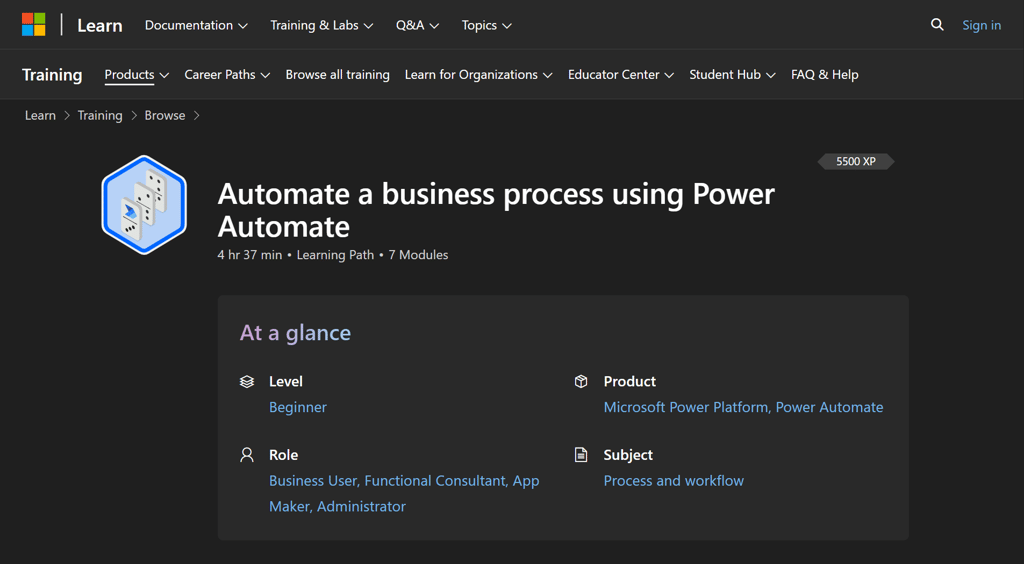
This free Microsoft Learn path offers official, vendor-maintained Power Automate training. It's a practical choice if your organization uses Microsoft 365 and you want hands-on instruction on building automated workflows.
What you'll learn: Build cloud flows, approval workflows, and business process flows; integrate data across SharePoint and Dataverse; and use AI Builder to add AI capabilities without writing code.
Course details:
- Format: Self-paced online; interactive lessons, hands-on exercises, and knowledge checks
- Duration: 4 hours 37 minutes across 7 modules
- Level/prerequisites: Beginner; familiarity with SharePoint, OneDrive, and Excel recommended
- Price: Free
- Assessment: Knowledge check assessments included in each module
- Certificate/credits: No standalone certificate; earns 5,500 XP on Microsoft Learn; supports prep for the Microsoft Power Platform App Maker Associate certification
Considerations: This learning path doesn't issue a shareable completion certificate—to earn an official Microsoft credential, you'll need to pass the separate App Maker Associate exam, which has its own cost and registration process.
If you're already in the Microsoft ecosystem, these Microsoft Project certifications might be of use.
4. Process Improvement with Automation: Certification - Udemy
Best for: Business analysts automating broken processes before adding tech

This Udemy course by Robert Chapman of Business Improvement Solutions teaches the "improve first, automate second" approach—mapping and redesigning processes before any technology is applied.
What you'll learn: Map current-state and future-state processes, run team ideation workshops, assess automation fitness, and manage deployment through piloting and change communication.
Course details:
- Format: Self-paced online; on-demand video, downloadable resources, and a practical exercise
- Duration: 3 hours 7 minutes of video across 4 sections and 33 lectures
- Level/prerequisites: Beginner; no prior automation or RPA experience required
- Price: From $49.99 USD per course (Udemy dynamic pricing); also available via Udemy Personal Plan
- Certificate/credits: Certificate of completion from Udemy
Considerations: At just over three hours, this course covers methodology rather than tooling—if you need hands-on practice with a specific automation platform, you'll want to pair it with a tool-focused course.

5. Automation for Business: Boost Productivity & Drive Growth - Starweaver (via Coursera)
Best for: Managers scoping automation before committing to a tool

This Coursera course by Starweaver takes a vendor-neutral look at business automation—covering strategy, opportunity identification, tool selection, and ROI measurement. It's a good fit if you need a full-picture view before committing to a platform.
What you'll learn: Identify automation opportunities, evaluate tools against business needs, configure workflows, measure ROI, and manage change and compliance during implementation.
Course details:
- Format: Self-paced online; 23 videos, 6 readings, 6 graded assignments, and 4 discussion prompts
- Duration: Approximately 4 hours total (videos, readings, assignments, and discussions combined)
- Level/prerequisites: Beginner; basic business and technology knowledge is helpful but not required
- Price: Included with Coursera Plus at $239/year USD; individual course pricing also available
- Assessment: 6 graded assignments, including a 40-minute final assessment; some assignments are AI-graded
- Certificate/credits: Shareable certificate of completion from Coursera; requires paid enrollment or Coursera Plus subscription
Considerations: The certificate and graded assignments are locked behind a paid enrollment—if you're auditing for free, you won't get access to the assessed portions or the credential.
6. Process Automation Approaches: Working with Hyperautomation, Process Mining, RPA, and BPMN Automation - BPMInstitute.org
Best for: Architects comparing RPA, process mining, and BPMN
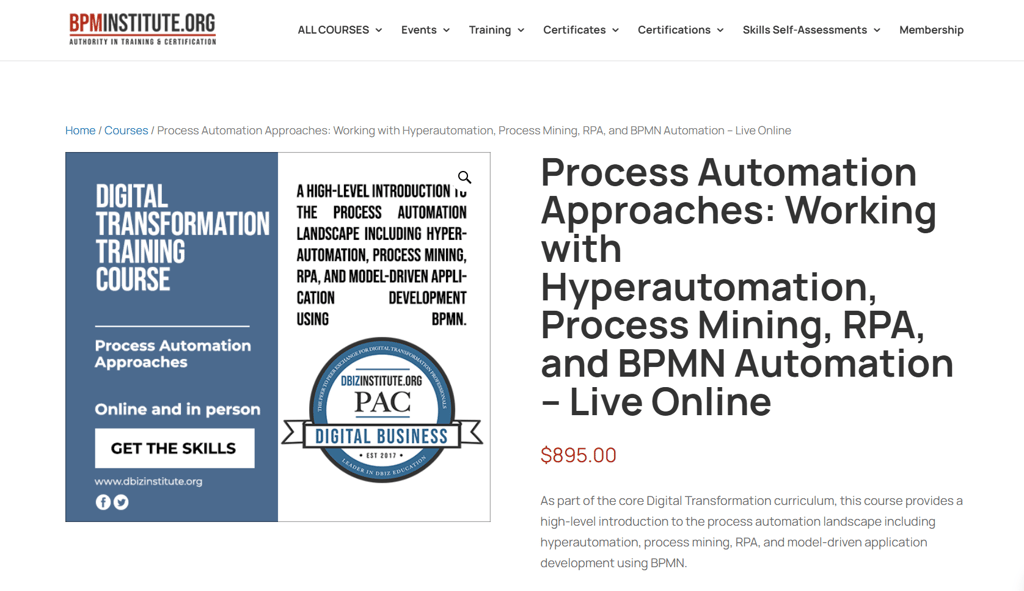
BPMInstitute.org's one-day live course covers four automation approaches in a single session, with hands-on demos in Celonis, UiPath, and Trisotech. It's a practical fit if you need to compare technologies before committing to a direction.
What you'll learn: Compare hyperautomation, process mining, RPA, and BPMN-driven automation; evaluate leading tools through live demonstrations; and convert process documentation into executable automation models.
Course details:
- Format: Live online, instructor-led; lectures, hands-on tool demonstrations, case studies, and real-time Q&A
- Duration: One full day (~8 hours); one session split across two half-days (4 hours each day)
- Level/prerequisites: Described by the provider as a high-level introduction; prerequisites not specified
- Price: $895 USD per learner; early-bird rate of $695 USD available on select sessions
- Certificate/credits: Completion counts as credit toward BPMInstitute.org's Digital Transformation Specialist (DXS) and Digital Transformation Professional (DXP) certificate programs
Considerations: The live-only format means you can't revisit the material on your own schedule—if flexibility is a priority, that's worth factoring in before you book.
7. Intelligent Automation 101 - BPMInstitute.org
Best for: Executives mapping the full intelligent automation landscape
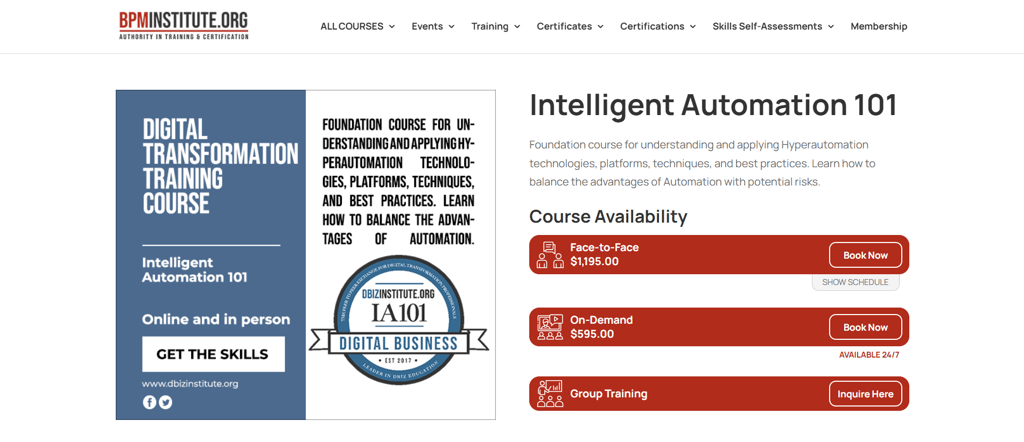
BPMInstitute.org's Intelligent Automation 101 surveys the entire automation ecosystem—RPA, process mining, AI, and workforce reskilling—in a single course. It's a good fit if you need to map the landscape before committing to a strategy.
What you'll learn: Survey major automation platform categories, including RPA and process mining; apply AI and ML concepts; support workforce reskilling; and build an Intelligent Automation Competency Center.
Course details:
- Format: Instructor-led face-to-face or self-paced on-demand; group training available on inquiry
- Duration: Not published; on-demand is self-paced with no stated time limit
- Level/prerequisites: Beginner; described by the provider as introductory; prerequisites not specified
- Price: $1,195 USD per learner (face-to-face); $595 USD per learner (on-demand)
- Certificate/credits: Completion counts as credit toward BPMInstitute.org's Digital Transformation Specialist (DXS) and Digital Transformation Professional (DXP) certificate programs
Considerations: No face-to-face sessions are currently listed, so the on-demand version may be your only available option depending on when you enroll.
8. Automation Anywhere University - Automation Anywhere
Best for: Citizen developers building no-code automations for free

Automation Anywhere University is a free learning platform from one of the leading RPA vendors. It's worth considering because it offers structured, role-based paths—from no-code citizen developer to enterprise program lead—with hands-on practice included at no cost.
What you'll learn: Build automations using Automation 360, develop document automation and AI-powered workflows, and design enterprise automation programs, including CoE governance and scaling strategies.
Course details:
- Format: Self-paced online; video lessons, hands-on labs using free Community Edition access, and certification exams
- Duration: Varies by learning path; Citizen Developer Start Phase is ~220 min; Developer Accelerate Phase is ~476 min
- Level/prerequisites: Beginner through advanced; structured in Start, Accelerate, and Scale phases; prerequisites not specified
- Price: Courses are free; certification exams range from free (Essentials) to $130 USD per exam (Master RPA Professional)
- Assessment: Multiple-choice certification exams; Essentials exam is 40 questions (60 min, 80% passing score); Advanced is 60 questions
- Certificate/credits: Vendor-issued digital certifications including Essentials Automation Professional (free), Advanced Automation Developer ($80), and Certified Master RPA Professional ($130)
Considerations: The training is built around Automation Anywhere's platform specifically, so the hands-on skills you develop won't transfer directly to other RPA tools like UiPath or Power Automate.
9. Business Process Automation - Alison
Best for: Managers planning a first automation project for free

Alison's Business Process Automation is a free, intermediate course focused on the organizational and planning side of automation projects—not specific tools. It's a low-commitment way to understand how automation initiatives actually get off the ground.
What you'll learn: Identify automation-ready processes, assemble a project team, create process definition documents, oversee development, and support post-delivery.
Course details:
- Format: Self-paced online; video lessons with a final assessment; accessible via browser or mobile app
- Duration: 1.5–3 hours
- Level/prerequisites: Intermediate; prerequisites not specified
- Price: Free to study; optional CPD-accredited digital certificate available for approximately $23–$28 USD
- Assessment: Final assessment required for completion
- Certificate/credits: Optional paid CPD-accredited certificate issued by Alison; a free learner record (proof of completion) is available without purchase
Considerations: Alison certificates aren't academic credits, and employer recognition varies—so if credential portability matters to you, verify acceptance before enrolling.
10. Certified Intelligent Automation Professional (CIAP) Program - SIG University
Best for: Sourcing leaders designing an automation governance program
The CIAP program from SIG University is a six-week certification built for sourcing and operations leaders who need to plan, govern, and scale an intelligent automation program—not build bots.
What you'll learn: Assess automation candidates, build a business case, design a Center of Excellence, manage the delivery lifecycle, and scale from tactical automation to enterprise-wide transformation.
Course details:
- Format: On-demand self-paced online with asynchronous faculty-led discussions and peer cohort interaction
- Duration: Six weeks; approximately 2–5 hours per week; must be completed within one year of purchase
- Level/prerequisites: Intermediate; no prerequisites stated; designed for sourcing, procurement, and operations professionals
- Price: $1,795 USD per learner (non-member); $1,295 USD (SIG member); group discounts available for five or more
- Assessment: Quizzes after each lesson, module assignments, faculty-led discussions, and a final short essay
- Certificate/credits: CIAP designation and Credly digital badge issued on completion; renewable every three years via continuing education credits
Considerations: Enrollment is authorized only for buy-side end users located in the Americas, Europe, or Australia—if you're outside those regions or on the sell side, you'll need to contact SIG for approval before registering.
11. Process Automation Specialist Certificate Program (PAS) - BPMInstitute.org
Best for: Analysts who need BPMN, DMN, and CMMN in one program
BPMInstitute.org's PAS program teaches the three OMG modeling standards—BPMN, DMN, and CMMN—in a single bundled certificate, giving analysts a vendor-neutral foundation for designing automatable processes before any tool is chosen.
What you'll learn: Model business processes with BPMN, design decision logic with DMN, and structure case-based workflows with CMMN to support automation and digital transformation initiatives.
Course details:
- Format: Available as on-demand self-paced online, live instructor-led online, private team sessions (minimum six participants), or in-person
- Duration: Four days; approximately 24 hours total; on-demand access allows self-paced completion
- Level/prerequisites: Begins at beginner level and progresses to intermediate-advanced; no formal prerequisites stated
- Price: From $2,349 USD (on-demand) to $3,849 USD (face-to-face) per learner; early-bird discounts of $200 per course available
- Assessment: Hands-on modeling exercises throughout each course module
- Certificate/credits: Process Automation Specialist (PAS) digital certificate issued by BPMInstitute.org; includes one-year professional membership and access to 40 additional training modules
Considerations: The PAS certificate is a vendor-issued credential from BPMInstitute.org—it's not an OMG certification or academic credit, so verify recognition with your organization before enrolling.
12. Improve Business Process Modeling with Generative AI - LinkedIn Learning
Best for: Operations leaders governing an enterprise automation program
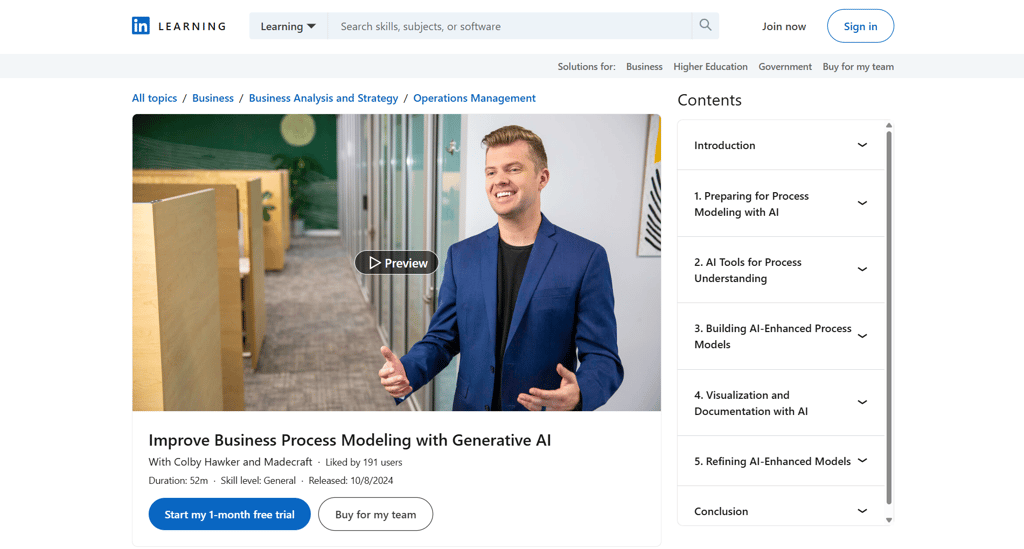
This LinkedIn Learning course, taught by a generative AI lead at Google, shows how to use AI tools to accelerate business process modeling work—from mapping and flow creation to visualization and documentation.
What you'll learn: Select AI tools for process modeling, map processes with AI insights, create AI-assisted process flows, build visual representations, and diagnose common AI integration issues.
Course details:
- Format: Self-paced online via LinkedIn Learning; accessible on web, tablet, or mobile; includes one exercise file
- Duration: 52 minutes total
- Level/prerequisites: Labeled "General" by LinkedIn Learning; no prerequisites stated
- Price: Included with a LinkedIn Learning subscription at $39.99 USD/month or $239.88 USD/year; a one-month free trial is available
- Certificate/credits: LinkedIn Learning Certificate of Completion, shareable on your LinkedIn profile; CEUs included
Considerations: Access is tied to an active subscription, so it's worth completing the course and saving any materials before canceling if you're using the free trial.
13. Microsoft Power Automate Essential Training - LinkedIn Learning
Best for: Microsoft 365 users automating workflows with Power Automate

This two-hour LinkedIn Learning course by Microsoft Certified Trainer Bill Kulterman teaches Power Automate hands-on—covering flow types, approval workflows, templates, mobile flows, and Copilot-assisted automation for Microsoft 365 users.
What you'll learn: Build automated, scheduled, and instant flows; create approval workflows; use pre-built templates; automate mobile tasks; and create flows using natural-language prompts with Copilot.
Course details:
- Format: Self-paced online via LinkedIn Learning; accessible on web, tablet, or mobile app; downloadable for offline viewing
- Duration: 2 hours 1 minute
- Level/prerequisites: Intermediate; basic familiarity with Microsoft 365 recommended; no prior automation experience required
- Price: Included with a LinkedIn Learning subscription at $39.99 USD/month or $239.88 USD/year; one-month free trial available
- Certificate/credits: LinkedIn Learning Certificate of Completion, shareable on your LinkedIn profile
Considerations: Access is subscription-dependent, so if you're using the free trial, complete the course and save any materials before your trial period ends.
14. Intelligent Process Automation Program - George Brown College Continuing Education
Best for: Professionals who want to transition into automation roles
George Brown College's four-course certificate program covers the full intelligent automation lifecycle—from identifying opportunities and designing solutions to enterprise deployment—ending with a capstone project applied to a real business challenge.
What you'll learn: Identify automation opportunities, analyze business processes, design and develop automation solutions, implement enterprise governance and orchestration, and deliver a complete end-to-end automation project.
Course details:
- Format: Online, instructor-led; classes delivered via LMS and videoconferencing on a fixed Tuesday/Thursday evening schedule (6–9 p.m.); camera and microphone may be required
- Duration: 138 hours total across four sequential courses; full program spans approximately six months
- Level/prerequisites: No prerequisites stated for the first course; each subsequent course requires completion of the prior one
- Price: CAD $1,502.44 total for all four courses, registered individually; each course fee includes a non-refundable CAD $100 materials fee
- Certificate/credits: Certificate of Completion issued by George Brown College Continuing Education upon completing all four courses
Considerations: The fixed evening schedule and sequential course structure mean you'll need to commit to roughly six months of scheduled weekly sessions—this isn't a course you can complete at your own pace or fit around an unpredictable schedule.
15. Robotic Process Automation (RPA) with OpenRPA - Udemy
Best for: Beginners learning RPA with free, open-source tools
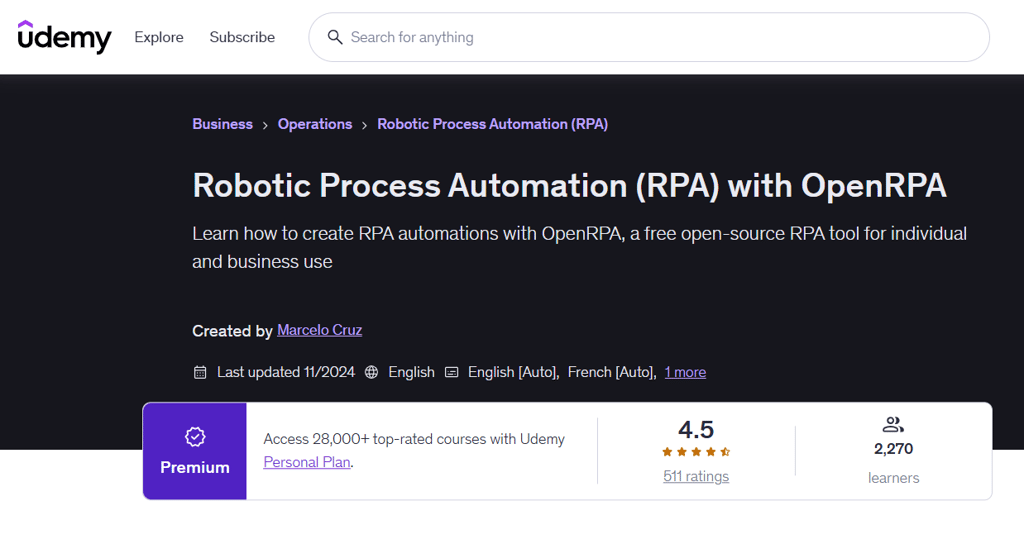
This Udemy course by Marcelo Cruz teaches RPA using OpenRPA, OpenFlow, and Node-RED—all free, open-source tools—so you can practice automation without any software licensing costs.
What you'll learn: Build seven automation robots that handle real tasks like web scraping, email routing, invoice data extraction, and form filling, plus schedule and orchestrate robots using OpenFlow and Node-RED.
Course details:
- Format: Self-paced online video course on Udemy; accessible on web, mobile, and TV
- Duration: 5 hours 14 minutes of on-demand video; lifetime access upon purchase
- Level/prerequisites: Beginner; no programming experience required; Windows 10 or 11 computer needed
- Price: $79.99 USD; Udemy prices vary with sales); also included in Udemy Personal Plan from $12.99 USD/month; 30-day money-back guarantee
- Certificate/credits: Udemy Certificate of Completion, downloadable and shareable upon finishing the course
Considerations: OpenRPA is an open-source tool with a smaller industry footprint than commercial platforms like UiPath or Automation Anywhere, so this course is better suited as a low-cost entry point than a direct credential for enterprise RPA roles.
16. Introducing Robotic Process Automation - LinkedIn Learning
Best for: Managers building a business case for RPA adoption

"Introducing Robotic Process Automation" is a LinkedIn Learning course taught by Ian Barkin, an RPA industry veteran and co-founder of Symphony Ventures. It's a strategic, non-technical overview built around the business case for automation—useful for managers who need to evaluate and advocate for RPA before committing to a platform.
What you'll learn: Identify automation opportunities, evaluate ROI using seven benefit types, understand the RPA vendor landscape, and apply process-level and enterprise-level best practices, including building a center of excellence.
Course details:
- Format: Self-paced online video course on LinkedIn Learning; accessible on web, tablet, and mobile; downloadable for offline viewing via iOS or Android app
- Duration: 1 hour 28 minutes of video content; includes 2 exercise files
- Level/prerequisites: Beginner; no prerequisites or prior automation experience required
- Price: Included with a LinkedIn Learning subscription at $39.99 USD/month or $239.88 USD/year; one-month free trial available
- Assessment: 5 quizzes included throughout the course
- Certificate/credits: LinkedIn Learning Certificate of Completion, shareable on LinkedIn; contributes toward the SS&C Blue Prism Professional Certificate on LinkedIn Learning; CEUs available
Considerations: This course is entirely conceptual—it won't teach you to build or deploy automation, so pair it with a tool-specific course if hands-on implementation is part of your goal.
17. Business Process Automation in SAP S/4HANA with SAP Intelligent RPA - SAP Learning
Best for: SAP consultants automating S/4HANA business processes

This free SAP Learning course teaches automation within SAP S/4HANA using SAP Intelligent RPA—making it directly relevant if your organization runs SAP and you need to automate finance, manufacturing, or supply chain tasks.
What you'll learn: Automate manual SAP S/4HANA tasks in finance and supply chain, deploy and customize bots to business-specific needs, and align implementations with SAP Best Practices.
Course details:
- Format: Self-paced online video course on SAP Learning; includes downloadable resources
- Duration: 2 hours 10 minutes across 9 units; structured as a one-week course
- Level/prerequisites: Beginner to intermediate; SAP Build Process Automation license and SAP S/4HANA familiarity required
- Price: Free
- Assessment: Quiz required for badge completion
- Certificate/credits: openSAP digital badge, verifiable via Open Badge Passport and shareable externally
Considerations: You'll need an SAP Build Process Automation license and working SAP S/4HANA knowledge to follow along practically—this isn't a standalone intro for those outside an SAP environment.
18. Essentials of Business Process Automation for Digital Transformation - Skillsoft
Best for: Teams exploring BPA before committing to a platform

Skillsoft's "Essentials of Business Process Automation for Digital Transformation" covers the full BPA landscape in under 25 minutes. It's one of the fastest ways to build shared vocabulary across your team before committing to a specific platform or tool.
What you'll learn: Distinguish RPA, IPA, and DPA; identify processes suited for automation; evaluate BPA benefits and challenges; and apply best practices for planning and deploying automation.
Course details:
- Format: Self-paced online video course on Skillsoft; 7 video lessons; web-based access
- Duration: 21 minutes 37 seconds of video content, plus assessment
- Level/prerequisites: Beginner; no prerequisites required
- Price: Included with a Skillsoft subscription at $25 USD/month or $20 USD/month billed annually; 45-day free trial available
- Assessment: Assessment included; required for badge completion
- Certificate/credits: Skillsoft digital badge upon completion; shareable on social and professional platforms
Considerations: The course is only accessible through a Skillsoft subscription, so if your organization doesn't already provide access, you'll need to subscribe or use the free trial to complete it.
19. Business Process Automation Training - HubSpot
Best for: HubSpot users automating CRM and marketing workflows

This is a single 12-minute lesson (not a full course), free on HubSpot Academy, covering HubSpot-specific workflow automation with two videos and a quiz.
This free HubSpot Academy lesson introduces business process automation through the lens of HubSpot's workflow tools. At just 12 minutes, it's a focused, practical primer for anyone already using—or planning to use—HubSpot to automate marketing, sales, or CRM tasks.
What you'll learn: How to define business processes before automating them, use HubSpot workflow actions to automate daily tasks, and apply practical automation examples to your workflows.
Course details:
- Format: Self-paced online; two video lessons
- Duration: 12 minutes of instructional video; access requires a free HubSpot Academy account
- Level/prerequisites: Beginner; no prerequisites stated, though content is HubSpot-specific
- Price: Free; a HubSpot Academy account is required to enroll
- Assessment: One quiz included
- Certificate/credits: No certificate or professional credits specified for this individual lesson
Considerations: This lesson is built entirely around HubSpot's workflow tools, so its practical value is limited if you're not working within the HubSpot ecosystem.
20. Automating Sales Tasks with Zapier - Coursera
Best for: Professionals ready to build working Zapier automations

Automating Sales Tasks with Zapier is a Coursera guided project taught by Carmen Rojas. You build four working Zaps in a live, split-screen cloud workspace—making it one of the most hands-on options for learning no-code automation in practice.
What you'll learn: Set up Zapier, automate Google Forms responses, create Trello task triggers, update financial records automatically, and send automated welcome emails to new subscribers.
Course details:
- Format: Self-paced guided project on Coursera; split-screen cloud desktop with instructor video and live workspace; web-based, no installation required
- Duration: 2 hours, self-paced
- Level/prerequisites: Intermediate; recommended experience with basic business operations, Google Suite, and Trello
- Price: Included with Coursera Plus at $239 USD/year; free enrollment option displayed on the course page
- Assessment: 3 quizzes included across the project steps
- Certificate/credits: Shareable certificate of completion upon finishing; can be added to your LinkedIn profile
Considerations: This project is desktop only and not available on mobile, so plan to complete it from a laptop or desktop computer.
How to Choose a Business Process Automation Course
Start by naming the problem you're trying to solve. Are you building shared vocabulary with your team, learning to automate workflows in a specific tool, or preparing to lead an enterprise-wide automation initiative?
- Match the curriculum to your context. A course covering RPA, IPA, and DPA is useful before you've chosen a platform. A tool-specific course—like one focused on Zapier or HubSpot workflows—makes more sense if you're already committed to a stack and need to use it better.
- Be honest about your experience level. Some courses assume you've already mapped your business processes and are ready to implement. Others start from scratch. Check whether the prerequisites match where you actually are, not where you'd like to be.
- Decide how much hands-on practice you need. Conceptual courses build understanding but won't give you working automations. If you need to demonstrate something immediately, look for courses with live workspaces, practical exercises, or project-based structures.
- Factor in total cost and access model. Some courses are included in platform subscriptions you may already pay for. Others require a separate purchase or free trial. The sticker price doesn't always reflect what you'll actually spend to complete the course.
- Consider your time window. Courses in this roundup range from under 25 minutes to several hours. If you need to get a team aligned quickly, a short foundational course may serve better than a longer one with broader coverage.
- Check what the credential actually signals. Completion badges and shareable certificates are useful for professional visibility but aren't the same as vendor certifications or continuing education credits. Clarify what you need before enrolling.
Business Process Automation Courses FAQ
Do you need coding experience to learn business process automation?
No—many introductory courses and no-code tools are designed for people without programming experience. You can build working automations using platforms like Zapier without writing a single line of code. That said, more advanced work—custom integrations, enterprise RPA, or complex conditional logic—may require technical skills. Check the prerequisites for any course you’re considering against what you actually need to accomplish, not just your current skill level.
Which business process should you automate first?
Start with a process that happens often, follows clear rules, and takes noticeable time or effort when done manually. Repetitive data entry, approval routing, and notification triggers are common starting points. Avoid automating a process that’s poorly understood or changes frequently—document and simplify it first. Automating a messy process just makes the mess faster.
What should you be able to do after completing a BPA course?
A useful outcome is being able to map a process, spot automation opportunities, and assess the likely risks and benefits before you build anything. A hands-on course should also leave you able to build or test an automation in the relevant tool. If you finish a course and can only describe automation in theory, it may not be the right fit for where you are in your work.
How can you tell whether an automation is delivering value?
Compare results against a baseline you set before implementation—time to complete the process, error rates, processing delays, or costs. Also track exceptions and workarounds, since an automation that saves time on paper but generates frequent manual fixes may need rethinking. If you didn’t set a baseline before launching, interview the people who used to do the work manually and reconstruct one.
What’s Next?
Want to connect with other digital project managers to share resources and best practices? Join our membership community and get access to 100+ templates, samples, and examples, and connect with hundreds of other digital project managers in Slack.


