


Motion-beoordeling: voor- en nadelen, functies en prijzen



Motion is an AI-powered productivity tool that automatically builds and adjusts your daily schedule around tasks, meetings, and deadlines. It's worth a serious look if you're managing a packed calendar and a growing task list that's become too complex to prioritize manually. I'd choose it over something like Todoist if you want your schedule built for you—rather than maintaining a task list you still have to translate into your calendar yourself.
Motion Evaluation Summary
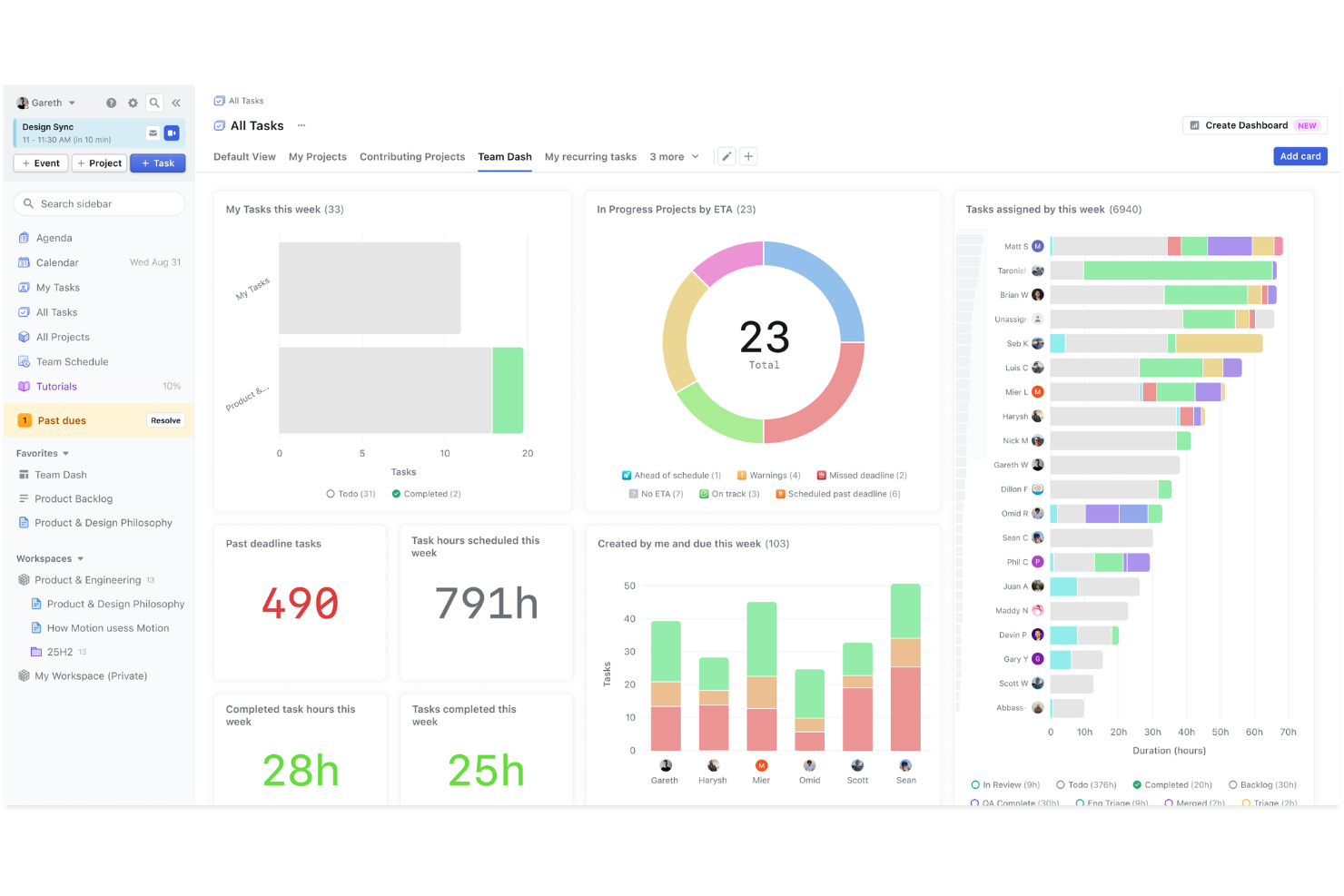
- From $19/user/month (billed annually)
- Free trial available
Waarom u onze softwareaanbevelingen kunt vertrouwen
Ons team test en beoordeelt software sinds 2012. Als projectmanagers weten we zelf hoe moeilijk — en belangrijk — het is om de juiste software te kiezen.
Voor deze gids hebben we tools geëvalueerd met behulp van praktijktests en onafhankelijk onderzoek, waarbij we tools beoordeelden aan de hand van onze selectiecriteria. We putten ook uit inzichten van vooraanstaande experts uit de branche en praktiserende projectmanagementprofessionals.
Onze reviews weerspiegelen ons menselijke redactionele oordeel, geen verkooppraatje.
Deskundige beoordelaars:
Motion Overview
In my opinion, Motion is a solid choice for teams needing efficient task automation. It shines with its user-friendly interface and reliable customer support. Compared to other tools, Motion's standout feature is its task automation, which is particularly beneficial for tech startups and marketing teams. However, its onboarding process could be smoother. If you're deciding between Motion and other productivity solutions like Asana, Calendly, or ClickUp, consider your team's need for automation and ease of use. It's not the cheapest option out there, but the value it offers can justify the investment for teams prioritizing task management efficiency.
pros
-
Motion excels at automating task scheduling for your team.
-
Its interface is intuitive, making it easy for your team to navigate.
-
Customer support is responsive and helpful when you need it.
cons
-
Onboarding can be a bit challenging for new users.
-
Some users find the customization options limited for their tasks.
-
It may not suit teams looking for highly detailed project tracking.
-

Celoxis
Visit WebsiteThis rating combines scores from multiple user review sites to reflect overall customer sentiment about the product.4.5 -
Smartsheet
Visit WebsiteThis rating combines scores from multiple user review sites to reflect overall customer sentiment about the product.4.5 -
Accelo
Visit WebsiteThis rating combines scores from multiple user review sites to reflect overall customer sentiment about the product.4.4





Core Features
Task Automation: Motion automates your task scheduling including organizing tasks into subtasks, saving time and reducing manual errors. It helps your team focus on high-priority work.
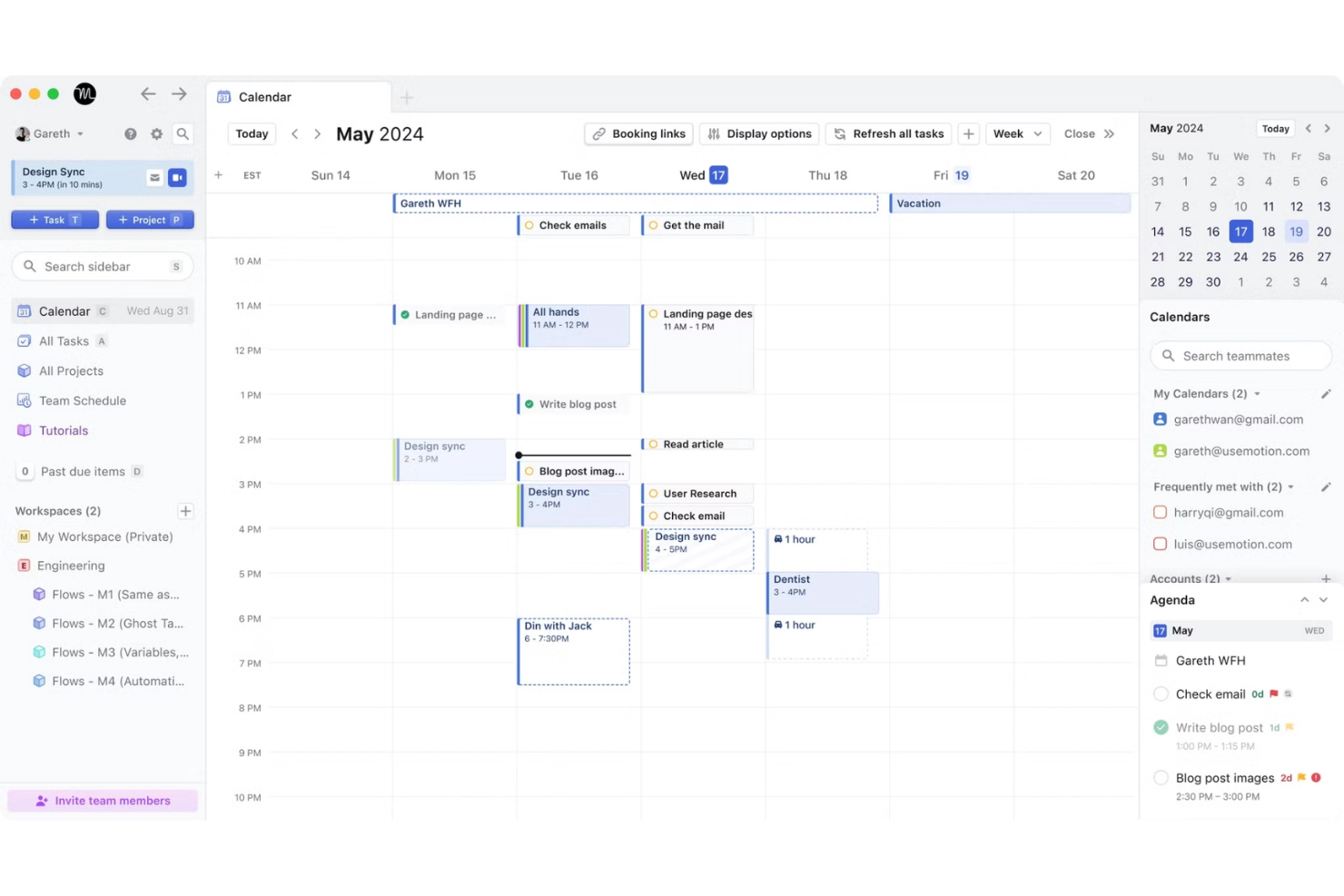
Calendar Management: The Motion calendar keeps track of due dates, schedule meetings, reschedules, and to-do lists, supporting effective time blocking. It ensures you never miss important events.
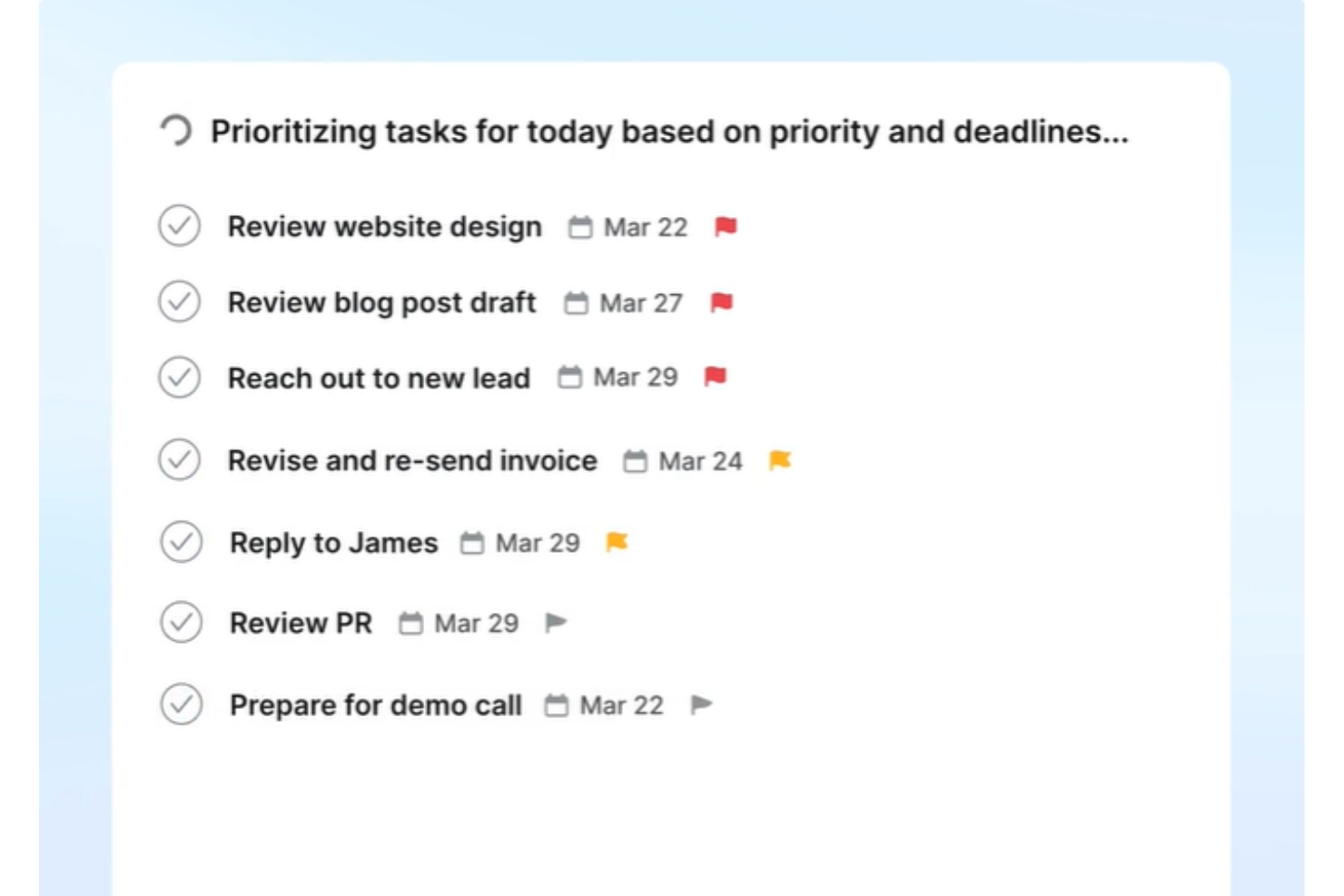
Priority Setting: Easily set task priorities and manage recurring tasks to align your team’s focus with ongoing project goals. This feature helps your team tackle the most urgent tasks first.
Collaboration Tools: Motion offers collaboration features that keep your team members connected and informed, allowing you to share updates and progress seamlessly within the platform.
Time Tracking: Monitor how much time you and your team spend on tasks during set work hours. This insight helps you optimize productivity and manage workloads better.
Project Templates: Use ready-made templates to kickstart your projects quickly. They provide a structured approach to planning and executing tasks.
Ease of Use
In my opinion, Motion is user-friendly with its intuitive interface, making it easy for your team to navigate. Its task automation and calendar management features are straightforward, and the mobile app makes it easy to stay on top of your schedule on the go. Compared to other tools, users often appreciate how quickly they can adapt to Motion’s functionalities. However, a few users mention that onboarding can be a bit tricky initially. Overall, Motion simplifies task management, allowing your team to focus more on completing tasks efficiently.
Integrations
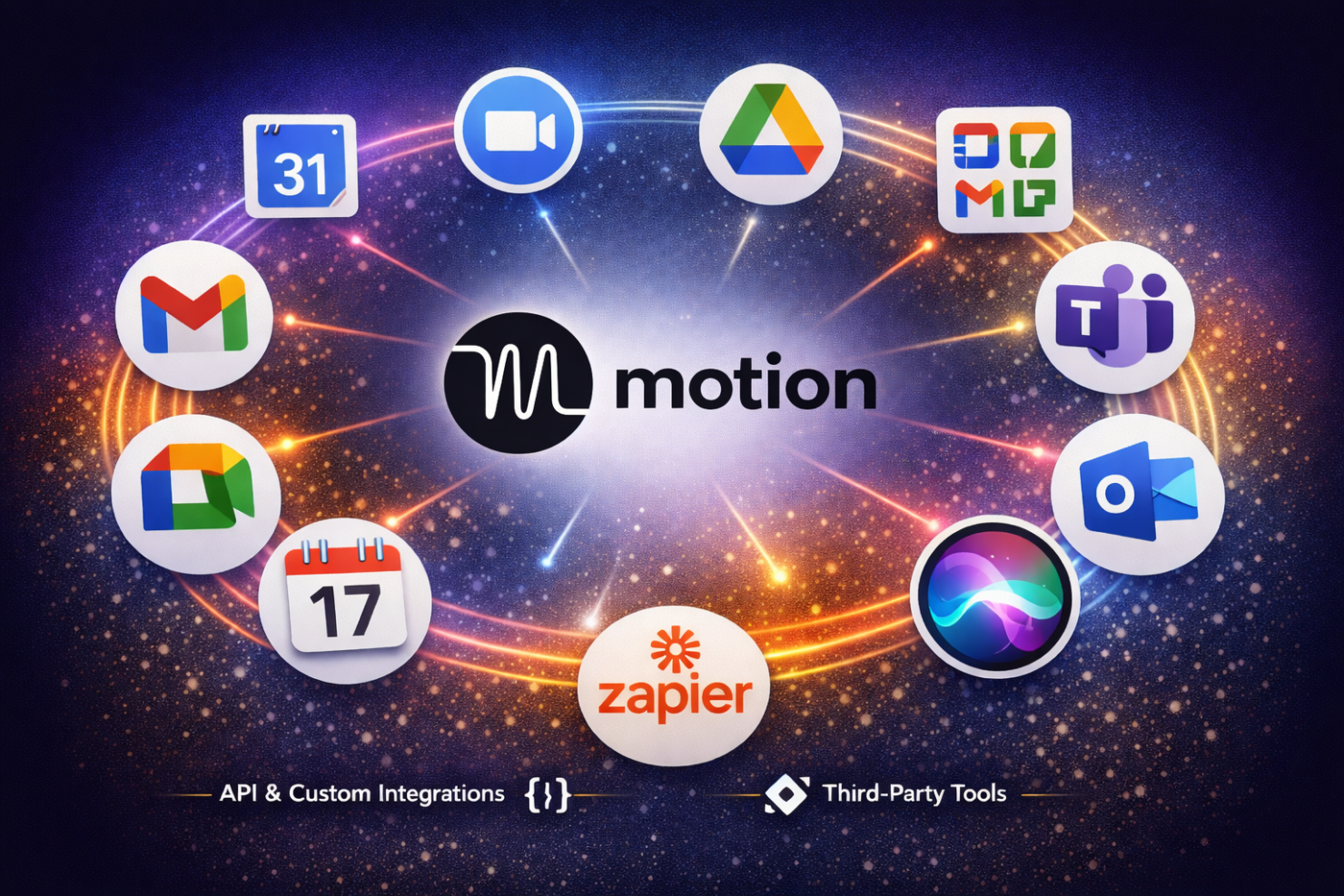
Motion integrates with Google Calendar, Zoom, Google Workspace, Gmail, Google Meet, Microsoft Teams, Microsoft Outlook, Zapier, iCloud Calendar and Siri.
Motion also provides an API for custom integrations and connects with third-party tools like Zapier to expand its integration capabilities.
Motion Specs
- A/B Testing
- AI Integration
- Analytics
- API
- Calendar Management
- Comparative Reporting
- Custom Reports
- Dashboard
- Data Export
- Data Import
- Data Mining
- Data Visualization
- External Integrations
- Forecasting
- Historical Data Analysis
- Multi-User
- Notifications
- Process Reporting
- Real-time Alerts
- Scenario Planning
- Scheduling
- Sentiment Analysis
- SEO
- Time Series Modeling
- Workflow Management


