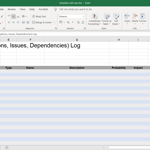
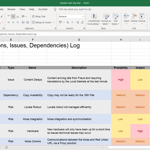





Record your project Risks, Assumptions (or Actions), Issues, and Dependencies (or Decisions) in this action-ready spreadsheet, and see how a real RAID log looks when filled out for a website redesign project.
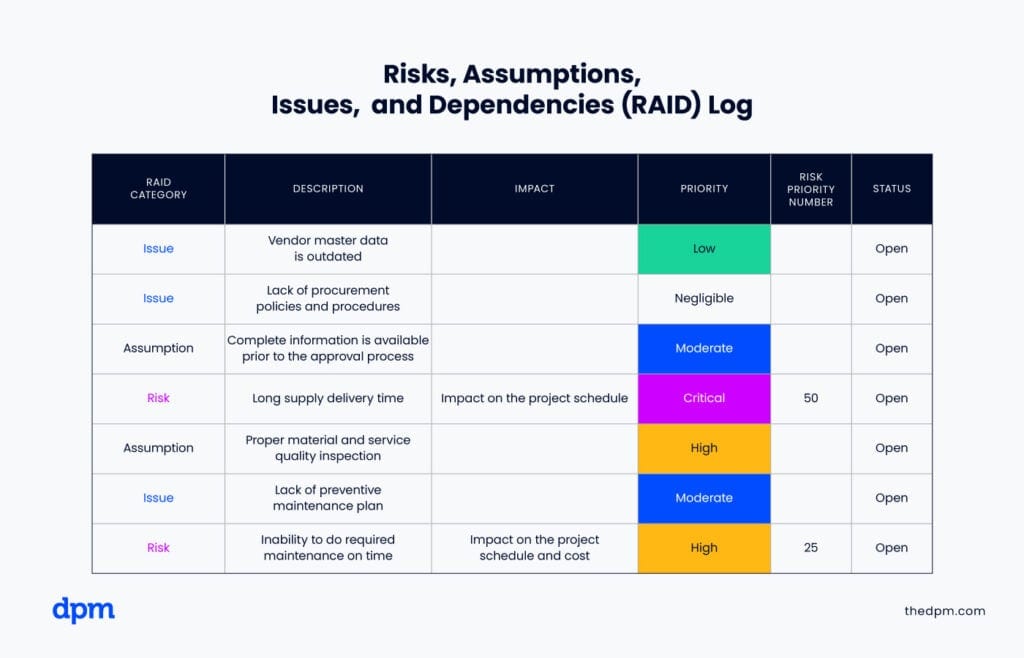
RAID Log Overview


Get This Template… And The Skills To Use It!
Career Builder Members get access to this template, our full library of mini courses, and our full certificate program for Mastering Digital Project Management.
RAID Log Guide
Here’s a step-by-step guide to creating and using a RAID Log effectively:
- Using our template as a starting point, set up a framework that is easy to use for you and your stakeholders. This could live within your project management software, in a bespoke tool like RAIDLOG.com, or as a freestanding spreadsheet.
- Consider setting up different views of filters for various stakeholder groups so that you aren’t overwhelming executive sponsors or divulging irrelevant project details to vendors and partners.
- Agree a process for identifying, logging, reviewing, and responding to risks, assumptions or actions, issues, and dependencies or decisions. (Be sure that all stakeholders are aligned on the definitions of each!)
- Capture and prioritize RAID log items as you proceed with stakeholder interviews, project document reviews, conversations with team members, continuous planning activities — basically anytime you become aware of something that needs to be monitored or discussed.
- Review your RAID log regularly with your key stakeholders, being sure to update their priorities accordingly and raise items that need to be dealt with urgently.
- As RAID log items are closed, give them a closed status so that you can filter them from the view (but still recall them in the event of a decision audit).