


Zoho WorkDrive Review: Pros, Cons, Features and Pricing



Zoho WorkDrive is a cloud document management system built for teams that need centralized file storage, role-based access controls, and collaborative editing across departments. I'd put it on your shortlist if you're already running other Zoho products or want tighter team-level admin controls than Google Drive gives you—without locking into the cost and complexity of Microsoft SharePoint.
Zoho WorkDrive Evaluation Summary
- From CAD $3/user/month (billed annually)
- Free demo + 15-day free trial available
Why Trust Our Software Recommendations
Our team has been testing and reviewing software since 2012. As project managers ourselves, we know how difficult—and important—it is to choose the right software.
For this guide, we evaluated tools using hands-on testing and independent research, scoring tools using our selection criteria. We also draw on insights from industry thought leaders and practicing project management experts.
Our reviews reflect our human editorial judgment, not a sales pitch.
Expert reviewers:
Zoho WorkDrive Overview
In my opinion, Zoho WorkDrive offers excellent value for teams that want tight collaboration, cloud storage with straightforward permission controls, and simple integration with productivity tools at an affordable price. Compared to others I’ve used, its interface feels cleaner and onboarding is smoother. While it isn’t as strong on advanced automation functionalities or third-party integrations, I think project managers choosing a reliable, cost-effective file sharing solution for growing teams—especially those already using other Zoho apps—will find it a smart choice.
pros
-
Team Folders centralize document sharing and permissions by project.
-
Robust file versioning tools simplify collaboration and rollback.
-
Affordable pricing tiers include generous storage for each user.
cons
-
Offline file access requires installing a desktop application.
-
Advanced workflow automation options are limited or missing.
-
Mobile app navigation feels less intuitive than the desktop version.
Is Zoho WorkDrive Right For Your Needs?
Who Would be a Good Fit for Zoho WorkDrive?
Zoho WorkDrive is best suited for small to mid-sized businesses, distributed teams, and departments needing to share documents along with strong admin controls and automated organization. Teams with frequent document collaboration and those using other Zoho applications will get extra value from native integrations and team folder flexibility. Project-based and client-facing teams will appreciate granular permissions, version history, and the ease of managing project workspaces.
-
Remote-First Teams
Zoho WorkDrive’s web and mobile access, real-time co-editing, and file versioning make it ideal for distributed teams needing smooth collaboration.
-
Marketing Departments
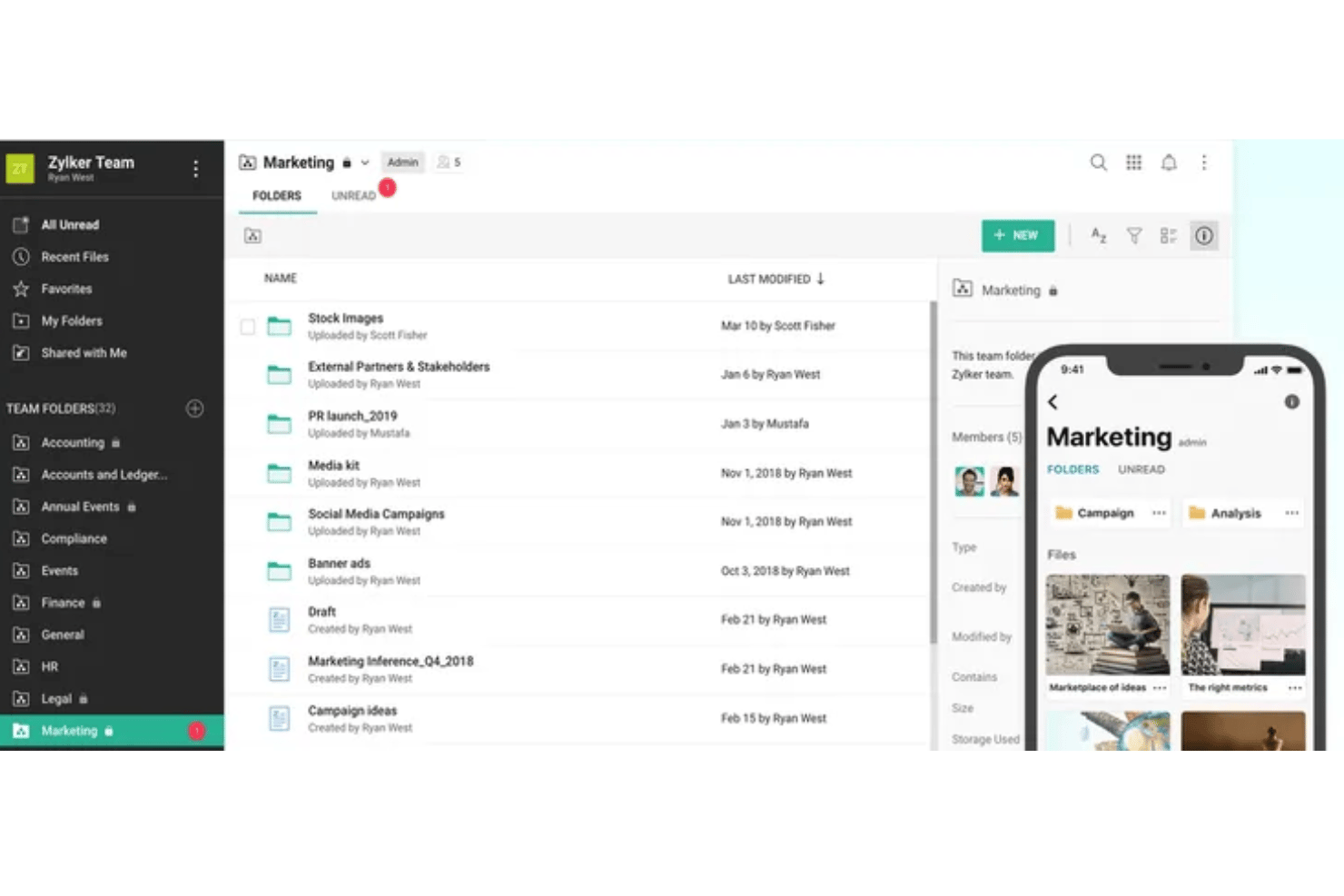
Team Folders and document previews for images, videos, and design files help marketing track campaigns and control branding assets.
-
Professional Services Firms
Granular access permissions and client-specific file organization are strong for legal, financial, or consulting workflows where confidentiality matters.
-
Growing Startups
Affordable pricing, scalable storage, and easy onboarding help startups establish document workflows without adding IT staff.
-
Education Institutions
Integration with classroom tools, audit trails, and shared workspaces support digital classrooms, academic projects, and staff collaboration.
-
Nonprofit Organizations
Generous storage, transparent pricing, and intuitive permission management let nonprofits centralize documentation and reduce operational complexity.
Who Would be a Bad Fit for Zoho WorkDrive?
Organizations with highly specialized document needs, large enterprise-scale compliance requirements, or highly regulated data environments may find WorkDrive lacking in customization or advanced workflow automations. Those with heavy offline access needs, complex approval chains, or high-volume media and design requirements should consider other options with dedicated tools and deeper integrations for their workflows.
-
Large Enterprises
Those requiring deep customization, regulatory compliance, or enterprise-level workflow automation may outgrow WorkDrive’s feature set.
-
Creative Agencies
Heavy video and rich media production workloads may feel limited by browser-based editing and file preview performance.
-
Construction Firms
Field teams needing offline-first document access and ruggedized app support will find Zoho WorkDrive’s offline capabilities restrictive.
-
Healthcare Providers
Strict patient privacy, regulatory integration, and audit requirements are better served by sector-specific document management systems.
-
Manufacturing Companies
Organizations requiring advanced workflow automation, IoT integrations, or heavily customized document types may find WorkDrive lacking.
-
Government Agencies
Entities with strict data sovereignty, multi-stage approvals, and advanced role-based access will likely need a more specialized solution.
Our Review Methodology
How We Test & Score Tools
We’ve spent years building, refining, and improving our software testing and scoring system. The rubric is designed to capture the nuances of software selection and what makes a tool effective, focusing on critical aspects of the decision-making process.
Below, you can see exactly how our testing and scoring works across seven criteria. It allows us to provide an unbiased evaluation of the software based on core functionality, standout features, ease of use, onboarding, customer support, integrations, customer reviews, and value for money.
Core Functionality (25% of final scoring)
The starting point of our evaluation is always the core functionality of the tool. Does it have the basic features and functions that a user would expect to see? Are any of those core features locked to higher-tiered pricing plans? At its core, we expect a tool to stand up against the baseline capabilities of its competitors.
Standout Features (25% of final scoring)
Next, we evaluate uncommon standout features that go above and beyond the core functionality typically found in tools of its kind. A high score reflects specialized or unique features that make the product faster, more efficient, or offer additional value to the user.
We also evaluate how easy it is to integrate with other tools typically found in the tech stack to expand the functionality and utility of the software. Tools offering plentiful native integrations, 3rd party connections, and API access to build custom integrations score best.
Ease of Use (10% of final scoring)
We consider how quick and easy it is to execute the tasks defined in the core functionality using the tool. High scoring software is well designed, intuitive to use, offers mobile apps, provides templates, and makes relatively complex tasks seem simple.
Onboarding (10% of final scoring)
We know how important rapid team adoption is for a new platform, so we evaluate how easy it is to learn and use a tool with minimal training. We evaluate how quickly a team member can get set up and start using the tool with no experience. High scoring solutions indicate little or no support is required.
Customer Support (10% of final scoring)
We review how quick and easy it is to get unstuck and find help by phone, live chat, or knowledge base. Tools and companies that provide real-time support score best, while chatbots score worst.
Customer Reviews (10% of final scoring)
Beyond our own testing and evaluation, we consider the net promoter score from current and past customers. We review their likelihood, given the option, to choose the tool again for the core functionality. A high scoring software reflects a high net promoter score from current or past customers.
Value for Money (10% of final scoring)
Lastly, in consideration of all the other criteria, we review the average price of entry level plans against the core features and consider the value of the other evaluation criteria. Software that delivers more, for less, will score higher.
Core Features
Team Folders
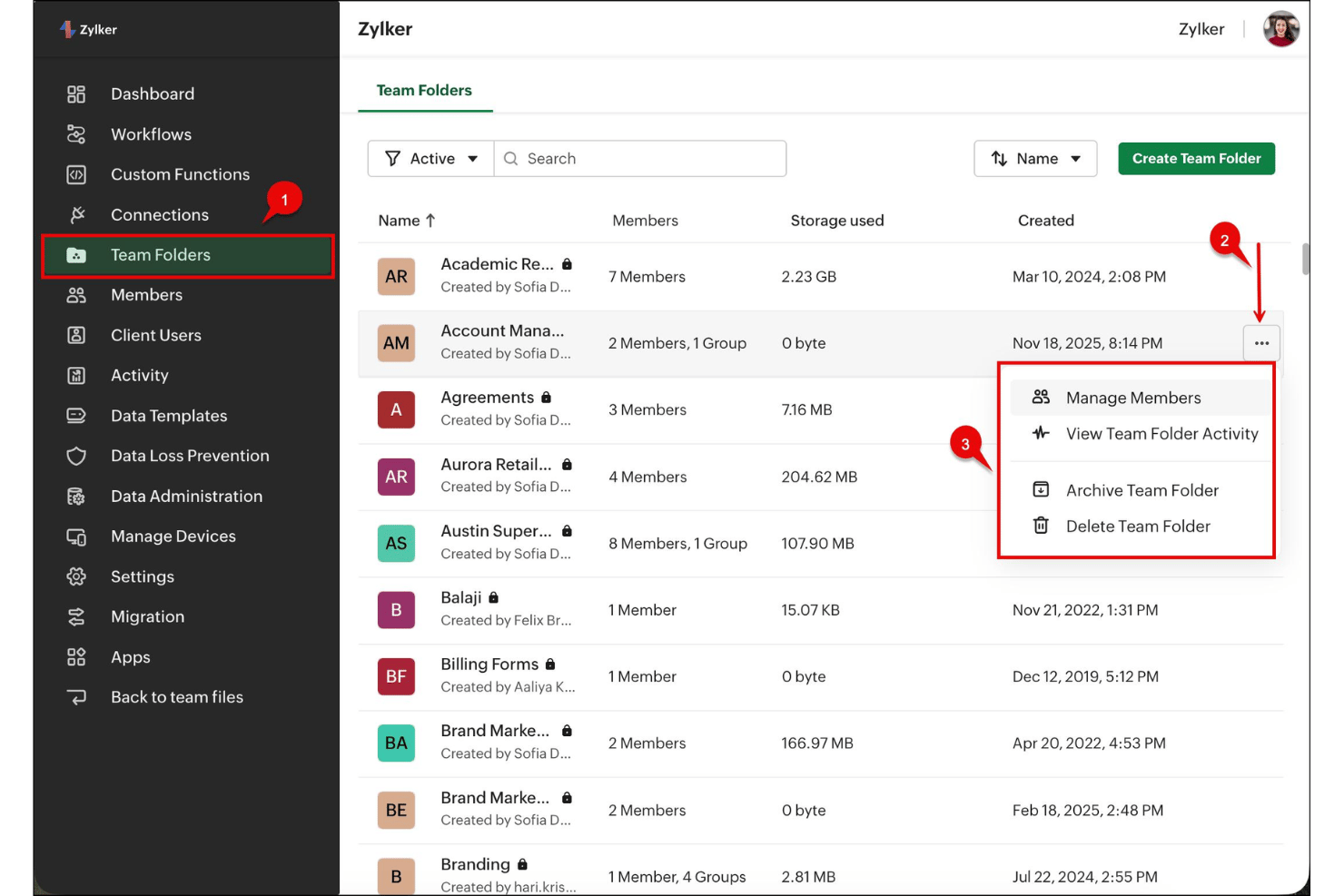
Organize documents by team or project with role-based permissions. Teams control access to sensitive files without IT intervention.
Document Versioning
Track and restore previous file versions with a detailed history. This eliminates version confusion and recovers lost work instantly.
Granular Access Controls
Set user, group, or external sharing rights on each document. Project managers assign precise read, edit, or comment privileges.
Real-Time Collaboration
Multiple users co-edit documents, add comments, and tag teammates directly. This streamlines feedback and decision-making on live files.
Built-In File Preview
Preview over 220 file types—including presentations and design files—directly in the browser. No need to download unfamiliar or large documents.
Activity Timeline
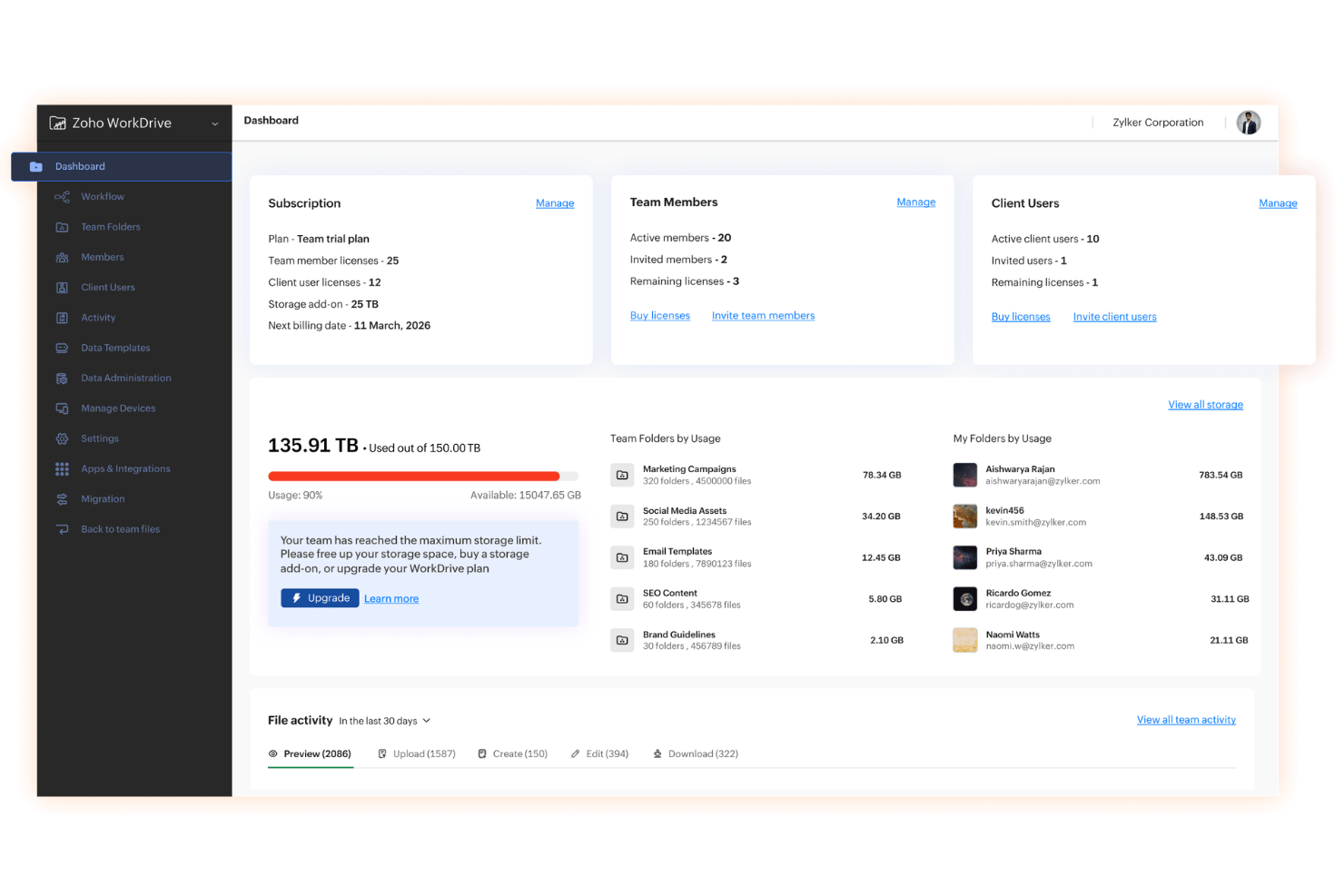
See who viewed, edited, or shared each file, plus timestamps. This audit trail adds transparency to project document management.
Standout Features
Admin Console with Detailed Audit Logs
Admins get a centralized console to oversee storage, usage, and compliance. The detailed audit logs help you pinpoint suspicious activity or user error in seconds.
Data Templates for Folder Structure
Create templates with preset folder hierarchies and permissions for repeatable projects. This saves time and ensures consistency across every new project workspace.
Ease of Use
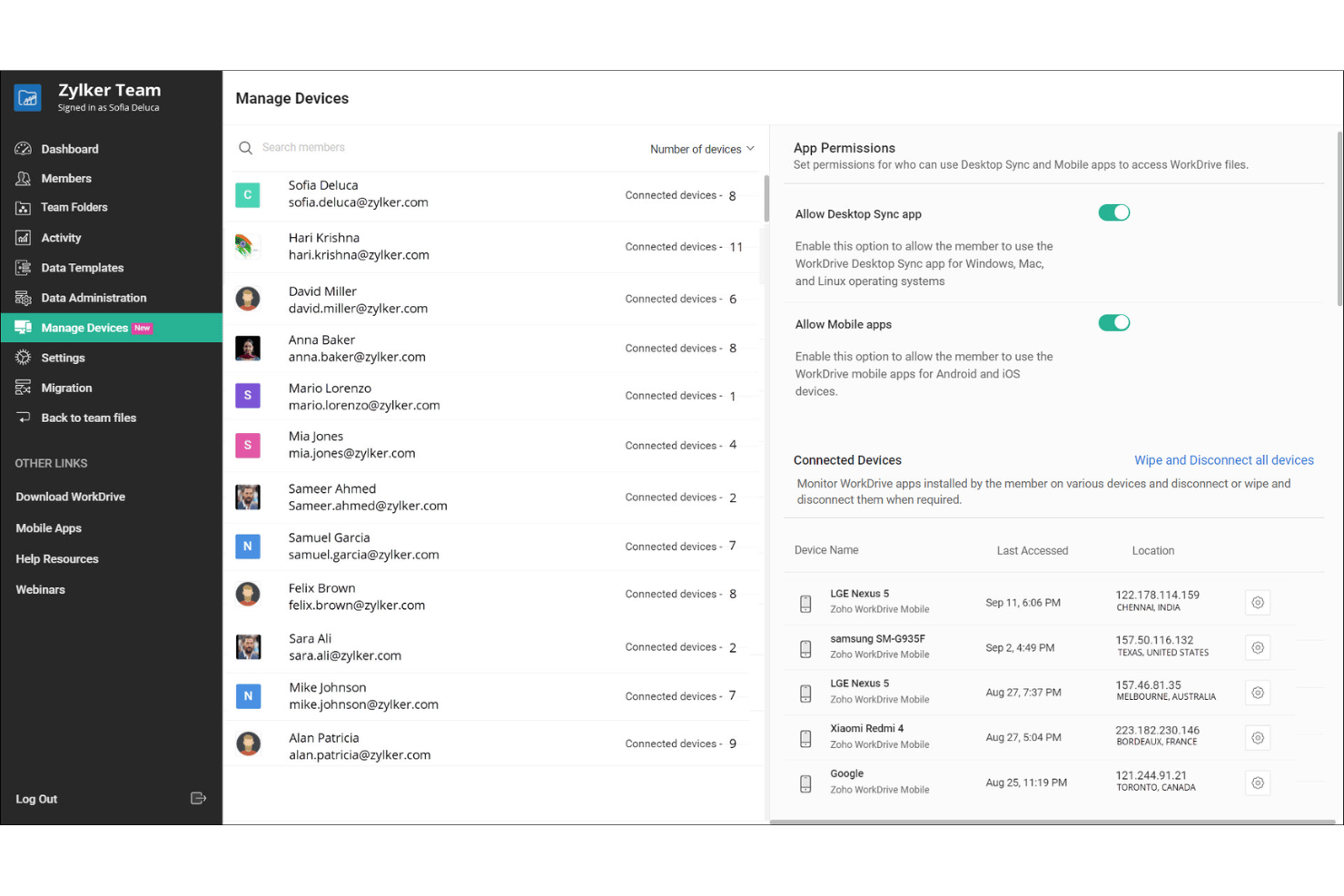
Zoho WorkDrive’s interface is intuitive, so new users can organize files and set permissions with very little ramp-up. Real-time collaboration features and document previews work smoothly, according to users who praise its reliable sync and clutter-free layout. Admin tools for folder templates and audit trails also simplify complex project setups without overwhelming non-technical teams.
Onboarding
Zoho WorkDrive makes onboarding quick with step-by-step guides, helpful tooltips, and a user-friendly setup wizard for workspace organization. Users report that access to concise support articles, responsive live chat, and an active community forum helps teams get up to speed fast and resolve issues without frustration.
Customer Support
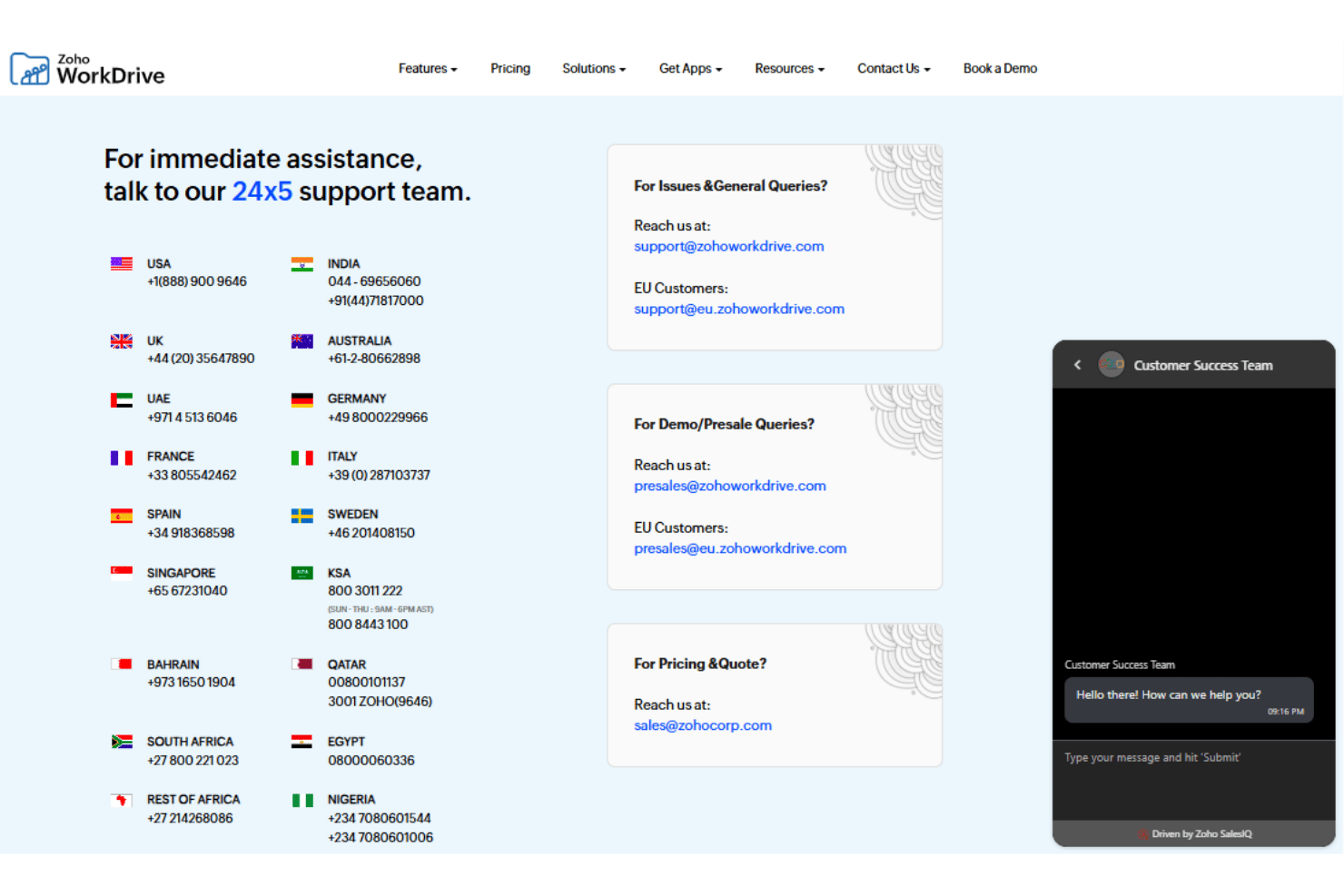
Zoho WorkDrive’s customer support stands out for being accessible and prompt, with users highlighting fast responses via email, live chat, and phone support. The knowledge base is updated regularly, and support agents are knowledgeable in walking users through technical or billing issues without much back-and-forth.
Integrations
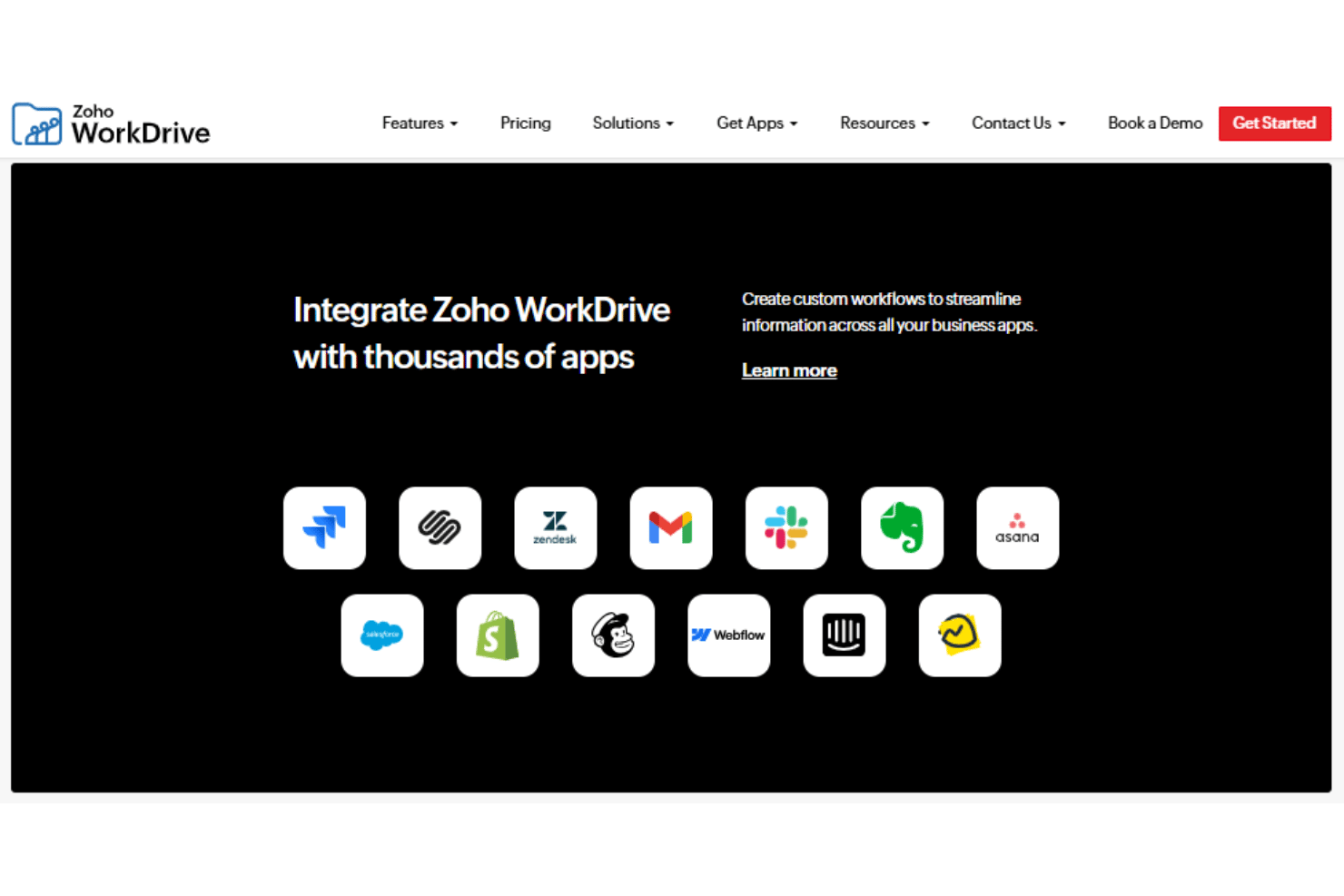
Zoho WorkDrive integrates with the entire Zoho Office Suite; Zoho CRM, Zoho Projects, Zoho Mail, Zoho Cliq, Zoho Desk, Zoho One, Zoho Connect, along with Microsoft Outlook, Gmail, and Zapier, among others.
Zoho WorkDrive also offers a REST API and connects with third-party integration platforms such as Zapier.
Value for Money
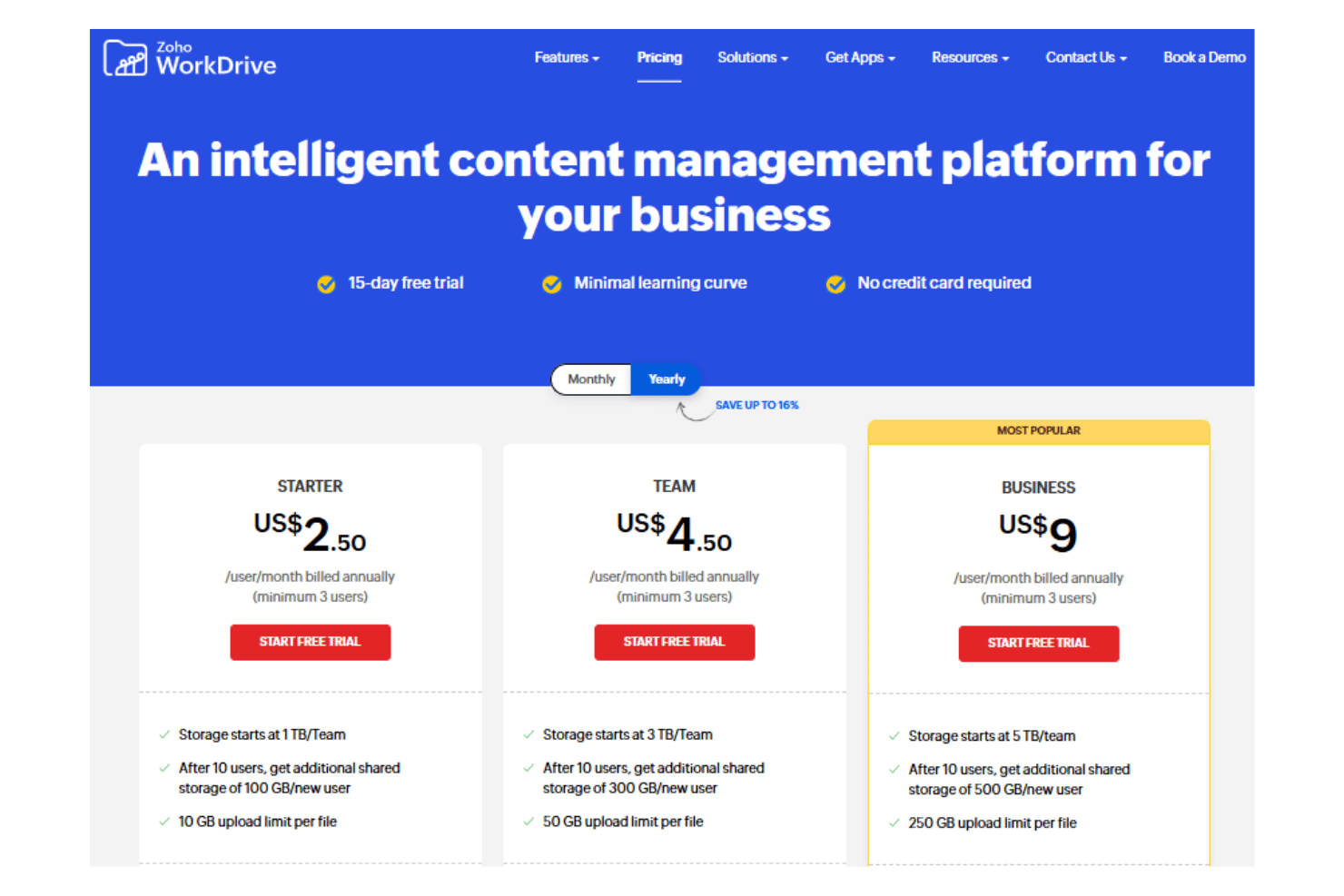
Zoho WorkDrive’s pricing is seen as fair for the storage, granular controls, and collaboration tools included at each tier. Teams value that generous base storage, core document management features, and security are built into even the lowest-priced plan. A 15-day free trial is available for those looking to test the platform without committing to a paid plan.
- Starter: Includes basic document management, Team Folders, and 1 TB shared storage for up to 10 users.
- Team: Adds access state, custom branding, large file management, and content visibility controls.
- Business: Offers custom workflows, audit trails, and content management features.
- Enterprise: Provides custom storage, compliance management, and premium support for large organizations.
Zoho WorkDrive Specs
- 2-Factor Authentication
- API
- Approval Workflows
- Audit Trail
- Batch Permissions & Access
- Chat
- Dashboard
- Data Export
- Data Import
- Document Comparison
- Document Sharing
- Electronic Signature
- Email Integration
- External Integrations
- File Sharing
- File Transfer
- Google Apps Integration
- History/Version Control
- Metadata Management
- Multi-User
- NDA Management
- Notifications
- Password & Access Management
- Project Management
- Template Designer
Zoho WorkDrive FAQs
How does Zoho WorkDrive handle user permissions and access control?
Can Zoho WorkDrive support complex folder structures for different projects?
How does document versioning work in Zoho WorkDrive?
What data security and compliance features are available in Zoho WorkDrive?
How easy is it to migrate existing files to Zoho WorkDrive?
Does Zoho WorkDrive offer offline access to documents?
Can I integrate Zoho WorkDrive with project management or CRM tools?
What kind of support and onboarding resources are provided?
Zoho WorkDrive Company Overview & History
Zoho WorkDrive is developed by Zoho Corporation, a global software company headquartered in Chennai, India, with a significant presence in Austin, Texas. Zoho employs over 15,000 people worldwide and offers a broad suite of business applications used by millions globally, including CRM, email, finance, and analytics tools. Zoho remains privately held, emphasizing a sustainable, employee-centric work culture and product-driven growth over external funding. Notable clients include Netflix, Amazon, and Suzuki.
Zoho WorkDrive Major Milestones
- 1996: Zoho Corporation founded.
- 2019: Zoho WorkDrive officially launched as the company’s collaborative cloud file management and collaboration platform.
- 2020: Expanded global data centers to enhance privacy and compliance for international users.
- 2023: Surpassed 100 million users across all Zoho products globally.
- 2024: Launched major updates to WorkDrive, including advanced admin analytics and expanded integrations.