


Vaiz vs. Wrike: Comparison and Expert Reviews for 2026



You’re trying to keep projects moving, but between missed updates, scattered documentation, and endless back-and-forth, it’s hard to maintain clarity. Maybe your current tool feels too simple for your growing needs—or too complex to use efficiently. Either way, you’re stuck in the middle. This comparison of Vaiz vs. Wrike will help you cut through the confusion and choose a project management platform that fits how your team actually works.
Vaiz vs. Wrike: An Overview
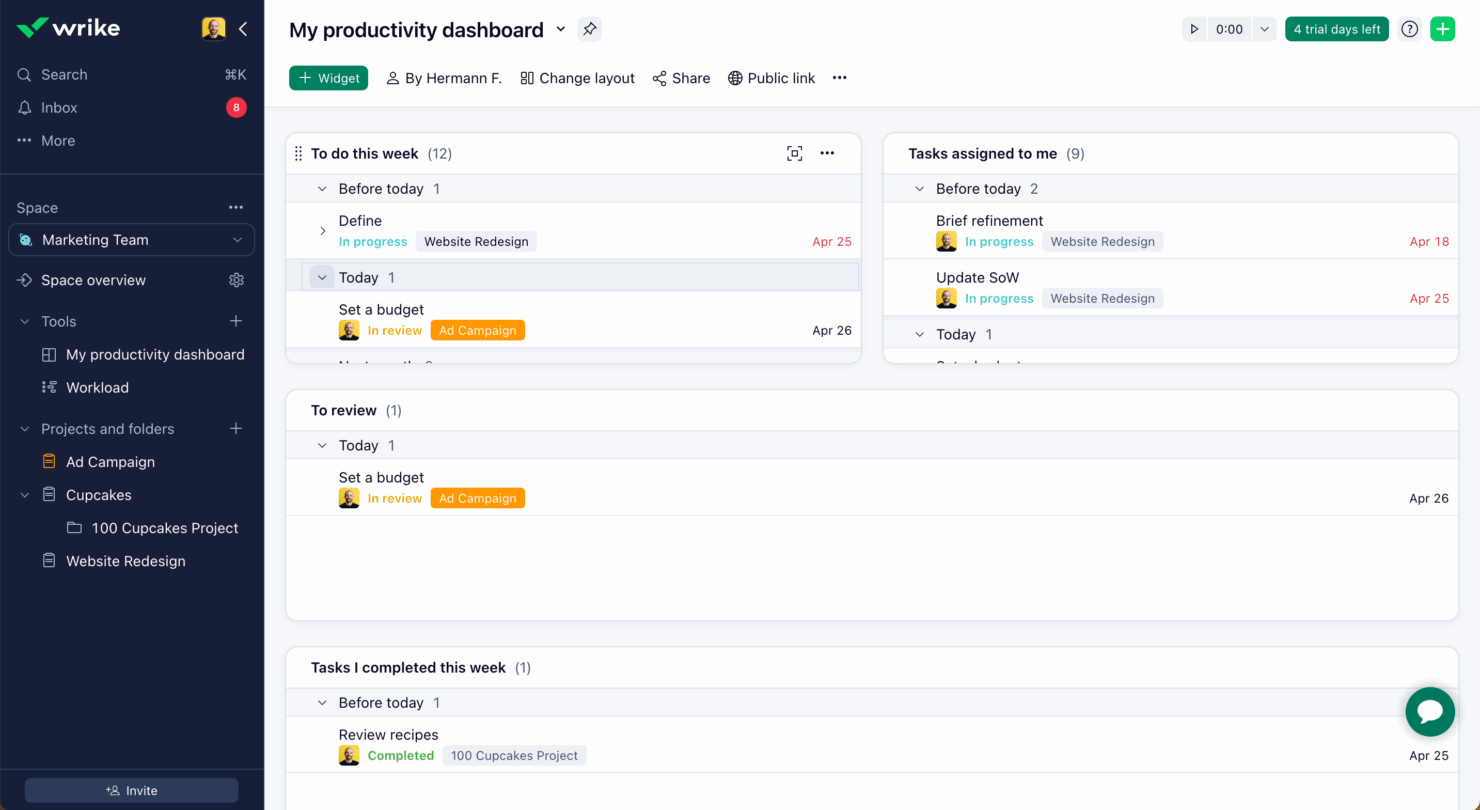
Wrike


Why Trust Our Software Recommendations
Our team has been testing and reviewing software since 2012. As project managers ourselves, we know how difficult—and important—it is to choose the right software.
For this guide, we evaluated tools using hands-on testing and independent research, scoring tools using our selection criteria. We also draw on insights from industry thought leaders and practicing project management experts.
Our reviews reflect our human editorial judgment, not a sales pitch.
Expert reviewers:
Vaiz vs. Wrike Pricing Comparison
| Vaiz | Wrike | |
|---|---|---|
| Free Trial | Free plan + 30-day free trial available | 14-day free trial |
| Pricing | $5/user/month (billed annually) | From $10/user/month (billed annually) |
Vaiz vs. Wrike Pricing & Hidden Costs
Vaiz uses a tiered pricing model with a free plan for small teams and paid plans that scale based on users and feature access. While core functionality is available early on, more advanced capabilities—like unlimited automation, AI features, and higher storage limits—are reserved for higher tiers. Pricing for paid plans requires you to contact sales, and additional storage costs are not clearly listed, so make sure you inquire about that to avoid unexpected costs.
Wrike also offers a free plan, along with multiple paid tiers designed to support growing teams and more complex workflows. As you move up Wrike’s pricing structure, you unlock advanced features like custom workflows, the Wrike Datahub, advanced automation, and integrations. However, many of Wrike’s more powerful capabilities—such as advanced analytics, resource management, and certain integrations—are only available in higher-tier or add-on plans, which can increase costs quickly depending on your needs.
Vaiz vs. Wrike Feature Comparison
Vaiz stands out for how tightly it combines task management and documentation into a single system. Instead of separating project execution and knowledge into different tools, it treats documents and tasks as part of the same workflow—even allowing rich, block-based content inside tasks. Wrike, by contrast, leans more heavily into structured project execution, with advanced reporting, resource management, and enterprise-grade controls that support larger, more complex organizations.
Where they overlap is in their core project management capabilities. Both platforms offer multiple views (like Kanban and Gantt), task dependencies, automation, and dashboards to track progress and workload. Overall, Vaiz emphasizes a more unified, all-in-one workspace with built-in AI and documentation, while Wrike focuses on scalability, customization, and deeper operational oversight.
| Vaiz | Wrike | |
|---|---|---|
| API | ||
| Batch Permissions & Access | ||
| Budgeting | ||
| Calendar Management | ||
| Collaboration Support | ||
| Contact Management | ||
| Contact Sharing | ||
| Customer Management | ||
| Dashboard | ||
| Dashboards | ||
| Data Export | ||
| Data Import | ||
| Data Visualization | ||
| Dependency Tracking | ||
| Document Sharing | ||
| Expense Tracking | ||
| External Integrations | ||
| File Sharing | ||
| Gantt Charts | ||
| Kanban Boards | ||
| Multi-User | ||
| Notifications | ||
| Project Management | ||
| Resource Management | ||
| Scheduling | ||
| Task Scheduling/Tracking | ||
| Third-Party Plugins/Add-Ons | ||
| Time Management | ||
| Travel Management | ||
| Workflow Management |
Vaiz vs. Wrike Integrations
| Integration | Vaiz | Wrike |
| Slack | ✅ | ✅ |
| GitHub | ❌(native coming soon) | ✅ |
| Google Drive | ❌ (via Zapier) | ✅ |
| Microsoft Teams | ❌ (via Zapier) | ✅ |
| Salesforce | ❌ (via Zapier) | ✅ |
| Miro | ❌ (via Zapier)1 | ✅ |
| QuickBooks | ❌(via Zapier) | ✅ |
| Zapier | ✅ | ✅ |
| API | ✅ | ✅ |
1. Though connected via Zapier, Miro is embedded natively inside Vaiz—users can work with Miro boards directly within the Vaiz interface.
Wrike offers a much broader range of native integrations, including enterprise tools like Salesforce, Microsoft Teams, Google Drive, and QuickBooks, making it a better fit for teams that rely on a deeply connected software stack. Vaiz, by comparison, currently supports fewer native integrations—mainly Slack and Zapier. Others, like GitHub, are still on the roadmap. Vaiz compensates with API access, webhooks, and Zapier connectivity to support many of the same integrations as Wrike.
Vaiz vs. Wrike Security, Compliance & Reliability
| Factor | Vaiz | Wrike |
| Data Encryption | Uses end-to-end encryption for data in transit and at rest. | Provides enterprise-grade encryption for all data, both in transit and at rest. |
| Regulatory Compliance | Meets GDPR requirements and offers basic compliance documentation. | Holds ISO 27001 certification and supports GDPR, SOC 2, and HIPAA compliance. |
| Access Controls | Offers role-based permissions and two-factor authentication. | Delivers granular user permissions, SSO, and advanced access controls for enterprises. |
| Uptime Guarantee | Public status page available, but no clear SLA or uptime guarantee stated in terms. | Offers enterprise SLA and provides detailed service status updates. |
| Data Backups | Not clearly documented in public materials. | Provides regular backups and disaster recovery capabilities (enterprise-grade). |
Wrike clearly leads in security, compliance, and reliability, with established certifications like ISO 27001 and SOC 2, along with enterprise features such as SSO and formal uptime SLAs. Vaiz covers the fundamentals—role-based access, 2FA, passkeys, and basic GDPR alignment—but lacks publicly available certifications and detailed transparency around backups and uptime guarantees.
For most small to mid-sized teams, Vaiz’s security may be sufficient, but organizations with strict compliance, audit, or reliability requirements will likely find Wrike the stronger and more mature option.
Vaiz vs. Wrike Ease of Use
| Factor | Vaiz | Wrike |
| User Interface | Features a clean, modern layout with intuitive navigation and minimal clutter. | Offers a powerful interface with many options, which can feel overwhelming at first. |
| Onboarding | Provides interactive walkthroughs and quick-start templates for new users. | Includes detailed tutorials and a knowledge base, but setup can be time-consuming. |
| Customization | Allows simple workspace tweaks and easy drag-and-drop task management. | Supports deep customization of workflows, dashboards, and reports for advanced users. |
| Support | Delivers responsive in-app chat and email support for all plans. | Offers 24/7 support for premium tiers and a large online community for troubleshooting. |
| Mobile Experience | No dedicated mobile app yet, but it offers a responsive web experience. | Provides a full-featured mobile app with strong task and project management capabilities. |
Vaiz is generally easier to pick up and navigate, thanks to its clean interface and guided onboarding, though some teams may still experience a learning curve with its more advanced features. Wrike, on the other hand, offers far more depth and customization, but that power comes with a steeper learning curve and longer setup time. Vaiz is a strong fit for teams that want a more approachable, streamlined experience, while Wrike is better suited for teams that need advanced control and are willing to invest time in configuration.
Vaiz vs Wrike: Pros & Cons
Vaiz
- Combines tasks, documents, and planning in one workspace.
- Offers a built-in AI assistant for documentation and task support.
- Advanced task management with dependencies and custom fields.
- Currently lacks enterprise-level controls, like SSO and granular security policies.
- Limited native integrations compared to more established competitors.
- Full-featured mobile app experience is currently limited.
Wrike
- Wrike's proofing feature allows you to compare file versions dynamically.
- The user-friendly interface ensures easy navigation for your team.
- Wrike's AI features are available in all plans at no extra cost.
- It can be unclear where form responses are stored within the tool.
- Some integrations require an additional cost, regardless of the plan.
- Two-factor authentication is only available with the enterprise plan.
Best Use Cases for Vaiz and Wrike
Vaiz
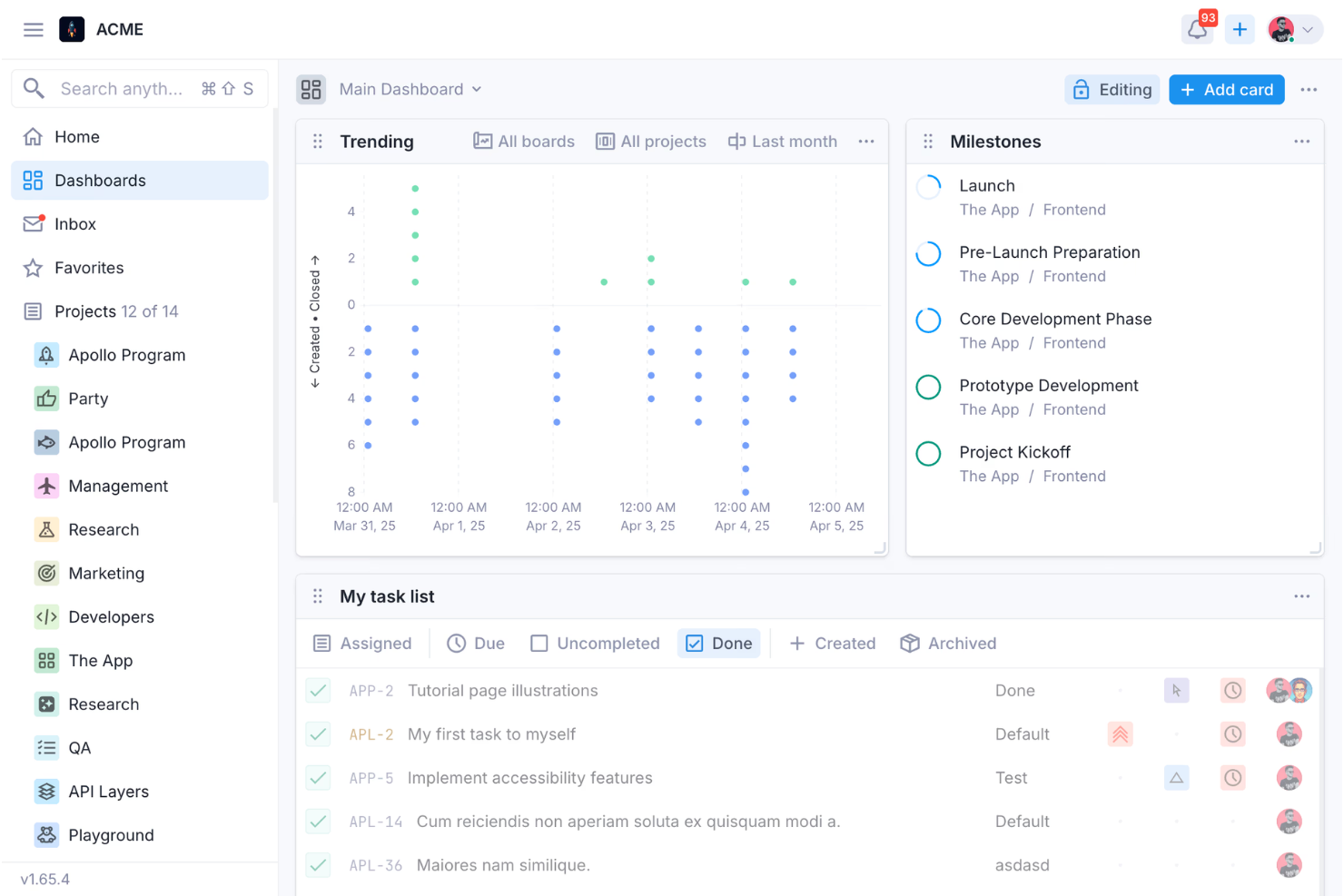
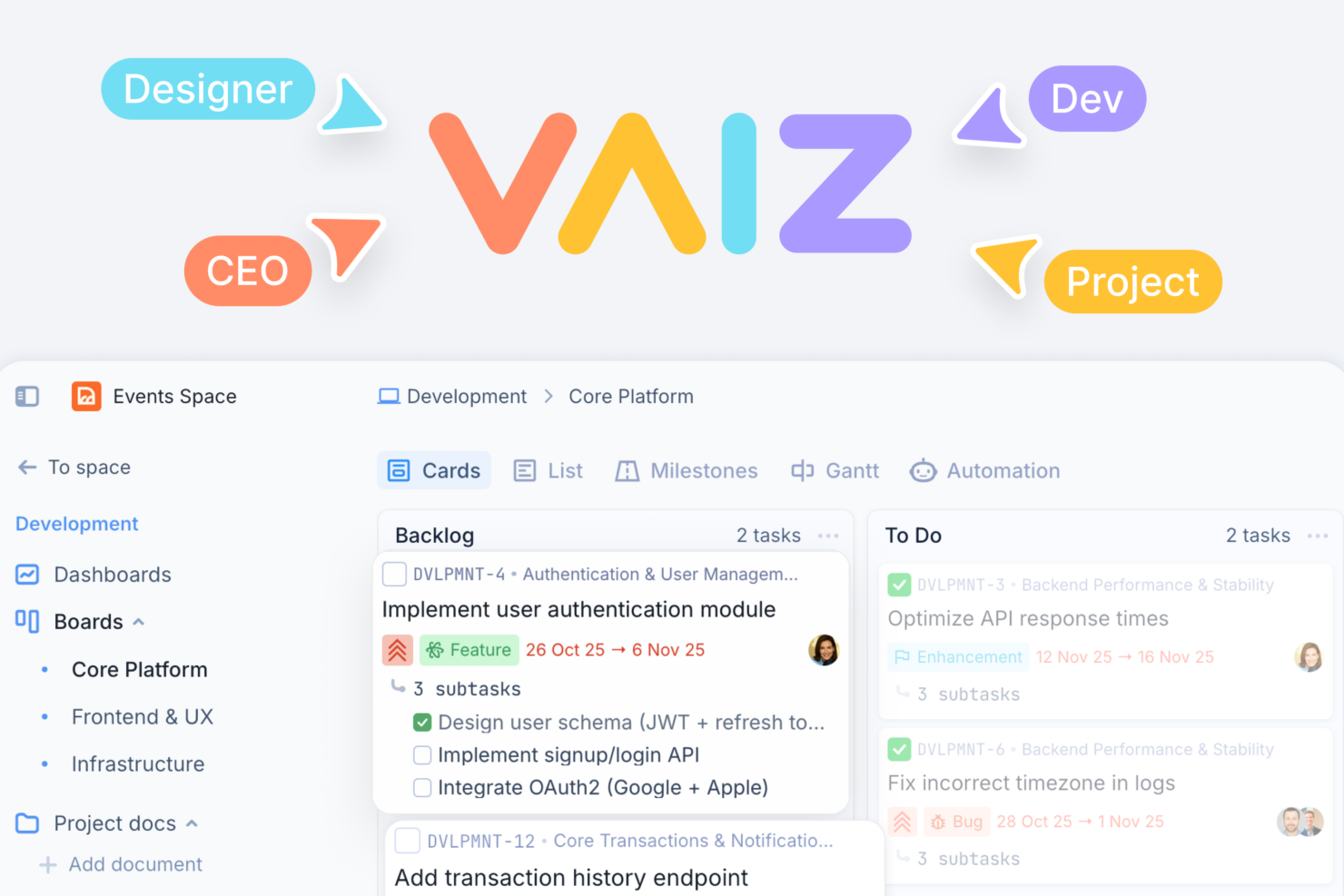


- Product & Engineering Teams Dependencies, Gantt views, and detailed task structures support complex builds and coordinated releases.
- Marketing Teams Campaign planning, content documentation, and dashboards improve execution visibility across channels and stakeholders.
- Operations Teams Custom fields, workflows, and automation streamline repeatable internal processes and reduce manual coordination work.
- Cross-Functional Teams Shared workspace keeps tasks, docs, and updates aligned across departments working toward shared goals.
- Agencies & Client Work Multiple spaces and permission controls help separate and manage client projects with clear boundaries.
- Technical/Developer-Oriented Teams API access and automation support custom workflows, integrations, and more advanced technical use cases.
Wrike
- Marketing Teams Wrike’s proofing feature helps you streamline creative approval processes with ease.
- Creative Agencies Wrike’s dynamic file version comparison keeps your creative projects on track.
- IT Departments Wrike’s user-friendly interface simplifies complex project coordination for your team.
- Product Development Wrike’s AI features boost your team’s productivity without extra costs.
- Event Management Wrike’s task scheduling ensures your events are planned and executed flawlessly.
- Construction Projects Wrike’s robust project tracking keeps your construction timelines and budgets in check.
Who Should Use Vaiz, And Who Should Use Wrike?
Vaiz is best suited for small to mid-sized, cross-functional teams that want to manage tasks and documentation in one unified workspace. If you’re trying to reduce tool sprawl, keep context in one place, and use features like built-in docs, automation, and AI without dealing with heavy setup, Vaiz offers a more streamlined experience. It’s especially useful for product, marketing, and operations teams that need structure but still want flexibility and ease of use.
Wrike is a better fit for larger teams or organizations with more complex workflows, stricter compliance needs, or a reliance on multiple business tools. If you need advanced reporting, deep customization, enterprise-grade security, and a wide range of native integrations, Wrike provides the scalability and control to support those requirements. It’s ideal for teams that are willing to invest more time in setup to gain long-term flexibility and operational oversight.
Differences Between Vaiz and Wrike
| Vaiz | Wrike | |
|---|---|---|
| Automation | Supports automation with triggers, webhooks, and an AI assistant for planning and task generation. | Advanced automation engine with complex rules, triggers, and deep integration support. |
| Compliance & Security | Covers essentials like GDPR and two-factor authentication. | Supports enterprise compliance with ISO, SOC 2, HIPAA, and advanced access controls. |
| Native Integrations | Limited native integrations (Slack, Zapier), others on roadmap. | Extensive native integrations across business and enterprise tools. |
| Tasks & Docs Integration | Combines tasks and documents in one unified system with a shared editor. | Keeps tasks and documentation more separate (less tightly integrated). |
| User Interface | Clean, minimal, and easy for new users to navigate. | Feature-rich, with a denser layout and more advanced options. |
| Visit VaizOpens new window | Visit WrikeOpens new window |
Similarities Between Vaiz and Wrike
| Cloud-Based | Both are fully cloud-based, so you can access projects and updates from anywhere, on any device. |
|---|---|
| Collaboration Tools | Each offers real-time collaboration features like file sharing, mentions, and team chat to keep work moving. |
| Free Version | Both provide a free plan with core features, making it easy for small teams to get started at no cost. |
| Role-Based Access | Both support user roles and permissions to control access and visibility. |
| Task Management | Both let you create, assign, and track tasks with due dates, attachments, and comments for team visibility. |
| Visit VaizOpens new window Visit WrikeOpens new window | |