


Things 3 Review: Pros, Cons, Features & Pricing



Things 3 is a task management software built for individuals who need a clean, structured way to capture and organize personal and professional to-dos across Apple devices. I'd consider it over something like Todoist if you're already in the Apple ecosystem and want a more opinionated, design-forward experience. Todoist gives you more cross-platform flexibility, but Things 3 delivers a more focused, distraction-free approach to task organization that's hard to match on Mac and iPhone.
Things 3 Evaluation Summary
- Pricing upon request
- Not available
Why Trust Our Software Recommendations
Our team has been testing and reviewing software since 2012. As project managers ourselves, we know how difficult—and important—it is to choose the right software.
For this guide, we evaluated tools using hands-on testing and independent research, scoring tools using our selection criteria. We also draw on insights from industry thought leaders and practicing project management experts.
Our reviews reflect our human editorial judgment, not a sales pitch.
Expert reviewers:
Things 3 Overview
In my opinion, Things 3 is a solid choice for individuals looking for a straightforward task management tool. It shines with a clean interface and intuitive design, which makes it ideal for those who prioritize simplicity and aesthetics over complex workflows or extensive integrations. However, it may not suit teams, as it lacks advanced features and collaboration tools. If you're seeking a no-fuss solution for organizing personal tasks or small-scale projects—especially within the Apple ecosystem—Things 3 is definitely worth considering.

pros
-
A clean and intuitive interface with distraction-free task management
-
Powerful organization tools including tags, checklists, headings, and project categories
-
Deadlines and reminders help you stay on track with your tasks
cons
-
No collaboration or team-sharing features
-
Onboarding process is a bit challenging without prior experience
-
Limited reporting and analytics may not meet the needs of power users
Is Things 3 Right For Your Needs?
Who Would be a Good Fit for Things 3?
Things 3 is best suited for freelancers and creative professionals—such as graphic designers, writers, and developers—who value simplicity, clarity, and a beautifully designed interface for personal task management. Its tagging system and project organization features make it easy to manage complex workflows without feeling cluttered, while the straightforward design makes it perfect for Apple users who need to focus on personal productivity.
-
Freelancers
Manage solo projects effectively with Things 3’s intuitive design, which makes organizing tasks, setting deadlines, and tracking progress simple and seamless.
-
Writers
Stay focused and meet writing deadlines using Things 3’s built-in reminders, deadline settings, and distraction-free interface.
-
Designers
Use the app’s visual clarity and structured tagging system to organize design tasks, creative ideas, and client deliverables efficiently.
-
Developers
Manage feature development and bug tracking for personal or freelance coding projects with a clean and customizable task flow.
-
Project managers
While not suitable for managing team projects, Things 3 is excellent for personal task prioritization and goal setting.
Who Would be a Bad Fit for Things 3?
Large teams or enterprises that require advanced collaboration features will likely find Things 3 limiting. This to-do list app is built for individual use and lacks shared task lists, team assignments, comments, or real-time collaboration. Additionally, organizations that rely on detailed reporting, time tracking, or productivity analytics may find Things 3 insufficient. It does not include dashboards, performance metrics, or exportable reports that project managers often use for oversight and evaluation.
-
Large corporations
Without collaboration tools, team dashboards, or workflow automation, Things 3 falls short for managing complex, multi-person projects typical in large organizations.
-
IT departments
Things 3 lacks strong integration options, which limits its usefulness in tech-centric environments.
-
Marketing teams
The absence of built-in analytics, campaign tracking, or team collaboration features makes Things 3 an inadequate choice for managing marketing projects.
-
Remote teams
Things 3 does not support real-time updates, shared task assignments, or in-app messaging, all of which are essential for distributed team collaboration.
-
Sales teams
There's no CRM integration or pipeline management, which makes Things 3 unsuitable for tracking leads, follow-ups, and performance metrics.
-
Finance departments
Thing 3 does not offer the advanced task hierarchies, audit trails, and data export features required for financial workflows and compliance.
Our Review Methodology
How We Test & Score Tools
We’ve spent years building, refining, and improving our software testing and scoring system. The rubric is designed to capture the nuances of software selection and what makes a tool effective, focusing on critical aspects of the decision-making process.
Below, you can see exactly how our testing and scoring works across seven criteria. It allows us to provide an unbiased evaluation of the software based on core functionality, standout features, ease of use, onboarding, customer support, integrations, customer reviews, and value for money.
Core Functionality (25% of final scoring)
The starting point of our evaluation is always the core functionality of the tool. Does it have the basic features and functions that a user would expect to see? Are any of those core features locked to higher-tiered pricing plans? At its core, we expect a tool to stand up against the baseline capabilities of its competitors.
Standout Features (25% of final scoring)
Next, we evaluate uncommon standout features that go above and beyond the core functionality typically found in tools of its kind. A high score reflects specialized or unique features that make the product faster, more efficient, or offer additional value to the user.
We also evaluate how easy it is to integrate with other tools typically found in the tech stack to expand the functionality and utility of the software. Tools offering plentiful native integrations, 3rd party connections, and API access to build custom integrations score best.
Ease of Use (10% of final scoring)
We consider how quick and easy it is to execute the tasks defined in the core functionality using the tool. High scoring software is well designed, intuitive to use, offers mobile apps, provides templates, and makes relatively complex tasks seem simple.
Onboarding (10% of final scoring)
We know how important rapid team adoption is for a new platform, so we evaluate how easy it is to learn and use a tool with minimal training. We evaluate how quickly a team member can get set up and start using the tool with no experience. High scoring solutions indicate little or no support is required.
Customer Support (10% of final scoring)
We review how quick and easy it is to get unstuck and find help by phone, live chat, or knowledge base. Tools and companies that provide real-time support score best, while chatbots score worst.
Customer Reviews (10% of final scoring)
Beyond our own testing and evaluation, we consider the net promoter score from current and past customers. We review their likelihood, given the option, to choose the tool again for the core functionality. A high scoring software reflects a high net promoter score from current or past customers.
Value for Money (10% of final scoring)
Lastly, in consideration of all the other criteria, we review the average price of entry level plans against the core features and consider the value of the other evaluation criteria. Software that delivers more, for less, will score higher.
Core Features
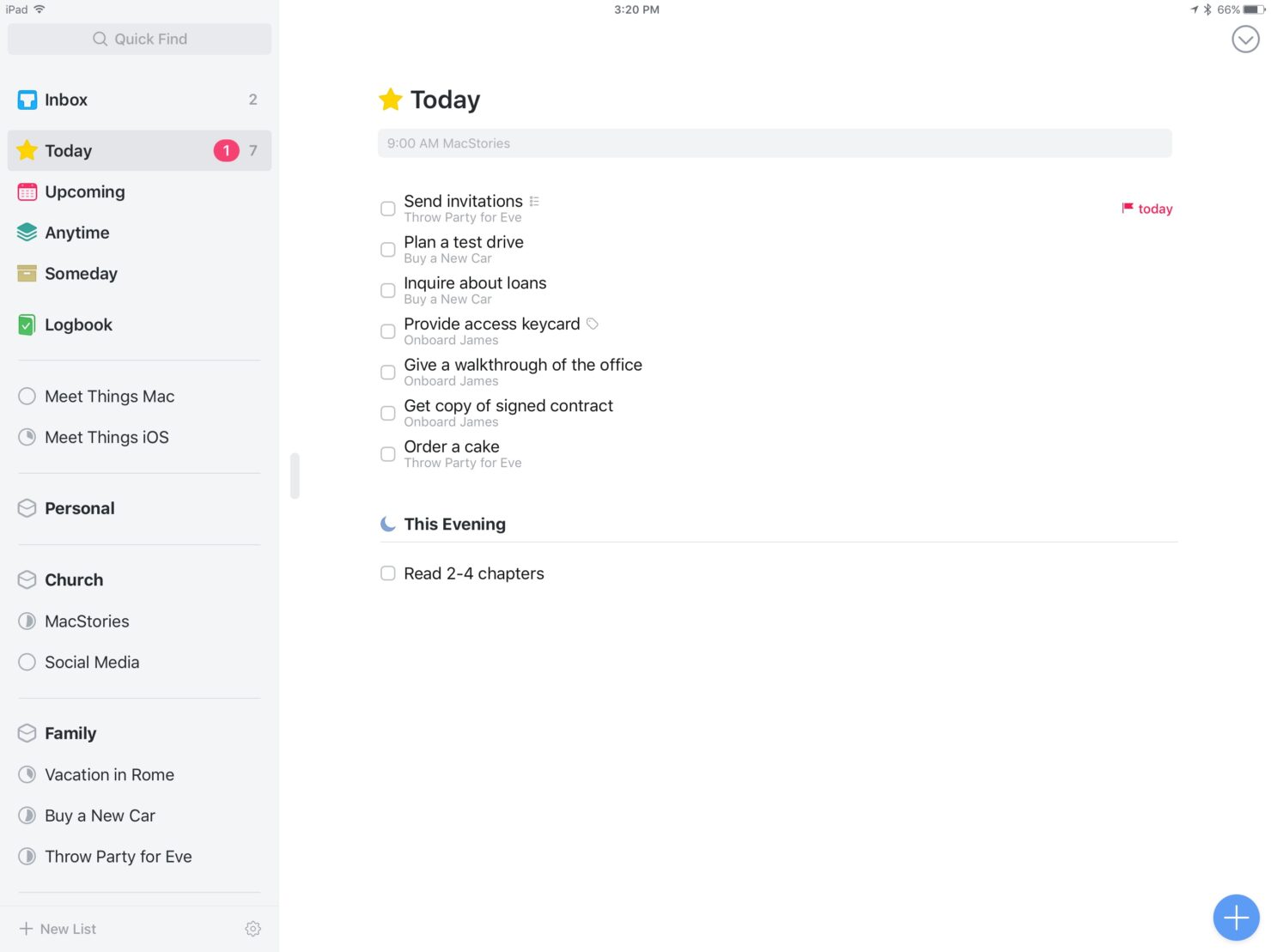
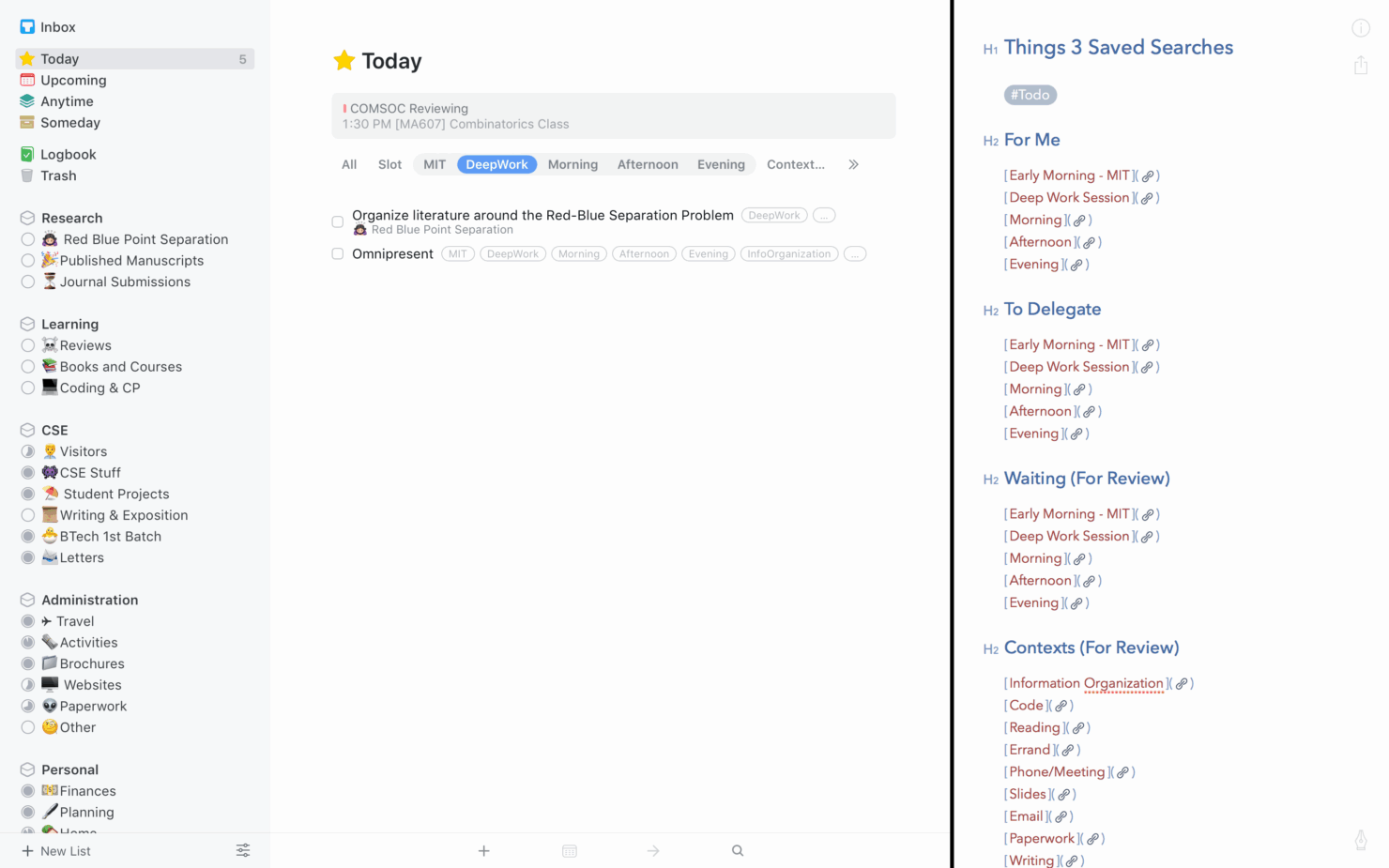
Task organization: Things 3 allows you to organize tasks and subtasks using Projects, Areas, and Tags. Projects help group related tasks with clear goals, while Areas categorize broader themes like "Work" or "Personal." Tags let you add context, which makes it easy to filter and prioritize tasks based on what matters most.
Deadline reminders: Things 3 lets you assign due dates and deadlines to tasks, with optional notifications to remind you when it's time to take action. This supports effective time management by helping you stay on top of important responsibilities—especially for tasks with hard deadlines or recurring obligations.
Daily planning: The Today view in Things 3 highlights all tasks scheduled or due today, giving you a focused, up-to-date agenda. This view automatically pulls in tasks with set dates and allows you to manually add items you want to prioritize, helping you concentrate on what requires your immediate attention.
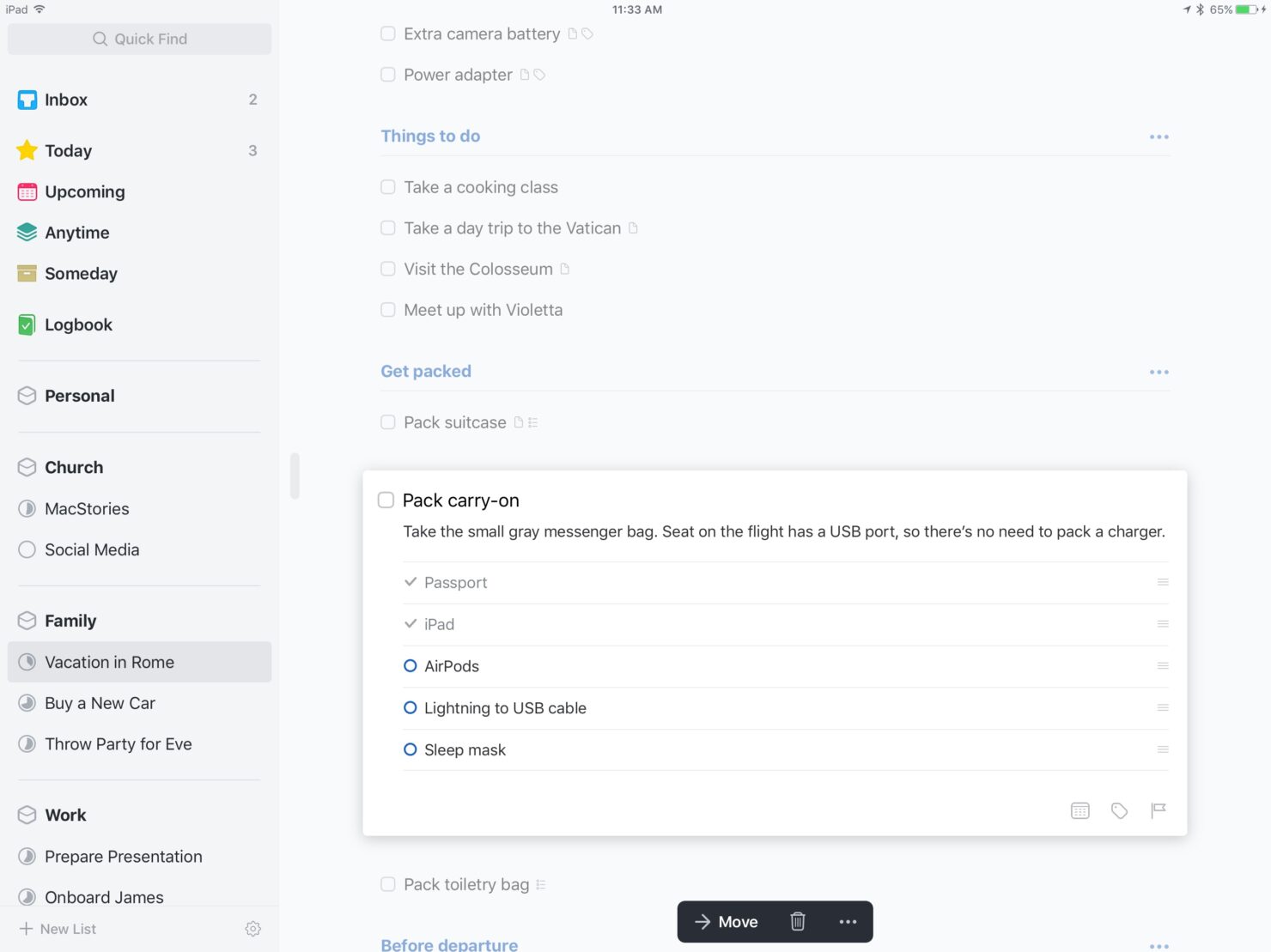
Checklists: Within any task in Things 3, you can create checklists to break it down into smaller, more manageable steps. This is especially helpful for multi-step tasks or detailed workflows to ensure that nothing slips through the cracks.
Search functionality: Things 3 includes a powerful, system-wide search function that lets you instantly locate tasks, projects, tags, or notes. Whether you're looking for a specific keyword, project title, or tag, the search bar delivers fast results.
Calendar integration: Things 3 can sync with your Apple Calendar app, which allows you to view scheduled events alongside your tasks in the Today and Upcoming views. This provides a unified, comprehensive view of your day or week that can help you plan tasks around existing commitments and avoid scheduling conflicts.
Standout Features
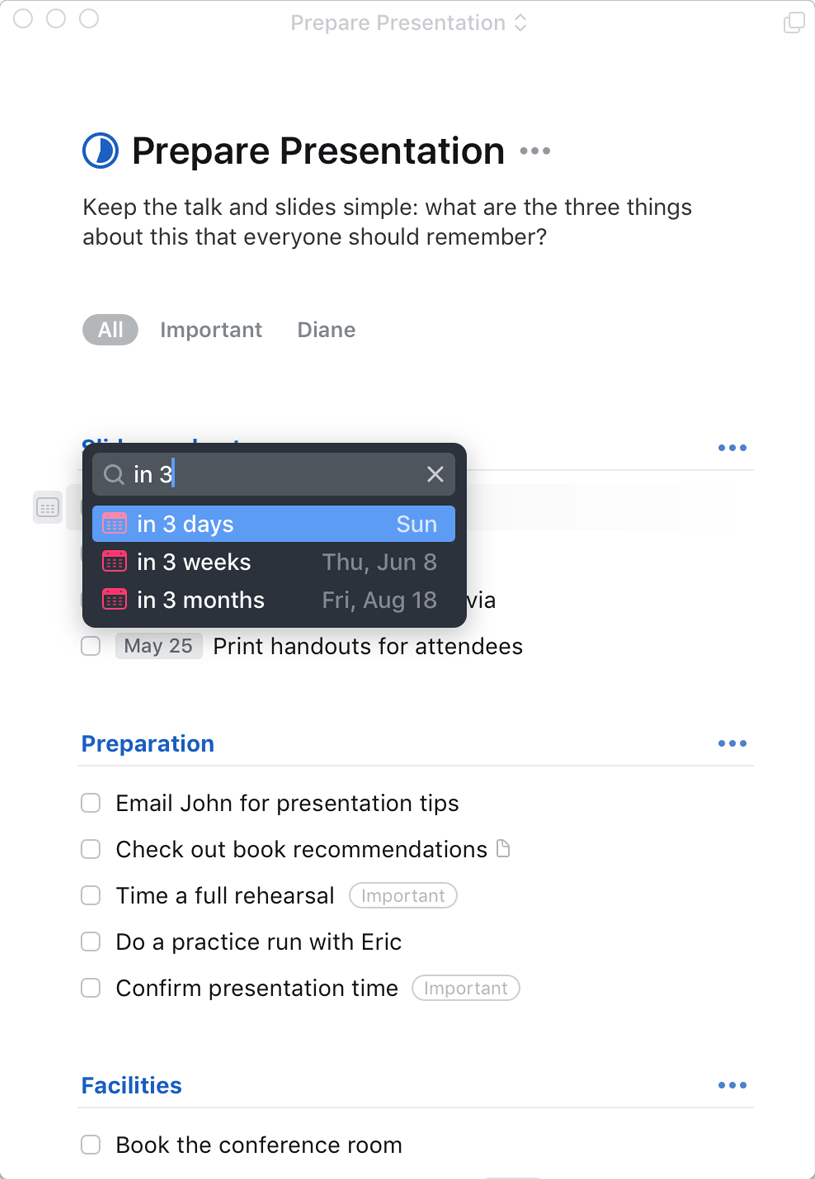
Natural language input: Things 3 supports natural language recognition in its Quick Entry and date fields, allowing you to type phrases like “Submit report tomorrow” or “Call client next Friday.” The app automatically interprets and schedules the task, making task entry fast, intuitive, and efficient.
Focus mode: While Things 3 doesn't offer a dedicated "Focus Mode" by name, its minimalist design and clean interface naturally promote focused work. The Today view acts as a de facto focus mode by displaying only tasks scheduled for the day, which can help you avoid distractions and concentrate on what matters now.
Ease of Use
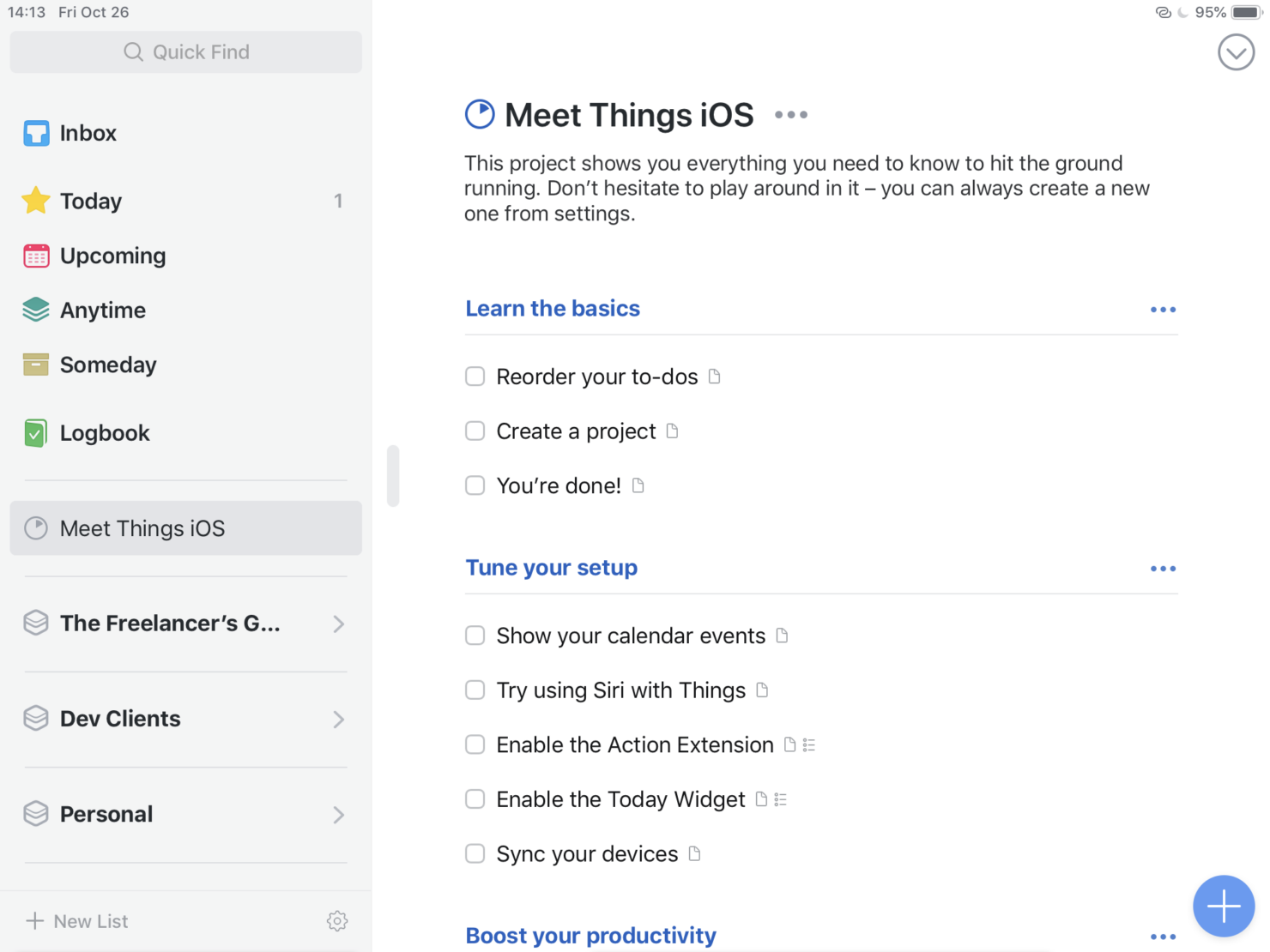
Things 3 stands out for its intuitive design and user-friendly interface, which makes it easy for you to navigate and manage tasks. The natural language input and simple task organization let you quickly add, categorize, and schedule tasks without unnecessary hassle. The app’s clean, minimalist layout ensures you spend less time learning the tool and more time getting things done. Whether you're tech-savvy or just starting out, Things 3 offers a smooth, efficient user experience that’s easy to adopt.
Onboarding
Things 3's onboarding experience can be a bit challenging if you're new to task management software, as it doesn’t include built-in guided tutorials or walkthroughs. However, once you get the hang of the tool's layout and features, you'll find it straightforward. Cultured Code also offers clear written documentation on its website, and the active user community provides additional support through forums and tips. While it might take a little time to reach full efficiency, the clean design and intuitive features help you quickly learn how to manage your tasks effectively.
Customer Support
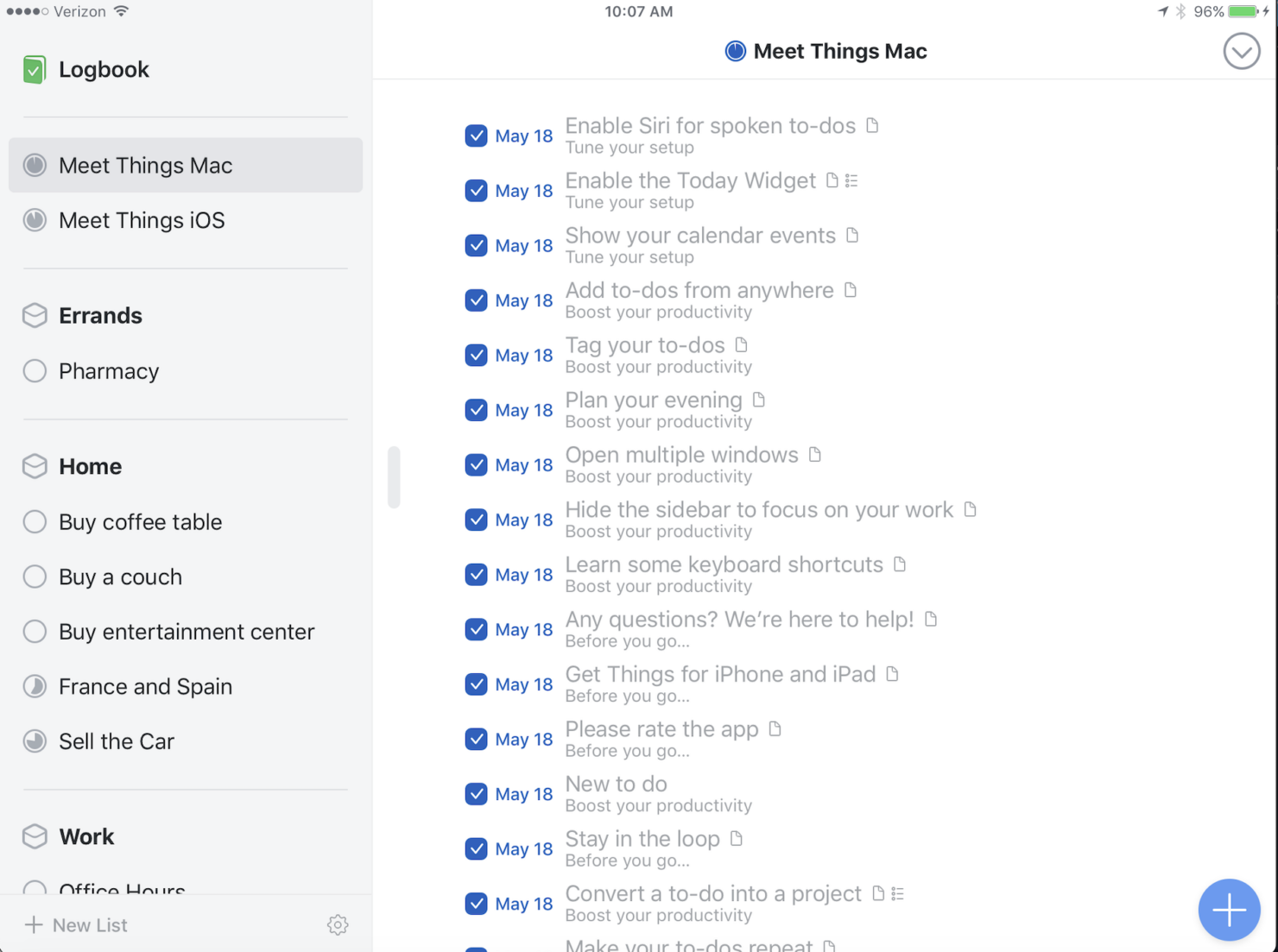
Things 3 offers solid customer support primarily through email and an extensive online Help Center, which includes detailed user guides, FAQs, and troubleshooting articles. Although phone or live chat support is not available, most users report that email responses from Cultured Code are timely, helpful, and informative. The community forums are also a valuable resource, as they allow you to connect with other users and share tips and solutions for common challenges.
While the support model is more self-serve than hands-on, the available documentation is well-organized and thorough, helping most users resolve issues independently.
Value for Money
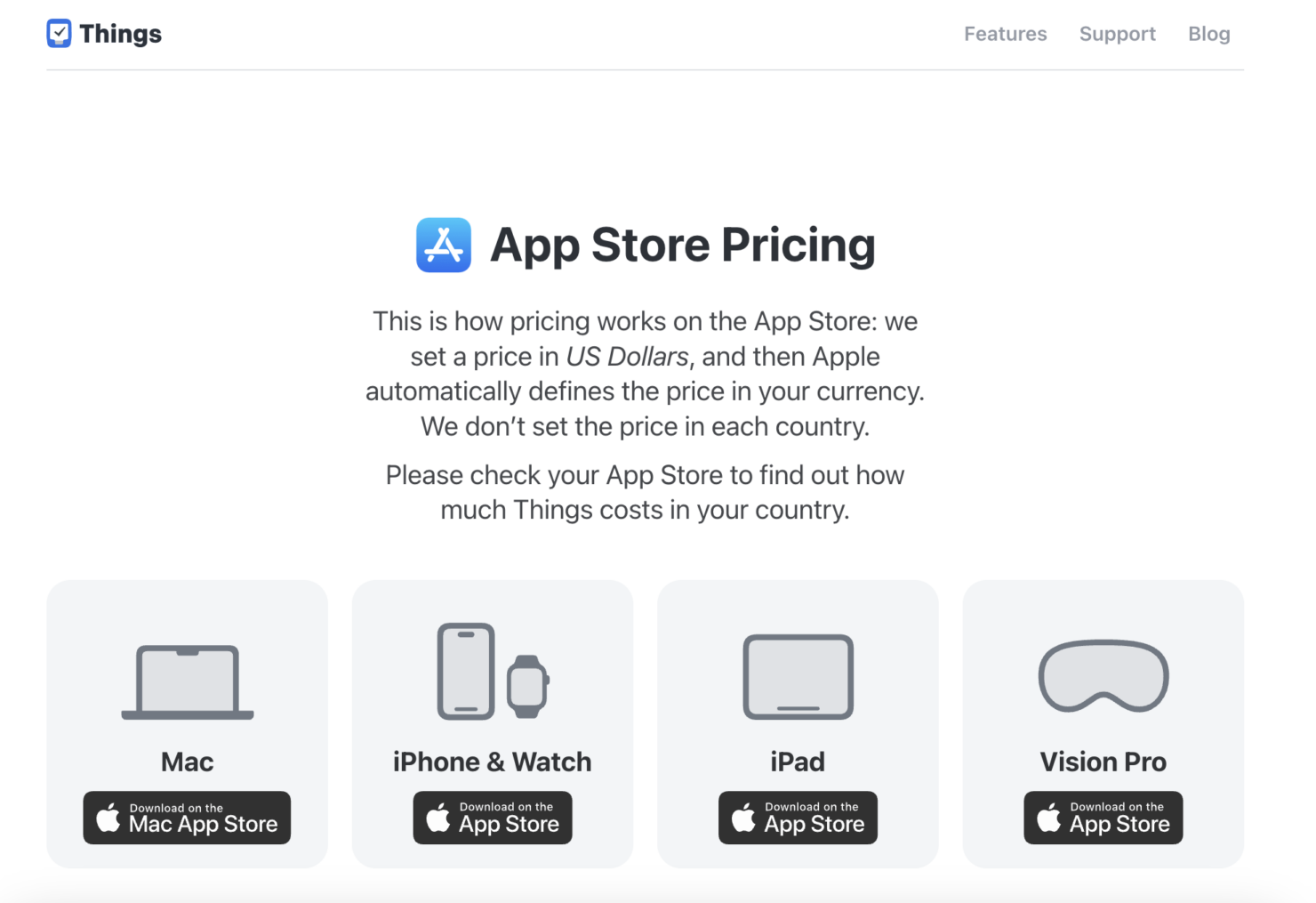
Things 3 pricing offers good value if you prioritize a clean interface and effective task management features. While its price point might appear high compared to some subscription-based alternatives, its one-time purchase model ensures you don't face recurring costs.
- Mac app: $49.99 (one-time purchase via Mac App Store) – includes full access on macOS.
- iPhone app: $9.99 (one-time purchase via iOS App Store) – provides complete functionality on iPhone and Apple Watch.
- iPad app: $19.99 (one-time purchase via iPadOS App Store) – offers full features optimized for the iPad.
Many users find the investment worthwhile for the simplicity, performance, and thoughtful design that Things 3 delivers across Apple devices.
Things 3 Specs
- A/B Testing
- API
- Automated Testing
- Browser Compatibility Testing
- Bug Tracking
- Calendar Management
- CI/CD Integration
- Dashboard
- Data Export
- Data Import
- Data Visualization
- Developer Tools
- External Integrations
- History/Version Control
- Manual Testing
- Multi-User
- Notifications
- Performance Testing
- Regression Testing
- Scheduling
- Status Notifications
- Third-Party Plugins/Add-Ons
Things 3 FAQs
Can I collaborate with my team using Things 3?
Is Things 3 available on Android?
How does Things 3 handle data security?
Can I use Things 3 offline?
Does Things 3 offer reminders and notifications?
How customizable is the Things 3 interface?
Can I import tasks from other apps into Things 3?
Does Things 3 support recurring tasks?
Things 3 Company Overview & History
Things 3 is developed by Cultured Code, a small, independent software company based in Stuttgart, Germany. The team is intentionally lean, with a dedicated group of developers and designers focused solely on Things 3. They do not produce any other apps and are not affiliated with larger tech companies, which allows them to concentrate exclusively on maintaining and refining the Things ecosystem.
Although Cultured Code maintains a low public profile and does not release financial information, the company has earned industry recognition—including an Apple Design Award—for its thoughtful interface and user-centered design. Things 3 remains a favorite among Mac users who value clarity, focus, and a distraction-free task management experience.
Things 3 Major Milestones
- 2007: Cultured Code is founded in Stuttgart, Germany with a focus on building high-quality productivity software.
- 2008: The first version of Things launches for Mac.
- 2009: Things for iPhone is released.
- 2017: Things 3 debuts after years of development, featuring a complete redesign with improved navigation, animations, and structure.
- 2017: Things 3 is recognized for excellence in interface design and user experience with an Apple Design Award.
- 2023: Things 3 introduces support for widgets, Apple Shortcuts, and Markdown.
What's Next?
Want to connect with other digital project managers to share resources and best practices? Join our membership community and get access to 100+ templates, samples, and examples and connect with 100s of other digital project managers in Slack.