


TapClicks Review: Pros, Cons, Features and Pricing Overview



TapClicks is a marketing agency reporting software that pulls data from hundreds of marketing channels into unified client dashboards and automated reports. It's worth a close look if your agency manages multiple clients across complex, multi-channel campaigns and needs one place to consolidate, visualize, and deliver all that performance data. I'd lean toward TapClicks over Agency Analytics if your team needs a wider integration library and more advanced workflow management built into the same platform.
TapClicks Evaluation Summary
- Pricing upon request
- Free demo + 14-day free trial
Why Trust Our Software Recommendations
Our team has been testing and reviewing software since 2012. As project managers ourselves, we know how difficult—and important—it is to choose the right software.
For this guide, we evaluated tools using hands-on testing and independent research, scoring tools using our selection criteria. We also draw on insights from industry thought leaders and practicing project management experts.
Our reviews reflect our human editorial judgment, not a sales pitch.
Expert reviewers:
TapClicks Overview
When I compare TapClicks to its competitors, I think it excels for agencies that want deep integrations and marketing automation without complicated onboarding. The intuitive interface and extensive data connectors make setting up custom dashboards and reports fast. Pricing feels premium, and advanced features may be more than small teams need, but support is responsive and onboarding is straightforward. If you’re judging platforms for complex, high-volume reporting across multiple clients, TapClicks stands out. For example, automating recurring client reports and blending Google Ads, Facebook, and SEO data is genuinely smooth with TapClicks.
pros
-
White-labeled dashboards let agencies brand client-facing reports.
-
Automated scheduled client reporting saves significant account manager time.
-
Combines multi-channel data into a single visual dashboard.
cons
-
Pricing is high compared to several other options.
-
Advanced reporting features can feel overwhelming for small teams.
-
Some users report delays with platform updates or bug fixes.
Is TapClicks Right For Your Needs?
Who Would be a Good Fit for TapClicks?
TapClicks is ideal for digital marketing agencies and teams that manage multiple clients, channels, or campaigns and need centralized reporting. Its automation, customizable dashboards, and bulk management features give the most value to users handling large data volumes and performance metrics across various platforms. Agencies, enterprise marketing teams, and data-driven organizations get the biggest lift from its robust analytics and advanced white-label options.
-
Marketing Agencies
TapClicks is built around multi-client management, white-label reporting, and automated workflows—perfect for agency account teams.
-
Enterprise Marketing
Large marketing departments with high data complexity get simplified reporting and real-time analytics across marketing campaigns.
-
Media Companies
Companies handling digital ad fulfillment or campaign delivery can use TapClicks's order management and centralized performance tracking.
-
Franchises or Multi-Location Brands
Franchisors needing to roll up results from many locations appreciate TapClicks’s consolidated dashboards and location-specific reporting.
-
Digital Consultants
Freelancers and consultants managing campaign performance data for different clients gain time with automated, visually rich reporting tools.
-
In-House Analytics Teams
Analytics teams that want custom workflows and deep data blending get flexibility and powerful visualizations to meet internal reporting needs.
Who Would be a Bad Fit for TapClicks?
TapClicks is less suited to small businesses, teams with limited reporting requirements, or companies with simple marketing operations. If your data management needs are basic, your data sources are few and far between, or budgets are tight, TapClicks’s rich feature set and higher price tag might be more than you need. Its advanced configuration can also overwhelm users who want something up and running with minimal setup.
-
Small Businesses
TapClicks’s complexity and higher cost are unnecessary for simple campaigns or limited marketing activity.
-
Solopreneurs
Those running DIY or single-person marketing efforts may find the platform’s features excessive for their needs.
-
Non-Marketing Departments
Teams outside marketing—like HR or finance—won’t benefit from TapClicks, which is designed for campaign and analytics reporting.
-
Startups With Lean Budgets
Startups watching every dollar may not see enough return on investment from the platform’s agency-scale features.
-
Single-Channel Marketers
If you only need to track a single channel, TapClicks’s multi-channel aggregation and workflow tools won’t add much value.
-
Organizations Needing Instant Setup
Teams seeking intuitive, out-of-the-box setups may find TapClicks’s onboarding and customization process too involved.
Our Review Methodology
How We Test & Score Tools
We’ve spent years building, refining, and improving our software testing and scoring system. The rubric is designed to capture the nuances of software selection and what makes a tool effective, focusing on critical aspects of the decision-making process.
Below, you can see exactly how our testing and scoring works across seven criteria. It allows us to provide an unbiased evaluation of the software based on core functionality, standout features, ease of use, onboarding, customer support, integrations, customer reviews, and value for money.
Core Functionality (25% of final scoring)
The starting point of our evaluation is always the core functionality of the tool. Does it have the basic features and functions that a user would expect to see? Are any of those core features locked to higher-tiered pricing plans? At its core, we expect a tool to stand up against the baseline capabilities of its competitors.
Standout Features (25% of final scoring)
Next, we evaluate uncommon standout features that go above and beyond the core functionality typically found in tools of its kind. A high score reflects specialized or unique features that make the product faster, more efficient, or offer additional value to the user.
We also evaluate how easy it is to integrate with other tools typically found in the tech stack to expand the functionality and utility of the software. Tools offering plentiful native integrations, 3rd party connections, and API access to build custom integrations score best.
Ease of Use (10% of final scoring)
We consider how quick and easy it is to execute the tasks defined in the core functionality using the tool. High scoring software is well designed, intuitive to use, offers mobile apps, provides templates, and makes relatively complex tasks seem simple.
Onboarding (10% of final scoring)
We know how important rapid team adoption is for a new platform, so we evaluate how easy it is to learn and use a tool with minimal training. We evaluate how quickly a team member can get set up and start using the tool with no experience. High scoring solutions indicate little or no support is required.
Customer Support (10% of final scoring)
We review how quick and easy it is to get unstuck and find help by phone, live chat, or knowledge base. Tools and companies that provide real-time support score best, while chatbots score worst.
Customer Reviews (10% of final scoring)
Beyond our own testing and evaluation, we consider the net promoter score from current and past customers. We review their likelihood, given the option, to choose the tool again for the core functionality. A high scoring software reflects a high net promoter score from current or past customers.
Value for Money (10% of final scoring)
Lastly, in consideration of all the other criteria, we review the average price of entry level plans against the core features and consider the value of the other evaluation criteria. Software that delivers more, for less, will score higher.
Core Features
Automated Client Reporting
Schedule and send branded client reports automatically on any cadence. This saves agencies hours each month by eliminating manual report prep.
Customizable Dashboards
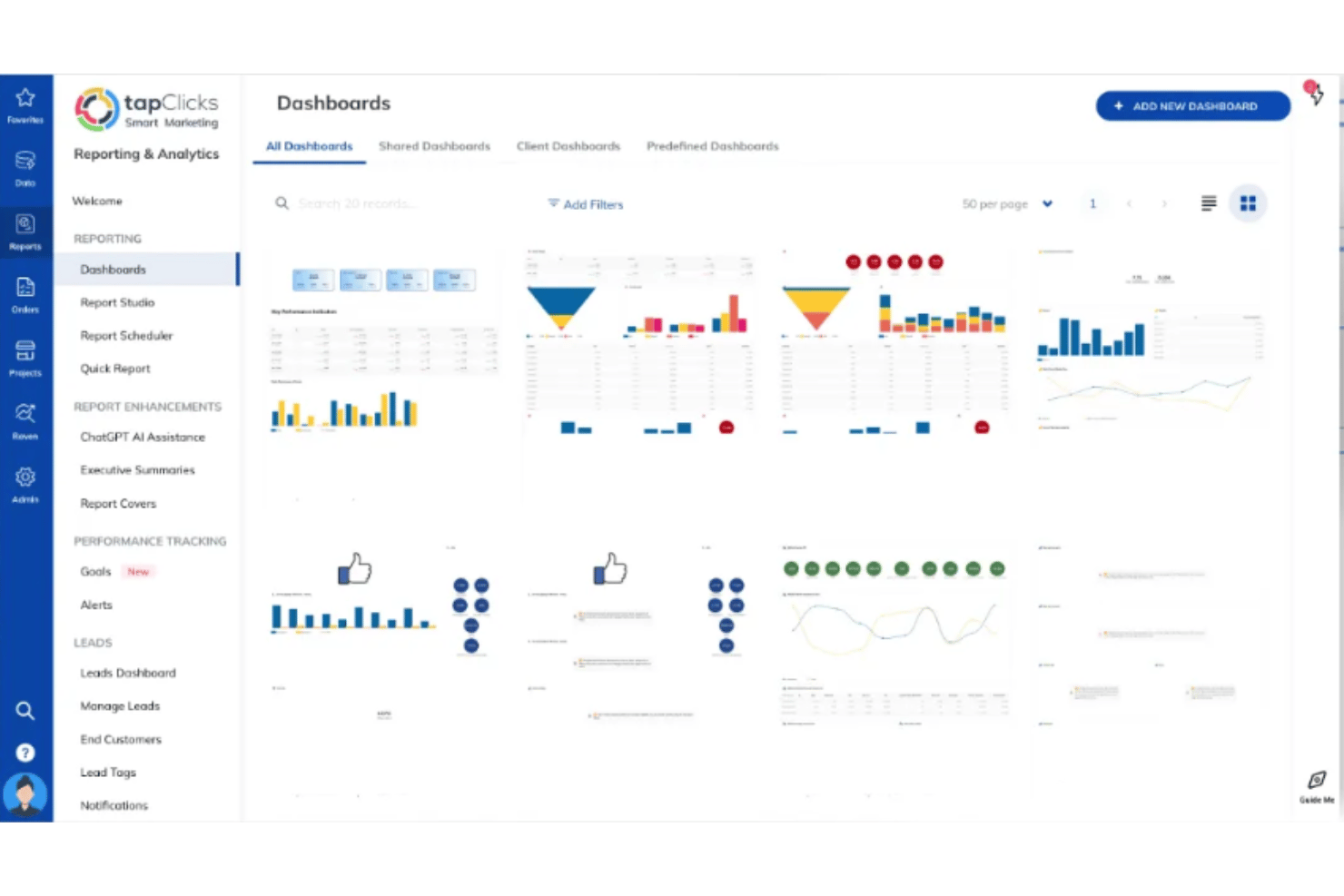
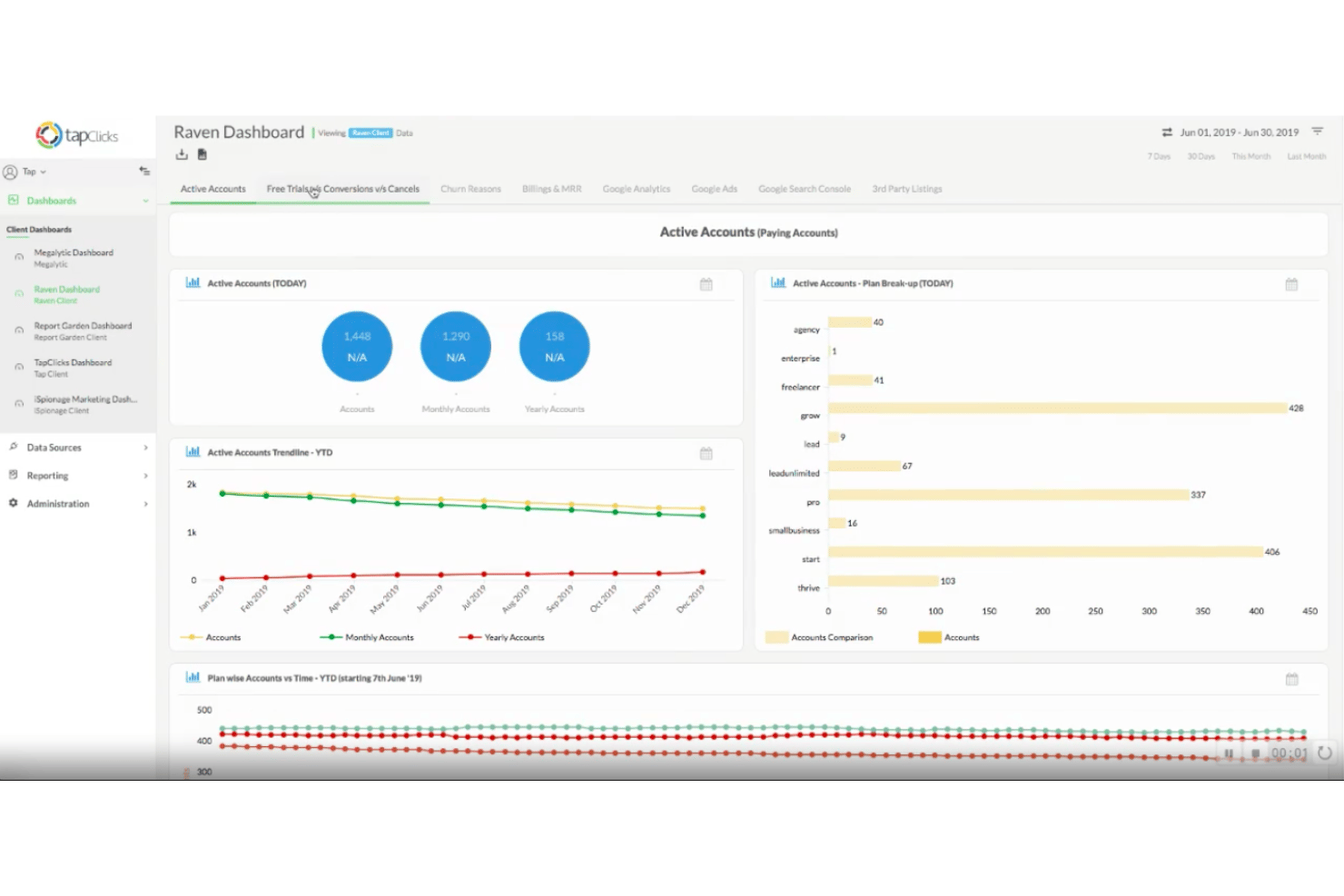
Build and share dashboards with custom widgets to fit each client’s needs. Agencies can tailor visuals, KPIs, and layouts for every account.
Data Blending
Combine metrics from different marketing channels into unified views. This gives users actionable insights and clear cross-channel performance analysis.
White-Label Functionality
Add your agency’s branding, colors, and logo to all reports and dashboards. This ensures a professional, client-ready presentation every time.
Advanced Analytics and Visualization
Use prebuilt or custom data visualizations for complex campaign tracking. Agencies can highlight trends and performance wins for clients in seconds.
Workflow Automation
Automate repetitive marketing tasks like campaign tagging and assignment. This keeps teams focused on analysis instead of chasing down operational details.
Standout Features
Order Management System
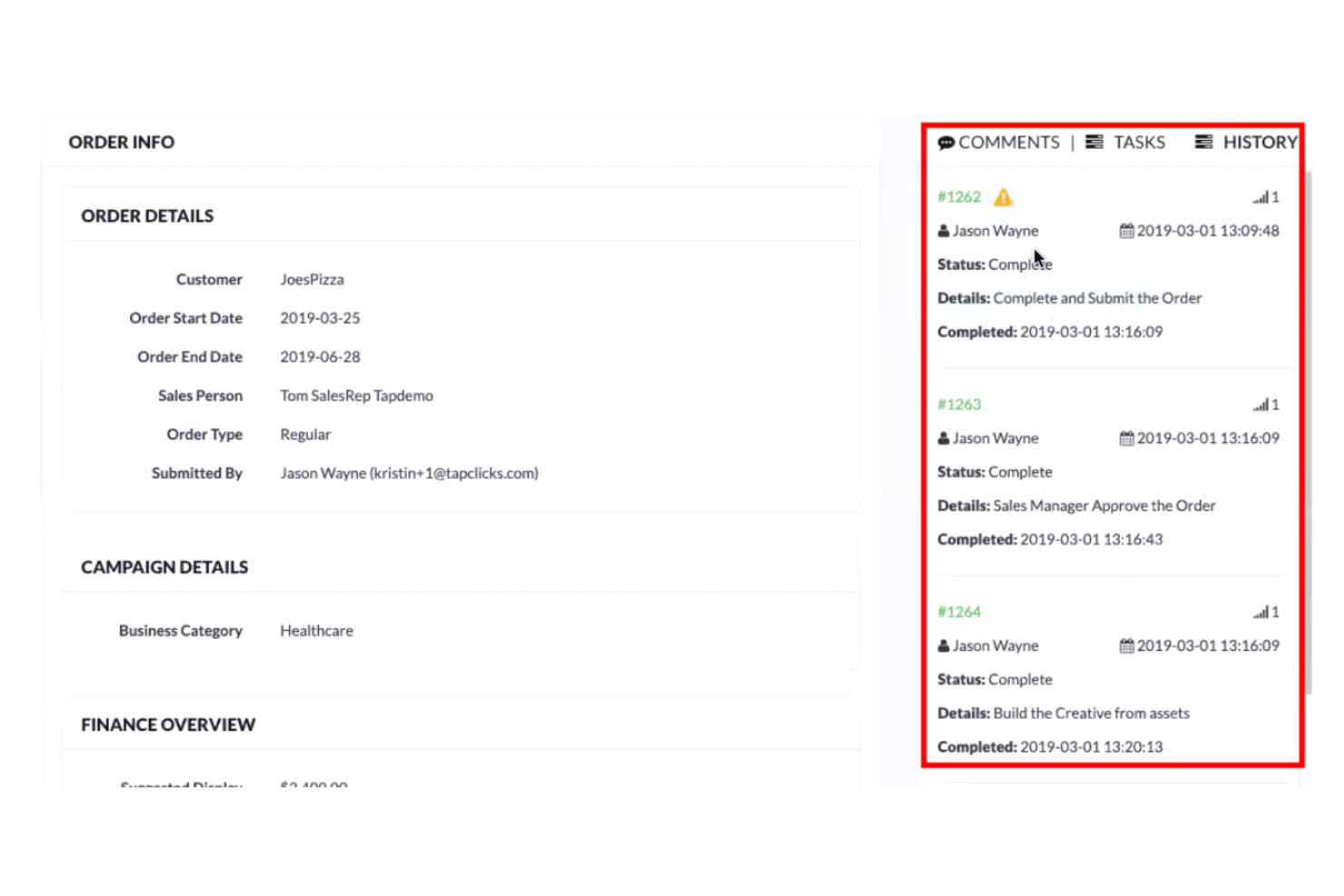
Manage ad orders, project tasks, and fulfillment directly inside TapClicks. Agencies track campaigns from order to delivery in one platform.
Marketing Intelligence Module
TapAnalytics offers predictive analytics and AI-driven insights on campaign data. Teams get recommendations for optimizing spend and quickly spotting trends.
Ease of Use
TapClicks delivers a clean, user-friendly dashboard that most teams find easy to navigate, even with its advanced tools. I think the automated report scheduling, drag-and-drop dashboard builder, and clear visualizations genuinely save time and reduce reporting errors, though some users mention a slight learning curve to master its full feature set.
Onboarding
TapClicks stands out with dedicated onboarding teams and detailed setup assistance, which many users say speeds up adoption. The guided demos, comprehensive knowledge base, and responsive chat support help agencies get dashboards and automated reports running quickly, though a few mention wanting more tailored tutorials for advanced customizations.
Customer Support
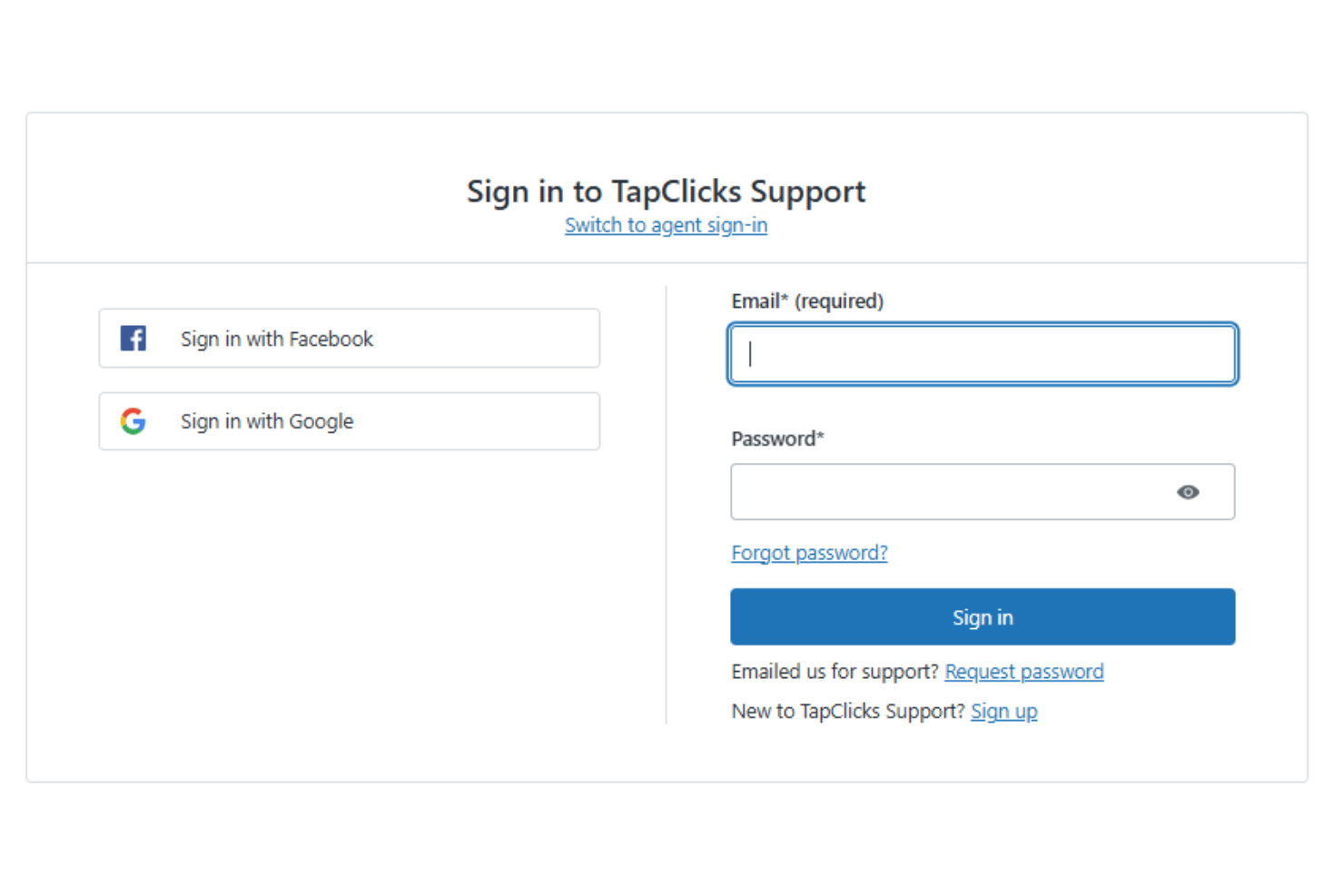
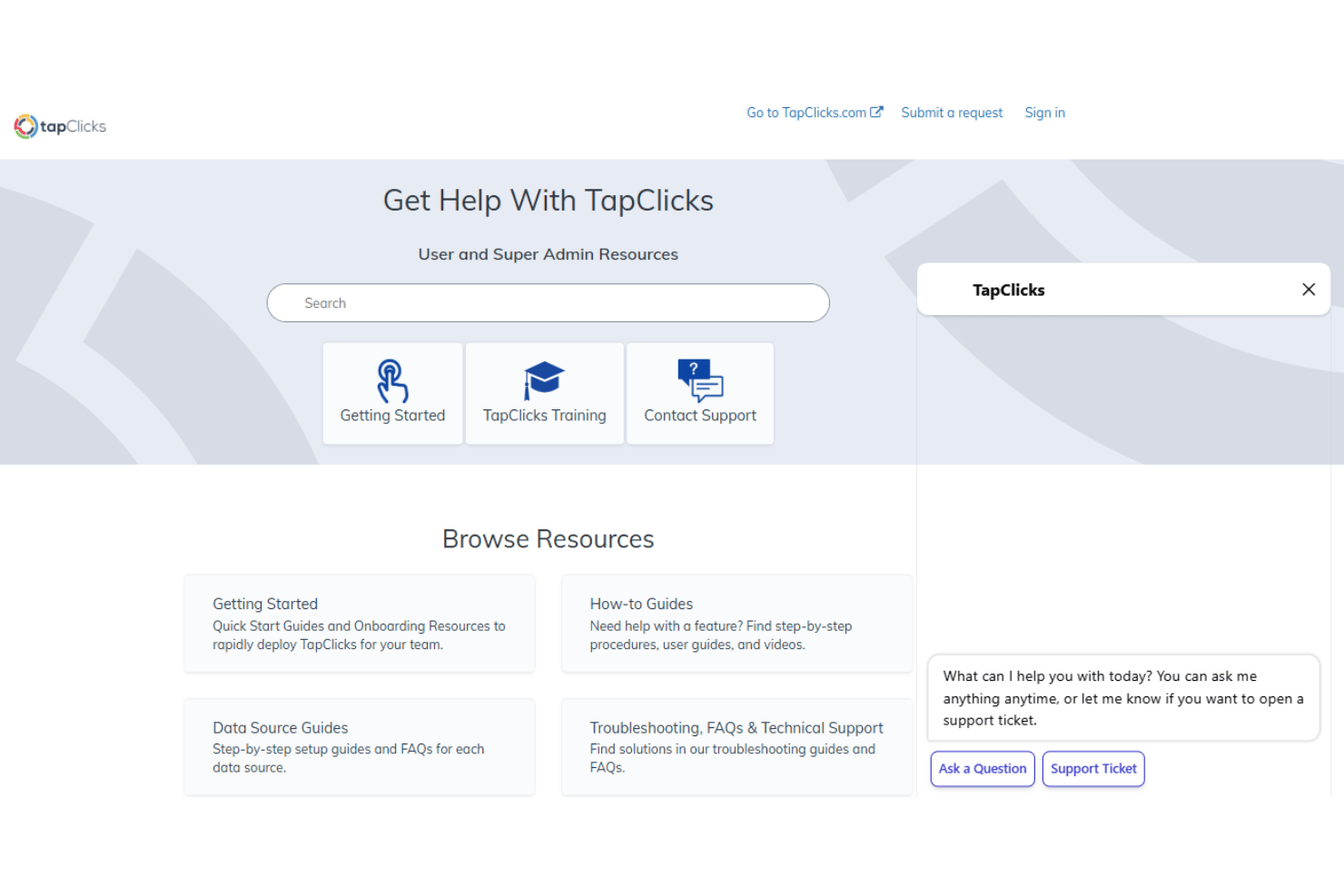
TapClicks impresses with fast response times and knowledgeable support teams available via chat, email, and phone. Users often highlight the value of 24/7 assistance and the willingness of reps to walk through technical issues live, though some note occasional delays during peak times or with complex requests.
Integrations
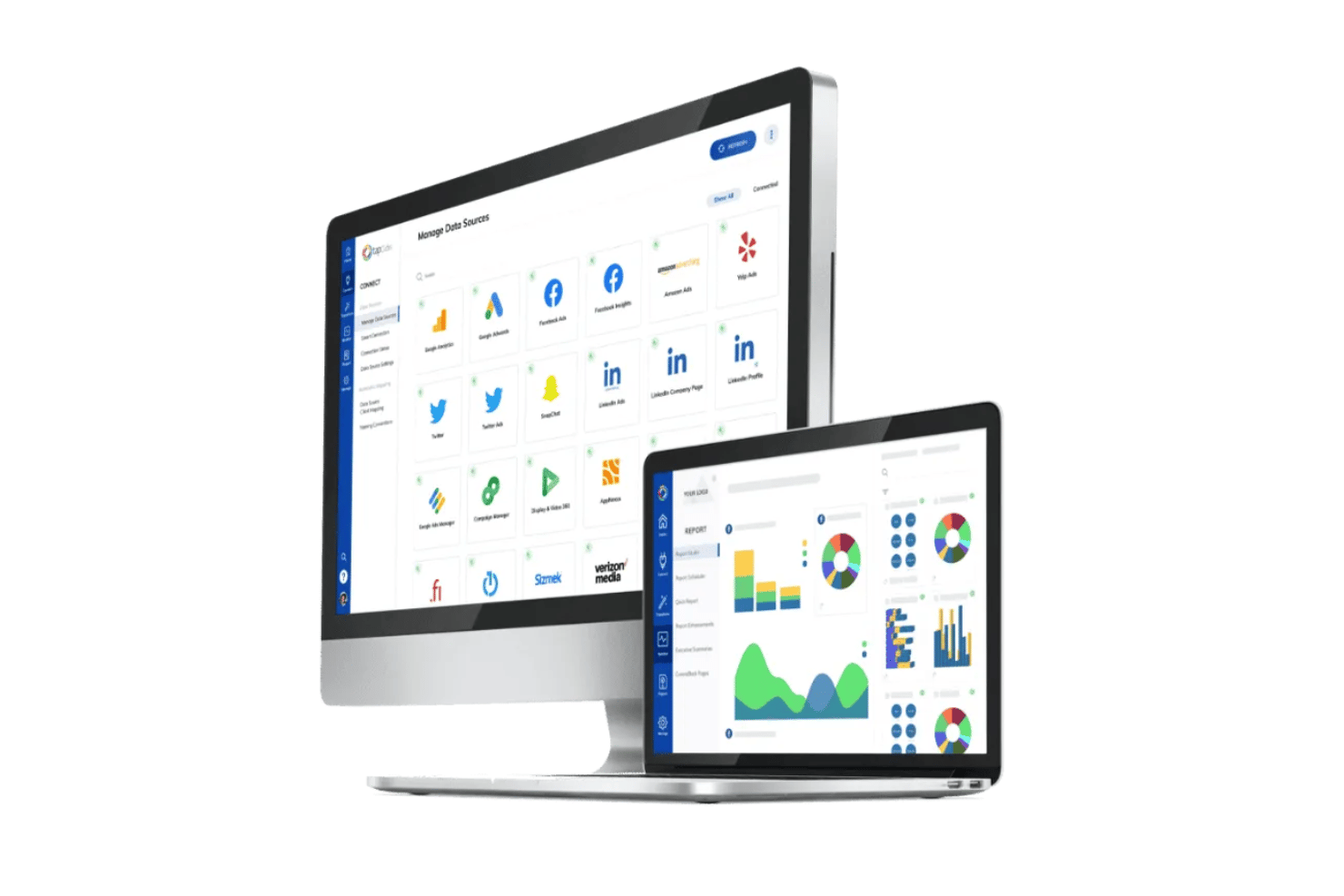
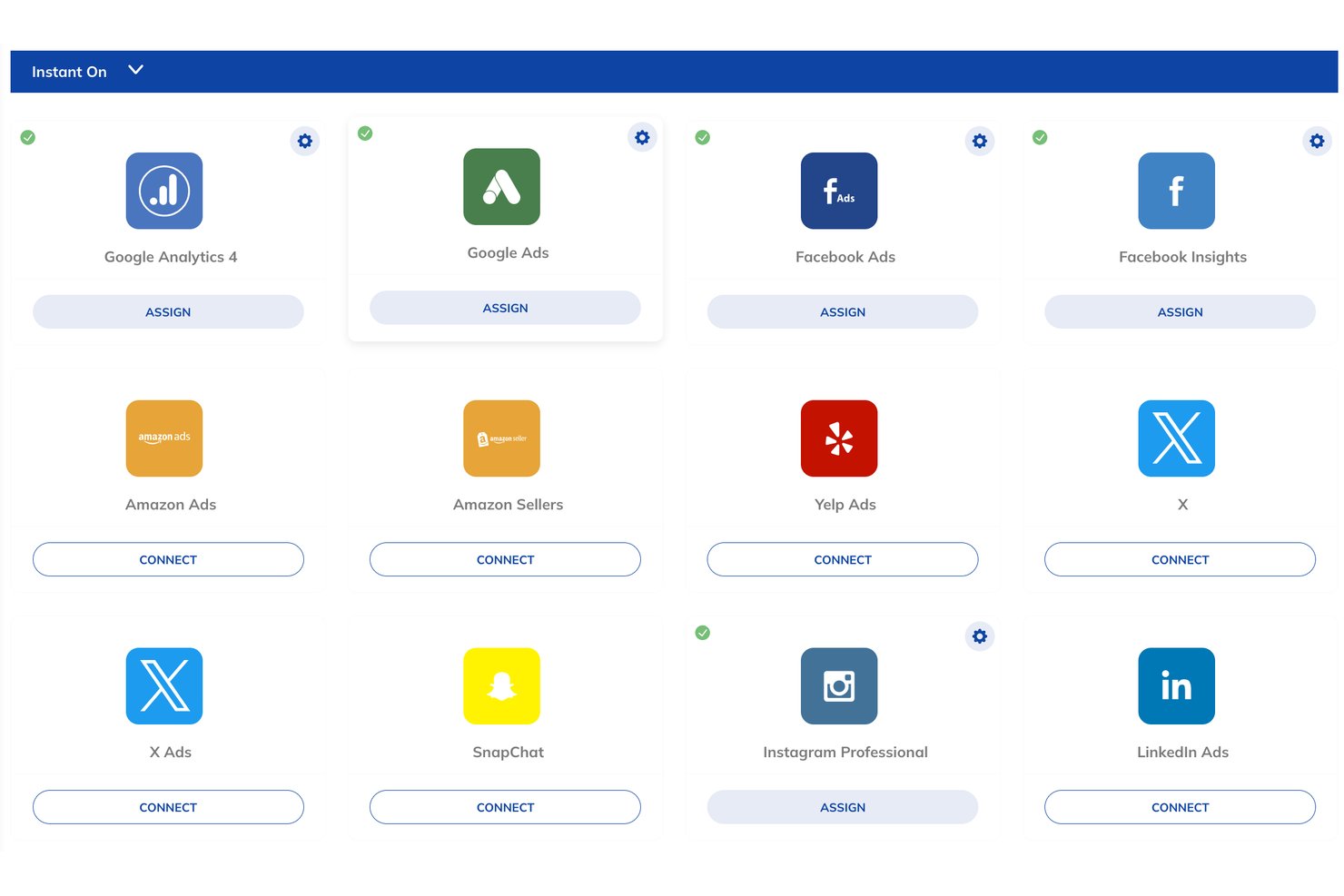
TapClicks integrates with Google Ads, Facebook Ads, Google Analytics, LinkedIn Ads, Microsoft TikTok Ads, and Mailchimp, among others.
TapClicks also offers an API for custom integrations and data connections.
Value for Money
TapClicks is on the higher end price-wise but justifies the cost with automation, deep analytics, and agency-specific features that save time and centralize reporting at scale. Users say the ROI is strong for multi-client teams handling complex, data-rich campaigns.
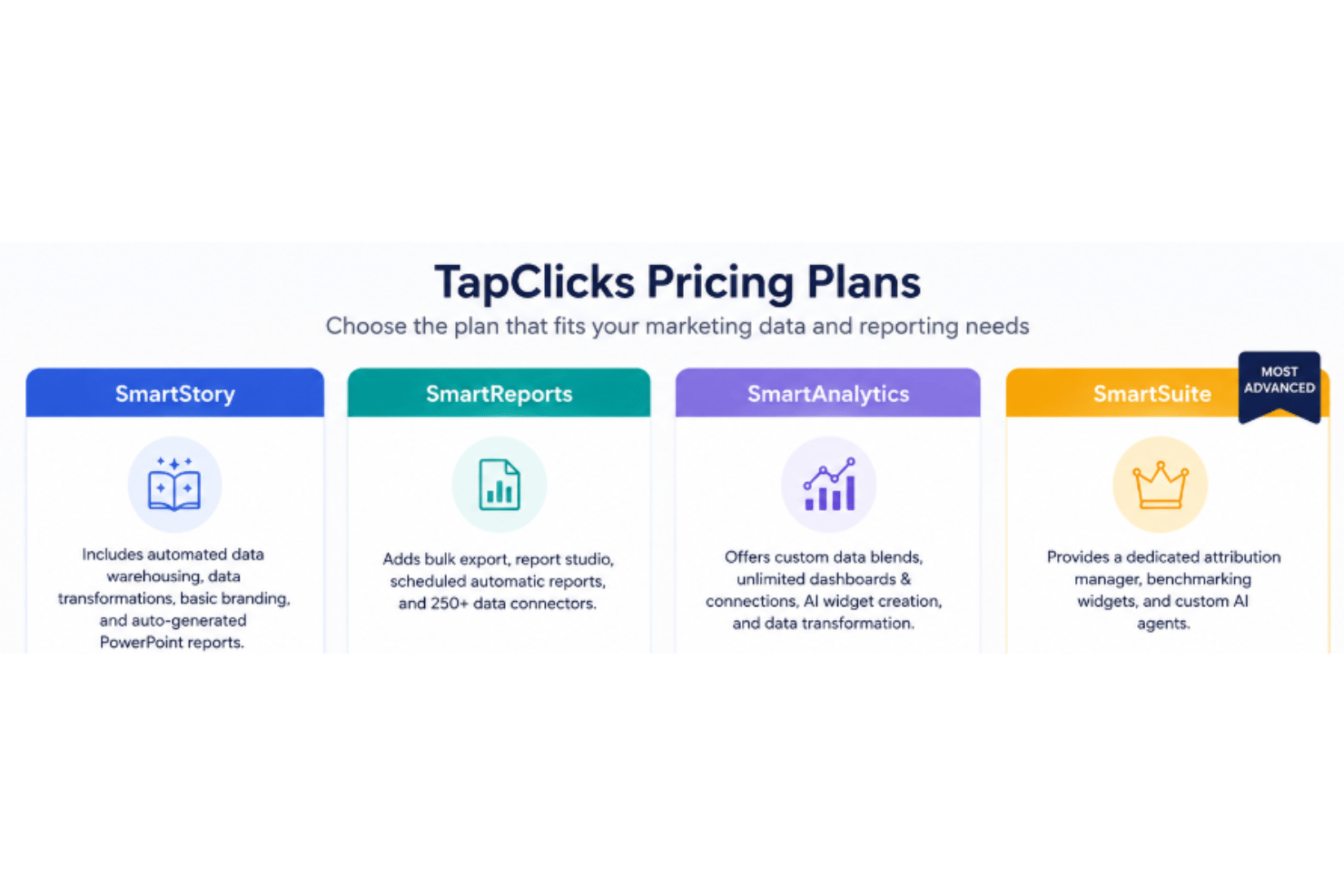
- SmartStory Includes automated data warehousing, data transformations, basic branding, and auto-generated PowerPoint reports.
- SmartReports: Adds bulk export, report studio, scheduled automatic reports, and 250+ data connectors.
- SmartAnalytics: Offers custom data blends, unlimited dashboards & connections, AI widget creation, and data transformation.
- SmartSuite: Provides a dedicated attribution manager, benchmarking widgets, and custom AI agents.
TapClicks Specs
- A/B Testing
- AI Integration
- Analytics
- API
- Comparative Reporting
- Conversion Tracking
- Custom Reports
- Dashboard
- Dashboards
- Data Export
- Data Import
- Data Mining
- Data Visualization
- External Integrations
- Feedback Management
- Forecasting
- Historical Data Analysis
- Keyword Tracking
- Link Tracking
- Multi-Site
- Multi-User
- Notifications
- Process Reporting
- Real-time Alerts
- Referral Tracking
- Reports
- Scenario Planning
- SEO
- Time Series Modeling
- Visualization
- Workflow Management
TapClicks FAQs
How easy is it to set up TapClicks for the first time?
Can TapClicks handle reporting for multiple clients?
What kind of reporting automation does TapClicks offer?
How customizable are TapClicks dashboards?
Is TapClicks compliant with data security and privacy standards?
Can I integrate TapClicks with my existing CRM or project management tools?
What support is available if I get stuck or need help?
Is TapClicks scalable as my agency grows?
TapClicks Company Overview & History
TapClicks is a marketing technology company headquartered in San Jose, California. The company employs more than 200 professionals and powers marketing operations for over 5,000 agencies, media companies, and brands globally. TapClicks is best known for its unified marketing operations platform, which covers reporting, analytics, and workflow automation. Notable clients include many large agencies and global brands, though specific names are not listed on the company’s site.
TapClicks Major Milestones
- 2009: TapClicks founded in San Jose, California.
- 2011: Launch of the TapClicks Marketing Operations Platform.
- 2018: TapClicks named among Inc. 5000 Fastest-Growing Companies in America.
- 2021: Recognized in the Martech Breakthrough Awards for innovative marketing analytics solutions.