

Procore Review: Pros, Cons, Features, and Pricing



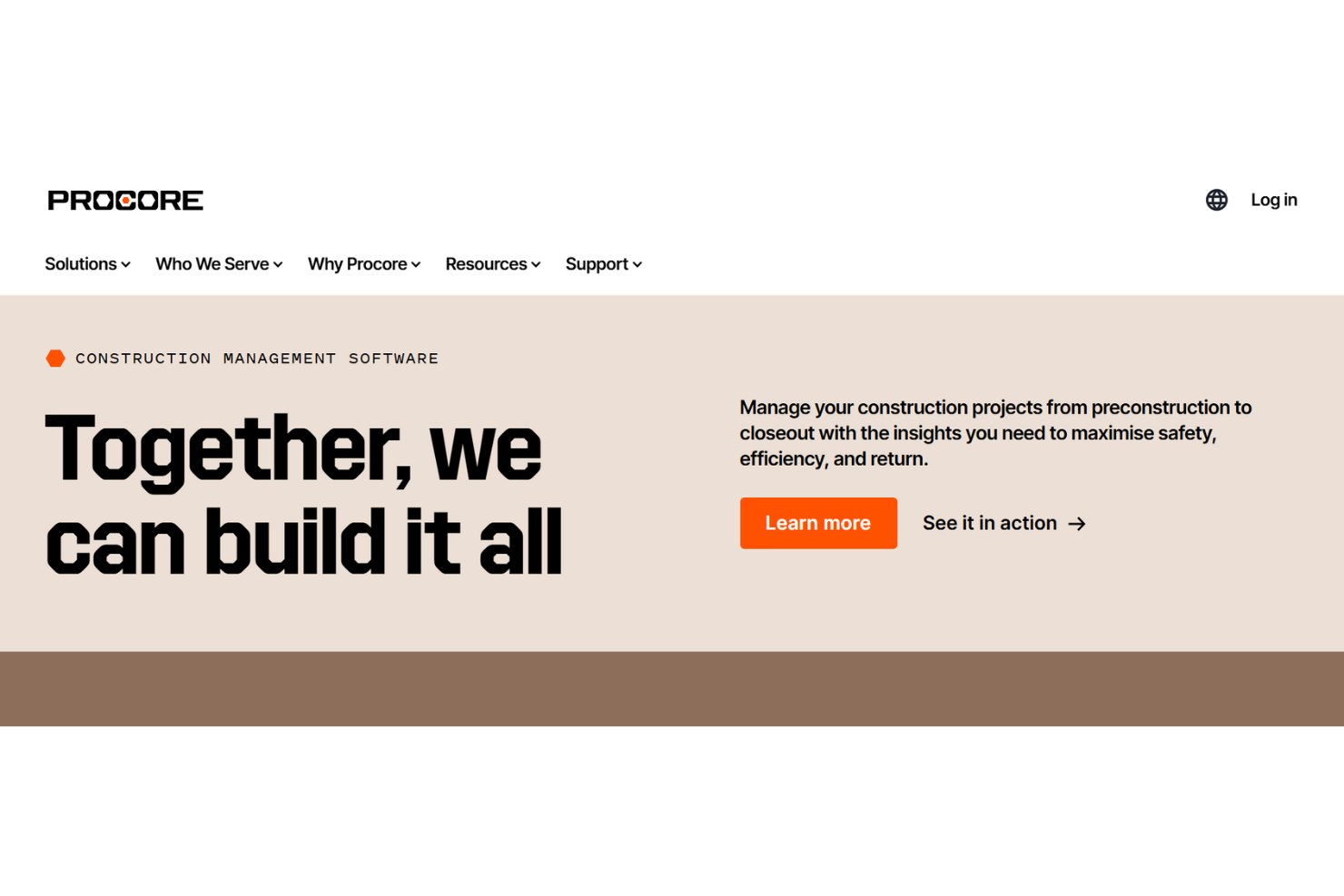
Procore is a project management software built specifically for construction—covering project financials, document control, and field collaboration across owners, general contractors, and specialty contractors. I'd consider it if your team is running complex, multi-stakeholder builds where gaps between the office and the field create real risk. If you're weighing it against Buildertrend, Procore is the stronger fit for larger commercial projects that need tighter financial controls, deeper subcontractor coordination, and more structured workflows across every project phase.
Procore Evaluation Summary
- Pricing upon request
- Free demo available
Why Trust Our Software Recommendations
Our team has been testing and reviewing software since 2012. As project managers ourselves, we know how difficult—and important—it is to choose the right software.
For this guide, we evaluated tools using hands-on testing and independent research, scoring tools using our selection criteria. We also draw on insights from industry thought leaders and practicing project management experts.
Our reviews reflect our human editorial judgment, not a sales pitch.
Expert reviewers:
Procore Overview
In my opinion, Procore is a solid choice for construction management, providing an extensive suite of tools that organize project workflows. It excels in integrating various construction processes, which makes it ideal for large construction firms needing detailed oversight and collaboration. However, it may not be the best construction software for smaller teams with limited budgets due to its pricing. Compared to competitors, Procore offers solid features, but it can have a steep learning curve. If your team is ready to invest time in onboarding, Procore could significantly improve your project management efficiency.
pros
-
Procore offers excellent document management and templates for your construction projects.
-
Your team can collaborate efficiently both on-site and off with real-time updates and communication tools.
-
The software provides detailed project tracking and automation to keep your work on schedule.
cons
-
You might find the learning curve steep for new users.
-
The mobile app can feel limited compared to the desktop version.
-
Your team may need extra support to fully utilize all features.
Is Procore Right For Your Needs?
Who Would be a Good Fit for Procore?
Procore is a great fit for large construction companies and general contractors who need to manage complex projects. It’s ideal for teams that require detailed oversight on multiple tasks and effective collaboration among members. With Procore's strong document management and project tracking features, you can maintain project schedules and ensure quality control. If your work requires managing documents and coordinating with various stakeholders and specialty contractors, Procore can significantly boost your team's efficiency.
-
Large Construction Companies
Procore's project tracking and document management features support complex, large-scale construction projects.
-
General Contractors
Your team benefits from Procore's real-time collaboration tools, improving communication on the job site.
-
Project Managers
The software's detailed reporting, tracking, and change orders help with job costing, forecasting, and planning.
-
Architectural Firms
You can manage design documents and collaborate with construction teams through Procore.
-
Engineering Departments
Procore facilitates coordination and information sharing between your engineering team and other stakeholders.
-
Real Estate Developers
The software helps you oversee multiple projects, ensuring timely completion and quality assurance.
Who Would be a Bad Fit for Procore?
Procore isn't the best choice for small businesses or teams with limited budgets, as its pricing can be a barrier. If you work in industries not focused on construction, you might find Procore's features excessive or irrelevant for your needs. Small teams looking for straightforward project management solutions would find the extensive tools more than they require, so they may want to consider a Procore alternative.
-
Small Businesses
Procore's pricing and extensive features can overwhelm small teams with limited project scopes.
-
Non-Construction Industries
Industries outside construction might find Procore's tools unnecessary for their project management needs.
-
Freelancers
Procore's extensive capabilities are unnecessary for solo professionals managing simple projects.
-
Startups
New companies with tight budgets may find the high cost of Procore a drawback.
-
Retail Teams
Retail operations don't require the construction-specific features Procore offers.
-
Educational Institutions
Schools and universities may find Procore's functionalities unrelated to their administrative or academic projects.
Our Review Methodology
How We Test & Score Tools
We’ve spent years building, refining, and improving our software testing and scoring system. The rubric is designed to capture the nuances of software selection and what makes a tool effective, focusing on critical aspects of the decision-making process.
Below, you can see exactly how our testing and scoring works across seven criteria. It allows us to provide an unbiased evaluation of the software based on core functionality, standout features, ease of use, onboarding, customer support, integrations, customer reviews, and value for money.
Core Functionality (25% of final scoring)
The starting point of our evaluation is always the core functionality of the tool. Does it have the basic features and functions that a user would expect to see? Are any of those core features locked to higher-tiered pricing plans? At its core, we expect a tool to stand up against the baseline capabilities of its competitors.
Standout Features (25% of final scoring)
Next, we evaluate uncommon standout features that go above and beyond the core functionality typically found in tools of its kind. A high score reflects specialized or unique features that make the product faster, more efficient, or offer additional value to the user.
We also evaluate how easy it is to integrate with other tools typically found in the tech stack to expand the functionality and utility of the software. Tools offering plentiful native integrations, 3rd party connections, and API access to build custom integrations score best.
Ease of Use (10% of final scoring)
We consider how quick and easy it is to execute the tasks defined in the core functionality using the tool. High scoring software is well designed, intuitive to use, offers mobile apps, provides templates, and makes relatively complex tasks seem simple.
Onboarding (10% of final scoring)
We know how important rapid team adoption is for a new platform, so we evaluate how easy it is to learn and use a tool with minimal training. We evaluate how quickly a team member can get set up and start using the tool with no experience. High scoring solutions indicate little or no support is required.
Customer Support (10% of final scoring)
We review how quick and easy it is to get unstuck and find help by phone, live chat, or knowledge base. Tools and companies that provide real-time support score best, while chatbots score worst.
Customer Reviews (10% of final scoring)
Beyond our own testing and evaluation, we consider the net promoter score from current and past customers. We review their likelihood, given the option, to choose the tool again for the core functionality. A high scoring software reflects a high net promoter score from current or past customers.
Value for Money (10% of final scoring)
Lastly, in consideration of all the other criteria, we review the average price of entry level plans against the core features and consider the value of the other evaluation criteria. Software that delivers more, for less, will score higher.
Core Features
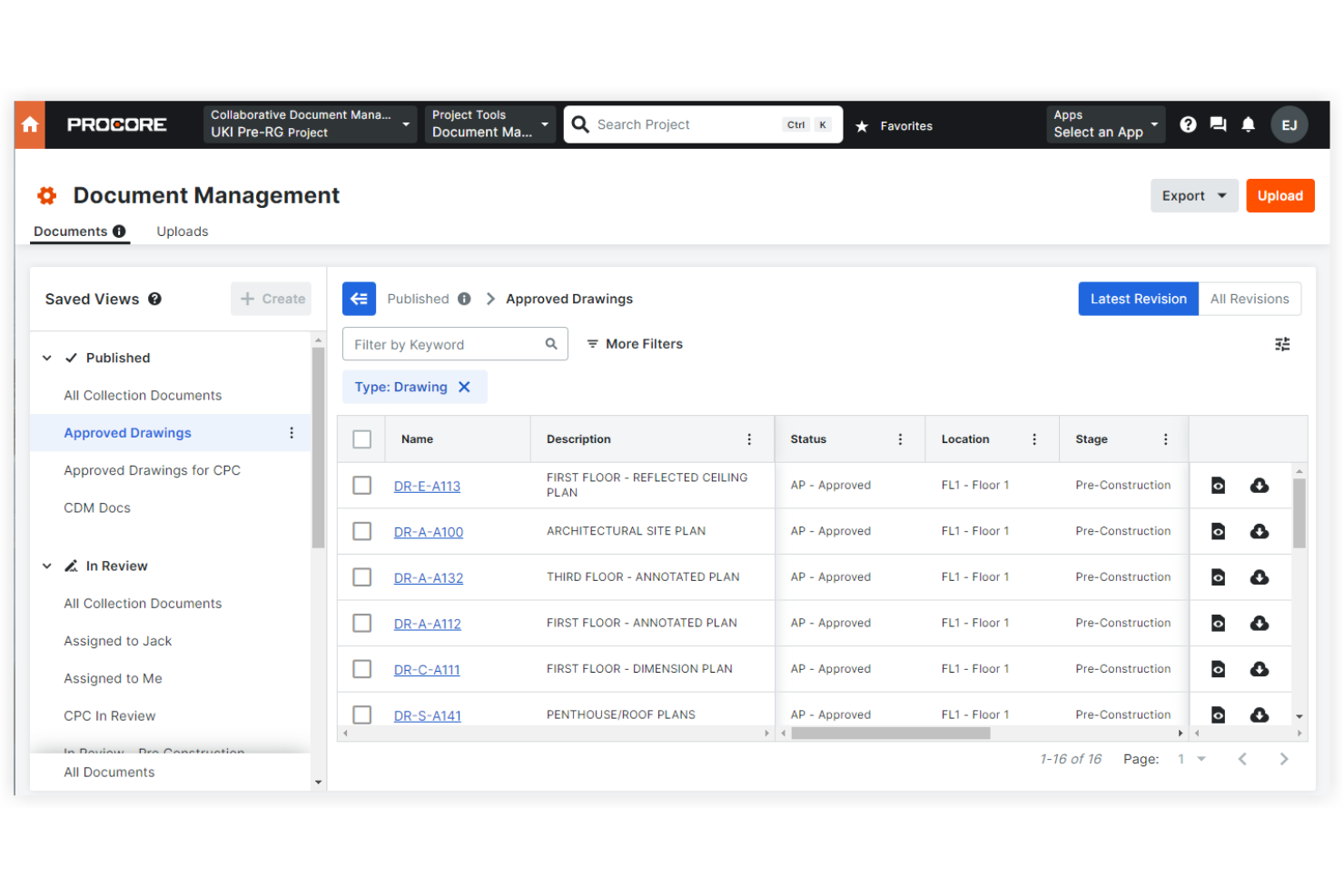
Document Management: Procore offers excellent document control, letting you store and manage all your project documents in one place to ensure accessibility and organization. It helps your team keep track of changes and maintain up-to-date records.
Project Tracking: You can monitor project progress from preconstruction to completion with detailed timelines and status updates. This feature helps your team stay on schedule and manage deadlines effectively.
Real-Time Collaboration: Procore facilitates communication among team members with messaging and sharing tools. Your team can collaborate with ease, reducing delays and misunderstandings.
Task Management: Assign tasks and set priorities to ensure everyone knows their responsibilities. This keeps your project organized and your team focused on the right tasks.
Reporting Tools: Generate reports to analyze project data and make informed decisions. These insights help you assess project performance and identify areas for improvement.
Quality and Safety Management: Use checklists in Procore’s Inspections Tool to track safety protocols and quality standards, and assign issues to team members with the Punch List tool. Your team can quickly report issues and ensure compliance with regulations.
Standout Features
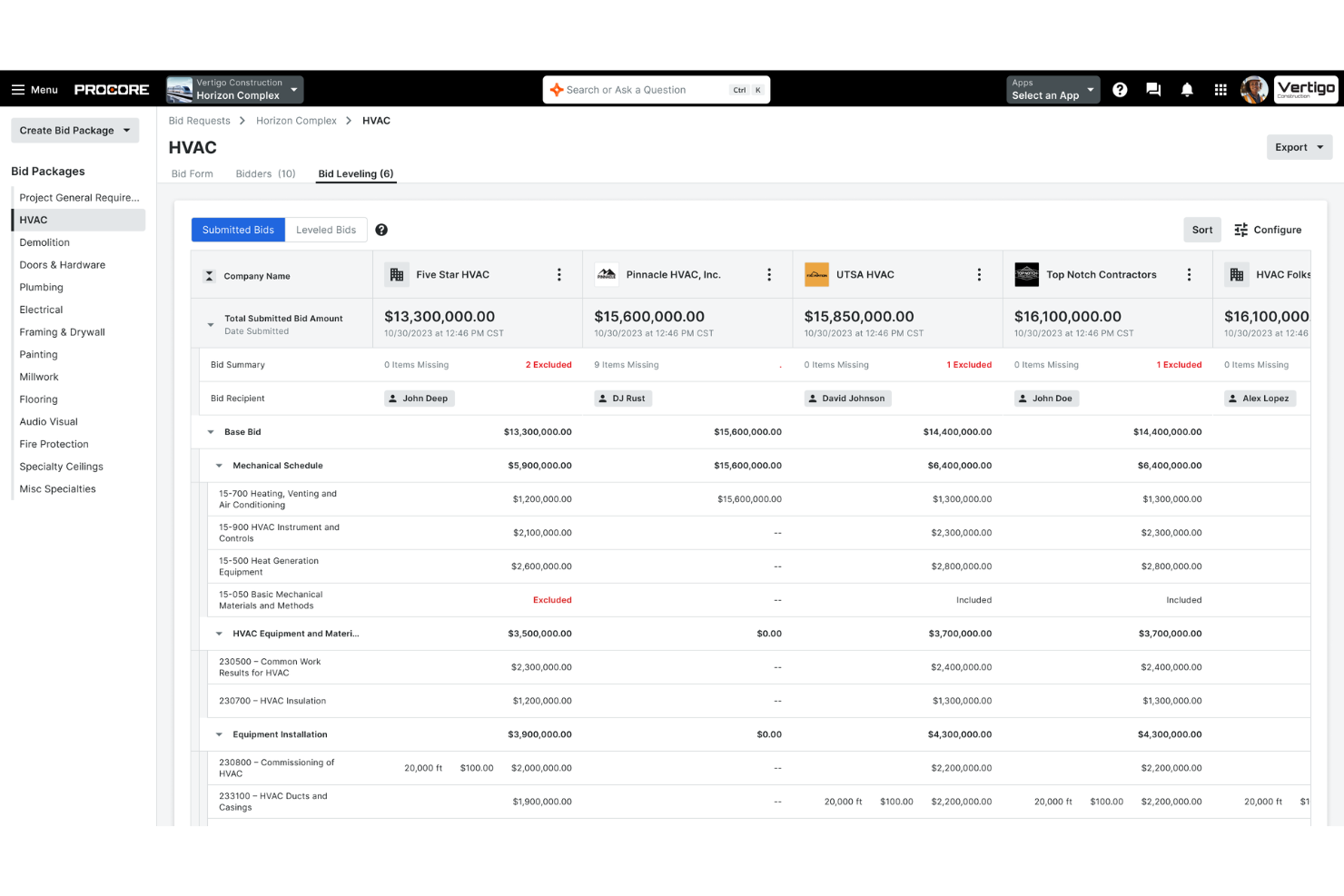
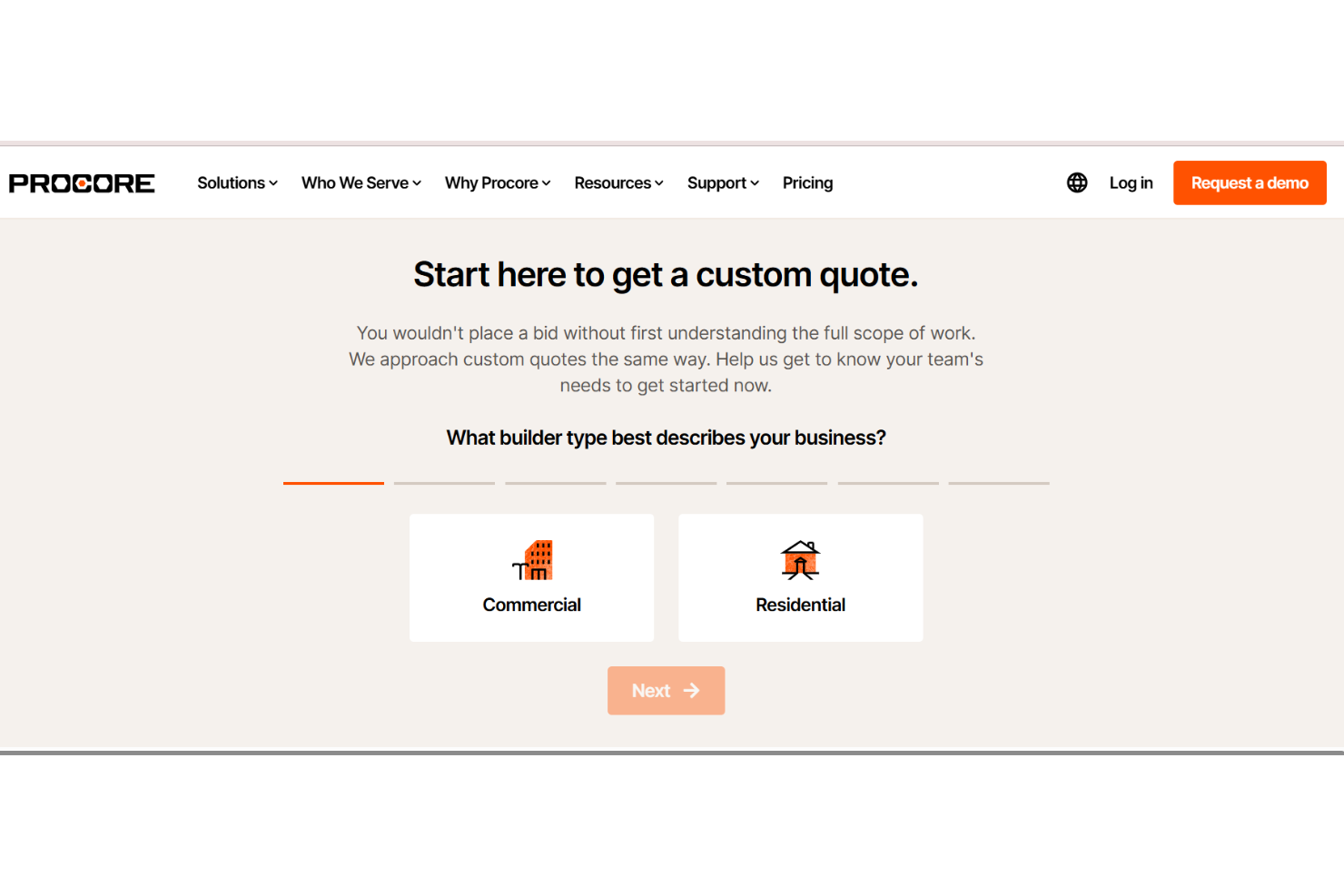
Bidding Management: Create custom quotes, allowing you to manage bids and proposals efficiently. This feature helps your team secure contracts faster and with less hassle.
Financial Management: You can oversee budgets, costs, invoicing, and expenses within the platform, ensuring financial control. This feature helps you keep your projects profitable and within budget constraints.
Ease of Use
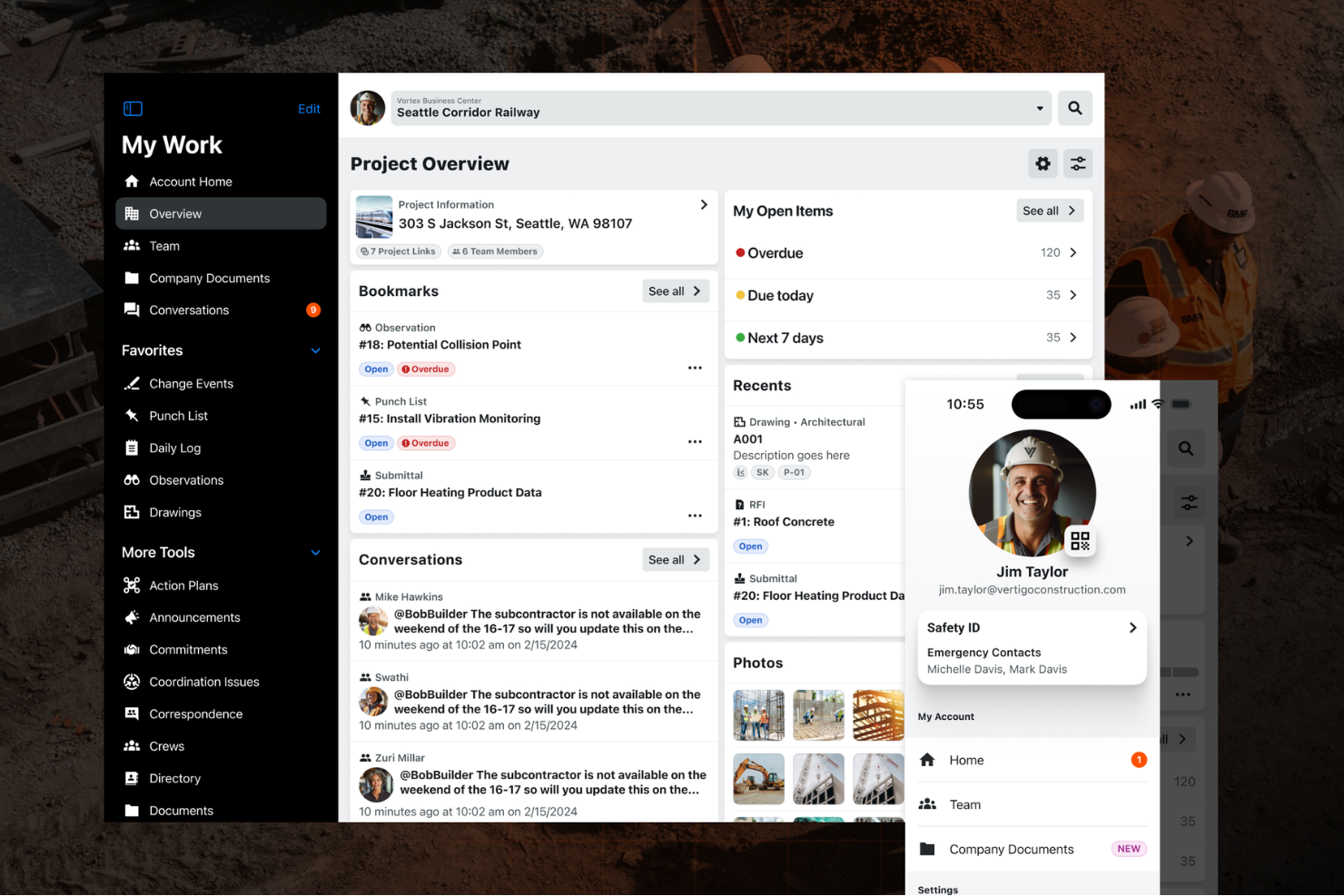
Procore's interface is intuitive but can feel overwhelming initially due to its extensive features. As you and your team get familiar with the platform, you'll find that its organized layout helps improve your workflows. While the learning curve is steeper than some competitors, the powerful tools and real-time collaboration make it worthwhile. Users often appreciate how Procore centralizes project information, though training may be necessary to maximize its potential.
Onboarding
Procore's onboarding process can be challenging due to its complex feature set. However, it provides extensive resources and support to help your team get started. You'll find plenty of training modules, webinars, and a responsive support team ready to assist. While the initial setup may take time, these resources ensure you gain value from the platform. With patience and guidance, your team can quickly adapt and leverage Procore's capabilities effectively.
Customer Support
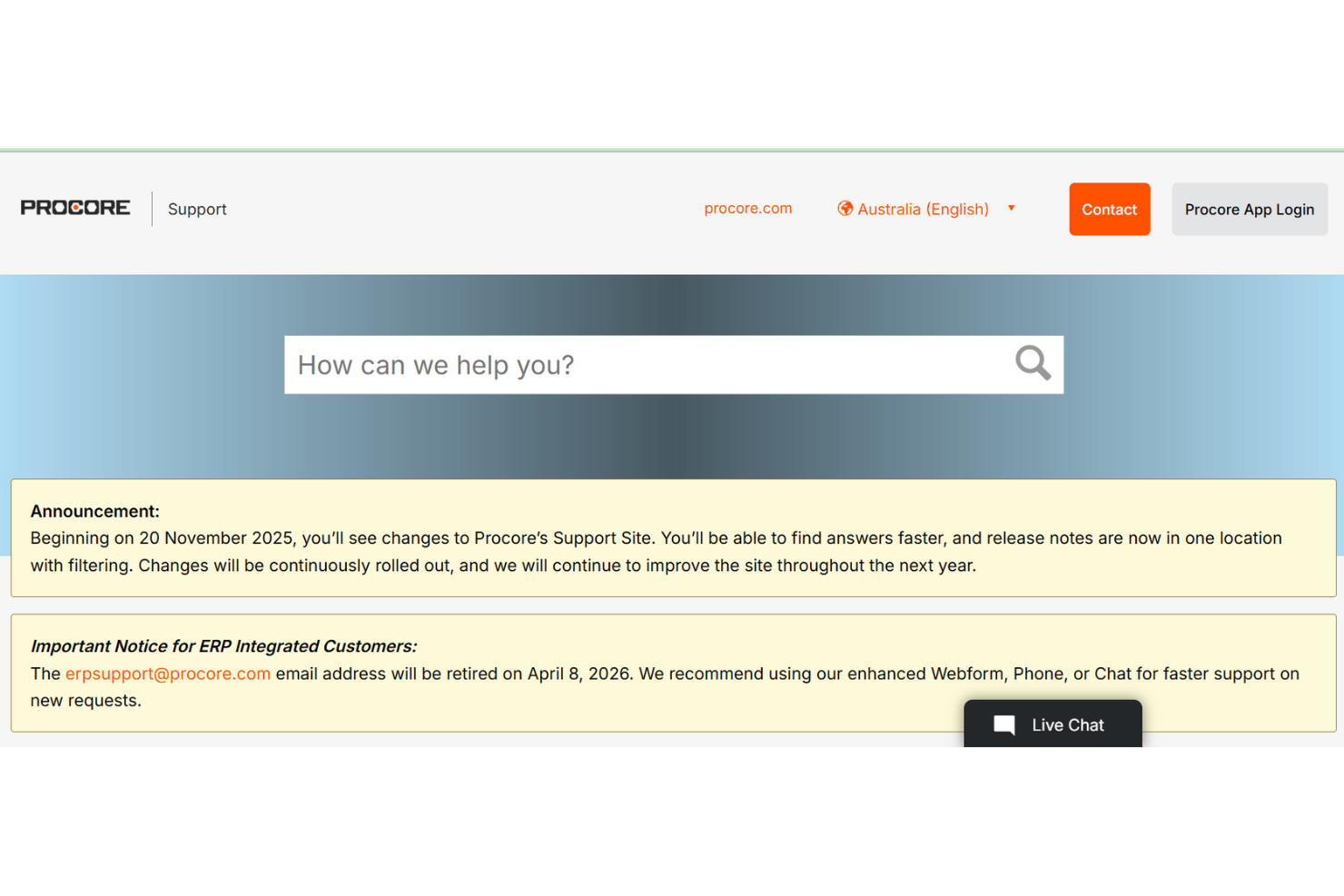
Procore's customer support is highly regarded, offering various channels to assist your team. With responsive email and phone support and an extensive help center, you'll find the help you need promptly. Users often praise the knowledgeable support staff. Procore's commitment to customer service ensures your team can focus on project tasks, knowing assistance is readily available when needed. This makes navigating Procore's complex features more manageable.
Integrations
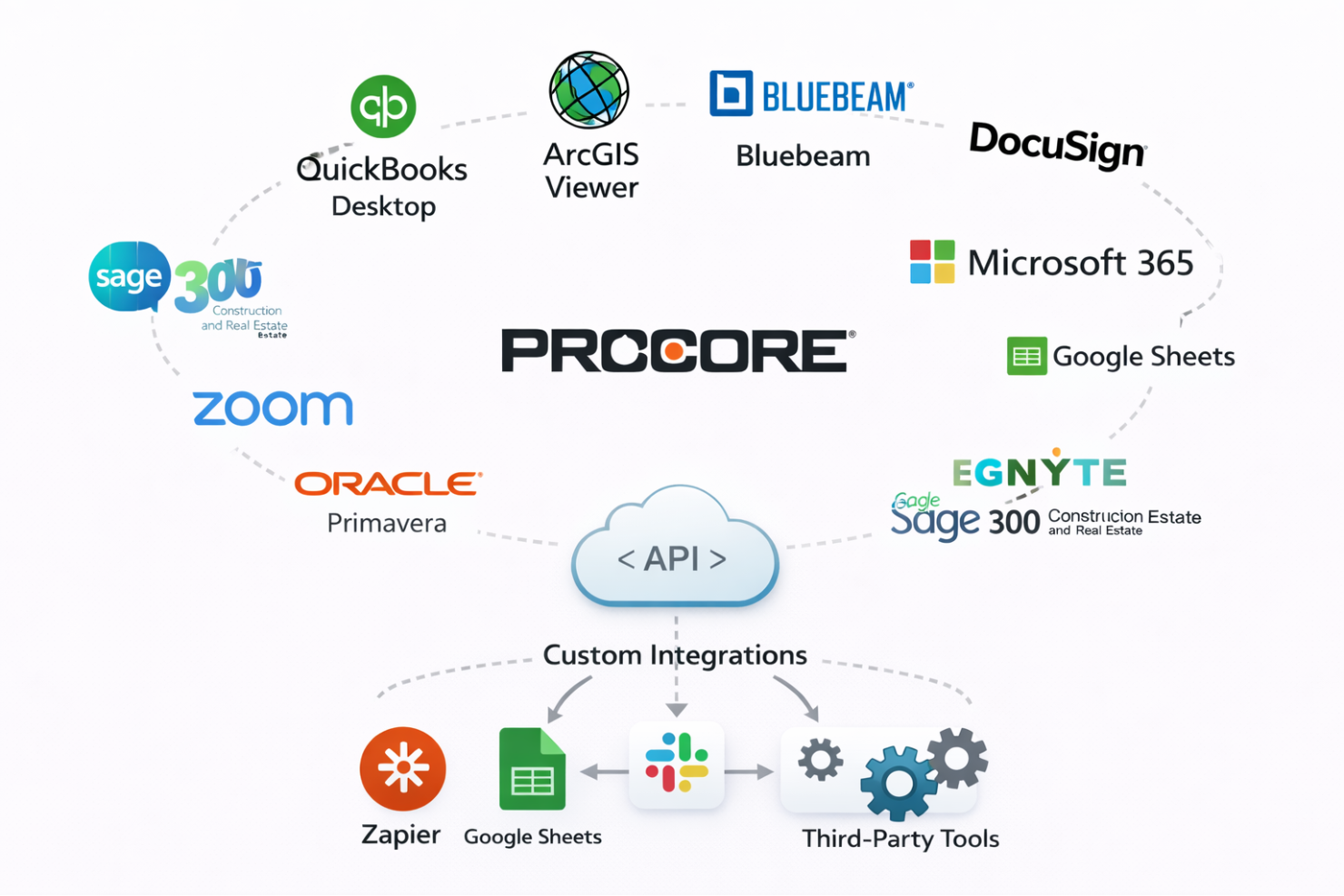
Procore integrates with QuickBooks Desktop, ArcGIS Viewer, Bluebeam, DocuSign, Microsoft 365, Google Sheets, Zoom, Oracle Primavera, Egnyte, and Sage 300 Construction and Real Estate.
Procore also offers an API and connects with third-party integration tools, allowing for custom integrations to suit your team's needs.
Value for Money
Procore uses a quote-based pricing model tied to annual construction volume, which can feel expensive for smaller firms but makes sense for larger teams. Users often value the unlimited users and data storage included in every plan, which supports wide collaboration without added seat costs. There’s no free plan, but a free demo is available to assess fit before committing.
- Custom Plan: Quote-based. Pricing scales by annual construction volume and includes unlimited users, unlimited data storage, and access to Procore’s project, financial, and collaboration tools.
Procore Specs
- API
- Calendar Management
- Customer Management
- Data Export
- Data Import
- External Integrations
- Inventory Tracking
- Multi-User
- Notifications
- Project Management
- Scheduling
- Supplier Management
Procore FAQs
How does Procore handle data security and compliance?
Can Procore be accessed on mobile devices?
What kind of training resources does Procore provide?
Is Procore suitable for small construction projects?
How does Procore facilitate team collaboration?
Can Procore manage subcontractor relationships?
How customizable is the Procore platform?
Does Procore support offline access?
Procore Company Overview & History
Procore Technologies, founded in 2002, is headquartered in Carpinteria, California, and employs thousands of workers globally. Known for its construction management software, Procore connects stakeholders in the construction industry. The company is highly regarded for its collaborative work culture and has notable clients, including large construction firms. Procore went public in 2021, further cementing its impact in the construction tech space.
Procore Major Milestones
- 2002: Founded in Carpinteria, California.
- 2016: Raised $50 million in Series G funding.
- 2021: Went public on the New York Stock Exchange.
- 2023: Surpassed $1 billion in revenue, reflecting substantial growth.